steering Lexus HS250h 2012 Owner's Manual
[x] Cancel search | Manufacturer: LEXUS, Model Year: 2012, Model line: HS250h, Model: Lexus HS250h 2012Pages: 630, PDF Size: 16.1 MB
Page 2 of 630
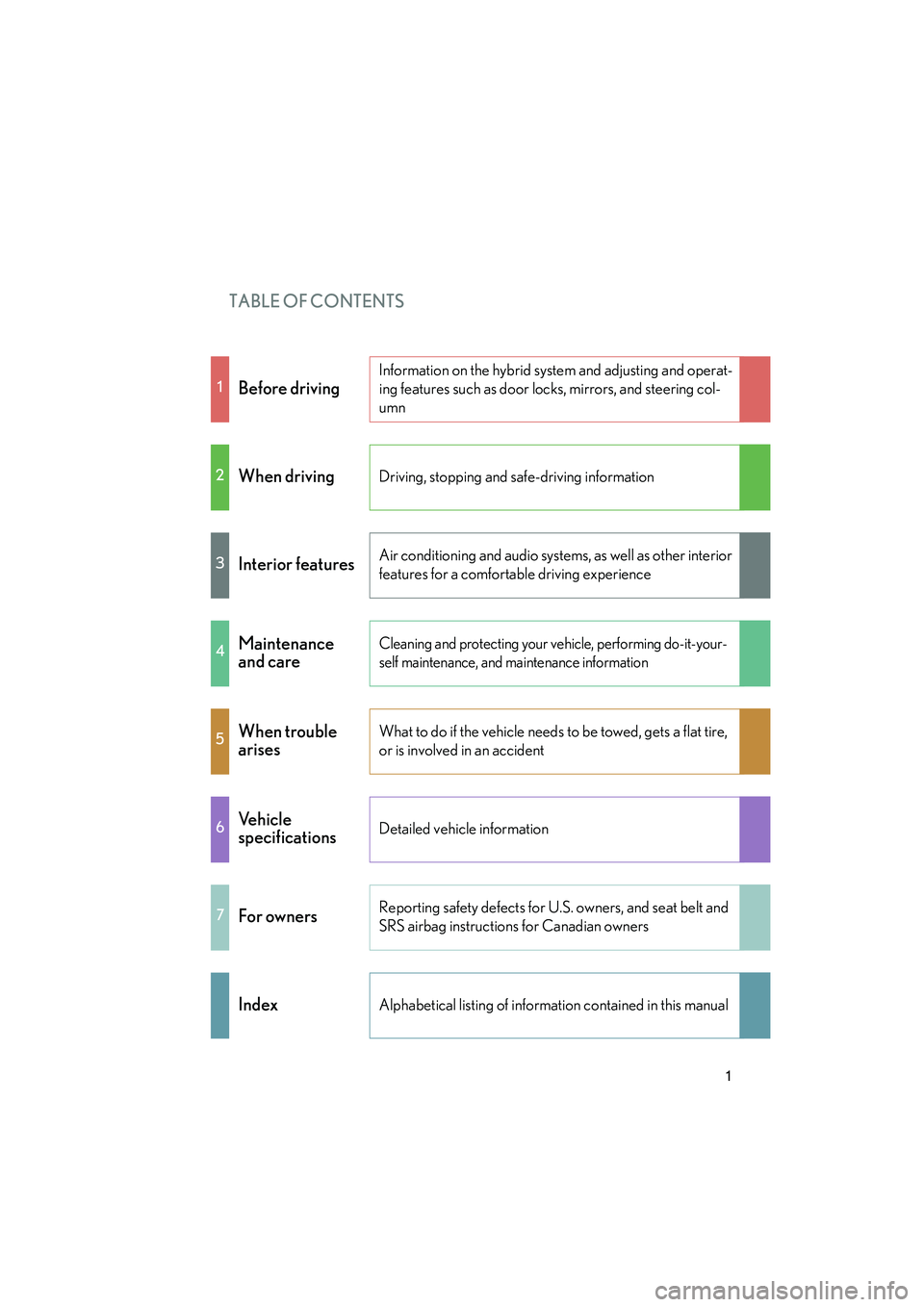
TABLE OF CONTENTS
HS250h_U_75050U
1
1Before driving
Information on the hybrid system and adjusting and operat-
ing features such as door locks, mirrors, and steering col-
umn
2When drivingDriving, stopping and safe-driving information
3Interior featuresAir conditioning and audio systems, as well as other interior
features for a comfortable driving experience
4Maintenance
and careCleaning and protecting your vehicle, performing do-it-your-
self maintenance, and maintenance information
5When trouble
arisesWhat to do if the vehicle needs to be towed, gets a flat tire,
or is involved in an accident
6Ve h i c l e
specificationsDetailed vehicle information
7For ownersReporting safety defects for U.S. owners, and seat belt and
SRS airbag instructions for Canadian owners
IndexAlphabetical listing of information contained in this manual
Page 3 of 630
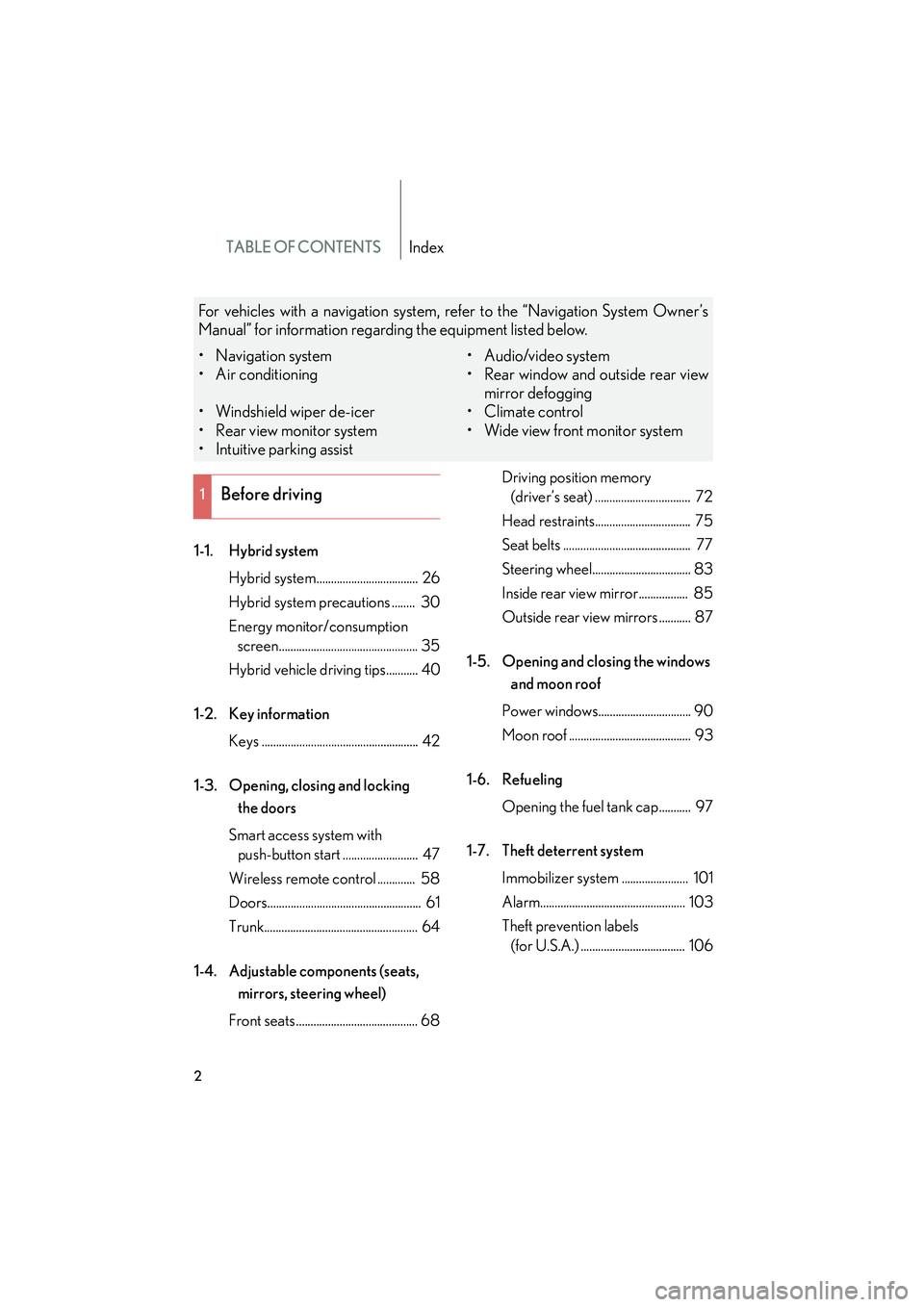
TABLE OF CONTENTSIndex
HS250h_U_75050U
2
1-1. Hybrid systemHybrid system................................... 26
Hybrid system precautions ........ 30
Energy monitor/consumption screen................................................ 35
Hybrid vehicle driving tips........... 40
1-2. Key information Keys ...................................................... 42
1-3. Opening, closing and locking the doors
Smart access system with push-button start .......................... 47
Wireless remote control ............. 58
Doors..................................................... 61
Trunk..................................................... 64
1-4. Adjustable components (seats, mirrors, steering wheel)
Front seats .......................................... 68 Driving position memory
(driver’s seat) ................................. 72
Head restraints................................. 75
Seat belts ............................................ 77
Steering wheel.................................. 83
Inside rear view mirror................. 85
Outside rear view mirrors ........... 87
1-5. Opening and closing the windows and moon roof
Power windows................................ 90
Moon roof .......................................... 93
1-6. Refueling Opening the fuel tank cap........... 97
1-7. Theft deterrent system Immobilizer system ....................... 101
Alarm.................................................. 103
Theft prevention labels (for U.S.A.) .................................... 106
1Before driving
For vehicles with a navigation system, refer to the “Navigation System Owner’s
Manual” for information regarding the equipment listed below.
• Navigation system
• Air conditioning
• Windshield wiper de-icer
• Rear view monitor system
• Intuitive parking assist • Audio/video system
• Rear window and outside rear view
mirror defogging
•Climate control
• Wide view front monitor system
Page 5 of 630
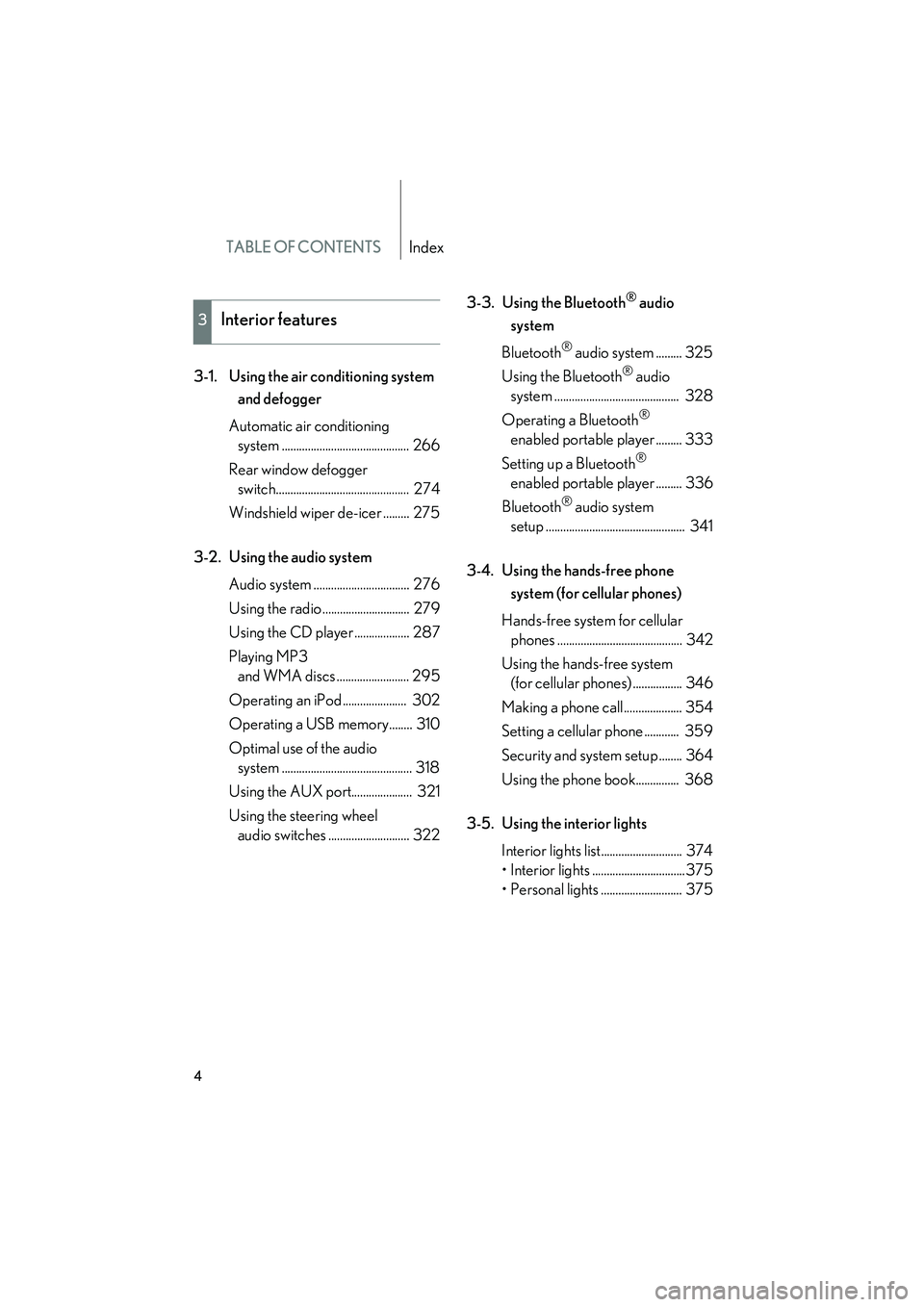
TABLE OF CONTENTSIndex
HS250h_U_75050U
4
3-1. Using the air conditioning system and defogger
Automatic air conditioning system ............................................ 266
Rear window defogger switch.............................................. 274
Windshield wiper de-icer ......... 275
3-2. Using the audio system Audio system ................................. 276
Using the radio .............................. 279
Using the CD player ................... 287
Playing MP3 and WMA discs ......................... 295
Operating an iPod ...................... 302
Operating a USB memory........ 310
Optimal use of the audio system ............................................. 318
Using the AUX port..................... 321
Using the steering wheel audio switches ............................ 322 3-3. Using the Bluetooth
® audio
system
Bluetooth
® audio system ......... 325
Using the Bluetooth
® audio
system ........................................... 328
Operating a Bluetooth
®
enabled portable player ......... 333
Setting up a Bluetooth
®
enabled portable player ......... 336
Bluetooth
® audio system
setup ................................................ 341
3-4. Using the hands-free phone system (for cellular phones)
Hands-free system for cellular phones ........................................... 342
Using the hands-free system (for cellular phones) ................. 346
Making a phone call.................... 354
Setting a cellular phone ............ 359
Security and system setup ........ 364
Using the phone book............... 368
3-5. Using the interior lights Interior lights list............................ 374
• Interior lights ................................375
• Personal lights ............................ 375
3Interior features
Page 15 of 630

HS250h_U_75050U
14
Pictorial indexInstrument panel
Headlight switch Turn signal lever
Fog light switch P. 191
P. 166
P. 202
Tilt and telescopic steering
control switch
∗ P. 83
Pre-collision braking off switch ∗ P. 246
Parking brake pedal P. 167
EV drive mode switch
“ECO MODE” switch
“PWR MODE” switch P. 157
P. 162
P. 162
Hood lock release lever P. 434
Tilt and telescopic steering control lever ∗ P. 83
Glove box P. 378
Trunk opener
main switch
P. 64
Power (ignition) switch P. 152
Windshield wipers and
washer switch
P. 204
Gauges and meters
Multi-information display P. 169
P. 177
Audio system *2P. 276
Page 26 of 630
Before driving1
25
HS250h_U_75050U
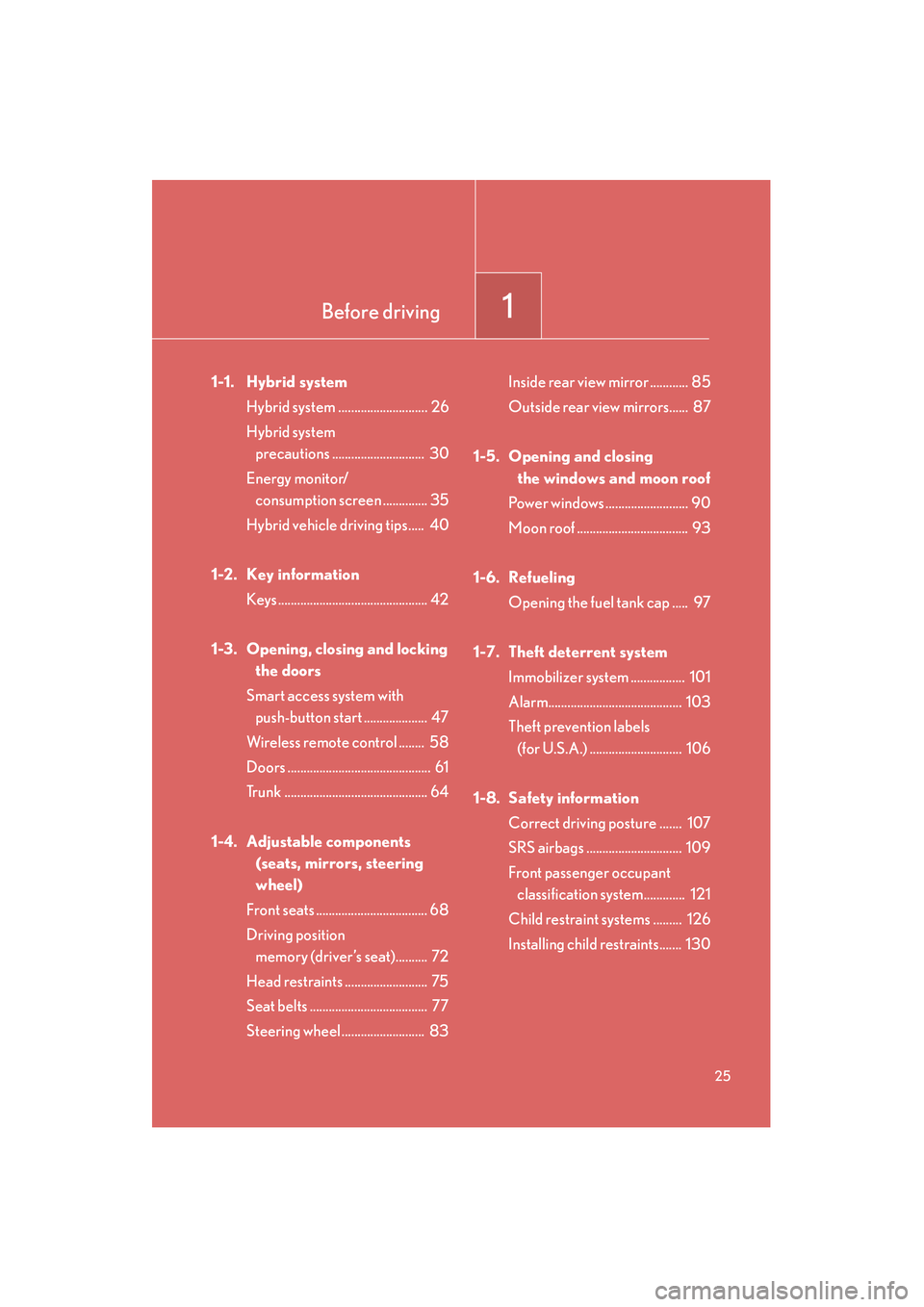
1-1. Hybrid systemHybrid system ............................ 26
Hybrid system precautions ............................. 30
Energy monitor/ consumption screen .............. 35
Hybrid vehicle driving tips..... 40
1-2. Key information Keys ............................................... 42
1-3. Opening, closing and locking the doors
Smart access system with push-button start .................... 47
Wireless remote control ........ 58
Doors ............................................. 61
Trunk ............................................. 64
1-4. Adjustable components (seats, mirrors, steering
wheel)
Front seats ................................... 68
Driving position memory (driver’s seat).......... 72
Head restraints .......................... 75
Seat belts ..................................... 77
Steering wheel .......................... 83 Inside rear view mirror ............ 85
Outside rear view mirrors...... 87
1-5. Opening and closing the windows and moon roof
Power windows .......................... 90
Moon roof ................................... 93
1-6. Refueling Opening the fuel tank cap ..... 97
1-7. Theft deterrent system Immobilizer system ................. 101
Alarm.......................................... 103
Theft prevention labels (for U.S.A.) ............................. 106
1-8. Safety information Correct driving posture ....... 107
SRS airbags .............................. 109
Front passenger occupant classification system............. 121
Child restraint systems ......... 126
Installing child restraints....... 130
Page 37 of 630

36
1-1. Hybrid system
HS250h_U_75050USelect on the screen
and press the “ENTER” button on
the Remote Touch.
Select and press the
“ENTER” button on the Remote
Touch.
If the or
screen is displayed, select
and press the “ENTER” button on
the Remote Touch.
Multi-information display Toggle the “ENTER” switch on the
steering wheel upward or down-
ward through several items to
select the energy monitor display.
Page 69 of 630
68
HS250h_U_75050U
1-4. Adjustable components (seats, mirrors, steering wheel)
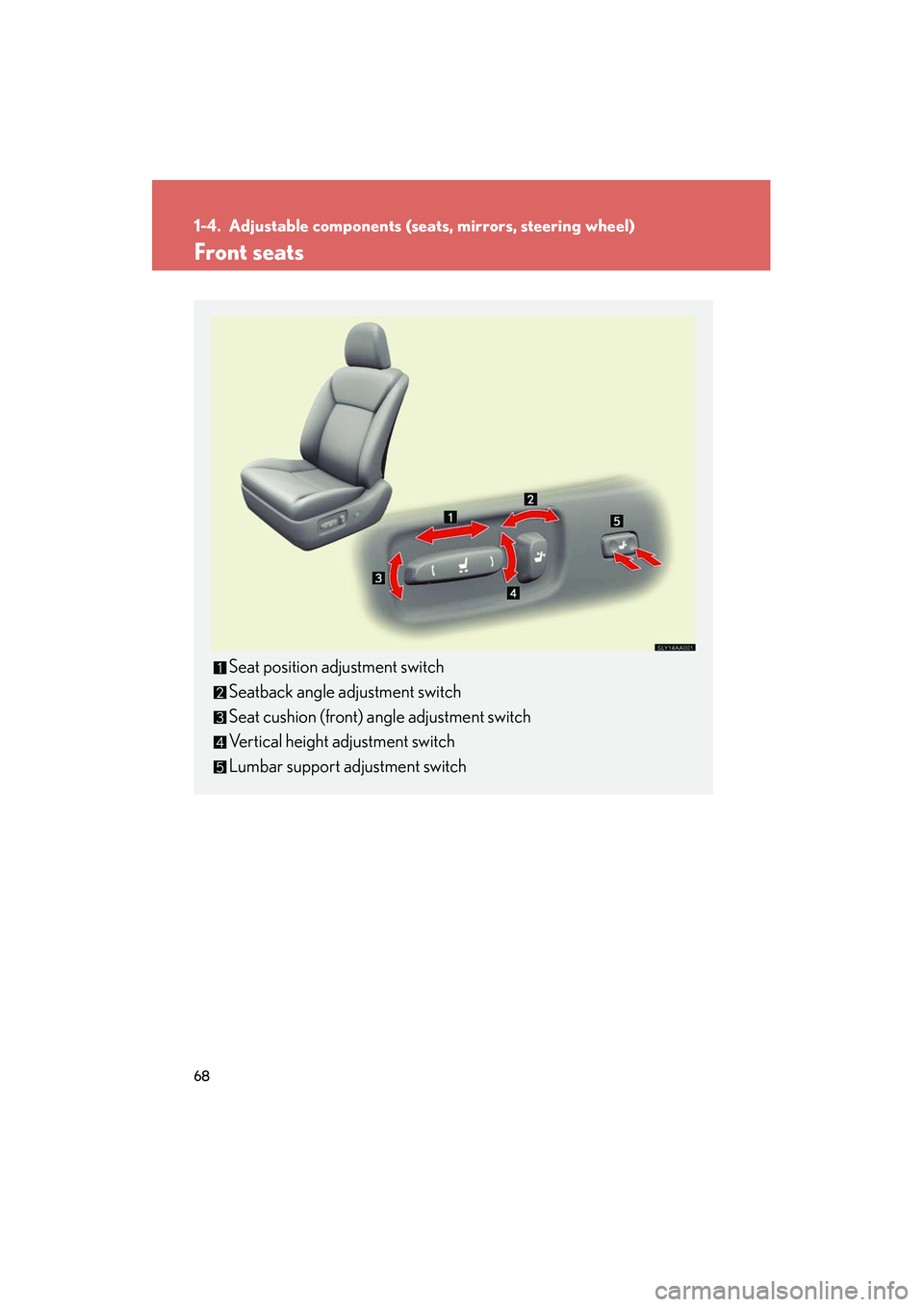
Front seats
Seat position adjustment switch
Seatback angle adjustment switch
Seat cushion (front) angle adjustment switch
Vertical height adjustment switch
Lumbar support adjustment switch
Page 70 of 630
69
1-4. Adjustable components (seats, mirrors, steering wheel)
1
Before driving
HS250h_U_75050U
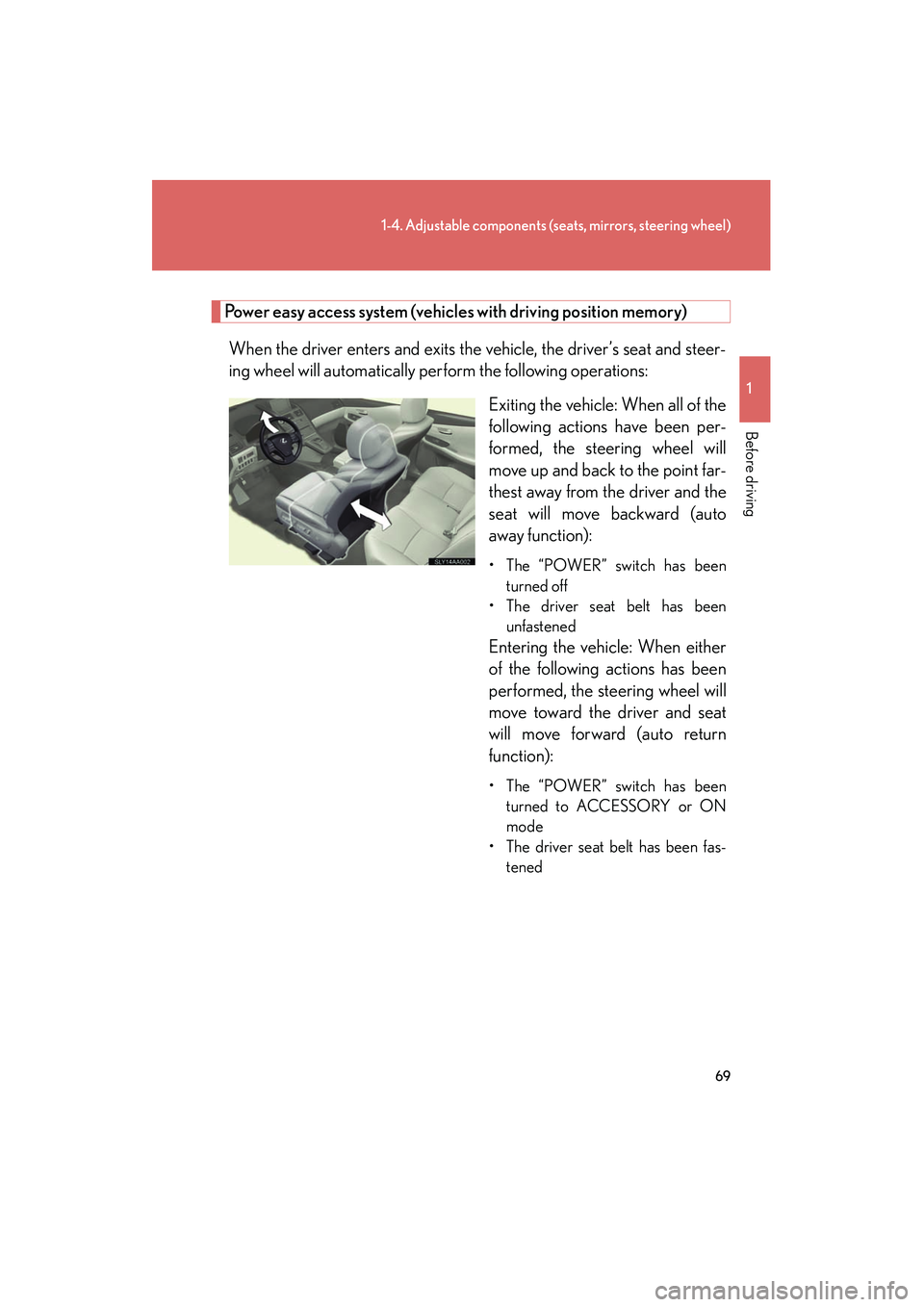
Power easy access system (vehicles with driving position memory)
When the driver enters and exits the vehicle, the driver’s seat and steer-
ing wheel will automatically perform the following operations: Exiting the vehicle: When all of the
following actions have been per-
formed, the steering wheel will
move up and back to the point far-
thest away from the driver and the
seat will move backward (auto
away function):
• The “POWER” switch has beenturned off
• The driver seat belt has been unfastened
Entering the vehicle: When either
of the following actions has been
performed, the steering wheel will
move toward the driver and seat
will move forward (auto return
function):
• The “POWER” switch has beenturned to ACCESSORY or ON
mode
• The driver seat belt has been fas- tened
Page 71 of 630
70
1-4. Adjustable components (seats, mirrors, steering wheel)
HS250h_U_75050U
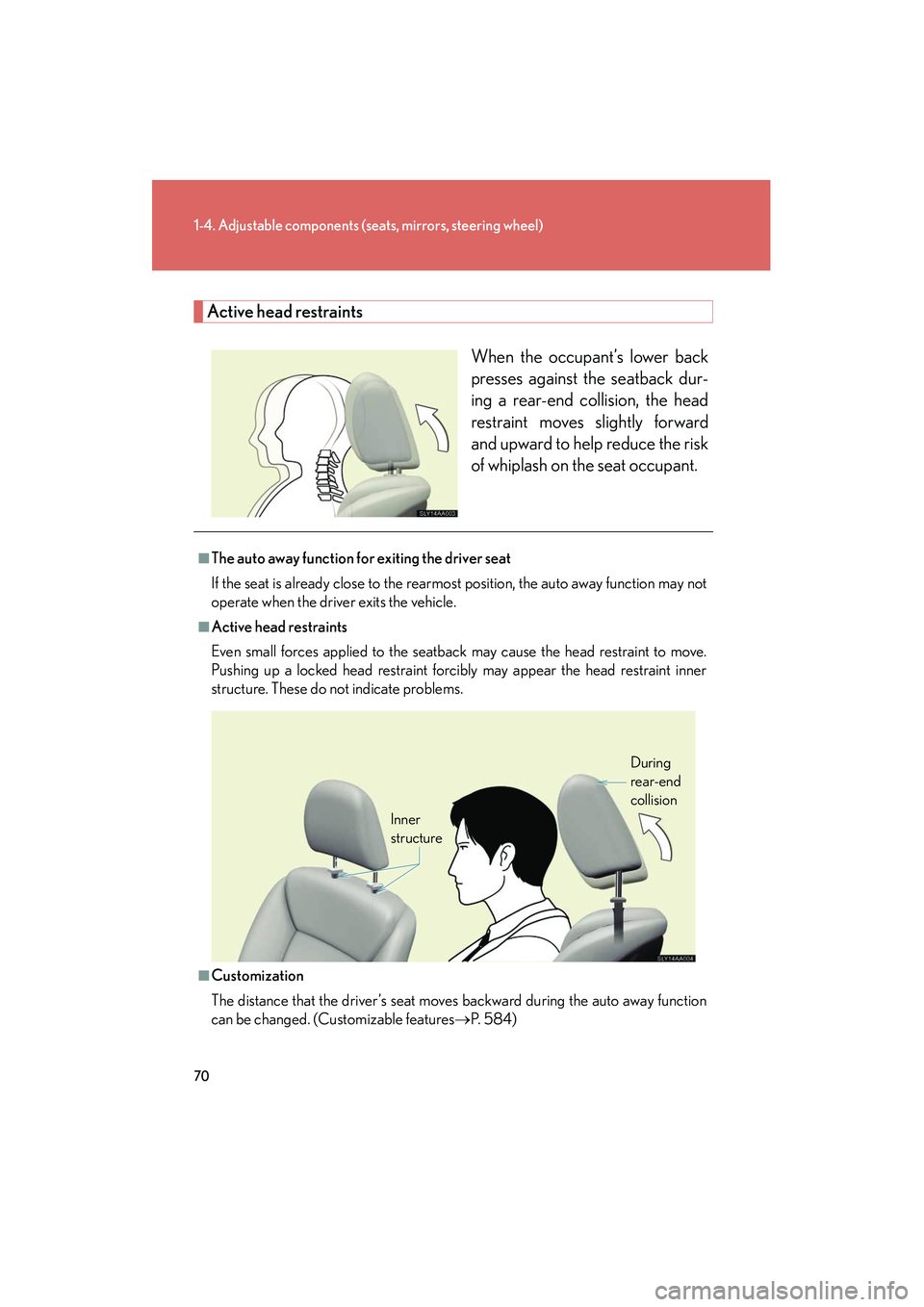
Active head restraints
When the occupant’s lower back
presses against the seatback dur-
ing a rear-end collision, the head
restraint moves slightly forward
and upward to help reduce the risk
of whiplash on the seat occupant.
■The auto away function for exiting the driver seat
If the seat is already close to the rearmost position, the auto away function may not
operate when the driver exits the vehicle.
■Active head restraints
Even small forces applied to the seatback may cause the head restraint to move.
Pushing up a locked head restraint forcibly may appear the head restraint inner
structure. These do not indicate problems.
■Customization
The distance that the driver’s seat moves backward during the auto away function
can be changed. (Customizable features →P. 5 8 4 )
Inner
structure During
rear-end
collision
Page 72 of 630
71
1-4. Adjustable components (seats, mirrors, steering wheel)
1
Before driving
HS250h_U_75050U
CAUTION
■Seat adjustment
To reduce the risk of sliding under the lap belt during a collision, do not recline the
seat more than necessary.
If the seat is too reclined, the lap belt may slide past the hips and apply restraint
forces directly to the abdomen, or your neck may contact the shoulder belt,
increasing the risk of death or serious injury in the event of an accident.
Adjustments should not be made while driving as the seat may unexpectedly move
and cause the driver to lose control of the vehicle.