door lock Lexus IS F 2010 Owner's Manual
[x] Cancel search | Manufacturer: LEXUS, Model Year: 2010, Model line: IS F, Model: Lexus IS F 2010Pages: 542, PDF Size: 6.77 MB
Page 2 of 542
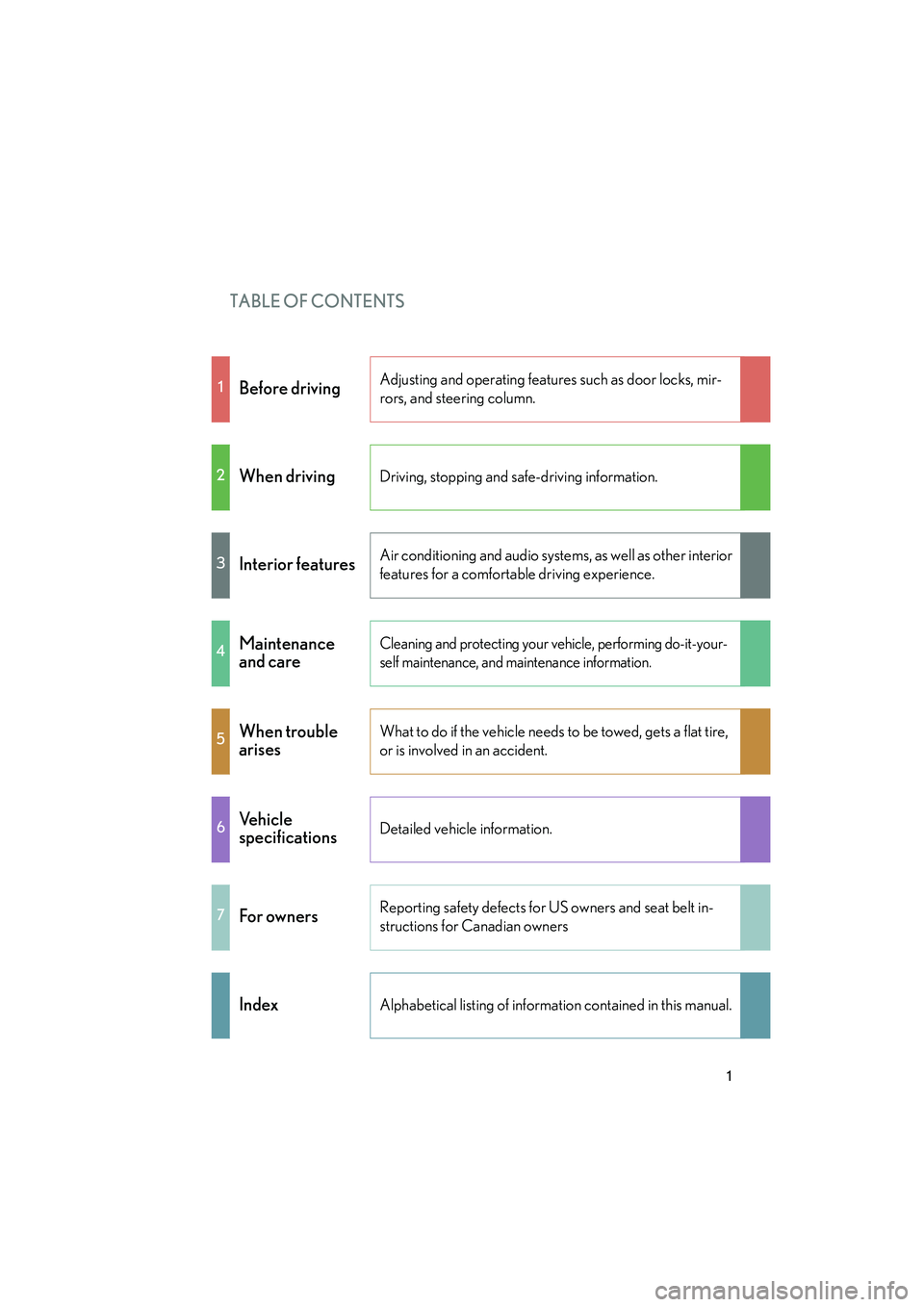
TABLE OF CONTENTS
10_IS F_U
1
1Before drivingAdjusting and operating features such as door locks, mir-
rors, and steering column.
2When drivingDriving, stopping and safe-driving information.
3Interior featuresAir conditioning and audio systems, as well as other interior
features for a comfortable driving experience.
4Maintenance
and careCleaning and protecting your vehicle, performing do-it-your-
self maintenance, and maintenance information.
5When trouble
arisesWhat to do if the vehicle needs to be towed, gets a flat tire,
or is involved in an accident.
6Ve h i c l e
specificationsDetailed vehicle information.
7For ownersReporting safety defects for US owners and seat belt in-
structions for Canadian owners
IndexAlphabetical listing of information contained in this manual.
Page 3 of 542
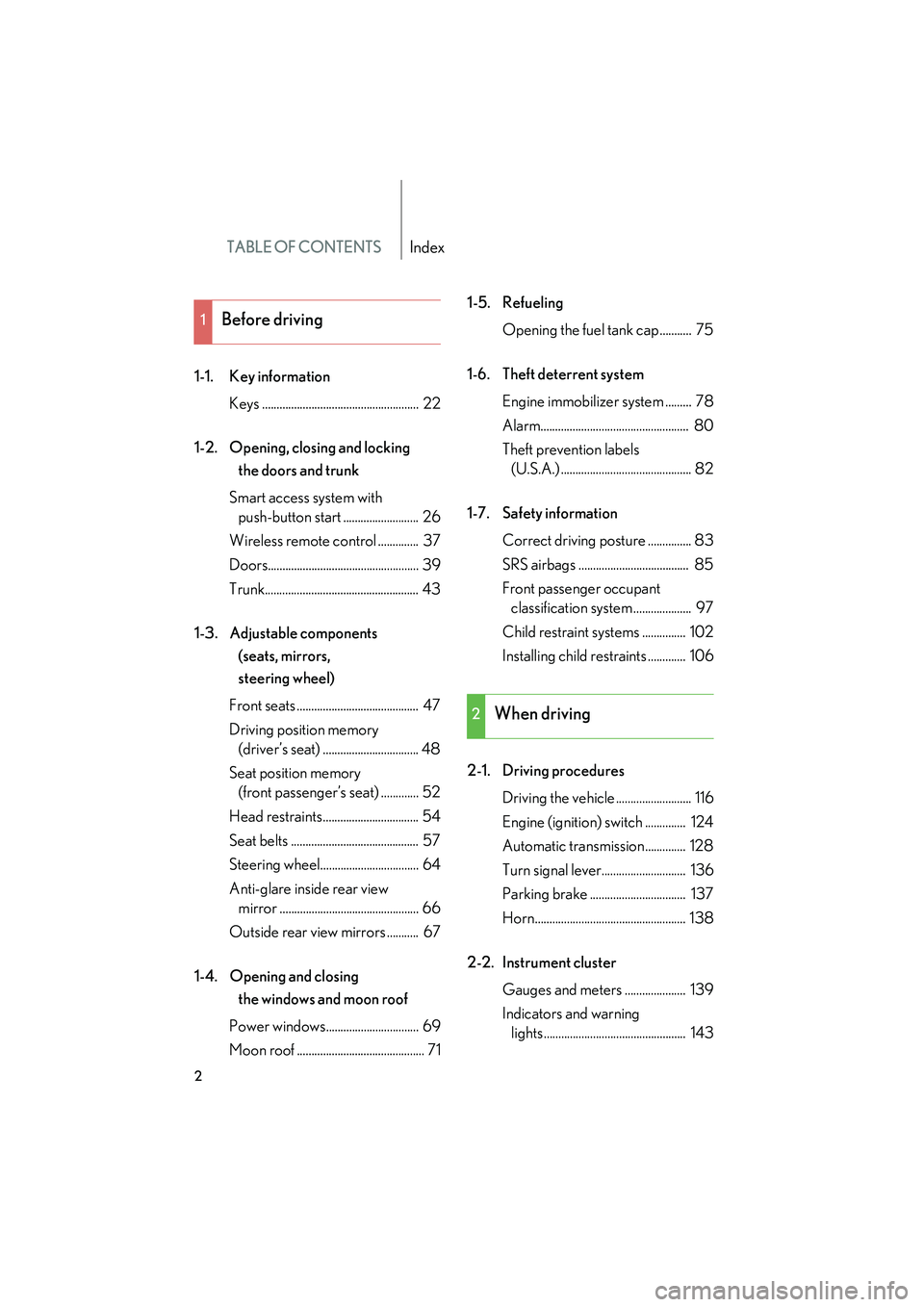
TABLE OF CONTENTSIndex
10_IS F_U
2
1-1. Key informationKeys ...................................................... 22
1-2. Opening, closing and locking the doors and trunk
Smart access system with push-button start .......................... 26
Wireless remote control .............. 37
Doors.................................................... 39
Trunk..................................................... 43
1-3. Adjustable components (seats, mirrors,
steering wheel)
Front seats .......................................... 47
Driving position memory (driver’s seat) ................................. 48
Seat position memory (front passenger’s seat) ............. 52
Head restraints................................. 54
Seat belts ............................................ 57
Steering wheel.................................. 64
Anti-glare inside rear view mirror ................................................ 66
Outside rear view mirrors ........... 67
1-4. Opening and closing the windows and moon roof
Power windows................................ 69
Moon roof ............................................ 71 1-5. Refueling
Opening the fuel tank cap........... 75
1-6. Theft deterrent system Engine immobilizer system ......... 78
Alarm................................................... 80
Theft prevention labels (U.S.A.) ............................................. 82
1-7. Safety information Correct driving posture ............... 83
SRS airbags ...................................... 85
Front passenger occupant classification system .................... 97
Child restraint systems ............... 102
Installing child restraints ............. 106
2-1. Driving procedures Driving the vehicle .......................... 116
Engine (ignition) switch .............. 124
Automatic transmission.............. 128
Turn signal lever............................. 136
Parking brake ................................. 137
Horn.................................................... 138
2-2. Instrument cluster Gauges and meters ..................... 139
Indicators and warning lights................................................. 143
1Before driving
2When driving
Page 5 of 542
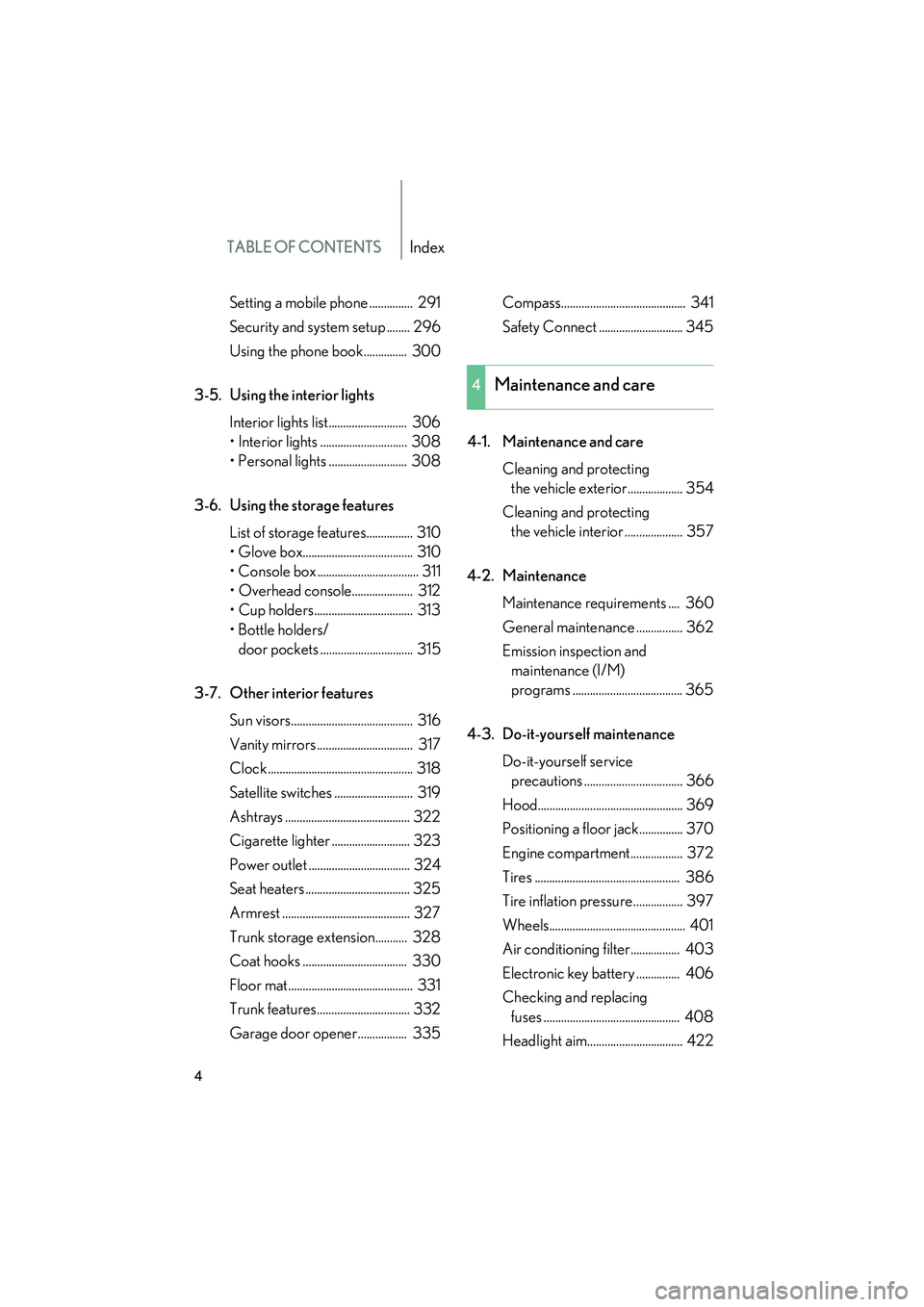
TABLE OF CONTENTSIndex
10_IS F_U
4
Setting a mobile phone ............... 291
Security and system setup ........ 296
Using the phone book............... 300
3-5. Using the interior lights Interior lights list........................... 306
• Interior lights .............................. 308
• Personal lights ........................... 308
3-6. Using the storage features List of storage features................ 310
• Glove box...................................... 310
• Console box ................................... 311
• Overhead console..................... 312
• Cup holders.................................. 313
• Bottle holders/door pockets ................................ 315
3-7. Other interior features Sun visors.......................................... 316
Vanity mirrors ................................. 317
Clock .................................................. 318
Satellite switches ........................... 319
Ashtrays ........................................... 322
Cigarette lighter ........................... 323
Power outlet ................................... 324
Seat heaters .................................... 325
Armrest ............................................ 327
Trunk storage extension........... 328
Coat hooks .................................... 330
Floor mat........................................... 331
Trunk features................................ 332
Garage door opener................. 335 Compass........................................... 341
Safety Connect ............................. 345
4-1. Maintenance and care Cleaning and protecting the vehicle exterior................... 354
Cleaning and protecting the vehicle interior .................... 357
4-2. Maintenance Maintenance requirements .... 360
General maintenance ................ 362
Emission inspection and maintenance (I/M)
programs ...................................... 365
4-3. Do-it-yourself maintenance Do-it-yourself service precautions .................................. 366
Hood.................................................. 369
Positioning a floor jack............... 370
Engine compartment.................. 372
Tires .................................................. 386
Tire inflation pressure................. 397
Wheels............................................... 401
Air conditioning filter................. 403
Electronic key battery ............... 406
Checking and replacing fuses ............................................... 408
Headlight aim................................. 422
4Maintenance and care
Page 11 of 542
10_IS F_U
10
B
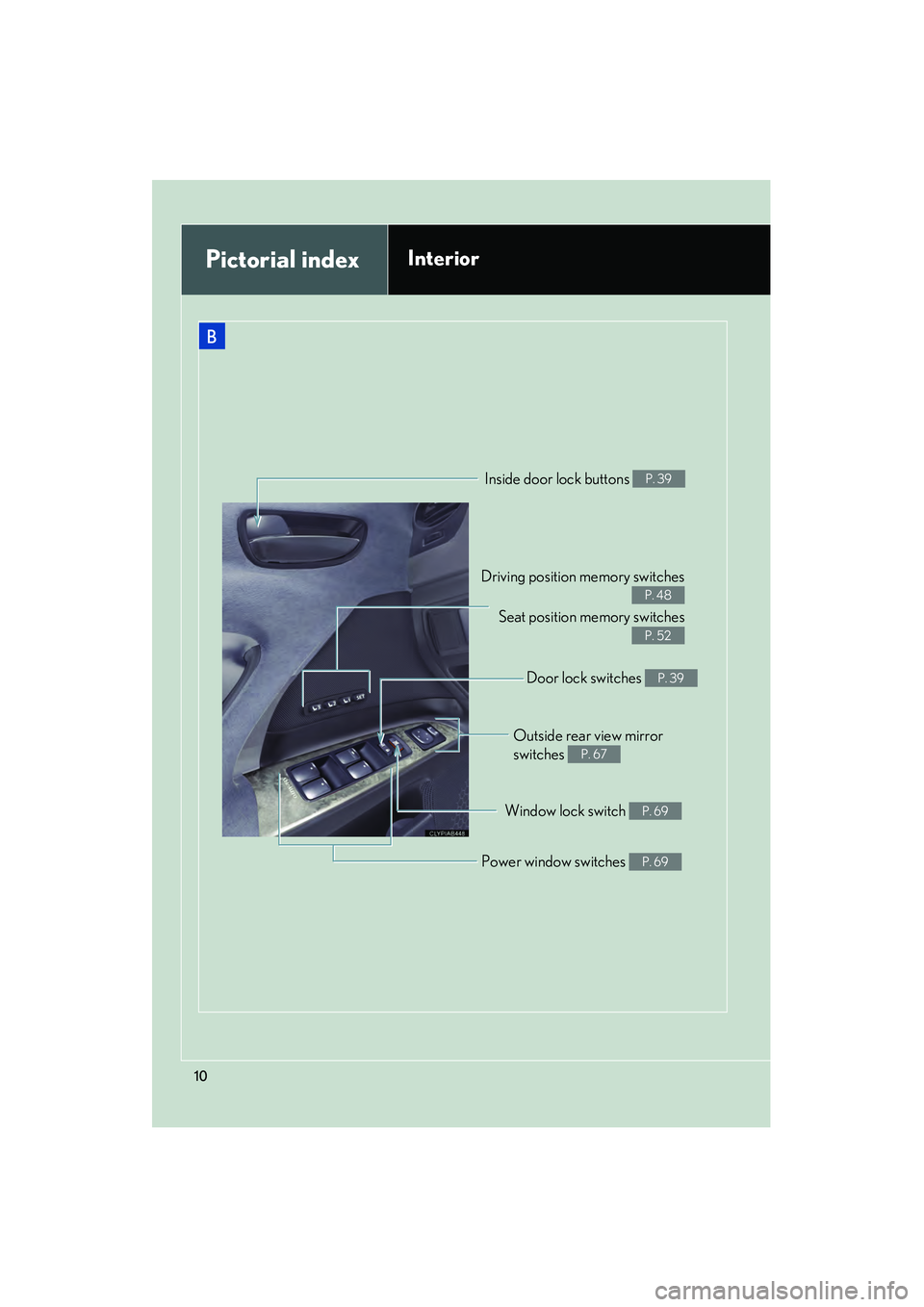
Driving position memory switchesSeat position memory switches
P. 48
P. 52
Inside door lock buttons P. 39
Outside rear view mirror
switches
P. 67
Window lock switch P. 69
Power window switches P. 69
Pictorial indexInterior
Door lock switches P. 39
Page 22 of 542
Before driving1
21
10_IS F_U
1-1. Key informationKeys ............................................... 22
1-2. Opening, closing and locking the doors and trunk
Smart access system with push-button start .................... 26
Wireless remote control ......... 37
Doors ............................................ 39
Trunk ............................................. 43
1-3. Adjustable components (seats, mirrors,
steering wheel)
Front seats ................................... 47
Driving position memory (driver’s seat) .......................... 48
Seat position memory (front passenger’s seat) ........ 52
Head restraints .......................... 54
Seat belts ..................................... 57
Steering wheel........................... 64
Anti-glare inside rear view mirror ......................................... 66
Outside rear view mirrors ...... 67 1-4. Opening and closing the
windows and moon roof
Power windows .......................... 69
Moon roof .................................... 71
1-5. Refueling Opening the fuel tank cap ..... 75
1-6. Theft deterrent system Engine immobilizer system.... 78
Alarm............................................ 80
Theft prevention labels (U.S.A.)...................................... 82
1-7. Safety information Correct driving posture ......... 83
SRS airbags ................................ 85
Front passenger occupant classification system.............. 97
Child restraint systems ......... 102
Installing child restraints....... 106
Page 27 of 542
26
10_IS F_U
1-2. Opening, closing and locking the doors and trunk
Smart access system with push-button start
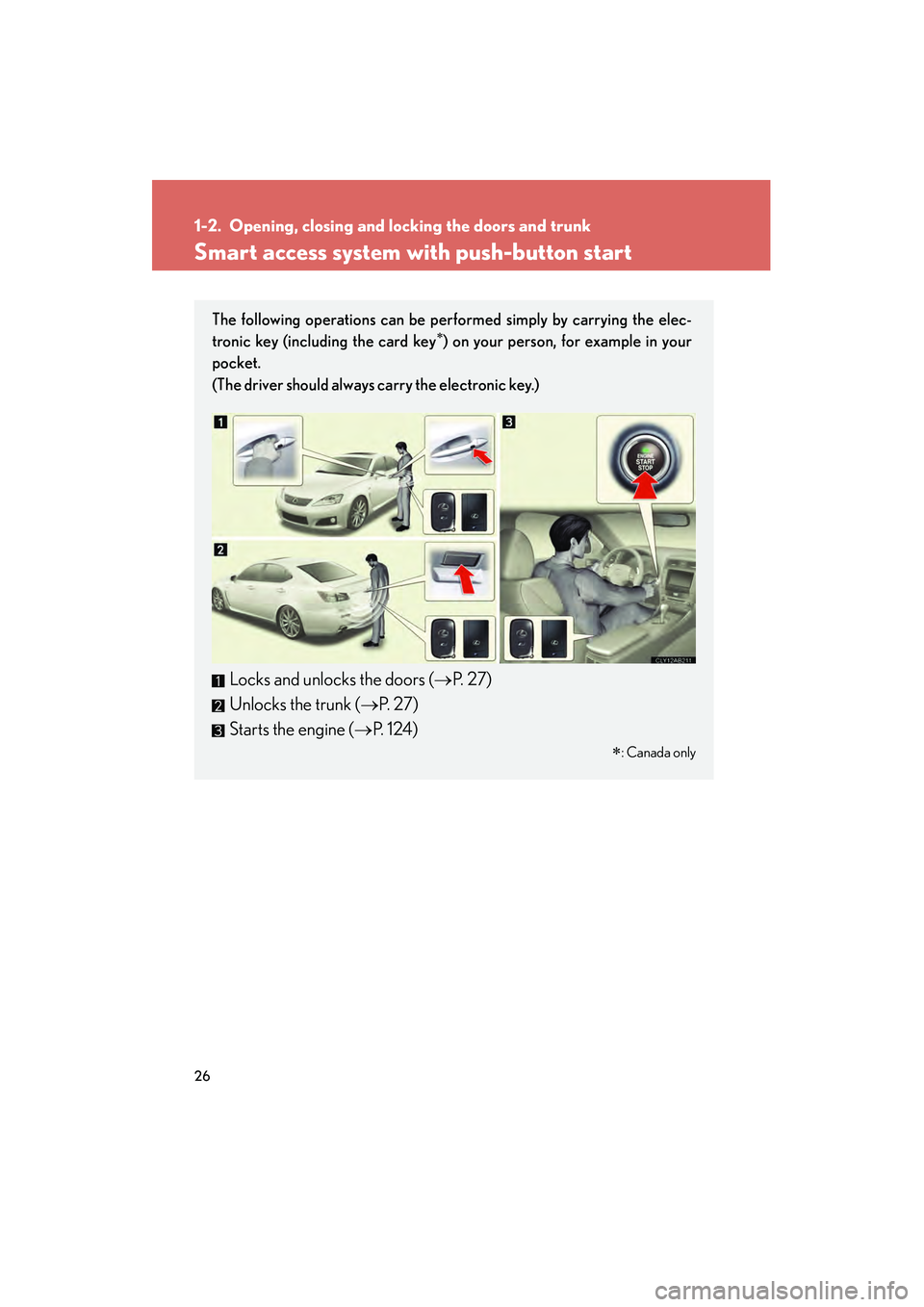
The following operations can be performed simply by carrying the elec-
tronic key (including the card key∗) on your person, for example in your
pocket.
(The driver should always carry the electronic key.)
Locks and unlocks the doors ( →P. 2 7 )
Unlocks the trunk ( →P. 2 7 )
Starts the engine ( →P. 1 2 4 )
∗
: Canada only
Page 28 of 542
27
1-2. Opening, closing and locking the doors and trunk
1
Before driving
10_IS F_U
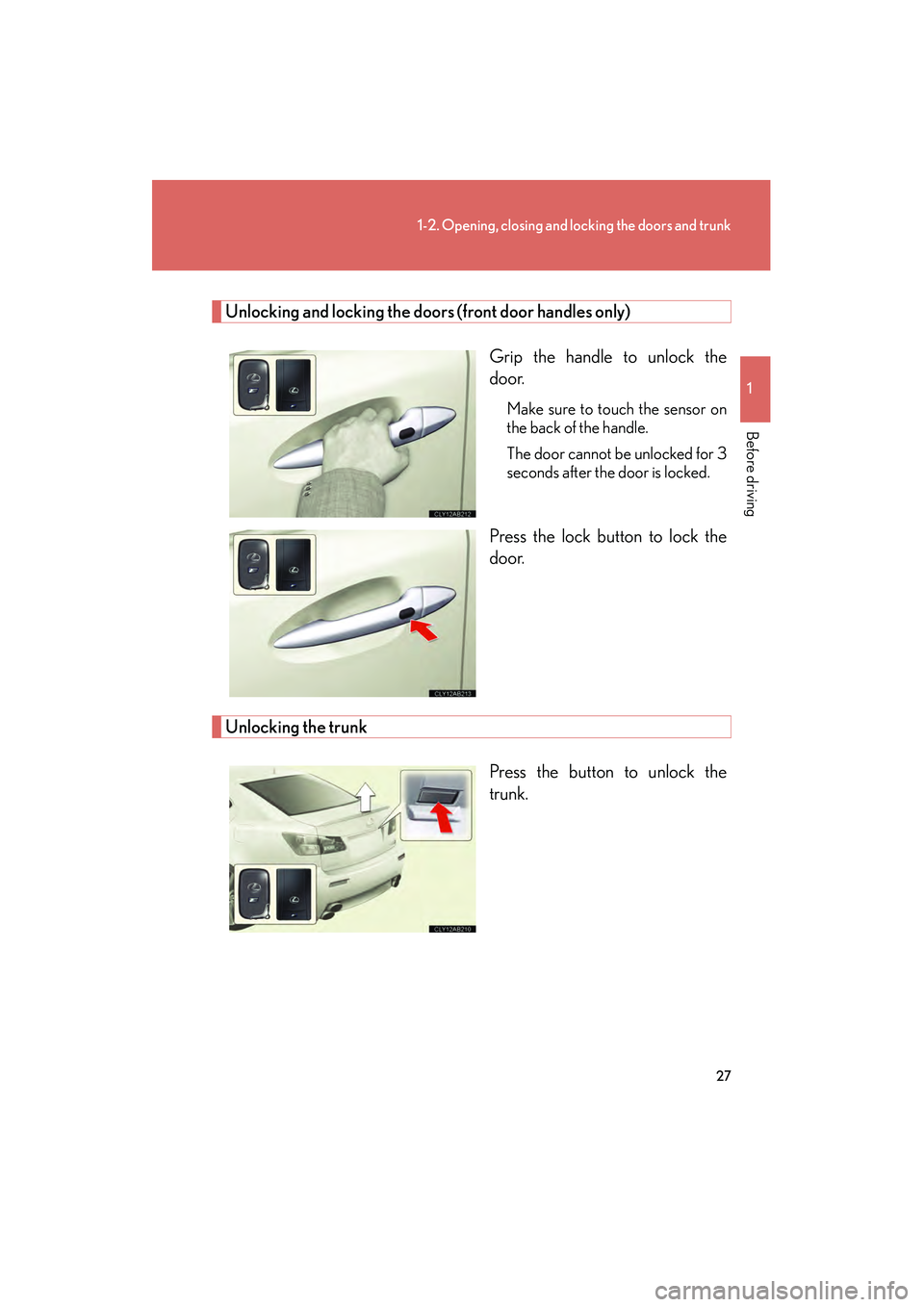
Unlocking and locking the doors (front door handles only)Grip the handle to unlock the
door.
Make sure to touch the sensor on
the back of the handle.
The door cannot be unlocked for 3
seconds after the door is locked.
Press the lock button to lock the
door.
Unlocking the trunkPress the button to unlock the
trunk.
Page 29 of 542
28
1-2. Opening, closing and locking the doors and trunk
10_IS F_U
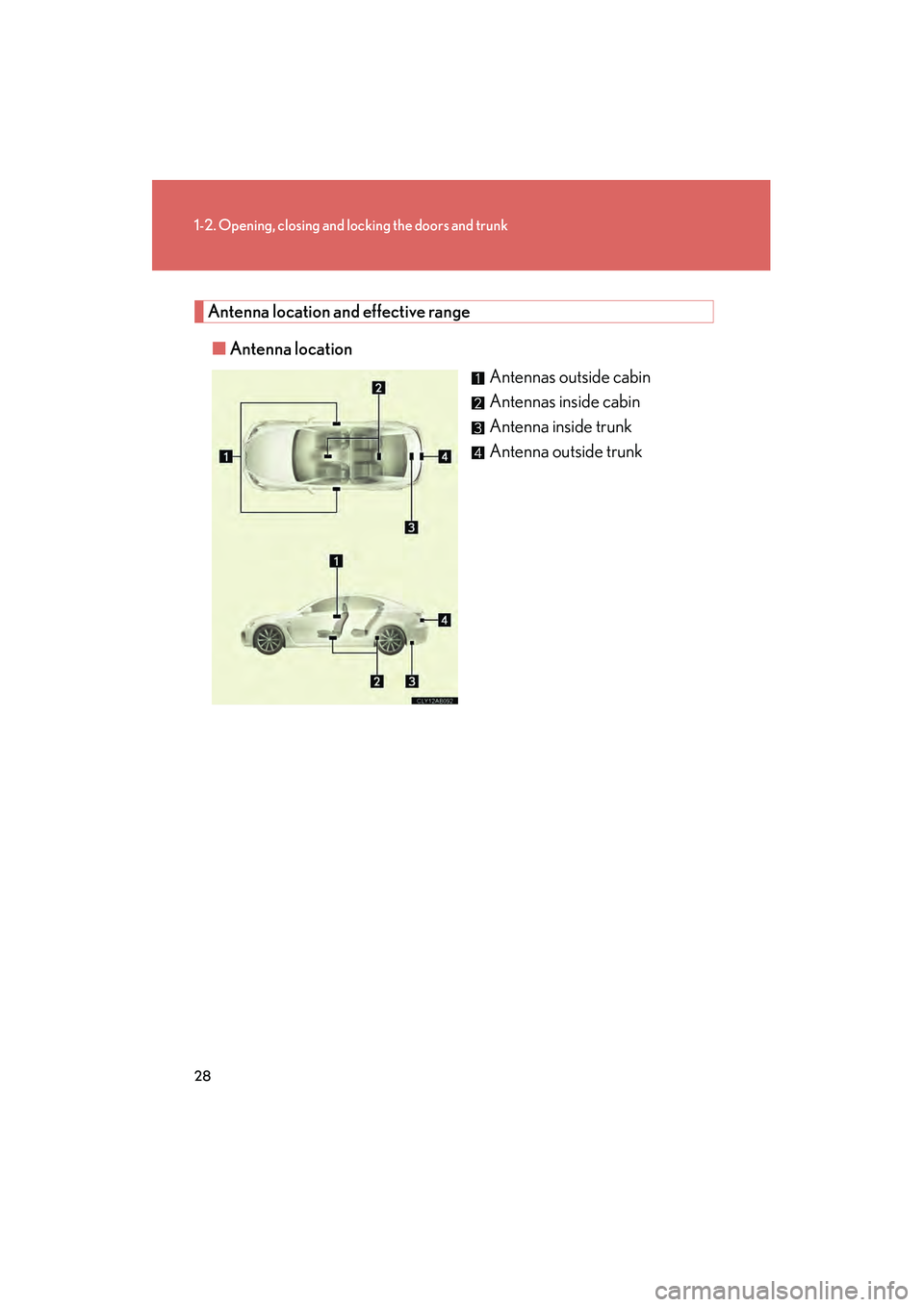
Antenna location and effective range■ Antenna location
Antennas outside cabin
Antennas inside cabin
Antenna inside trunk
Antenna outside trunk
Page 30 of 542
29
1-2. Opening, closing and locking the doors and trunk
1
Before driving
10_IS F_U■
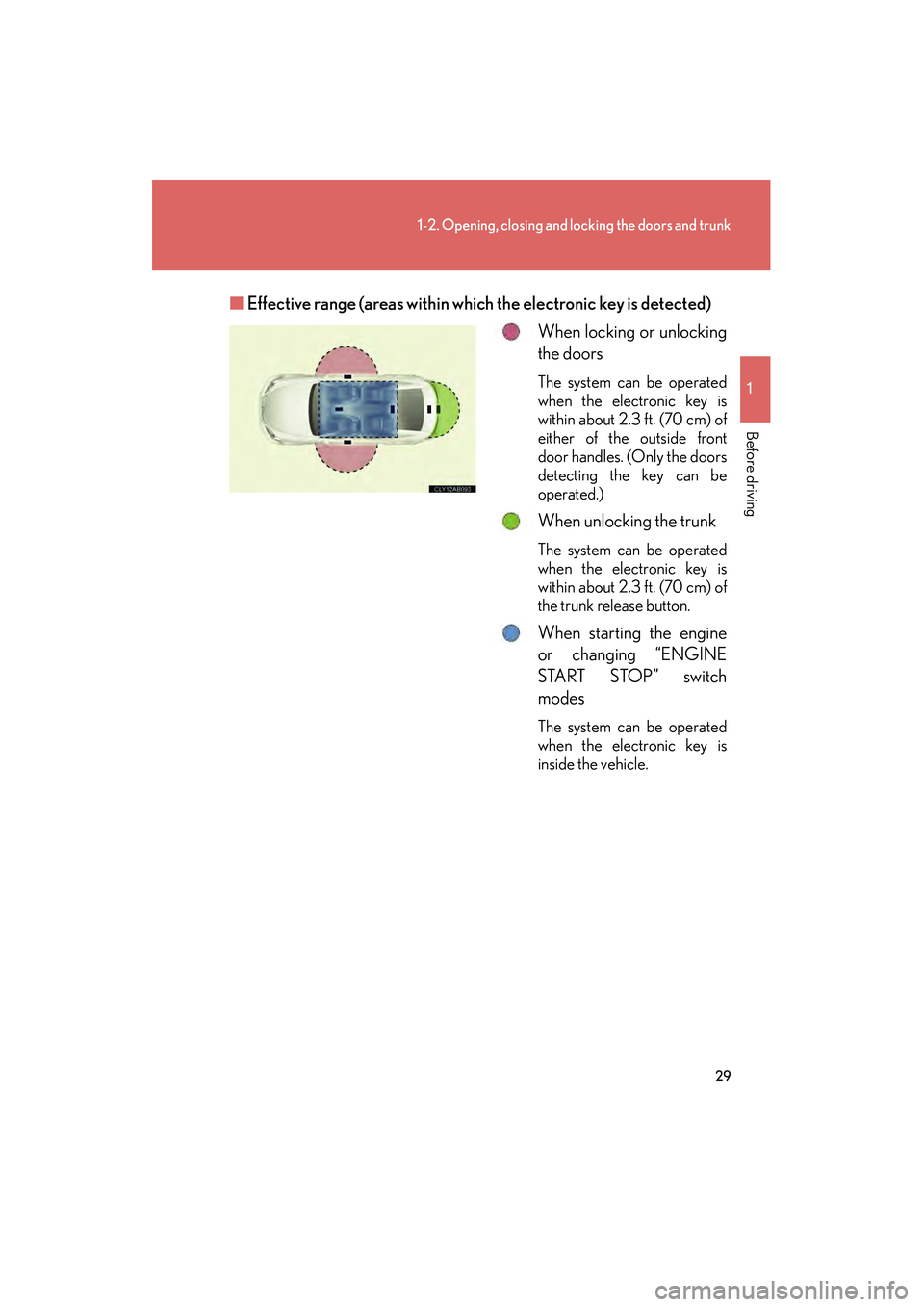
Effective range (areas within wh ich the electronic key is detected)
When locking or unlocking
the doors
The system can be operated
when the electronic key is
within about 2.3 ft. (70 cm) of
either of the outside front
door handles. (Only the doors
detecting the key can be
operated.)
When unlocking the trunk
The system can be operated
when the electronic key is
within about 2.3 ft. (70 cm) of
the trunk release button.
When starting the engine
or changing “ENGINE
START STOP” switch
modes
The system can be operated
when the electronic key is
inside the vehicle.
Page 31 of 542
30
1-2. Opening, closing and locking the doors and trunk
10_IS F_U
■Operation signals
A buzzer sounds and the emergency flashers flash to indicate that the doors have
been locked/unlocked. (Locked: Once; Unlocked: Twice)
■Conditions affecting operation
The smart access system with push-button start uses weak radio waves. In the fol-
lowing situations, the communication between the electronic key and the vehicle
may be affected, preventing the smart access system with push-button start from
operating properly:
(Ways of coping: →P. 477)
●When the electronic key battery is depleted
●Near a TV tower, electric power plant, gas station, radio station, large display,
airport or other facility that generates strong radio waves or electrical noise
●When carrying a portable radio, cellular phone, cordless phone or other wire-
less communication devices
●When the electronic key is in contact with, or is covered by the following metal-
lic objects
• Cards to which aluminum foil is attached
• Cigarette boxes that have aluminum foil inside
• Metallic wallets or bags
•Coins
• Hand warmers made of metal
• Media such as CDs and DVDs
●When multiple electronic keys are in the vicinity
●When another wireless key (that emits radio waves) is being used nearby
●When carrying or using the electronic key together with the following devices
that emit radio waves
• Another vehicle's electronic key or a wireless key that emits radio waves
• Personal computer or personal digital assistant (PDA)
• Digital audio player
• Portable game system
●If window tint with a metallic content or metallic objects are attached to the rear
window