USB Lexus IS220d 2011 User Guide
[x] Cancel search | Manufacturer: LEXUS, Model Year: 2011, Model line: IS220d, Model: Lexus IS220d 2011Pages: 609, PDF Size: 14.63 MB
Page 318 of 609
303
3-2. Using the audio system
3
Interior features
IS250/220d/200d_EE
NOTICE
To prevent damage to USB memory
Do not leave USB memory in the vehicle. The temperature inside the
vehicle may become high, resulting in damage to the player.
Do not push down on or apply unnecessary pressure to the USB memory
while it is connected as this may damage the USB memory or its terminal.
Do not insert foreign objects into the port as this may damage the USB
memory or its terminal.
Page 322 of 609

307
3-2. Using the audio system
3
Interior features
IS250/220d/200d_EE
Using the steering wheel audio switches
Turning on the power
Press when the audio system is turned off.
The audio system can be turned off by holding down until you
hear a beep.
Some audio features can be controlled using the switches on the steer-
ing wheel.
Turns the power on, selects
an audio source
Increases/decreases vol-
ume
Radio mode:Selects a
radio station
CD mode: Selects a track,
file (MP3 and
WMA) and disc
Bluetooth
® audio mode:
Selects a track
and album
iPod mode:
Selects a song
USB memory mode:
Selects a file and
Page 323 of 609

308
3-2. Using the audio system
IS250/220d/200d_EE
Changing the audio source
Press when the audio system is turned on. The audio source
changes as follows each time is pressed. If no discs are
inserted in the player, or if the external device is not connected,
that mode will be skipped.
FM1FM2FM3CD playerBluetooth
®audioAUX
iPod or USB memoryMWDAB
Adjusting the volume
Press “+” on to increase the volume and “-” to decrease the
volume.
Hold down to continue increasing or decreasing the volume.
Selecting a radio station
Press to select radio mode.
Press “” or “” on to select a radio station.
To scan for receivable stations, press and hold until you
hear a beep.
Selecting a track/file or song
Press to select CD, Bluetooth
® audio, iPod or USB
memory mode.
Press “” or “” on to select the desired track/file or
song.
STEP1
STEP2
STEP1
STEP2
Page 324 of 609

309
3-2. Using the audio system
3
Interior features
IS250/220d/200d_EE
Selecting an album
Press to select Bluetooth
® audio mode.
Press and hold “” or “” on until you hear a beep.
Selecting a folder
Press to select USB memory mode.
Press and hold “” or “” on until you hear a beep.
Selecting a disc in the CD player
Press to select CD mode.
Press and hold “” or “” on until you hear a beep.
CAUTION
To reduce the risk of an accident
Exercise care when operating the audio switches on the steering wheel.
STEP1
STEP2
STEP1
STEP2
STEP1
STEP2
Page 596 of 609

563
IS250/220d/200d_EE
Alphabetical index
Alphabetical index
A/C* ..........................................254
ABS ...........................................224
Air conditioning filter ...............430
Air conditioning system
Air conditioning filter ...........430
Automatic air conditioning
system*...............................254
Airbags
Airbag manual ON/OFF
system.................................140
Airbag operating conditions .112
Airbag precautions for your
child....................................116
Airbag warning light ............468
Curtain shield airbag operating
conditions ...........................112
Curtain shield airbag
precautions .........................116
General airbag precautions ...116
Locations of airbags .............110
Modification and disposal of
airbags ................................120
Proper driving posture ..108, 116
Side airbag operating
conditions ...........................112
Side airbag precautions.........116
SRS airbags ..........................110
Alarm.........................................102
Antenna* ...................................272
Anti-lock brake system .............224Armrest ..................................... 377
Ashtrays .................................... 368
Audio input* ............................. 306
Audio system*
Antenna................................ 272
Audio input .......................... 306
AUX port ............................. 306
Bluetooth
® audio ................. 308
CD player/changer ............... 273
iPod ...................................... 288
MP3/WMA disc................... 280
Optimal use .......................... 304
Portable music player .......... 306
Radio.................................... 269
Steering wheel audio switch 307
USB memory ....................... 296
USB port .............................. 296
Automatic air conditioning
system* .................................. 254
Automatic headlight leveling
system .................................... 189
Automatic light control system 186
Automatic transmission
Automatic transmission ....... 161
If the shift lever cannot be
shifted from P .................... 517
S mode ................................. 165
AUX adapter*........................... 306
Auxiliary box............................ 361
A
*: For vehicles with a navigation system, refer to the “Navigation System Owner’s Manual”.
Page 604 of 609
571
Alphabetical index
IS250/220d/200d_EE
Tachometer
Tacho indicator .....................171
Tachometer ...........................171
Tail lights
Switch ...................................186
Talk switch* ..............................332
Telephone switch* ....................332
Theft deterrent system
Alarm ....................................102
Double locking system .........101
Engine immobilizer system ....96
Tire inflation pressure ...............426
Tires
Chains ...................................239
Checking ...............................421
Emergency tire puncture
repair kit .............................499
If you have a flat tire ....487, 499
Inflation pressure ..................426
Replacing ..............................487
Rotating tires ........................421
Size .......................................548
Snow tires .............................239
Tools ..........................................487
Total load capacity ....................534
Towing
Emergency towing ................459
Trailer towing .......................242
Traction control .........................224
Transmission shift switches ....163,
165TRC .......................................... 224
Trip meter ................................. 171
Trunk
Extending trunk space ......... 380
Opener ................................... 63
Trunk light
Trunk light ............................. 64
Wattage ................................ 552
Turn signal lights
Replacing light bulbs ........... 453
Switch .................................. 170
Wattage ................................ 552
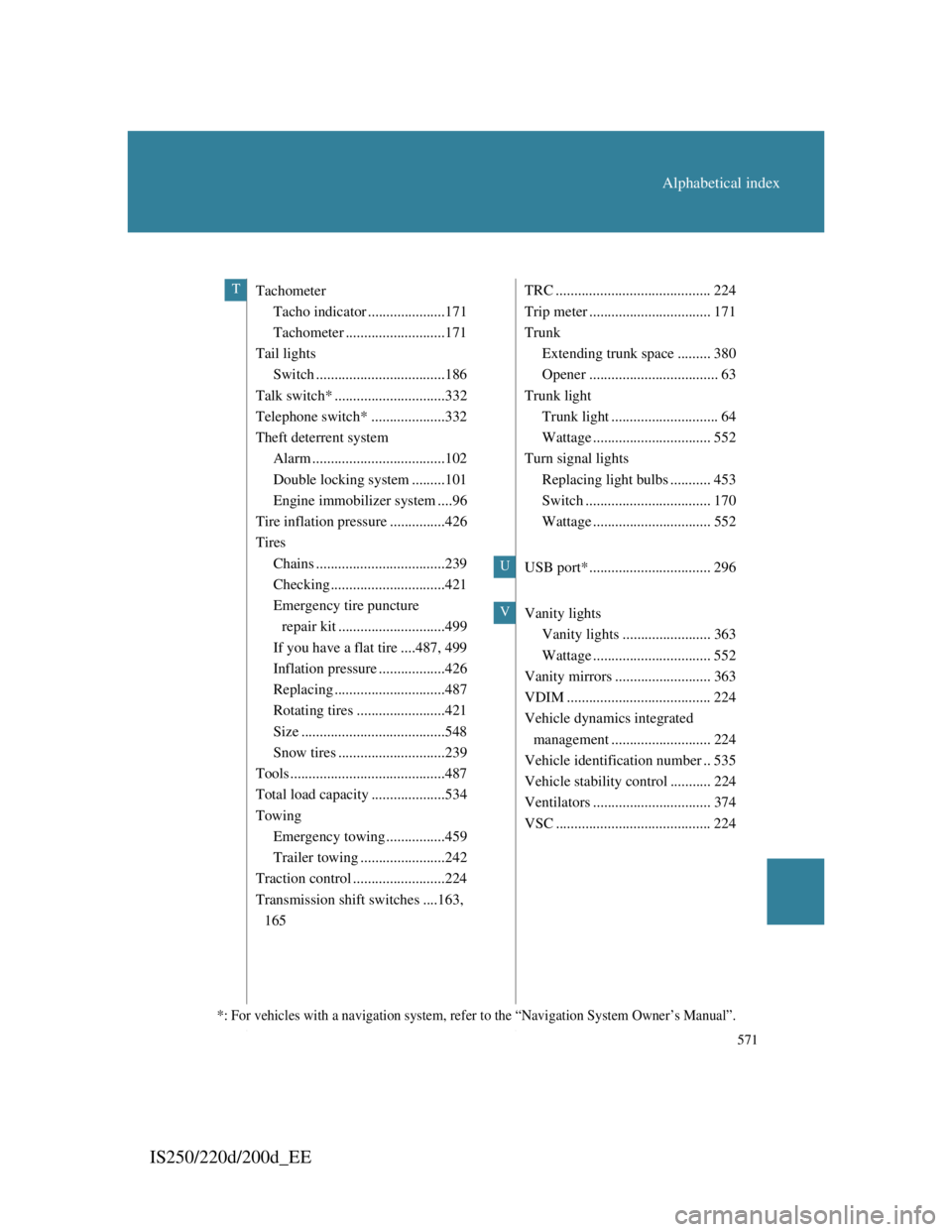
USB port* ................................. 296
Vanity lights
Vanity lights ........................ 363
Wattage ................................ 552
Vanity mirrors .......................... 363
VDIM ....................................... 224
Vehicle dynamics integrated
management ........................... 224
Vehicle identification number .. 535
Vehicle stability control ........... 224
Ventilators ................................ 374
VSC .......................................... 224T
U
V
*: For vehicles with a navigation system, refer to the “Navigation System Owner’s Manual”.