ECU Lexus IS250 2010 Owner's Guide
[x] Cancel search | Manufacturer: LEXUS, Model Year: 2010, Model line: IS250, Model: Lexus IS250 2010Pages: 578, PDF Size: 30.78 MB
Page 132 of 578
131
2-1. Driving procedures
2
When driving
IS350/250_U
CAUTION
■When taking a nap in the vehicle
Always turn the engine off. Otherwise, you may accidentally move the shift lever or
depress the accelerator pedal, which could cause an accident or fire due to engine
overheating. Additionally, if the vehicle is parked in a poorly ventilated area, exhaust
gases may collect and enter the vehicle, leading to death or a serious health hazard.
■When braking the vehicle
●When the brakes are wet, drive more cautiously.
Braking distance increases when the brakes are wet, and may cause one side of
the vehicle to brake differently than the other side. Also the parking brake may
not securely hold the vehicle.
●If the power brake assist function does not operate, do not follow other vehicles
closely and avoid downhills or sharp turns that require braking.
In this case, braking is still possible, but it will require more force on the pedal than
usual. Braking distance may also increase.
●Do not pump the brake pedal if the engine stalls.
Each push on the brake pedal uses up the reserve for the power-assisted brakes.
●The brake system consists of 2 individual hydraulic systems: if one of the systems
fails, the other will still operate. In this case, the brake pedal should be depressed
more firmly than usual and braking distance becomes longer.
Do not drive your vehicle with only a single brake system. Have your brakes fixed
immediately.
■If the vehicle becomes stuck or bogged (AWD models)
Do not spin the wheels recklessly when any of the tires is up in the air, or stuck in
sand or mud, etc. This may damage the drive system components or propel the
vehicle forward (or in another direction) and cause an accident.
Page 151 of 578
150
2-1. Driving procedures
IS350/250_U
Horn
■After adjusting the steering wheel (vehicles with manually adjustable type steer-
ing wheel)
Make sure that the steering wheel is securely locked.
The horn may not sound if the steering wheel is not securely locked. (→P. 6 9 )
To sound the horn, press on or
close to the mark.
Page 185 of 578
184
2-4. Using other driving systems
IS350/250_U
The system continues follow-up cruising while adjusting for changes in the
speed of the vehicle ahead in order to maintain the vehicle-to-vehicle dis-
tance set by the driver.
Example of acceleration (when there are no longer vehicles driving
slower than the set speed in the lane ahead): When the speed is set to
62 mph (100 km/h) and the vehicle ahead driving at 50 mph (80
km/h) is out of the lane
When the vehicle ahead of you executes a lane change, the system slowly
accelerates until the set vehicle speed is reached. The system then returns to
fixed speed cruising.
■Dynamic radar cruise control warning lights, messages and buzzers
Warning lights, messages and buzzers are used to indicate a system malfunction or
to alert you to the need for caution while driving. ( →P. 4 8 0 )
■The dynamic radar cruise can be set when
●The shift lever is in the D position or S position. However, it cannot be set if any
of the ranges 1 through 3 has been selected.
●Vehicle speed is more than approximately 30 mph (50 km/h).
■Accelerating
The vehicle can accelerate normally. After acceleration, the set speed resumes.
However, during vehicle-to-vehicle distance control mode, the vehicle speed may
decrease below the set speed in order to maintain the distance to the vehicle
ahead.
■Automatically canceling vehicle-to-vehicle distance control
Vehicle-to-vehicle distance control driving is automatically canceled in the follow-
ing situations.
●Vehicle speed falls below 25 mph (40 km/h)
●VSC is activated
●The sensor cannot operate correctly because it is covered in some way.
●The windshield wipers are operating at high speed.
●The “ECT SNOW” switch is set to snow mode.
If vehicle-to-vehicle distance control driving is automatically canceled for any other
reason, there may be a malfunction in the system. Contact your Lexus dealer.
Page 187 of 578
186
2-4. Using other driving systems
IS350/250_U
■CertificationFor vehicles sold in U.S.A.
FCC ID: HYQDNMWR005
This device complies with Part 15 of the FCC Rules. Operation is subject to the fol-
lowing two conditions: (1) this device may not cause harmful interference, and (2)
this device must accept any interference received, including interference that may
cause undesired operation.
FCC WARNING
Changes or modifications not expressly approved by the party responsible for
compliance could void the user's authority to operate the equipment.
Radio frequency radiation exposure Information:
This equipment complies with FCC radiation exposure limits set forth for an uncon-
trolled environment.
This equipment should be installed and operated with minimum distance of 20 cm
between the radiator (antenna) and your body.
This transmitter must not be co-located or operating in conjunction with any other
antenna or transmitter. For vehicles sold in Canada
Operation is subject to the following two conditions: (1) this device may not cause
interference, and (2) this device must accept any interference, including interfer-
ence that may cause undesired operation of the device.
L’utilisation de ce dispositif est autoris
ée seulement aux deux conditions
suivantes: (1) il ne doit pas produire de brouillage et (2) l’utilisateur du dispositif
doit être prêt à accepter tout brouillage radioélectrique reçu, même si ce
brouillage est susceptible de compromettre le fonctionnement du dispositif.
Page 205 of 578
204
2-4. Using other driving systems
IS350/250_U
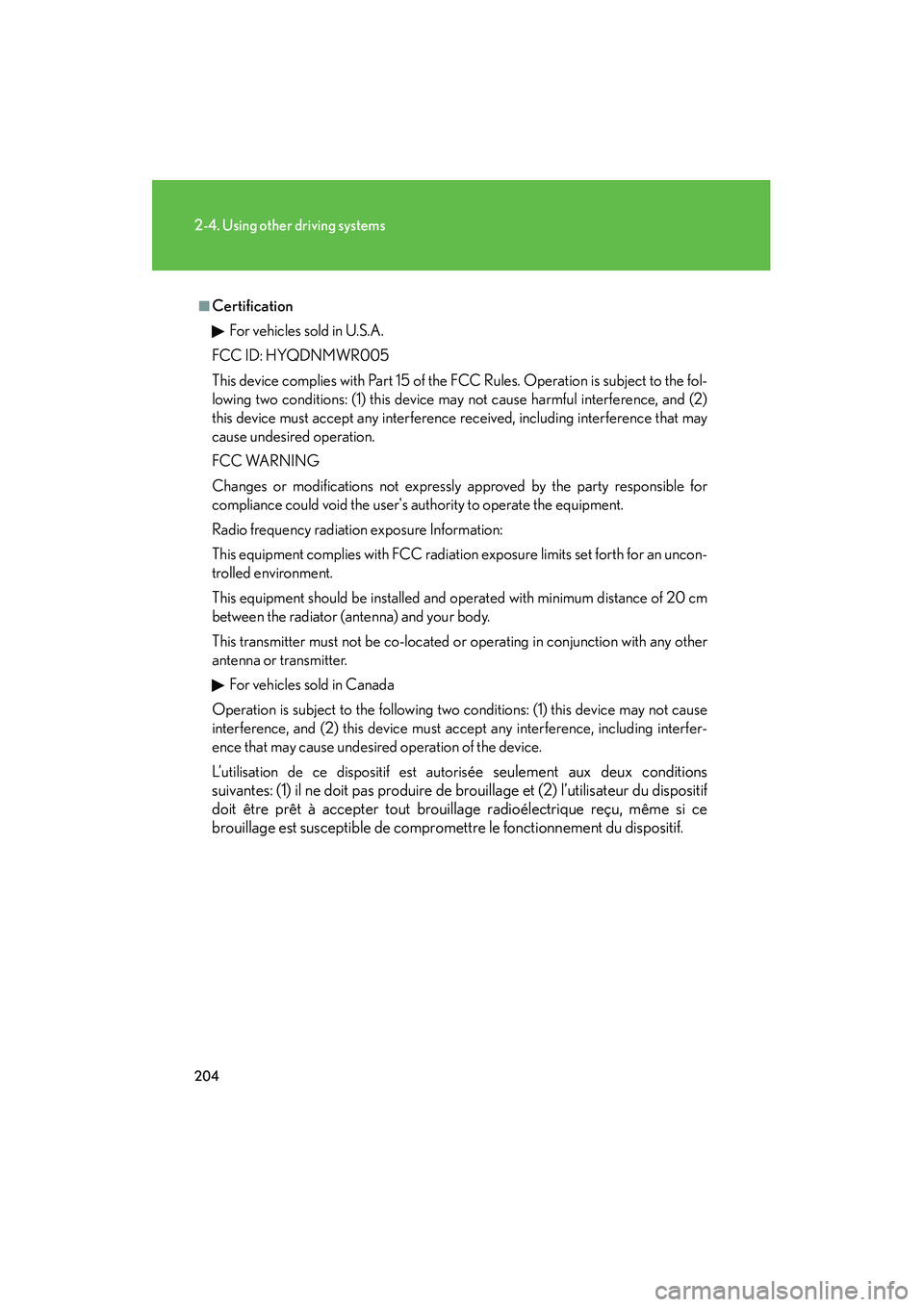
■CertificationFor vehicles sold in U.S.A.
FCC ID: HYQDNMWR005
This device complies with Part 15 of the FCC Rules. Operation is subject to the fol-
lowing two conditions: (1) this device may not cause harmful interference, and (2)
this device must accept any interference received, including interference that may
cause undesired operation.
FCC WARNING
Changes or modifications not expressly approved by the party responsible for
compliance could void the user's authority to operate the equipment.
Radio frequency radiation exposure Information:
This equipment complies with FCC radiation exposure limits set forth for an uncon-
trolled environment.
This equipment should be installed and operated with minimum distance of 20 cm
between the radiator (antenna) and your body.
This transmitter must not be co-located or operating in conjunction with any other
antenna or transmitter. For vehicles sold in Canada
Operation is subject to the following two conditions: (1) this device may not cause
interference, and (2) this device must accept any interference, including interfer-
ence that may cause undesired operation of the device.
L’utilisation de ce dispositif est autoris
ée seulement aux deux conditions
suivantes: (1) il ne doit pas produire de brouillage et (2) l’utilisateur du dispositif
doit être prêt à accepter tout brouillage radioélectrique reçu, même si ce
brouillage est susceptible de compromettre le fonctionnement du dispositif.
Page 207 of 578

206
IS350/250_U
2-5. Driving information
Cargo and luggage
Capacity and distributionCargo capacity depends on the total weight of the occupants.
(Cargo capacity) = (Total load cap acity) — (Total weight of occupants)
Steps for Determining Correct Load Limit
(1) Locate the statement “The combined weight of occupants and cargo should never exceed XXX kg or XXX lbs.” on your vehicle’s placard.
(2) Determine the combined weight of the driver and passengers that will be riding in your vehicle.
(3)Subtract the combined weight of the driver and passengers from XXX kg or XXX lbs.
(4) The resulting figure equals the available amount of cargo and luggage load capacity.
For example, if the “XXX” amount equals 1400 lbs. and there will be
five 150 lb passengers in your vehicle, the amount of available cargo
and luggage load capacity is 650 lbs. (1400 − 750 (5 × 150) = 650
lbs.)
(5)Determine the combined weight of luggage and cargo being loaded on the vehicle. That weight may not safely exceed the available cargo
and luggage load capacity calculated in Step 4.
Take notice of the following information about storage precautions, cargo
capacity and load.
●Stow cargo and luggage in the trunk whenever possible. Be sure
all items are secured in place.
● Be careful to keep the vehicle level. Placing the weight as far for-
ward as possible helps maintain vehicle balance.
● For better fuel economy, do not carry unnecessary weight.
Page 209 of 578

208
2-5. Driving information
IS350/250_U
CAUTION
■Things that must not be carried in the trunk
The following things may cause a fire if loaded in the trunk.
●Receptacles containing gasoline
●Aerosol cans
■Storage precautions
Observe the following precautions.
Failing to do so may result in death or serious injury.
●Do not place cargo or luggage in or on the following locations as the item may
get under the clutch, brake or accelerator pedal and prevent the pedals from
being depressed properly, block the driver's vision, or hit the driver or passen-
gers, causing an accident.
• The feet of the driver
• The front passenger or rear seats (when stacking items)
• The package tray
• The instrument panel
• The dashboard
●Secure all items in the occupant compartment, as they may shift and injure some-
one during sudden braking, sudden swerving or an accident.
■Capacity and distribution
●Do not exceed the maximum axle weight rating or the total vehicle weight rating.
●Even if the total load of occupant's weight and the cargo load is less than the total
load capacity, do not apply the load unevenly. Improper loading may cause dete-
rioration of steering or braking control which may cause death or serious injury.
Page 219 of 578
218
IS350/250_U
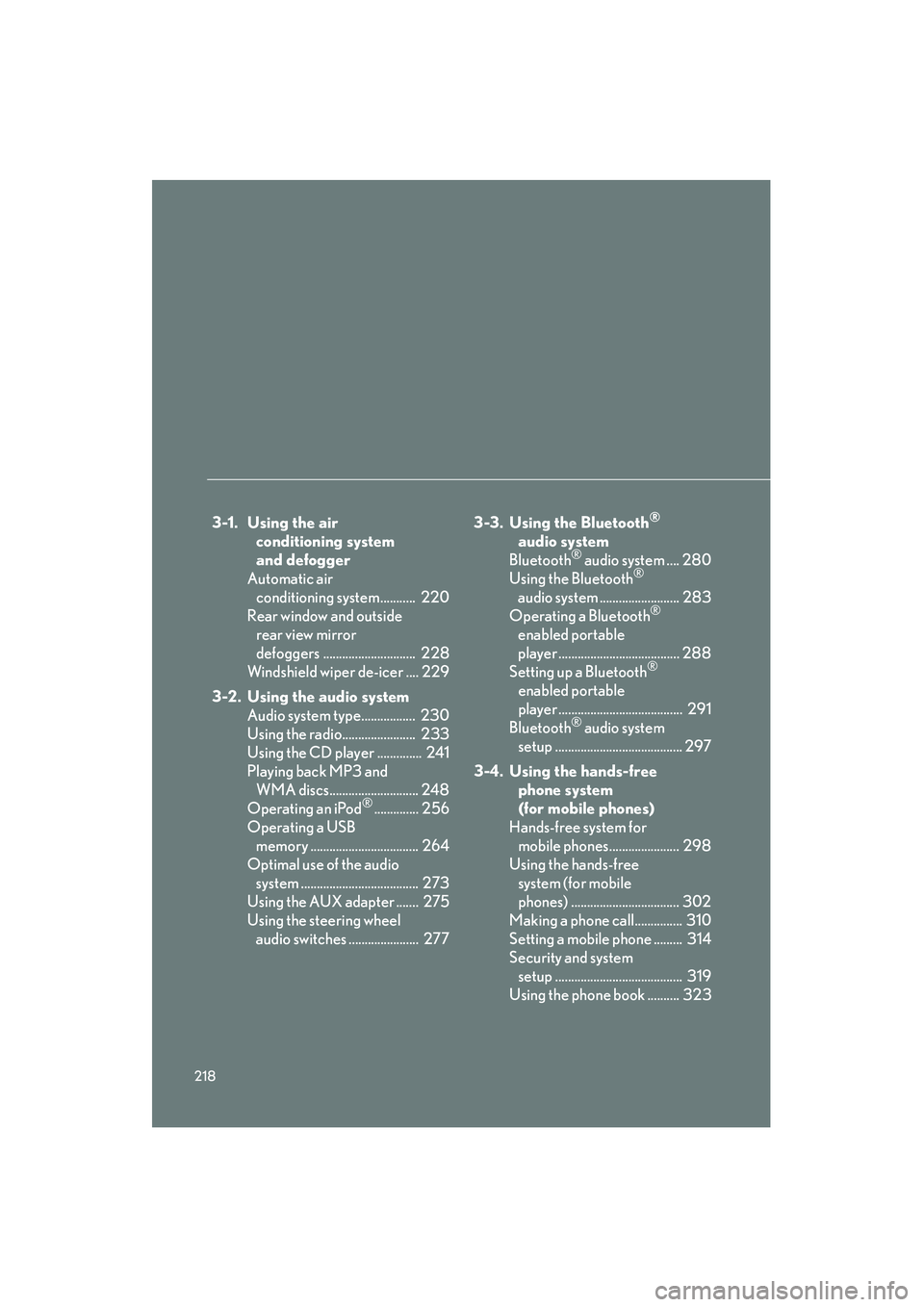
3-1. Using the air conditioning system
and defogger
Automatic air conditioning system........... 220
Rear window and outside rear view mirror
defoggers ............................. 228
Windshield wiper de-icer .... 229
3-2. Using the audio system Audio system type................. 230
Using the radio....................... 233
Using the CD player .............. 241
Playing back MP3 and WMA discs............................ 248
Operating an iPod
®.............. 256
Operating a USB memory .................................. 264
Optimal use of the audio system ..................................... 273
Using the AUX adapter ....... 275
Using the steering wheel audio switches ...................... 277 3-3. Using the Bluetooth
®
audio system
Bluetooth
® audio system .... 280
Using the Bluetooth®
audio system ......................... 283
Operating a Bluetooth
®
enabled portable
player ...................................... 288
Setting up a Bluetooth
®
enabled portable
player ....................................... 291
Bluetooth
® audio system
setup ........................................ 297
3-4. Using the hands-free phone system
(for mobile phones)
Hands-free system for mobile phones...................... 298
Using the hands-free system (for mobile
phones) .................................. 302
Making a phone call............... 310
Setting a mobile phone ......... 314
Security and system setup ........................................ 319
Using the phone book .......... 323
Page 240 of 578
239
3-2. Using the audio system
3
Interior features
IS350/250_U
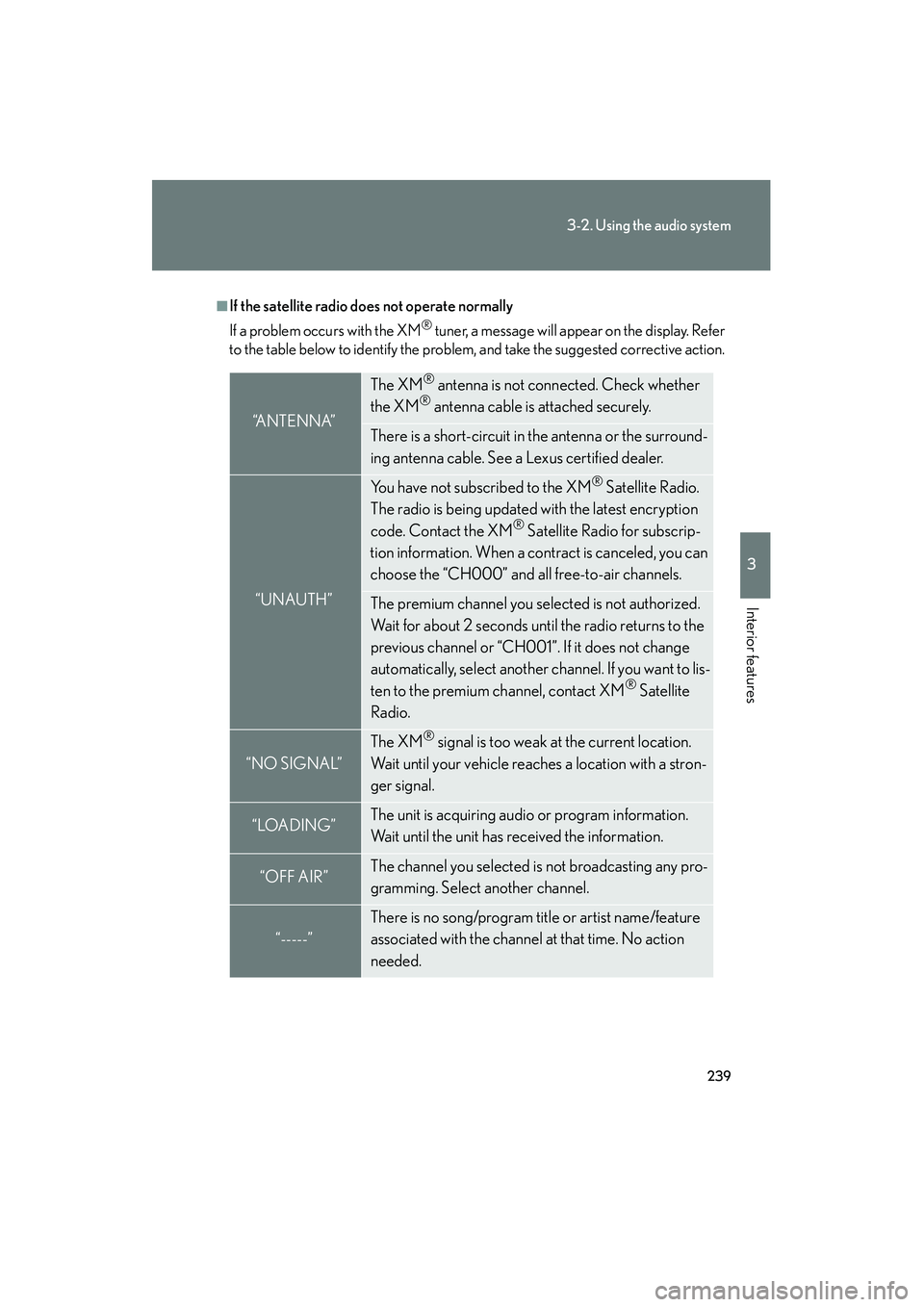
■If the satellite radio does not operate normally
If a problem occurs with the XM
® tuner, a message will appear on the display. Refer
to the table below to identify the problem, and take the suggested corrective action.
“A N T E N N A”
The XM® antenna is not connected. Check whether
the XM® antenna cable is attached securely.
There is a short-circuit in the antenna or the surround-
ing antenna cable. See a Lexus certified dealer.
“UNAUTH”
You have not subscribed to the XM® Satellite Radio.
The radio is being updated with the latest encryption
code. Contact the XM
® Satellite Radio for subscrip-
tion information. When a contract is canceled, you can
choose the “CH000” and all free-to-air channels.
The premium channel you selected is not authorized.
Wait for about 2 seconds until the radio returns to the
previous channel or “CH001”. If it does not change
automatically, select another channel. If you want to lis-
ten to the premium channel, contact XM
® Satellite
Radio.
“NO SIGNAL”
The XM® signal is too weak at the current location.
Wait until your vehicle reaches a location with a stron-
ger signal.
“LOADING”The unit is acquiring audio or program information.
Wait until the unit has received the information.
“OFF AIR”The channel you selected is not broadcasting any pro-
gramming. Select another channel.
“-----”
There is no song/program title or artist name/feature
associated with the channel at that time. No action
needed.
Page 299 of 578
298
IS350/250_U
3-4. Using the hands-free phone system (for mobile phones)
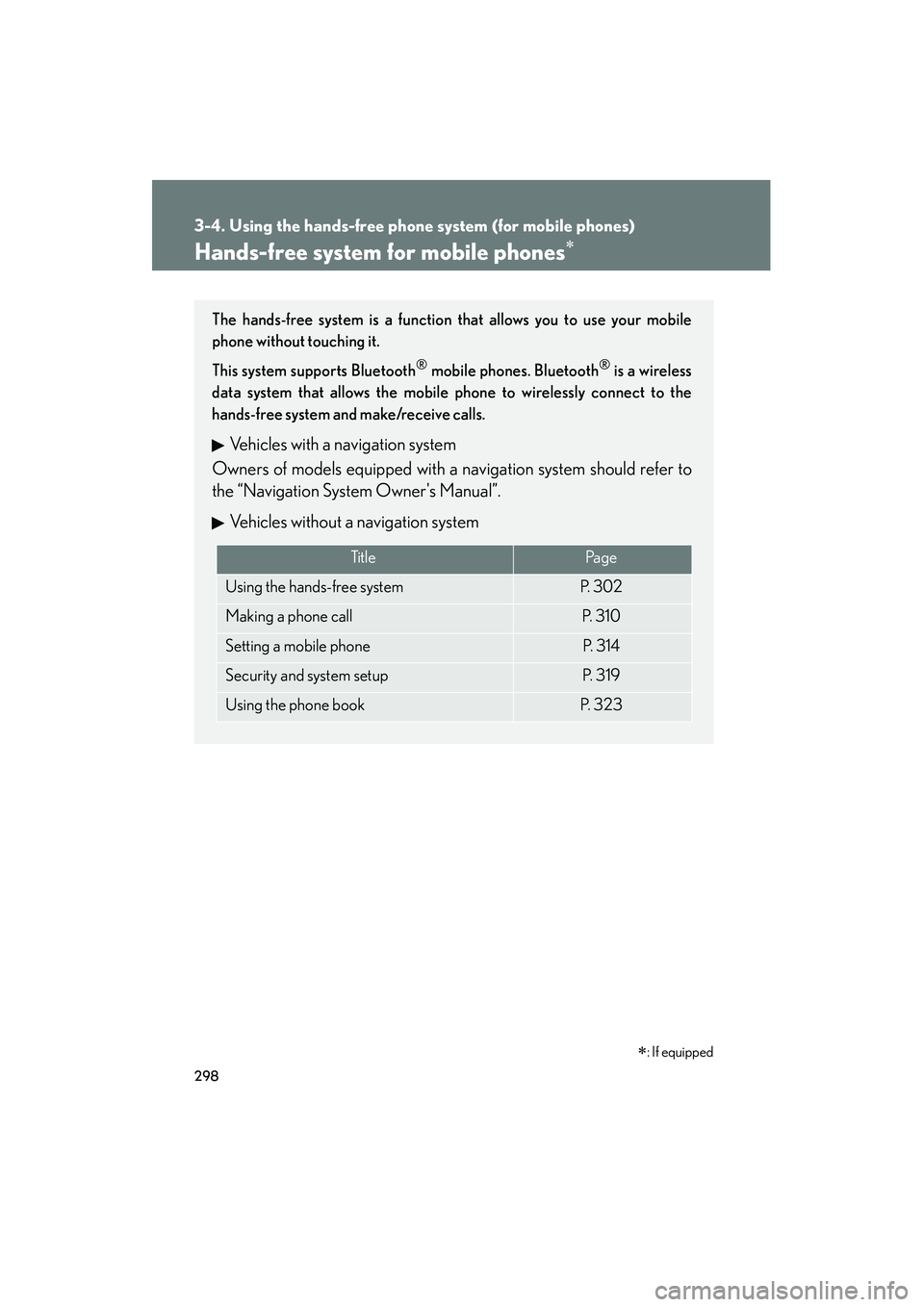
Hands-free system for mobile phones∗
The hands-free system is a function that allows you to use your mobile
phone without touching it.
This system supports Bluetooth
® mobile phones. Bluetooth® is a wireless
data system that allows the mobile phone to wirelessly connect to the
hands-free system and make/receive calls.
Vehicles with a navigation system
Owners of models equipped with a navigation system should refer to
the “Navigation System Owner's Manual”.
Vehicles without a navigation system
Ti t l ePa g e
Using the hands-free systemP. 3 0 2
Making a phone callP. 3 1 0
Setting a mobile phoneP. 3 1 4
Security and system setupP. 3 1 9
Using the phone bookP. 3 2 3
∗: If equipped