Wheel Lexus IS250 2010 Workshop Manual
[x] Cancel search | Manufacturer: LEXUS, Model Year: 2010, Model line: IS250, Model: Lexus IS250 2010Pages: 578, PDF Size: 30.78 MB
Page 215 of 578
214
2-5. Driving information
IS350/250_U
Trailer towing
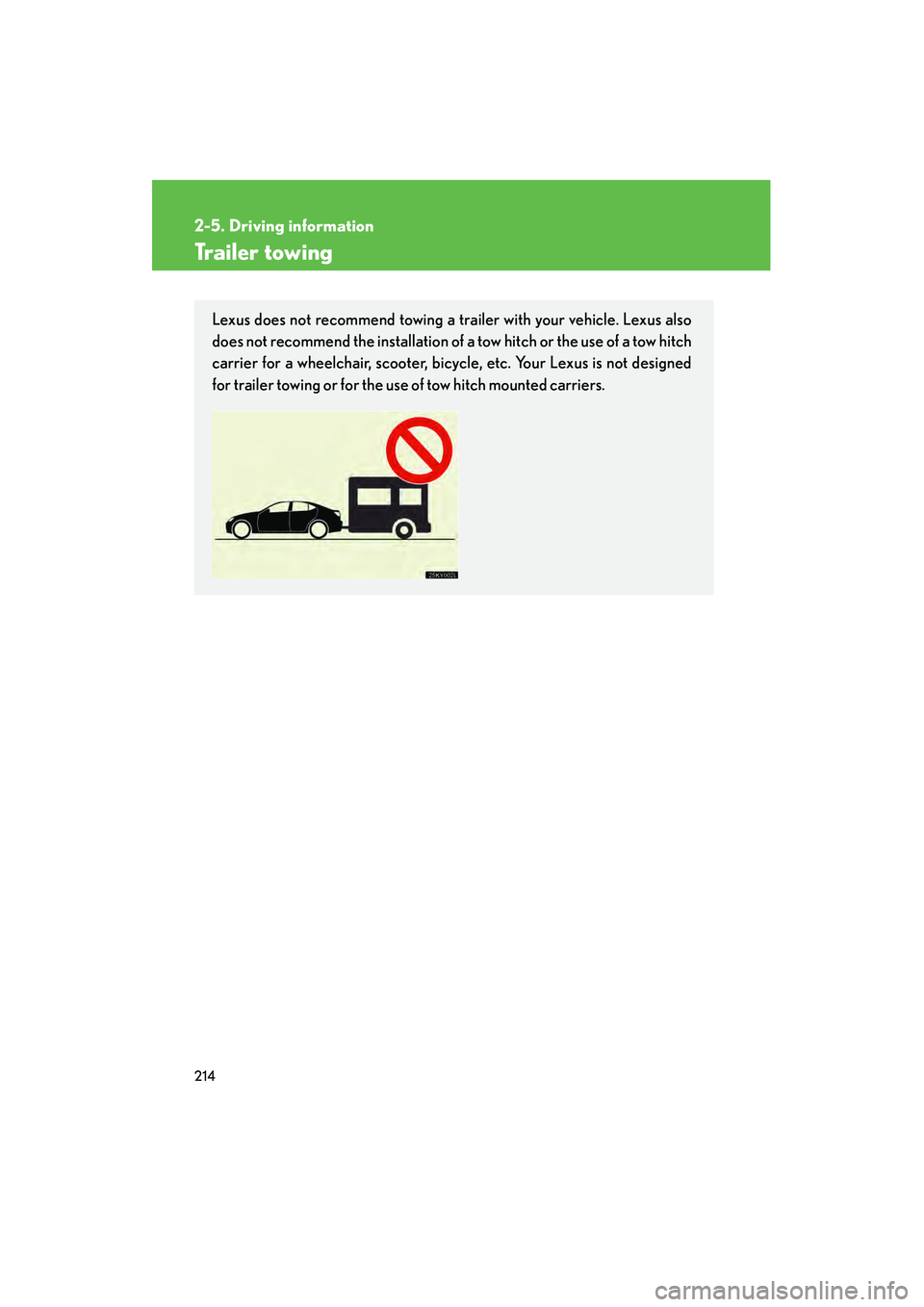
Lexus does not recommend towing a trailer with your vehicle. Lexus also
does not recommend the installation of a tow hitch or the use of a tow hitch
carrier for a wheelchair, scooter, bicycle, etc. Your Lexus is not designed
for trailer towing or for the use of tow hitch mounted carriers.
Page 216 of 578
215
2-5. Driving information
2
When driving
IS350/250_U
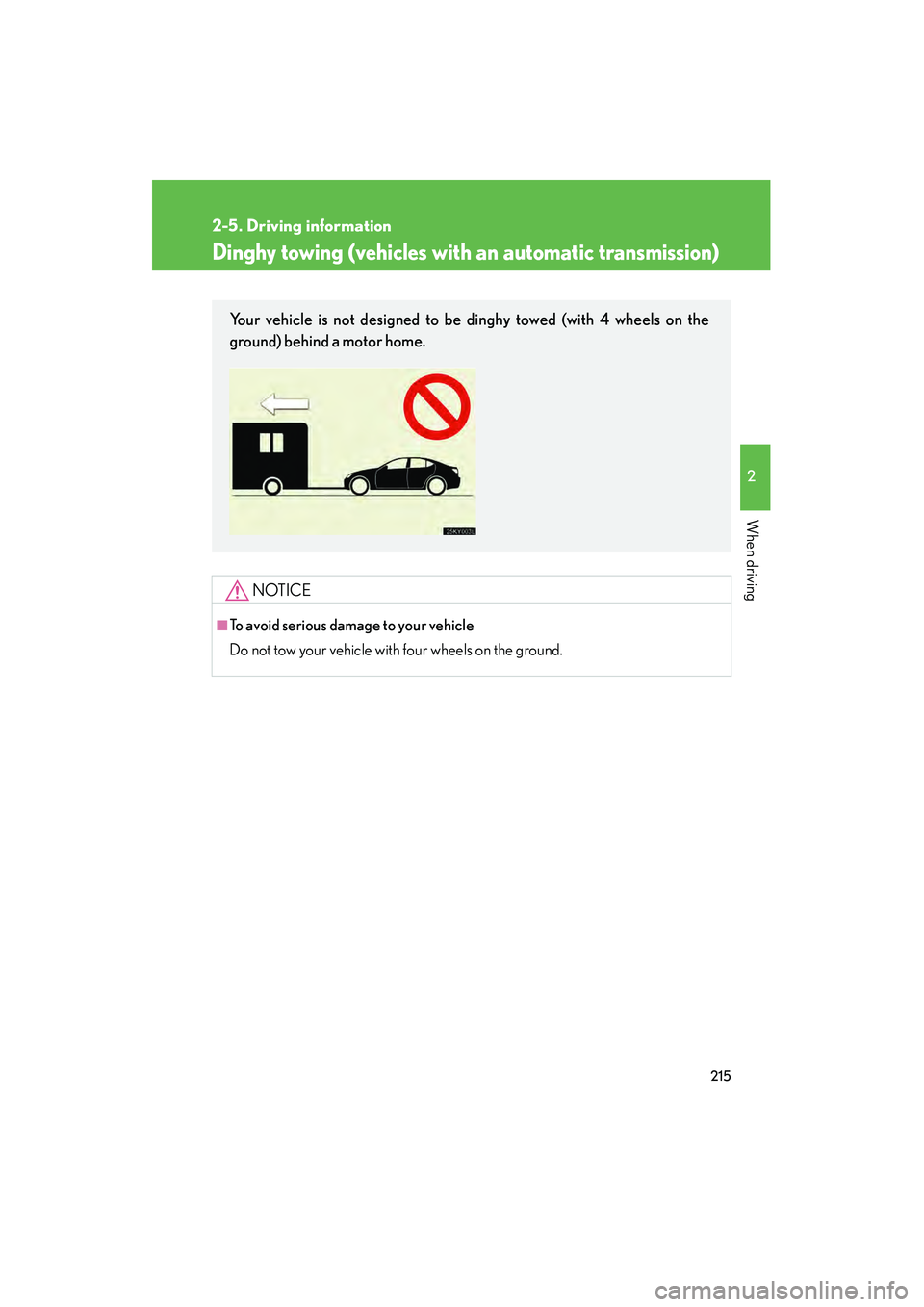
Dinghy towing (vehicles with an automatic transmission)
NOTICE
■To avoid serious damage to your vehicle
Do not tow your vehicle with four wheels on the ground.
Your vehicle is not designed to be dinghy towed (with 4 wheels on the
ground) behind a motor home.
Page 217 of 578

216
2-5. Driving information
IS350/250_U
Dinghy towing (vehicles with a manual transmission)
Towing your vehicle with 4 wheels on the groundTo prevent damage to your vehicle, perform the following procedures
before towing. Shift the shift lever to neutral.
Switch to ACCESSORY mode. ( →P. 1 3 6 )
Ensure that the audio system and other powered devices have been
turned off.
Release the parking brake.
After towing, leave the engine in idle for at least 3 minutes before driv-
ing the vehicle.
■Necessary equipment and accessories
Specialized equipment and accessories are required for dinghy towing. Contact
the service branch of the motor home manufacturer regarding recommended
equipment.
Your vehicle can be dinghy towed in a forward direction (with 4 wheels on
the ground) behind a motor home.
STEP1
STEP2
STEP3
Page 219 of 578
218
IS350/250_U
3-1. Using the air conditioning system
and defogger
Automatic air conditioning system........... 220
Rear window and outside rear view mirror
defoggers ............................. 228
Windshield wiper de-icer .... 229
3-2. Using the audio system Audio system type................. 230
Using the radio....................... 233
Using the CD player .............. 241
Playing back MP3 and WMA discs............................ 248
Operating an iPod
®.............. 256
Operating a USB memory .................................. 264
Optimal use of the audio system ..................................... 273
Using the AUX adapter ....... 275
Using the steering wheel audio switches ...................... 277 3-3. Using the Bluetooth
®
audio system
Bluetooth
® audio system .... 280
Using the Bluetooth®
audio system ......................... 283
Operating a Bluetooth
®
enabled portable
player ...................................... 288
Setting up a Bluetooth
®
enabled portable
player ....................................... 291
Bluetooth
® audio system
setup ........................................ 297
3-4. Using the hands-free phone system
(for mobile phones)
Hands-free system for mobile phones...................... 298
Using the hands-free system (for mobile
phones) .................................. 302
Making a phone call............... 310
Setting a mobile phone ......... 314
Security and system setup ........................................ 319
Using the phone book .......... 323
Page 232 of 578
231
3-2. Using the audio system
3
Interior features
IS350/250_U
Ti t l ePa g e
Using the radioP. 2 3 3
Using the CD playerP. 2 4 1
Playing back MP3 and WMA discsP. 2 4 8
Operating an iPod®P. 2 5 6
Operating a USB memoryP. 2 6 4
Optimal use of the audio systemP. 2 7 3
Using the AUX adapterP. 2 7 5
Using the steering wheel audio switchesP. 2 7 7
Page 278 of 578
277
3-2. Using the audio system
3
Interior features
IS350/250_U
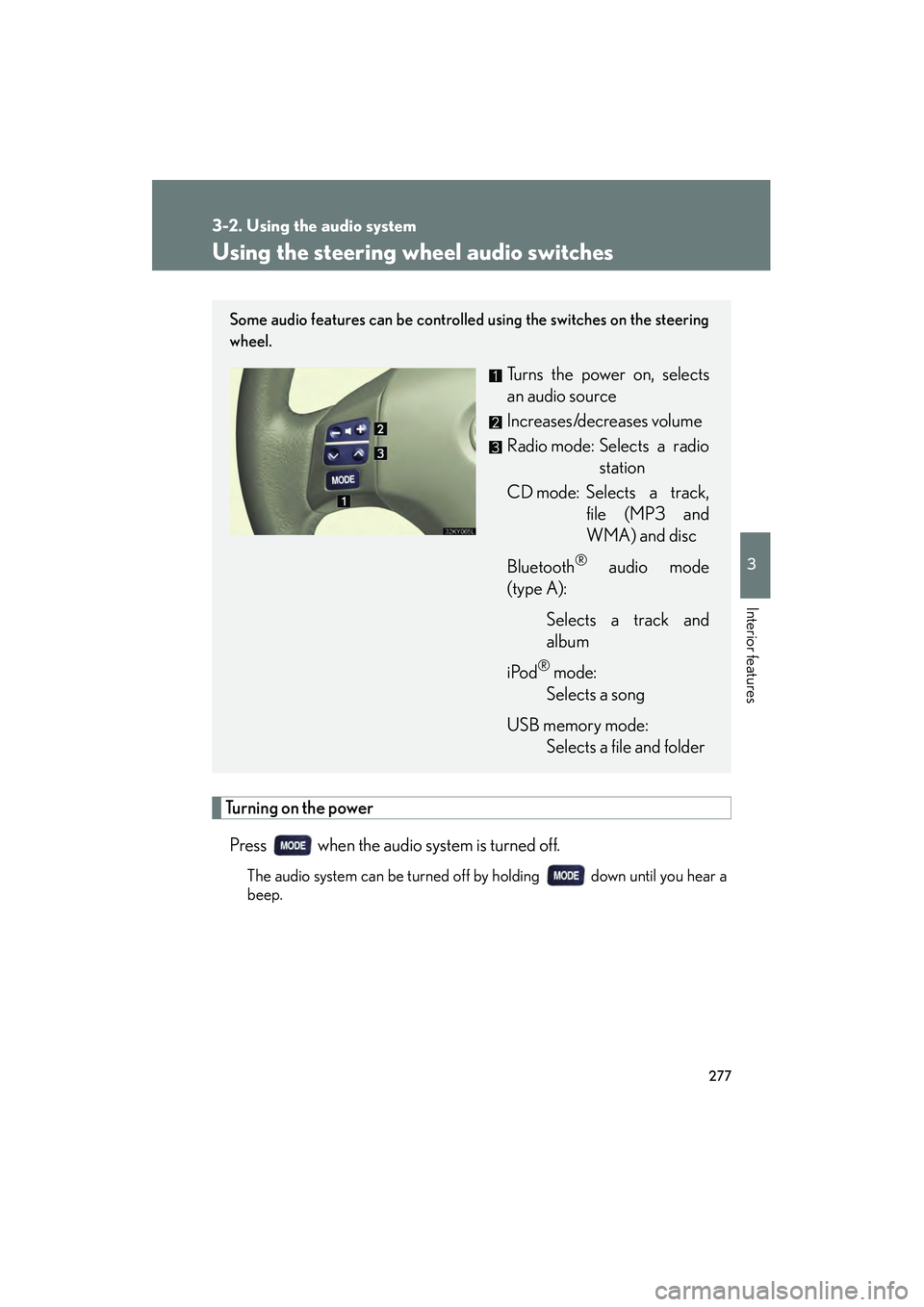
Using the steering wheel audio switches
Turning on the powerPress when the audio system is turned off.
The audio system can be turned off by holding down until you hear a
beep.
Some audio features can be controlled using the switches on the steering
wheel.
Turns the power on, selects
an audio source
Increases/decreases volume
Radio mode: Selects a radio station
CD mode: Selects a track, file (MP3 and
WMA) and disc
Bluetooth
® audio mode
(type A):
Selects a track and
album
iPod
® mode:
Selects a song
USB memory mode: Selects a file and folder
Page 280 of 578

279
3-2. Using the audio system
3
Interior features
IS350/250_U
Selecting an albumPress to select Bluetooth
® audio mode.
Press and hold “ ∧” or “ ∨” on until you hear a beep.
Selecting a folder
Press to select USB memory mode.
Press and hold “ ∧” or “ ∨” on until you hear a beep.
Selecting a disc in the CD player
Press to select CD mode.
Press and hold “ ∧” or “ ∨” on until you hear a beep.
CAUTION
■To reduce the risk of an accident
Exercise care when operating the audio switches on the steering wheel.
STEP1
STEP2
STEP1
STEP2
STEP1
STEP2
Page 304 of 578

303
3-4. Using the hands-free phone system (for mobile phones)
3
Interior features
IS350/250_U
■Steering wheel switches
Vo l u m e
During an incoming call:
Adjusts the ring tone volume
During an ongoing call:
Adjusts the receiver volume
The voice guidance volume can-
not be adjusted using this but-
ton.
Off-hook switch
Turns the hands-free system
on/starts a call
On-hook switch
Turns the hands-free system
off/ends a call/refuses a call
Talk switch
Turns the voice command
system on (press)/turns the
voice command system off
(press and hold)
■ Microphone
Page 345 of 578

344
3-7. Other interior features
IS350/250_U
■Changing the settings
Each item is displayed and its setting can be changed only in the following condi-
tions:
●Intuitive parking assist: When the “ENGINE START STOP” switch is in IGNI-
TION ON mode.
●Items other than the above: When the “ENGINE START STOP” switch is in
IGNITION ON mode and the vehicle is stopped.
■Display
The display will return to the original display if the satellite switches are not oper-
ated for an extended period.
Even if the display is in satellite switch mode, it will switch in the event of a warning
or when the radar cruise control (if equipped) is used. If this occurs, press any of the
satellite switches or “DISP” switch on the steering wheel to return the display to sat-
ellite switch mode.
Page 382 of 578
Maintenance and care4
381
IS350/250_U
4-1. Maintenance and careCleaning and protecting the vehicle exterior............ 382
Cleaning and protecting the vehicle interior ............. 385
4-2. Maintenance Maintenance requirements ....................... 388
General maintenance ......... 390
Emission inspection and maintenance (I/M)
programs................................ 393 4-3. Do-it-yourself
maintenance
Do-it-yourself service precautions ........................... 394
Hood .......................................... 397
Positioning a floor jack ......... 398
Engine compartment ........... 400
Tires............................................. 414
Tire inflation pressure........... 425
Wheels ...................................... 429
Air conditioning filter ............ 431
Electronic key battery.......... 434
Checking and replacing fuses ........................................ 436
Headlight aim ......................... 450
Light bulbs................................ 452