steering Lexus IS250 2010 Workshop Manual
[x] Cancel search | Manufacturer: LEXUS, Model Year: 2010, Model line: IS250, Model: Lexus IS250 2010Pages: 578, PDF Size: 30.78 MB
Page 210 of 578
209
2-5. Driving information
2
When driving
IS350/250_U
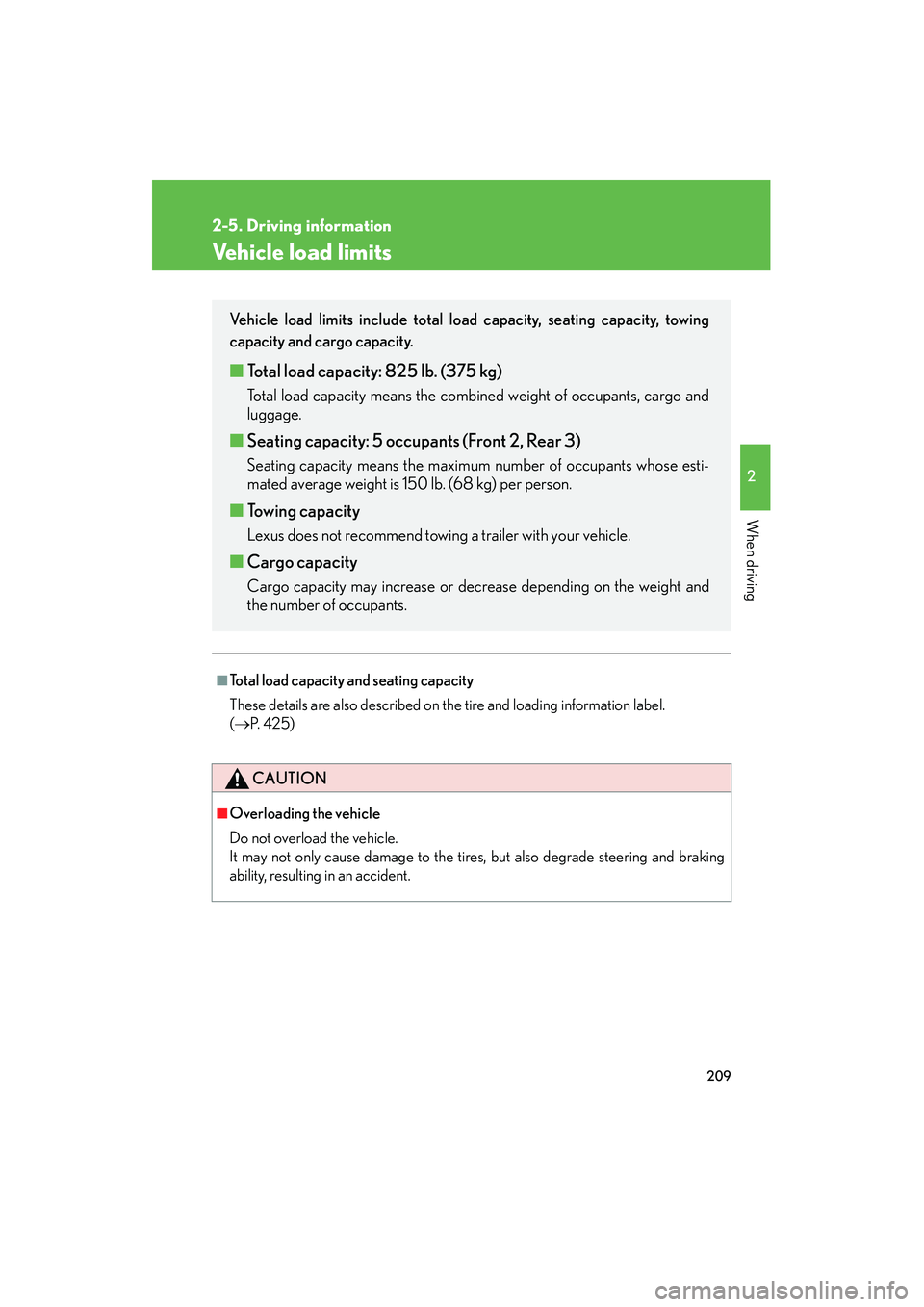
Vehicle load limits
■Total load capacity and seating capacity
These details are also described on the tire and loading information label.
(→ P. 4 2 5 )
CAUTION
■Overloading the vehicle
Do not overload the vehicle.
It may not only cause damage to the tires, but also degrade steering and braking
ability, resulting in an accident.
Vehicle load limits include total load capacity, seating capacity, towing
capacity and cargo capacity.
■Total load capacity: 825 lb. (375 kg)
Total load capacity means the combined weight of occupants, cargo and
luggage.
■Seating capacity: 5 occupants (Front 2, Rear 3)
Seating capacity means the maximum number of occupants whose esti-
mated average weight is 150 lb. (68 kg) per person.
■Towing capacity
Lexus does not recommend towing a trailer with your vehicle.
■Cargo capacity
Cargo capacity may increase or decrease depending on the weight and
the number of occupants.
Page 218 of 578

217
2-5. Driving information
2
When driving
IS350/250_U
NOTICE
■Dinghy towing direction
■To prevent the steering from locking
Ensure the “ENGINE START STOP” switch is in ACCESSORY mode.
Do not tow the vehicle backwards.
Doing so may cause serious damage.
Page 219 of 578
218
IS350/250_U
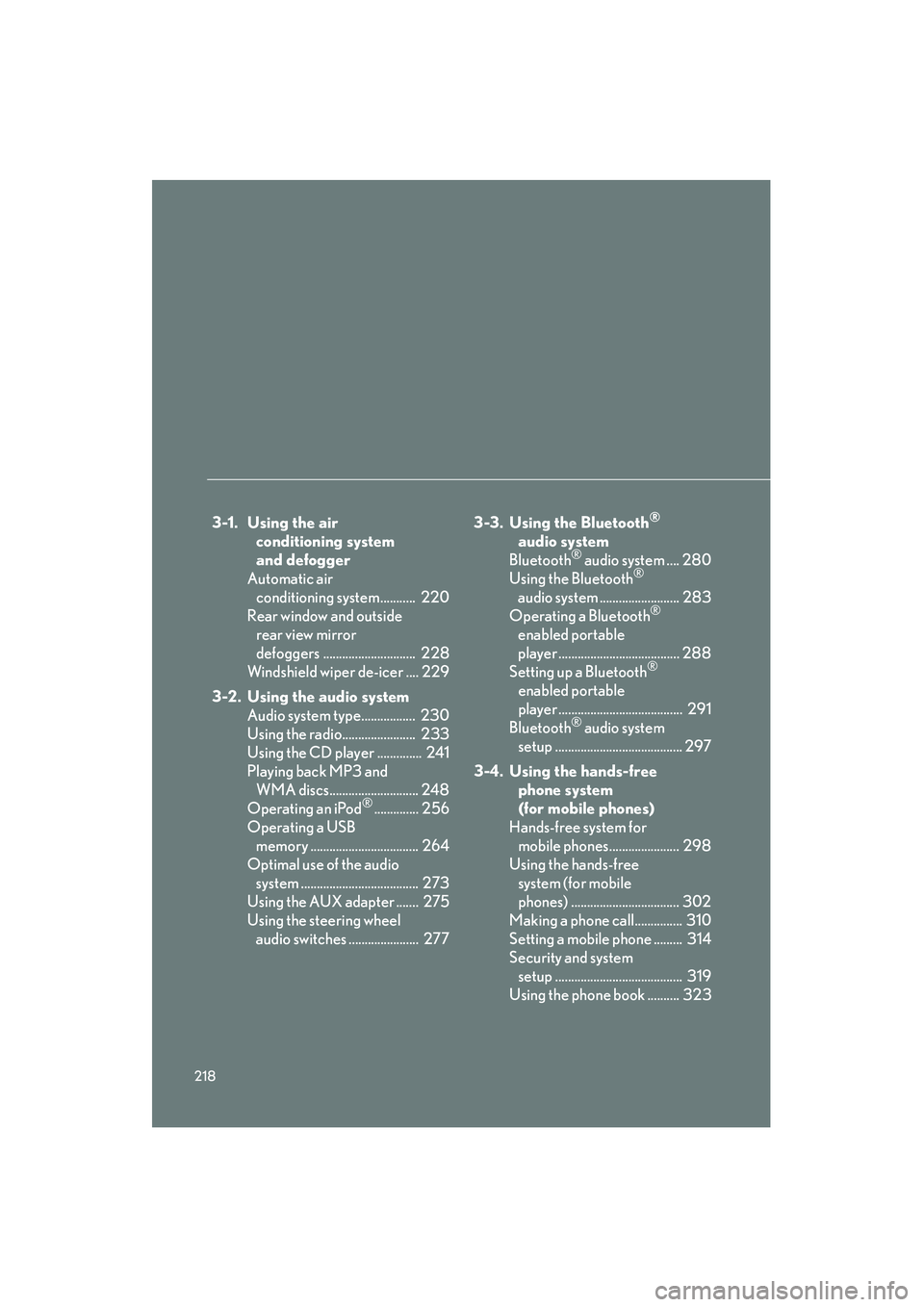
3-1. Using the air conditioning system
and defogger
Automatic air conditioning system........... 220
Rear window and outside rear view mirror
defoggers ............................. 228
Windshield wiper de-icer .... 229
3-2. Using the audio system Audio system type................. 230
Using the radio....................... 233
Using the CD player .............. 241
Playing back MP3 and WMA discs............................ 248
Operating an iPod
®.............. 256
Operating a USB memory .................................. 264
Optimal use of the audio system ..................................... 273
Using the AUX adapter ....... 275
Using the steering wheel audio switches ...................... 277 3-3. Using the Bluetooth
®
audio system
Bluetooth
® audio system .... 280
Using the Bluetooth®
audio system ......................... 283
Operating a Bluetooth
®
enabled portable
player ...................................... 288
Setting up a Bluetooth
®
enabled portable
player ....................................... 291
Bluetooth
® audio system
setup ........................................ 297
3-4. Using the hands-free phone system
(for mobile phones)
Hands-free system for mobile phones...................... 298
Using the hands-free system (for mobile
phones) .................................. 302
Making a phone call............... 310
Setting a mobile phone ......... 314
Security and system setup ........................................ 319
Using the phone book .......... 323
Page 232 of 578
231
3-2. Using the audio system
3
Interior features
IS350/250_U
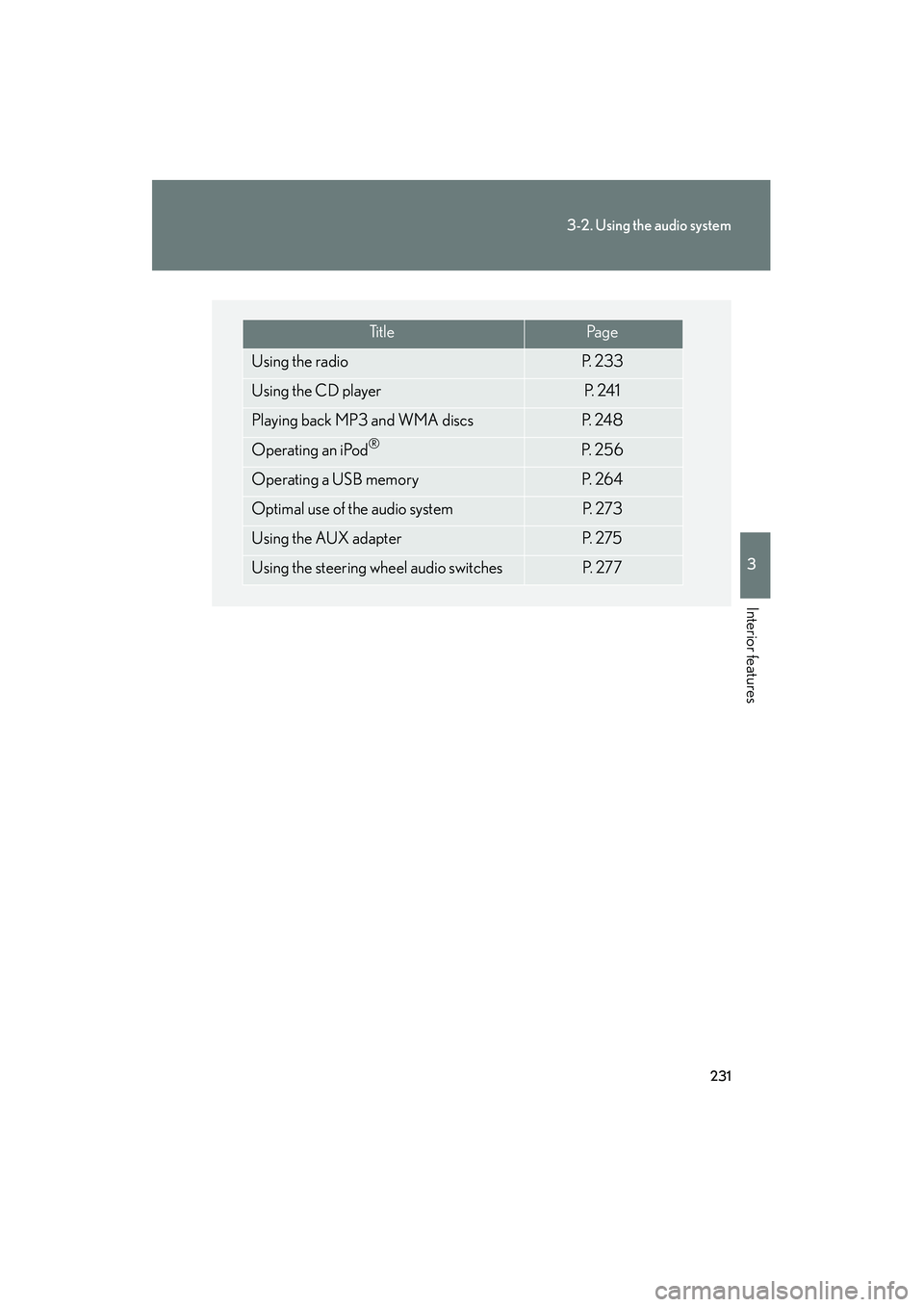
Ti t l ePa g e
Using the radioP. 2 3 3
Using the CD playerP. 2 4 1
Playing back MP3 and WMA discsP. 2 4 8
Operating an iPod®P. 2 5 6
Operating a USB memoryP. 2 6 4
Optimal use of the audio systemP. 2 7 3
Using the AUX adapterP. 2 7 5
Using the steering wheel audio switchesP. 2 7 7
Page 278 of 578
277
3-2. Using the audio system
3
Interior features
IS350/250_U
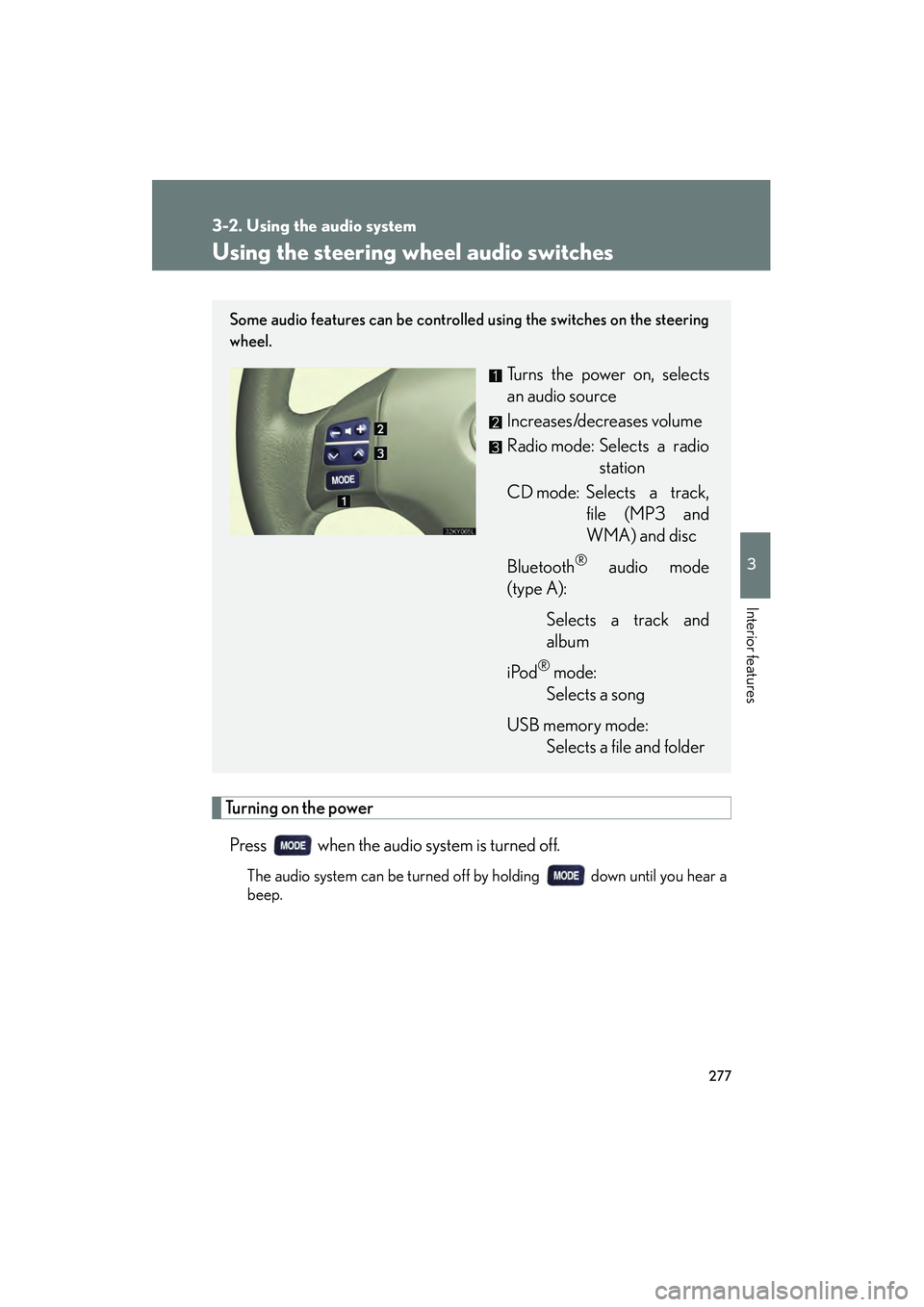
Using the steering wheel audio switches
Turning on the powerPress when the audio system is turned off.
The audio system can be turned off by holding down until you hear a
beep.
Some audio features can be controlled using the switches on the steering
wheel.
Turns the power on, selects
an audio source
Increases/decreases volume
Radio mode: Selects a radio station
CD mode: Selects a track, file (MP3 and
WMA) and disc
Bluetooth
® audio mode
(type A):
Selects a track and
album
iPod
® mode:
Selects a song
USB memory mode: Selects a file and folder
Page 280 of 578

279
3-2. Using the audio system
3
Interior features
IS350/250_U
Selecting an albumPress to select Bluetooth
® audio mode.
Press and hold “ ∧” or “ ∨” on until you hear a beep.
Selecting a folder
Press to select USB memory mode.
Press and hold “ ∧” or “ ∨” on until you hear a beep.
Selecting a disc in the CD player
Press to select CD mode.
Press and hold “ ∧” or “ ∨” on until you hear a beep.
CAUTION
■To reduce the risk of an accident
Exercise care when operating the audio switches on the steering wheel.
STEP1
STEP2
STEP1
STEP2
STEP1
STEP2
Page 290 of 578

289
3-3. Using the Bluetooth® audio system
3
Interior features
IS350/250_U
Fast-forwarding and rewinding tracksTo fast-forward or rewind, press and hold “ ∧” or “∨ ” on until you
hear a beep.
Random playback Press (RAND).
Repeat playPress (RPT).
Scanning tracksPress .
Switching the displayPress .
Each time is pressed, the display changes in the order of Elapsed time
→ Album title → Track title → Artist name.
Using the steering wh eel audio switches
→ P. 2 7 7
Page 304 of 578

303
3-4. Using the hands-free phone system (for mobile phones)
3
Interior features
IS350/250_U
■Steering wheel switches
Vo l u m e
During an incoming call:
Adjusts the ring tone volume
During an ongoing call:
Adjusts the receiver volume
The voice guidance volume can-
not be adjusted using this but-
ton.
Off-hook switch
Turns the hands-free system
on/starts a call
On-hook switch
Turns the hands-free system
off/ends a call/refuses a call
Talk switch
Turns the voice command
system on (press)/turns the
voice command system off
(press and hold)
■ Microphone
Page 345 of 578

344
3-7. Other interior features
IS350/250_U
■Changing the settings
Each item is displayed and its setting can be changed only in the following condi-
tions:
●Intuitive parking assist: When the “ENGINE START STOP” switch is in IGNI-
TION ON mode.
●Items other than the above: When the “ENGINE START STOP” switch is in
IGNITION ON mode and the vehicle is stopped.
■Display
The display will return to the original display if the satellite switches are not oper-
ated for an extended period.
Even if the display is in satellite switch mode, it will switch in the event of a warning
or when the radar cruise control (if equipped) is used. If this occurs, press any of the
satellite switches or “DISP” switch on the steering wheel to return the display to sat-
ellite switch mode.
Page 393 of 578
392
4-2. Maintenance
IS350/250_U
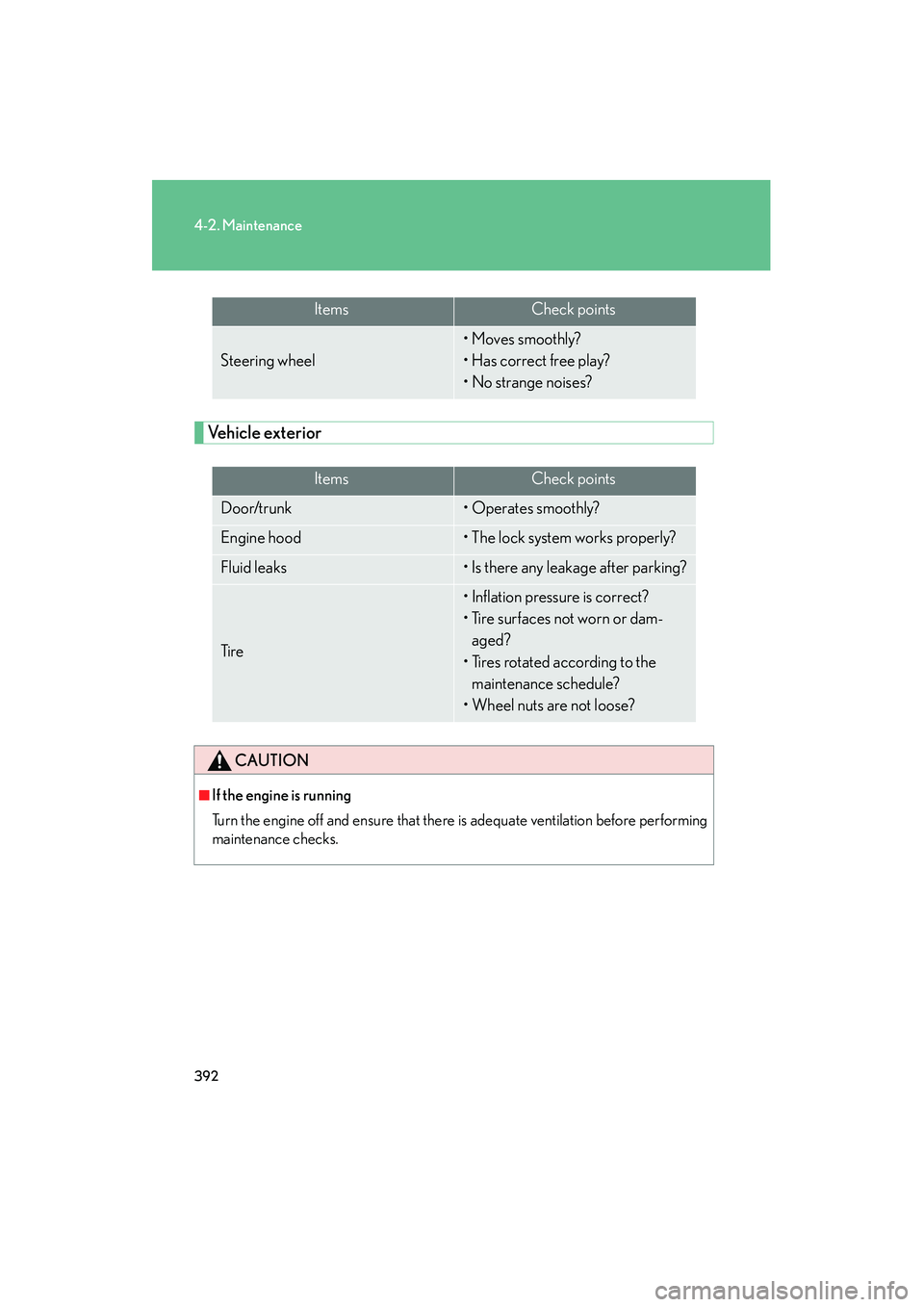
Vehicle exterior
ItemsCheck points
Steering wheel
• Moves smoothly?
• Has correct free play?
• No strange noises?
ItemsCheck points
Door/trunk• Operates smoothly?
Engine hood• The lock system works properly?
Fluid leaks• Is there any leakage after parking?
Ti r e
• Inflation pressure is correct?
• Tire surfaces not worn or dam-aged?
• Tires rotated according to the maintenance schedule?
• Wheel nuts are not loose?
CAUTION
■If the engine is running
Turn the engine off and ensure that there is adequate ventilation before performing
maintenance checks.