Audio system Lexus IS250 2011 Owner's Guide
[x] Cancel search | Manufacturer: LEXUS, Model Year: 2011, Model line: IS250, Model: Lexus IS250 2011Pages: 578, PDF Size: 31.12 MB
Page 228 of 578
227
3-2. Using the audio system
3
Interior features
IS350/250_U
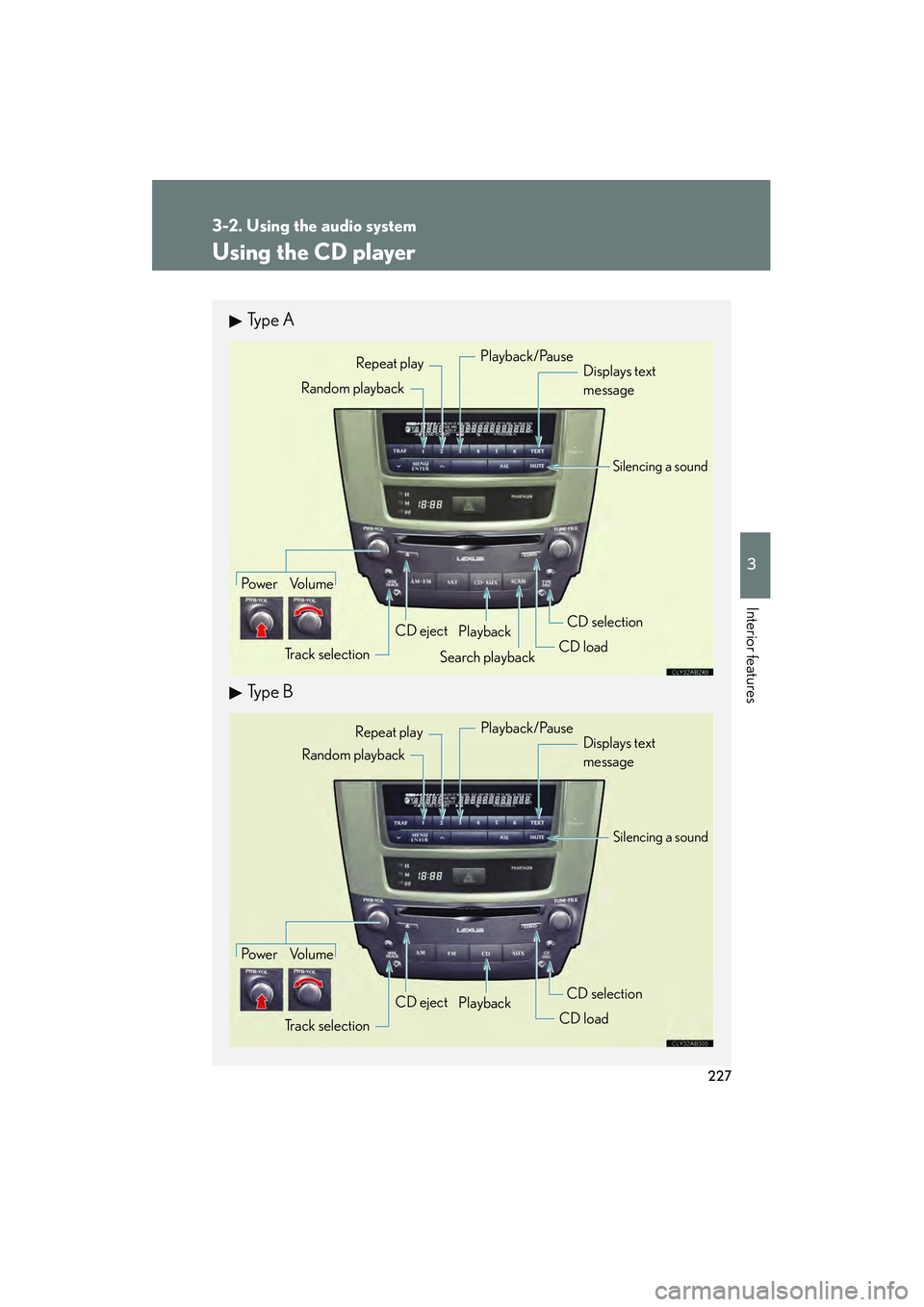
Using the CD player
Ty p e A
Ty p e B
Po w e r Vo l u m eTrack selection CD eject
Playback
Search playback CD loadCD selection
Random playback Repeat play
Displays text
message
Playback/Pause
Silencing a sound
Po w e r Vo l u m e
Track selection CD eject
Playback
CD loadCD selection
Random playback
Repeat play
Displays text
message
Silencing a sound
Playback/Pause
Page 229 of 578
228
3-2. Using the audio system
IS350/250_U
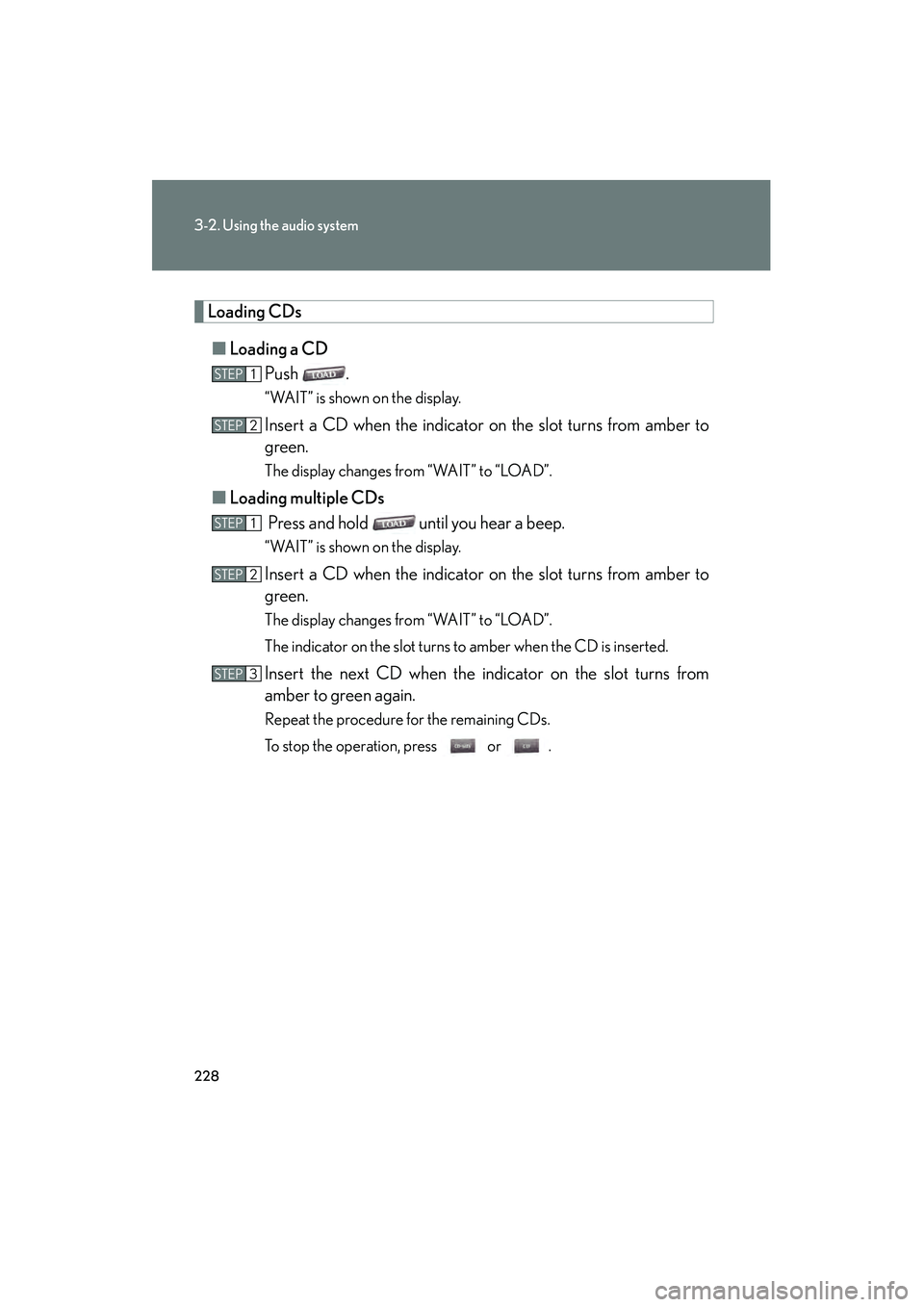
Loading CDs■ Loading a CD
Push .
“WAIT” is shown on the display.
Insert a CD when the indicator on the slot turns from amber to
green.
The display changes from “WAIT” to “LOAD”.
■Loading multiple CDs
Press and hold until you hear a beep.
“WAIT” is shown on the display.
Insert a CD when the indicator on the slot turns from amber to
green.
The display changes from “WAIT” to “LOAD”.
The indicator on the slot turns to amber when the CD is inserted.
Insert the next CD when the indicator on the slot turns from
amber to green again.
Repeat the procedure for the remaining CDs.
To stop the operation, press or .
STEP1
STEP2
STEP1
STEP2
STEP3
Page 230 of 578
229
3-2. Using the audio system
3
Interior features
IS350/250_U
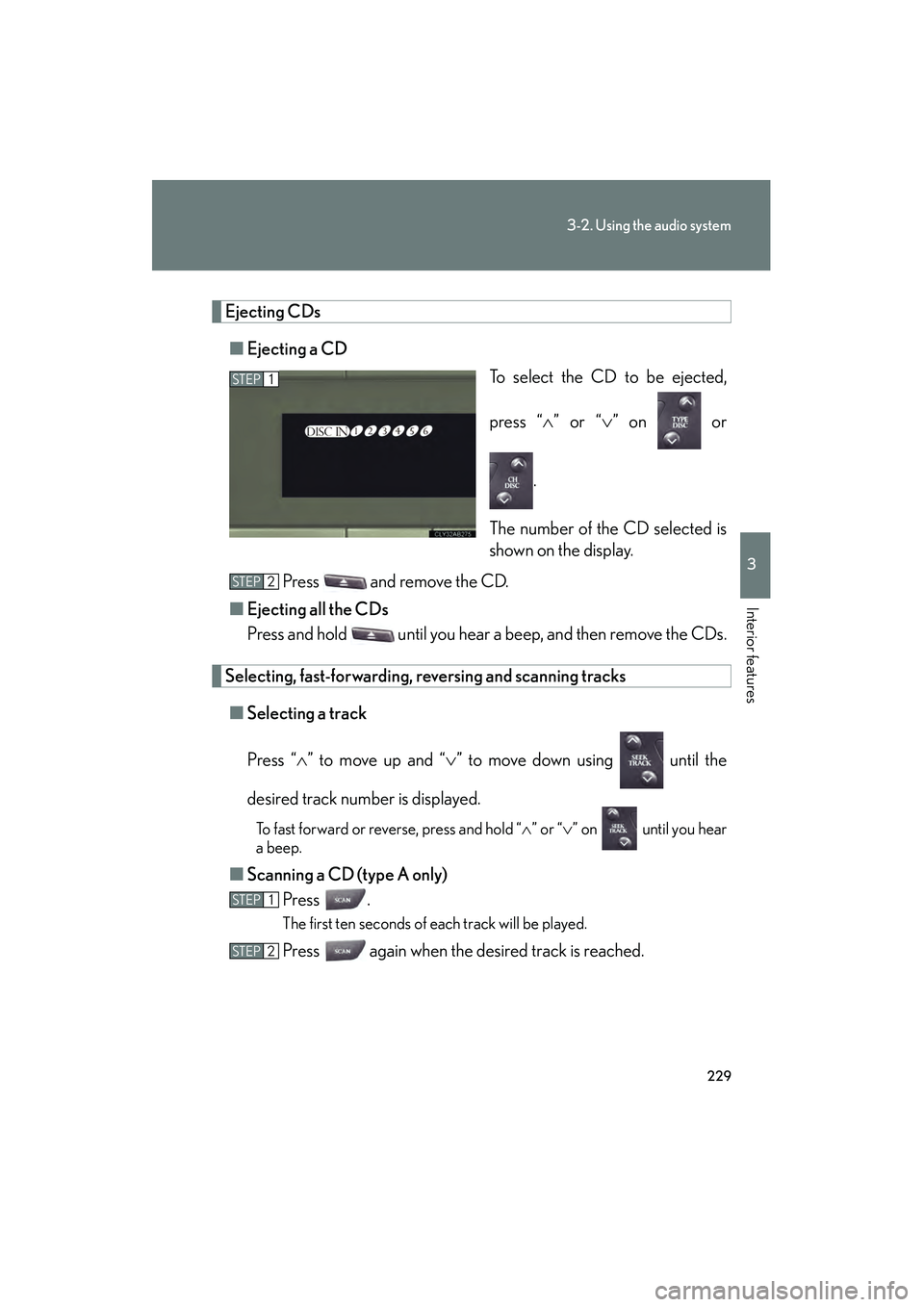
Ejecting CDs■ Ejecting a CD
To select the CD to be ejected,
press “∧” or “ ∨” on or
.
The number of the CD selected is
shown on the display.
Press and remove the CD.
■ Ejecting all the CDs
Press and hold until you hear a beep, and then remove the CDs.
Selecting, fast-forwarding, re versing and scanning tracks
■ Selecting a track
Press “ ∧” to move up and “ ∨” to move down using until the
desired track number is displayed.
To fast forward or reverse, press and hold “ ∧” or “ ∨” on until you hear
a beep.
■ Scanning a CD (type A only)
Press .
The first ten seconds of each track will be played.
Press again when the desired track is reached.
STEP1
STEP2
STEP1
STEP2
Page 231 of 578
230
3-2. Using the audio system
IS350/250_U
Selecting a CD■ To select a CD to play
To select the desired CD, press “ ∧” or “ ∨” on or .
■ To scan loaded CDs (type A only)
Press and hold
until you hear a beep.
The first ten seconds of the first track on each CD will be played.
Press again when the desired CD is reached.
Random playback
■ Current CD
Press (RAND).
■ All CDs
Press and hold (RAND) until you hear a beep.
Repeat play
■ To repeat a track
Press (RPT).
■ To repeat all of the tracks on a CD
Press and hold (RPT) until you hear a beep.
Playing and pausing tracks
To play or pause a track, press ( ).
Switching the displayPress .
Each time is pressed, the display changes in the order of Track no./
Elapsed time → CD title → Track title.
STEP1
STEP2
Page 232 of 578
231
3-2. Using the audio system
3
Interior features
IS350/250_U
■Display
Up to 12 characters can be displayed at a time.
If there are 13 characters or more, pressing and holding until you hear a
beep will display the remaining characters.
A maximum of 24 characters can be displayed.
If is pressed until you hear a beep again or has not been pressed for 6 sec-
onds or more, the display will return to the first 12 characters.
Depending on the contents recorded, the characters may not be displayed prop-
erly or may not be displayed at all.
■Canceling random, repeat and scan playback
Press (RAND), (RPT), again.
■When “LOAD”, “ERROR” or “WAIT” is shown on the display
“LOAD”: This indicates that the CD player has completed loading the CD.
“ERROR”: This indicates a trouble either in the CD or inside the player. The CDmay be dirty, damaged, or inserted up-side down.
“WAIT”: Operation is stopped due to a high temperature inside the player. Wait for a while and then press or . Contact your Lexus dealer if
the CD still cannot be played back.
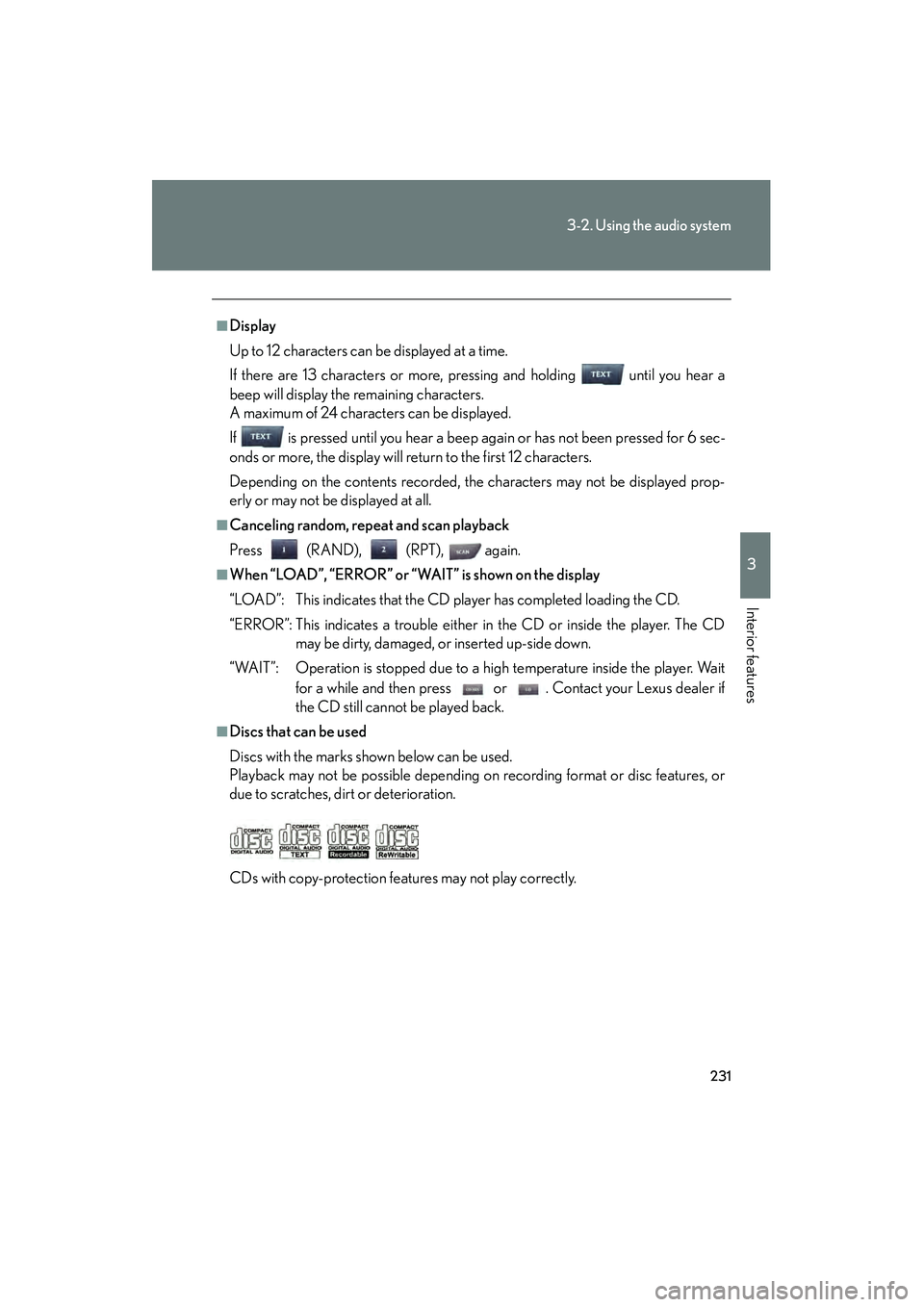
■Discs that can be used
Discs with the marks shown below can be used.
Playback may not be possible depending on recording format or disc features, or
due to scratches, dirt or deterioration.
CDs with copy-protection features may not play correctly.
Page 233 of 578
232
3-2. Using the audio system
IS350/250_U
■CD player protection feature
To protect the internal components, playback is automatically stopped when a
problem is detected.
■If CDs are left inside the CD player or in the ejected position for extended peri-
ods
CDs may be damaged and may not play properly.
■Lens cleaners
Do not use lens cleaners. Doing so may damage the CD player.
NOTICE
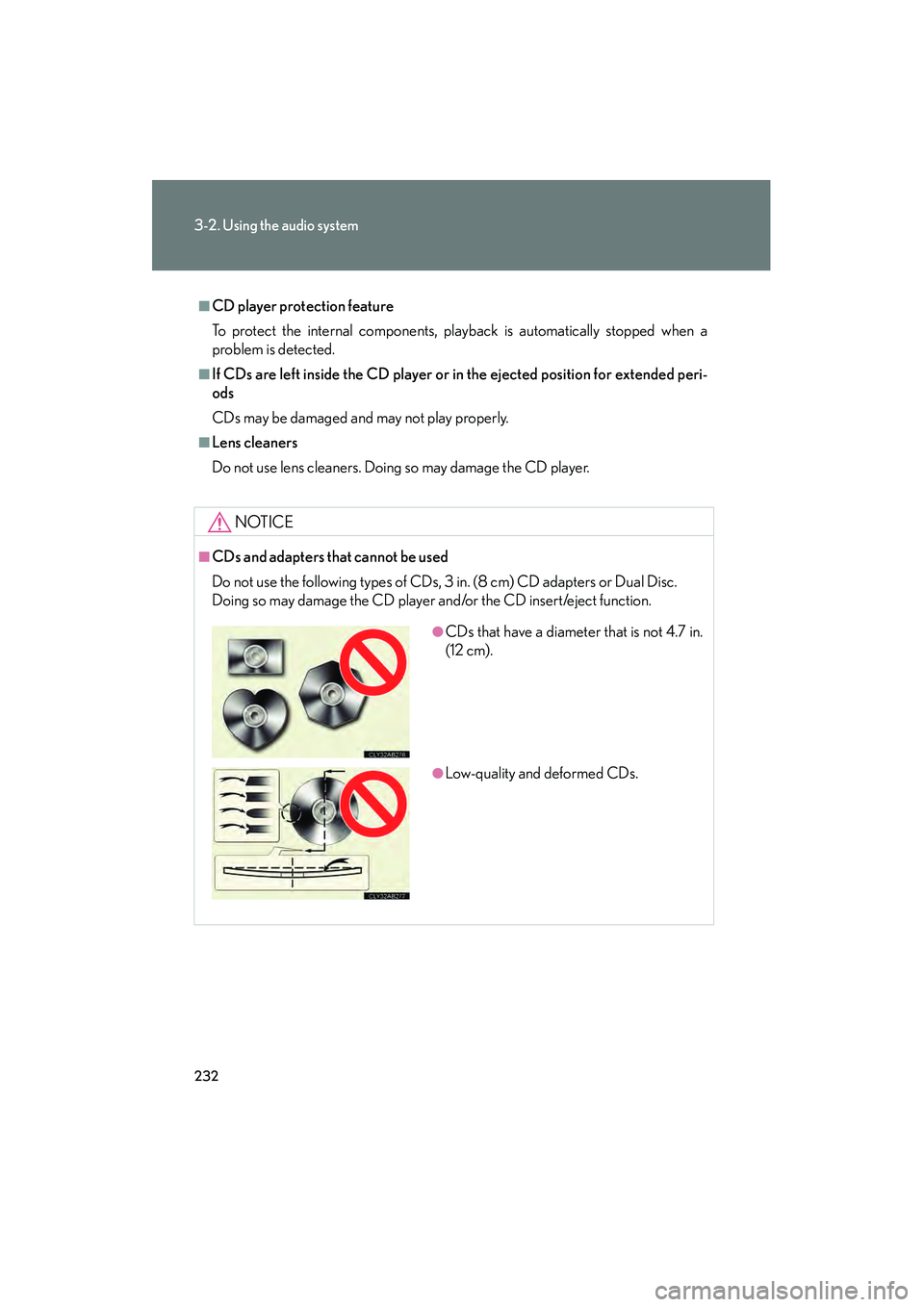
■CDs and adapters that cannot be used
Do not use the following types of CDs, 3 in. (8 cm) CD adapters or Dual Disc.
Doing so may damage the CD player and/or the CD insert/eject function.
●CDs that have a diameter that is not 4.7 in.
(12 cm).
●Low-quality and deformed CDs.
Page 234 of 578
233
3-2. Using the audio system
3
Interior features
IS350/250_U
NOTICE
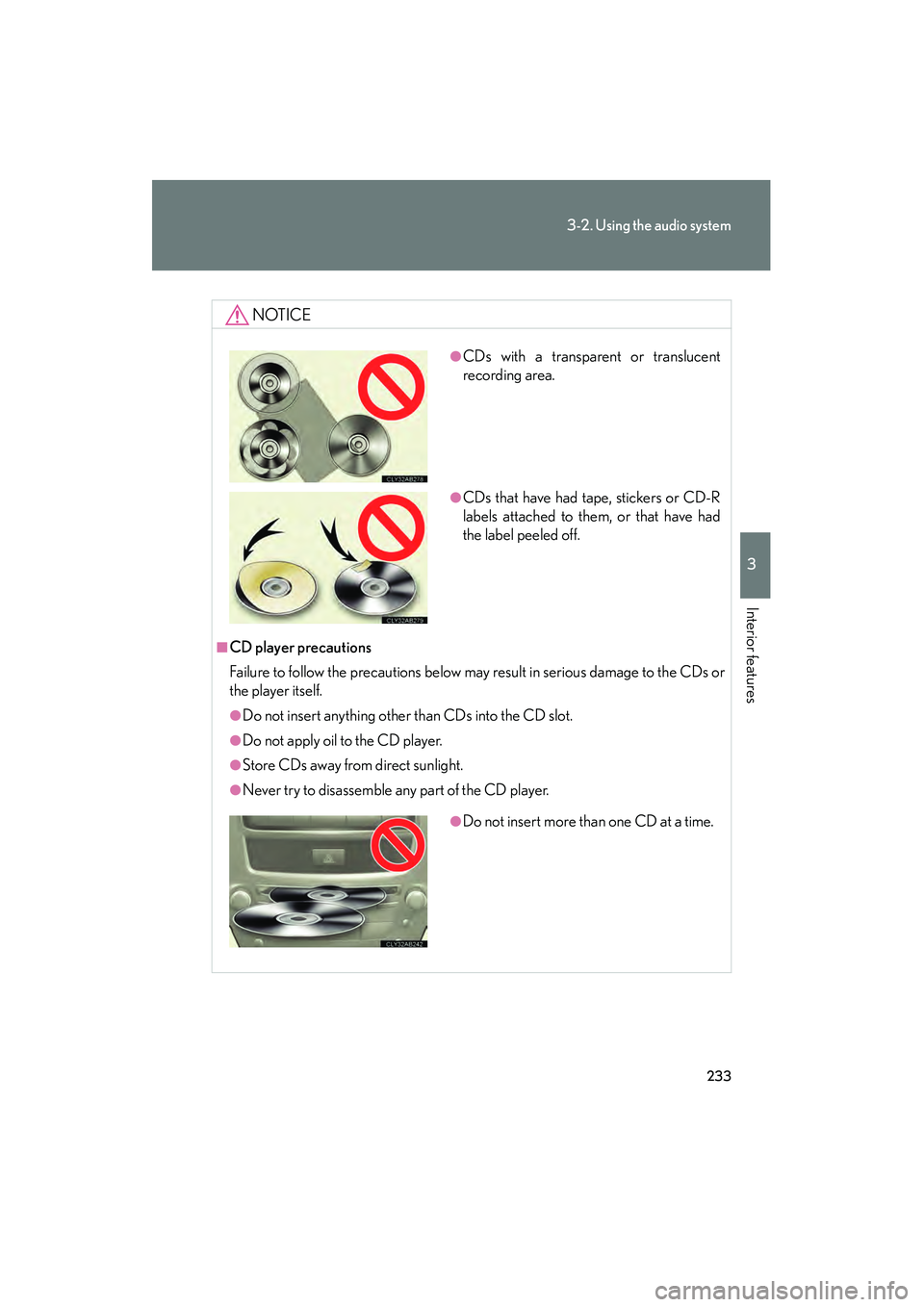
■CD player precautions
Failure to follow the precautions below may result in serious damage to the CDs or
the player itself.
●Do not insert anything other than CDs into the CD slot.
●Do not apply oil to the CD player.
●Store CDs away from direct sunlight.
●Never try to disassemble any part of the CD player.
●CDs with a transparent or translucent
recording area.
●CDs that have had tape, stickers or CD-R
labels attached to them, or that have had
the label peeled off.
●Do not insert more than one CD at a time.
Page 235 of 578
234
3-2. Using the audio system
IS350/250_U
Playing back MP3 and WMA discs
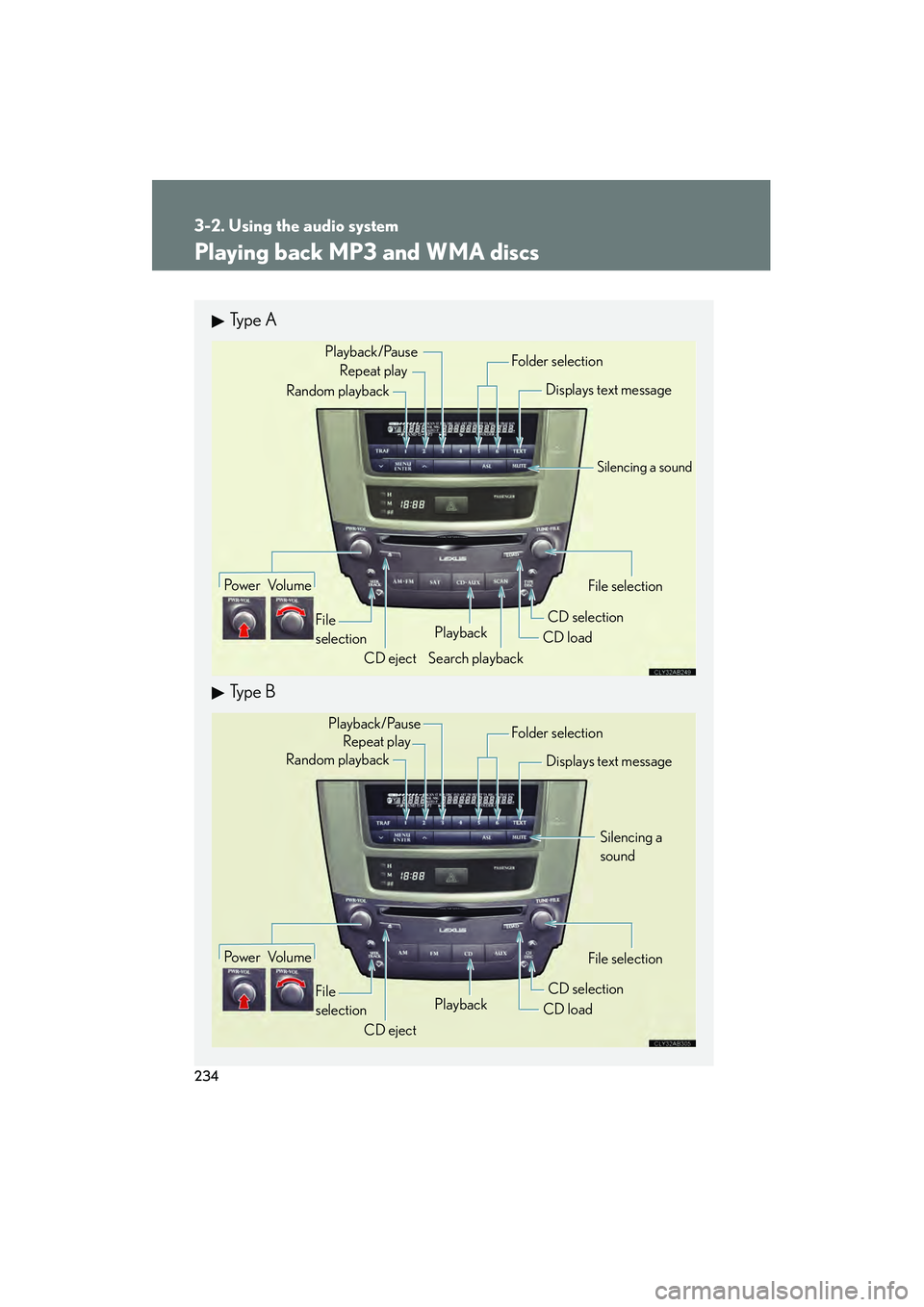
Ty p e A
Ty p e B
Po w e r Vo l u m eCD ejectPlayback
Search playback CD load
CD selection File selection
Random playback
Repeat play
Displays text message
Folder selection
File
selection
Playback/Pause
Silencing a sound
Po w e r Vo l u m e CD ejectPlayback
CD loadCD selection File selection
Random playback
Repeat play
Displays text message
Folder selection
File
selection
Silencing a
sound
Playback/Pause
Page 236 of 578
235
3-2. Using the audio system
3
Interior features
IS350/250_U
Loading and ejecting MP3 and WMA discs→ P. 228, 229
Selecting MP3 and WMA discs
→ P. 2 3 0
Selecting a folder
■ Selecting folders one at a time
Press ( ∧) or (∨ ) to select the desired folder.
■ Selecting the desired folder by cueing the first file of each folder
(type A only)
Press and hold until you hear a beep. When the desired folder is
reached, press once again.
■ Returning to the first folder
Press and hold ( ∨) until you hear a beep.
Fast-forwarding and reversing files
To fast-forward or reverse, press and hold “ ∧” or “∨ ” on until you
hear a beep.
Page 237 of 578
236
3-2. Using the audio system
IS350/250_U
Selecting and scanning files■ Selecting one fi le at a time
Turn or press “ ∧” or “ ∨” on to select the desired file.
■ Selecting the desired file by cueing the files in the folder (type A
only)
Press .
When the desired file is reached, press once again.
Repeat play
■ Repeating a file
Press (RPT).
■ Repeating all of the files in a folder
Press and hold (RPT) until you hear a beep.
Random playback
■ To play files from a particul ar folder in random order
Press (RAND).
■ To play all of the files on a disc in random order
Press and hold (RAND) until you hear a beep.
Playing and pausing files
To play or pause a file, press ( ).