alarm Lexus IS250 2014 User Guide
[x] Cancel search | Manufacturer: LEXUS, Model Year: 2014, Model line: IS250, Model: Lexus IS250 2014Pages: 588, PDF Size: 98.77 MB
Page 123 of 588
1233-2. Opening, closing and locking the doors and trunk
3
Operation of each component
IS250_EE(OM53C51E)
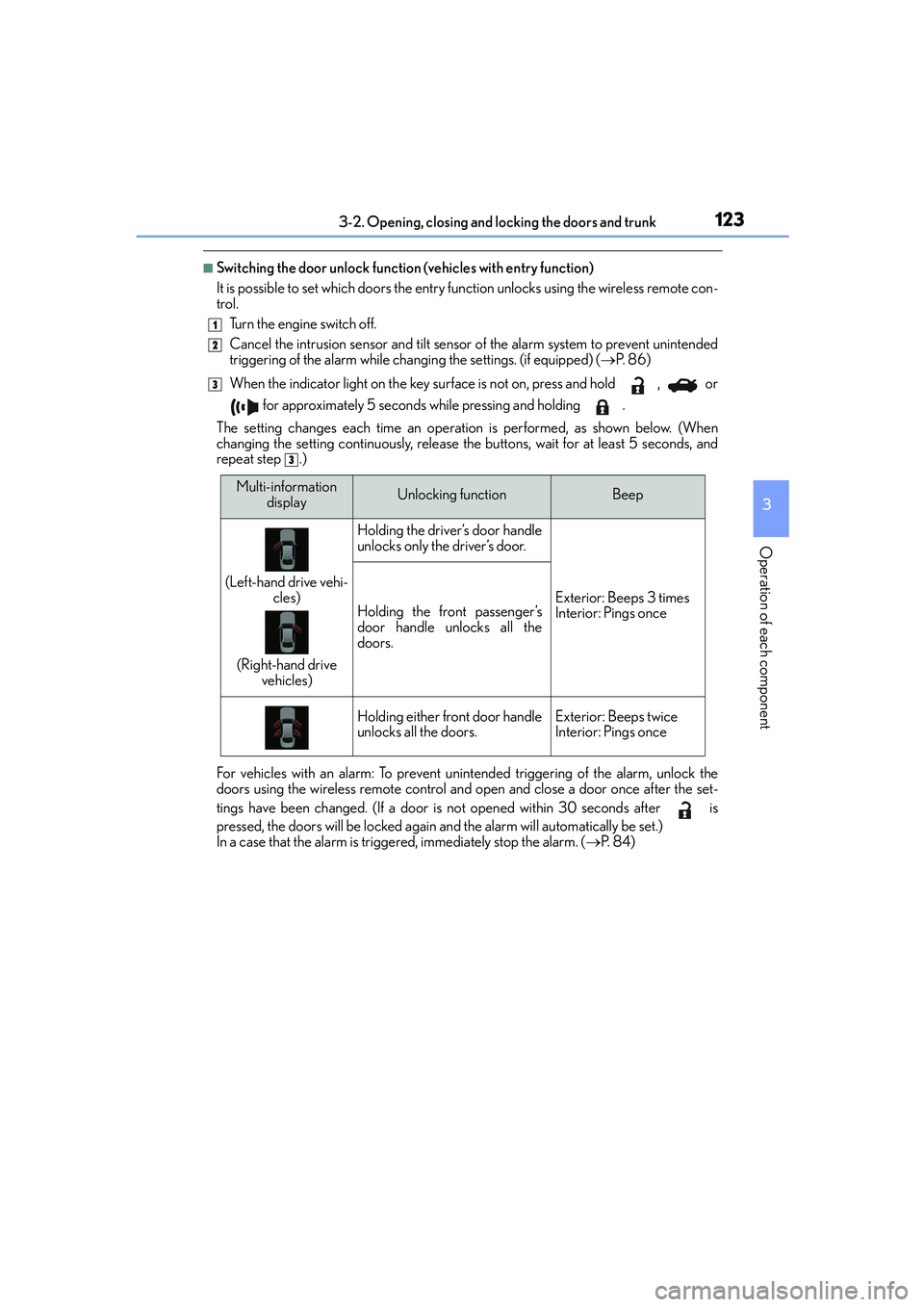
■Switching the door unlock function (vehicles with entry function)
It is possible to set which doors the entry function unlocks using the wireless remote con-
trol.
Turn the engine switch off.
Cancel the intrusion sensor and tilt sensor of the alarm system to prevent unintended
triggering of the alarm while changing the settings. (if equipped) (→P. 8 6 )
When the indicator light on the key surface is not on, press and hold , or
for approximately 5 seconds while pressing and holding .
The setting changes each time an operation is performed, as shown below. (When
changing the setting continuously, release the buttons, wait for at least 5 seconds, and
repeat step .)
For vehicles with an alarm: To prevent unintended triggering of the alarm, unlock the
doors using the wireless remote control and open and close a door once after the set-
tings have been changed. (If a door is not opened within 30 seconds after is
pressed, the doors will be locked again and the alarm will automatically be set.)
In a case that the alarm is triggered, immediately stop the alarm. (→P. 8 4 )
1
2
3
3
Multi-information
displayUnlocking functionBeep
(Left-hand drive vehi-
cles)
(Right-hand drive
vehicles)
Holding the driver’s door handle
unlocks only the driver’s door.
Exterior: Beeps 3 times
Interior: Pings onceHolding the front passenger’s
door handle unlocks all the
doors.
Holding either front door handle
unlocks all the doors.Exterior: Beeps twice
Interior: Pings once
Page 127 of 588

1273-2. Opening, closing and locking the doors and trunk
3
Operation of each component
IS250_EE(OM53C51E)
To disable the trunk opener, turn the
main switch in the glove box off
On
Off
When the main switch is off, the trunk
lid cannot be opened even with the
wireless remote control or entry
function.
■Trunk light
The trunk light turns on when the trunk is opened.
■Function to prevent the trunk being locked with the electronic key inside
●When all doors are locked, closing the trunk lid with the electronic key left inside the
trunk will sound an alarm.
In this case, the trunk lid can be opened pressing the trunk release button on the trunk
lid.
●If the spare electronic key is put in the trunk with all the doors locked, the key confine-
ment prevention function is activated so the trunk can be opened. In order to prevent
theft, take all electronic keys with you when leaving the vehicle.
●If the electronic key is put in the trunk with all the doors locked, the key may not be
detected depending on the location of the key and the surrounding radio wave condi-
tions. In this case, the key confinement prevention function cannot be activated, causing
the doors to lock when the trunk is closed. Make sure to check where the key is before
closing the trunk.
●The key confinement prevention function cannot be activated if any one of the doors is
unlocked. In this case, open the trunk using the trunk opener.
■Using the mechanical key
The trunk can be also opened using the mechanical key. (→P. 5 2 4 )
■If the smart entry & start system or the wireless remote control does not operate prop-
erly
Use the mechanical key to unlock the trunk. (→P. 5 2 4 )
Replace the key battery with a new one if it is depleted. (→P. 4 4 2 )
■When leaving a key to the vehicle with a parking attendant
→P. 1 1 4
■Customization
The trunk unlocking operation can be changed. (Customizable features: →P. 551)
2
1
2
Page 133 of 588
1333-2. Opening, closing and locking the doors and trunk
3
Operation of each component
IS250_EE(OM53C51E)
■Note for the entry function (if equipped)
●Even when the electronic key is within the effective range (detection areas), the system
may not operate properly in the following cases:
• The electronic key is too close to the window or outside door handle, near the
ground, or in a high place when the doors are locked or unlocked.
• The electronic key is near the ground or in a high place, or too close to the rear
bumper center when the trunk is opened.
●Do not leave the electronic key on top of the instrument panel or near the door pockets
when exiting the vehicle. Depending on the radio wave reception conditions, it may be
detected by the antenna outside the cabin and the doors will become lockable from the
outside, possibly trapping the electronic key inside the vehicle.
●As long as the electronic key is within the effective range, the doors may be locked or
unlocked by anyone. However, only the doors detecting the electronic key can be used
to unlock the vehicle.
●The doors may unlock or lock if a large amount of water splashes on the door handle,
such as in the rain or in a car wash, when the electronic key is within the effective range.
(The doors will automatically be locked after approximately 30 seconds if the doors
are not opened and closed.)
●If the wireless remote control is used to lock the doors when the electronic key is near
the vehicle, there is a possibility that the door may not be unlocked by the entry func-
tion. (Use the wireless remote control to unlock the doors.)
●Touching the door lock or unlock sensor while wearing gloves may prevent lock or
unlock operation.
●If the door handle becomes wet while the electronic key is within the effective range,
the door may lock and unlock repeatedly. In this case, follow the following correction
procedures to wash the vehicle:
• Place the electronic key in a location 2 m (6 ft.) or more away from the vehicle. (Take
care to ensure that the key is not stolen.)
• Set the electronic key to battery-saving mode to disable the smart entry & start sys-
tem. (→P. 131)
●If the electronic key is inside the vehicle and a door handle becomes wet during a car
wash, a message may be shown on the multi-information display and a buzzer will
sound outside the vehicle. To turn off the alarm, lock all the doors.
●The lock sensor may not work properly if it comes into contact with ice, snow, mud, etc.
Clean the lock sensor and attempt to operate it again, or use the lock sensor on the
lower part of the door handle.
●A sudden handle operation or a handle operation immediately after entering the effec-
tive range may prevent the doors from being unlocked. Touch the door unlock sensor
and check that the doors are unlocked before pulling the door handle again.
●Unlocking the vehicle may take more time if another electronic key is within the effec-
tive range.
Page 134 of 588

1343-2. Opening, closing and locking the doors and trunk
IS250_EE(OM53C51E)
■Note for the push-start function
●Even when the electronic key is within the effective range (detection areas), the system
may not operate properly when the electronic key is on the instrument panel, rear
package tray or floor, or in the door pockets or glove box when the engine is started or
engine switch modes are changed.
●Even if the electronic key is not inside the vehicle, it may be possible to start the engine
if the electronic key is near the window.
■When the vehicle is not driven for extended periods
●Vehicles with entry function: To prevent theft of the vehicle, do not leave the electronic
key within 2 m (6 ft.) of the vehicle.
●The smart entry & start system can be deactivated in advance. (→P. 551)
■To operate the system properly
●Make sure to carry the electronic key when operating the system. Do not get the elec-
tronic key too close to the vehicle when operating the system from the outside of the
vehicle.
Depending on the position and holding condition of the electronic key, the key may not
be detected correctly and the system may not operate properly. (The alarm may go off
accidentally, or the door lock prevention function may not operate.)
●Do not leave the electronic key inside the luggage compartment.
The key confinement prevention function may not operate, depending on the location
of the key (close to a spare tire [if equipped], the inside edge of the luggage compart-
ment), conditions (inside a metal bag, close to metallic objects) and the radio waves in
the surrounding area. (→P. 1 2 7 )
■If the smart entry & start system does not operate properly
●Locking and unlocking the doors and opening the trunk: Use the mechanical key.
(→P. 5 2 4 )
●Starting the engine: →P. 5 2 5
■Customization
Settings (e. g. smart entry & start system) can be changed.
(Customizable features: →P. 551)
■If the smart entry & start system has been deactivated in a customized setting
●Locking and unlocking the doors and opening the trunk:
Use the wireless remote control or mechanical key. (→P. 118, 126, 524)
●Starting the engine and changing engine switch modes: →P. 5 2 5
●Stopping the engine: →P. 1 9 2
Page 277 of 588
2774-5. Using the driving support systems
4
Driving
IS250_EE(OM53C51E)
CAUTION
■Limitations of the pre-crash safety system
Do not overly rely on the pre-crash safety system. Always drive safely, taking care to
observe your surroundings and checking for any obstacles or other road hazards.
Failure to do so may cause an accident resulting in death or serious injury.
■Handling the radar sensor
Observe the following to ensure the pre-crash safety system can function effectively.
Otherwise, the system may not function correctly and could result in an accident.
●Keep the sensor and grille cover clean at all times.
Clean the sensor and grille cover with a soft cloth so you do not mark or damage
them.
●Do not subject the sensor or surrounding area to a strong impact.
If the sensor moves even slightly off position, the system may malfunction. If the sen-
sor or surrounding area is subject to a strong impact, always have the area inspected
and adjusted by any authorized Lexus dealer or repairer, or another duly qualified
and equipped professional.
●Do not disassemble the sensor.
●Do not attach accessories or stickers to the sensor, grille cover or surrounding area.
●Do not modify or paint the sensor and grille cover.
●Do not replace them with non-genuine parts.
■Cautions regarding the assist contents of the system
By means of alarms and brake control, the pre-crash safety system is intended to assist
the driver in avoiding collisions through the process of LOOK-JUDGE-ACT. There are
limits to the degree of assistance the system can provide, so please keep in mind the
following important points.
●Assisting the driver in watching the road
The pre-crash safety system is only able to detect obstacles directly in front of the
vehicle, and only within a limited range. It is not a mechanism that allows careless or
inattentive driving, and it is not a system that can assist the driver in low-visibility con-
ditions. It is still necessary for the driver to pay close attention to the vehicle’s sur-
roundings.
●Assisting the driver in making correct judgment
When attempting to estimate the possibility of a collision, the only data available to
the pre-crash safety system is that from obstacles it has detected directly in front of
the vehicle. Therefore, it is absolutely necessary for the driver to remain vigilant and
to determine whether or not there is a possibility of collision in any given situation.
●Assisting the driver in taking action
The pre-crash safety system’s braking assist feature is designed to help reduce the
severity of a collision, and so only acts when the system has judged that a collision is
unavoidable. This system by itself is not capable of automatically avoiding a collision
or bringing the vehicle to a stop safely. For this reason, when encountering a danger-
ous situation the driver must take direct and immediate action in order to ensure the
safety of all involved.
Page 526 of 588

5268-2. Steps to take in an emergency
IS250_EE(OM53C51E)
■Stopping the engine
Shift the shift lever to P and press the engine switch as you normally do when stopping
the engine.
■Replacing the key battery
As the above procedure is a temporary measure, it is recommended that the electronic
key battery be replaced immediately when the battery is depleted. (→P. 4 4 2 )
■Alarm (if equipped)
Using the mechanical key to lock the doors will not set the alarm system.
If a door is unlocked using the mechanical key when the alarm system is set, the alarm
may be triggered.
■Changing engine switch modes
Release the brake pedal and press the engine switch in step above.
The engine does not start and modes will be changed each time the switch is pressed.
(→P. 1 9 3 )
■When the electronic key does not work properly
●Make sure that the smart entry & start system has not been deactivated in the customi-
zation setting. If it is off, turn the function on.
(Customizable features →P. 551)
●Check if battery-saving mode is set. If it is set, cancel the function. (→P. 131)
CAUTION
■When using the mechanical key and operating the power windows and moon roof
Operate the power window or moon roof after checking to make sure that there is no
possibility of any passenger having any of their body parts caught in the window or
moon roof.
Also, do not allow children to operate the mechanical key. It is possible for children and
other passengers to get caught in power window and moon roof.
3
Page 529 of 588

5298-2. Steps to take in an emergency
8
When trouble arises
IS250_EE(OM53C51E)
Start the engine of the second vehicle. Increase the engine speed slightly and
maintain at that level for approximately 5 minutes to recharge the battery of
your vehicle.
Open and close any of the doors of your vehicle with the engine switch off.
Maintain the engine speed of the second vehicle and start the engine of your
vehicle by turning the engine switch to IGNITION ON mode.
Once the vehicle’s engine has started, remove the jumper cables in the exact
reverse order from which they were connected.
Once the engine starts, have the vehicle inspected at any authorized Lexus
dealer or repairer, or another duly qualified and equipped professional as soon
as possible.
■Starting the engine when the battery is discharged
The engine cannot be started by push-starting.
■To prevent battery discharge
●Turn off the headlights and the audio system while the engine is off.
●Turn off any unnecessary electrical components when the vehicle is running at a low
speed for an extended period, such as in heavy traffic.
■Charging the battery
The electricity stored in the battery will discharge gradually even when the vehicle is not
in use, due to natural discharge and the draining effects of certain electrical appliances. If
the vehicle is left for a long time, the battery may discharge, and the engine may be
unable to start. (The battery recharges automatically during driving.)
■When recharging or replacing the battery
●For vehicles with an alarm: Make sure that the key is not inside the vehicle when
recharging or replacing the battery. The key may be locked in the vehicle if the alarm is
activated. (→P. 8 5 )
●In some cases, it may not be possible to unlock the doors using the smart entry & start
system when the battery is discharged. Use the wireless remote control or the mechan-
ical key to lock or unlock the doors.
●The engine may not start on the first attempt after the battery has recharged but will
start normally after the second attempt. This is not a malfunction.
●The engine switch mode is memorized by the vehicle. When the battery is recon-
nected, the system will return to the mode it was in before the battery was discharged.
Before disconnecting the battery, turn the engine switch off.
If you are unsure what mode the engine switch was in before the battery discharged, be
especially careful when reconnecting the battery.
4
5
6
7
Page 566 of 588
566What to do if... (Troubleshooting)
IS250_EE(OM53C51E)
●Is the window lock switch pressed?
The power window except for the one at the driver’s seat cannot be operated
if the window lock switch is pressed. (→P. 1 6 7 )
●The auto power off function will be operated if the vehicle is left in ACCES-
SORY or IGNITION ON mode (the engine is not running) for a period of
time. (→P. 1 9 4 )
●The seat belt reminder light is flashing
Are the driver and the front passenger wearing the seat belts? (→P. 4 7 8 )
●The parking brake indicator is on
Is the parking brake released? (→P. 2 0 5 )
Depending on the situation, other types of warning buzzer may also sound.
(→P. 4 76 , 4 8 2 )
●Did anyone inside the vehicle open a door or anything move inside the vehicle
during setting the alarm?
The sensor detects them and the alarm sounds. (→P. 8 3 )
To stop the alarm, turn the engine switch to IGNITION ON mode or start the
engine.The windows do not open or close by operating the power window
switches
The engine switch is turned off automatically
A warning buzzer sounds during driving
An alarm is activated and the horn sounds (if equipped)
Page 568 of 588
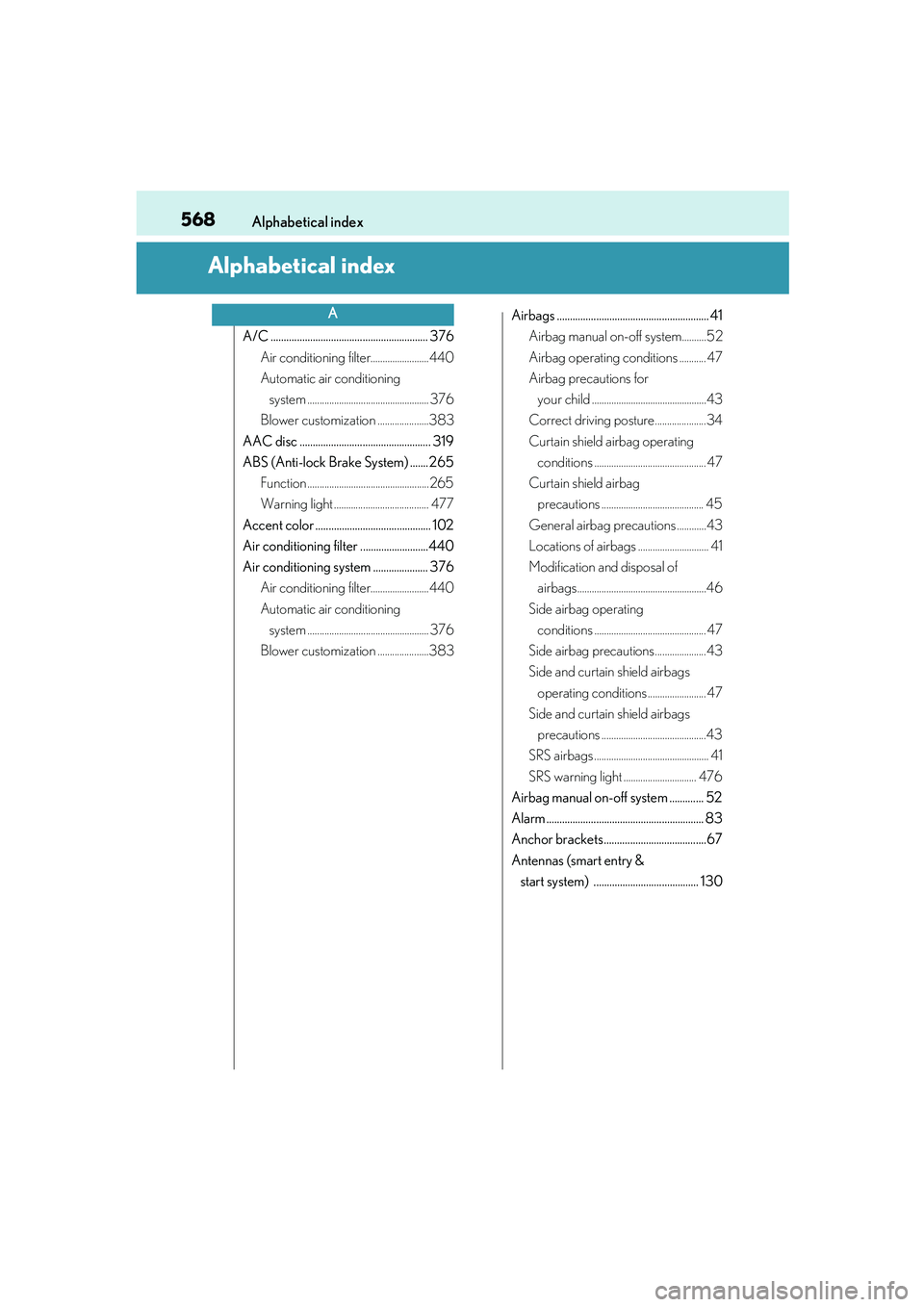
568
IS250_EE(OM53C51E)Alphabetical index
Alphabetical index
A/C ............................................................ 376
Air conditioning filter........................440
Automatic air conditioning
system .................................................. 376
Blower customization .....................383
AAC disc .................................................. 319
ABS (Anti-lock Brake System) ....... 265
Function ..................................................265
Warning light ....................................... 477
Accent color ............................................ 102
Air conditioning filter ..........................440
Air conditioning system ..................... 376
Air conditioning filter........................440
Automatic air conditioning
system .................................................. 376
Blower customization .....................383Airbags .......................................................... 41
Airbag manual on-off system..........52
Airbag operating conditions ........... 47
Airbag precautions for
your child ...............................................43
Correct driving posture.....................34
Curtain shield airbag operating
conditions .............................................. 47
Curtain shield airbag
precautions .......................................... 45
General airbag precautions ............43
Locations of airbags ............................. 41
Modification and disposal of
airbags.....................................................46
Side airbag operating
conditions .............................................. 47
Side airbag precautions.....................43
Side and curtain shield airbags
operating conditions ........................ 47
Side and curtain shield airbags
precautions ...........................................43
SRS airbags ............................................... 41
SRS warning light .............................. 476
Airbag manual on-off system ............. 52
Alarm ............................................................ 83
Anchor brackets .......................................67
Antennas (smart entry &
start system) ........................................ 130
A
Page 583 of 588
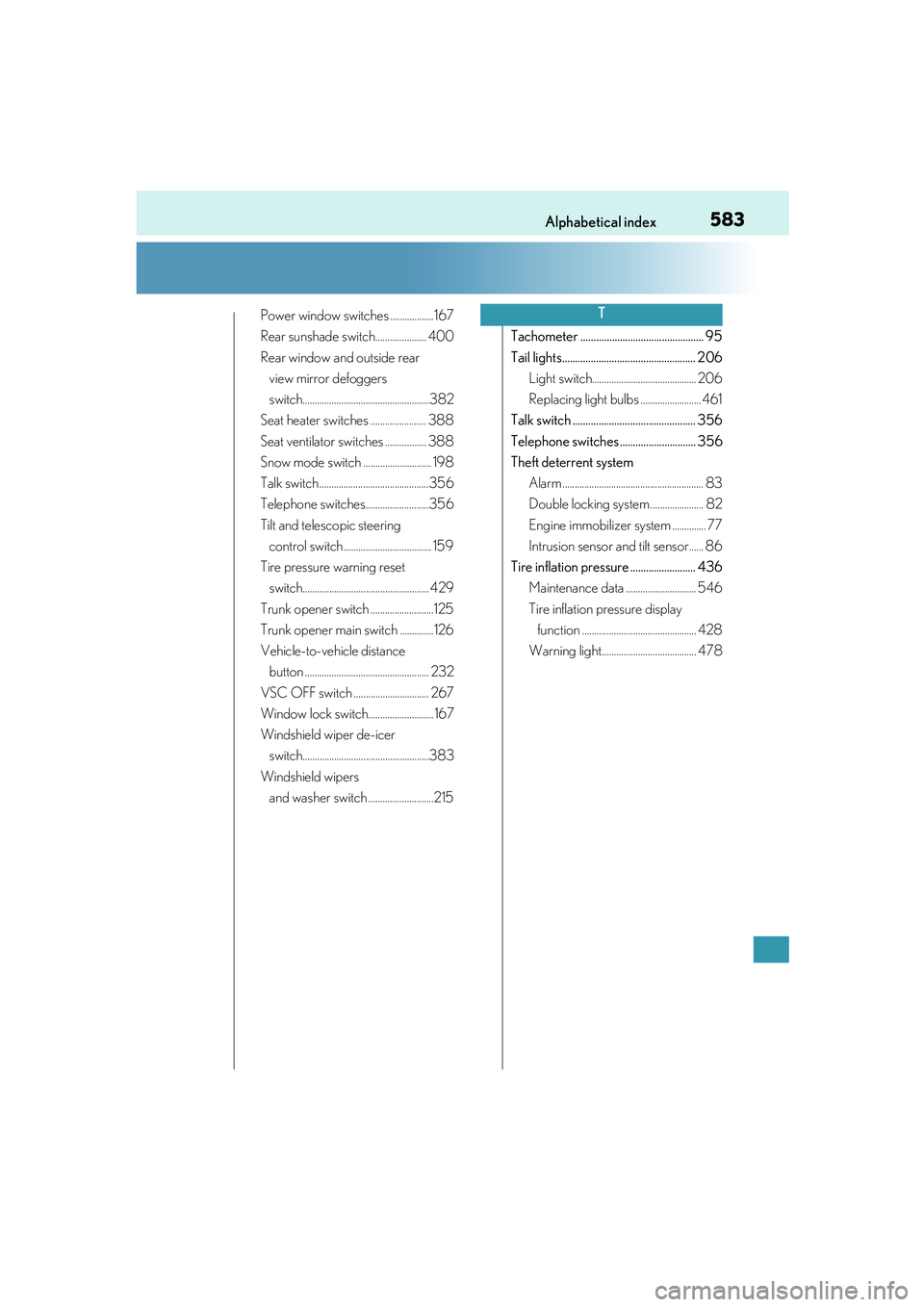
583Alphabetical index
IS250_EE(OM53C51E)
Power window switches ..................167
Rear sunshade switch..................... 400
Rear window and outside rear
view mirror defoggers
switch....................................................382
Seat heater switches ....................... 388
Seat ventilator switches ................. 388
Snow mode switch ............................ 198
Talk switch .............................................356
Telephone switches..........................356
Tilt and telescopic steering
control switch .................................... 159
Tire pressure warning reset
switch.................................................... 429
Trunk opener switch ..........................125
Trunk opener main switch ..............126
Vehicle-to-vehicle distance
button ................................................... 232
VSC OFF switch ............................... 267
Window lock switch........................... 167
Windshield wiper de-icer
switch....................................................383
Windshield wipers
and washer switch ...........................215Tachometer ............................................... 95
Tail lights................................................... 206
Light switch........................................... 206
Replacing light bulbs ......................... 461
Talk switch ............................................... 356
Telephone switches ............................. 356
Theft deterrent system
Alarm .......................................................... 83
Double locking system...................... 82
Engine immobilizer system .............. 77
Intrusion sensor and tilt sensor...... 86
Tire inflation pressure ......................... 436
Maintenance data ............................. 546
Tire inflation pressure display
function ............................................... 428
Warning light....................................... 478T