steering wheel Lexus IS250 2014 Owner's Guide
[x] Cancel search | Manufacturer: LEXUS, Model Year: 2014, Model line: IS250, Model: Lexus IS250 2014Pages: 588, PDF Size: 98.77 MB
Page 240 of 588

2404-5. Using the driving support systems
IS250_EE(OM53C51E)
CAUTION
■When the sensor may not be correctly detecting the vehicle ahead
Apply the brakes as necessary when any of the following types of vehicles are in front of
you.
As the sensor may not be able to correctly detect these types of vehicles, the approach
warning (→P. 234) will not be activated, and a fatal or serious accident may result.
●Vehicles that cut in suddenly
●Vehicles traveling at low speeds
●Vehicles that are not moving
●Vehicles with small rear ends (trailers with no load on board etc.)
●Motorcycles traveling in the same lane
■Conditions under which the vehicle-to-vehicle distance control may not function cor-
rectly
Apply the brakes as necessary in the following conditions as the radar sensor may not
be able to correctly detect vehicles ahead, and a fatal or serious accident may result:
●When water or snow thrown up by a the surrounding vehicles hinders the functioning
of the sensor
●When your vehicle is pointing upwards (caused by a heavy load in the trunk etc.)
●When the road curves or when the lanes are narrow
●When steering wheel operation or your position in the lane is unstable
●When the vehicle ahead of you decelerates suddenly
■Handling the radar sensor
Observe the following to ensure the cruise control system can function effectively.
Otherwise, the system may not function correctly and could result in an accident.
●Keep the sensor and grille cover clean at all times.
Clean the sensor and grille cover with a soft cloth so you do not mark or damage
them.
●Do not subject the sensor or surrounding area to a strong impact.
If the sensor moves even slightly off position, the system may malfunction. If the sen-
sor or surrounding area is subject to a strong impact, always have the area inspected
and adjusted by any authorized Lexus dealer or repairer, or another duly qualified
and equipped professional.
●Do not disassemble the sensor.
●Do not attach accessories or stickers to the sensor, grille cover or surrounding area.
●Do not modify or paint the sensor and grille cover.
●Do not replace them with non-genuine parts.
Page 245 of 588
2454-5. Using the driving support systems
4
Driving
IS250_EE(OM53C51E)
●When sunlight or the headlights of oncoming vehicles are shining directly into the cam-
era lens
●When driving on roads that are branching or merging
●When driving on a road surface that is wet due to rain, previous rainfall, standing water,
etc.
●When the vehicle experiences strong up-and-down motion such as when driving on an
extremely rough road or on a seam in the pavement
●When headlight brightness at nighttime is reduced due to dirt on the lenses, or when
the headlights are misaligned
●When driving on winding roads or roads that are uneven
●When driving on rough or unpaved roads
■When changing the tires
Depending on the tires used, sufficient performance may not be maintainable.
■Warning messages for the LDA system
Warning messages are used to indicate a system malfunction or to inform the driver of
the need for caution while driving. (→P. 4 8 6 )
CAUTION
■Before using the LDA system
Do not rely solely on the LDA system. The LDA system does not drive the vehicle auto-
matically, nor does it reduce the amount of care you need to take. As such, the driver
must always assume full responsibility for understanding his/her surroundings, for
operating the steering wheel to correct the driving line, and for driving safely.
Inappropriate or negligent driving could lead to an accident.
■To avoid operating the LDA by mistake
Switch the LDA system off using the LDA switch when not in use.
■Situations unsuitable for LDA system
Do not use the LDA system in any of the following situations.
Otherwise, the system may not function correctly and could result in an accident.
●When driving with tire chains, a spare tire, or similar equipment
●When there are objects or structures along the roadside that might be misinterpreted
as lane markers (such as guardrails, a curb, reflector posts, etc.)
●When driving on snowy roads
●When pavement lane markers are difficult to see due to rain, snow, fog, sand dust etc.
●When there are visible lines on the pavement from road repairs, or if the remains of
old lane markers are still visible on the road
●When driving on a road with lane closures due to maintenance, or when driving in a
temporary lane
Page 261 of 588
2614-5. Using the driving support systems
4
Driving
IS250_EE(OM53C51E)
CAUTION
■When using the rear view monitor system
The rear view monitor system is a supplemental device intended to assist the driver
when backing up. When backing up, be sure to check visually behind and all around
the vehicle before proceeding.
Observe the following precautions to avoid an accident that could result in death or
serious injuries.
●Never depend on the rear view monitor system entirely when backing up. The image
and the position of the guide lines displayed on the screen may differ from the actual
state.
Use caution, just as you would when backing up any vehicle.
●Be sure to back up slowly, depressing the brake pedal to control vehicle speed.
●The instructions given are only guidelines.
When and how much to turn the steering wheel will vary according to traffic condi-
tions, road surface conditions, vehicle condition, etc. when parking. It is necessary to
be fully aware of this before using the rear view monitor system.
●When parking, be sure to check that the parking space will accommodate your vehi-
cle before maneuvering into it.
●Do not use the rear view monitor system in the following cases:
• On icy or slick road surfaces, or in snow
• When using tire chains or the compact spare tire
• When the trunk lid is not closed completely
• On roads that are not flat or straight, such as curves or slopes.
●In low temperatures, the screen may darken or the image may become faint. The
image could distort when the vehicle is moving, or you may become unable to see the
image on the screen. Be sure to check direct visually and with the mirrors all around
the vehicle before proceeding.
●If the tire sizes are changed, the position of the fixed guide lines displayed on the
screen may change.
●The camera uses a special lens. The distances between objects and pedestrians that
appear in the image displayed on the screen will differ from the actual distances.
(→P. 2 5 6 )
Page 265 of 588

2654-5. Using the driving support systems
4
Driving
IS250_EE(OM53C51E)
◆ABS (Anti-lock Brake System)
Helps to prevent wheel lock when the brakes are applied suddenly, or if the
brakes are applied while driving on a slippery road surface
◆Brake assist
Generates an increased level of braking force after the brake pedal is
depressed when the system detects a panic stop situation
◆VSC (Vehicle Stability Control)
Helps the driver to control skidding when swerving suddenly or turning on
slippery road surfaces
◆VSC+ (Vehicle Stability Control+)
Provides cooperative control of the ABS, TRC, VSC and EPS.
Helps to maintain directional stability when swerving on slippery road sur-
faces by controlling steering performance.
◆TRC (Traction Control)
Helps to maintain drive power and prevent the drive wheels from spinning
when starting the vehicle or accelerating on slippery roads
◆Hill-start assist control
Prevents the vehicle from rolling backward when starting on an incline or slip-
pery slope
◆EPS (Electric Power Steering)
Employs an electric motor to reduce the amount of effort needed to turn the
steering wheel
Driving assist systems
To help enhance driving safety and performance, the following systems oper-
ate automatically in response to various driving situations. Be aware, however,
that these systems are supplementary and should not be relied upon too
heavily when operating the vehicle.
Page 268 of 588

2684-5. Using the driving support systems
IS250_EE(OM53C51E)
■When the battery is disconnected
The steering wheel may move from its straight forward position, but this will be corrected
automatically when driving.
■Sounds and vibrations caused by the ABS, brake assist, TRC, VSC and hill-start assist
control systems
●A sound may be heard from the engine compartment when the brake pedal is
depressed repeatedly, when the engine is started or just after the vehicle begins to
move. This sound does not indicate that a malfunction has occurred in any of these sys-
tems.
●Any of the following conditions may occur when the above systems are operating.
None of these indicates that a malfunction has occurred.
• Vibrations may be felt through the vehicle body and steering.
• A motor sound may be heard after the vehicle comes to a stop.
• The brake pedal may pulsate slightly after the ABS is activated.
• The brake pedal may move down slightly after the ABS is activated.
■EPS operation sound
When the steering wheel is operated, a motor sound may be heard. This does not indi-
cate a malfunction.
■Reactivation of the TRC/VSC systems
Even after the TRC/VSC systems have been turned off, turning the engine off and then
on again will automatically reactivate the TRC/VSC systems.
■Reactivation of the TRC system linked to vehicle speed
When only the TRC system is turned off, the TRC system will turn on when vehicle speed
increases. However, when both TRC and VSC systems are turned off, the systems will
not turn on even when vehicle speed increases.
■Reduced effectiveness of the EPS system
The effectiveness of the EPS system is reduced to prevent the system from overheating
when there is frequent steering input over an extended period of time. The steering
wheel may feel heavy as a result. Should this occur, refrain from excessive steering input
or stop the vehicle and turn the engine off. The EPS system should return to normal
within 10 minutes.
Page 290 of 588
2904-6. Driving tips
IS250_EE(OM53C51E)
CAUTION
■Driving with snow tires
Observe the following precautions to reduce the risk of accidents.
Failure to do so may result in a loss of vehicle control and cause death or serious injury.
●Use tires of the specified size.
●Maintain the recommended level of air pressure.
●Do not drive at speeds in excess of the speed limit or the speed limit specified for the
snow tires being used.
●Use snow tires on all, not just some wheels.
■Driving with tire chains (except vehicles with 18-inch tires)
Observe the following precautions to reduce the risk of accidents.
Failure to do so may result in the vehicle being unable to be driven safely, and may
cause death or serious injury.
●Do not drive in excess of the speed limit specified for the tire chains being used, or 50
km/h (30 mph), whichever is lower.
●Avoid driving on bumpy road surfaces or over potholes.
●Avoid sudden acceleration, abrupt steering, sudden braking and shifting operations
that cause sudden engine braking.
●Slow down sufficiently before entering a curve to ensure that vehicle control is main-
tained.
●Do not use LDA (Lane Departure Alert) system.
NOTICE
■Repairing or replacing snow tires
Request repairs or replacement of snow tires from Lexus dealers or legitimate tire
retailers.
This is because the removal and attachment of snow tires affects the operation of the
tire pressure warning valves and transmitters.
■Fitting tire chains (except vehicles with 18-inch tires)
The tire pressure warning valves and transmitters may not function correctly when tire
chains are fitted.
Page 292 of 588
292
IS250_EE(OM53C51E)
5-1. Basic Operations
Lexus Display Audio
System ......................................... 294
Steering wheel audio
switches...................................... 300
USB/AUX ports .......................... 301
5-2. Setup
Setup menu ..................................302
General settings.........................303
Voice settings ..............................306
Display settings ........................... 307
5-3. Using the audio system
Selecting the audio
source ......................................... 308
Optimal use of the audio
system ..........................................309
Audio settings .............................. 310
Audio menu screen
operation ..................................... 314
5-4. Using the radio
Radio operation ............................317
5-5. Playing an audio CD and
MP3/WMA/AAC discs
CD player operation ................. 319
Page 293 of 588
293
5
Lexus Display
Audio system
IS250_EE(OM53C51E)
5-6. Using an external device
Listening to an iPod ................... 326
Using USB memory
device ...........................................329
Using the AUX port..................334
5-7. Connecting Bluetooth
®
Steps for using Bluetooth®
devices.........................................335
Registering a Bluetooth
®
device ........................................... 337
Selecting a Bluetooth
®
device .......................................... 338
Connecting a Bluetooth
®
audio player ...............................339
Connecting a Bluetooth
®
phone .......................................... 340
Displaying a Bluetooth
®
device details ............................. 341
Detailed Bluetooth
®
settings......................................... 342
5-8. Bluetooth
® Audio
Listening to Bluetooth
®
Audio............................................3435-9. Bluetooth
® Phone
Using a Bluetooth
®
Phone........................................... 345
Making a call................................ 347
Receiving a call ...........................350
Speaking on the phone .............351
Using a Bluetooth
® phone
messages.................................... 353
Using the steering wheel
switches....................................... 356
Bluetooth
® phone
settings ........................................ 357
5-10. Phonebook
Contact settings ......................... 359
Messaging setting...................... 362
5-11. Bluetooth
®
Bluetooth®.................................. 363
5-12. Other function
“Information” screen .................368
MirrorLink................................ 369
USB photo ...................................... 371
Speech command system ...... 373
Page 300 of 588

3005-1. Basic Operations
IS250_EE(OM53C51E)
Volume switch
• Increases/decreases volume
• Press and hold: Continuously
increases/decreases volume
Radio mode:
• Press (except manual mode):
Select a radio station
• Press (manual mode): Seek up/
down
• Press and hold (manual mode): Continuously seek up/down
CD, MP3/WMA/AAC disc, Bluetooth
®, iPod or USB mode:
• Press: Select a track/file/song/video
• Press and hold: Select a folder/album (MP3/WMA/AAC disc or USB)
“MODE” switch
• Turns the power on, selects audio source
• Press and hold this switch to mute or pause the current operation. To can-
cel the mute or pause, press and hold.
Steering wheel audio switches
Some audio features can be controlled using the switches on the steering
wheel.
Operation may differ depending on the type of audio system or navigation
system. For details, refer to the manual provided with the audio system or nav-
igation system.
Operating the audio system using the steering wheel switches
1
2
CAUTION
■To reduce the risk of an accident
Exercise care when operating the audio switches on the steering wheel.
3
Page 308 of 588
308
IS250_EE(OM53C51E)5-3. Using the audio system
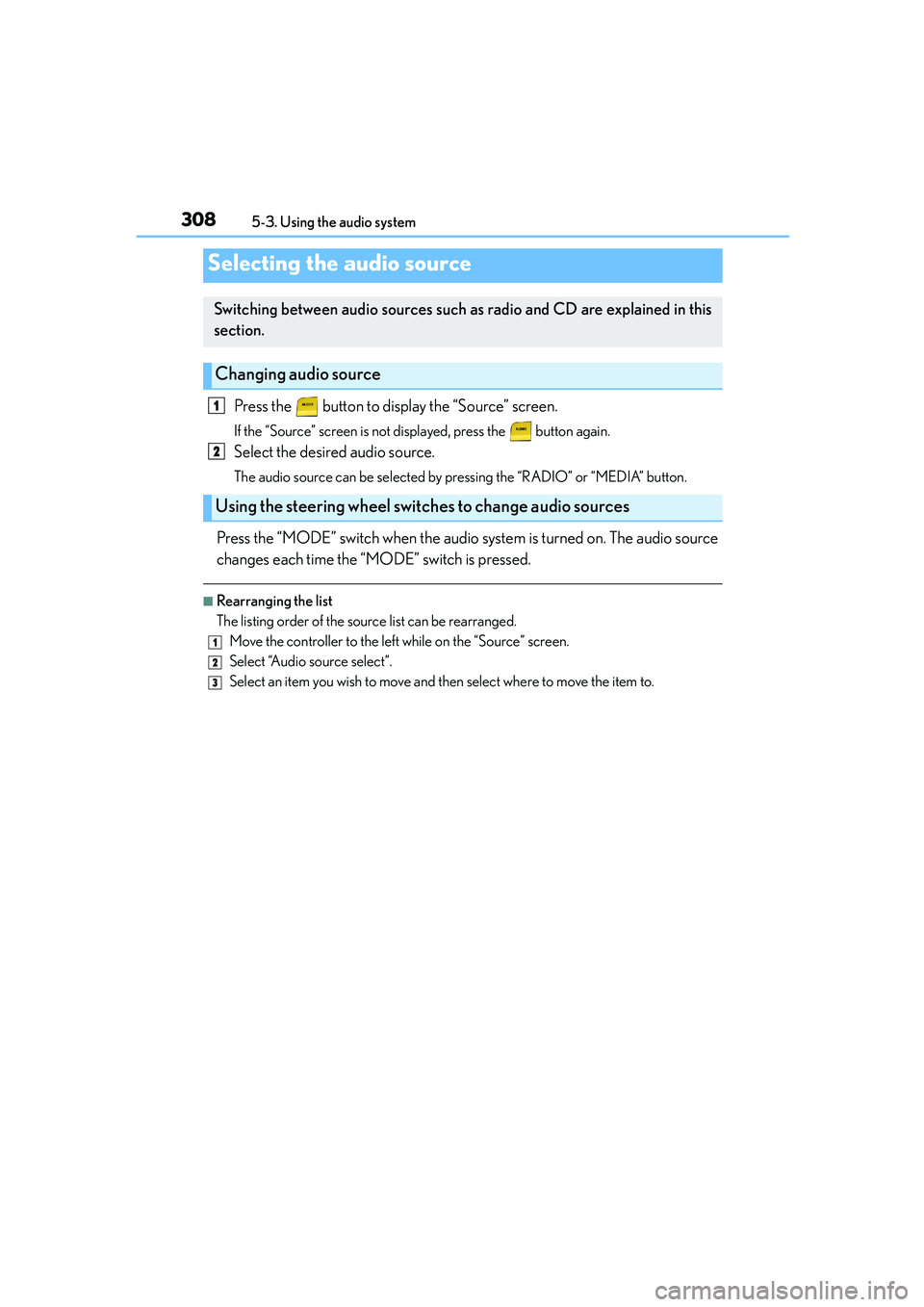
Press the button to display the “Source” screen.
If the “Source” screen is not displayed, press the button again.
Select the desired audio source.
The audio source can be selected by pressing the “RADIO” or “MEDIA” button.
Press the “MODE” switch when the audio system is turned on. The audio source
changes each time the “MODE” switch is pressed.
■Rearranging the list
The listing order of the source list can be rearranged.
Move the controller to the left while on the “Source” screen.
Select “Audio source select”.
Select an item you wish to move and then select where to move the item to.
Selecting the audio source
Switching between audio sources such as radio and CD are explained in this
section.
Changing audio source
Using the steering wheel switches to change audio sources
1
2
1
2
3