turn signal LEXUS IS300 2022 Owners Manual
[x] Cancel search | Manufacturer: LEXUS, Model Year: 2022, Model line: IS300, Model: LEXUS IS300 2022Pages: 440, PDF Size: 22.72 MB
Page 5 of 440
3TABLE OF CONTENTS
1
2
3
4
5
6
7
8
9
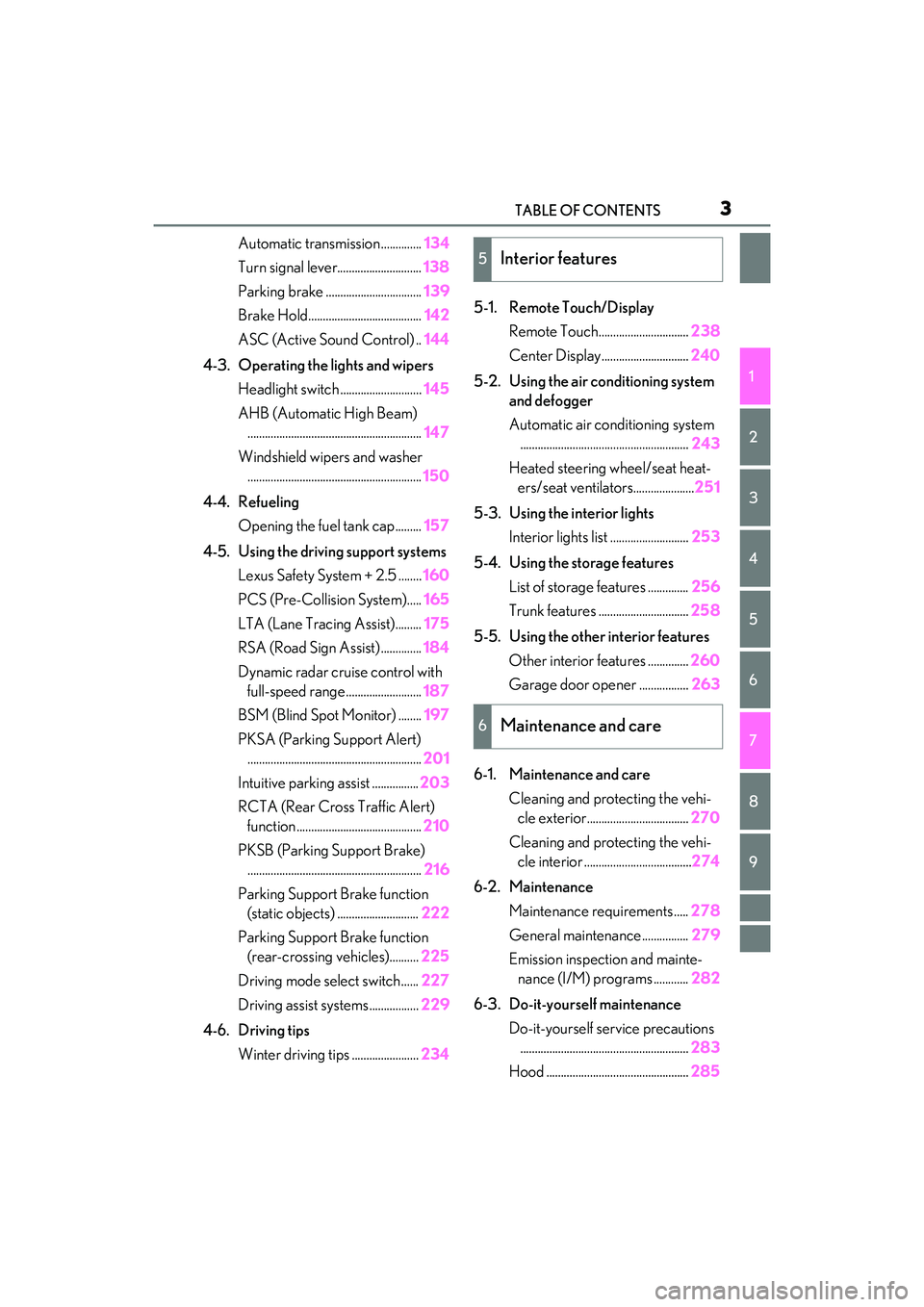
Automatic transmission..............134
Turn signal lever............................. 138
Parking brake ................................. 139
Brake Hold....................................... 142
ASC (Active Sound Control) .. 144
4-3. Operating the lights and wipers Headlight switch ............................ 145
AHB (Automatic High Beam) ............................................................ 147
Windshield wipers and washer ............................................................ 150
4-4. Refueling Opening the fuel tank cap......... 157
4-5. Using the driving support systems Lexus Safety System + 2.5 ........ 160
PCS (Pre-Collision System)..... 165
LTA (Lane Tracing Assist)......... 175
RSA (Road Sign Assist) .............. 184
Dynamic radar crui se control with
full-speed range .......................... 187
BSM (Blind Spot Monitor) ........ 197
PKSA (Parking Support Alert) ............................................................ 201
Intuitive parking assist ................ 203
RCTA (Rear Cross Traffic Alert) function ........................................... 210
PKSB (Parking Support Brake) ............................................................ 216
Parking Support Brake function (static objects) ............................ 222
Parking Support Brake function (rear-crossing vehicles).......... 225
Driving mode select switch...... 227
Driving assist systems................. 229
4-6. Driving tips Winter driving tips ....................... 2345-1. Remote Touch/Display
Remote Touch............................... 238
Center Display.............................. 240
5-2. Using the air conditioning system and defogger
Automatic air conditioning system.......................................................... 243
Heated steering wheel/seat heat- ers/seat ventilators..................... 251
5-3. Using the interior lights Interior lights list ........................... 253
5-4. Using the storage features List of storag e features .............. 256
Trunk features ............................... 258
5-5. Using the other interior features Other interior features .............. 260
Garage door opener ................. 263
6-1. Maintenance and care Cleaning and protecting the vehi-cle exterior................................... 270
Cleaning and protecting the vehi- cle interior .....................................274
6-2. Maintenance Maintenance re quirements .....278
General maintenance................ 279
Emission inspection and mainte- nance (I/M) programs ............ 282
6-3. Do-it-yourself maintenance Do-it-yourself service precautions.......................................................... 283
Hood ................................................. 2855Interior features
6Maintenance and care
Page 14 of 440
12Pictorial index
Precautions for winter season ..................................................................................... P.234
To prevent freezing (windshield wiper de-icer)
*................................................. P.249
Precautions for car wash ............................................................................................... P.272
Fuel filler door .......................................................................................................... P.157
Refueling method ............................................................................................................... P.157
Fuel type/fuel tank capacity ......................................................................................... P.367
Tires.......................................................................................................................... .. P.296
Tire size/inflation pressure ............................ .................................................... P.296, 372
Winter tires/tire chains .................................................................................................. P.234
Checking/rotation/tire pressure warning system.............................................. P.296
Coping with flat tires......................................................................................................... P.341
Hood ......................................................................................................................... P. 285
Opening ........................................................................................................................ .......P.285
Engine oil ..................................................................................................................... ......... P.367
Coping with overheating ............................................................................................... P.357
Warning messages ..........................................................................................................P.338
Headlights ................................................................................................................. P.14 5
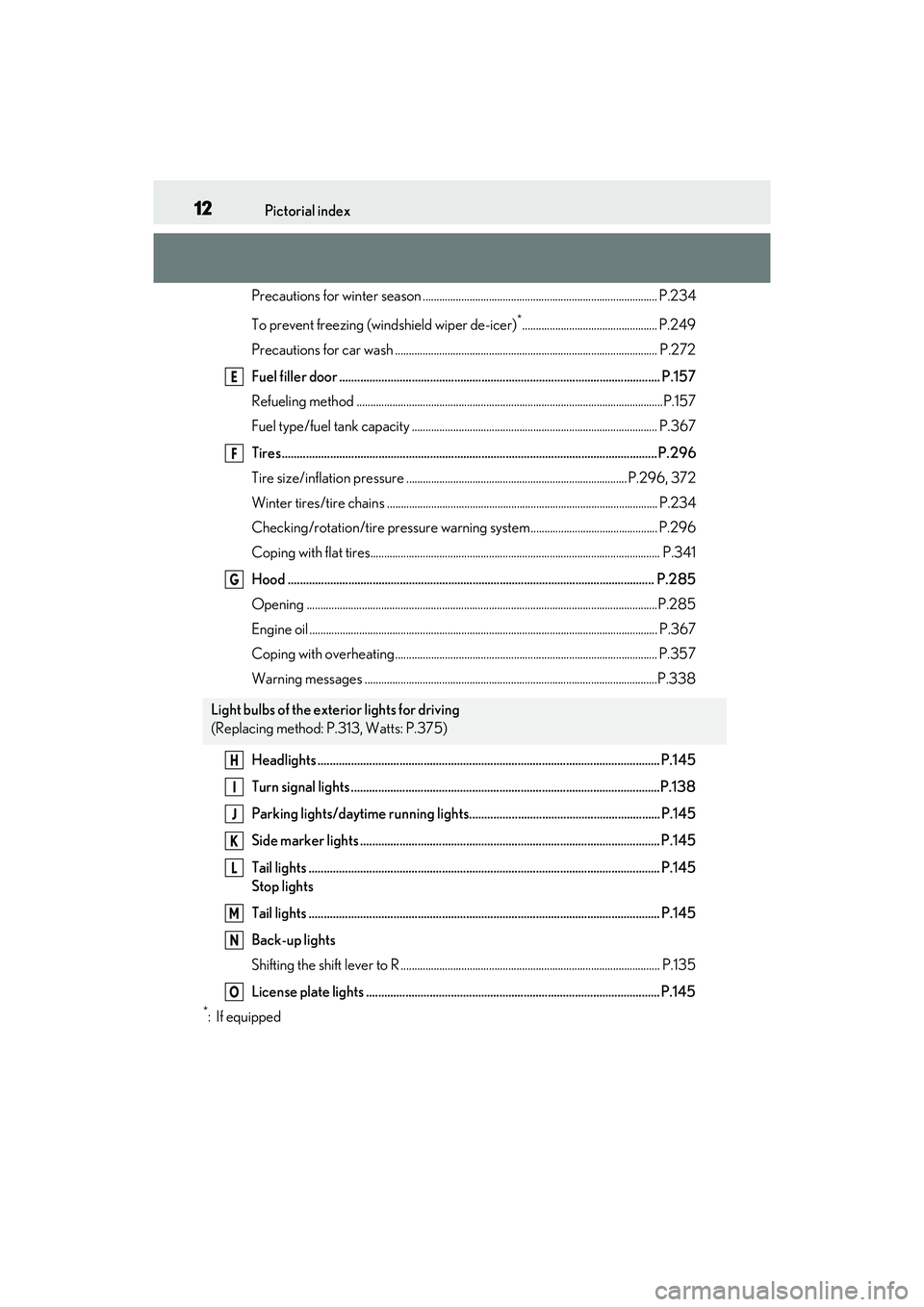
Turn signal lights ......................................................................................................P.138
Parking lights/daytime running lights................ ............................................... P.145
Side marker lights ................................................................................................... P.145
Tail lights .................................................................................................................... P.145
Stop lights
Tail lights .................................................................................................................... P.145
Back-up lights
Shifting the shift lever to R .............................................................................................. P.13 5
License plate lights ................................................................................................. P.145
*:If equipped
Light bulbs of the exterior lights for driving
(Replacing method: P. 313, Watts: P.375)
E
F
G
H
I
J
K
L
M
N
O
Page 16 of 440
14Pictorial index
Parking brake switch ............................................................................................. P.139
Applying/releasing ........................................................................................................... P.139
Precautions for winter season ......................... ............................................................ P.235
Warning buzzer/messages..........................................................................................P.338
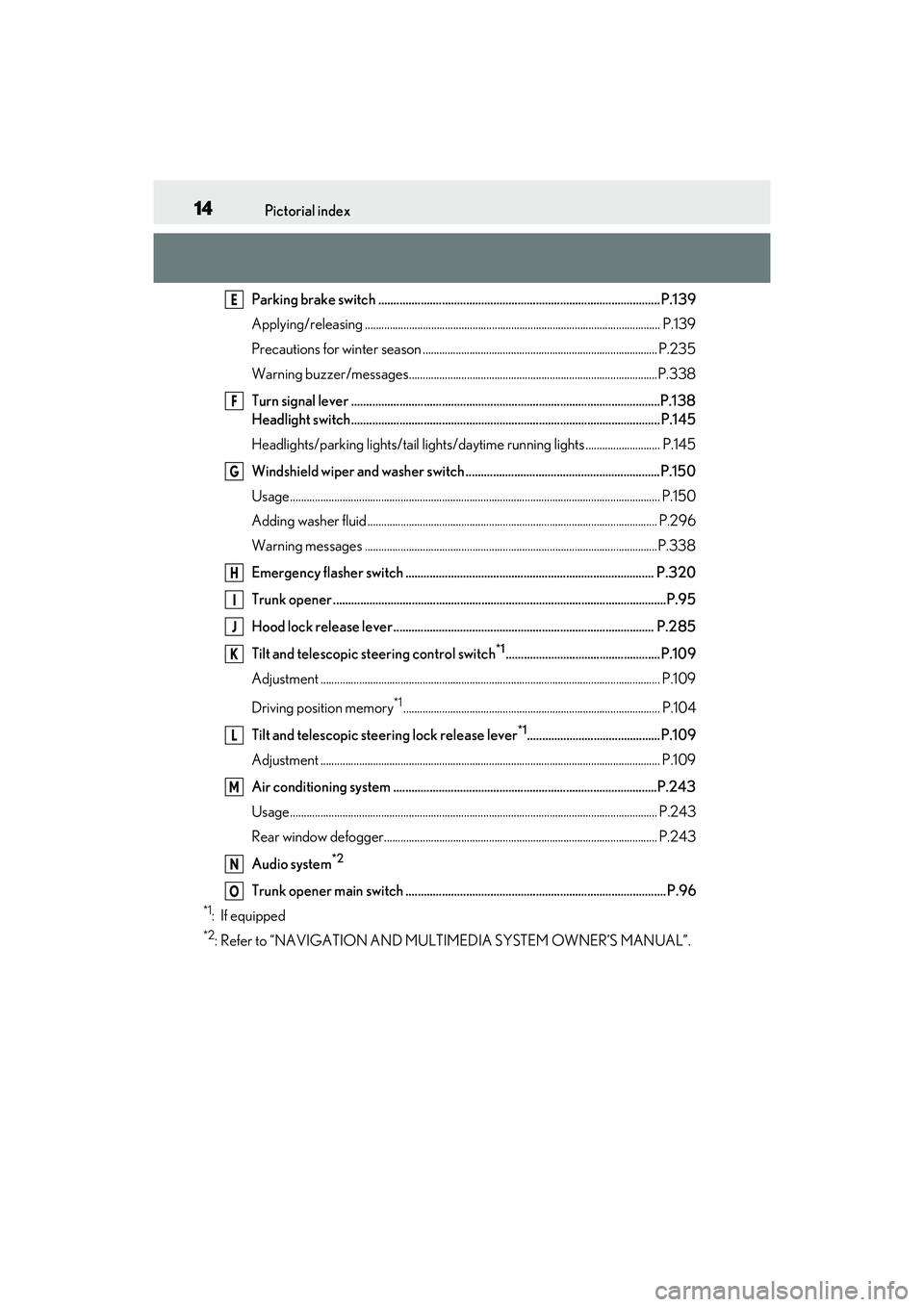
Turn signal lever ......................................................................................................P.138
Headlight switch...................................................................................................... P.145
Headlights/parking lights/tail lights/daytime running lights ........................... P.145
Windshield wiper and washer switch ................................................................P.150
Usage.......................................................................................................................... ............ P.150
Adding washer fluid ......................................................................................................... P.2 96
Warning messages ..........................................................................................................P.338
Emergency flasher switch .................................................................................. P.320
Trunk opener ..............................................................................................................P.95
Hood lock release lever ...................................................................................... P.285
Tilt and telescopic steering control switch
*1...................................................P.109
Adjustment ..................................................................................................................... ...... P.109
Driving position memory
*1............................................................................................. P.104
Tilt and telescopic stee ring lock release lever
*1............................................P.109
Adjustment ..................................................................................................................... ...... P.109
Air conditioning system .......................................................................................P.243
Usage.......................................................................................................................... ........... P.243
Rear window defogger................................................................................................... P.243
Audio system
*2
Trunk opener main switch ...................................................................................... P.96
*1: If equipped
*2: Refer to “NAVIGATION AND MULT IMEDIA SYSTEM OWNER’S MANUAL”.
E
F
G
H
I
J
K
L
M
N
O
Page 68 of 440

662-1. Instrument cluster
switch is turned to IGNITION ON
mode to indicate that a system check is
being performed. They will turn off after
the engine is started, or after a few sec-
onds. There may be a malfunction in a
system if the lights do not come on, or
turn off. Have the vehicle inspected by
your Lexus dealer.
*2: This light illuminates on the multi-infor- mation display.
*3: This light illuminates on the center panel.
The indicators inform the driver of the
operating state of the vehicle’s various
systems.
WARNING
■If a safety system warning light does
not come on
Should a safety system light such as the
ABS and SRS warning light not come on
when you start the engine, this could
mean that these systems are not available
to help protect you in an accident, which
could result in death or serious injury.
Have the vehicle inspected by your
Lexus dealer immediately if this occurs.
Indicators
Turn signal indicator ( P.138)
(U.S.A.)
Headlight indicator (P.145)
(Canada)
Tail light indicator ( P.145)
Headlight high beam indicator
( P.146)
Automatic High Beam indicator
( P.147)
PCS warning light*1, 2 ( P.168)
Cruise control indicator
( P.194)
Dynamic radar cruise control
indicator ( P.187)
Cruise control “SET” indicator
( P.187)
(white)
LTA indicator ( P.180)
(green)
LTA indicator ( P.165, 180)
(orange)
(flashes)LTA indicator ( P.180)
BSM outside rear view mirror
indicators
*3, 4 ( P.197, 210)
BSM OFF indicator
*1, 2
( P.197)
Intuitive parking assist OFF
indicator
*2(if equipped)
( P.204)
RCTA OFF indicator
*1, 2
( P.210)
PKSB OFF indicator
*1, 2 (if
equipped) ( P.217)
(flashes)
Slip indicator*1 ( P.230)
VSC OFF indicator
*1, 2
( P.230)
Smart access system with
push-button start indicator
*5
( P.130)
(U.S.A.)
Parking brake indicator
( P.139)
Page 93 of 440

913-2. Opening, closing and locking the doors and trunk
3
Before driving
To prevent unintended triggering of the
alarm, unlock the doors using the wireless
remote control and open and close a door
once after the settings have been changed.
(If a door is not opened within 60 seconds
after is pressed, the doors will be
locked again and the alarm will automati-
cally be set.)
In a case that the alarm is triggered, imme-
diately stop the alarm. ( P.61)
■Impact detection door lock release sys-
tem
In the event that the vehicle is subject to a
strong impact, all the doors are unlocked.
Depending on the force of the impact or the
type of accident, however, the system may
not operate.
■Operation signals
A buzzer sounds and the emergency flash-
ers flash to indicate that the doors have
been locked/unlocke d. (Locked: once;
Unlocked: twice)
A buzzer sounds to indicate that the win-
dows and moon roof are operating.
■Security feature
If a door is not opened within approximately
60 seconds after the vehicle is unlocked, the security feature automatically locks the
vehicle again.
■Welcome light illumination control
The front position, tail and license plate
lights automatically turn on at night when
the doors are unlocked using the entry
function or wireless remote control if the
light switch is in the “AUTO” position.
■When the doors cannot be locked by the
lock sensor on the upper part of the
door handle
If the door will not lock even when the top-
side sensor area is touched, try touching
both the topside and underside sensor
areas at the same time.
■Door lock buzzer
If an attempt to lock the doors is made when
a door is not fully closed, a buzzer sounds
continuously for 5 seconds. Fully close the
door to stop the buzz er, and lock the vehi-
cle once more.
■Setting the alarm
Locking the doors will set the alarm system.
( P.61)
■Using the mechanical key
The doors can also be locked and unlocked
with the mechanical key. ( P.351)
■Conditions affecting the operation of
the smart access system with push-but-
ton start or wireless remote control
P.98
■If the smart access system with
push-button start or the wireless remote
control does not operate properly
Use the mechanical key to lock and unlock
the doors. (P.351)
Replace the key battery with a new one if it
is depleted. ( P.308)
Multi-information
display/BeepUnlocking function
Exterior: Beeps 3 times
Interior: Pings once
Holding the driver’s
door handle unlocks
only the driver’s
door.
Holding the front
passenger’s door
handle unlocks all
the doors.
Exterior: Beeps twice
Interior: Pings once
Holding either front
door handle unlocks
all the doors.
Page 121 of 440
119
4
4
Driving
Driving
.4-1. Before drivingDriving the vehicle ..................... 120
Cargo and luggage ................... 126
Vehicle load limits ...................... 128
Trailer towing ............................... 128
Dinghy towing ............................. 129
4-2. Driving procedures Engine (ignition) switch ........... 130
Automatic transmission........... 134
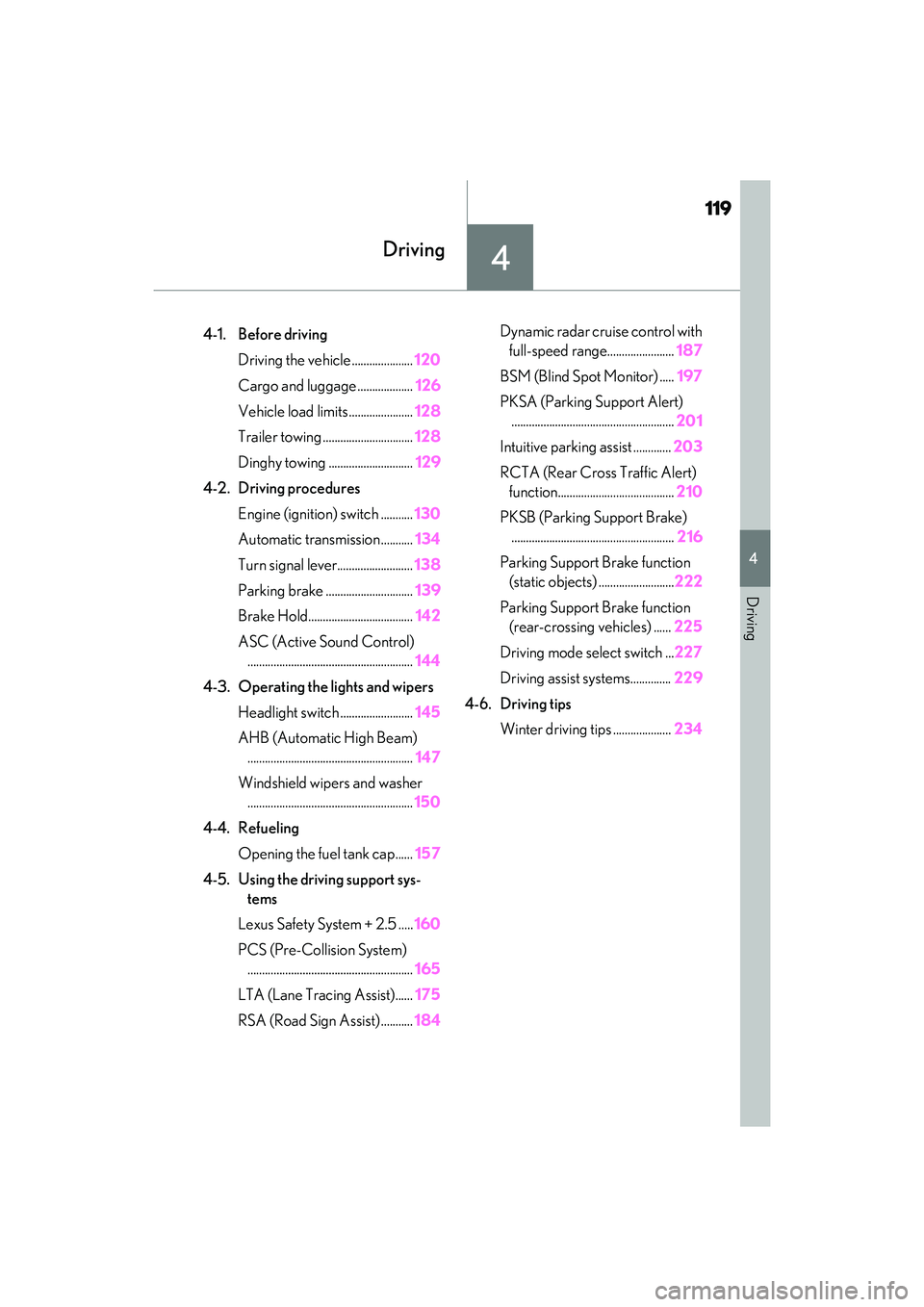
Turn signal lever.......................... 138
Parking brake .............................. 139
Brake Hold.................................... 142
ASC (Active Sound Control) ......................................................... 144
4-3. Operating the lights and wipers Headlight switch ......................... 145
AHB (Automatic High Beam) ......................................................... 147
Windshield wipers and washer ......................................................... 150
4-4. Refueling Opening the fuel tank cap...... 157
4-5. Using the driving support sys- tems
Lexus Safety System + 2.5 ..... 160
PCS (Pre-Collision System) ......................................................... 165
LTA (Lane Tracing Assist)...... 175
RSA (Road Sign Assist) ........... 184Dynamic radar cruise control with
full-speed range....................... 187
BSM (Blind Spot Monitor) ..... 197
PKSA (Parking Support Alert) ........................................................ 201
Intuitive parking assist ............. 203
RCTA (Rear Cross Traffic Alert) function........................................ 210
PKSB (Parking Support Brake) ........................................................ 216
Parking Support Brake function (static objects) .......................... 222
Parking Support Brake function (rear-crossing vehicles) ...... 225
Driving mode select switch ... 227
Driving assist systems.............. 229
4-6. Driving tips Winter driving tips .................... 234
Page 140 of 440

1384-2. Driving procedures
is low.
When automatic transmission fluid
temperature is high.
When the needle of the tachometer
is in the red zone (the range which
exceeds the allowable revs of the
engine).
In the following situations, the gear will
not shift even if the shift lever or paddle
shift switches are operated.
“Slippery Road Cannot Shift to
Lower Gear” is displayed on the
multi-information display.
The vehicle speed is low (upshift
only).
■Downshifting restriction warning
buzzer
To help ensure safety and driving perfor-
mance, downshifting operation may some-
times be restricted. In some circumstances,
downshifting may not be possible even
when the shift lever or paddle shift switch is
operated. (A buzzer will sound twice.)
The lever will return to its original posi-
tion immediately after operation.
1 Right turn
2 Lane change to the right (move the
lever partway and release it)
The right hand signals will flash 3 times.
3Lane change to the left (move the
lever partway and release it)
The left hand signals will flash 3 times.
4Left turn
■If the turn signals do not stop flash-
ing after turning left or right, or if
you want to stop them flashing
Operate the lever in the opposite
direction to either position 2 or 3.
If you move the lever to either position
1 or 4, the selected turn signals will
flash.
Turn signal lever
Operating instructions
Page 141 of 440

1394-2. Driving procedures
4
Driving
■Turn signals can be operated when
The engine switch is in IGNITION ON
mode.
■If the indicator flashes faster than usual
Check that a light bulb in the front or rear
turn signal lights has not burned out.
■If the turn signals stop flashing before a
lane change has been performed
Operate the lever again.
■Customization
Some functions can be customized.
( P.388)
■Using the manual mode
The parking brake can be set and
released manually.
U.S.A.
Canada
1 Push the switch to set the parking
brake
The parking brake indi cator light will turn
Parking brake
The parking brake can be set or
released automatically or manually.
In automatic mode, the parking
brake can be set or released auto-
matically according to the shift
lever operation. Also, even in auto-
matic mode, the parking brake can
be set or released manually.
Operating instructions
A
B
Page 150 of 440

1484-3. Operating the lights and wipers
●The high beams may be turned off if a
vehicle ahead that is using fog lights with-
out its headlights turned on is detected.
●House lights, street lights, traffic signals,
and illuminated billboards or signs and
other reflective objects may cause the
high beams to change to the low beams,
or the low beams to remain on.
●The following factors may affect the
amount of time taken for the high beams
to turn on or off:
• The brightness of the headlights, fog lights, and tail lights of vehicles ahead
• The movement and direction of vehicles ahead
• When a vehicle ahead only has opera-
tional lights on one side
• When a vehicle ahead is a two-wheeled vehicle
• The condition of the road (gradient, curve, condition of th e road surface, etc.)
• The number of passengers and amount of
luggage in the vehicle
●The high beams may turn on or off unex-
pectedly.
●Bicycles or similar vehicles may not be
detected.
●In the following situations the system may
not be able to correctly detect the sur-
rounding brightness level. This may cause
the low beams to remain on or the high
beams to flash or dazzle pedestrians or
vehicles ahead. In such a case, it is neces-
sary to manually switch between the high
and low beams.
• When driving in inclement weather (heavy rain, snow, fo g, sandstorms, etc.)
• When the windshield is obscured by fog, mist, ice, dirt, etc.
• When the windshield is cracked or dam-
aged
• When the camera sensor is deformed or dirty
• When the temperature of the camera sensor is extremely high
• When the surrounding brightness level is equal to that of head lights, tail lights or
fog lights
• When headlights or tail lights of vehicles ahead are turned off, dirty, changing
color, or not aimed properly
• When the vehicle is hit by water, snow, dust, etc. from a preceding vehicle
• When driving through an area of inter- mittently changing brightness and dark-
ness
• When frequently and repeatedly driving
ascending/descending roads, or roads
with rough, bumpy or uneven surfaces
(such as stone-paved roads, gravel roads,
etc.)
• When frequently and repeatedly taking curves or driving on a winding road
• When there is a highly reflective object
ahead of the vehicle, such as a sign or
mirror
• When the back of a preceding vehicle is
highly reflective, such as a container on a
truck
• When the vehicle’s headlights are dam-
aged or dirty, or are not aimed properly
• When the vehicle is listing or titling due to a flat tire, a trailer being towed, etc.
• When the headlights are changed between the high beams and low beams
repeatedly in an abnormal manner
• When the driver believes that the high beams may be flashing or dazzling
pedestrians or other drivers
■Temporarily lowering sensor sensitivity
The sensitivity of the sensor can be tempo-
rarily lowered.
1 Turn the engine switch off while the fol-
lowing conditions are met.
●The headlight switch is in or .
●The headlight switch lever is in the origi-
nal position.
●Automatic High Beam switch is on.
2 Turn the engine switch to IGNITION
ON mode.
3 Within 60 seconds after step 2, repeat
pushing the headlight switch lever to the
high beam position then pulling it to the
original position quickly 10 times, then
leave the lever in the original position.
4 If the sensitivity is changed, the Auto-
matic High Beam indicator is turn on
and off 3 times.
Page 169 of 440
1674-5. Using the driving support systems
4
Driving
WARNING
• Conditions under which the system may not operate properly:
P.172
●Do not attempt to test the operation of
the pre-collision system yourself.
Depending on the objects used for
testing (dummies, cardboard objects
imitating detectable objects, etc.), the
system may not operate properly, pos-
sibly leading to an accident.
■Pre-collision braking
●When the pre-collision braking func-
tion is operating, a large amount of
braking force will be applied.
●If the vehicle is stopped by the opera-
tion of the pre-collision braking func-
tion, the pre-collision braking function
operation will be canceled after
approximately 2 seco nds. Depress the
brake pedal as necessary.
●The pre-collision braking function may
not operate if certain operations are
performed by the driver. If the acceler-
ator pedal is being depressed strongly
or the steering wheel is being turned,
the system may determine that the
driver is taking evasive action and pos-
sibly prevent the pre-collision braking
function from operating.
●In some situations, while the pre-colli-
sion braking function is operating,
operation of the function may be
canceled if the accelerator pedal is
depressed strongly or the steering
wheel is turned and the system deter-
mines that the driver is taking evasive
action.
●If the brake pedal is being depressed,
the system may determine that the
driver is taking evasive action and pos-
sibly delay the operation timing of the
pre-collision braking function.
■Emergency steering assist
●As emergency steering assist opera-
tion will be canceled when the system
determines that lane departure pre-
vention function ha s been completed.
●Emergency steering assist may not
operate or may be ca nceled in the fol-
lowing cases as the system may deter-
mine the driver is taking actions.
• If the accelerator pedal is being depressed strongly, the steering wheel
is being operated sharply, the brake
pedal is being depressed or the turn
signal lever is being operated. In this
case, the system may determine that
the driver is taking evasive action and
the emergency steeri ng assist may not
operate.
• In some situations, while the emer- gency steering assist is operating,
operation of the function may be
canceled if the ac celerator pedal is
depressed strongly, the steering wheel
is operated sharply or the brake pedal
is being depressed and the system
determines that the driver is taking
evasive action.
• When the emergency steering assist is operating, if the steering wheel is held
firmly or is operated in the opposite
direction to that which the system is
generating torque, the function may be
canceled.
■When to disable the pre-collision sys-
tem
In the following situations, disable the
system, as it may not operate properly,
possibly leading to an accident resulting
in death or serious injury:
●When the vehicle is being towed
●When your vehicle is towing another
vehicle
●When transporting the vehicle via
truck, boat, train or similar means of
transportation