USB LEXUS IS300 2023 Owners Manual
[x] Cancel search | Manufacturer: LEXUS, Model Year: 2023, Model line: IS300, Model: LEXUS IS300 2023Pages: 96, PDF Size: 5.32 MB
Page 3 of 96
2
IS500_IS350_IS300_QG_U
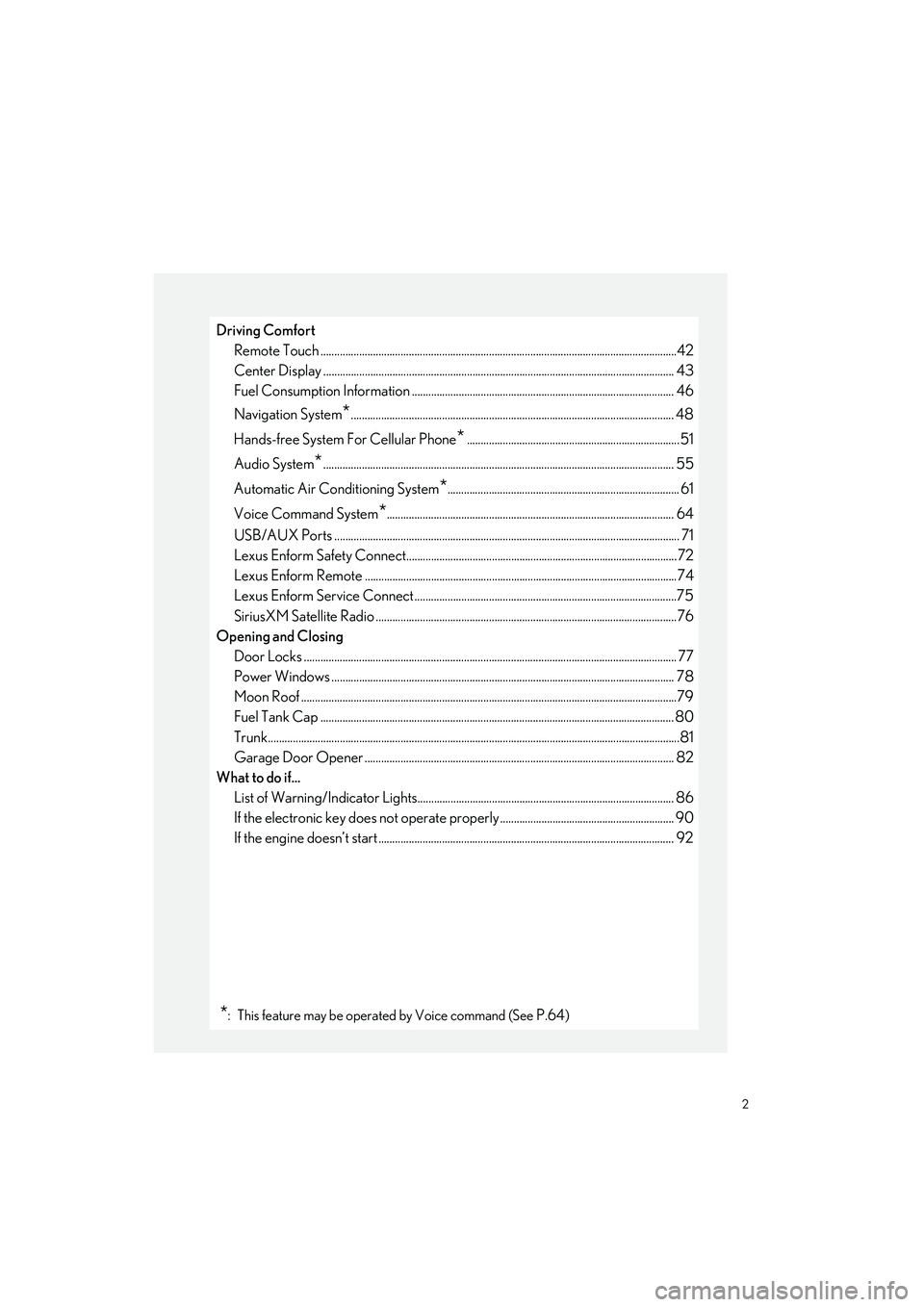
Driving ComfortRemote Touch ................................................................................................................... ..............42
Center Display ................................................................................................................. .............. 43
Fuel Consumption Information ............................. .................................................................. 46
Navigation System
*..................................................................................................................... 48
Hands-free System For Cellular Phone
*.............................................................................51
Audio System
*............................................................................................................................... 55
Automatic Air Conditioning System
*.................................................................................... 61
Voice Command System
*........................................................................................................ 64
USB/AUX Ports .................................................................................................................. ........... 71
Lexus Enform Safety Connect..................................................................................................72
Lexus Enform Remote ............................................................................................................ .....74
Lexus Enform Service Connect...............................................................................................75
SiriusXM Satellite Radio ....................................................................................................... ......76
Opening and Closing
Door Locks ..................................................................................................................... .................. 77
Power Windows .................................................................................................................. .......... 78
Moon Roof ...................................................................................................................... ..................79
Fuel Tank Cap ................................................................................................................................ 80
Trunk.......................................................................................................................... ...........................81
Garage Door Opener ............................................................................................................. ... 82
What to do if... List of Warning/Indicator Lights............................................................................................. 86
If the electronic key does not operate proper ly ............................................................... 90
If the engine doesn’t start ...... ..................................................................................................... 92
*: This feature may be operated by Voice command (See P.64)
Page 57 of 96
56
IS500_IS350_IS300_QG_U
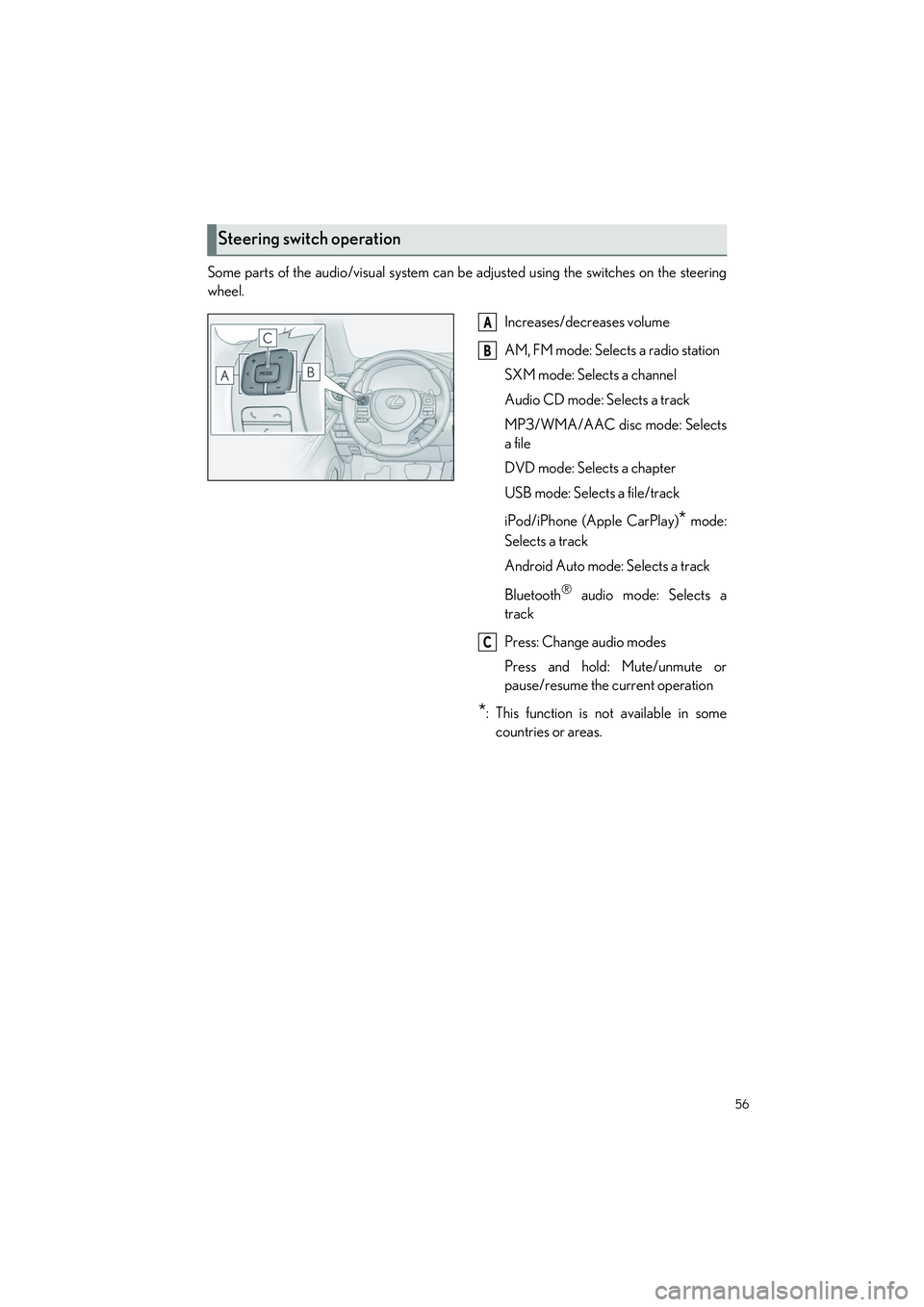
Some parts of the audio/visual system can be adjusted using the switches on the steering
wheel.
Increases/decreases volume
AM, FM mode: Selects a radio station
SXM mode: Selects a channel
Audio CD mode: Selects a track
MP3/WMA/AAC disc mode: Selects
a file
DVD mode: Selects a chapter
USB mode: Selects a file/track
iPod/iPhone (Apple CarPlay)
* mode:
Selects a track
Android Auto mode: Selects a track
Bluetooth
® audio mode: Selects a
track
Press: Change audio modes
Press and hold: Mute/unmute or
pause/resume the current operation
*: This function is not available in some countries or areas.
Steering switch operation
A
B
C
Page 69 of 96
68
IS500_IS350_IS300_QG_U
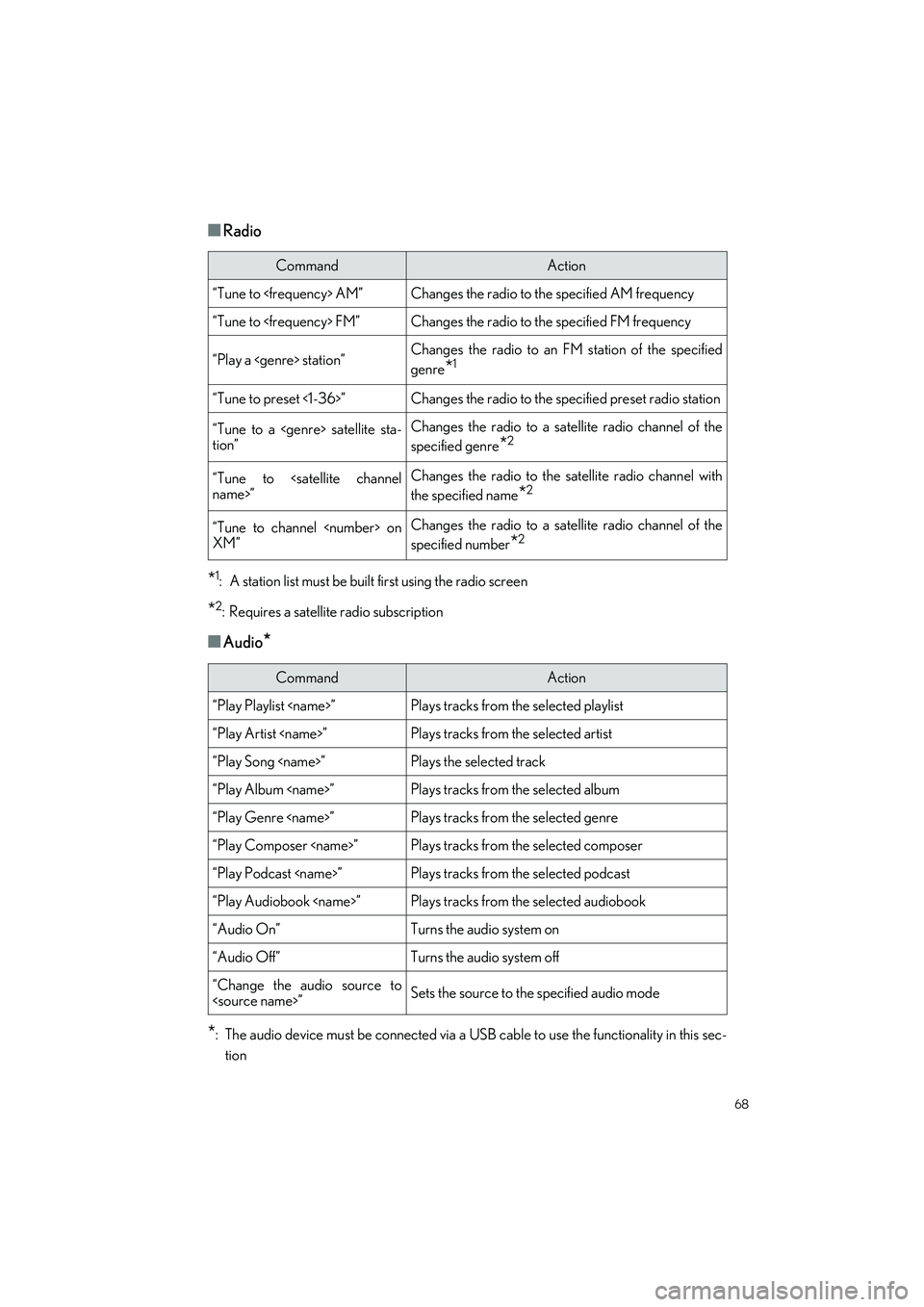
■Radio
*1: A station list must be built first using the radio screen
*2: Requires a satellite radio subscription
■Audio*
*
: The audio device must be connected via a USB cable to use the functionality in this sec- tion
CommandAction
“Tune to
“Tune to
“Play a
genre
*1
“Tune to preset <1-36>”Changes the radio to the specified preset radio station
“Tune to a
tion”Changes the radio to a satellite radio channel of the
specified genre
*2
“Tune to
the specified name
*2
“Tune to channel
XM”Changes the radio to a satellite radio channel of the
specified number
*2
CommandAction
“Play Playlist
“Play Artist
“Play Song
“Play Album
“Play Genre
“Play Composer
“Play Podcast
“Play Audiobook
“Audio On”Turns the audio system on
“Audio Off”Turns the audio system off
“Change the audio source to
Page 72 of 96
71
IS500_IS350_IS300_QG_U
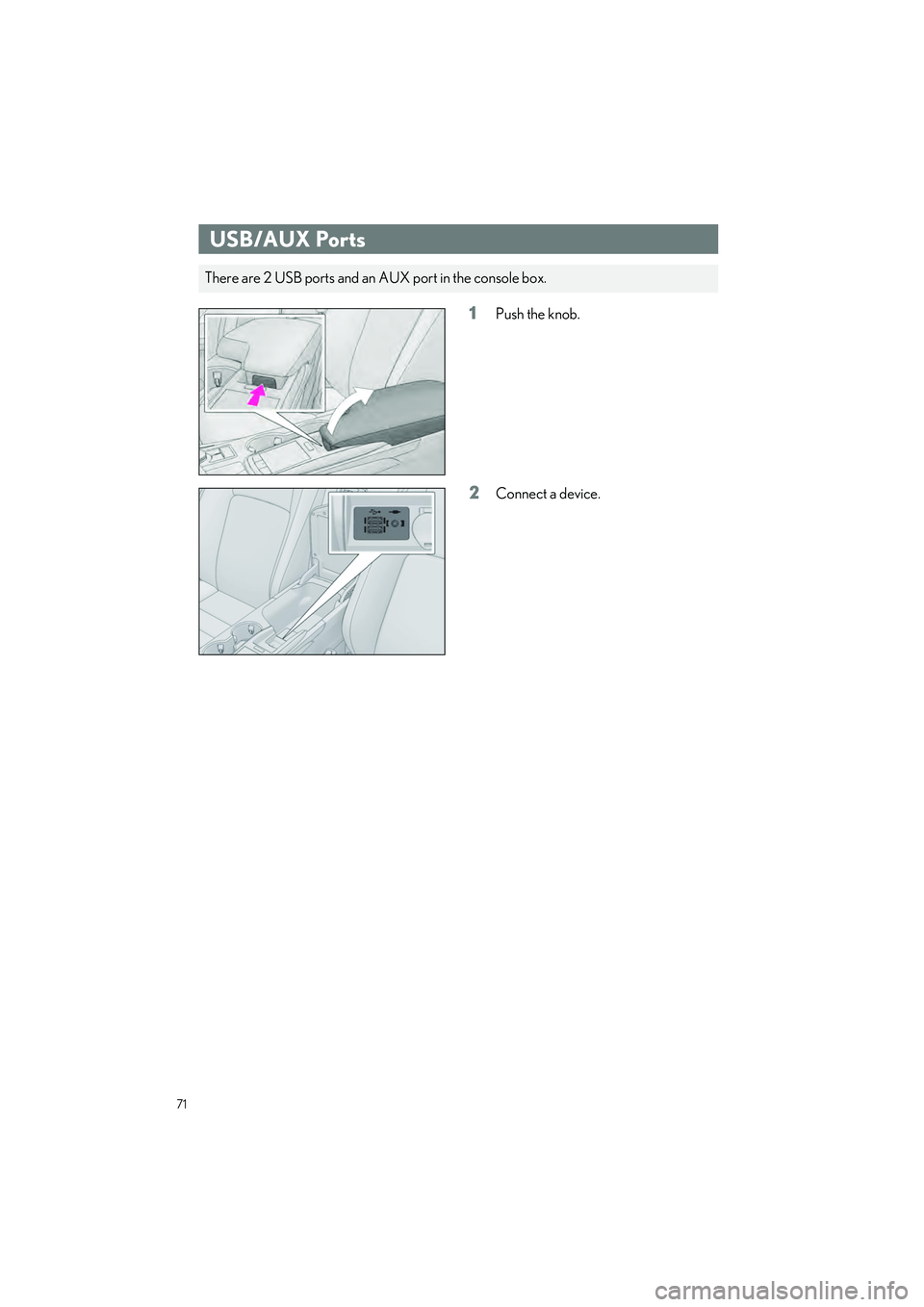
1Push the knob.
2Connect a device.
USB/AUX Ports
There are 2 USB ports and an AUX port in the console box.