radio LEXUS IS350C 2013 User Guide
[x] Cancel search | Manufacturer: LEXUS, Model Year: 2013, Model line: IS350C, Model: LEXUS IS350C 2013Pages: 624, PDF Size: 6.58 MB
Page 212 of 624

212
2-4. Using other driving systems
■Sensor detection information
●Certain vehicle conditions and the surrounding environment may affect the
ability of the sensor to correctly detect obstacles. Particular instances where this
may occur are listed below.
• There is dirt, snow or ice on the sensor.
• The sensor is frozen.
• The sensor is covered in any way.
• The vehicle is leaning considerably to one side.
• On an extremely bumpy road, on an incline, on gravel, or on grass.
• The vicinity of the vehicle is noisy due to vehicle horns, motorcycle engines,
air brakes of large vehicles, or other loud noises producing ultrasonic waves.
• There is another vehicle equipped with parking assist sensors in the vicinity.
• The sensor is coated with a sheet of spray or heavy rain.
• The vehicle is equipped with a fender pole or wireless antenna.
• Towing eyelets are installed.
• The bumper or sensor receives a strong impact.
• The vehicle is approaching a tall or curved curb.
• In harsh sunlight or intense cold weather
In addition to the examples above, there are instances in which, because of their
shapes, signs and other object s may be judged by the sensor to be closer than they
are.
●The shape of the obstacle may prevent th e sensor from detecting it. Pay particu-
lar attention to the following obstacles.
• Wires, fences, ropes etc.
• Cotton, snow and other materials that absorb radio waves
• Sharply-angled objects
•Low obstacles
• Tall obstacles with upper sections projec ting outwards in the direction of your
vehicle
■When the display flashes an d a message is displayed
P. 5 0 0
Page 226 of 624

226
2-4. Using other driving systems
■CertificationFor vehicles sold in U.S.A.
FCC ID: HYQDNMWR005
This device complies with part 15 of the FCC Rules. Operation is subject to the fol-
lowing two conditions: (1) This device may not cause harmful interference, and (2)
this device must accept any interference received, including interference that may
cause undesired operation.
FCC WARNING
Changes or modifications not expressly approved by the party responsible for
compliance could void the user's authority to operate the equipment.
Radio frequency radiation exposure Information:
This equipment complies with FCC radiatio n exposure limits set forth for an uncon-
trolled environment.
This equipment should be installed and op erated with minimum distance of 20 cm
between the radiator (antenna) and your body.
This transmitter must not be co-located or operating in conjunction with any other
antenna or transmitter.
For vehicles sold in Canada
Operation is subject to the following two conditions: (1) this device may not cause
interference, and (2) this device must accept any interference, including interfer-
ence that may cause undesired operation of the device.
L’utilisation de ce dispositif est autori sée seulement aux deux conditions suivantes:
(1) il ne doit pas produire de brouillage, et (2) l’utilisateur du dispositif doit être prêt
à accepter tout brouillage radioélectrique reçu, même si ce brouillage est suscepti-
ble de compromettre le fonc tionnement du dispositif.
Page 240 of 624

240
3-1. Using the air conditioning system and defogger
Automatic air conditioning system..................................... 242
Rear window and outside rear view
mirror defoggers.................. 251
Windshield wiper de-icer .... 252
3-2. Using the audio system Audio system type ................. 253
Using the radio ....................... 256
Using the CD player ............. 264
Playing back MP3 and WMA discs ............................. 271
Operating an iPod .................. 279
Operating a USB memory.................................. 287
Optimal use of the audio system..................................... 296
Using the AUX port .............. 298
Using the steering wheel audio switches...................... 300
Interior features3
Page 253 of 624

253
3
Interior features
3-2. Using the audio system
Audio system type
With navigation system
Owners of models equi pped with a navigation system should refer to
the “Navigation System Owner's Manual”.
Without navigation system (type A)
CD player with changer and AM/FM radio
Without navigation system (type B)
CD player with changer and AM/FM radio
Page 254 of 624

254
3-2. Using the audio system
Ti t l ePa g e
Using the radioP. 2 5 6
Using the CD playerP. 2 6 4
Playing back MP3 and WMA discsP. 2 7 1
Operating an iPodP. 2 7 9
Operating a USB memoryP. 2 8 7
Optimal use of the audio systemP. 2 9 6
Using the AUX portP. 2 9 8
Using the steering wheel audio switchesP. 3 0 0
Page 256 of 624

256
3-2. Using the audio system
Using the radio
Type A
Type B
Seeking any traffic
program stationStation
selector Displays radio text messages
Pow e r Vo l u m e
Scans for receivable stations
Seeking the
frequency
Changing the program typesAdjusting the frequency
(AM, FM mode) or
channel (SAT mode)
AM FM/SAT
mode buttons
Silencing a sound
Seeking any traffic
program station Station
selector Silencing a sound
Pow e r Vo l u m e
Seeking the
frequency Station selectorAdjusting the frequency
AM/FM
mode buttons
Page 257 of 624
257
3-2. Using the audio system
3
Interior features
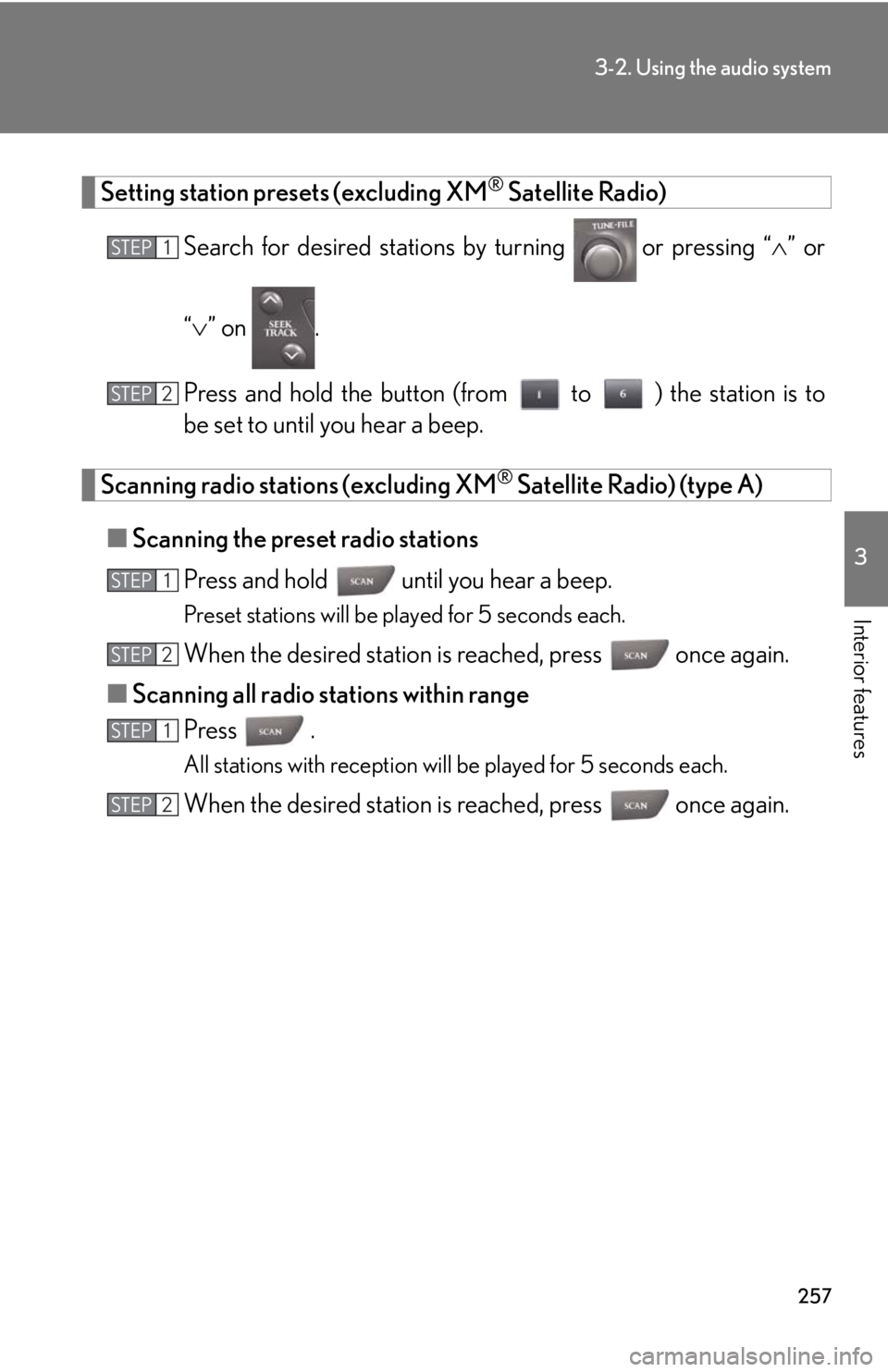
Setting station presets (excluding XM® Satellite Radio)
Search for desired stations by turning
or pressing “ ” or
“ ” on .
Press and hold the button (from to ) the station is to
be set to until you hear a beep.
Scanning radio stations (excluding XM® Satellite Radio) (type A)
■ Scanning the preset radio stations
Press and hold until you hear a beep.
Preset stations will be played for 5 seconds each.
When the desired station is reached, press once again.
■ Scanning all radio stations within range
Press .
All stations with reception will be played for 5 seconds each.
When the desired station is reached, press once again.
STEP1
STEP2
STEP1
STEP2
STEP1
STEP2
Page 258 of 624
258
3-2. Using the audio system
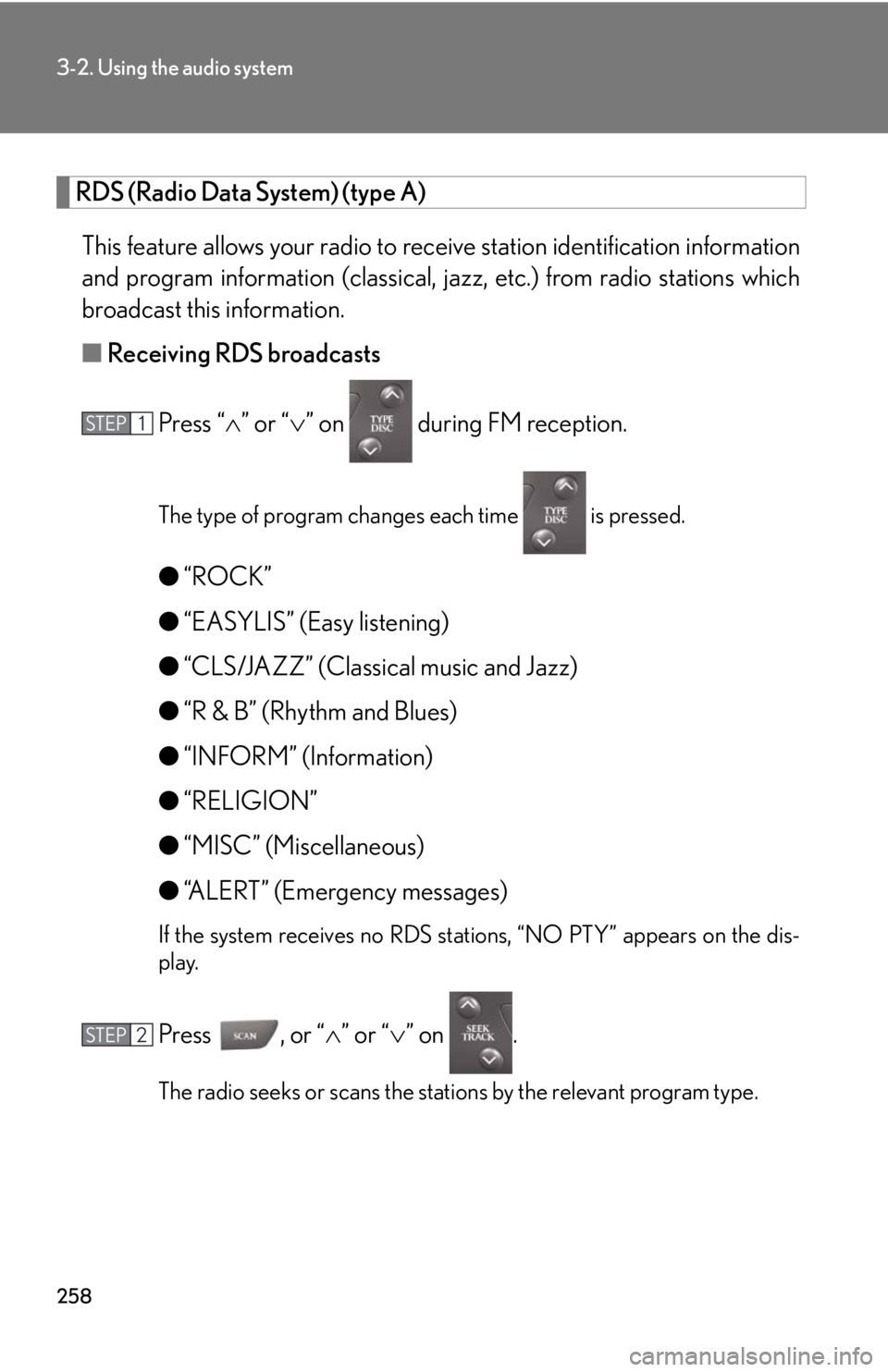
RDS (Radio Data System) (type A) This feature allows your radio to receive station identification information
and program information (classical, ja zz, etc.) from radio stations which
broadcast this information.
■ Receiving RDS broadcasts
Press “ ” or “ ” on during FM reception.
The type of program changes each time is pressed.
●“ROCK”
● “EASYLIS” (Easy listening)
● “CLS/JAZZ” (Classical music and Jazz)
● “R & B” (Rhythm and Blues)
● “INFORM” (Information)
● “RELIGION”
● “MISC” (Miscellaneous)
● “ALERT” (Emergency messages)
If the system receives no RDS stations, “NO PTY” appears on the dis-
play.
Press , or “ ” or “” on .
The radio seeks or scans the stations by the relevant program type.
STEP1
STEP2
Page 259 of 624
259
3-2. Using the audio system
3
Interior features
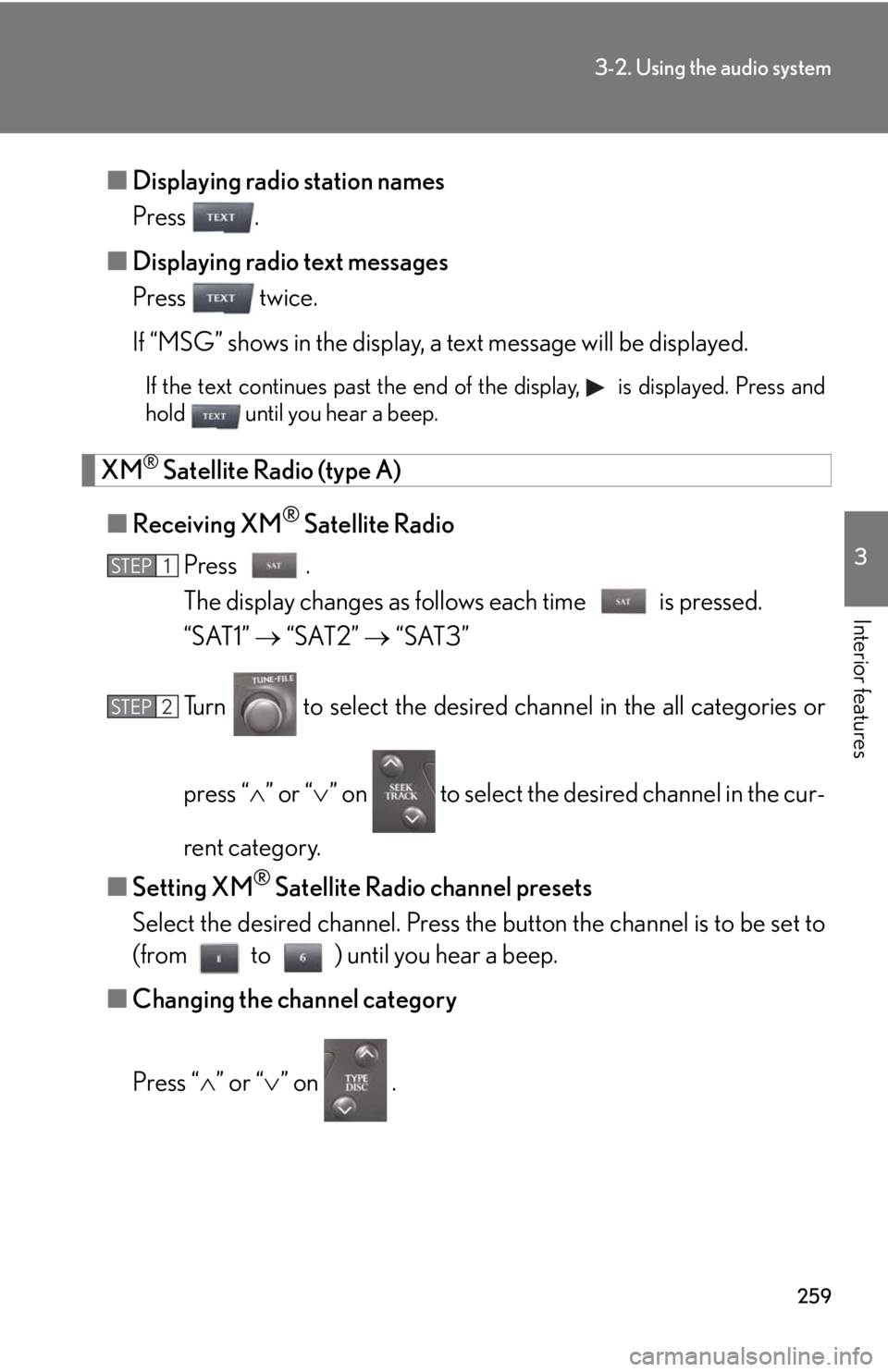
■Displaying radio station names
Press .
■ Displaying radio text messages
Press twice.
If “MSG” shows in the display, a text message will be displayed.
If the text continues past the end of the display, is displayed. Press and
hold until you hear a beep.
XM® Satellite Radio (type A)
■ Receiving XM
® Satellite Radio
Press .
The display changes as follows each time is pressed.
“SAT1” “SAT2” “SAT3”
Turn to select the desired channel in the all categories or
press “ ” or “ ” on to select the de sired channel in the cur-
rent category.
■ Setting XM
® Satellite Radio channel presets
Select the desired channel. Press the button the channel is to be set to
(from to ) until you hear a beep.
■ Changing the channel category
Press “ ” or “ ” on .
STEP1
STEP2
Page 260 of 624
260
3-2. Using the audio system
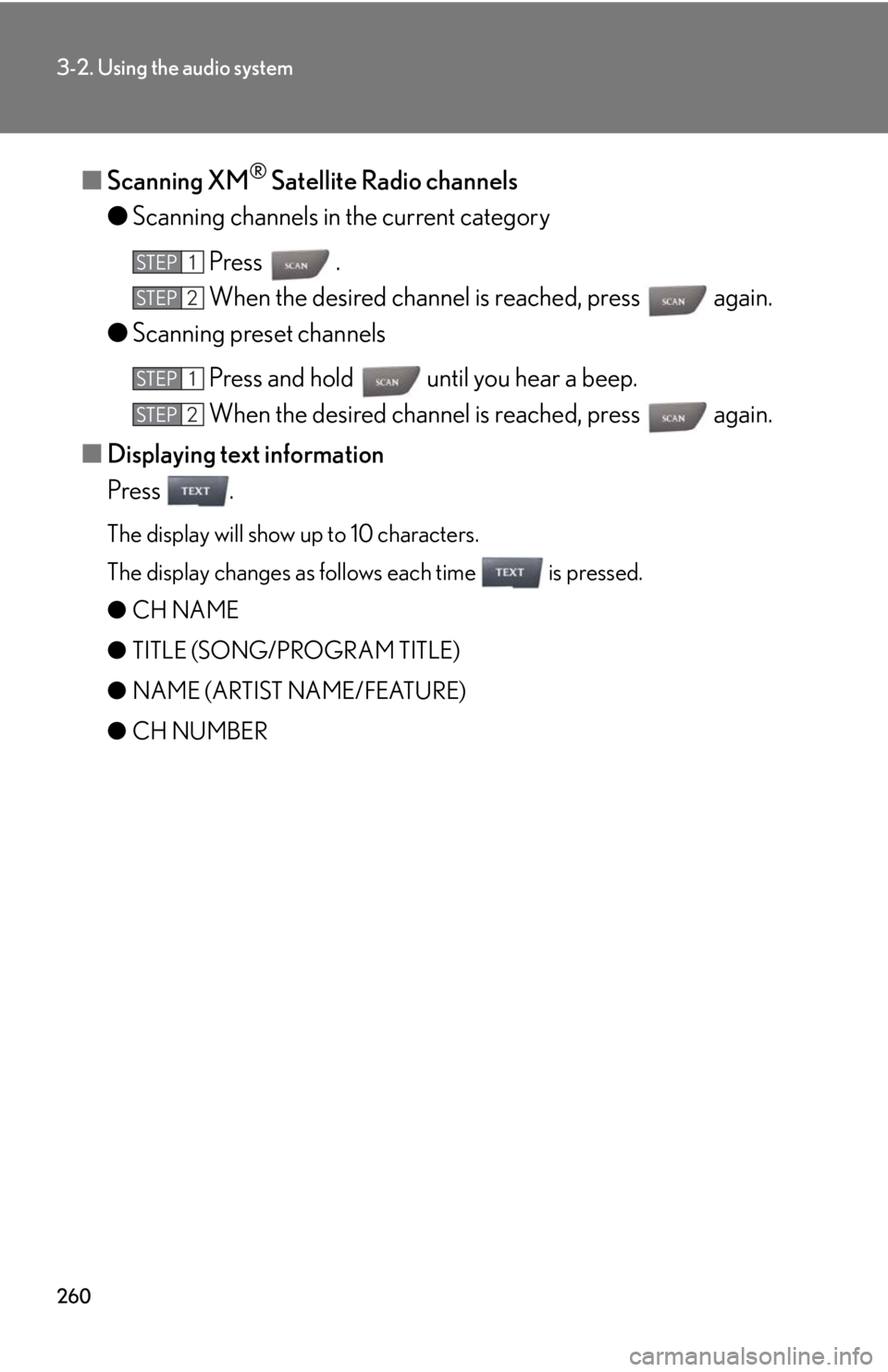
■Scanning XM® Satellite Radio channels
● Scanning channels in the current category
Press .
When the desired channel is reached, press again.
● Scanning preset channels
Press and hold until you hear a beep.
When the desired channel is reached, press again.
■ Displaying text information
Press .
The display will show up to 10 characters.
The display changes as follows each time is pressed.
● CH NAME
● TITLE (SONG/PROGRAM TITLE)
● NAME (ARTIST NAME/FEATURE)
● CH NUMBER
STEP1
STEP2
STEP1
STEP2