radio LEXUS LX470 2007 Owners Manual
[x] Cancel search | Manufacturer: LEXUS, Model Year: 2007, Model line: LX470, Model: LEXUS LX470 2007Pages: 426, PDF Size: 10.95 MB
Page 3 of 426
1
2
3
4
5
6
7
iii
2-3. Operating the lights and windshield wipers ..................... 112
Headlight switch .............................. 112
Fog light switch ................................ 114
Windshield wipers and washer............................................... 115
Rear window wiper and washer.............................................. 118
Headlight cleaner switch ............. 119
2-4. Using other driving systems... 120 Cruise control ................................ 120
Rear view monitor system ......... 123
Lexus night view system ............. 126
AHC (Active Height Control Suspension) .................................. 130
AVS (Adaptive Variable Suspension) .................................. 138
Four-wheel drive system............ 139
Driving assist systems.................. 142
2-5. Driving information ................... 146 Off-road precautions .................. 146
Cargo and luggage ........................ 151
Vehicle load limits ......................... 155
Winter driving tips ........................ 156
Trailer towing .................................. 160
Dinghy towing ................................ 170 3-1. Using the air conditioning
system and defogger .............. 172
Automatic air conditioning system (without navigation
system)............................................. 172
Rear air conditioning controls........................................... 180
Rear window and outside rear view mirror defoggers ............. 182
3-2. Using the audio system............ 183 Audio system type (without navigation system) ..................... 183
Using the radio............................... 185
Using the cassette player .......... 194
Using the CD player.................... 197
Optimal use of the audio system ............................................ 204
Using the steering switches ..... 206
Rear seat audio system .............. 209
3-3. Using the interior lights ........... 212 Interior lights list............................. 212
3-4. Using the storage features..... 215 List of storage features ............... 215
3Interior features
Page 16 of 426
xvi
For your information
Main Owner’s Manual
Please note that this manual applies to all models and explains all equipment, includ-
ing options. Therefore, you may find some explanations for equipment not installed
on your vehicle.
All specifications provided in this manual are current at the time of printing. How-
ever, because of the Lexus policy of continual product improvement, we reserve the
right to make changes at any time without notice.
Depending on specifications, the vehicle sh own in the illustration may differ from
your vehicle in terms of color and equipment.
Accessories, spare parts and modification of your Lexus
A wide variety of non-genuine spare parts and accessories for Lexus vehicles are
currently available in the market. You should know that Toyota does not warrant
these products and is not responsible for their performance, repair, or replacement,
or for any damage they may cause to, or adverse effect they may have on, your
Lexus vehicle.
This vehicle should not be modified with non-genuine Lexus products. Modification
with non-genuine Lexus products could affect its performance, safety or durability,
and may even violate governmental regula tions. In addition, damage or perfor-
mance problems resulting from the modification may not be covered under war-
ranty.
Installation of a mobile two-way radio system
As the installation of a mobile two-way radio system in your vehicle could affect
electronic systems such as the multiport fuel injection system/sequential multiport
fuel injection system, cruise control syst em, anti-lock brake system, active traction
control system, vehicle stabil ity control system, active height control system, adap-
tive variable suspension system, SRS airbag system and seat belt pretensioner sys-
tem, be sure to check with your Lexus dealer for precautionary measures or special
instructions regarding installation.
Unwanted noise may occur in the reception of the mobile two-way radio.
Page 22 of 426

4
1-2. Opening, closing and locking the doors
■Low battery
If the wireless remote control does not function or if it only operates very close to
the vehicle, the battery may be low. (P. 3 0 9 )
■Customization
Settings (e.g. 2-step unlockin g function) can be changed. ( P. 3 8 9 )
■Certification for wireless remote control (for vehicles sold in the U.S.A.)
NOTE:
This device complies with Part 15 of the FCC Rules. Operation is subject to the fol-
lowing two conditions: (1) this device may not cause harmful interference, and (2)
this device must accept any interference received, including interference that may
cause undesired operation.
NOTICE:
This equipment has been tested and found to comply with the limits for a Class B
digital device, pursuant to Part 15 of the FCC Rules. These limits are designed to
provide reasonable protection against harmful interference in a residential installa-
tion. This equipment generate s, uses and can radiate radio frequency energy and, if
not installed and used in accordance with the instructions, may cause harmful inter-
ference to radio communications. However, there is no guarantee that interference
will not occur in a particular installation. If this equipment does cause harmful inter-
ference to radio or television reception, which can be determined by turning the
equipment off and on, the user is encouraged to try to correct the interference by
one or more of the following measures:
●Reorient or relocate the receiving antenna.
●Increase the separation between the equipment and receiver.
●Connect the equipment into an outlet on a circuit different from that to which
the receiver is connected.
●Consult the dealer or an experienced radio/TV technician for help.
FCC WARNING:
Changes or modifications not expressly approved by the party responsible for
compliance could void the user's authority to operate the equipment.
■Certification for wireless remote control (for vehicles sold in Canada)
NOTE:
Operation is subject to the following two conditions: (1) this device may not cause
interference, and (2) this device must accept any interference, including interfer-
ence that may cause undesired operation of the device.
Page 83 of 426
65
1-7. Safety information
1
Before driving
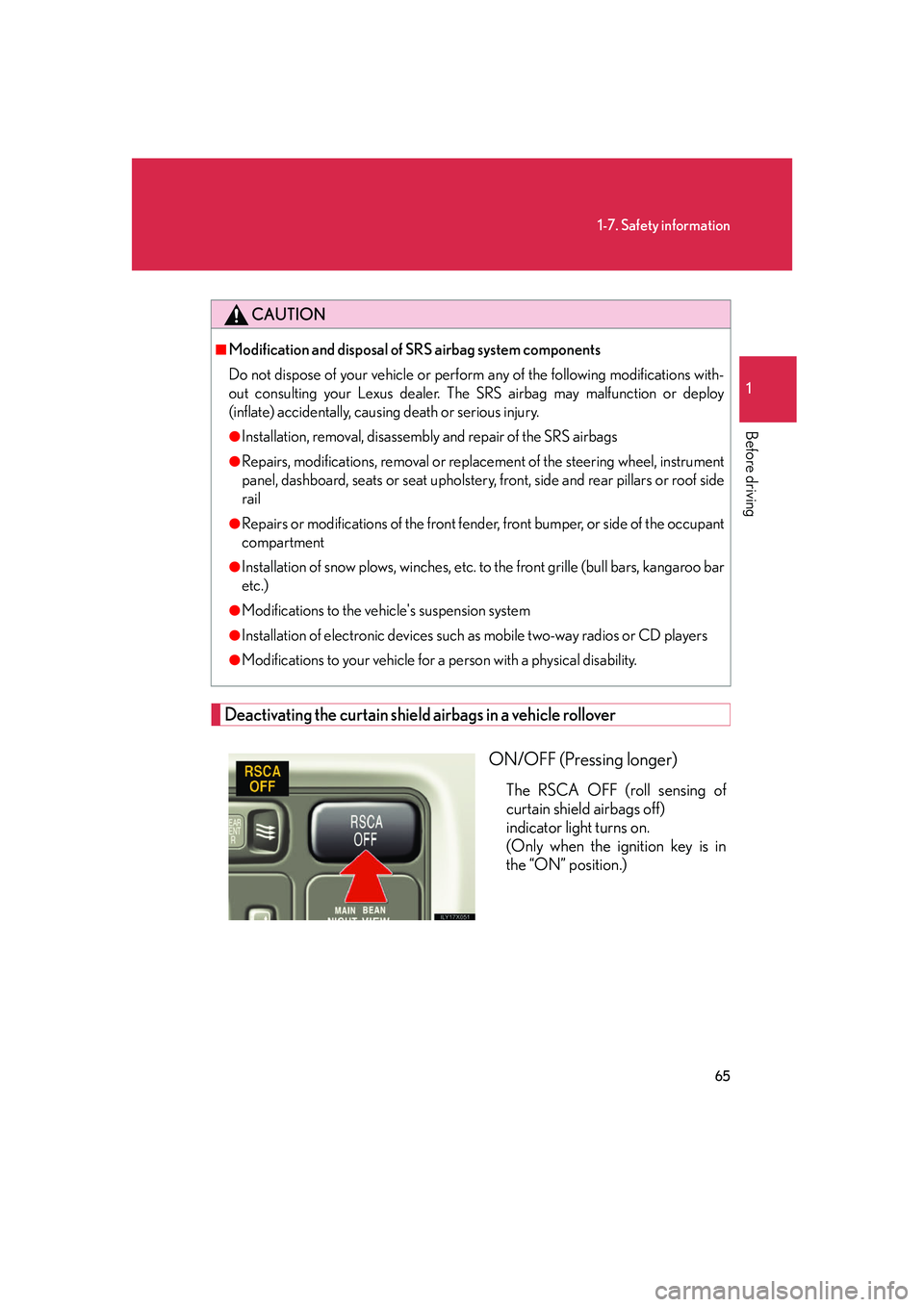
Deactivating the curtain shield airbags in a vehicle rollover
ON/OFF (Pressing longer)
The RSCA OFF (roll sensing of
curtain shield airbags off)
indicator light turns on.
(Only when the ignition key is in
the “ON” position.)
CAUTION
■Modification and disposal of SRS airbag system components
Do not dispose of your vehicle or perfor m any of the following modifications with-
out consulting your Lexus dealer. The SRS airbag may malfunction or deploy
(inflate) accidentally, causing death or serious injury.
●Installation, removal, disassembly and repair of the SRS airbags
●Repairs, modifications, removal or replace ment of the steering wheel, instrument
panel, dashboard, seats or seat upholstery, front, side and rear pillars or roof side
rail
●Repairs or modifications of the front fend er, front bumper, or side of the occupant
compartment
●Installation of snow plows, winches, etc. to the front grille (bull bars, kangaroo bar
etc.)
●Modifications to the vehi cle's suspension system
●Installation of electronic devices such as mobile two-way radios or CD players
●Modifications to your vehicle for a person with a physical disability.
Page 189 of 426

Interior features3
171
3-1. Using the air conditioning system and defogger ........... 172
Automatic air conditioning system (without navigation
system).......................................... 172
Rear air conditioning controls........................................ 180
Rear window and outside rear view mirror defoggers........... 182
3-2. Using the audio system ......... 183 Audio system type (without navigation system) .................. 183
Using the radio ............................ 185
Using the cassette player........ 194
Using the CD player .................. 197
Optimal use of the audio system ......................................... 204
Using the steering switches ...................................... 206
Rear seat audio system .......... 209 3-3. Using the interior lights ........ 212
Interior lights list .......................... 212
3-4. Using the storage features ................................... 215
List of storage features ............ 215
3-5. Other interior features......... 221 Sun visors ....................................... 221
Vanity mirror ............................... 222
Clock.............................................. 223
Outside temperature display ......................................... 224
Ashtrays ........................................ 225
Cigarette lighter ........................ 227
Power outlet ................................ 228
Seat heaters ................................ 230
Coat hooks .................................. 232
Armrest ......................................... 233
Floor mats .................................... 234
Luggage compartment features....................................... 235
Garage door opener............... 237
Compass....................................... 242
Lexus Link System .................... 246
Page 201 of 426

183
3
Interior features
3-2. Using the audio system
Audio system type (without navigation system)
■Using cellular phones
Interference may be heard through the audio system's speakers if a cellular phone
is being used inside or close to the ve hicle while the audio system is operating.
Owners of models equipped with a navigation system should refer to the
“Navigation System Owner's Manual”.
CD player with changer, cassette player and AM/FM radio.
Ti t l ePa g e
Using the radioP. 1 8 5
Using the cassette playerP. 1 9 4
Using the CD playerP. 1 9 7
Optimal use of the audio systemP. 2 0 4
Using the steering switchesP. 2 0 6
Rear seat audio systemP. 2 0 9
Page 203 of 426

185
3-2. Using the audio system
3
Interior features
Using the radio
Press or to choose either an AM or FM band.
Po w e r Vo l u m e
AM·SAT/FM
mode buttons
Seeking the
frequency
Changing the
program types
Seeking any traffic
program station
Present stations Displaying radio
text messages
Scan for receivable
stations
Adjusting the
frequency
(AM, FM mode) or
channel (SAT mode)
Page 204 of 426
186
3-2. Using the audio system
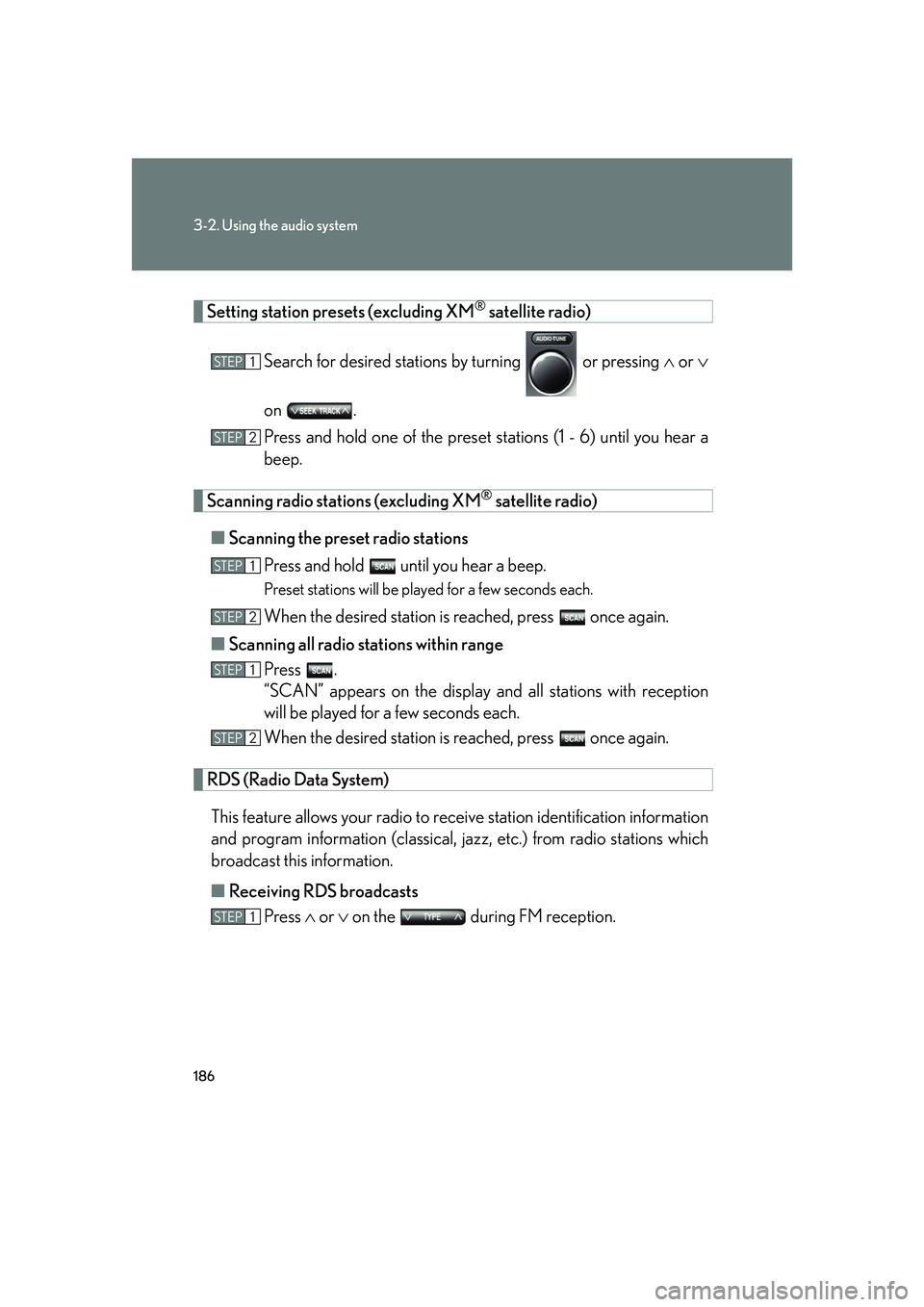
Setting station presets (excluding XM® satellite radio)
Search for desired stations by turning or pressing or
on .
Press and hold one of the preset st ations (1 - 6) until you hear a
beep.
Scanning radio stations (excluding XM® satellite radio)
■ Scanning the preset radio stations
Press and hold until you hear a beep.
Preset stations will be played for a few seconds each.
When the desired station is reached, press once again.
■ Scanning all radio stations within range
Press .
“SCAN” appears on the display an d all stations with reception
will be played for a few seconds each.
When the desired station is reached, press once again.
RDS (Radio Data System)
This feature allows your radio to receive station identification information
and program information (classical, ja zz, etc.) from radio stations which
broadcast this information.
■ Receiving RDS broadcasts
Press or on the during FM reception.
STEP1
STEP2
STEP1
STEP2
STEP1
STEP2
STEP1
Page 205 of 426
187
3-2. Using the audio system
3
Interior features
The type of program changes each time the button is pressed.
●ROCK
● EASYLIS (Easy listening)
● CLS/JAZZ (Classical music and Jazz)
● R & B (Rhythm and Blues)
● INFORM (Information)
● RELIGION
● MISC (Miscellaneous)
● ALARM (Emergency messages)
If the system receives no RDS stations, “NO PTY” appears on the display. Press , or or on .
The radio seeks scans the station by the relevant program type.
■ Displaying radio text messages
Press .
If MSG is shown on the display, a text message will be displayed.
If the text continues past the end of the display, is displayed. Press and
hold until you hear a beep.
STEP2
Page 206 of 426
188
3-2. Using the audio system
■Traffic announcement
Press .
“TRAF SEEK” appears on the display, and the radio will start seeking any
station broadcasting traf fic program information.
If no traffic program station is foun d, “NO TRAF INFO” appears on the dis-
play.
XM® satellite radio (if equipped)
■ Receiving XM
® satellite radio
Press until “SAT” appears on the display.
The display changes as follows each time the button is pressed.
AM SAT1 SAT2 SAT3
Turn to select a desired channel from all the categories or
or on to select a desired channel in the current cat-
egory.
■ Presetting XM
® satellite radio channels
Select the desired channel. Press on e of the preset stations (1 - 6) and
hold until you hear a beep.
■ Changing the channel category
Press or on .
STEP1
STEP2