tire pressure LEXUS LX570 2020 Owners Manual
[x] Cancel search | Manufacturer: LEXUS, Model Year: 2020, Model line: LX570, Model: LEXUS LX570 2020Pages: 636, PDF Size: 12.73 MB
Page 5 of 636

5
1
8 7
6
5
4
3
2
LX570_OM_OM60R61U_(U)
9
5-5. Using the storage features List of storage features ............ 428• Glove box ............................... 429
• Console box .......................... 429
• Overhead console .............. 430
• Cup holders .............................431
• Bottle holders ........................ 432
• Card holder ........................... 432
• Auxiliary boxes ..................... 433
Luggage compartment features ....................................... 435
5-6. Using the other interior features
Other interior features ............ 438 • Cool box.................................. 438
• Sun visors ................................ 439
• Vanity mirrors ....................... 439
• Clock ........................................ 440
• Power outlets ........................ 440
• Wireless charger ................. 443
• Armrest......................................451
• Rear door sunshades ......... 452
• Coat hooks............................. 452
• Assist grips ............................. 453
Garage door opener ............... 454 6-1. Maintenance and care
Cleaning and protecting the vehicle exterior ................ 462
Cleaning and protecting the vehicle interior.................. 465
6-2. Maintenance Maintenance requirements ............................ 468
General maintenance.............. 470
Emission inspection and maintenance (I/M)
programs.................................... 473
6-3. Do-it-yourself maintenance Do-it-yourself service precautions ................................474
Hood ............................................... 476
Engine compartment ................477
Tires ................................................. 490
Tire inflation pressure .............. 499
Wheels ........................................... 503
Air conditio ning filter ...............505
Electronic key battery.............. 507
Checking and replacing fuses.............................................. 509
Light bulbs ......................................5126Maintenance and care
Page 15 of 636
15Pictorial index
LX570_OM_OM60R61U_(U)
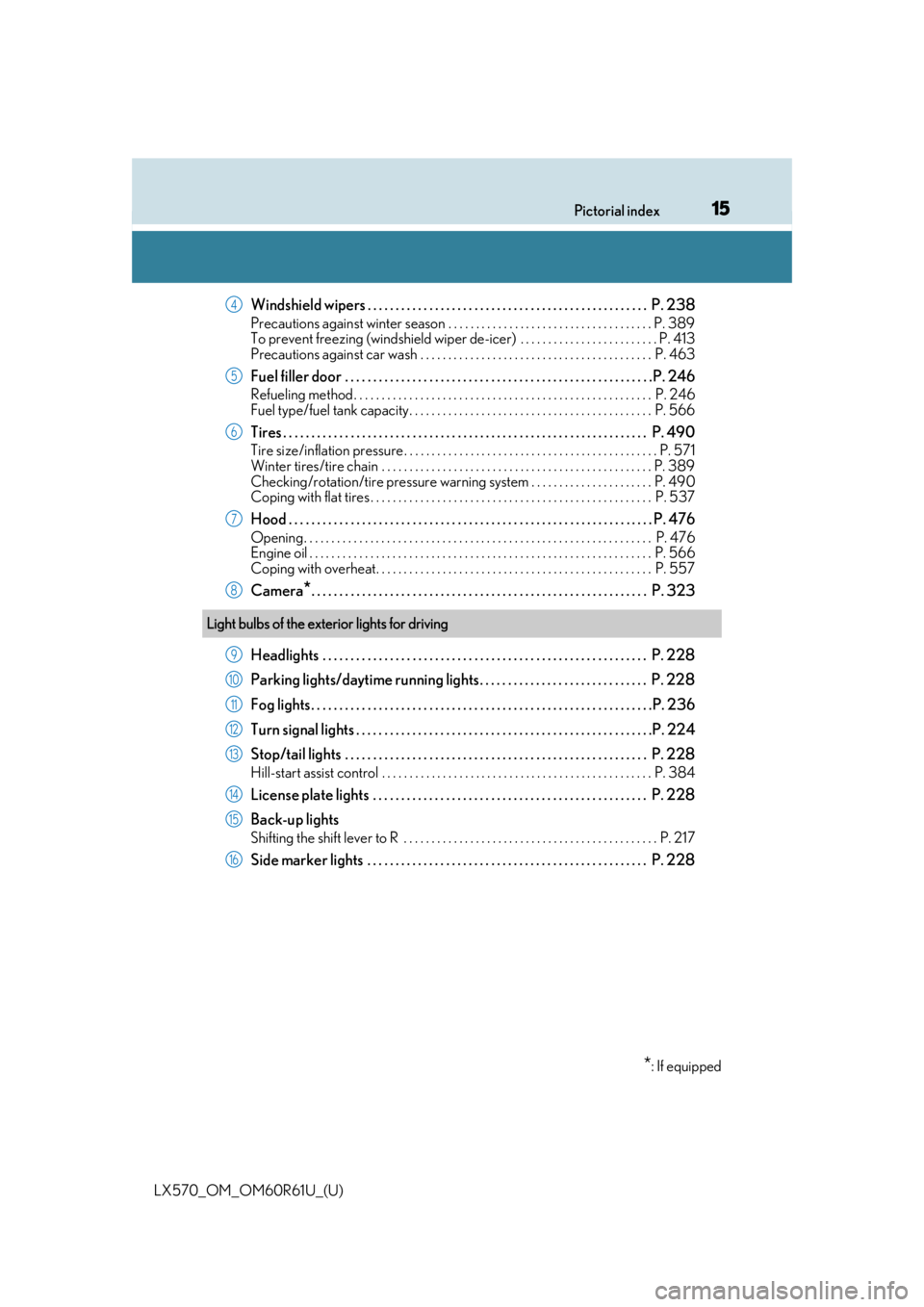
Windshield wipers . . . . . . . . . . . . . . . . . . . . . . . . . . . . . . . . . . . . . . . . . . . . . . . . . . P. 238
Precautions against winter season . . . . . . . . . . . . . . . . . . . . . . . . . . . . . . . . . . . . . P. 389
To prevent freezing (windshield wiper de-icer) . . . . . . . . . . . . . . . . . . . . . . . . . P. 413
Precautions against car wash . . . . . . . . . . . . . . . . . . . . . . . . . . . . . . . . . . . . . . . . . . P. 463
Fuel filler door . . . . . . . . . . . . . . . . . . . . . . . . . . . . . . . . . . . . . . . . . . . . . . . . . . . . . . .P. 246
Refueling method . . . . . . . . . . . . . . . . . . . . . . . . . . . . . . . . . . . . . . . . . . . . . . . . . . . . . . P. 246
Fuel type/fuel tank capacity . . . . . . . . . . . . . . . . . . . . . . . . . . . . . . . . . . . . . . . . . . . . P. 566
Tires . . . . . . . . . . . . . . . . . . . . . . . . . . . . . . . . . . . . . . . . . . . . . . . . . . . . . . . . . . . . . . . . . P. 490
Tire size/inflation pressure . . . . . . . . . . . . . . . . . . . . . . . . . . . . . . . . . . . . . . . . . . . . . . P. 571
Winter tires/tire chain . . . . . . . . . . . . . . . . . . . . . . . . . . . . . . . . . . . . . . . . . . . . . . . . . P. 38 9
Checking/rotation/tire pressure warning system . . . . . . . . . . . . . . . . . . . . . . P. 490
Coping with flat tires . . . . . . . . . . . . . . . . . . . . . . . . . . . . . . . . . . . . . . . . . . . . . . . . . . . P. 537
Hood . . . . . . . . . . . . . . . . . . . . . . . . . . . . . . . . . . . . . . . . . . . . . . . . . . . . . . . . . . . . . . . . . P. 476
Opening. . . . . . . . . . . . . . . . . . . . . . . . . . . . . . . . . . . . . . . . . . . . . . . . . . . . . . . . . . . . . . . P. 476
Engine oil . . . . . . . . . . . . . . . . . . . . . . . . . . . . . . . . . . . . . . . . . . . . . . . . . . . . . . . . . . . . . . P. 566
Coping with overheat. . . . . . . . . . . . . . . . . . . . . . . . . . . . . . . . . . . . . . . . . . . . . . . . . . P. 557
Camera*. . . . . . . . . . . . . . . . . . . . . . . . . . . . . . . . . . . . . . . . . . . . . . . . . . . . . . . . . . . . P. 323
Headlights . . . . . . . . . . . . . . . . . . . . . . . . . . . . . . . . . . . . . . . . . . . . . . . . . . . . . . . . . . P. 228
Parking lights/daytime running lights. . . . . . . . . . . . . . . . . . . . . . . . . . . . . . P. 228
Fog lights. . . . . . . . . . . . . . . . . . . . . . . . . . . . . . . . . . . . . . . . . . . . . . . . . . . . . . . . . . . . .P. 236
Turn signal lights . . . . . . . . . . . . . . . . . . . . . . . . . . . . . . . . . . . . . . . . . . . . . . . . . . . . .P. 2 24
Stop/tail lights . . . . . . . . . . . . . . . . . . . . . . . . . . . . . . . . . . . . . . . . . . . . . . . . . . . . . . P. 228
Hill-start assist control . . . . . . . . . . . . . . . . . . . . . . . . . . . . . . . . . . . . . . . . . . . . . . . . . P. 384
License plate lights . . . . . . . . . . . . . . . . . . . . . . . . . . . . . . . . . . . . . . . . . . . . . . . . . P. 228
Back-up lights
Shifting the shift lever to R . . . . . . . . . . . . . . . . . . . . . . . . . . . . . . . . . . . . . . . . . . . . . . P. 21 7
Side marker lights . . . . . . . . . . . . . . . . . . . . . . . . . . . . . . . . . . . . . . . . . . . . . . . . . . P. 228
4
5
6
7
8
Light bulbs of the exterior lights for driving
*: If equipped
9
10
11
12
13
14
15
16
Page 19 of 636

19Pictorial index
LX570_OM_OM60R61U_(U)
Tire pressure warning reset switch . . . . . . . . . . . . . . . . . . . . . . . . . . . . . . . . . P. 491
PCS (Pre-Collision System) switch
*. . . . . . . . . . . . . . . . . . . . . . . . . . . . . . . .P. 260
Power back door switch . . . . . . . . . . . . . . . . . . . . . . . . . . . . . . . . . . . . . . . . . . . . . P. 128
Power back door main switch . . . . . . . . . . . . . . . . . . . . . . . . . . . . . . . . . . . . . . . P. 128
VIEW switch . . . . . . . . . . . . . . . . . . . . . . . . . . . . . . . . . . . . . . . . . . . . . . . . . . . . . . . . P. 323
Intuitive parking assist switch . . . . . . . . . . . . . . . . . . . . . . . . . . . . . . . . . . . . . . .P. 294
*: If equipped
1
2
3
4
5
6
Page 87 of 636

LX570_OM_OM60R61U_(U)
872. Instrument cluster
2
Instrument cluster
Warning lights inform the driver of malfunctions in any of the vehicle’s systems.
Warning lights
*1
(U.S.A.)
Brake system warning light
( P. 525)*1Automatic headlight
leveling system warning
light ( P. 526)
*1
(Canada)
Brake system warning light
( P. 525)*2Low speed four-wheel
drive indicator light
( P. 527)
*1Charging system warning
light ( P. 525)*2Center differential lock
indicator light ( P. 527)
*1
(U.S.A.)
Malfunction indicator lamp
( P. 525) Open door warning light
(
P. 527)
*1
(Canada)
Malfunction indicator lamp
( P. 525) Low fuel level warning light
(
P. 527)
*1SRS warning light
( P. 525) Driver’s seat belt reminder
light (
P. 527)
*1
(U.S.A.)
ABS warning light
( P. 525)*3Front passenger’s seat belt
reminder light ( P. 527)
*1
(Canada)
ABS warning light
( P. 525)*1Master warning light
( P. 527)
*1, 4
(if equipped)
PCS warning light
( P. 526)*1Tire pressure warning light
( P. 527)
*1Slip indicator light
( P. 526)*2
(U.S.A.)
Parking brake indicator
( P. 527)
Page 100 of 636

100
LX570_OM_OM60R61U_(U)2. Instrument cluster
■Eco Indicator (Eco Driving Indicator Zone Display)
P. 103
■Speed
Displays the vehicle speed.
■Outside temperature
Displays the outside temperature within the range of -40 F (-40 C) to 122 F
(50 C).
■Sway warning (if equipped)
Detects the sway of the vehicle within a lane, which is often associated with a
decrease in the driver’s at tention level, and displays the decrease in attention
using a bar display.
The shorter the bar length, the more the driver may need to rest.
This display is a part of the LDA (Lane Departure Alert) system. The display is
enabled when the operating conditions of the vehicle sway warning are met.
( P. 268)
■Blank screen (display off)
Drive information is not displayed.
■Front tire angle (if equipped)
Displays the direction of the front tires.
The tire direction is displaye d in 3 stages for both left and right, in accordance with
the angle of the tire.
If a battery terminal is disconnected an d reconnected, the display may be disabled
temporarily. After driving the vehicle for a while, the display will be enabled.
■Tire inflation pressure
Displays inflation pressure of each tire.
The inflation pressure of the spare tire will be displayed.
■Oil maintenance (if equipped)
Displays the remaining distance before the next maintenance is required.\
Vehicle information
Page 103 of 636

LX570_OM_OM60R61U_(U)
1032. Instrument cluster
2
Instrument cluster
■Eco Driving Indicator
■When disconnecting and reconnecting battery terminals
The drive information will be reset (only items that can be reset manually).
■Pop-Up display
The pop-up display is displayed on the multi-information display according to the operat-
ing conditions of the following functions:
●Route guidance display of the navigation system-linked system
●Incoming call display of the hands-free phone system (if equipped)
The pop-up display function can be disabled. ( P. 101)
■Tire inflation pressure
●It may take a few minutes to display the tire inflation pressure after the engine switch is
turned to IGNITION ON mode. It may also take a few minutes to display the tire infla-
tion pressure after inflation pressure has been adjusted.
●“---” may be displayed if the tire information cannot be determined due to unfavorable
radio wave conditions.
●Tire inflation pressure changes with temperat ure. The displayed values may also be dif-
ferent from the values measured using a tire pressure gauge.
■When setting up the display
Stop the vehicle in a safe place, apply the pa rking brake, and shift the shift lever to P.
■Suspension of the settings display
In the following situations, the settings display using the meter control switches will be
suspended.
●When a warning message appears on the multi-information display
●When the vehicle begins to move
■Liquid crystal display
Small spots or light spots may appear on the display. This phenomenon is characteristic
of liquid crystal displays, and there is no problem continuing to use the display.
Eco Driving Indicator Light (
P. 91)
Eco Driving Indicator Zone Display
Suggests the Zone of Eco driving with current
Eco driving ratio based on acceleration.
Eco driving ratio based on acceleration
If the acceleration exceeds Zone of Eco driv-
ing, the right side of Eco Driving Indicator
Zone Display will illuminate.
Zone of Eco driving
1
2
3
4
Page 266 of 636

266
LX570_OM_OM60R61U_(U)4-5. Using the driving support systems
• When driving on a hill
• If the radar sensor or ca mera sensor is misaligned
●In some situations such as the following, sufficient braking forc e may not be obtained,
preventing the system from performing properly:
• If the braking functions cannot operate to their full extent, such as when the brake parts are extremely cold, extremely hot, or wet
• If the vehicle is not properly maintained (brakes or tires are excessively worn,
improper tire inflation pressure, etc.)
• When the vehicle is being driven on a gravel road or other slippery surface
●Some pedestrians such as the following may not be detected by the radar sensor and
camera sensor, preventing the system from operating properly:
• Pedestrians shorter than approximately 3.2 ft. (1 m) or taller than approximately
6.5 ft. (2 m)
• Pedestrians wearing oversized clothing (a rain coat, long skirt, etc.), making their
silhouette obscure
• Pedestrians who are carrying large baggage, holding an umbrella, etc., hiding part
of their body
• Pedestrians who are bending forward or squatting
• Pedestrians who are pushing a stroller , wheelchair, bicycle or other vehicle
• Groups of pedestrians which are close together
• Pedestrians who are wearing white and look extremely bright
• Pedestrians in the dark, such as at night or while in a tunnel
• Pedestrians whose clothing appears to be nearly the same color or brightness as
their surroundings
• Pedestrians near walls, fences , guardrails, or large objects
• Pedestrians who are on a metal object (manhole cover, steel plate, etc.) on the road
• Pedestrians who are walking fast
• Pedestrians who are changing speed abruptly
• Pedestrians running out from be hind a vehicle or a large object
• Pedestrians who are extremely close to the side of the vehicle (outside rear view mirror, etc.)
Page 273 of 636

LX570_OM_OM60R61U_(U)
2734-5. Using the driving support systems
4
Driving
■Conditions in which functions may not operate properly
In the following situations, the camera sensor may not detect white (yellow) lines and var-
ious functions may not operate normally.
●There are shadows on the road that run parallel with, or cover, the white (yellow) lines.
●The vehicle is driven in an ar ea without white (yellow) lines, such as in front of a tollgate
or checkpoint, or at an intersection, etc.
●The white (yellow) lines are cracked, “Botts ’ dots”, “Raised pavement marker” or stones
are present.
●The white (yellow) lines cannot be seen or are difficult to see due to sand, etc.
●The vehicle is driven on a road surface that is wet due to rain, puddles, etc.
●The traffic lines are yellow (which may be more difficult to recognize than lines that are
white).
●The white (yellow) lines cross over a curb, etc.
●The vehicle is driven on a bright surface, such as concrete.
●The vehicle is driven on a surface that is bright due to reflected light, etc.
●The vehicle is driven in an area where the brightness changes suddenly, such as at the
entrances and exits of tunnels, etc.
●Light from the headlights of an oncoming vehicle, the sun, etc. enters the camera.
●The vehicle is driven where the road diverges, merges, etc.
●The vehicle is driven on a slope.
●The vehicle is driven on a road which tilts left or right, or a winding road.
●The vehicle is driven on an unpaved or rough road.
●The vehicle is driven around a sharp curve.
●The traffic lane is excessively narrow or wide.
●The vehicle is extremely tilted due to carry ing heavy luggage or having improper tire
pressure.
●The distance to the preceding vehicle is extremely short.
●The vehicle is moving up and down a large am ount due to road conditions during driv-
ing (poor roads or road seams).
●The headlight lenses are dirty and emit a faint amount of light at night, or the beam axis
has deviated.
●The vehicle has just changed lane s or crossed an intersection.
Page 368 of 636

368
LX570_OM_OM60R61U_(U)4-5. Using the driving support systems
■If you notice any symptoms
If you notice any of the following symptoms, refer to the likely cause and the
solution, and re-check.
If the symptom is not resolved by the
solution, have the vehicle inspected by
your Lexus dealer.
Likely causeSolution
The image is difficult to see
• The vehicle is in a dark area
• The temperature around the lens is
either high or low
• The outside temperature is low
• There are water droplets on the cam- era
• It is raining or humid
• Foreign matter (mud etc.) is adhering to the camera
• Sunlight or headlights are shining directly into the camera
•The vehicle is unde r fluorescent lights,
sodium lights, mercury lights, etc.
Drive while visually checking the vehicle’s
surroundings. (Use the Multi-terrain
Monitor again once conditions have been
improved.)
The procedure for adjusting the picture
quality of the Multi-terrain Monitor is
same as the procedure for adjusting the
navigation screen. Refer to the
“NAVIGATION SYSTEM OWNER’S
MANUAL”.
The image is blurry
Dirt or foreign matter (such as water
droplets, snow, mud, etc.) is adhering to
the cameraFlush the camera with a large quantity of
water and wipe the ca mera lens with a
soft and wet cloth.
The image is out of alignment
The camera or surrounding area has
received a strong impactHave the vehicle inspected by your Lexus
dealer.
The guide lines are very far out of alignment
The camera position is out of alignmentHave the vehicle inspected at your Lexus
dealer.
• The vehicle is tilted (there is a heavy
load on the vehicle, tire pressure is low
due to a tire puncture, etc.)
• The vehicle is used on an inclineIf this happens due to these causes, it
does not indicate a malfunction.
Drive while visually checking the vehicle’s
surroundings.
Page 388 of 636

388
LX570_OM_OM60R61U_(U)4-5. Using the driving support systems
WARNING
■Replacing tires
Make sure that all tires are of the same si
ze, brand, tread pattern and total load capac-
ity. In addition, make sure that the tires are inflated to the specified tire pressure level.
The Multi Terrain ABS, Active TRAC, VSC an d Trailer Sway Control will not function
correctly if different tires are fitted on the vehicle.
Contact your Lexus dealer for further in formation when replacing tires or wheels.
■Handling of tires and suspension
Using tires with any kind of problem or modi fying the suspension will affect the driving
assist systems, and may caus e the system to malfunction.
■Trailer Sway Control precaution
The Trailer Sway Control system is not able to reduce trailer sway in all situations.
Depending on many factors such as the condit ions of the vehicle, trailer, road surface,
and driving environment, the Trailer Sway Control system may not be effective. Refer to
your trailer owner’s manual for information on how to tow your trailer properly.
■If trailer sway occurs
Observe the following precautions.
Failing to do so may cause death or serious injury.
●Firmly grip the steering wh eel. Steer straight ahead.
Do not try to control trailer sway ing by turning the steering wheel.
●Begin releasing the accelerator pedal immediately but very gradually to reduce
speed.
Do not increase speed. Do not apply vehicle brakes.
If you make no extreme correction with the steering or brakes, your vehicle and trailer
should stabilize. ( P. 207)