display LEXUS NX200T 2016 Owners Manual
[x] Cancel search | Manufacturer: LEXUS, Model Year: 2016, Model line: NX200T, Model: LEXUS NX200T 2016Pages: 660, PDF Size: 9.96 MB
Page 423 of 660

4236-1. Using the air conditioning system and defogger
6
Interior features
NX200t_OM_USA_OM78081U
Vehicles with a Lexus Display Audio system
Adjust the left-hand side temper-
ature setting
Adjust the fan speed setting
Select to set auto mode on/off,
fan off, and displaying the option
control screen ( P. 4 2 4 )
Select the air flow mode
Adjust the right-hand side temperature setting
Move the Lexus Display Audio controller left/right to select the desired item
( to ).
When , or is selected:
Move the controller forward/backward or turn it left/right for adjusting.
When or is selected:
Move the controller forward/backward or turn it left/right to select a screen
button, then press the controller.
Vehicles with a navigation system
Adjust the left-hand side temper-
ature setting
Adjust the fan speed setting
Select the air flow mode
Adjust the right-hand side tem-
perature setting
Display the option control screen
( P. 4 2 4 )
Tu r n t h e f a n o f f
Select to set automatic mode on/off
Using the touchpad of the Remote Touch, select the button on the screen and
then activate it by pressing on or double tapping the touchpad.
Control screen
1
2
3
4
5
1
15
2125
34
1
2
3
4
5
6
7
Page 424 of 660

4246-1. Using the air conditioning system and defogger
NX200t_OM_USA_OM78081U
■Option control screen
Select on the climate screen to display the option control screen. The
functions can be switched on and off. Select to set cooling and dehumidification function on/off
Adjust the temperature for driver and passenger seats separately (“DUAL”
mode) ( P. 4 2 5 )
Prevent ice from building up on the windshield and wiper blades
(if equipped) ( P. 4 2 6 )
Remove pollen from the air (Micro dust and pollen filter) ( P. 4 2 6 )
■Using the automatic mode
Press the “AUTO” button.
Adjust the temperature setting.
To stop the operation, press the “OFF” button.
■Automatic mode indicator
If the fan speed setting or air flow modes are operated, the automatic mode
indicator goes off. However, automati c mode for functions other than that
operated are maintained.
Vehicles with a Lexus Display Audio
systemVehicles with a navigation system
Air conditioning controls
1
2
3
4
1
2
3
Page 426 of 660

4266-1. Using the air conditioning system and defogger
NX200t_OM_USA_OM78081U
■Micro dust and pollen filter
Pollen is removed from the air and the air flows to the upper part of the body.
Select on the option control screen.
When the micro dust and pollen filter is on, is displayed on the air condition-
ing control screen.
In order to prevent the windshield from fo gging up when the outside air is cold, the
dehumidification function may operate.
The pollens are filtered out even if the micro dust and pollen filter is turned off.
■Windshield wiper de-icer (if equipped)
This feature is used to prevent ice fr om building up on the windshield and
wiper blades.
Select on the option control screen.
When the windshield wiper de-icer is on , is displayed on the air condition-
ing control screen.
The windshield wiper de-icer will automati cally turn off after a period of time.
■Location of air outlets
The air outlets and air volume
changes according to the selected
air flow mode.
Air outlets
Page 453 of 660

4536-4. Other interior features
6
Interior features
NX200t_OM_USA_OM78081U
WA R N I N G
■Caution while driving
When charging a portable device, for safety reasons, the driver should not operate the
main the part of the port able device while driving.
■Caution regarding interference with electronic devices
People with implantable cardiac pacema kers, cardiac resynchronization therapy-
pacemakers or implantable cardioverter defi brillators, as well as any other electrical
medical device, should consult their physicia n about the usage of the wireless charger.
The operations of the wireless charger may have an affect on medical devices.
■To prevent damage or burns
Observe the following precautions.
Failure to do so may result in a possibility of equipment failure and damage, catch fire,
burns due to overheat.
●Do not insert any metallic objects between the charging area and the portable device
while charging
●Do not attach stickers, metallic objects, etc., to the charger area or portable device
●Do not cover with cloth, etc., and charge
●Do not charge portable devices other than designated
●Do not attempt to dismantle for disassembly or modifications
●Do not hit or apply a strong force
NOTICE
■Conditions in which the function may not operate correctly
In the following conditions, it may not operate correctly
●The portable device is fully charged
●There is foreign matter between the charge area and portable device
●The temperature of the portable device gets higher from charging
●The charging surface of the portable device is facing up
●The placement of the portable device is out of alignment with the charge area
●Near a TV tower, electric power plant, gas station, radio station, large display, airport
or other facility that generates strong radio waves or electrical noise
●When the electronic key is in contact with , or is covered by the following metallic
objects
• Cards to which aluminum foil is attached
• Cigarette boxes that have aluminum foil inside
• Metallic wallets or bags
•Coins
•Hand warmers made of metal
• Media such as CDs and DVDs
●When other wireless keys (that emit radio waves) are being used nearby
In addition, excluding the above-mentioned, when the charger does not perform nor-
mally or the operation display lamp is flashi ng continuously, it is considered that the
wireless charger is malfunctioning. Contact your Lexus dealer.
Page 460 of 660

4606-4. Other interior features
NX200t_OM_USA_OM78081U
The status of the opening and closing of
a garage door is shown by the indica-
tors. Opening
Closing
This function is only available if the
garage door opener motor used is a
compatible device. (To check device
compatibility, refer to
www.HomeLink.com.)
The indicators can operate within approximately 820 ft. (250 m) of the
garage door. However, if there are obstructions between the garage door and
the vehicle, such as houses and trees, feedback signals from the garage door
may not be received.
To recall the previous door operat ion status, press and release either
HomeLink
® buttons and or and simultaneously.
The last recorded status w ill be displayed for 3 seconds.
Press and hold the 2 outside buttons for
10 seconds until the HomeLink
® indi-
cator light changes from continuously
lit orange to rapidly flashing green.
If you sell your vehicle, be sure to erase
the programs stored in the HomeLink®
memory.
Garage door operation indicators
1
2
ColorStatus
Orange (flashing)Currently opening/closing
GreenOpening/closing has completed
Red (flashing)Feedback signals cannot be received
Erasing the entire HomeLink® memory (all three codes)
Page 462 of 660

4626-4. Other interior features
NX200t_OM_USA_OM78081U
Compass
To turn the compass on or off, press the
button for more than 3 seconds.
: If equipped
The compass on the inside rear view mi rror indicates the direction in which
the vehicle is heading.
Operation
Displays and directions
DisplayDirection
“N”North
“NE”Northeast
“E”East
“SE”Southeast
“S”South
“SW”Southwest
“W”We s t
“NW”Northwest
Page 463 of 660

4636-4. Other interior features
6
Interior features
NX200t_OM_USA_OM78081U
The direction display deviates from the true direction determined by the earth’s
magnetic field. The amount of deviation varies depending on the geographic
position of the vehicle.
If you cross over one of the map boundaries shown in illustration, the compass will
deviate.
To obtain higher precision or perfect calibration, refer to “Deviation calibration”.
■Deviation calibration
Stop the vehicle.
Press and hold the button for 6
seconds. A number (1 to 15)
appears on the compass display.
Referring to the map above, press the button to select the number of the
zone you are in.
If the direction is displayed several se conds after adjustment, the calibration is
complete.
Calibrating the compass
1
2
3
Page 464 of 660

4646-4. Other interior features
NX200t_OM_USA_OM78081U
■Circling calibration Stop the vehicle in a place where it is safe to drive in a circle.
Press and hold the button for 9
seconds.
“C” appears on the compass display.
Drive the vehicle at 5 mph (8 km/
h) or less in a circle until a direc-
tion is displayed.
If there is not enough space to drive
in a circle, drive around the block
until a direction is displayed.
■Conditions unfavorable to correct operation
The compass may not show the correct direction in the following conditions:
●The vehicle is stopped immediately after turning.
●The vehicle is on an inclined surface.
●The vehicle is in a place where the earth’s ma gnetic field is subject to interference by
artificial magnetic fields (underground car park/parking lot, under a steel tower,
between buildings, roof car park/parking lot, near an intersection, near a large vehicle,
etc.).
●The vehicle has become magnetized. (There is a magnet or metal object near the inside
rear view mirror.)
●The battery has been disconnected.
●A door is open.
1
2
3
Page 465 of 660

4656-4. Other interior features
6
Interior features
NX200t_OM_USA_OM78081U
WA R N I N G
■While driving the vehicle
Do not adjust the display. Adjust the display only when the vehicle is stopped.
■When doing the circling calibration
Secure a wide space, and watch out for people and vehicles in the vicinity. Do not vio-
late any local traffic rules while performing circling calibration.
NOTICE
■To avoid compass malfunctions
Do not place magnets or any metal object s near the inside rear view mirror.
Doing this may cause the compass sensor to malfunction.
■To ensure normal operation of the compass
●Do not perform a circling calibration of the compass in a place where the earth’s
magnetic field is subject to interfer ence by artificial magnetic fields.
●During calibration, do not operate electric systems (moon roof, power windows, etc.)
as they may interfere with the calibration.
Page 481 of 660
4817-2. Maintenance
7
Maintenance and care
NX200t_OM_USA_OM78081U
■Allow inspection and repairs to be performed by a Lexus dealer
●Lexus technicians are well-trained specialists and are kept up to date with the latest ser-
vice information. They are well informed about the operation of all systems on your
vehicle.
●Keep a copy of the repair order. It proves that the maintenance that has been per-
formed is under warranty coverage. If any problem should arise while your vehicle is
under warranty, your Lexus dealer will promptly take care of it.
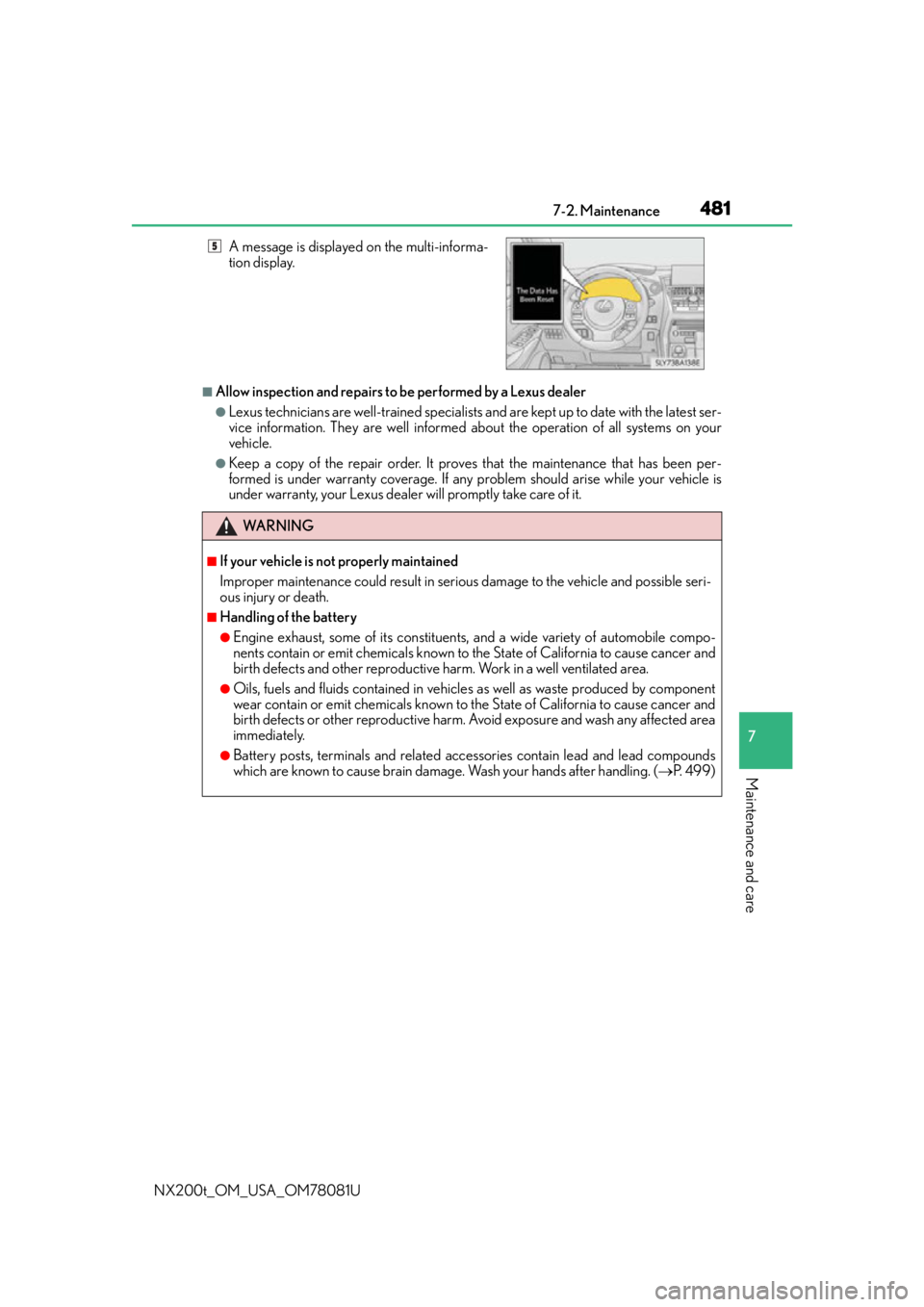
A message is displayed on the multi-informa-
tion display.
WA R N I N G
■If your vehicle is not properly maintained
Improper maintenance could result in seriou
s damage to the vehicle and possible seri-
ous injury or death.
■Handling of the battery
●Engine exhaust, some of its constituents , and a wide variety of automobile compo-
nents contain or emit chemicals known to the State of California to cause cancer and
birth defects and other reproductive harm. Work in a well ventilated area.
●Oils, fuels and fluids contained in vehicles as well as waste produced by component
wear contain or emit chemicals known to the State of California to cause cancer and
birth defects or other reproductive harm. Avoid exposure and wash any affected area
immediately.
●Battery posts, terminals and related accessories contain lead and lead compounds
which are known to cause brain damage . Wash your hands after handling. (P. 4 9 9 )
5