fuel consumption LEXUS NX300 2020 Owners Manual
[x] Cancel search | Manufacturer: LEXUS, Model Year: 2020, Model line: NX300, Model: LEXUS NX300 2020Pages: 468, PDF Size: 10.24 MB
Page 2 of 468
2
LEXUS NX300 Owners Manual_USA_M78389_en
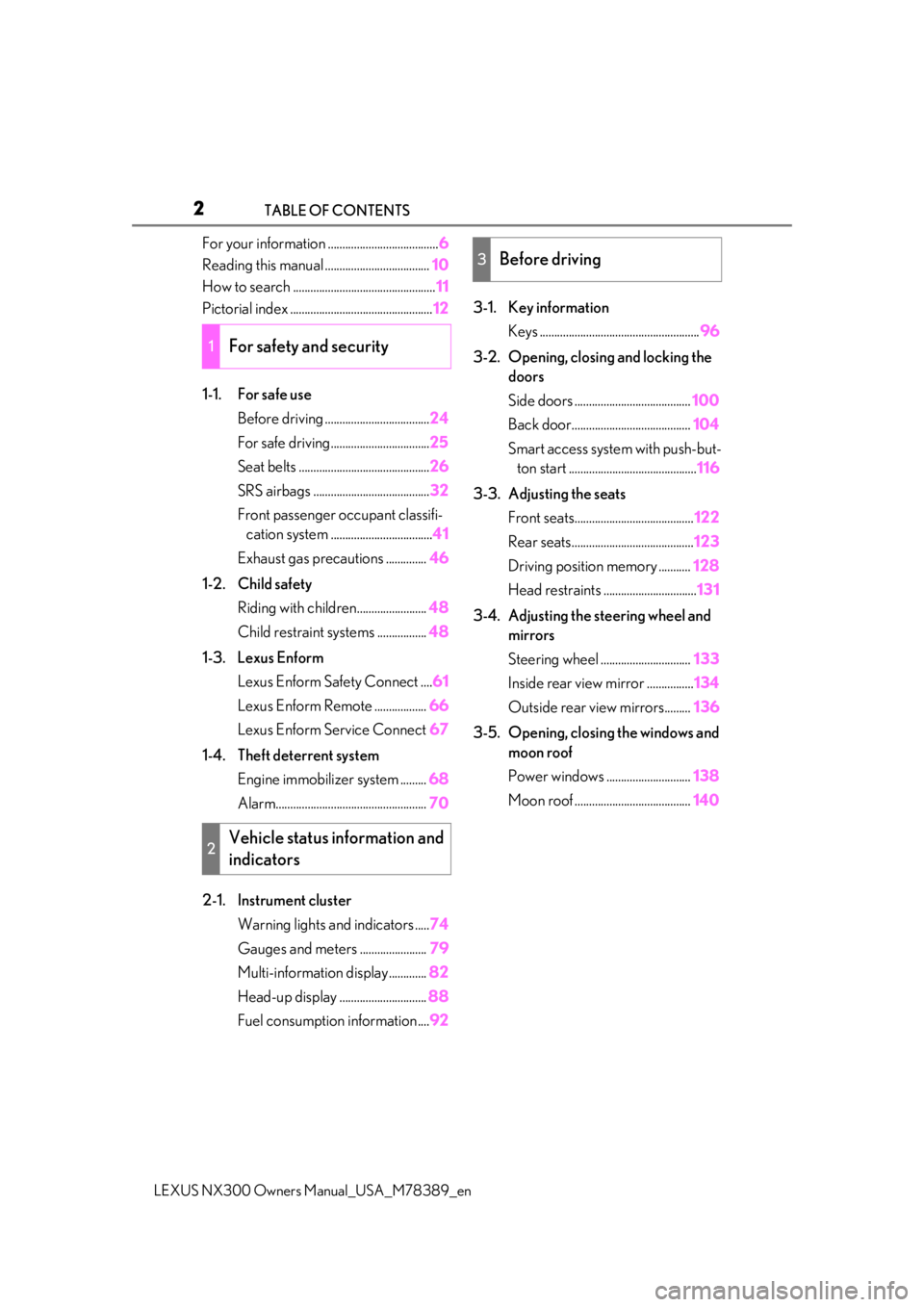
TABLE OF CONTENTS
For your information ......................................
6
Reading this manual .................................... 10
How to search ................................................. 11
Pictorial index ................................................. 12
1-1. For safe use Before driving .................................... 24
For safe driving.................................. 25
Seat belts ............................................. 26
SRS airbags ........................................ 32
Front passenger occupant classifi- cation system ................................... 41
Exhaust gas precautions .............. 46
1-2. Child safety Riding with children........................ 48
Child restraint systems ................. 48
1-3. Lexus Enform Lexus Enform Safety Connect .... 61
Lexus Enform Remote .................. 66
Lexus Enform Service Connect 67
1-4. Theft deterrent system Engine immobilizer system ......... 68
Alarm.................................................... 70
2-1. Instrument cluster Warning lights and indicators ..... 74
Gauges and meters ....................... 79
Multi-information display............. 82
Head-up display .............................. 88
Fuel consumption information .... 923-1. Key information
Keys ....................................................... 96
3-2. Opening, closing and locking the doors
Side doors ........................................ 100
Back door......................................... 104
Smart access system with push-but- ton start ............................................ 116
3-3. Adjusting the seats Front seats......................................... 122
Rear seats.......................................... 123
Driving position memory ........... 128
Head restraints ................................ 131
3-4. Adjusting the steering wheel and mirrors
Steering wheel ............................... 133
Inside rear view mirror ................ 134
Outside rear view mirrors......... 136
3-5. Opening, closing the windows and moon roof
Power windows ............................. 138
Moon roof ........................................ 140
1For safety and security
2Vehicle status information and
indicators
3Before driving
Page 73 of 468

73
LEXUS NX300 Owners Manual_USA_M78389_en
2
2
Vehicle status information and indicators
Vehicle status information
and indicators
2-1. Instrument cluster
Warning lights and indicators . 74
Gauges and meters .................... 79
Multi-information display.......... 82
Head-up display ........................... 88
Fuel consumption information 92
Page 83 of 468
832-1. Instrument cluster
LEXUS NX300 Owners Manual_USA_M78389_en
2
Vehicle status information and indicators
will be shown.
Call sending/receiving and history
display
Linked with the hands-free system, sending
or receiving call is displayed. For details
regarding the hands-free system, refer to
the “NAVIGATION AND MULTIMEDIA
SYSTEM OWNER’S MANUAL”.
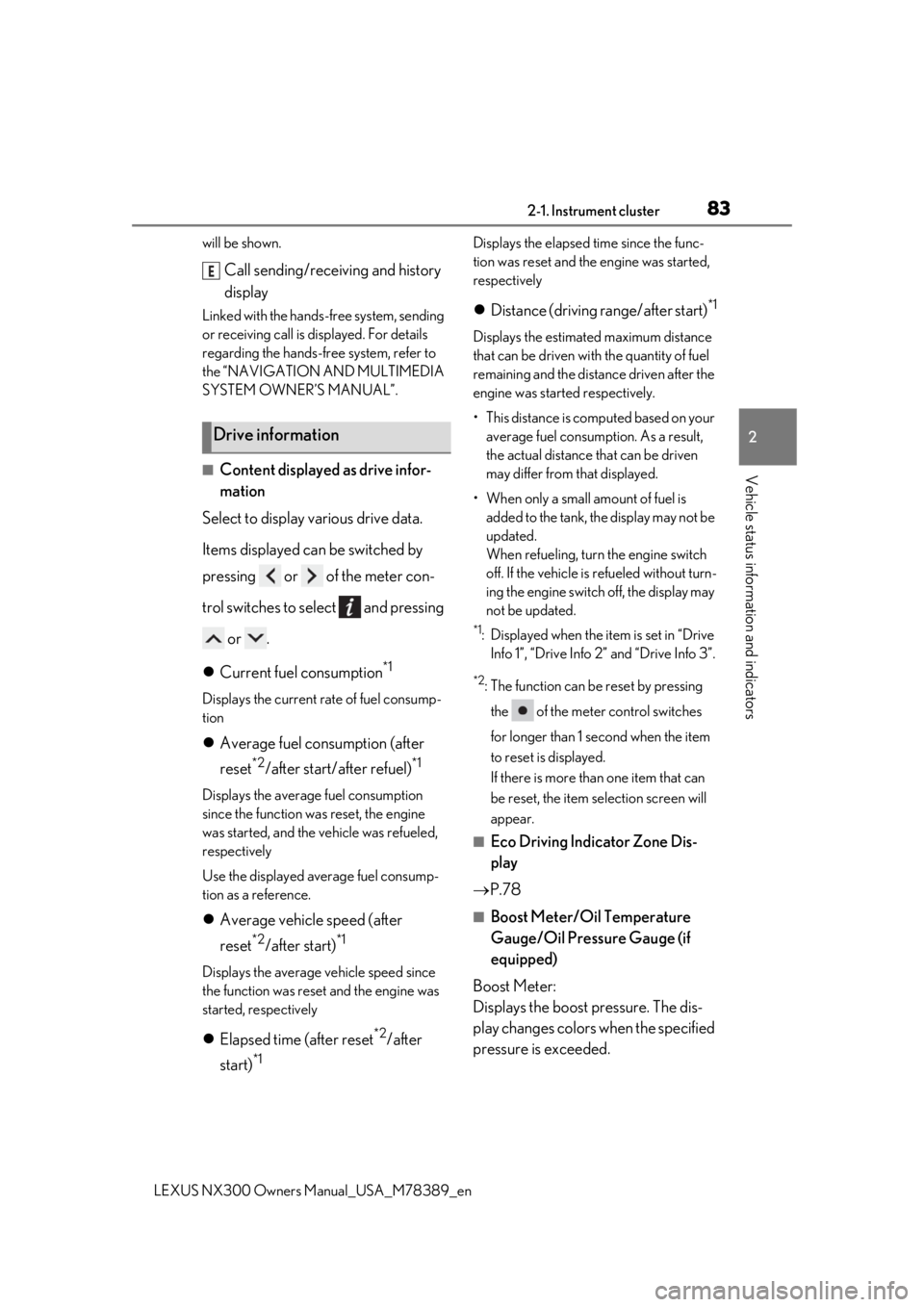
■Content displayed as drive infor-
mation
Select to display various drive data.
Items displayed can be switched by
pressing or of the meter con-
trol switches to select and pressing
or .
Current fuel consumption
*1
Displays the current rate of fuel consump-
tion
Average fuel consumption (after
reset
*2/after start/after refuel)*1
Displays the average fuel consumption
since the function was reset, the engine
was started, and the vehicle was refueled,
respectively
Use the displayed average fuel consump-
tion as a reference.
Average vehicle speed (after
reset
*2/after start)*1
Displays the average vehicle speed since
the function was reset and the engine was
started, respectively
Elapsed time (after reset*2/after
start)
*1
Displays the elapsed time since the func-
tion was reset and the engine was started,
respectively
Distance (driving range/after start)*1
Displays the estimated maximum distance
that can be driven with the quantity of fuel
remaining and the distan ce driven after the
engine was starte d respectively.
• This distance is computed based on your average fuel consumption. As a result,
the actual distance that can be driven
may differ from that displayed.
• When only a small amount of fuel is added to the tank, the display may not be
updated.
When refueling, turn the engine switch
off. If the vehicle is refueled without turn-
ing the engine switch off, the display may
not be updated.
*1: Displayed when the it em is set in “Drive
Info 1”, “Drive Info 2” and “Drive Info 3”.
*2: The function can be reset by pressing
the of the meter control switches
for longer than 1 second when the item
to reset is displayed.
If there is more than one item that can
be reset, the item selection screen will
appear.
■Eco Driving Indicator Zone Dis-
play
P.78
■Boost Meter/Oil Temperature
Gauge/Oil Pressure Gauge (if
equipped)
Boost Meter:
Displays the boost pressure. The dis-
play changes colors when the specified
pressure is exceeded.
Drive information
E
Page 87 of 468

872-1. Instrument cluster
LEXUS NX300 Owners Manual_USA_M78389_en
2
Vehicle status information and indicators
nance is performed.
■Meter settings
Language
Select to change the language on the dis-
play.
Units
Select to change the unit of measure for
fuel consumption.
Eco Driving Indicator Light
( P.78)
Select to activate/deactivate the Eco Driv-
ing Indicator Light.
Switch settings (P.82)
Displays a procedure to register a desired
screen to
.
You can register 1 screen as a shortcut,
which can be displayed by pressing
.
Drive information screen ( P.83)
Select to choose between 2 items that will
be displayed on each drive information
screen (“
Drive info 1”, “Drive Info 2” and
“Drive Info 3
”) respectively.
Pop-up display ( P.80)
Select to set the following pop-up displays,
which may appear in some situations,
on/off.
• Intersection guidance display of the nav-
igation system-linked system
• Incoming call display of the hands-free phone system
• Instrument panel brightness adjustment display
Accent color
Select to change the accent colors on the screen, such as the cursor color.
Initialization
Select to reset the meter display settings.
■Suspension of the settings display
In the following situations, the settings dis-
play using the meter control switches will be
suspended.
●When a warning message appears on the
multi-information display
●When the vehicle begins to move
Automatically displayed when the sys-
tem is used. ( P.236)
WARNING
■Cautions during setting up the dis-
play
As the engine needs to be running
during setting up the display, en sure that
the vehicle is parked in a place with ade-
quate ventilation. In a closed area such as
a garage, exhaust gases including harm-
ful carbon monoxide (CO) may collect
and enter the vehicle. This may lead to
death or a serious health hazard.
NOTICE
■During setting up the display
To prevent battery discharge, ensure that
the engine is running while setting up the
display features.
Intuitive parking assist (if
equipped)
Page 92 of 468

922-1. Instrument cluster
LEXUS NX300 Owners Manual_USA_M78389_en
Customization can be
performed when
the head-up display is on.
2 Press the “DISP” button to switch
between on and off.
On and off will be switched between each
time the button is pressed.
If the button is left alone without being
operated for a short time, setting will be
finished automatically.
■When the battery is disconnected
The customize settings of the head-up dis-
play will be reset.
Navigation/multimedia system dis-
play
“MENU” button
Touchpad
■Trip information
Press the “MENU” button on the
Fuel consumption informa-
tion
Fuel consumption information can
be displayed on the navigation/mul-
timedia system display.
The fuel consumption information
can be displayed and operated on
the side display.
System components
Fuel consumption
A
B
C
Page 93 of 468

932-1. Instrument cluster
LEXUS NX300 Owners Manual_USA_M78389_en
2
Vehicle status information and indicators
Remote Touch, then select on the
screen.
If a screen other than “Trip Information” is
displayed, select “Trip Information”.
Resetting the consumption data
Fuel consumption in the past 15
minutes
Current fuel consumption
Average vehicle speed since the
engine was started.
Elapsed time since the engine was
started.
Cruising range ( P.93)
Average fuel consumption for the past
15 minutes is divided by color into past
averages and averages attained since
the engine switch was last turned to
IGNITION ON mode. Use the dis-
played average fuel consumption as a
reference.
The image is an example only, and may
vary slightly from actual conditions.
■History
Press the “MENU” button on the
Remote Touch, then select on the
screen.
If a screen other than “History” is dis-
played, select “History”.
Best recorded fuel consumption
Latest fuel consumption
Previous fuel consumption record
Resetting the history data
Updating the latest fuel consump-
tion data
The average fuel consumption history
is divided by color into past averages
and the average fuel consumption
since the last updated. Use the dis-
played average fuel consumption as a
reference.
The image is an example only, and may
vary slightly from actual conditions.
■Updating the history data
Update the latest fuel consumption by
selecting “Clip” to meas ure the current fuel
consumption again.
■Resetting the data
The fuel consumption data can be deleted
by selecting “Clear”.
■Cruising range
Displays the estimated maximum distance
that can be driven with the quantity of fuel
remaining.
This distance is computed based on your
average fuel consumption.
As a result, the actual distance that can be
A
B
C
D
E
F
A
B
C
D
E
Page 94 of 468

942-1. Instrument cluster
LEXUS NX300 Owners Manual_USA_M78389_en
driven may differ from that displayed.
Display the vehicle information on the
side display (
P.277), and then select
or to display the desired
screen.
■Trip information (type A)
Displays the average fuel consumption
for the past 10 minutes in 1 minute
intervals, as well as the cruising range.
The image is an example only, and may
vary slightly from actual conditions.
Use the displayed average fuel consump-
tion as a reference.
■Trip information (type B)
Displays the cruising range, latest fuel
consumption and the amount of time
elapsed since the engine was started.
The image is an example only, and may
vary slightly from actual conditions.
Use the displayed average fuel consump-
tion as a reference.
■History
Displays the average fuel consumption
and highest fuel consumption.
The image is an example only, and may
vary slightly from actual conditions.
Use the displayed average fuel consump-
tion as a reference.
Using the side display (vehicles
with navigation system)
Page 155 of 468
1554-1. Before driving
LEXUS NX300 Owners Manual_USA_M78389_en
4
Driving
■Total load capacity and seating capacity
These details are also described on the tire
and loading information label. ( P.351)
Contact your Lexus dealer for further
information about ad ditional require-
ments such as a towing kit, etc.
■Matching trailer ball height to trailer
coupler height
No matter which class of tow hitch applies,
for a more safe trailer hookup, the trailer
ball setup must be the proper height for the
coupler on the trailer.
WARNING
■Overloading the vehicle
Do not overload the vehicle.
It may not only cause damage to the tires,
but also degrade steering and braking
ability, resulting in an accident.
Trailer towing (vehicles with
t
owing package)
Your vehicle is designed primarily
as a passenger-and-load-carrying
vehicle. Towing a trailer can have an
adverse impact on handling, per-
formance, braking, durability, and
fuel consumption. For your safety
and the safety of others, you must
not overload your vehicle or trailer.
You must also ensure that you are
using appropriate towing equip-
ment, that the towing equipment
has been installed correctly and
used properly, and that you employ
the requisite driving habits.
Vehicle-trailer stability and braking
performance are affected by trailer
stability, brake performance and
setting, trailer brakes, the hitch and
hitch systems (if equipped).
To tow a trailer safely, use extreme
care and drive the vehicle in accor-
dance with your trailer’s character-
istics and operating conditions.
Lexus warranties do not apply to
damage or malfunction caused by
towing a trailer for commercial pur-
poses.
Page 258 of 468

2584-5. Using the driving support systems
LEXUS NX300 Owners Manual_USA_M78389_en
Vehicles without Adaptive Variable
Suspension System
1 Normal mode
For normal driving.
Press the switch to change the driving
mode to Normal mode when selected to
Eco mode or Sport mode.
2Eco mode
In contrast to Normal mode when stepping
on the accelerator pedal, torque genera-
tion becomes slower, air conditioning
operations (heating/cooling) are
restrained, and driving is suited for
improved fuel consumption.
When not in Eco mode and the driving
mode select switch is turned to the left, “Eco” indicator will be shown on the multi-
information display.
3
Sport mode
Assists acceleration response by con-
trolling the engine, transmission and steer-
ing. Suitable for when precise handling is
desirable, for example when driving on
mountain roads.
When not in Sport mode and the driving
mode select switch is turned to the right,
“Sport” indicator will be shown on the
multi-information display.
Vehicles with Adaptive Variable
Suspension System
1 Normal/Custom mode
Press the switch and select Normal mode
or Custom mode. Each time the switch is
pressed, the system changes between
Normal mode and Custom mode. When
Custom mode is selected, the “Custom”
indicator comes on.
When in Eco mode or Sport mode, when
the switch is pressed, the system returns to
Normal mode. Press th e switch to change
the driving mode to Normal mode when
Driving mode select switch
The driving modes can be selected
to suit driving condition.
Selecting a driving mode
Page 259 of 468

2594-5. Using the driving support systems
LEXUS NX300 Owners Manual_USA_M78389_en
4
Driving
selected to Eco mode or Sport mode.
Custom mode can be setup on the naviga-
tion system or multimedia system screen.
•Normal mode
Suitable when driving in the city, for good
fuel consumption efficiency, silence, and
drive-ability.
•Custom mode
Driving is possible by setting the desired
function for power train control, chassis
control or air conditioning operations.
2Eco mode
In contrast to Normal mode when stepping
on the accelerator pedal, torque genera-
tion becomes slower, air conditioning
operations (heating/cooling) are
restrained, and driving is suited for
improved fuel consumption.
When not in Eco mode and the driving
mode select switch is turned to the left,
“Eco” indicator will be shown on the multi-
information display.
3Sport mode
•Sport S mode
Assists acceleration response by con-
trolling the engine and transmission. Suit-
able for when powerful acceleration is
desirable.
When not in Sport S mode and the driving
mode select switch is turned to the right,
“Sport S” indicator will be shown on the
multi-information display.
•Sport S+ mode
Helps to ensure super ior vehicle stability
by simultaneously controlling the steering
and suspension in addition to the engine
and transmission. Suitable for sporty driv-
ing.
When in Sport S mode and the driving
mode select switch is turned to the right,
“Sport S+” indicator will be shown on the
multi-information display.
■Operation of the air conditioning sys-
tem in Eco mode
Eco mode controls the heating/cooling
operations and fan speed of the air condi-
tioning system to enhance fuel efficiency. To
improve air conditio ning performance,
adjust the fan speed or turn off Eco mode.
■When canceling Eco mode/Sport mode
●Select another driving mode. Also, Sport
mode will be canceled automatically
when the engine swit ch is turned off.
●Normal mode and Eco mode will not be
canceled automatically until another driv-
ing mode is selected, even if the engine
switch is turned off.
■Operating the ASC (Active Sound
Control)
If the ASC is ON, an electronic sound plays
when the Sport S+ mode is selected.