CD player LEXUS RX270 2014 Owner's Manual
[x] Cancel search | Manufacturer: LEXUS, Model Year: 2014, Model line: RX270, Model: LEXUS RX270 2014Pages: 652, PDF Size: 48.98 MB
Page 367 of 652
367
3-2. Using the audio system
3
Interior features
RX350/270_EE
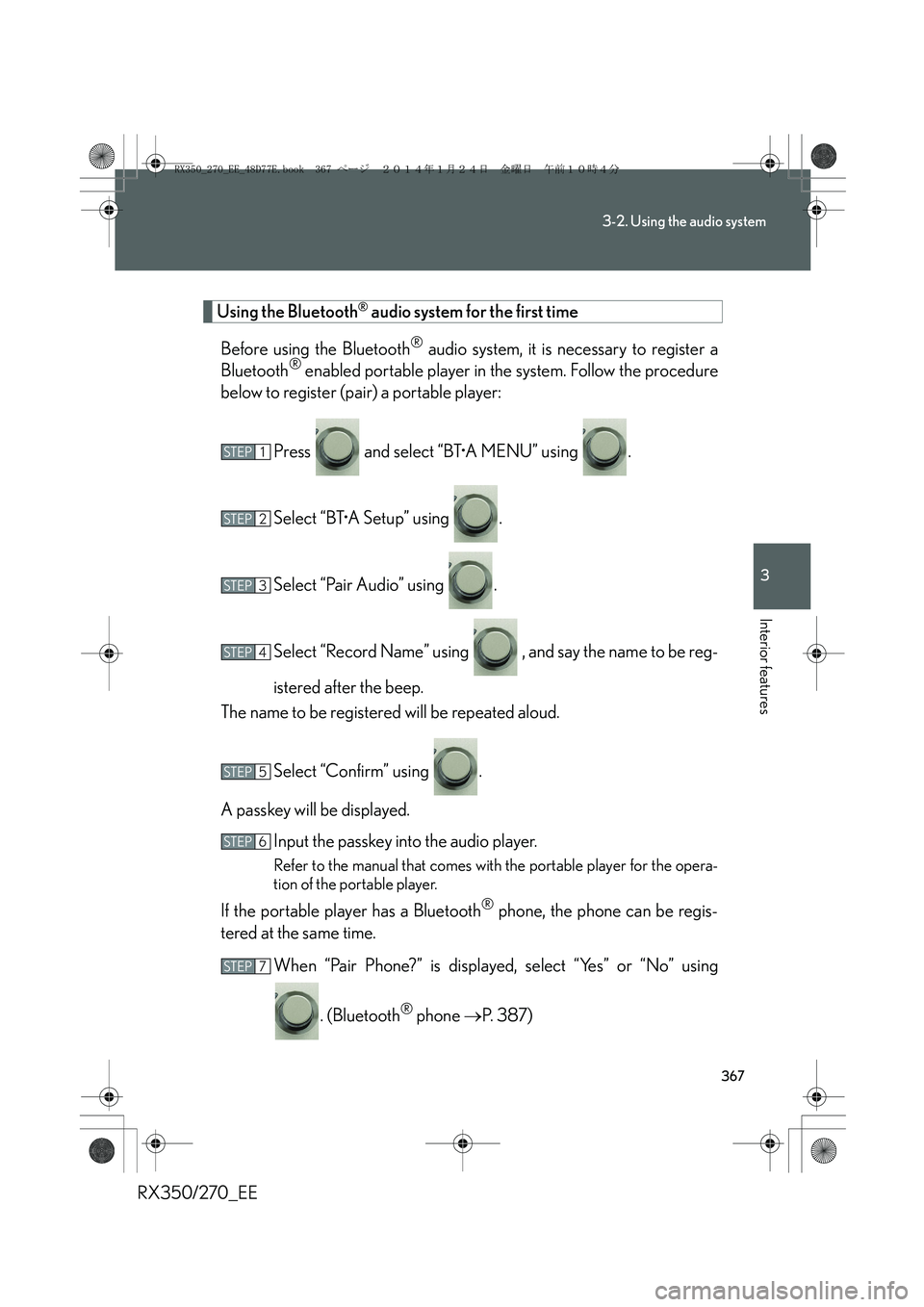
Using the Bluetooth® audio system for the first time
Before using the Bluetooth
® audio system, it is necessary to register a
Bluetooth® enabled portable player in the system. Follow the procedure
below to register (pair) a portable player:
Press and select “BT•A MENU” using .
Select “BT•A Setup” using .
Select “Pair Audio” using .
Select “Record Name” using , and say the name to be reg-
istered after the beep.
The name to be registered will be repeated aloud.
Select “Confirm” using .
A passkey will be displayed.
Input the passkey into the audio player.
Refer to the manual that comes with the portable player for the opera-
tion of the portable player.
If the portable player has a Bluetooth® phone, the phone can be regis-
tered at the same time.
When “Pair Phone?” is displayed, select “Yes” or “No” using
. (Bluetooth
® phone →P. 387)
STEP1
STEP2
STEP3
STEP4
STEP5
STEP6
STEP7
RX350_270_EE_48D77E.book 367 ページ 2014年1月24日 金曜日 午前10時4分
Page 368 of 652
368
3-2. Using the audio system
RX350/270_EE
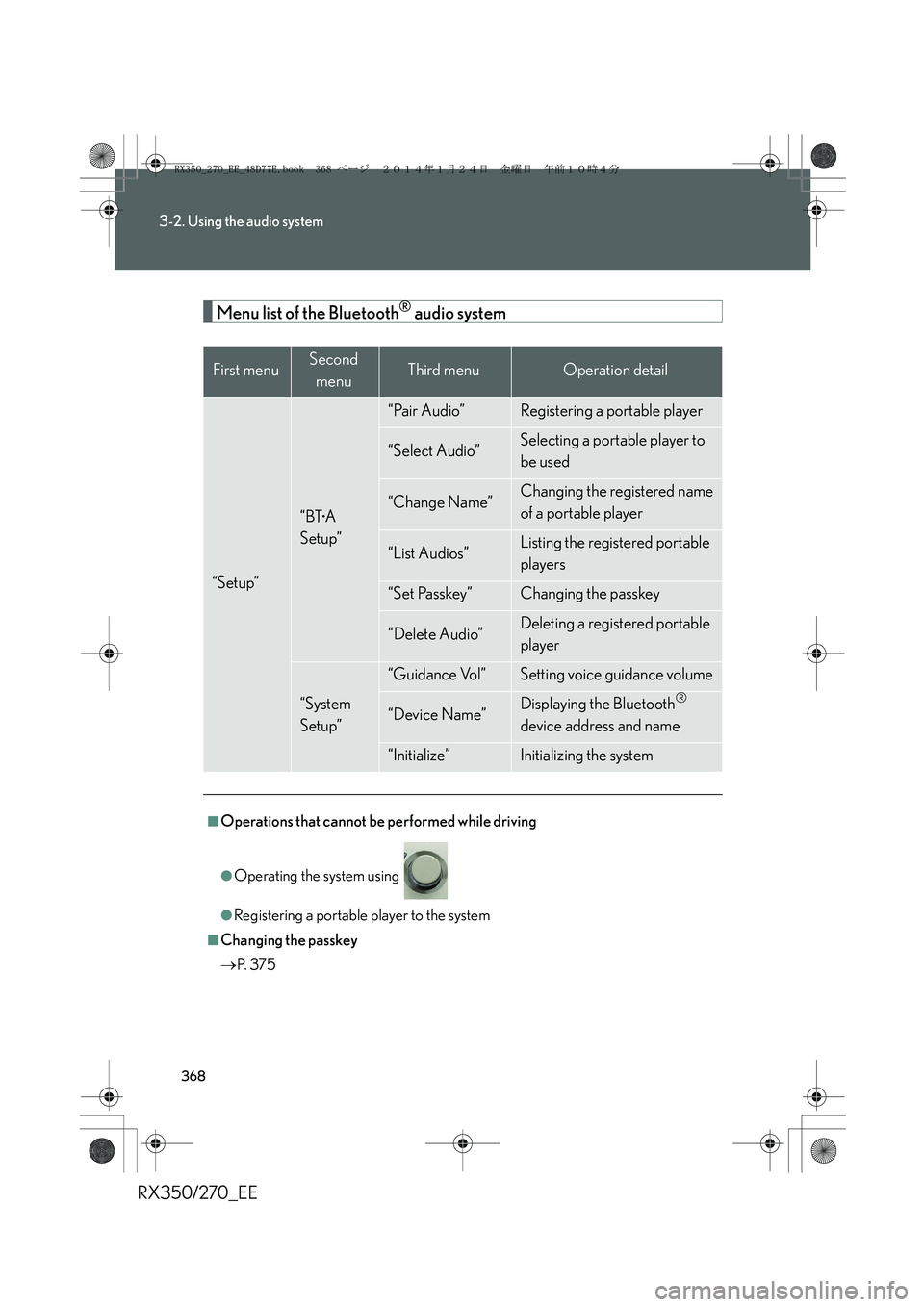
Menu list of the Bluetooth® audio system
First menuSecond
menuThird menuOperation detail
“Setup”
“BT•A
Setup”
“Pair Audio”Registering a portable player
“Select Audio”Selecting a portable player to
be used
“Change Name”Changing the registered name
of a portable player
“List Audios”Listing the registered portable
players
“Set Passkey”Changing the passkey
“Delete Audio”Deleting a registered portable
player
“System
Setup”
“Guidance Vol”Setting voice guidance volume
“Device Name”Displaying the Bluetooth®
device address and name
“Initialize”Initializing the system
■Operations that cannot be performed while driving
●Operating the system using
●Registering a portable player to the system
■Changing the passkey
→P. 3 7 5
RX350_270_EE_48D77E.book 368 ページ 2014年1月24日 金曜日 午前10時4分
Page 369 of 652
369
3-2. Using the audio system
3
Interior features
RX350/270_EE
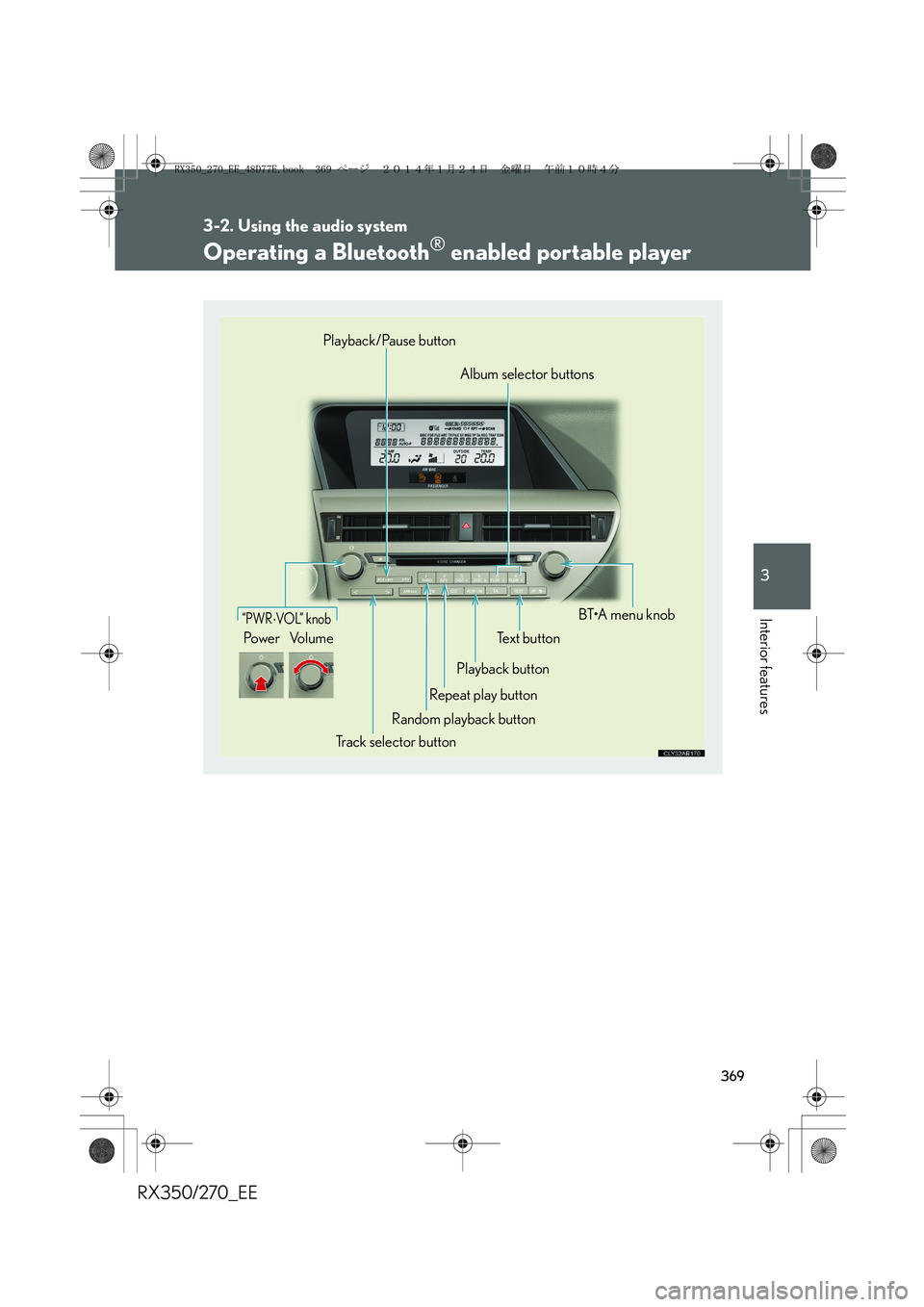
Operating a Bluetooth® enabled portable player
“PWR⋅VO L” k no b
Po w e r Vo l u m eText button
Playback button
Repeat play button
Random playback button
Track selector buttonBT•A menu knob Album selector buttons Playback/Pause button
RX350_270_EE_48D77E.book 369 ページ 2014年1月24日 金曜日 午前10時4分
Page 371 of 652
371
3-2. Using the audio system
3
Interior features
RX350/270_EE
■Bluetooth® audio system functions
Depending on the portable player that is connected to the system, certain functions
may not be available.
■Display
→P. 3 3 4
■Error messages
“Memory Error”: This indicates a problem in the system.
RX350_270_EE_48D77E.book 371 ページ 2014年1月24日 金曜日 午前10時4分
Page 372 of 652
372
3-2. Using the audio system
RX350/270_EE
Setting up a Bluetooth® enabled portable player
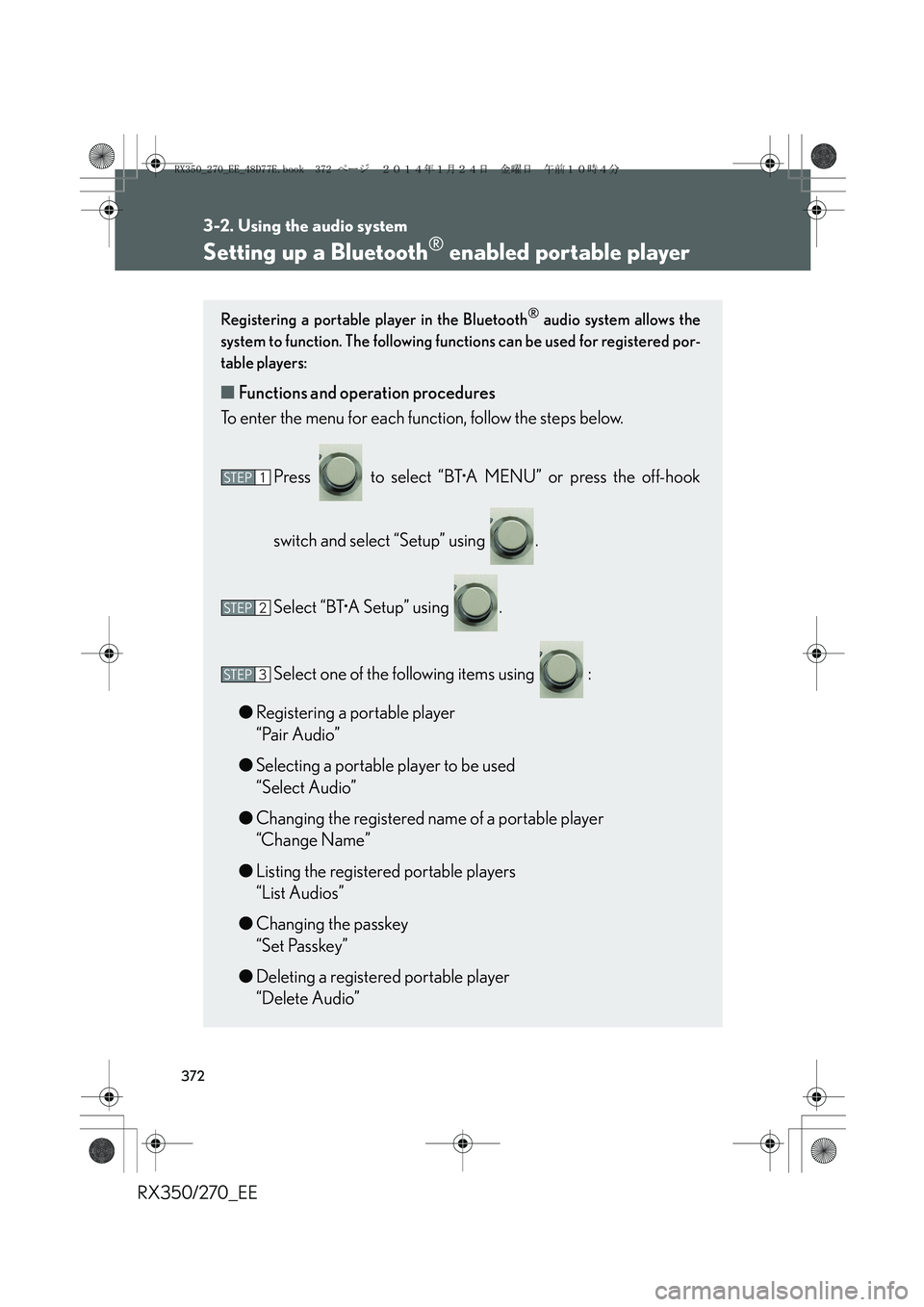
Registering a portable player in the Bluetooth® audio system allows the
system to function. The following functions can be used for registered por-
table players:
■Functions and operation procedures
To enter the menu for each function, follow the steps below.
Press to select “BT•A MENU” or press the off-hook
switch and select “Setup” using .
Select “BT•A Setup” using .
Select one of the following items using :
●Registering a portable player
“Pair Audio”
●Selecting a portable player to be used
“Select Audio”
●Changing the registered name of a portable player
“Change Name”
●Listing the registered portable players
“List Audios”
●Changing the passkey
“Set Passkey”
●Deleting a registered portable player
“Delete Audio”
STEP1
STEP2
STEP3
RX350_270_EE_48D77E.book 372 ページ 2014年1月24日 金曜日 午前10時4分
Page 373 of 652
373
3-2. Using the audio system
3
Interior features
RX350/270_EE
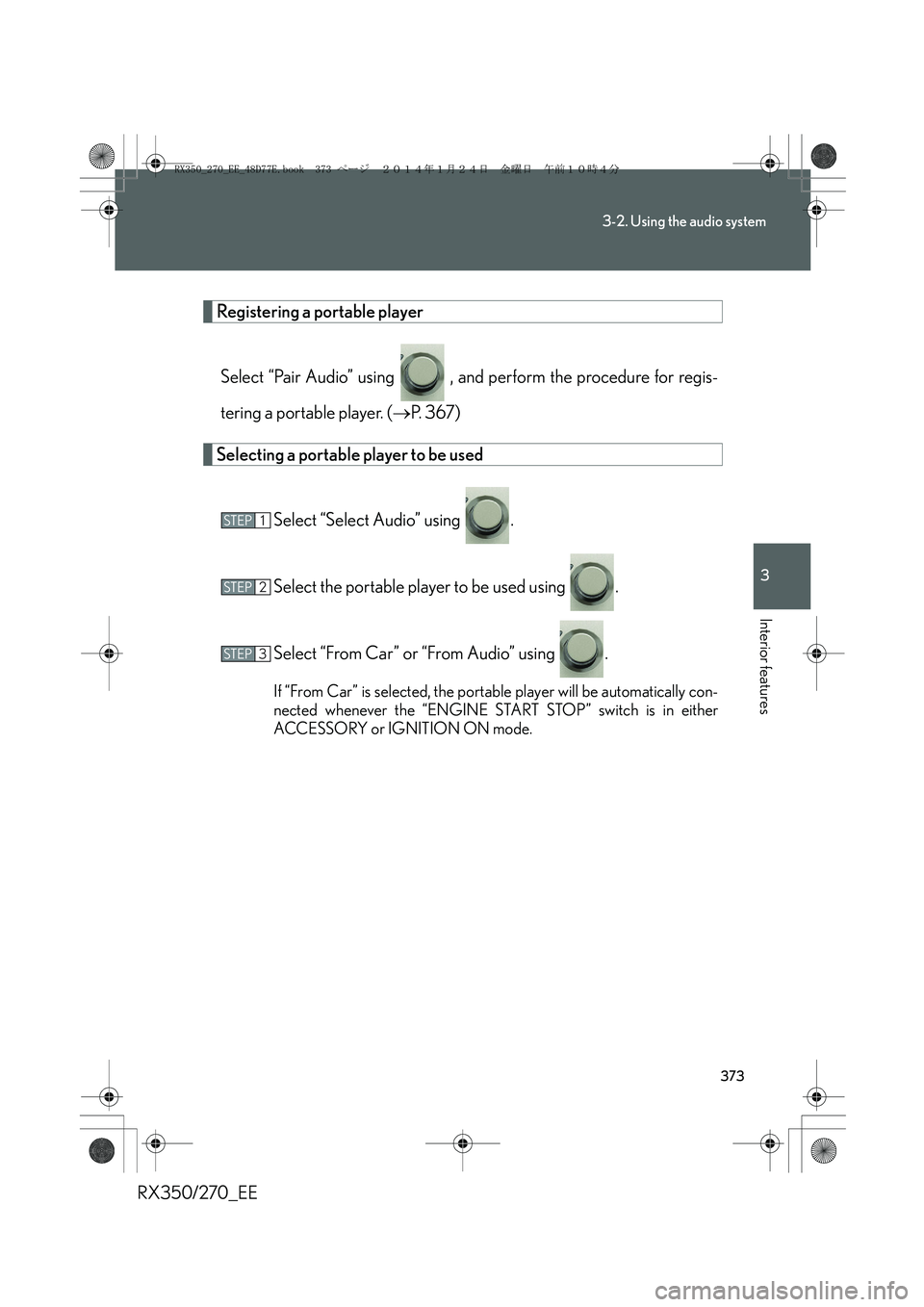
Registering a portable player
Select “Pair Audio” using , and perform the procedure for regis-
tering a portable player. (→P. 367)
Selecting a portable player to be used
Select “Select Audio” using .
Select the portable player to be used using .
Select “From Car” or “From Audio” using .
If “From Car” is selected, the portable player will be automatically con-
nected whenever the “ENGINE START STOP” switch is in either
ACCESSORY or IGNITION ON mode.
STEP1
STEP2
STEP3
RX350_270_EE_48D77E.book 373 ページ 2014年1月24日 金曜日 午前10時4分
Page 374 of 652
374
3-2. Using the audio system
RX350/270_EE
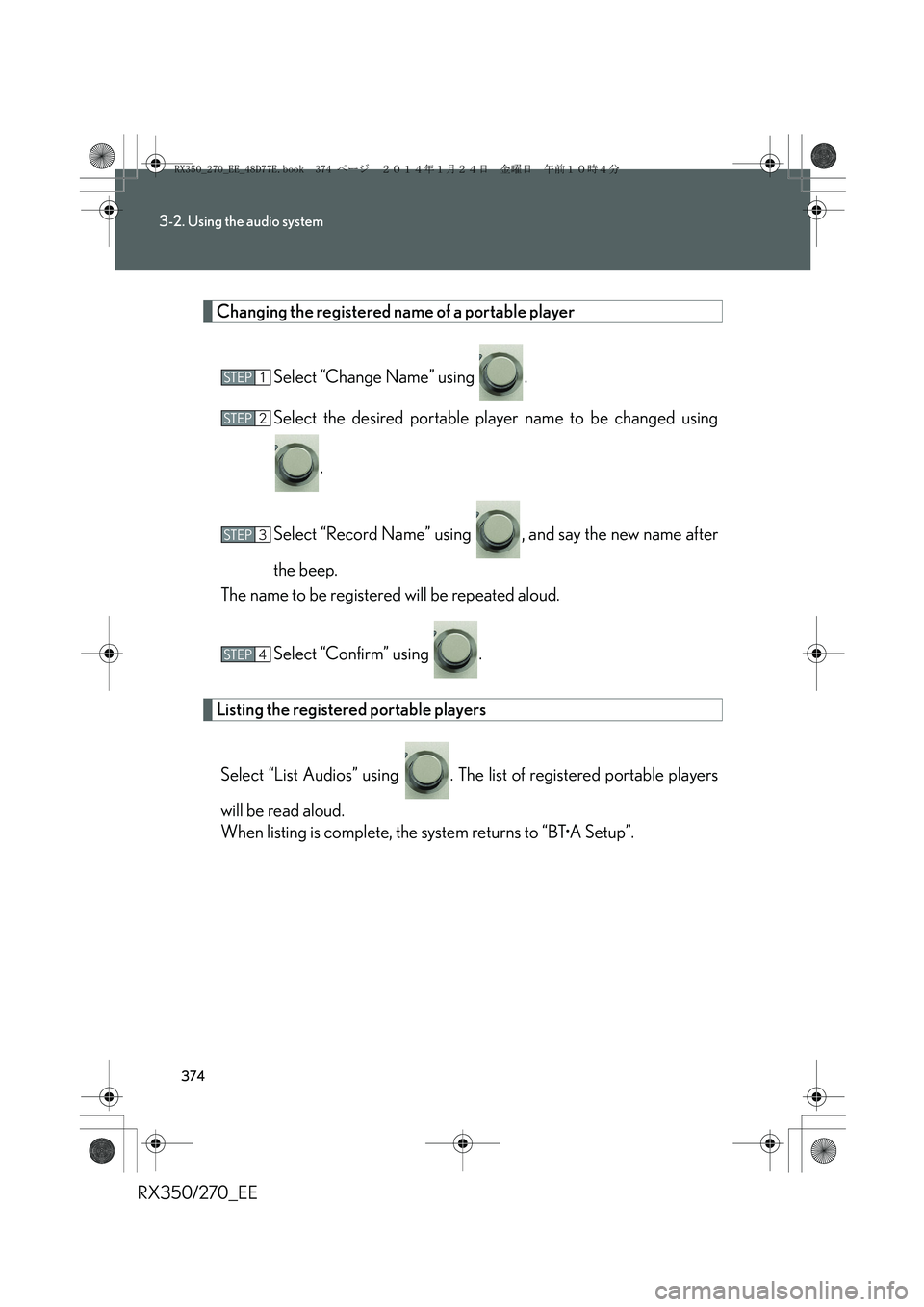
Changing the registered name of a portable player
Select “Change Name” using .
Select the desired portable player name to be changed using
.
Select “Record Name” using , and say the new name after
the beep.
The name to be registered will be repeated aloud.
Select “Confirm” using .
Listing the registered portable players
Select “List Audios” using . The list of registered portable players
will be read aloud.
When listing is complete, the system returns to “BT•A Setup”.
STEP1
STEP2
STEP3
STEP4
RX350_270_EE_48D77E.book 374 ページ 2014年1月24日 金曜日 午前10時4分
Page 375 of 652
375
3-2. Using the audio system
3
Interior features
RX350/270_EE
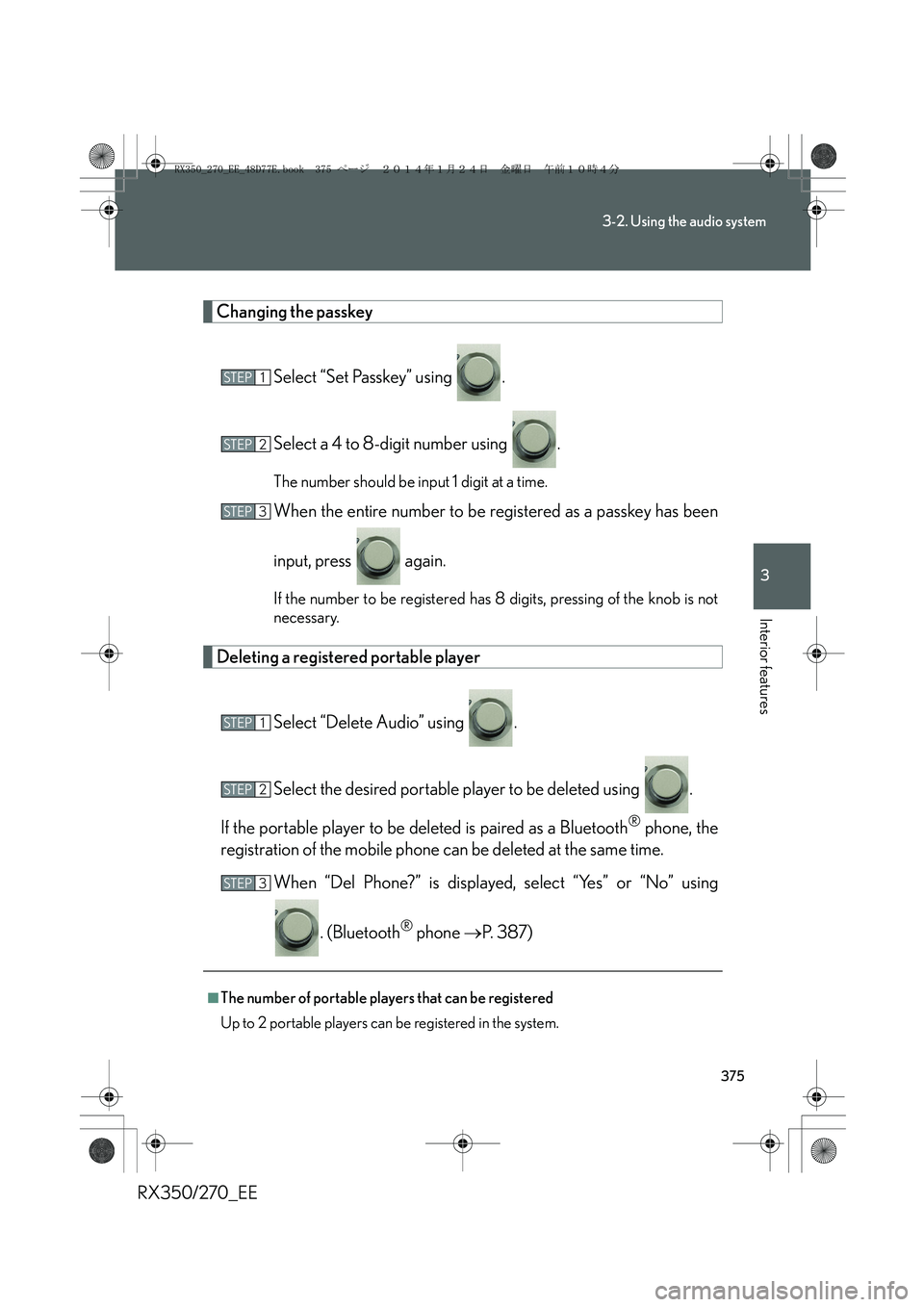
Changing the passkey
Select “Set Passkey” using .
Select a 4 to 8-digit number using .
The number should be input 1 digit at a time.
When the entire number to be registered as a passkey has been
input, press again.
If the number to be registered has 8 digits, pressing of the knob is not
necessary.
Deleting a registered portable player
Select “Delete Audio” using .
Select the desired portable player to be deleted using .
If the portable player to be deleted is paired as a Bluetooth
® phone, the
registration of the mobile phone can be deleted at the same time.
When “Del Phone?” is displayed, select “Yes” or “No” using
. (Bluetooth
® phone →P. 387)
■The number of portable players that can be registered
Up to 2 portable players can be registered in the system.
STEP1
STEP2
STEP3
STEP1
STEP2
STEP3
RX350_270_EE_48D77E.book 375 ページ 2014年1月24日 金曜日 午前10時4分
Page 380 of 652
380
3-2. Using the audio system
RX350/270_EE
CAUTION
■Caution while driving
Do not connect portable audio device or operate the controls.
NOTICE
■If the armrest cannot be fully closed
Depending on the size and shape of the portable audio device that is connected to
the system, the armrest may not close fully. In this case, do not forcibly close the
armrest as this may damage the portable audio device or the terminal, etc.
■To prevent damage to portable audio device
●Do not leave portable audio device in the vehicle. The temperature inside the
vehicle may become high, resulting in damage to the player.
●Do not push down on or apply unnecessary pressure to the portable audio
device while it is connected as this may damage the portable audio device or its
terminal.
●Do not insert foreign objects into the port as this may damage the portable audio
device or its terminal.
RX350_270_EE_48D77E.book 380 ページ 2014年1月24日 金曜日 午前10時4分
Page 382 of 652
382
3-2. Using the audio system
RX350/270_EE
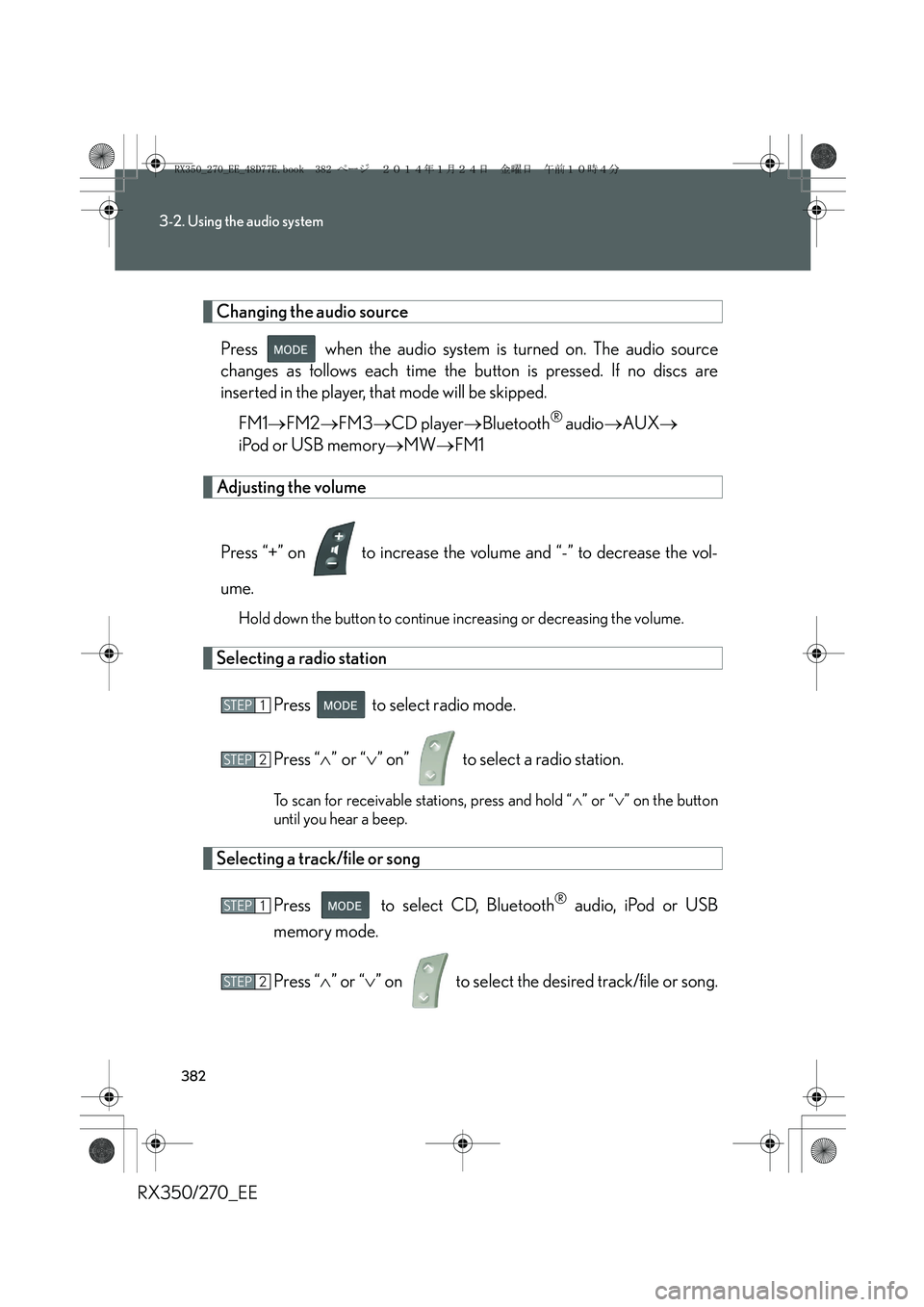
Changing the audio source
Press when the audio system is turned on. The audio source
changes as follows each time the button is pressed. If no discs are
inserted in the player, that mode will be skipped.
FM1→FM2→FM3→CD player→Bluetooth
® audio→AUX→
iPod or USB memory→MW→FM1
Adjusting the volume
Press “+” on to increase the volume and “-” to decrease the vol-
ume.
Hold down the button to continue increasing or decreasing the volume.
Selecting a radio station
Press to select radio mode.
Press “∧” or “∨” on” to select a radio station.
To scan for receivable stations, press and hold “∧” or “∨” on the button
until you hear a beep.
Selecting a track/file or song
Press to select CD, Bluetooth
® audio, iPod or USB
memory mode.
Press “∧” or “∨” on to select the desired track/file or song.
STEP1
STEP2
STEP1
STEP2
RX350_270_EE_48D77E.book 382 ページ 2014年1月24日 金曜日 午前10時4分