phone LEXUS RX270 2014 Owner's Guide
[x] Cancel search | Manufacturer: LEXUS, Model Year: 2014, Model line: RX270, Model: LEXUS RX270 2014Pages: 652, PDF Size: 48.98 MB
Page 404 of 652
404
3-2. Using the audio system
RX350/270_EE
Deleting a registered mobile phone
Select “Delete Phone” using .
Select the desired mobile phone to be deleted using .
If the mobile phone to be deleted is paired as a Bluetooth
® audio player,
the registration of the audio player can be deleted at the same time.
When “Del Audio?” is displayed, select “Yes” or “No” using
. (Bluetooth
® audio player →P. 362)
■The number of mobile phones that can be registered
Up to 6 mobile phones can be registered in the system.
STEP1
STEP2
STEP3
RX350_270_EE_48D77E.book 404 ページ 2014年1月24日 金曜日 午前10時4分
Page 405 of 652
405
3-2. Using the audio system
3
Interior features
RX350/270_EE
Security and system setup
To enter the menu of each setting, follow the steps below.
■Security setting items and operation procedures
Press the off-hook switch and select “Setup” using .
Select “Security” using .
Select one of the following items using :
●Setting or changing the PIN (Personal Identification Number)
“Set PIN”
●Locking the phone book
“Phbk Lock”
●Unlocking the phone book
“Phbk Unlock”
STEP1
STEP2
STEP3
RX350_270_EE_48D77E.book 405 ページ 2014年1月24日 金曜日 午前10時4分
Page 408 of 652
408
3-2. Using the audio system
RX350/270_EE
Locking or unlocking the phone book
Select “Phbk Lock” or “Phbk Unlock” using .
Input a new PIN using and select “Confirm” using .
Input the code 1 digit at a time.
Setting voice guidance volume
Select “Guidance Vol” using .
Change the voice guidance volume.
To decrease the volume: Turn counterclockwise.
To increase the volume: Turn clockwise.
STEP1
STEP2
STEP1
STEP2
RX350_270_EE_48D77E.book 408 ページ 2014年1月24日 金曜日 午前10時4分
Page 410 of 652
410
3-2. Using the audio system
RX350/270_EE
■Initialization
●The following data in the system can be initialized:
• Phone book
• Outgoing and incoming call history
• Speed dials
• Registered mobile phone data
•Security code
• Registered Bluetooth
® enabled portable player data
• Passkeys for the mobile phones
• Passkey for the Bluetooth
® audio players
•Guidance volume
• Receiver volume
• Ring tone volume
●Once the initialization has been completed, the data cannot be restored to its
original state.
■When the phone book is locked
The following functions cannot be used:
●Dialing by inputting a name
●Speed dialing
●Dialing a number stored in the call history memory
●Using the phone book
RX350_270_EE_48D77E.book 410 ページ 2014年1月24日 金曜日 午前10時4分
Page 411 of 652
411
3-2. Using the audio system
3
Interior features
RX350/270_EE
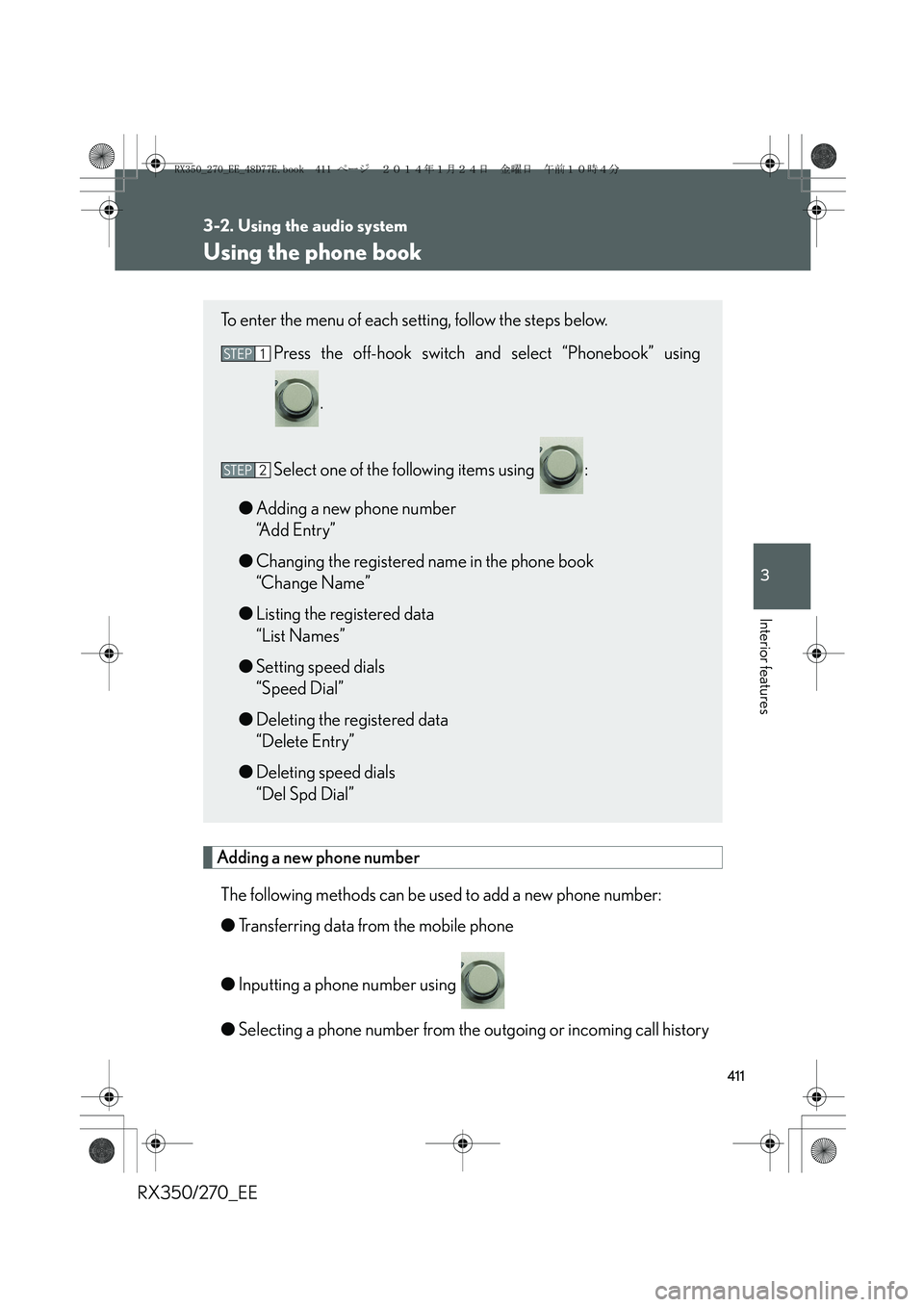
Using the phone book
Adding a new phone number
The following methods can be used to add a new phone number:
●Transferring data from the mobile phone
●Inputting a phone number using
●Selecting a phone number from the outgoing or incoming call history
To enter the menu of each setting, follow the steps below.
Press the off-hook switch and select “Phonebook” using
.
Select one of the following items using :
●Adding a new phone number
“Add Entry”
●Changing the registered name in the phone book
“Change Name”
●Listing the registered data
“List Names”
●Setting speed dials
“Speed Dial”
●Deleting the registered data
“Delete Entry”
●Deleting speed dials
“Del Spd Dial”
STEP1
STEP2
RX350_270_EE_48D77E.book 411 ページ 2014年1月24日 金曜日 午前10時4分
Page 412 of 652
412
3-2. Using the audio system
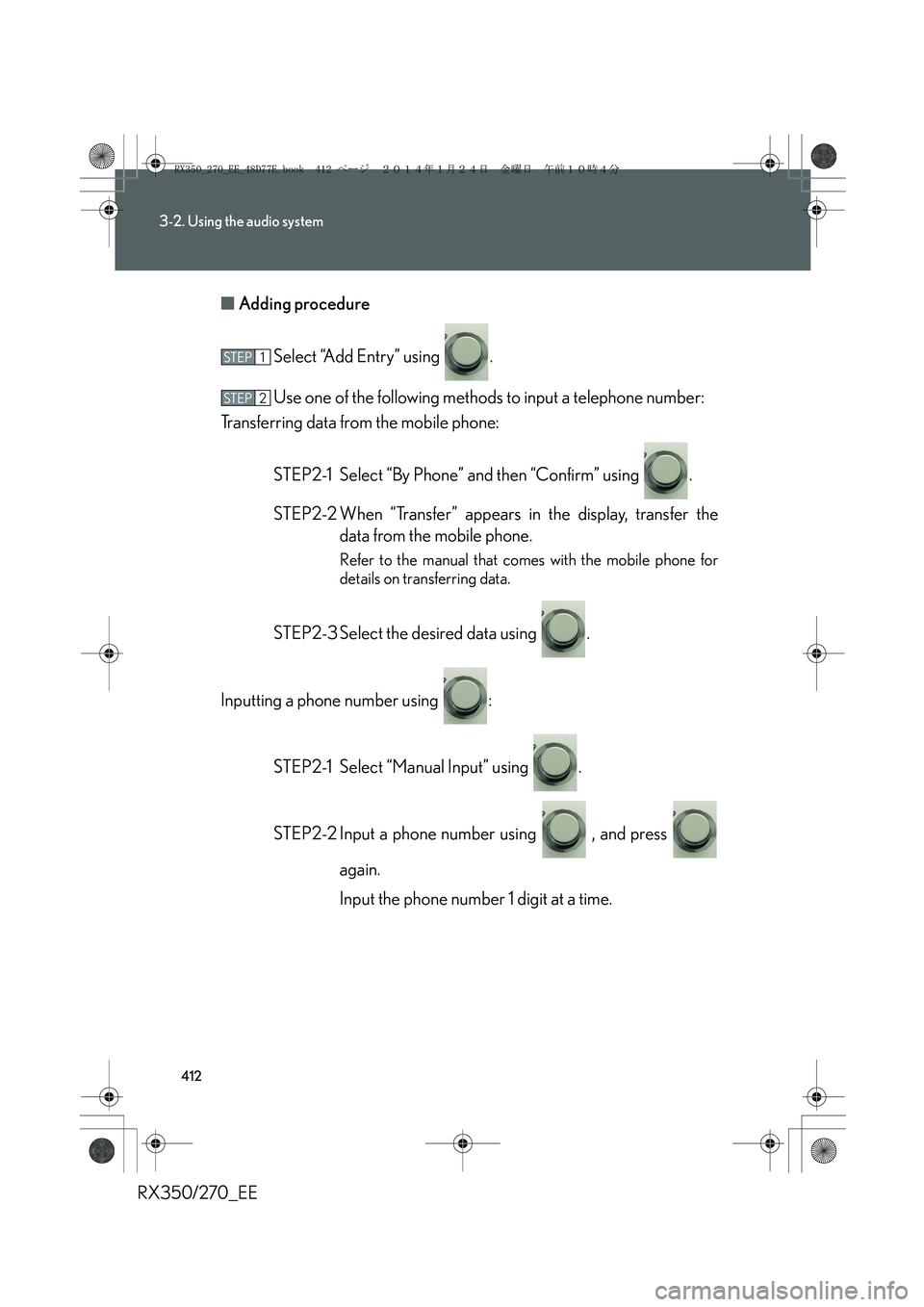
RX350/270_EE■Adding procedure
Select “Add Entry” using .
Use one of the following methods to input a telephone number:
Transferring data from the mobile phone:
STEP2-1 Select “By Phone” and then “Confirm” using .
STEP2-2 When “Transfer” appears in the display, transfer the
data from the mobile phone.
Refer to the manual that comes with the mobile phone for
details on transferring data.
STEP2-3 Select the desired data using .
Inputting a phone number using :
STEP2-1 Select “Manual Input” using .
STEP2-2 Input a phone number using , and press
again.
Input the phone number 1 digit at a time.
STEP1
STEP2
RX350_270_EE_48D77E.book 412 ページ 2014年1月24日 金曜日 午前10時4分
Page 413 of 652
413
3-2. Using the audio system
3
Interior features
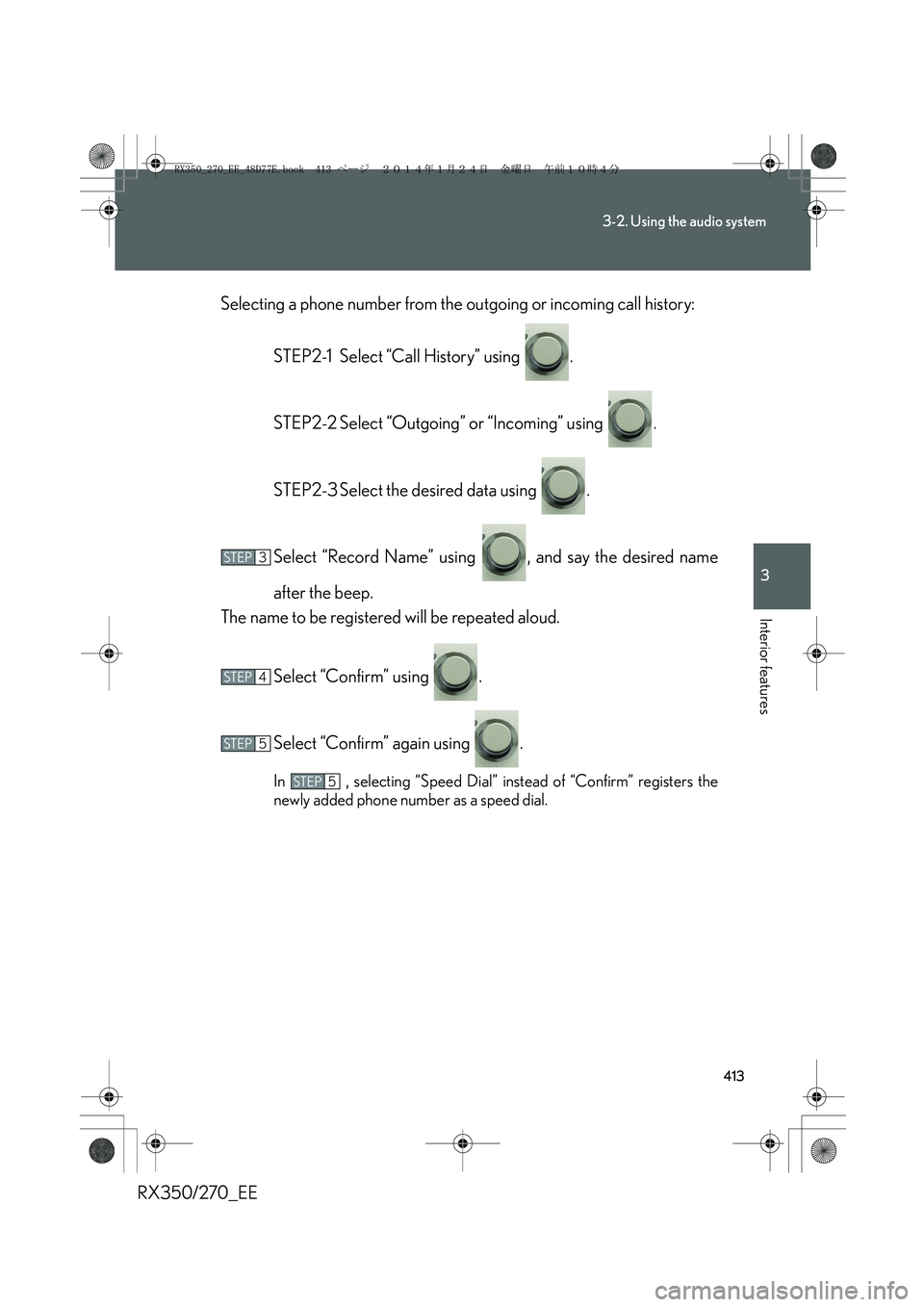
RX350/270_EESelecting a phone number from the outgoing or incoming call history:
STEP2-1 Select “Call History” using .
STEP2-2 Select “Outgoing” or “Incoming” using .
STEP2-3 Select the desired data using .
Select “Record Name” using , and say the desired name
after the beep.
The name to be registered will be repeated aloud.
Select “Confirm” using .
Select “Confirm” again using .
In , selecting “Speed Dial” instead of “Confirm” registers the
newly added phone number as a speed dial.
STEP3
STEP4
STEP5
STEP5
RX350_270_EE_48D77E.book 413 ページ 2014年1月24日 金曜日 午前10時4分
Page 414 of 652
414
3-2. Using the audio system
RX350/270_EE
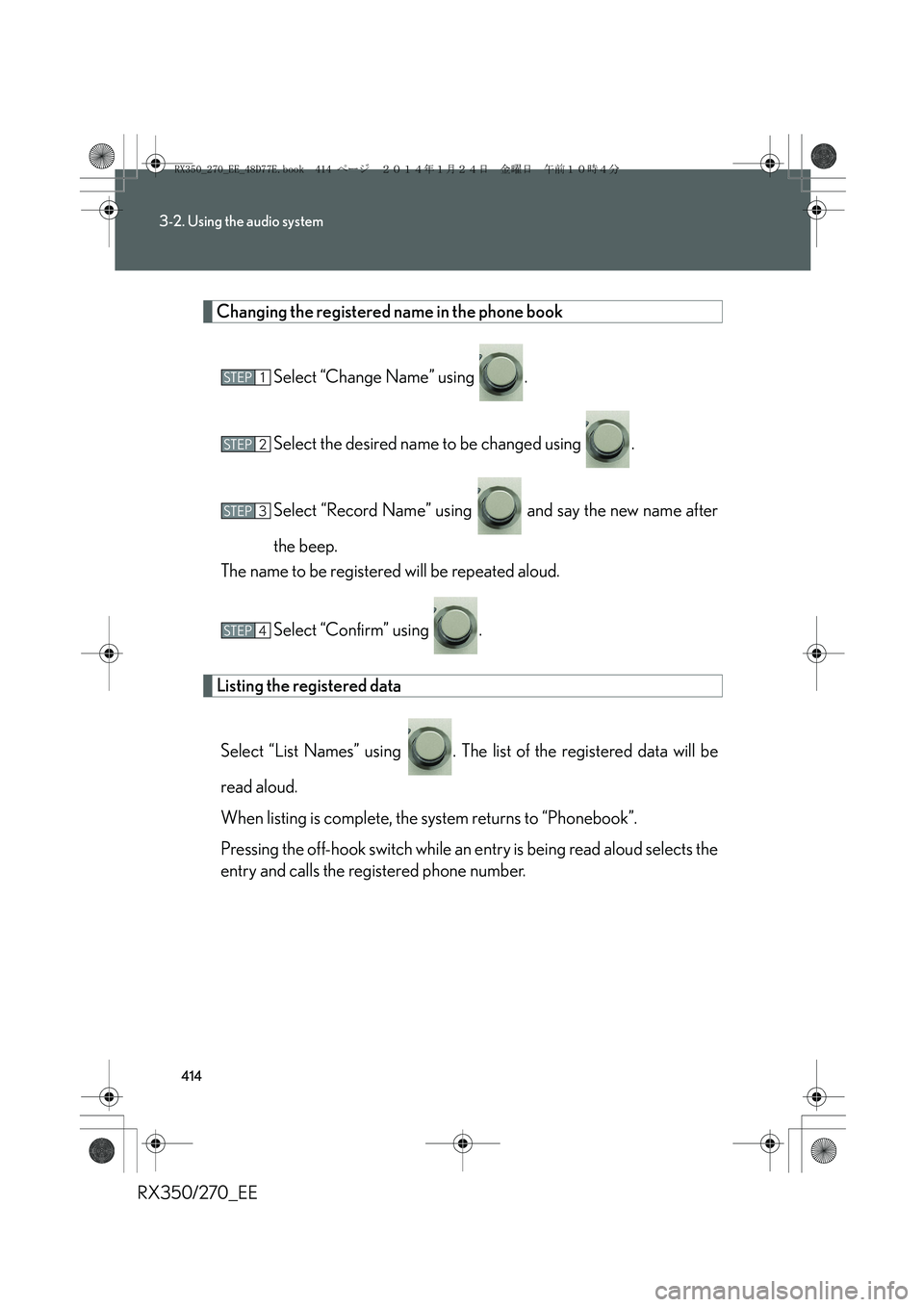
Changing the registered name in the phone book
Select “Change Name” using .
Select the desired name to be changed using .
Select “Record Name” using and say the new name after
the beep.
The name to be registered will be repeated aloud.
Select “Confirm” using .
Listing the registered data
Select “List Names” using . The list of the registered data will be
read aloud.
When listing is complete, the system returns to “Phonebook”.
Pressing the off-hook switch while an entry is being read aloud selects the
entry and calls the registered phone number.
STEP1
STEP2
STEP3
STEP4
RX350_270_EE_48D77E.book 414 ページ 2014年1月24日 金曜日 午前10時4分
Page 416 of 652
416
3-2. Using the audio system
RX350/270_EE
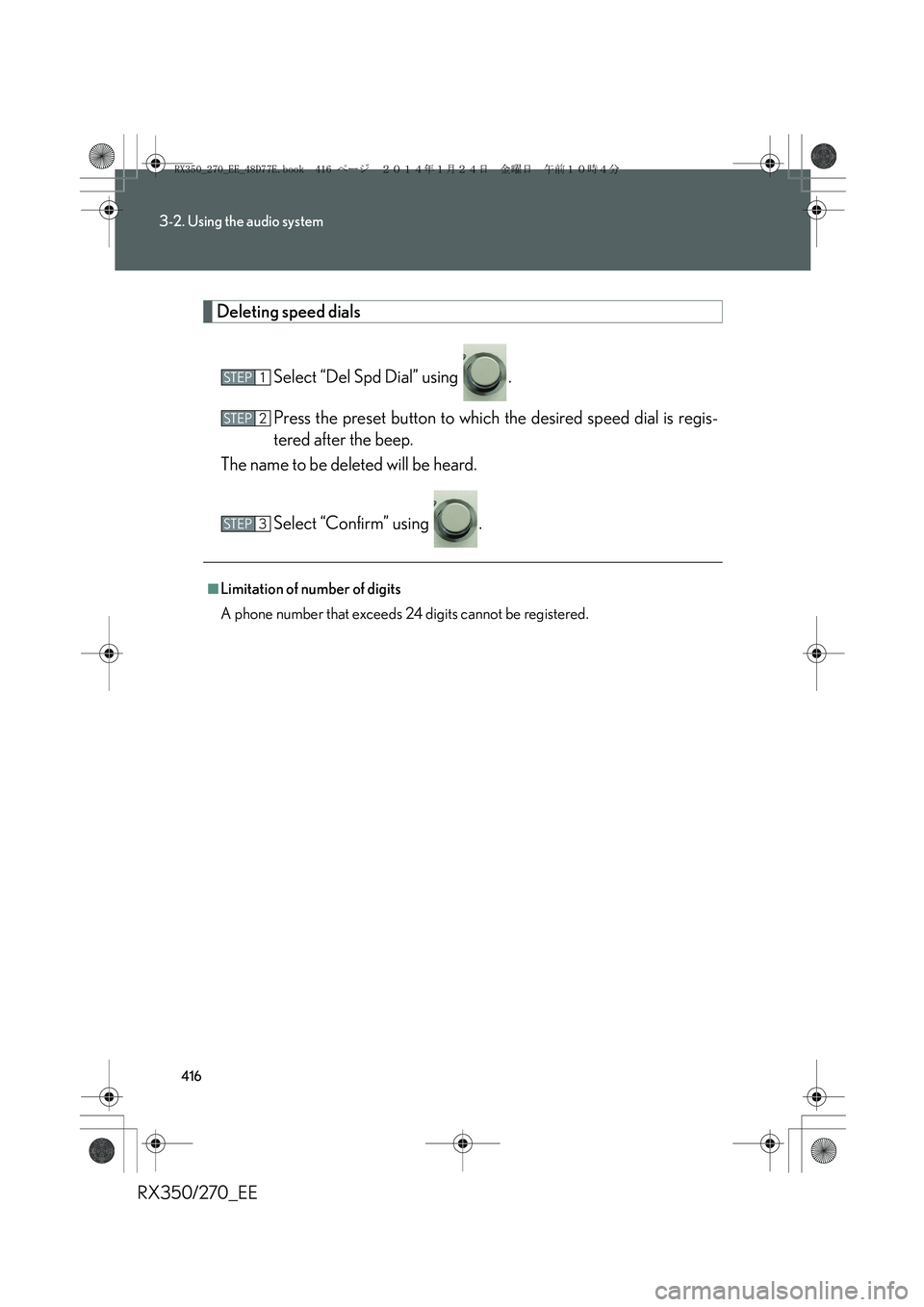
Deleting speed dials
Select “Del Spd Dial” using .
Press the preset button to which the desired speed dial is regis-
tered after the beep.
The name to be deleted will be heard.
Select “Confirm” using .
■Limitation of number of digits
A phone number that exceeds 24 digits cannot be registered.
STEP1
STEP2
STEP3
RX350_270_EE_48D77E.book 416 ページ 2014年1月24日 金曜日 午前10時4分
Page 637 of 652
637
RX350/270_EE
Alphabetical index
Alphabetical index
A/C*
Air conditioning filter........................499
Automatic air conditioning
system*..................................................314
ABS ..............................................................271
ACCESSORY mode .......................... 180
Active torque control
4WD mode ............................................ 271
Adaptive front lighting system ........ 219
AFS .............................................................. 219
Air conditioning filter .......................... 499
Air conditioning system*
Air conditioning filter........................499
Automatic air conditioning
system*..................................................314
Airbags
Airbag manual on/off
system ....................................................163
Airbag operating conditions..........133
Airbag precautions for your
child ......................................................... 137
Airbag warning light......................... 544
Curtain shield airbag operating
conditions.............................................134
Curtain shield airbag
precautions.......................................... 137
General airbag precautions .......... 137
Locations of airbags............................ 131
Modification and disposal of
airbags .................................................... 141
Proper driving posture ...........129, 137Side airbag operating
conditions ............................................ 134
Side airbag precautions................... 137
SRS airbags ..............................................131
Alarm ........................................................... 122
All-wheel drive lock switch ...............277
Antenna .................................................... 329
Anti-lock brake system ........................ 271
Armrest ......................................................441
Assist grips .............................................. 443
Audio input ............................................. 379
Audio system*
Antenna .................................................. 329
Audio input ........................................... 379
AUX port .............................................. 379
Bluetooth
® audio system ............... 361
CD player/changer ......................... 330
Hands-free system for
mobile phone................................... 384
iPod .......................................................... 344
MP3/WMA disc................................337
Optimal use........................................... 377
Portable audio device..................... 379
Radio........................................................ 326
Steering wheel audio switch..........381
USB memory ...................................... 353
USB port.................................... 344, 353
Automatic air conditioning system*
Air conditioning filter ....................... 499
Air conditioning system* ................. 314
Automatic headlight leveling
system .................................................... 220
A
*: For vehicles with a navigation system, refer to the “Navigation System Owner’s Manual”.
RX350_270_EE_48D77E.book 637 ページ 2014年1月24日 金曜日 午前10時4分