key LEXUS RX270 2014 Owners Manual
[x] Cancel search | Manufacturer: LEXUS, Model Year: 2014, Model line: RX270, Model: LEXUS RX270 2014Pages: 652, PDF Size: 48.98 MB
Page 2 of 652
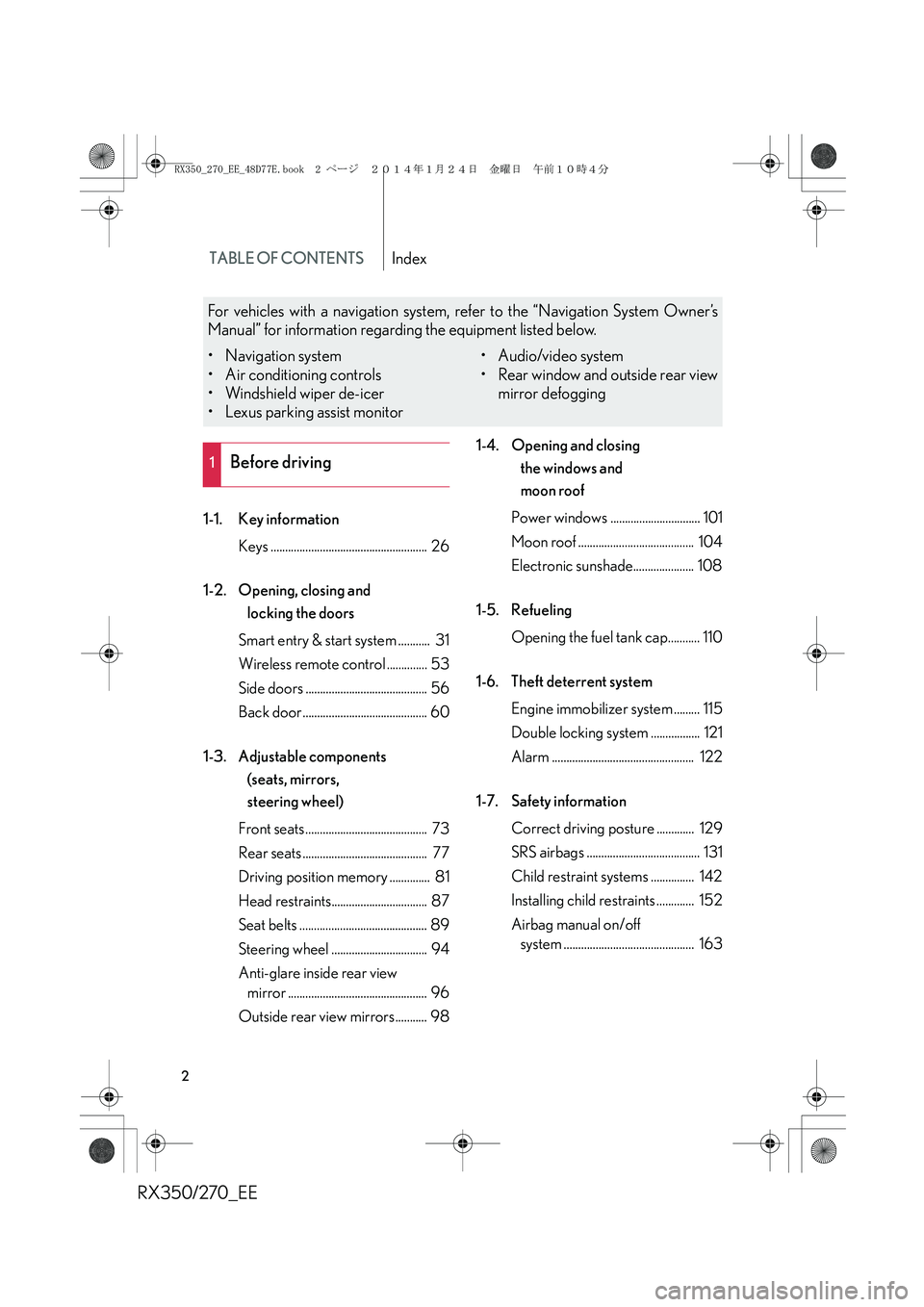
TABLE OF CONTENTSIndex
RX350/270_EE
2
1-1. Key information
Keys ...................................................... 26
1-2. Opening, closing and
locking the doors
Smart entry & start system ........... 31
Wireless remote control .............. 53
Side doors .......................................... 56
Back door........................................... 60
1-3. Adjustable components
(seats, mirrors,
steering wheel)
Front seats.......................................... 73
Rear seats ........................................... 77
Driving position memory .............. 81
Head restraints................................. 87
Seat belts ............................................ 89
Steering wheel ................................. 94
Anti-glare inside rear view
mirror ................................................ 96
Outside rear view mirrors........... 981-4. Opening and closing
the windows and
moon roof
Power windows ............................... 101
Moon roof ........................................ 104
Electronic sunshade..................... 108
1-5. Refueling
Opening the fuel tank cap........... 110
1-6. Theft deterrent system
Engine immobilizer system ......... 115
Double locking system ................. 121
Alarm ................................................. 122
1-7. Safety information
Correct driving posture ............. 129
SRS airbags ....................................... 131
Child restraint systems ............... 142
Installing child restraints ............. 152
Airbag manual on/off
system ............................................. 163
1Before driving
For vehicles with a navigation system, refer to the “Navigation System Owner’s
Manual” for information regarding the equipment listed below.
• Navigation system
• Air conditioning controls
• Windshield wiper de-icer
• Lexus parking assist monitor• Audio/video system
• Rear window and outside rear view
mirror defogging
RX350_270_EE_48D77E.book 2 ページ 2014年1月24日 金曜日 午前10時4分
Page 5 of 652
1
2
3
4
5
6
RX350/270_EE
5
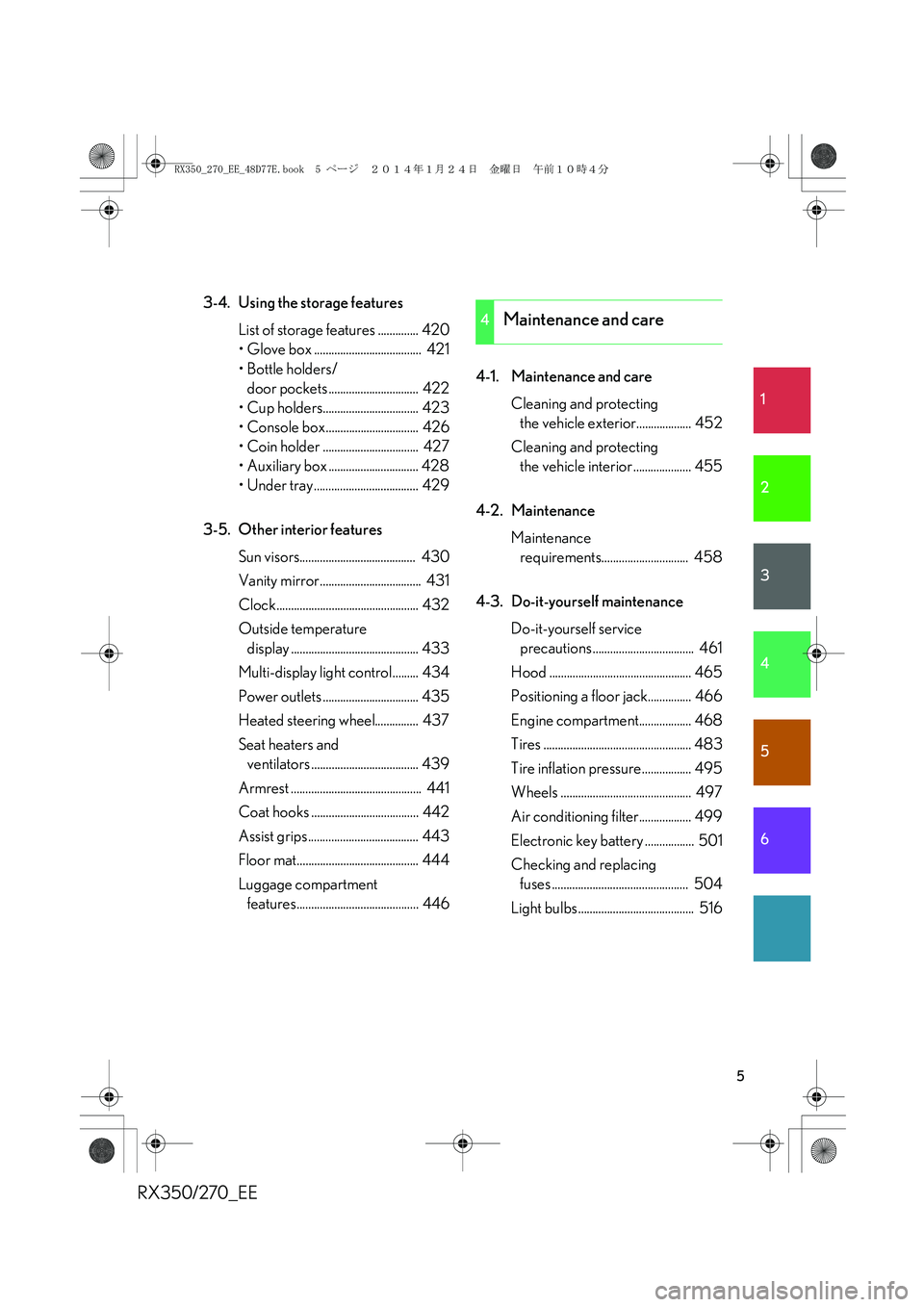
3-4. Using the storage features
List of storage features .............. 420
• Glove box ..................................... 421
• Bottle holders/
door pockets ............................... 422
• Cup holders................................. 423
• Console box................................ 426
• Coin holder ................................. 427
• Auxiliary box ............................... 428
• Under tray .................................... 429
3-5. Other interior features
Sun visors........................................ 430
Vanity mirror................................... 431
Clock................................................. 432
Outside temperature
display ............................................ 433
Multi-display light control......... 434
Power outlets ................................. 435
Heated steering wheel............... 437
Seat heaters and
ventilators ..................................... 439
Armrest ............................................. 441
Coat hooks ..................................... 442
Assist grips...................................... 443
Floor mat.......................................... 444
Luggage compartment
features.......................................... 4464-1. Maintenance and care
Cleaning and protecting
the vehicle exterior................... 452
Cleaning and protecting
the vehicle interior .................... 455
4-2. Maintenance
Maintenance
requirements.............................. 458
4-3. Do-it-yourself maintenance
Do-it-yourself service
precautions ................................... 461
Hood ................................................. 465
Positioning a floor jack............... 466
Engine compartment.................. 468
Tires ................................................... 483
Tire inflation pressure................. 495
Wheels ............................................. 497
Air conditioning filter.................. 499
Electronic key battery ................. 501
Checking and replacing
fuses ............................................... 504
Light bulbs ........................................ 516
4Maintenance and care
RX350_270_EE_48D77E.book 5 ページ 2014年1月24日 金曜日 午前10時4分
Page 6 of 652
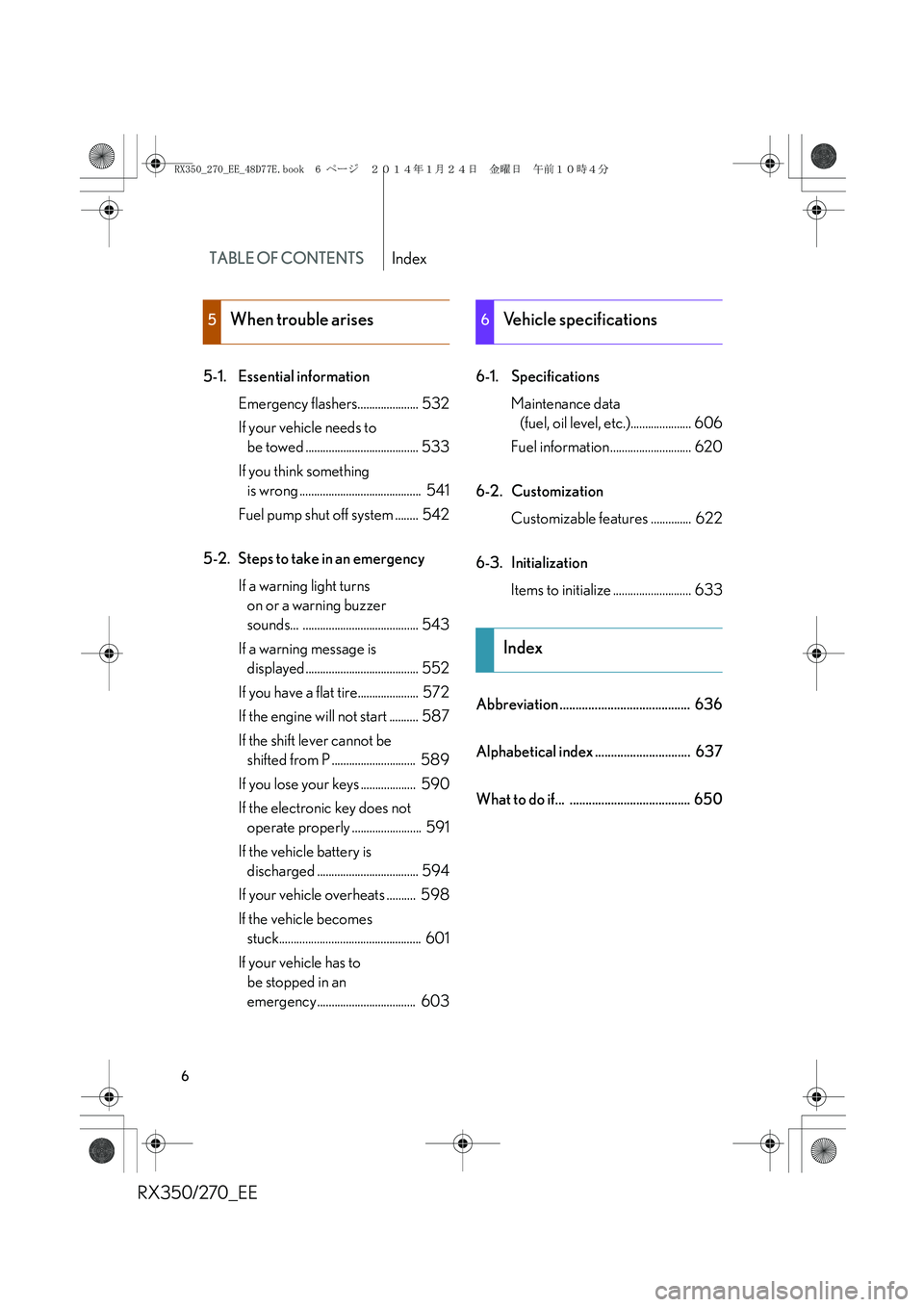
TABLE OF CONTENTSIndex
RX350/270_EE
6
5-1. Essential information
Emergency flashers..................... 532
If your vehicle needs to
be towed ....................................... 533
If you think something
is wrong .......................................... 541
Fuel pump shut off system ........ 542
5-2. Steps to take in an emergency
If a warning light turns
on or a warning buzzer
sounds... ........................................ 543
If a warning message is
displayed....................................... 552
If you have a flat tire..................... 572
If the engine will not start .......... 587
If the shift lever cannot be
shifted from P ............................. 589
If you lose your keys ................... 590
If the electronic key does not
operate properly ........................ 591
If the vehicle battery is
discharged ................................... 594
If your vehicle overheats .......... 598
If the vehicle becomes
stuck................................................. 601
If your vehicle has to
be stopped in an
emergency.................................. 6036-1. Specifications
Maintenance data
(fuel, oil level, etc.)..................... 606
Fuel information ............................ 620
6-2. Customization
Customizable features .............. 622
6-3. Initialization
Items to initialize ........................... 633
Abbreviation ......................................... 636
Alphabetical index .............................. 637
What to do if... ...................................... 650
5When trouble arises6Vehicle specifications
Index
RX350_270_EE_48D77E.book 6 ページ 2014年1月24日 金曜日 午前10時4分
Page 23 of 652
RX350/270_EE
23
CAUTION
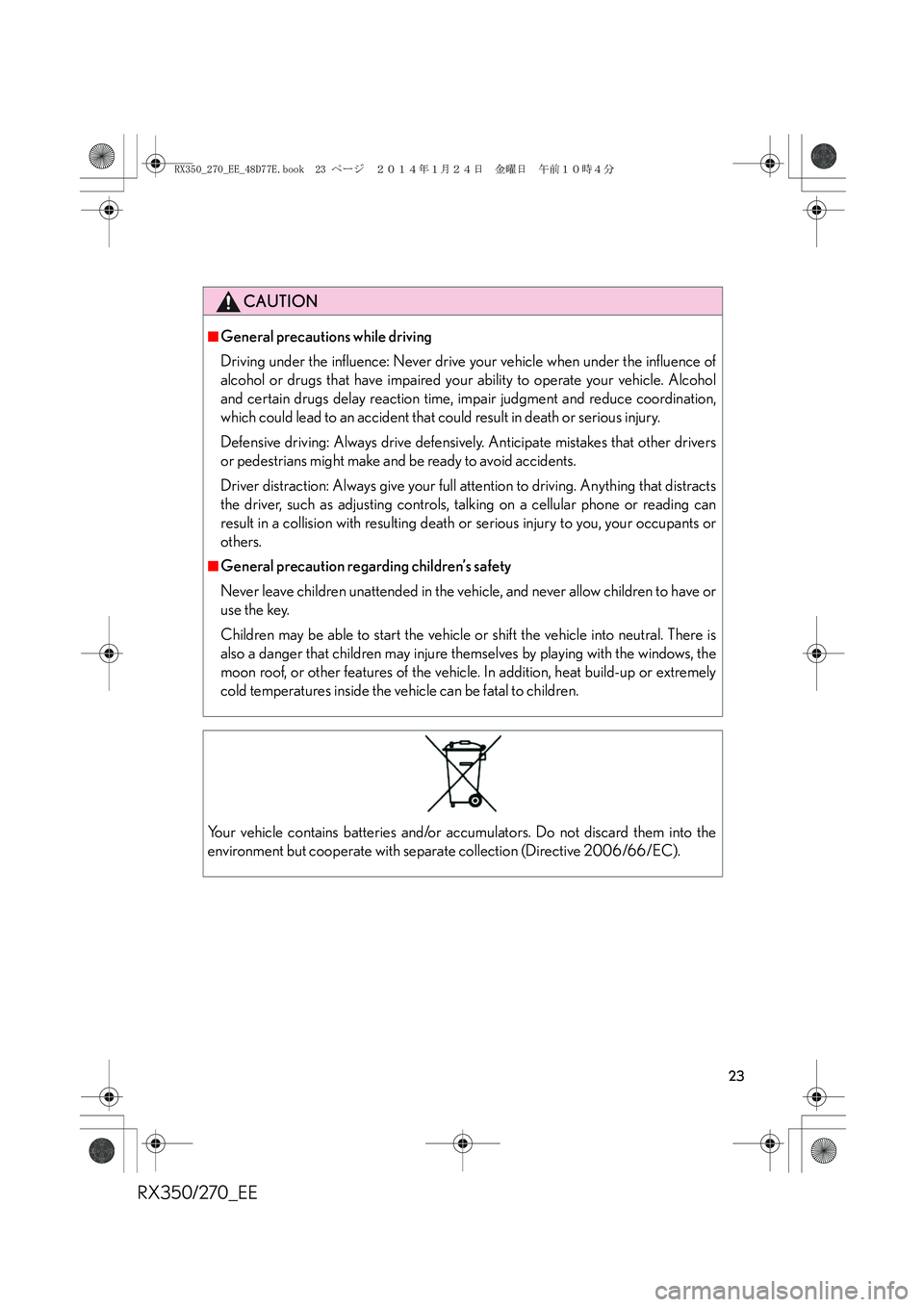
■General precautions while driving
Driving under the influence: Never drive your vehicle when under the influence of
alcohol or drugs that have impaired your ability to operate your vehicle. Alcohol
and certain drugs delay reaction time, impair judgment and reduce coordination,
which could lead to an accident that could result in death or serious injury.
Defensive driving: Always drive defensively. Anticipate mistakes that other drivers
or pedestrians might make and be ready to avoid accidents.
Driver distraction: Always give your full attention to driving. Anything that distracts
the driver, such as adjusting controls, talking on a cellular phone or reading can
result in a collision with resulting death or serious injury to you, your occupants or
others.
■General precaution regarding children’s safety
Never leave children unattended in the vehicle, and never allow children to have or
use the key.
Children may be able to start the vehicle or shift the vehicle into neutral. There is
also a danger that children may injure themselves by playing with the windows, the
moon roof, or other features of the vehicle. In addition, heat build-up or extremely
cold temperatures inside the vehicle can be fatal to children.
Your vehicle contains batteries and/or accumulators. Do not discard them into the
environment but cooperate with separate collection (Directive 2006/66/EC).
RX350_270_EE_48D77E.book 23 ページ 2014年1月24日 金曜日 午前10時4分
Page 25 of 652
1Before driving
25
RX350/270_EE
1-1. Key information
Keys .............................................. 26
1-2. Opening, closing and
locking the doors
Smart entry & start system ..... 31
Wireless remote control ........ 53
Side doors ................................... 56
Back door.................................... 60
1-3. Adjustable components
(seats, mirrors,
steering wheel)
Front seats .................................. 73
Rear seats .................................... 77
Driving position memory ........ 81
Head restraints ......................... 87
Seat belts..................................... 89
Steering wheel .......................... 94
Anti-glare inside rear
view mirror............................... 96
Outside rear view mirrors ..... 981-4. Opening and closing
the windows and
moon roof
Power windows ......................... 101
Moon roof.................................. 104
Electronic sunshade.............. 108
1-5. Refueling
Opening the fuel tank
cap ............................................. 110
1-6. Theft deterrent system
Engine immobilizer
system ....................................... 115
Double locking system ........... 121
Alarm .......................................... 122
1-7. Safety information
Correct driving posture ........ 129
SRS airbags................................ 131
Child restraint systems .......... 142
Installing child restraints ....... 152
Airbag manual on/off
system ...................................... 163
RX350_270_EE_48D77E.book 25 ページ 2014年1月24日 金曜日 午前10時4分
Page 26 of 652
26
RX350/270_EE
1-1. Key information
Keys
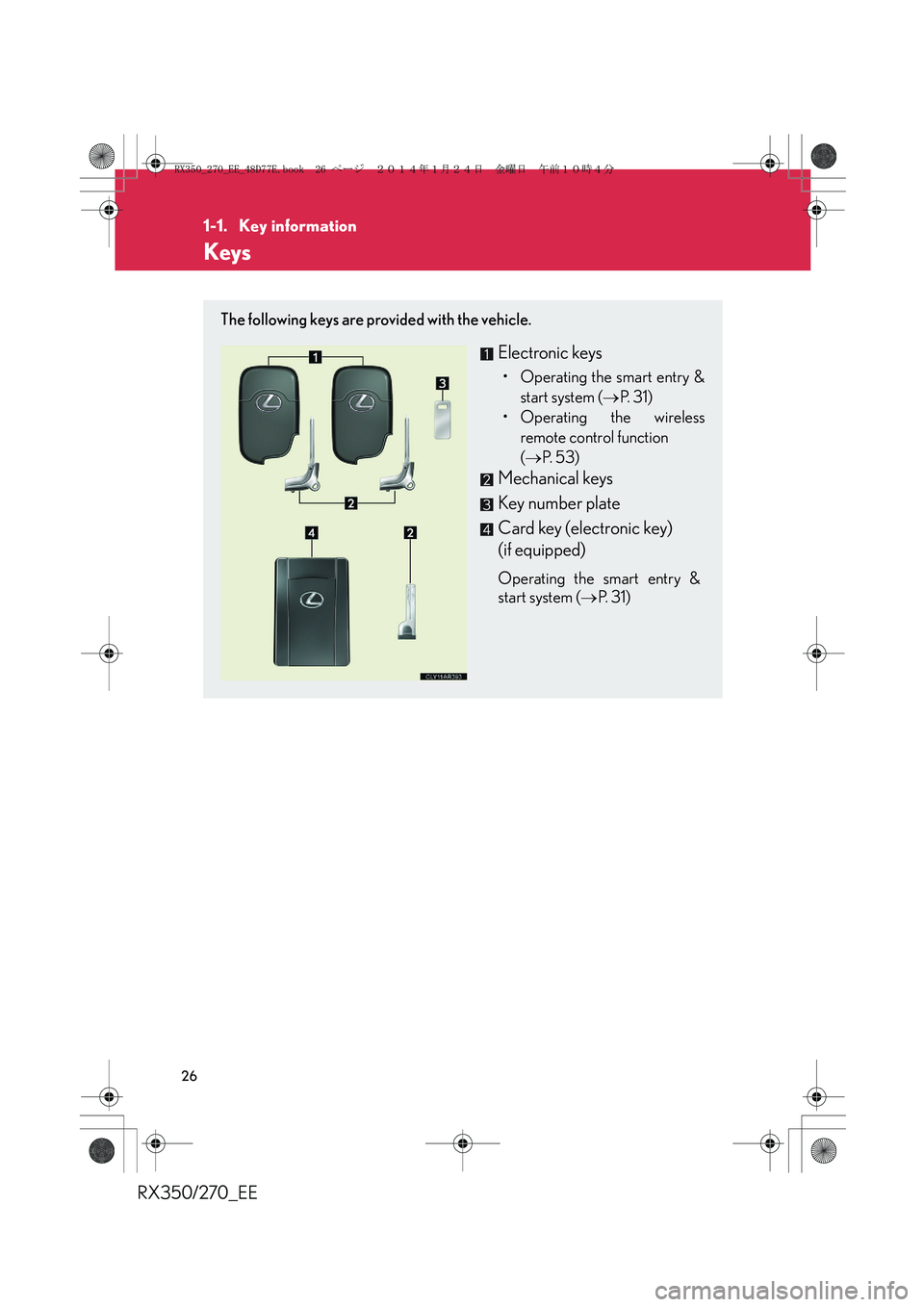
The following keys are provided with the vehicle.
Electronic keys
• Operating the smart entry &
start system (→P. 3 1 )
• Operating the wireless
remote control function
(→P. 5 3 )
Mechanical keys
Key number plate
Card key (electronic key)
(if equipped)
Operating the smart entry &
start system (→P. 3 1 )
RX350_270_EE_48D77E.book 26 ページ 2014年1月24日 金曜日 午前10時4分
Page 27 of 652
27
1-1. Key information
1
Before driving
RX350/270_EE
Using the mechanical key
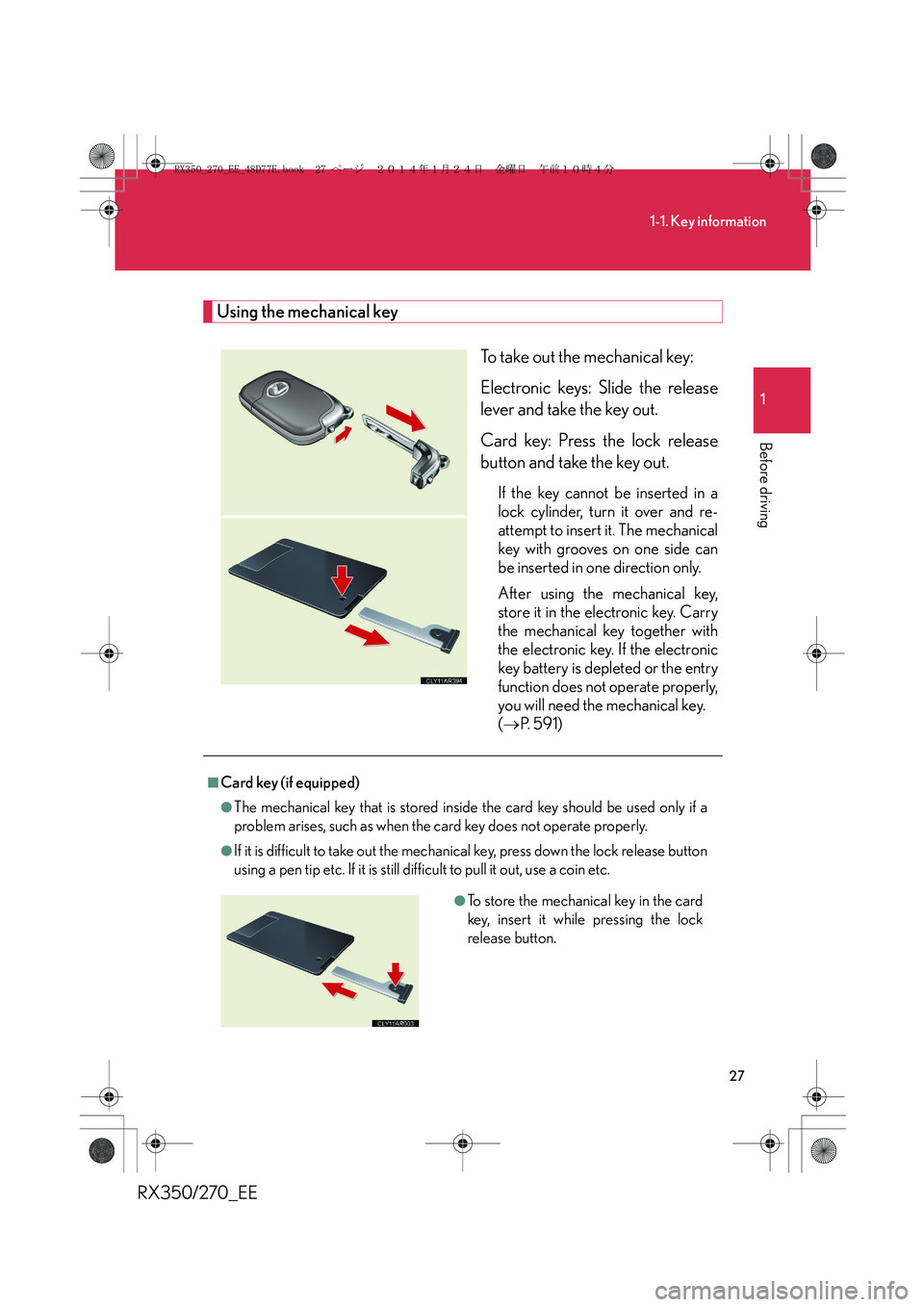
To take out the mechanical key:
Electronic keys: Slide the release
lever and take the key out.
Card key: Press the lock release
button and take the key out.
If the key cannot be inserted in a
lock cylinder, turn it over and re-
attempt to insert it. The mechanical
key with grooves on one side can
be inserted in one direction only.
After using the mechanical key,
store it in the electronic key. Carry
the mechanical key together with
the electronic key. If the electronic
key battery is depleted or the entry
function does not operate properly,
you will need the mechanical key.
(→P. 5 9 1 )
■Card key (if equipped)
●The mechanical key that is stored inside the card key should be used only if a
problem arises, such as when the card key does not operate properly.
●If it is difficult to take out the mechanical key, press down the lock release button
using a pen tip etc. If it is still difficult to pull it out, use a coin etc.
●To store the mechanical key in the card
key, insert it while pressing the lock
release button.
RX350_270_EE_48D77E.book 27 ページ 2014年1月24日 金曜日 午前10時4分
Page 28 of 652
28
1-1. Key information
RX350/270_EE
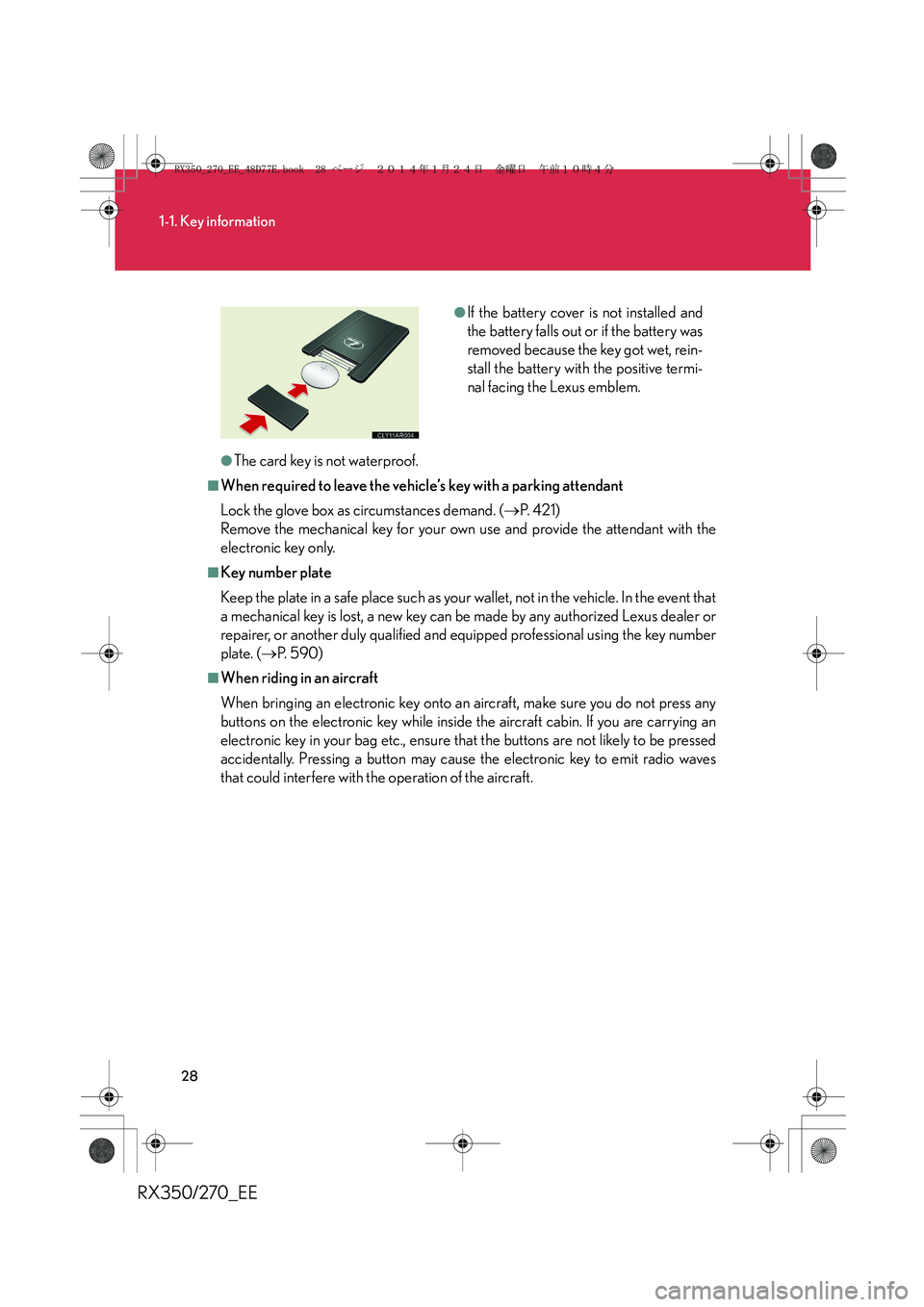
●The card key is not waterproof.
■When required to leave the vehicle’s key with a parking attendant
Lock the glove box as circumstances demand. (→P. 4 2 1 )
Remove the mechanical key for your own use and provide the attendant with the
electronic key only.
■Key number plate
Keep the plate in a safe place such as your wallet, not in the vehicle. In the event that
a mechanical key is lost, a new key can be made by any authorized Lexus dealer or
repairer, or another duly qualified and equipped professional using the key number
plate. (→P. 5 9 0 )
■When riding in an aircraft
When bringing an electronic key onto an aircraft, make sure you do not press any
buttons on the electronic key while inside the aircraft cabin. If you are carrying an
electronic key in your bag etc., ensure that the buttons are not likely to be pressed
accidentally. Pressing a button may cause the electronic key to emit radio waves
that could interfere with the operation of the aircraft.
●If the battery cover is not installed and
the battery falls out or if the battery was
removed because the key got wet, rein-
stall the battery with the positive termi-
nal facing the Lexus emblem.
RX350_270_EE_48D77E.book 28 ページ 2014年1月24日 金曜日 午前10時4分
Page 29 of 652
29
1-1. Key information
1
Before driving
RX350/270_EE
NOTICE
■To prevent key damage
Observe the following:
●Do not drop the keys, subject them to strong shocks or bend them.
●Do not expose the keys to high temperatures for a long period of time.
●Do not get the keys wet or wash them in an ultrasonic washer etc.
●Do not attach metallic or magnetic materials to the keys or place the keys close to
such materials.
●Do not disassemble the keys.
●Do not attach a sticker or anything else to the surface of the electronic key.
●Do not place the keys near objects that produce magnetic fields, such as TVs,
audio systems, induction cookers, or medical electrical equipment, such as low-
frequency therapy equipment.
■Carrying the electronic key on your person
Carry the electronic key 10 cm (3.9 in.) or more away from electric appliances that
are turned on. Radio waves emitted from electric appliances within 10 cm (3.9 in.)
of the electronic key may interfere with the key, causing the key to not function
properly.
■In case of a smart entry & start system malfunction or other key-related problems
Take your vehicle with all the electronic keys provided with your vehicle, including
the card key, to any authorized Lexus dealer or repairer, or another duly qualified
and equipped professional.
■When a vehicle key is lost
If the key remains lost, the risk of vehicle theft increases significantly. Visit any autho-
rized Lexus dealer or repairer, or another duly qualified and equipped professional
immediately with all remaining electronic keys and the card key that was provided
with your vehicle.
RX350_270_EE_48D77E.book 29 ページ 2014年1月24日 金曜日 午前10時4分
Page 30 of 652
30
1-1. Key information
RX350/270_EE
NOTICE
■Precautions for handling the card key
●Do not apply excess force when inserting the mechanical key into the card key.
Doing so may damage the card key.
●If the battery or card key terminals get wet, the battery may corrode and the card
key may stop working.
If the key is dropped into water, or if drinking water etc. is spilled on the key,
immediately remove the battery cover and wipe the battery and terminals. (To
remove the battery cover, lightly grasp and pull it.) If the battery is corroded, have
any authorized Lexus dealer or repairer, or another duly qualified and equipped
professional, replace the battery.
●Do not crush the battery cover or use a screwdriver to remove the battery cover.
Forcibly removing the battery cover may bend or damage the key.
●If the battery cover is frequently removed, the battery cover may become loose.
●When installing the battery, make sure to check the direction of the battery.
Installing the battery in the wrong direction may cause the battery to deplete rap-
idly.
●The surface of the card key may be damaged, or its coating may peel off in the
following situations:
• The card key is carried together with hard objects, such as coins and keys.
• The card key is scraped with a sharp object, such as the tip of a mechanical
pencil.
• The surface of the card key is wiped with thinner or benzene.
RX350_270_EE_48D77E.book 30 ページ 2014年1月24日 金曜日 午前10時4分