reset LEXUS RX350 2015 Owner's Manual
[x] Cancel search | Manufacturer: LEXUS, Model Year: 2015, Model line: RX350, Model: LEXUS RX350 2015Pages: 886, PDF Size: 11 MB
Page 487 of 886
4873-4. Using the audio system
3
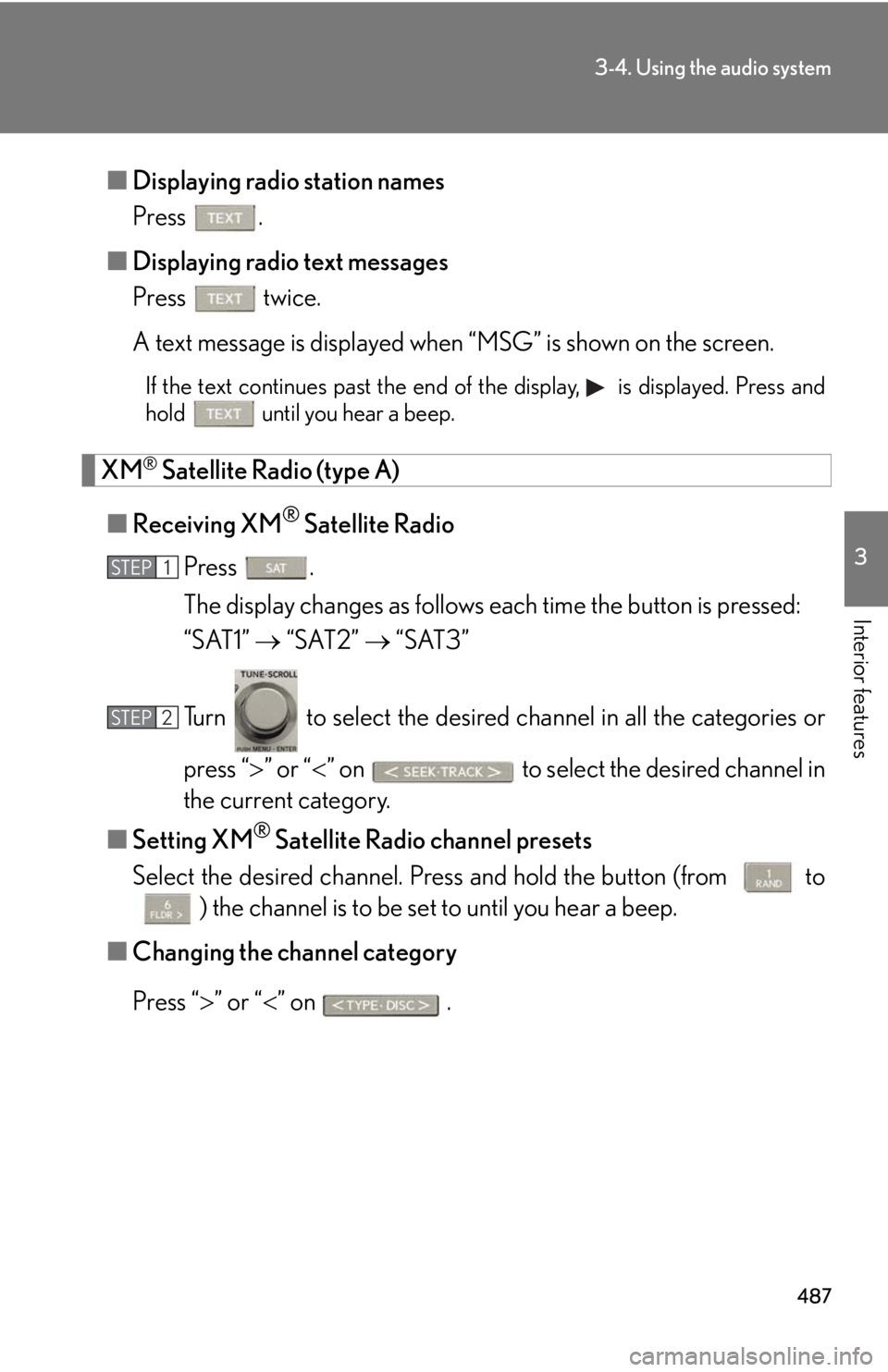
Interior features ■ Displaying radio station names
Press .
■ Displaying radio text messages
Press twice.
A text message is displayed when “MSG” is shown on the screen. If the text continues past the end of the display, is displayed. Press and
hold until you hear a beep.
XM ®
Satellite Radio (type A)
■ Receiving XM ®
Satellite Radio
Press .
The display changes as follows each time the button is pressed:
“SAT1” “SAT2” “SAT3”
Turn to select the desired channel in all the categories or
press “ ” or “ ” on to select the desired channel in
the current category.
■ Setting XM ®
Satellite Radio channel presets
Select the desired channel. Pr ess and hold the button (from
to
) the channel is to be set to until you hear a beep.
■ Changing the channel category
Press “ ” or “ ” on .STEP 1
STEP 2
Page 488 of 886
4883-4. Using the audio system
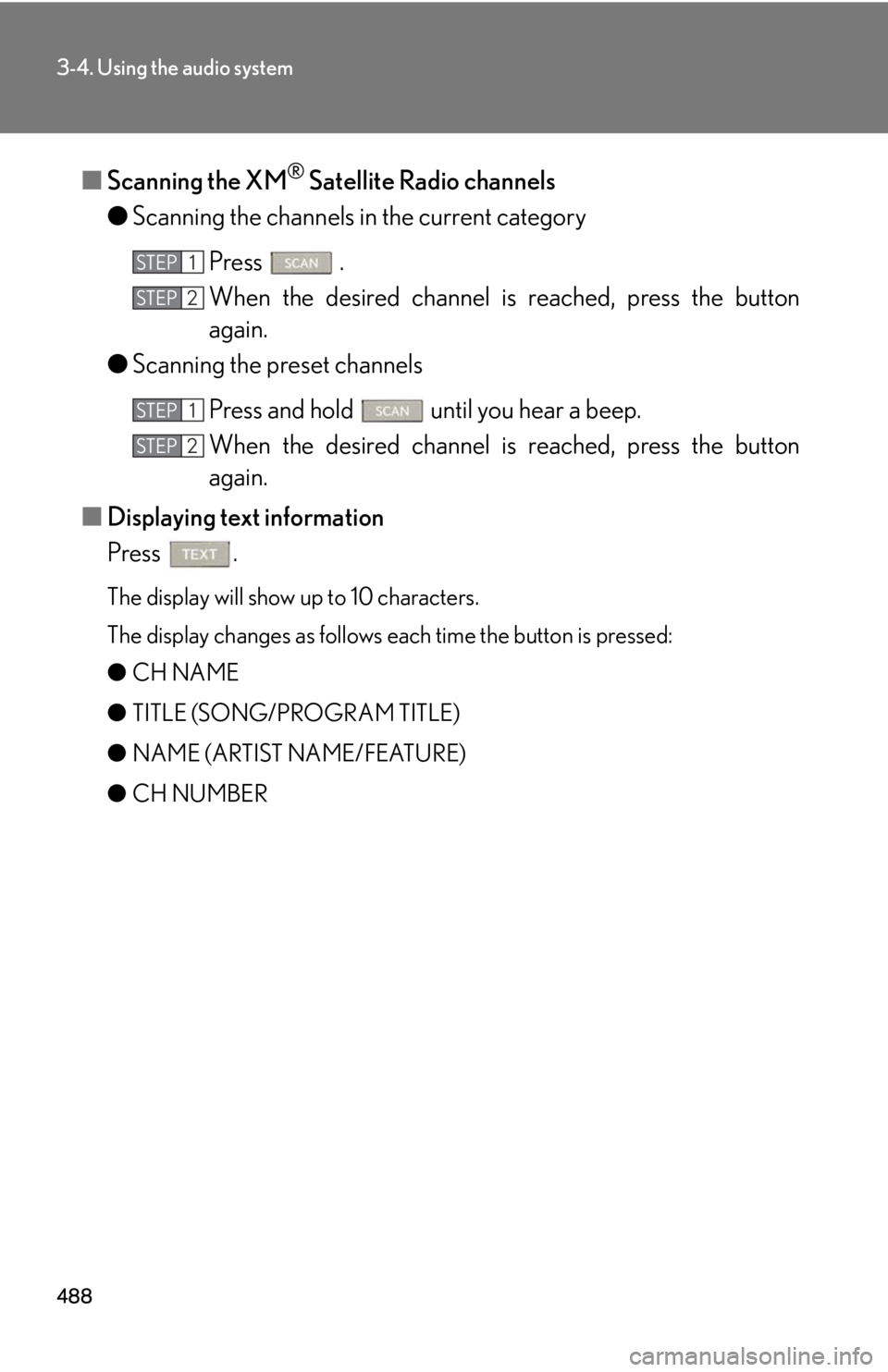
■ Scanning the XM ®
Satellite Radio channels
● Scanning the channels in the current category
Press .
When the desired channel is reached, press the button
again.
● Scanning the preset channels
Press and hold until you hear a beep.
When the desired channel is reached, press the button
again.
■ Displaying text information
Press . The display will show up to 10 characters.
The display changes as follows each time the button is pressed:
● CH NAME
● TITLE (SONG/PROGRAM TITLE)
● NAME (ARTIST NAME/FEATURE)
● CH NUMBER STEP 1
STEP 2
STEP 1
STEP 2
Page 489 of 886
4893-4. Using the audio system
3
Interior features ■
When the battery is disconnected
All preset stations are erased.■
Reception sensitivity ●
Cargo loaded on the roof luggage carrier, especially metal objects, may
adversely affect the reception of XM ®
Satellite Radio.●
It is difficult to maintain perfect radio re ception at all times due to the continually
changing position of the an tenna, differences in signal strength and surrounding
objects, such as trains and transmitters.●
The radio antenna is mounted inside th e rear spoiler and the rear window. To
maintain clear radio reception, do not attach metallic window tinting or other
metallic objects to the antenna wire mounted inside the rear window.■
Receiving XM ®
Satellite Radio
An XM ®
Satellite Radio is a tuner designed exclusively to receive broadcasts pro-
vided under a separate subscription. Availa bility is limited to the 48 contiguous
states and 10 Canadian provinces. ●
XM ®
subscriptions
For detailed information about XM ®
Satellite Radio or to subscribe:
U.S.A.
Visit on the web at www.siriusxm.com or call 1-877-515-3987.
Canada
Visit on the web at www.xmradio.ca or call 1-877-438-9677.●
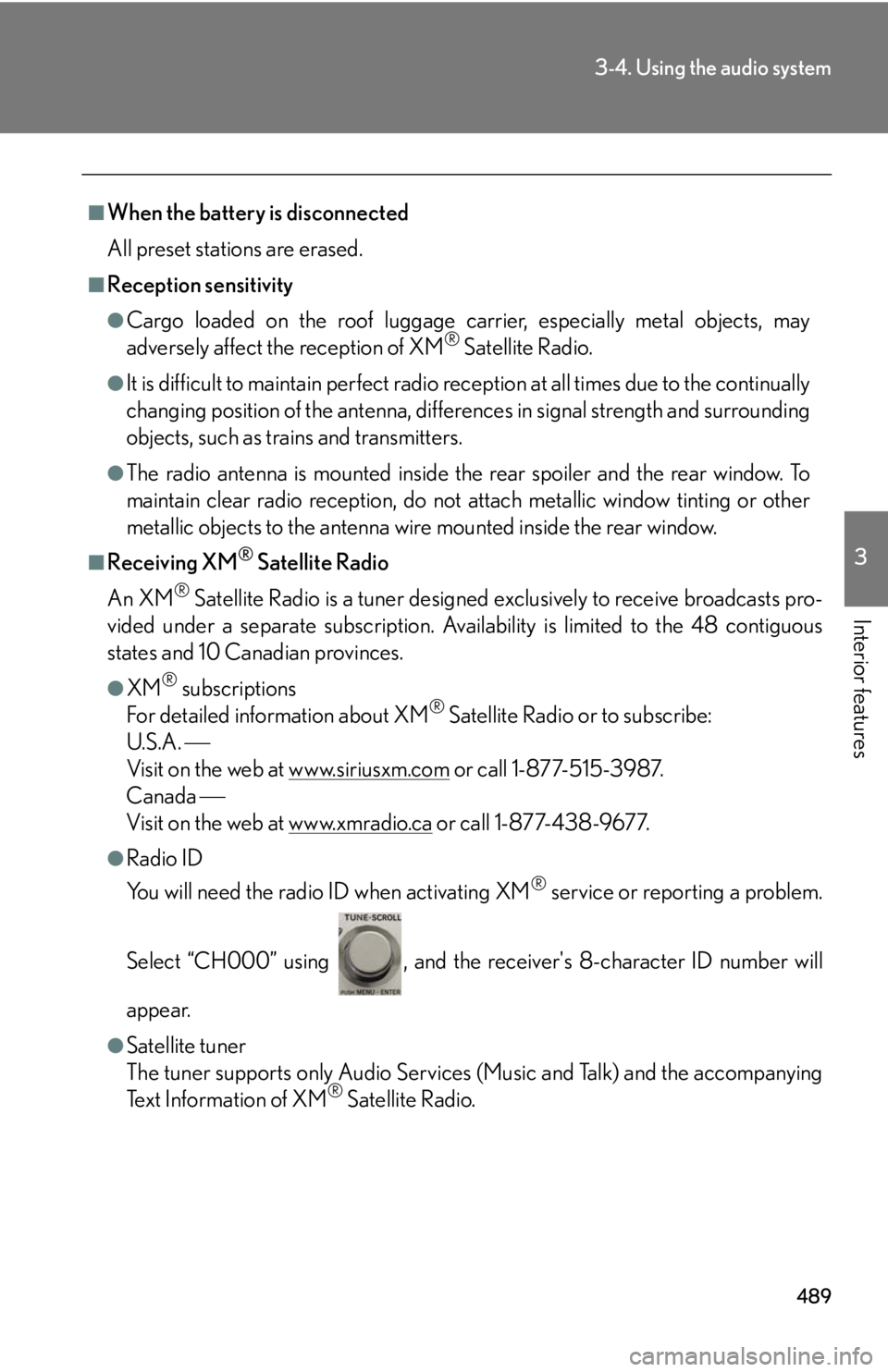
Radio ID
You will need the radio ID when activating XM ®
service or reporting a problem.
Select “CH000” using , and the rece iver's 8-character ID number will
appear.
●
Satellite tuner
The tuner supports only Audio Services (Music and Talk) and the accompanying
Text Information of XM ®
Satellite Radio.
Page 517 of 886
5173-4. Using the audio system
3
Interior features ■
iPod functions ●
When an iPod is connected and the audio source is changed to iPod mode, the
iPod will resume play from the same point in which it was last used.●
Depending on the iPod that is connecte d to the system, certain functions may
not be available. If a function is unavailable due to a malfunction (as opposed to
a system specification), disconnecting the device and reconnecting it once
again may resolve the problem. ●
While connected to the system, the iPod cannot be operated with its own con-
trols. It is necessary to use the controls of the vehicle's audio system instead. ●
When the battery level of an iPod is very low, the iPod may not operate. If so,
charge the iPod before use.●
Supported models ( P. 5 1 8 )■
iPod problems
To resolve most problems encountered when using your iPod, disconnect your iPod
from the vehicle iPod connection and reset it.
For instructions on how to reset your iP od, refer to your iPod Owner's Manual.■
Display
P. 4 9 7■
Error messages
“ERROR”: This indicates a problem in the iPod or its connection.
“NO MUSIC”: This indicates that ther e is no music data in the iPod.
“EMPTY”: This indicates that some avai lable songs are not found in a selected
playlist.
“UPDATE”: This indicates that the version of the iPod is not compatible.
Upgrade your iPod software to the latest version.
Page 574 of 886
5743-4. Using the audio system
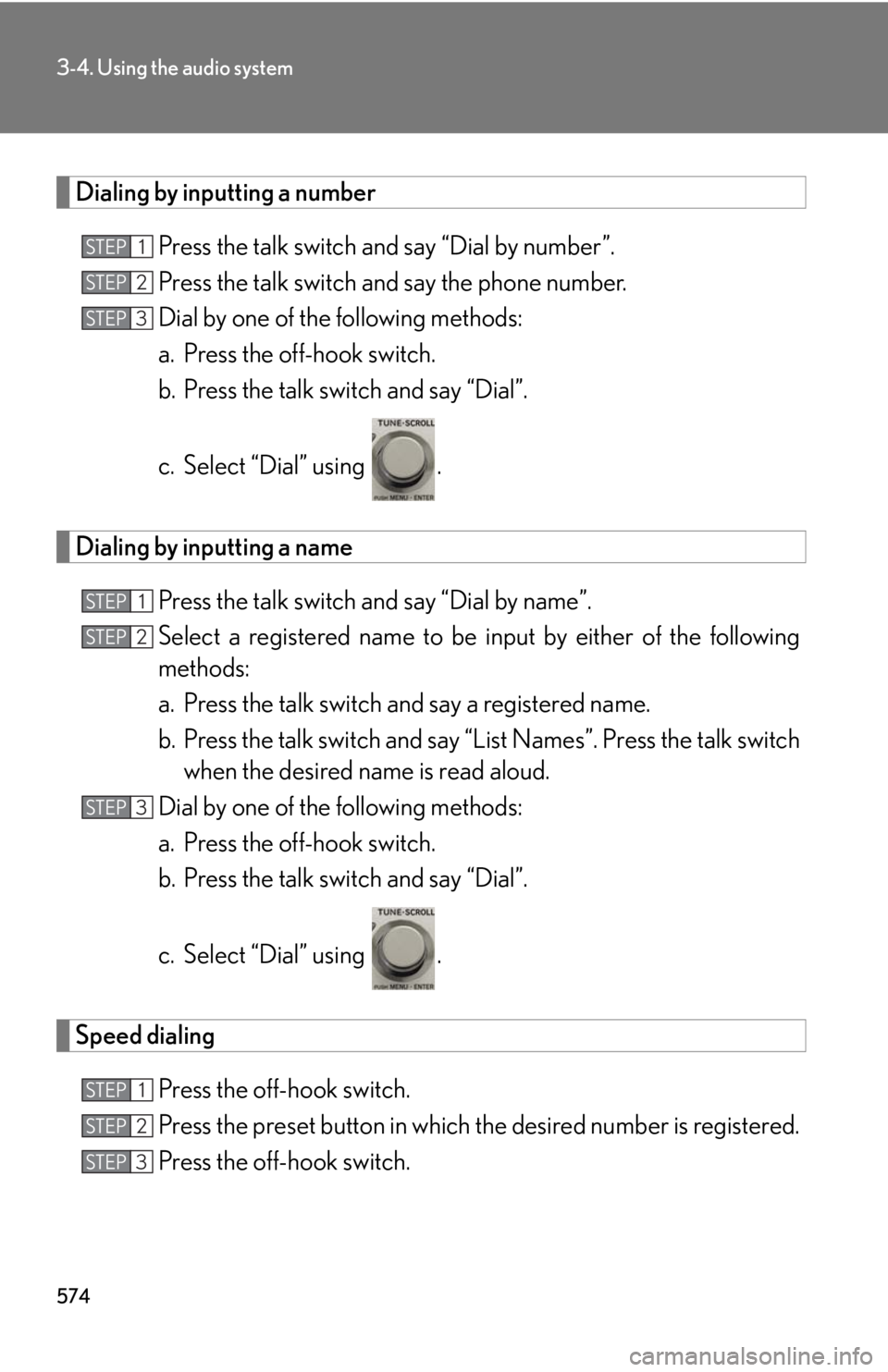
Dialing by inputting a number
Press the talk switch and say “Dial by number”.
Press the talk switch and say the phone number.
Dial by one of the following methods:
a. Press the off-hook switch.
b. Press the talk switch and say “Dial”.
c. Select “Dial” using .
Dialing by inputting a name
Press the talk switch and say “Dial by name”.
Select a registered name to be input by either of the following
methods:
a. Press the talk switch and say a registered name.
b. Press the talk switch and say “L ist Names”. Press the talk switch
when the desired name is read aloud.
Dial by one of the following methods:
a. Press the off-hook switch.
b. Press the talk switch and say “Dial”.
c. Select “Dial” using .
Speed dialing
Press the off-hook switch.
Press the preset button in which th e desired number is registered.
Press the off-hook switch.STEP 1
STEP 2
STEP 3
STEP 1
STEP 2
STEP 3
STEP 1
STEP 2
STEP 3
Page 593 of 886
5933-4. Using the audio system
3
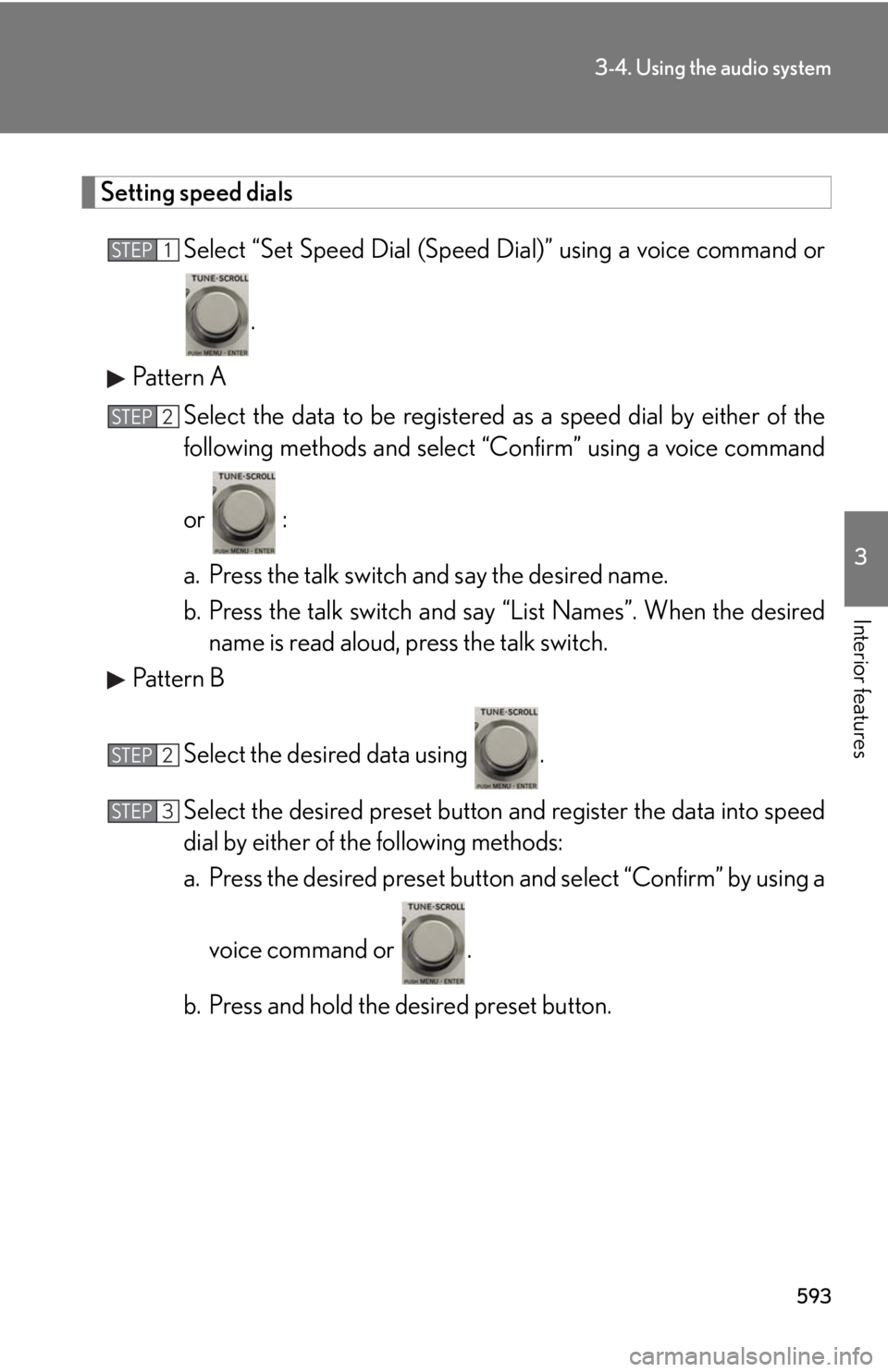
Interior features Setting speed dials
Select “Set Speed Dial (Speed Dial)” using a voice command or
.
Pattern A
Select the data to be registered as a speed dial by either of the
following methods and select “C onfirm” using a voice command
or :
a. Press the talk switch and say the desired name.
b. Press the talk switch and say “List Names”. When the desired
name is read aloud, press the talk switch.
Pattern B
Select the desired data using .
Select the desired preset button and register the data into speed
dial by either of the following methods:
a. Press the desired preset button and select “Confirm” by using a
voice command or .
b. Press and hold the desired preset button.STEP 1
STEP 2
STEP 2
STEP 3
Page 594 of 886
5943-4. Using the audio system
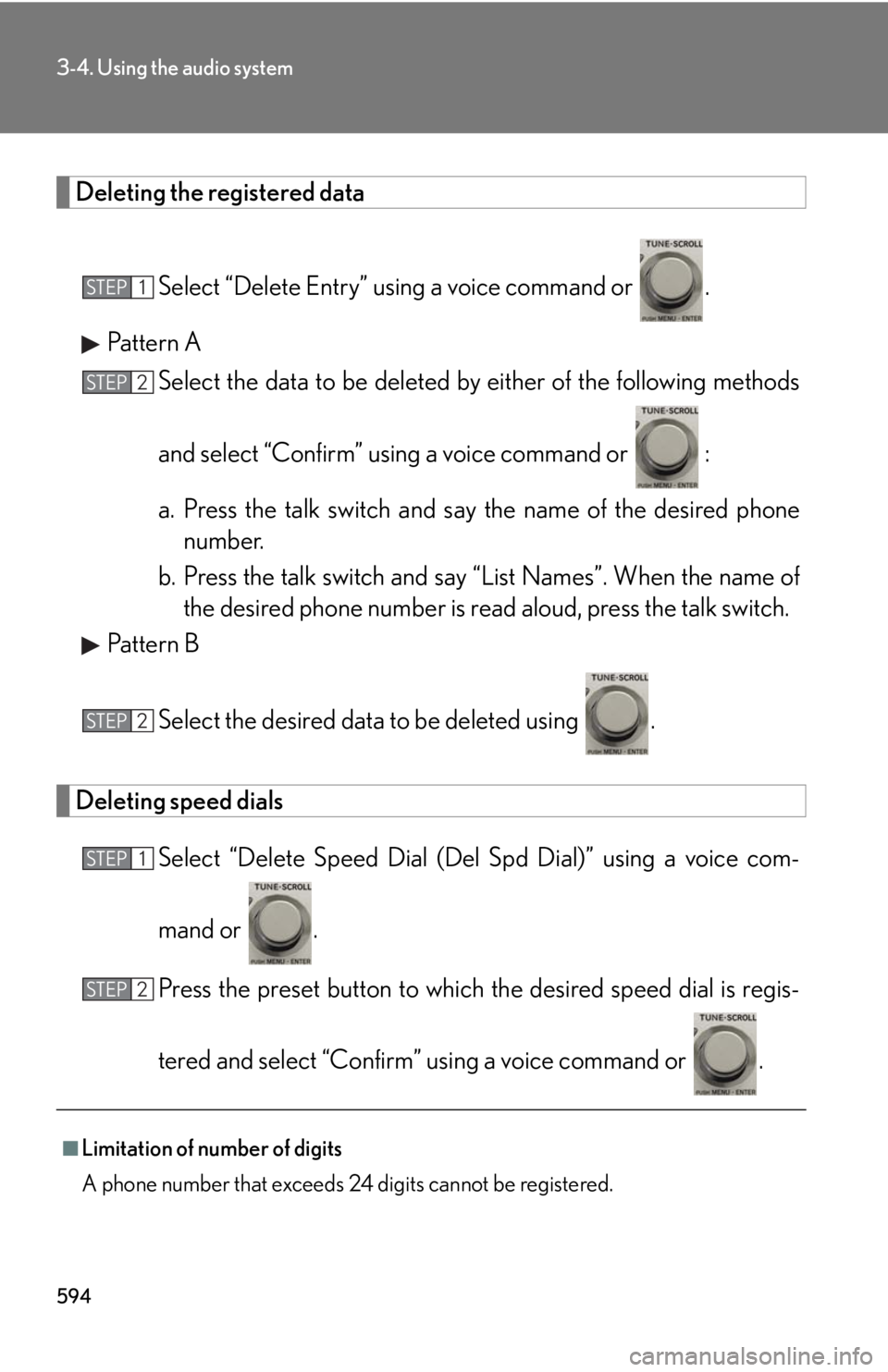
Deleting the registered data
Select “Delete Entry” using a voice command or .
Pattern A
Select the data to be deleted by either of the following methods
and select “Confirm” using a voice command or :
a. Press the talk switch and say the name of the desired phone
number.
b. Press the talk switch and say “List Names”. When the name of
the desired phone number is read aloud, press the talk switch.
Pattern B
Select the desired data to be deleted using .
Deleting speed dials
Select “Delete Speed Dial (Del Spd Dial)” using a voice com-
mand or .
Press the preset button to which th e desired speed dial is regis-
tered and select “Confirm” using a voice command or .
■
Limitation of number of digits
A phone number that exceeds 24 digits cannot be registered. STEP 1
STEP 2
STEP 2
STEP 1
STEP 2
Page 657 of 886
6574-2. Maintenance
4
Maintenance and care ■
Reset the maintenance data (U.S.A. only)
After the required maintenance is performed according to the maintenance sched-
ule, please reset the maintenance data.
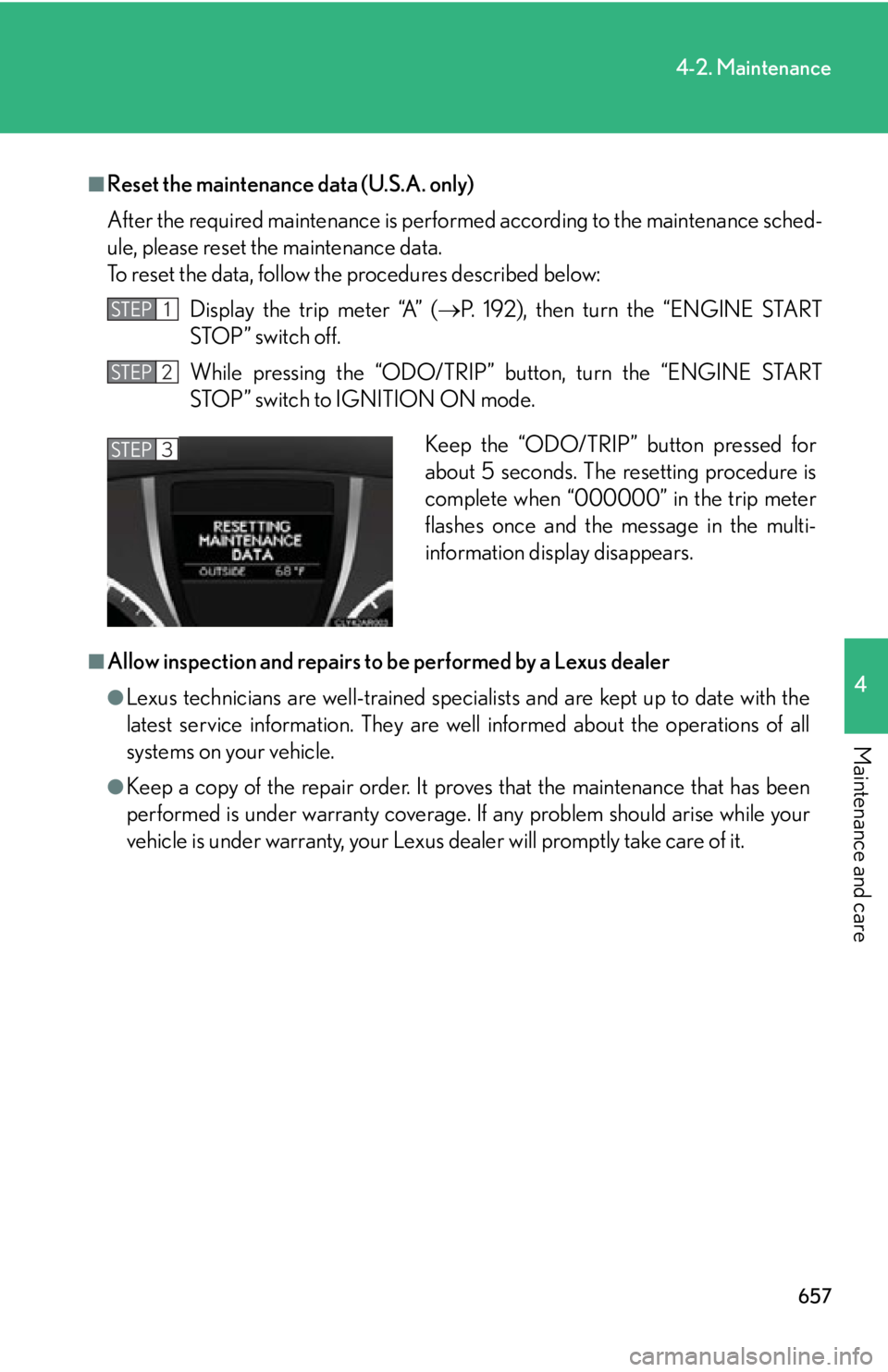
To reset the data, follow th e procedures described below:
Display the trip meter “A” ( P. 192), then turn the “ENGINE START
STOP” switch off.
While pressing the “ODO/TRIP” button, turn the “ENGINE START
STOP” switch to IGNITION ON mode.
■
Allow inspection and repairs to be performed by a Lexus dealer●
Lexus technicians are well-trained specialists and are kept up to date with the
latest service information. They are well informed about the operations of all
systems on your vehicle.●
Keep a copy of the repair order. It proves that the maintenance that has been
performed is under warranty coverage. If any problem should arise while your
vehicle is under warranty, your Lexus de aler will promptly take care of it.STEP 1
STEP 2
Keep the “ODO/TRIP” button pressed for
about 5 seconds. The resetting procedure is
complete when “000000” in the trip meter
flashes once and the message in the multi-
information display disappears.STEP 3
Page 686 of 886
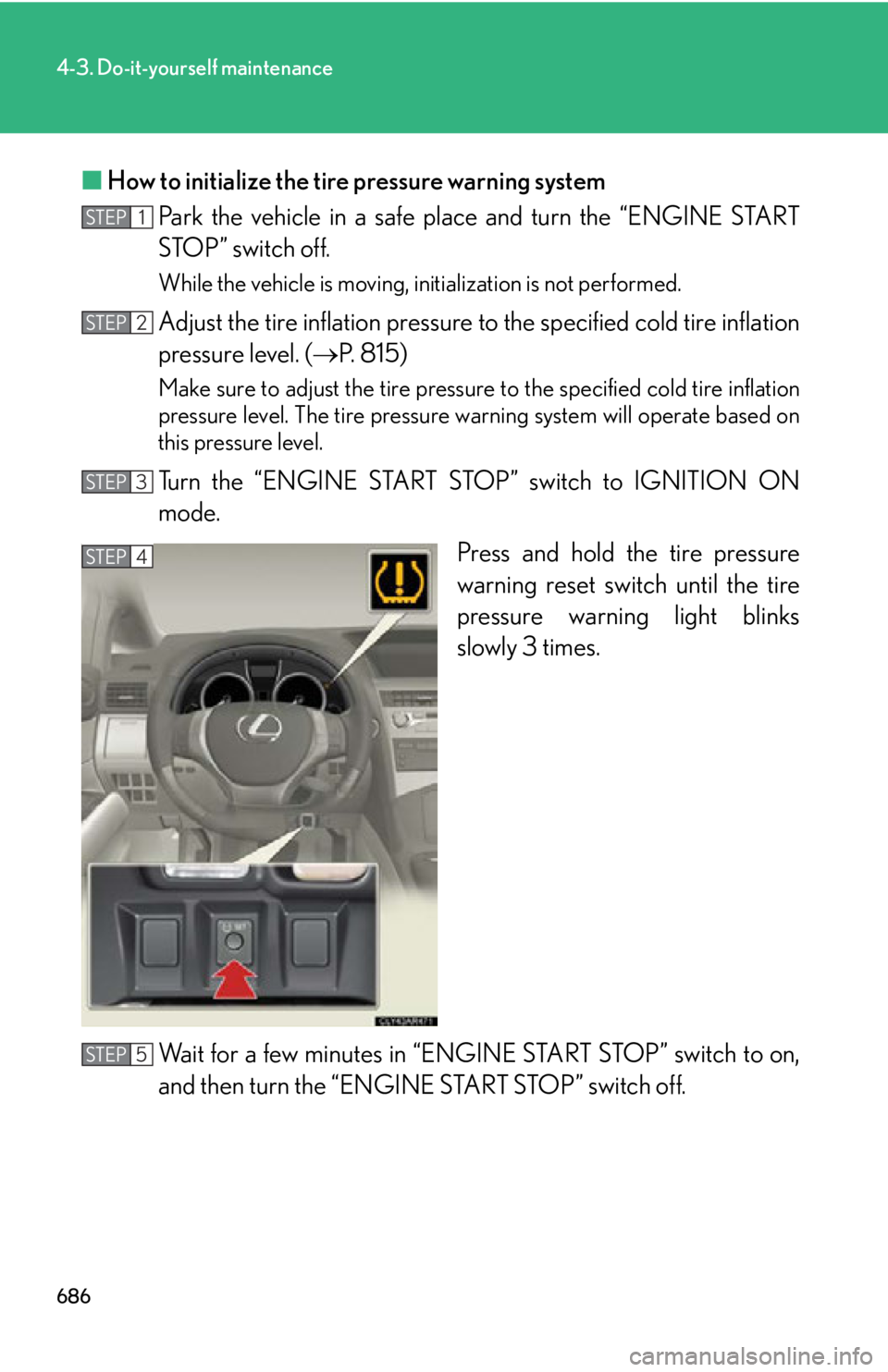
6864-3. Do-it-yourself maintenance
■ How to initialize the tire pressure warning system
Park the vehicle in a safe plac e and turn the “ENGINE START
STOP” switch off. While the vehicle is moving, initialization is not performed.
Adjust the tire inflation pressure to the specified co ld tire inflation
pressure level. ( P. 815)Make sure to adjust the tire pressure to the specified cold tire inflation
pressure level. The tire pressure warning system will operate based on
this pressure level.
Turn the “ENGINE START STOP” switch to IGNITION ON
mode.
Press and hold the tire pressure
warning reset switch until the tire
pressure warning light blinks
slowly 3 times.
Wait for a few minutes in “ENG INE START STOP” switch to on,
and then turn the “ENGINE START STOP” switch off.STEP 1
STEP 2
STEP 3
STEP 4
STEP 5
Page 689 of 886

6894-3. Do-it-yourself maintenance
4
Maintenance and care ■
The initialization operation ●
Make sure to carry out initialization af ter adjusting the tire inflation pressure.
Also, make sure the tires are cold before carrying out initialization or tire infla-
tion pressure adjustment.●
If you have accidentally turned the “ENGINE START STOP” switch off during
initialization, it is not necessary to pres s the reset switch again as initialization
will restart automatically when the “ENGINE START STOP” switch has been
turned to IGNITION ON mode for the next time.●
If you accidentally press the reset switch when initialization is not necessary,
adjust the tire inflation pressure to th e specified level when the tires are cold,
and conduct initialization again.■
When the initialization of the tire pressure warning system has failed
Initialization can be completed in a few minutes. However, in the following cases,
the settings have not been recorded and the system will not operate properly. If
repeated attempts to record tire inflation pressure settings are unsuccessful, have
the vehicle inspected by your Lexus dealer. ●
When operating the tire pressure warnin g reset switch, the tire pressure warn-
ing light does not blink 3 times. ●
After carrying out the initialization proc edure, the tire pressure warning light
blinks for 1 minute then stays on after driving for 20 minutes.