page 1 LEXUS RX350 2015 Owners Manual
[x] Cancel search | Manufacturer: LEXUS, Model Year: 2015, Model line: RX350, Model: LEXUS RX350 2015Pages: 886, PDF Size: 11 MB
Page 159 of 886
1592-1. Driving procedures
2
When driving CAUTION■
When driving on slippery road surfaces ●
Sudden braking, acceleration and steering may cause tire slippage and reduce
your ability to control the vehi cle, resulting in an accident.●
Sudden acceleration, engine braking due to shift changing, or changes in engine
speed could cause the vehicle to skid, resulting in an accident.●
After driving through a pudd le, lightly depress the brak e pedal to make sure that
the brakes are functioning properly. Wet brake pads may prevent the brakes from
functioning properly. If the brakes on on ly one side are wet and not functioning
properly, steering control may be af fected, resulting in an accident.■
When shifting the shift lever
Be careful not to shift the shift lever with the accelerator pedal depressed.
This may lead to unexpected rapid acceleration of the vehicle that may cause an
accident and result in death or serious injury.■
If you hear a squealing or scraping no ise (brake pad wear limit indicators)
Have your Lexus dealer check and replac e the brake pads as soon as possible.
Rotor damage can result if the pads are not replaced when needed.
It is dangerous to drive the vehicle when the wear limits of the brake pads and/or
those of the brake discs are exceeded.
Page 330 of 886
3303-1. Lexus Display Audio system
Lexus Display Audio system operation
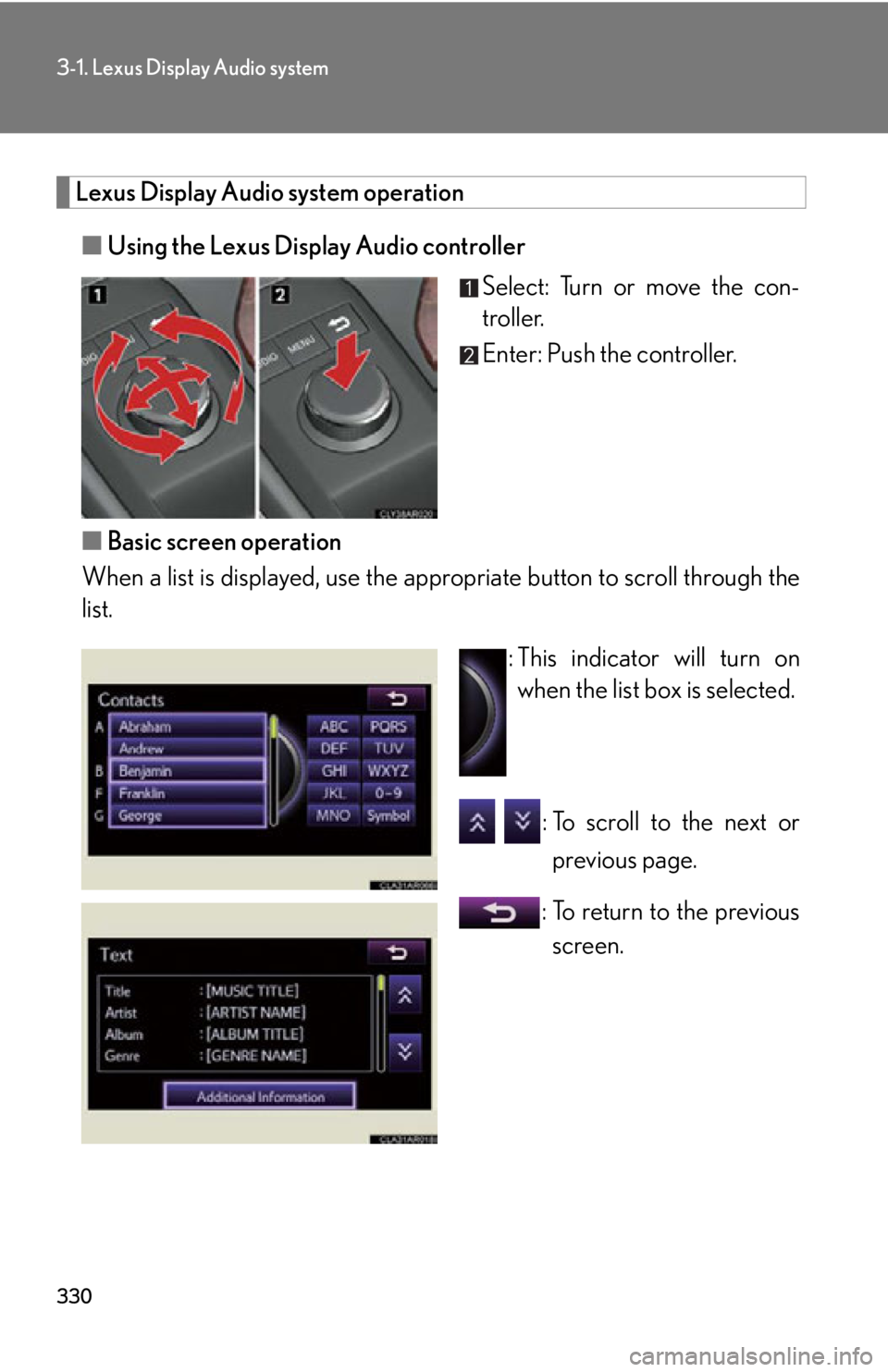
■ Using the Lexus Display Audio controller
Select: Turn or move the con-
troller.
Enter: Push the controller.
■ Basic screen operation
When a list is displayed, use the a ppropriate button to scroll through the
list.
: This indicator will turn on
when the list box is selected.
: To scroll to the next or
previous page.
: To return to the previous
screen.
Page 370 of 886
3703-3. Using the Lexus Display Audio system
Selecting a station
■ Seek tuning
Press and hold “ ” or “ ” on the “PRST•TRACK” button.
■ Manual tuning
Turn the “TUNE•SCROLL” knob.
■ Preset stations
Press “ ” or “ ” on the “PRST•TRACK” butto n or select desired preset
stations.
Setting station presets (excluding XM ®
Satellite Radio)
Radio mode has a mix preset function, which can store up to 36 stations
(6 station per page 6 page) from any of the AM, FM or SAT bands.
Search for desired stations by turning the “TUNE•SCROLL”
knob or pressing and holding “ ” or “ ” on the “PRST•TRACK”
button.
Select and hold one of the preset stations (1-6 every page).
Scanning radio stations (excluding XM ®
Satellite Radio)
Select “SCAN” on the screen. “SCAN” appears on the screen. The radio will find the next station and
stay there for 10 seconds if “All” or “HD Only” is selected, or 5 seconds
if “Analog” is selected ( P. 374), and then scan again.
Select “SCAN” once again when the desired station is reached.STEP 1
STEP 2
STEP 1
STEP 2
Page 378 of 886
3783-3. Using the Lexus Display Audio system
XM ®
Satellite Radio
■ Receiving XM ®
Satellite Radio
Press the “RADIO” button or select “SAT” on the audio source
selection.
Turn the “TUNE•SCROLL” knob to select the desired channel in
the all categories or press and hold “ ” or “ ” on the
“PRST•TRACK” button to select the desired channel in the cur-
rent category.
■ Setting XM ®
Satellite Radio channel presets
Select the desired channel. Select and hold one of the preset stations
(1-6 every page).No text information
shown for the
present selected
frequency. Data service issue
by the radio broad-
caster. Broadcaster should be noti-
fied. Complete the form;
www.ibiquity.com/automotive/
report_radio_station_experie
nces .Experience Cause Action
STEP 1
STEP 2
Page 452 of 886
4523-3. Using the Lexus Display Audio system
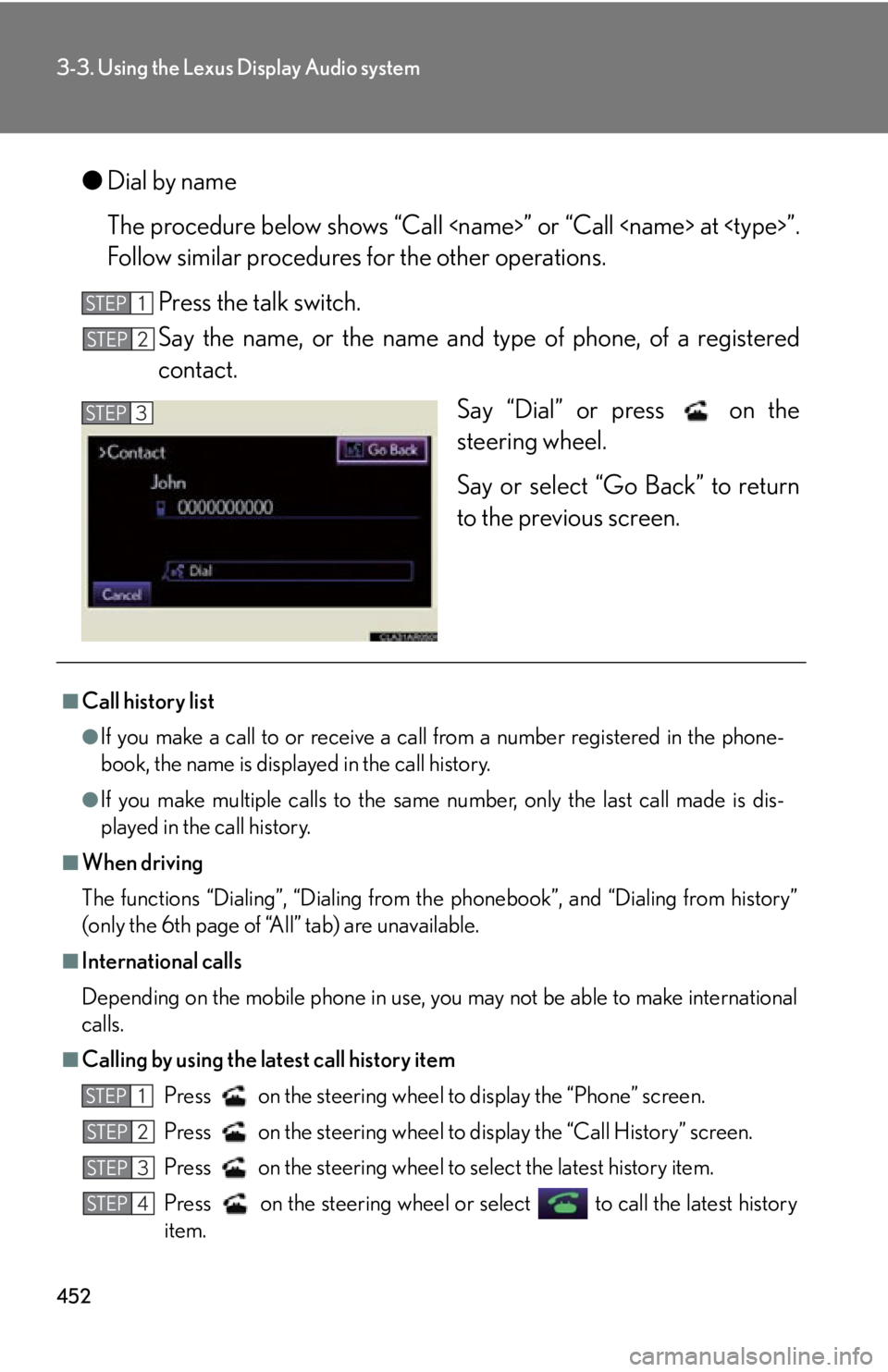
● Dial by name
The procedure below shows “Call
Follow similar procedures for the other operations.
Press the talk switch.
Say the name, or the name and t ype of phone, of a registered
contact.
Say “Dial” or press on the
steering wheel.
Say or select “Go Back” to return
to the previous screen.STEP 1
STEP 2
STEP 3
■
Call history list ●
If you make a call to or receive a call from a number registered in the phone-
book, the name is displayed in the call history.●
If you make multiple calls to the same number, only the last call made is dis-
played in the call history.■
When driving
The functions “Dialing”, “Dialing from th e phonebook”, and “Dialing from history”
(only the 6th page of “All” tab) are unavailable.■
International calls
Depending on the mobile phone in use, you may not be able to make international
calls.
■
Calling by using the latest call history item
Press on the steering wheel to display the “Phone” screen.
Press on the steering wheel to display the “Call History” screen.
Press on the steering wheel to select the latest history item.
Press on the steering wheel or se lect to call the latest history
item.STEP 1
STEP 2
STEP 3
STEP 4