maintenance LEXUS RX350 2016 Owners Manual
[x] Cancel search | Manufacturer: LEXUS, Model Year: 2016, Model line: RX350, Model: LEXUS RX350 2016Pages: 748, PDF Size: 12.36 MB
Page 1 of 748
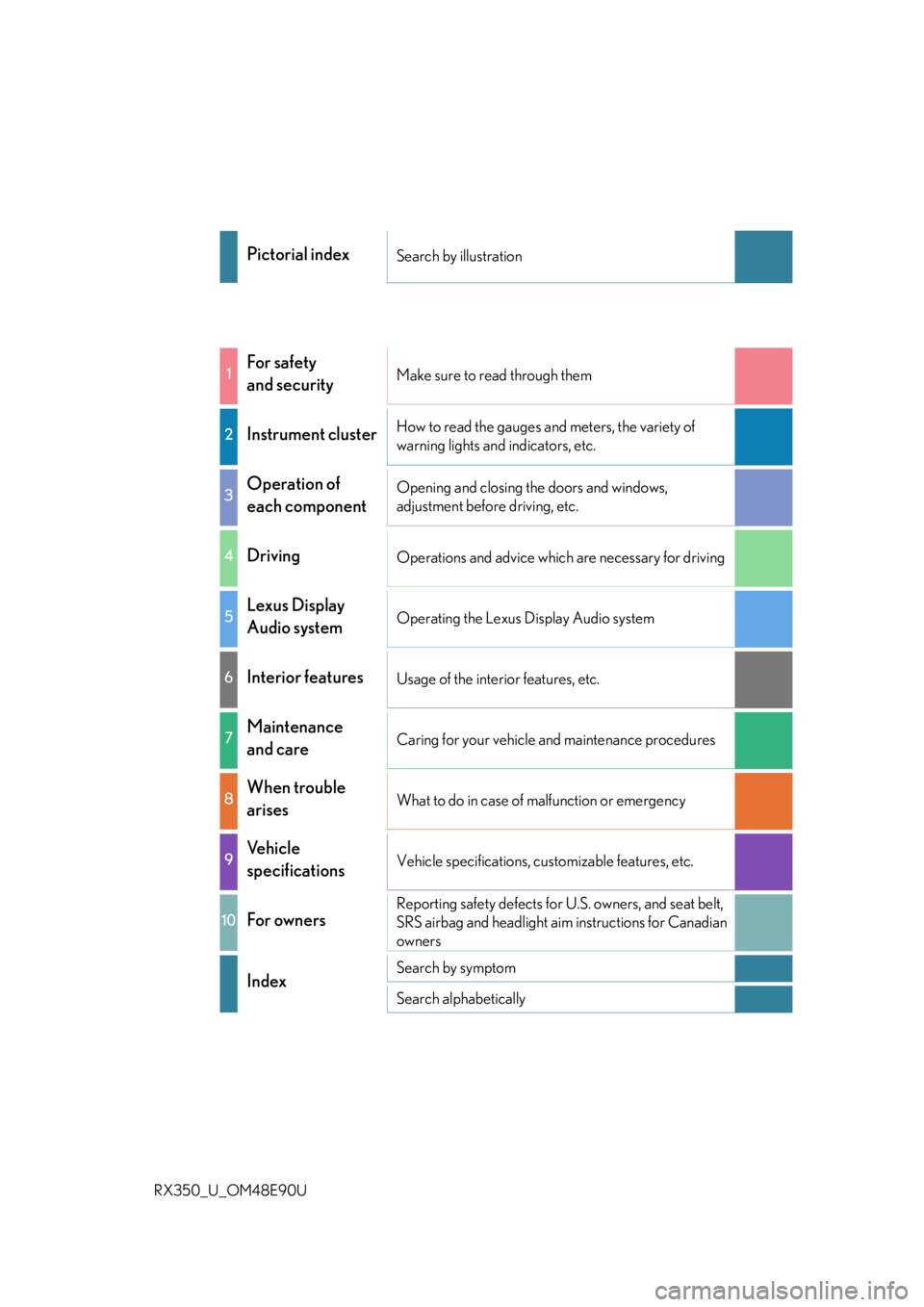
RX350_U_OM48E90U Pictorial index Search by illustration
1
For safety
and security Make sure to read through them
2
Instrument cluster How to read the gauges and meters, the variety of
warning lights and indicators, etc.
3
Operation of
each component Opening and closing the doors and windows,
adjustment before driving, etc.
4
Driving Operations and advice which are necessary for driving
5
Lexus Display
Audio system Operating the Lexus Display Audio system
6
Interior features Usage of the interior features, etc.
7
Maintenance
and care Caring for your vehicle and maintenance procedures
8
When trouble
arises What to do in case of malfunction or emergency
9
Vehicle
specifications Vehicle specifications, customizable features, etc.
10
For owners Reporting safety defects for U.S. owners, and seat belt,
SRS airbag and headlight aim instructions for Canadian
owners
Index Search by symptom
Search alphabetically
Page 6 of 748

TABLE OF CONTENTS
6
RX350_U_OM48E90U 7-1. Maintenance and care
Cleaning and protecting
the vehicle exterior ................ 556
Cleaning and protecting
the vehicle inte rior.................... 561
7-2. Maintenance
Maintenance
requirements ............................ 564
General maintenance.............. 566
Emission inspection and
maintenance (I/M)
programs .................................... 569
7-3. Do-it-yourself
maintenance
Do-it-yourself service
precautions................................ 570
Hood ................................................572
Positioning a floor jack..............573
Engine compartment ................ 574
Tires.................................................. 584
Tire inflation pressure ............... 593
Wheels ........................................... 596
Air conditioning filter ............... 598
Windshield wiper inserts ......... 601
Electronic key battery.............. 603
Checking and replacing
fuses.............................................. 605
Headlight aim ..............................608
Light bulbs ......................................610 8-1. Essential information
Emergency flashers ...................624
If your vehicle has to be
stopped in an
emergency ................................ 625
8-2. Steps to take in an
emergency
If your vehicle needs to
be towed ......................................626
If you think something is
wrong........................................... 632
Fuel pump shut off
system .......................................... 633
If a warning light turns
on or a warning buzzer
sounds ......................................... 634
If a warning message is
displayed ...................................... 641
If you have a flat tire .................. 646
If the engine will not start ........ 658
If the shift lever cannot be
shifted from P ........................... 660
If the electronic key does
not operate properly ............... 661
If the vehicle battery is
discharged ................................. 665
If your vehicle overheats ......... 668
If the vehicle becomes
stuck ............................................... 6717
Maintenance and care 8
When trouble arises
Page 7 of 748
7 1
9875432
10
RX350_U_OM48E90U 69-1. Specifications
Maintenance data
(fuel, oil level, etc.) ................... 674
Fuel information.......................... 683
Tire information........................... 686
9-2. Customization
Customizable features ............ 699
9-3. Initialization
Items to initialize ........................... 712
Reporting safety defects
for U.S. owners....................................... 714
Seat belt instructions
for Canadian owners
(in French) ................................................715
SRS airbag instructions
for Canadian owners
(in French) ................................................ 716
Headlight aim instructions
for Canadian owners
(in French) ............................................... 724 What to do if...
(Troubleshooting) ............................... 728
Alphabetical index .................................7329
Vehicle specifications
10
For owners Index
For vehicles with a navigation system, refer to the “NAVIGATION SYSTEM
OWNER’S MANUAL” for information rega rding the equipment listed below.
• Navigation system
• Audio/visual system
• Rear seat entertainment system • Panoramic view monitor
• Lexus Enform
Page 74 of 748
74
RX350_U_OM48E90U 1-3. Theft deterrent system
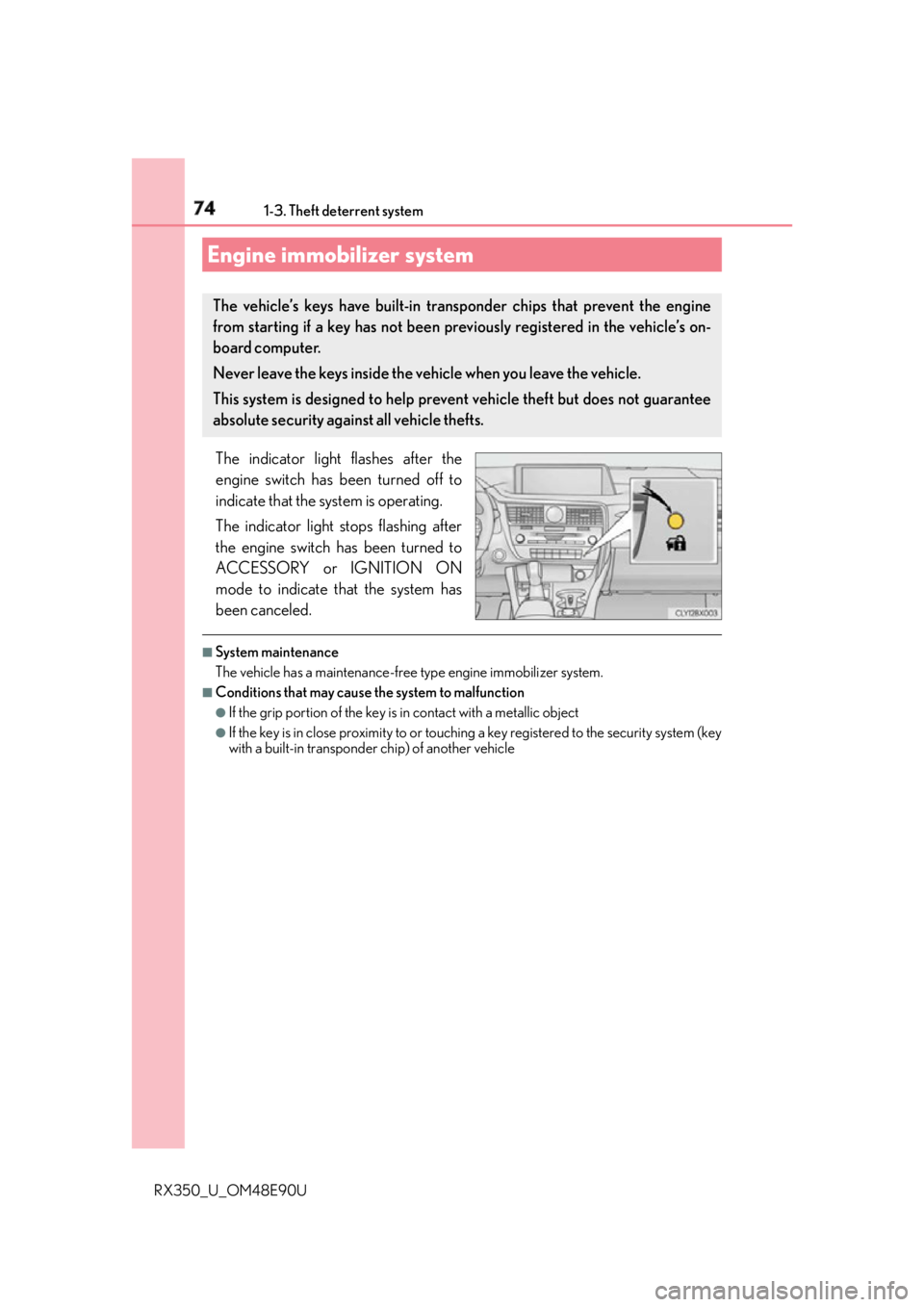
The indicator light flashes after the
engine switch has been turned off to
indicate that the system is operating.
The indicator light stops flashing after
the engine switch has been turned to
ACCESSORY or IGNITION ON
mode to indicate that the system has
been canceled. ■
System maintenance
The vehicle has a maintenance-free type engine immobilizer system. ■
Conditions that may cause the system to malfunction ●
If the grip portion of the key is in contact with a metallic object●
If the key is in close proximity to or touching a key registered to the security system (key
with a built-in transponder chip) of another vehicleEngine immobilizer system The vehicle’s keys have built-in transponder chips that prevent the engine
from starting if a key has not been prev iously registered in the vehicle’s on-
board computer.
Never leave the keys inside the vehicle when you leave the vehicle.
This system is designed to help prev ent vehicle theft but does not guarantee
absolute security against all vehicle thefts.
Page 76 of 748
76 1-3. Theft deterrent system
RX350_U_OM48E90U The alarm uses light and sound to give an alert when an intrusion is detected.
The alarm is triggered in the following situations when the alarm is set: ●
A locked door is unlocked or opened in any way other than using the entry
function, wireless remote control or mech anical key. (The doors will lock again
automatically.) ●
The hood is opened.
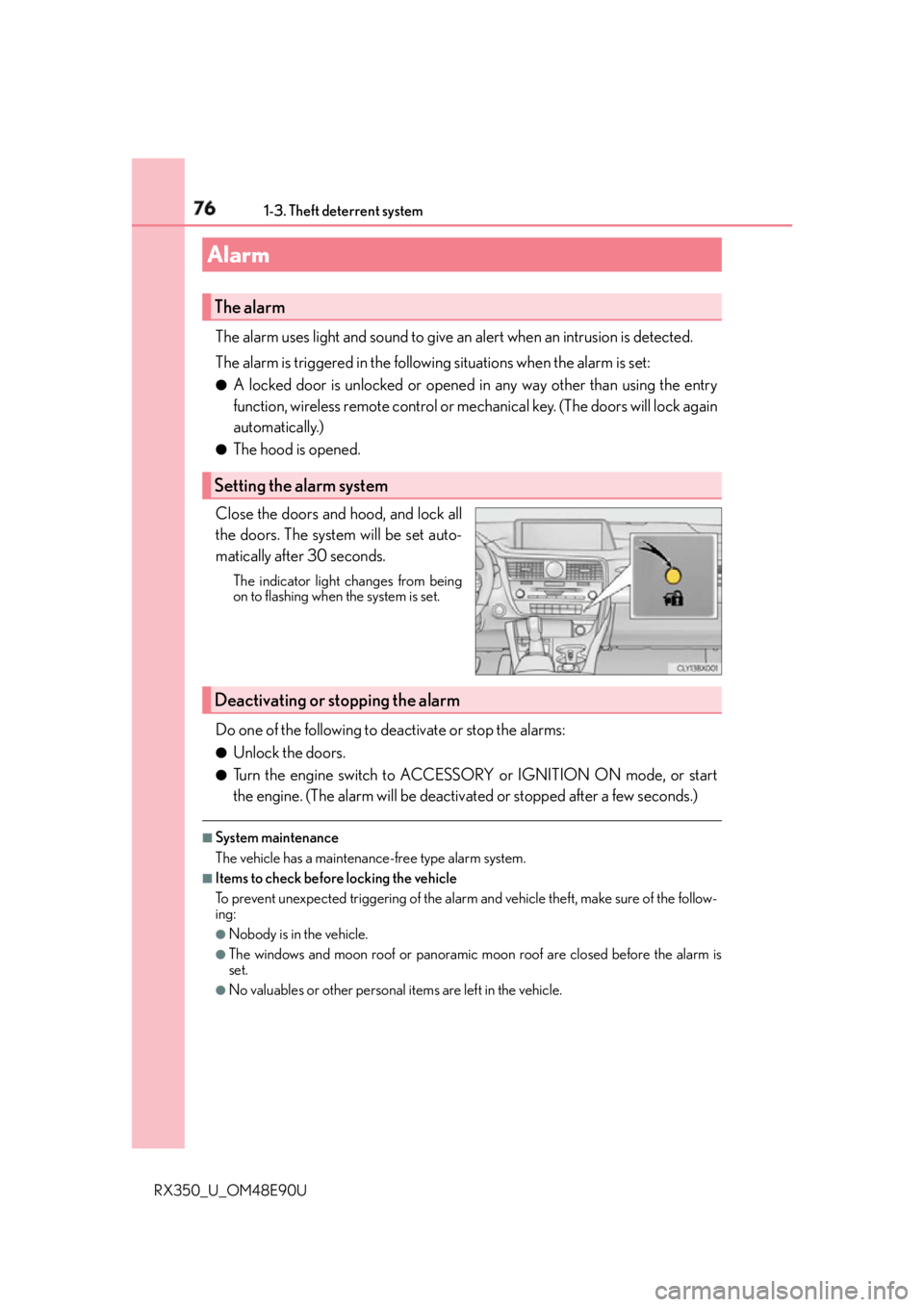
Close the doors and hood, and lock all
the doors. The system will be set auto-
matically after 30 seconds. The indicator light changes from being
on to flashing when the system is set.
Do one of the following to de activate or stop the alarms:●
Unlock the doors. ●
Turn the engine switch to ACCESSORY or IGNITION ON mode, or start
the engine. (The alarm will be deactivat ed or stopped after a few seconds.)■
System maintenance
The vehicle has a maintenance-free type alarm system. ■
Items to check before locking the vehicle
To prevent unexpected triggering of the alarm and vehicle theft, make sure of the follow-
ing: ●
Nobody is in the vehicle. ●
The windows and moon roof or panoramic moon roof are closed before the alarm is
set. ●
No valuables or other personal items are left in the vehicle.Alarm The alarm
Setting the alarm system
Deactivating or stopping the alarm
Page 101 of 748
1012. Instrument cluster
2
Instrument cluster
RX350_U_OM48E90U ■
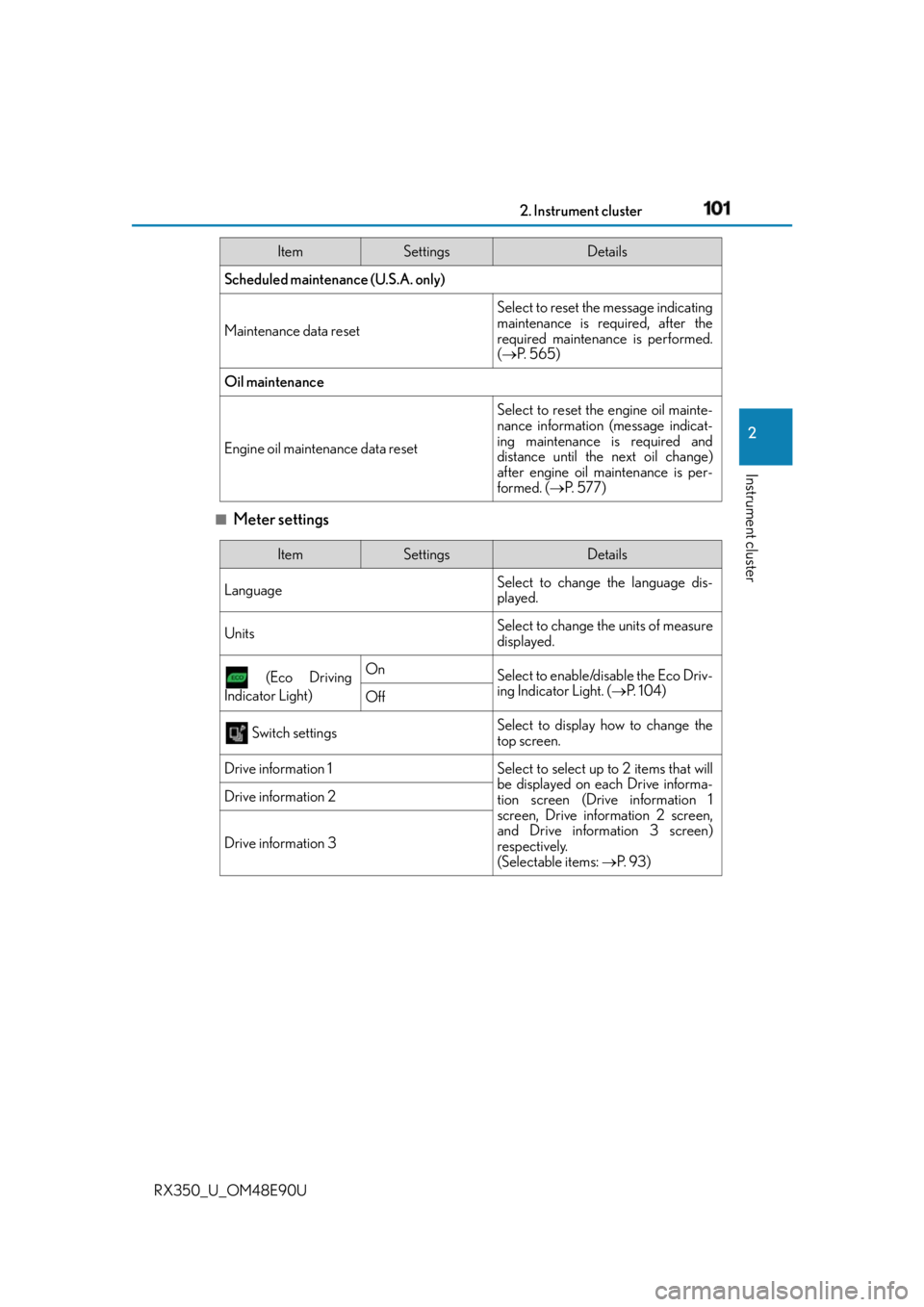
Meter settings Scheduled maintenance (U.S.A. only)
Maintenance data reset Select to reset the message indicating
maintenance is required, after the
required maintenance is performed.
( P. 565)
Oil maintenance
Engine oil maintenance data reset Select to reset the engine oil mainte-
nance information (message indicat-
ing maintenance is required and
distance until the next oil change)
after engine oil maintenance is per-
formed. ( P. 577)Item Settings Details
Item Settings Details
Language Select to change the language dis-
played.
Units Select to change the units of measure
displayed.
(Eco Driving
Indicator Light) On
Select to enable/disable the Eco Driv-
ing Indicator Light. ( P. 1 0 4 )
Off
Switch settings Select to display how to change the
top screen.
Drive information 1 Select to select up to 2 items that will
be displayed on each Drive informa-
tion screen (Drive information 1
screen, Drive information 2 screen,
and Drive inform ation 3 screen)
respectively.
(Selectable items: P. 9 3 )Drive information 2
Drive information 3
Page 103 of 748
1032. Instrument cluster
2
Instrument cluster
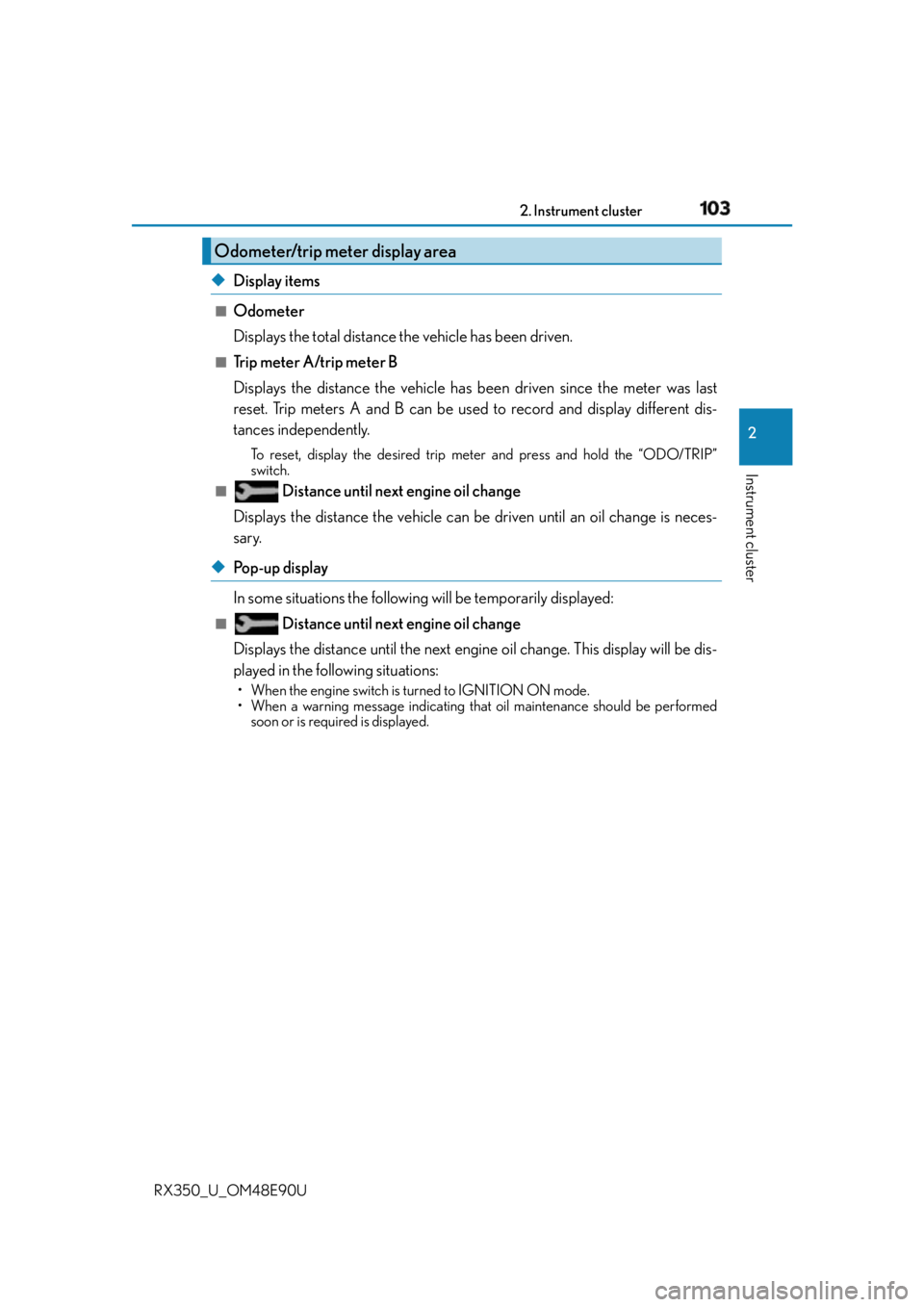
RX350_U_OM48E90U ◆ Display items ■
Odometer
Displays the total distance the vehicle has been driven. ■
Trip meter A/trip meter B
Displays the distance the vehicle has been driven since the meter was last
reset. Trip meters A and B can be used to record and display different dis-
tances independently. To reset, display the desired trip me ter and press and hold the “ODO/TRIP”
switch.■
Distance until next engine oil change
Displays the distance the vehicle can be driven until an oil change is neces-
sary.
◆ Pop-up display
In some situations the following will be temporarily displayed: ■
Distance until next engine oil change
Displays the distance until the next engine oil change. This display will be dis-
played in the following situations: • When the engine switch is tu rned to IGNITION ON mode.
• When a warning message indicating that oil maintenance should be performed
soon or is required is displayed.Odometer/trip meter display area
Page 215 of 748

2154-1. Before driving
4
Driving
RX350_U_OM48E90U ■
Break-in schedule
If your vehicle is new or equipped with any new power train components (such as an
engine, transaxle, transfer (AWD models), rear differential (AWD models) or wheel
bearing), Lexus recommends that you do not tow a trailer until the vehicle has been
driven for over 500 miles (800 km).
After the vehicle has been driven for over 500 miles (800 km), you can start towing.
However, for the next 500 miles (800 km), drive the vehicle at a speed of less than
50 mph (80 km/h) when towing a trailer, and avoid full throttle acceleration.■
Maintenance ●
If you tow a trailer, your vehicle will requir e more frequent maintenance due to the addi-
tional load. (See “Warranty and Services Guide”, “Owner’s Manual Supplement” or
“Scheduled Maintenance”.) ●
Retighten the fixing bolts of the towing ba ll and bracket after approximately 600 miles
(1000 km) of trailer towing. ■
If trailer sway occurs
One or more factors (crosswinds, passing vehicles, rough roads, etc.) can adversely
affect handling of your vehicle and trailer, causing instability.●
If trailer swaying occurs:
• Firmly grip the steering wheel. Steer straight ahead.
Do not try to control trailer sway ing by turning the steering wheel.
• Begin releasing the accelerator pedal i mmediately but very gradually to reduce
speed.
Do not increase speed. Do not apply vehicle brakes.
If you make no extreme correction with the steering or brakes, your vehicle and trailer
should stabilize. (if enabled, Trailer Sway Cont rol can also help to stabilize the vehicle and
trailer.) ●
After the trailer sw aying has stopped:
• Stop in a safe place. Get all occupants out of the vehicle.
• Check the tires of the vehicle and the trailer.
• Check the load in the trailer.
Make sure the load has not shifted.
Make sure the tongue weight is appropriate, if possible.
• Check the load in the vehicle.
Make sure the vehicle is not overloaded after occupants get in.
If you cannot find any problems, the speed at which trailer swaying occurred is beyond
the limit of your particular vehicle-trailer combination.
Drive at a lower speed to prevent instability. Remember that swaying of the towing vehi-
cle-trailer increases as speed increases.
Page 386 of 748
386 4-6. Driving tips
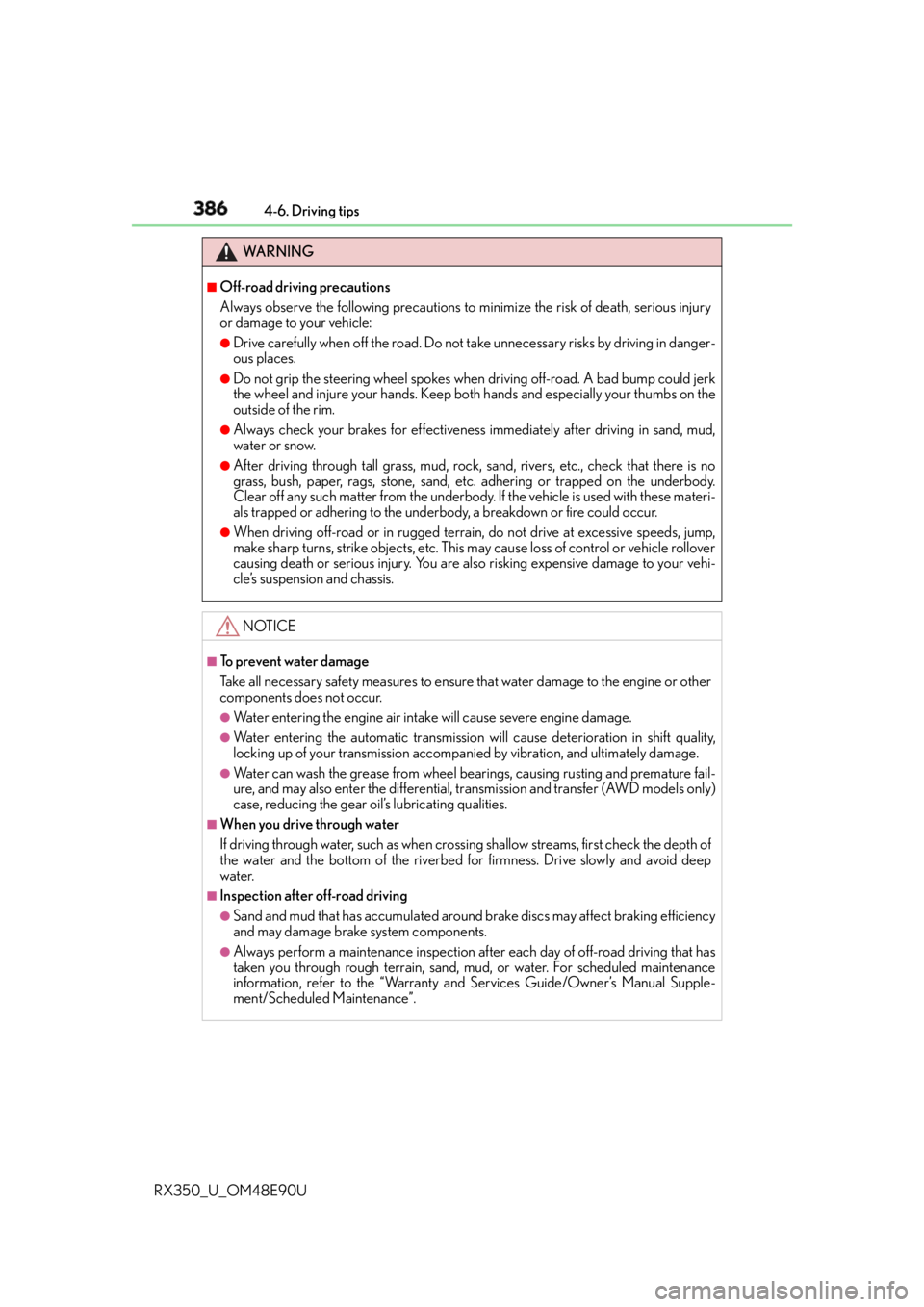
RX350_U_OM48E90U WA R N I N G ■
Off-road driving precautions
Always observe the following precautions to minimize the risk of death, serious injury
or damage to your vehicle: ●
Drive carefully when off the road. Do not ta ke unnecessary risks by driving in danger-
ous places. ●
Do not grip the steering wheel spokes when driving off-road. A bad bump could jerk
the wheel and injure your hands. Keep both hands and especially your thumbs on the
outside of the rim. ●
Always check your brakes for effectivenes s immediately after driving in sand, mud,
water or snow. ●
After driving through tall grass, mud, rock, sand, rivers, etc., check that there is no
grass, bush, paper, rags, stone, sand, etc. adhering or trapped on the underbody.
Clear off any such matter from the underbody. If the vehicle is used with these materi-
als trapped or adhering to the underb ody, a breakdown or fire could occur.●
When driving off-road or in rugged terrai n, do not drive at excessive speeds, jump,
make sharp turns, strike objects, etc. This may cause loss of control or vehicle rollover
causing death or serious injury. You are also risking expensive damage to your vehi-
cle’s suspension and chassis.
NOTICE ■
To prevent water damage
Take all necessary safety measures to ensure that water damage to the engine or other
components does not occur. ●
Water entering the engine air intake will cause severe engine damage. ●
Water entering the automatic transmission will cause deterioration in shift quality,
locking up of your transmission accompan ied by vibration, and ultimately damage.●
Water can wash the grease from wheel be arings, causing rusting and premature fail-
ure, and may also enter the differential, tr ansmission and transfer (AWD models only)
case, reducing the gear o il’s lubricating qualities.■
When you drive through water
If driving through water, such as when crossing shallow streams, first check the depth of
the water and the bottom of the riverbed for firmness. Drive slowly and avoid deep
water. ■
Inspection after off-road driving ●
Sand and mud that has accumulated around brake discs may affect braking efficiency
and may damage brake system components. ●
Always perform a maintenance inspection after each day of off-road driving that has
taken you through rough terr ain, sand, mud, or water. For scheduled maintenance
information, refer to the “Warranty and Services Guide/Owner’s Manual Supple-
ment/Scheduled Maintenance”.
Page 554 of 748
554 6-5. Using the other interior features
RX350_U_OM48E90U ■
Availability of service
Lexus Enform Service Connect is available in the contiguo us United States, Washington
D.C., Hawaii, Alaska, and Canada. ■
Lexus Enform Service Connect Information
Availability of functions of the Lexus Enform Service Connect is dependent on network
reception level. ■
Safety information for Lexu s Enform Service Connect
Refer to the safety information for Safety Connect: P. 5 5 1LEXUS Enform Service Connect
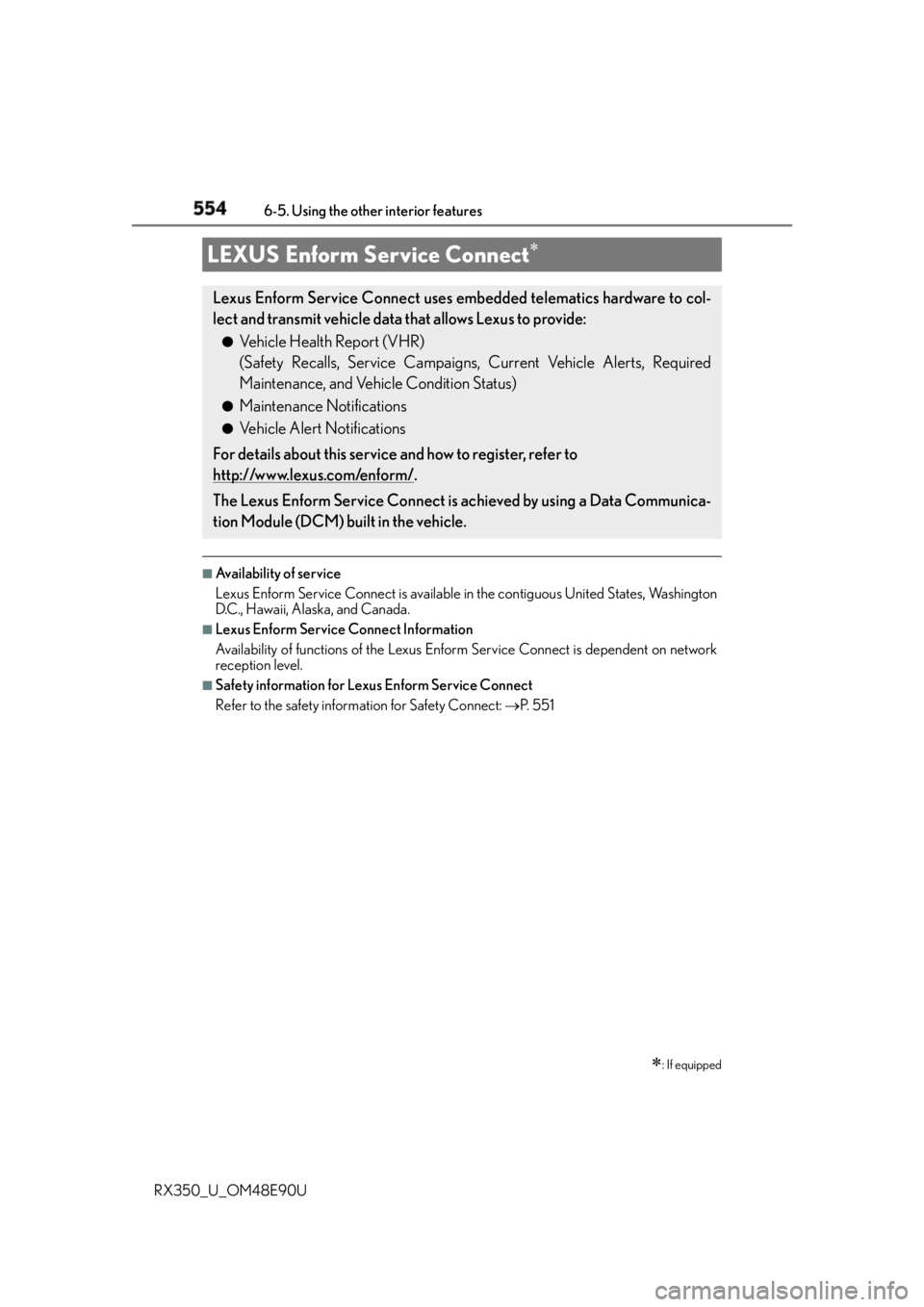
: If equippedLexus Enform Service Connect uses embedded telematics hardware to col-
lect and transmit vehicle data that allows Lexus to provide: ●
Vehicle Health Report (VHR)
(Safety Recalls, Service Campaigns, Current Vehicle Alerts, Required
Maintenance, and Vehicle Condition Status) ●
Maintenance Notifications ●
Vehicle Alert Notifications
For details about this service and how to register, refer to
http://www.lexus.com/enform/
.
The Lexus Enform Service Connect is achieved by using a Data Communica-
tion Module (DCM) built in the vehicle.