door lock LEXUS RX400H 2008 Owner's Manual
[x] Cancel search | Manufacturer: LEXUS, Model Year: 2008, Model line: RX400H, Model: LEXUS RX400H 2008Pages: 487, PDF Size: 6.96 MB
Page 75 of 487
73
1-5. Opening and closing the windows and moon roof
1
Before driving
RX400h_U
■The power windows can be operated when
The engine switch must be in the ON position.
■Door lock linked window operation
●The power windows can be opened and closed using the key. (→P. 3 9 )
●The power windows can be opened using the wireless remote control. ( →P. 3 6 )
■Retained accessory power
The power windows can be operated for approximately 45 seconds even after the
engine switch is turned to the ACC or LOCK position. They cannot, however, be
operated once either front door is opened.
■Jam protection function
If an object becomes caught between the window and the window frame, window
travel is stopped and the window is opened slightly.
■If the power window does not work correctly
The power windows must be initialized in order to ensure proper operation. (Per-
form for each window with the switch for each seat.)
Open the window halfway.
Fully close the window by pulling the switch up and continue holding the
switch for one second.
The indicator on the switch changes from a flashing pattern to being on when initial
settings are complete.
■Customization that can be configured at Lexus dealer
Settings (e.g. linked door lock operation) can be changed. (Customizable features
→ P. 4 5 8 )
STEP1
STEP2
Page 78 of 487
76
1-5. Opening and closing the windows and moon roof
RX400h_U
■The moon roof can be operated when
The engine switch must be in the ON position.
■Door lock linked moon roof operation
●The moon roof can be opened and closed using the key. (→P. 3 9 )
●The moon roof can be opened using the wireless remote control. ( →P. 3 6 )
■Operating the moon roof after turning the engine switch to the ACC or LOCK
position
The moon roof can be operated for approximately 45 seconds even after the
engine switch is turned to the ACC or LOCK position. It cannot, however, be oper-
ated once either front door is opened.
■Jam protection function
If an object is detected between the moon roof and the frame while closing or tilting
down, travel is stopped and the moon roof opens slightly.
■To reduce moon roof wind noise
Drive with the moon roof where it has stopped when opening automatically.
■Sunshade
The sunshade can be opened and closed manually. However, the sunshade will
open automatically when the moon roof is opened.
■Customization that can be configured at Lexus dealer
Settings (e.g. linked door lock operation) can be changed. (Customizable features
→P. 4 5 8 )
Page 87 of 487
85
1
1-7. Theft deterrent system
Before driving
RX400h_U
Alarm
The system sounds the alarm and flashes lights when forcible entry is
detected.
■Triggered of the alarm
The alarm is triggered in the following situations.
●A locked door is unlocked or opened in any way other than using
the key or wireless remote co ntrol with the alarm being set.
● The hood is opened with the alarm being set.
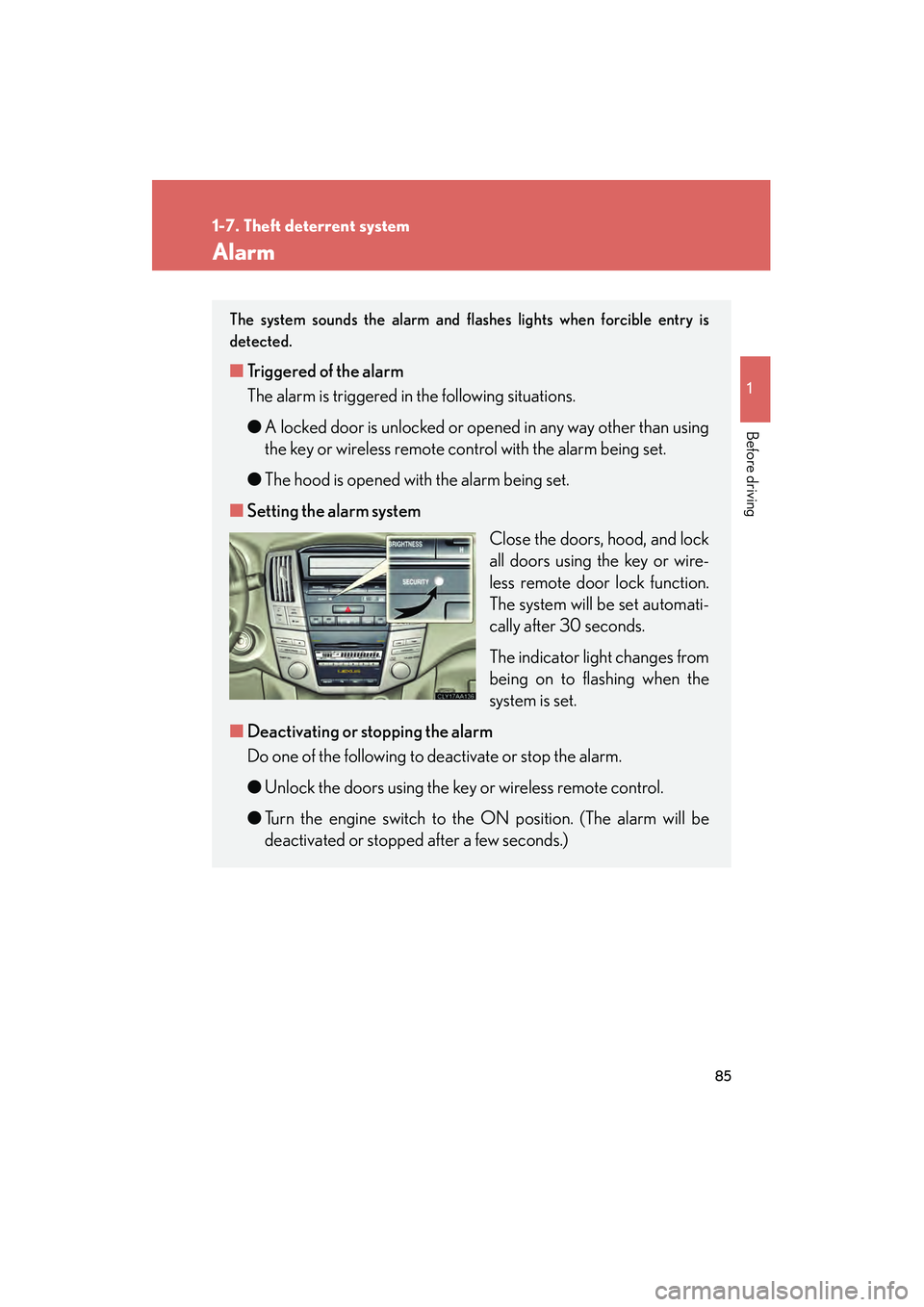
■ Setting the alarm system
Close the doors, hood, and lock
all doors using the key or wire-
less remote door lock function.
The system will be set automati-
cally after 30 seconds.
The indicator light changes from
being on to flashing when the
system is set.
■ Deactivating or stopping the alarm
Do one of the following to deactivate or stop the alarm.
●Unlock the doors using the key or wireless remote control.
● Turn the engine switch to the ON position. (The alarm will be
deactivated or stopped after a few seconds.)
Page 88 of 487
86
1-7. Theft deterrent system
RX400h_U
■Items to check before locking the vehicle
To prevent unexpected triggering of the alarm and vehicle theft, make sure of the
following.
●Nobody is in the vehicle.
●The windows and moon roof are closed before the alarm is set.
●No valuables or other personal items are left in the vehicle.
■Triggering of the alarm
The alarm may be triggered in the following situations.
Stopping the alarm deactivates the alarm system.
●The doors is unlocked using the key.
●A person inside the vehicle opens a door or hood.
●The battery is recharged or replaced when the vehicle is locked.
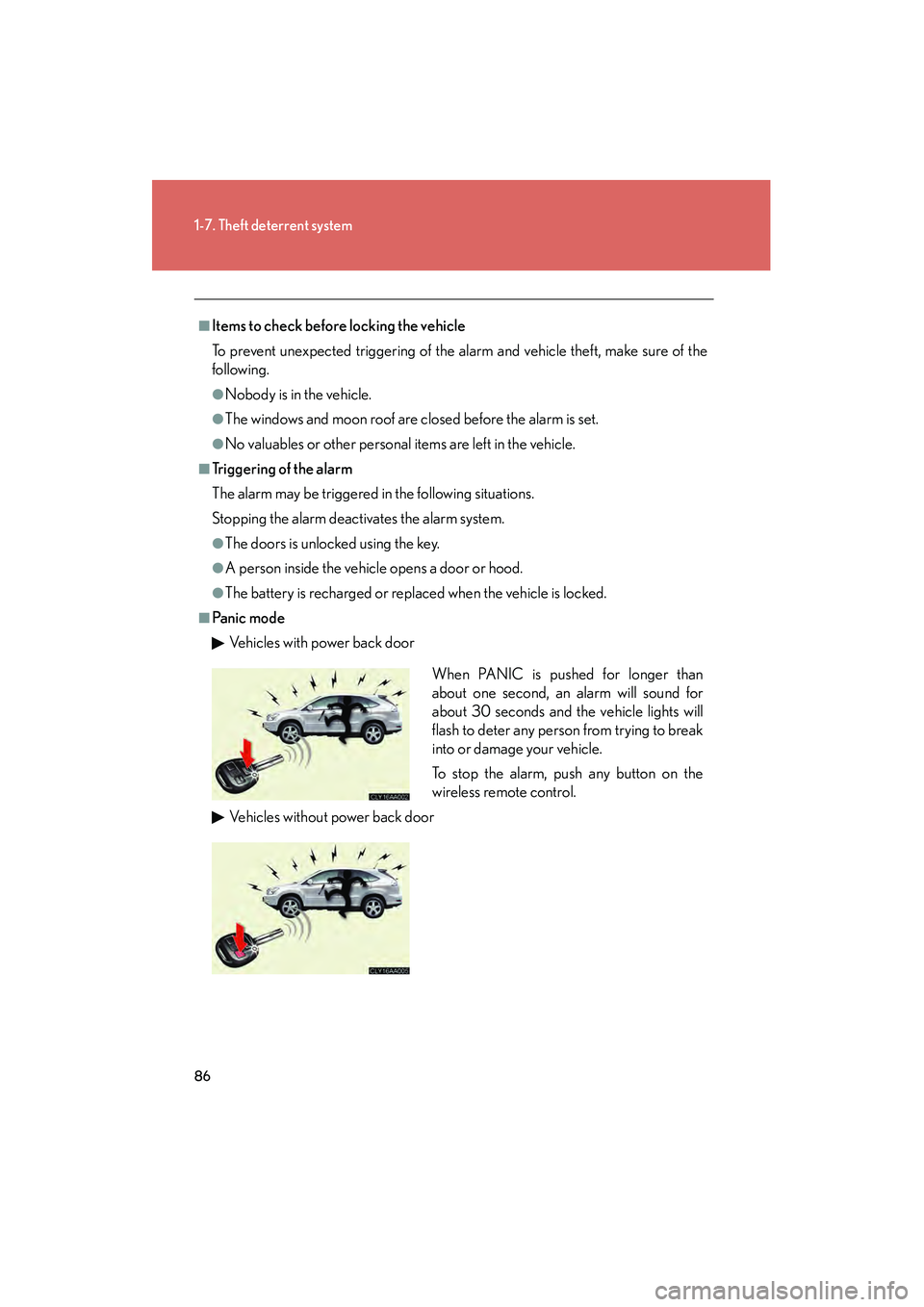
■Pa n ic m o d eVehicles with power back door
Vehicles without power back door
When PANIC is pushed for longer than
about one second, an alarm will sound for
about 30 seconds and the vehicle lights will
flash to deter any person from trying to break
into or damage your vehicle.
To stop the alarm, push any button on the
wireless remote control.
Page 89 of 487
87
1-7. Theft deterrent system
1
Before driving
RX400h_U
■When the 12-volt battery is disconnected
Be sure to cancel the alarm system.
If the battery is discharged before canceling the alarm, the system may be triggered
when the battery is reconnected.
■When using the key to unlock the doors
Deactivate the alarm.
If the doors are unlocked using the key with the alarm operational, the alarm will be
triggered.
Page 124 of 487
122
RX400h_U
2-1. Driving procedures
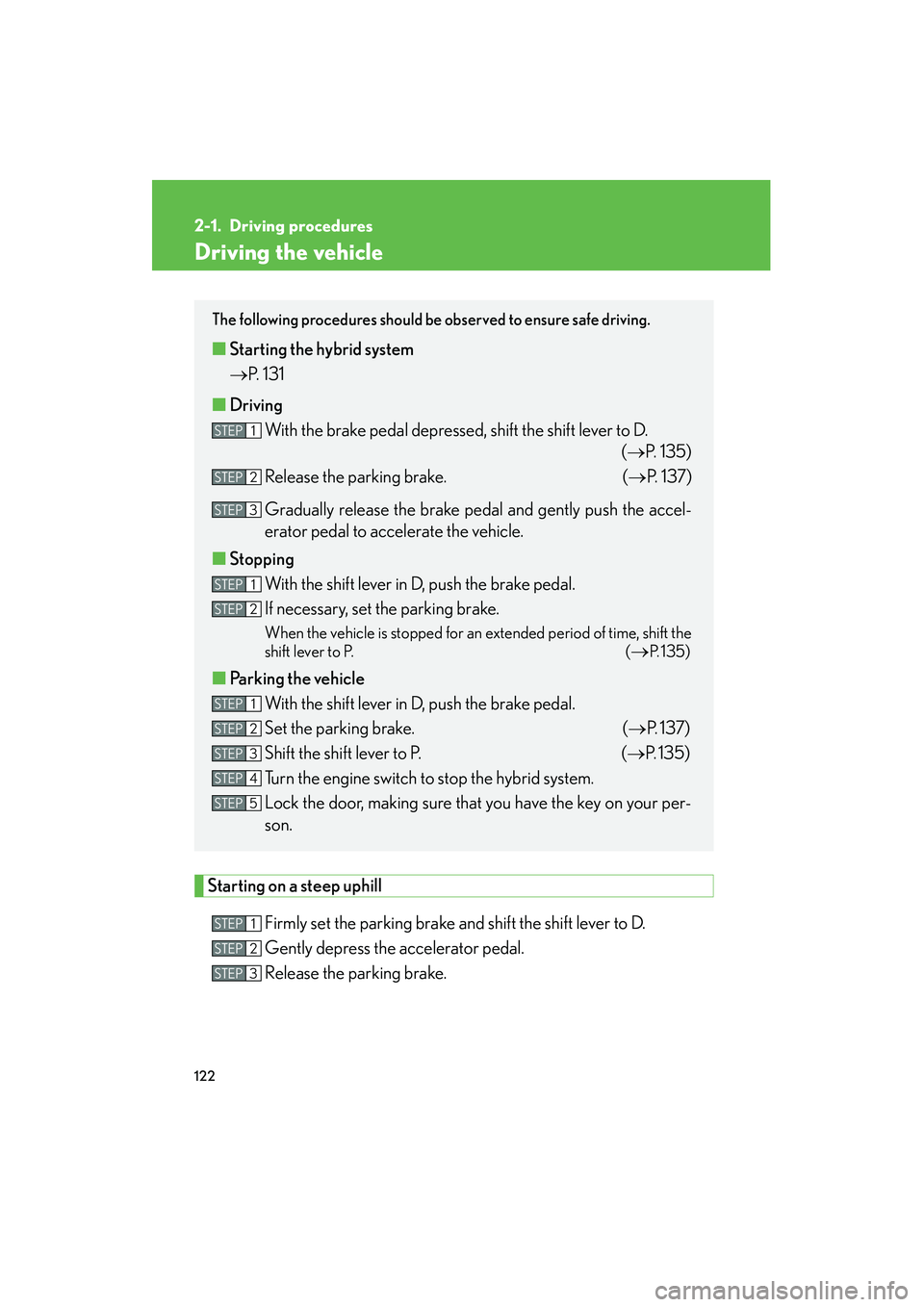
Driving the vehicle
Starting on a steep uphillFirmly set the parking brake and shift the shift lever to D.
Gently depress the accelerator pedal.
Release the parking brake.
The following procedures should be observed to ensure safe driving.
■Starting the hybrid system
→ P. 1 3 1
■ Driving
With the brake pedal depressed, shift the shift lever to D. (→P. 135)
Release the parking brake. (→ P. 1 3 7 )
Gradually release the brake pedal and gently push the accel-
erator pedal to accelerate the vehicle.
■ Stopping
With the shift lever in D, push the brake pedal.
If necessary, set the parking brake.
When the vehicle is stopped for an extended period of time, shift the
shift lever to P. (
→P. 1 3 5 )
■Parking the vehicle
With the shift lever in D, push the brake pedal.
Set the parking brake. (→ P. 1 3 7 )
Shift the shift lever to P. (→ P. 135)
Turn the engine switch to stop the hybrid system.
Lock the door, making sure that you have the key on your per-
son.
STEP1
STEP2
STEP3
STEP1
STEP2
STEP1
STEP2
STEP3
STEP4
STEP5
STEP1
STEP2
STEP3
Page 152 of 487
150
2-3. Operating the lights and windshield wipers
RX400h_U
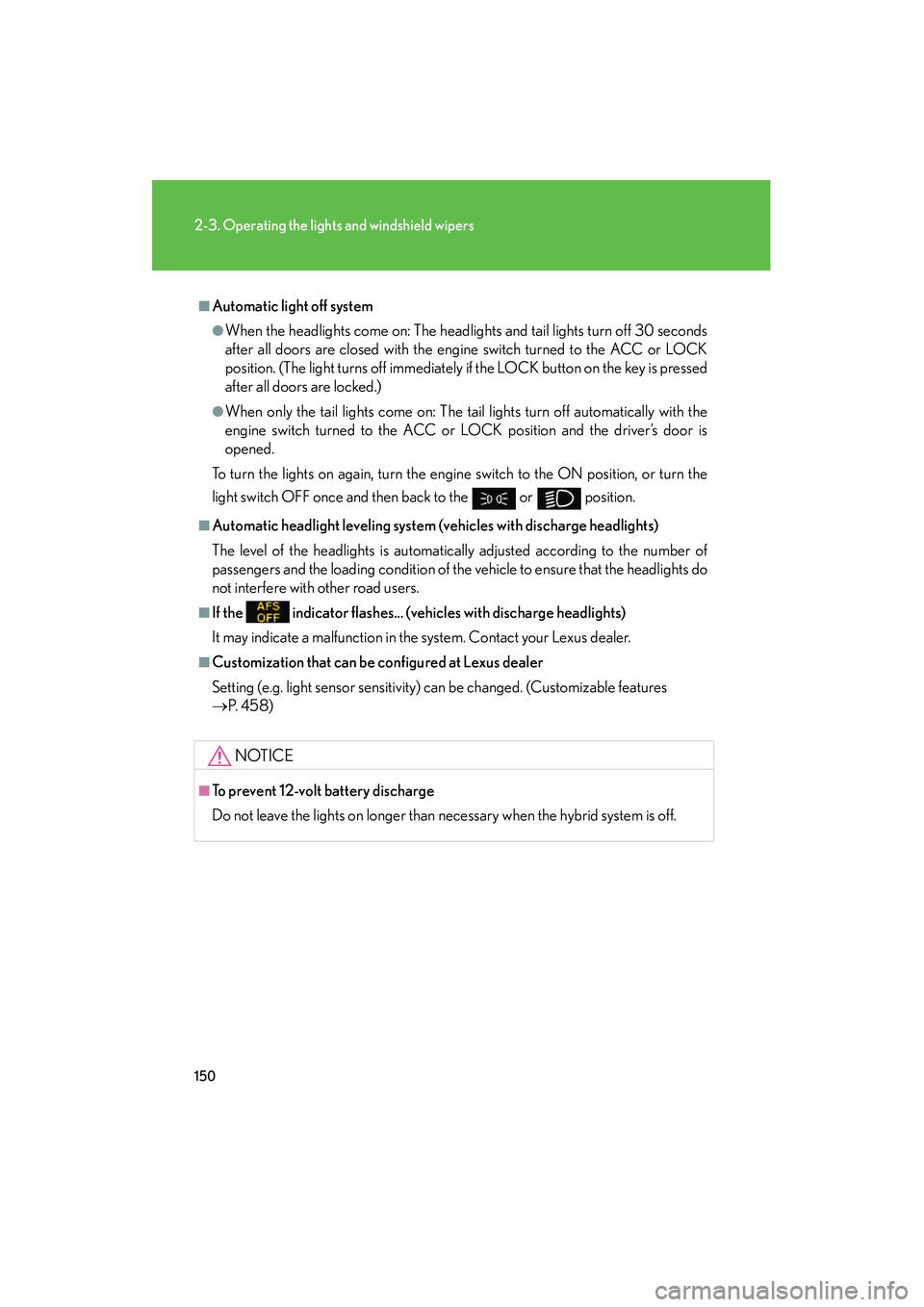
■Automatic light off system
●When the headlights come on: The headlights and tail lights turn off 30 seconds
after all doors are closed with the engine switch turned to the ACC or LOCK
position. (The light turns off immediately if the LOCK button on the key is pressed
after all doors are locked.)
●When only the tail lights come on: The tail lights turn off automatically with the
engine switch turned to the ACC or LOCK position and the driver’s door is
opened.
To turn the lights on again, turn the engine switch to the ON position, or turn the
light switch OFF once and then back to the
or position.
■Automatic headlight leveling system (vehicles with discharge headlights)
The level of the headlights is automatically adjusted according to the number of
passengers and the loading condition of the vehicle to ensure that the headlights do
not interfere with other road users.
■If the indicator flashes... (veh icles with discharge headlights)
It may indicate a malfunction in the system. Contact your Lexus dealer.
■Customization that can be configured at Lexus dealer
Setting (e.g. light sensor sensitivity) can be changed. (Customizable features
→ P. 4 5 8 )
NOTICE
■To prevent 12-volt battery discharge
Do not leave the lights on longer than necessary when the hybrid system is off.
Page 199 of 487
Interior features3
197
RX400h_U
3-1. Using the air conditioning system and defogger ... 198
Automatic air conditioning system............. 198
Rear window and outside rear view mirror defoggers,
and windshield wiper
de-icer ................................... 204
3-2. Using the front audio system ........................... 205
Audio system type................. 205
Using the radio........................ 207
Using the CD player .............. 214
Playing back MP3 and
WMA discs........................... 220
Optimal use of the audio system .................................... 228
Using the steering wheel audio switches ....................... 231
3-3. Using the rear audio system ........................... 233
Rear seat entertainment system features ................... 233
Using the DVD player
(DVD video) .......................... 239
Using the DVD player (video CD) ............................. 246
Using the DVD player (audio CD/ CD text) .......... 248
Using the DVD player
(MP3 discs) ........................... 249
Using the video mode ............ 251 Changing the initial
setting ..................................... 253
3-4. Using the interior lights ............................. 260
Interior lights list .................... 260
• Interior lights ........................ 263
• Personal lights ..................... 264
3-5. Using the storage features ........................ 265
List of storage features......... 265
• Glove box .............................. 265
• Console boxes ..................... 266
• Coin holder........................... 268
• Overhead console.............. 269
• Cup holders .......................... 269
• Door pockets ........................ 271
3-6. Other interior features ........................ 272
Sun visors ................................. 272
Vanity mirror ........................... 273
Clock .......................................... 274
Outside temperature display...................................... 275
Multi-display light control .... 276
Power outlets ........................... 277
Seat heaters ............................ 280
Armrest .................................... 282
Floor mat .................................. 283
Luggage compartment features .................................. 284
Garage door opener ............ 287
Compass .................................. 292
Page 263 of 487
261
3-4. Using the interior lights
3
Interior features
RX400h_U
■Illuminated entry system
The following lights turn on when any of the doors are unlocked or opened. (The
lights remain on for approximately 15 seconds when the doors are unlocked, but
the lights turn off immediately if the doors are locked.)
●Footwell lightings
●Engine switch light
●Front interior light (interior light switch is in the DOOR position)
●Rear interior light (interior light switch is in the DOOR position)
●Inside door handle lights
●Scuff lightings
The following lights turn on for approximately 15 seconds when the engine switch is
turned to the LOCK position from the ON or ACC position. (The lights turn off
immediately if the engine switch is turned to the ACC or ON position.)
●Engine switch light
●Front interior light (interior light switch is in the DOOR position)
●Rear interior light (interior light switch is in the DOOR position)
●Scuff lightings
The following lights turn on when the engine switch is in the ON position. (The lights
dim when the shift lever is moved out of the P position. The lights remain on for
approximately 15 seconds after turning the engine switch to the LOCK position
from the ON or ACC position.)
●Inside door handle lights
●Footwell lightings
The front overhead courtesy light turns on when the engine switch is in the ACC or
ON position.
Page 267 of 487
265
3
Interior features
RX400h_U
3-5. Using the storage features
List of storage features
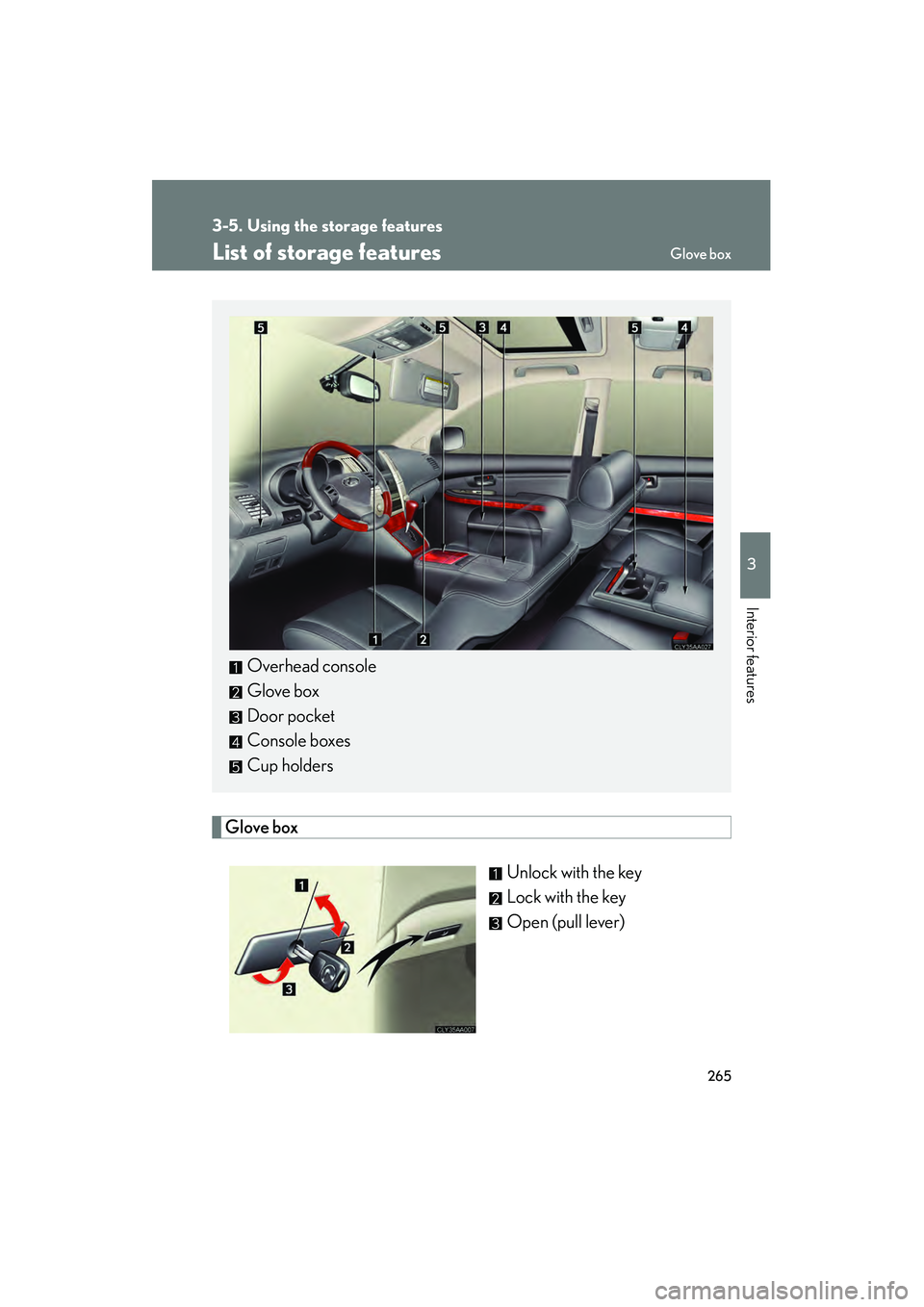
Glove boxUnlock with the key
Lock with the key
Open (pull lever)
Overhead console
Glove box
Door pocket
Console boxes
Cup holders
Glove box