radio LEXUS RX450h 2015 Service Manual
[x] Cancel search | Manufacturer: LEXUS, Model Year: 2015, Model line: RX450h, Model: LEXUS RX450h 2015Pages: 878, PDF Size: 11.62 MB
Page 432 of 878
4323-3. Using the Lexus Display Audio system
●
In the following circumstances, it may be difficult to hear the other party:
• When driving on unpaved roads
• When driving at high speeds
• If a window is open
• If the air conditioning is blowing directly on the microphone
• There is an effect from the network of the mobile phone■
Conditions under which the system will not operate ●
If using a mobile phone that does not support Bluetooth ®
●
If the mobile phone is turned off●
If you are outside service range●
If the mobile phon e is not connected●
If the mobile phone’s battery is low●
When outgoing is controlled, due to heavy traffic on telephone lines, etc.●
When the mobile phone itself cannot be used●
When transferring the phonebook data from the mobile phone■
Bluetooth ®
antenna
The antenna is built into the display. If the mobile phone is behind the seat or in the
console box, or touching or covered by metal objects, connection status may dete-
riorate.■
Battery charge/Signal status ●
This display may not correspond exactly with the mobile phone itself.●
This system does not have a charging function.●
The Bluetooth ®
phone battery will burn quickly when it is connected to
Bluetooth ®
.●
When the mobile phone is not connected, “No Connect” is displayed.●
When you are out of service area or in a place inaccessible by radio waves, “No
service” is displayed.
■
When using Bluetooth ®
audio and hands-free system at the same time
The following problems may occur.
●
The Bluetooth ®
connection may be cut.
●
Noise may be heard on the Bluetooth ®
audio playback.
Page 434 of 878

4343-3. Using the Lexus Display Audio system
■
Certification for the hands-free system
FCC ID: AJDK046
IC ID: 775E-K046
This device complies with Part 15 of FCC Rules and Industry Canada licence-
exempt RSS standard(s). Operation is subject to the following two conditions: (1)
this device may not cause interference, and (2) this device must accept any inter-
ference, including interference that may cause undesired operation of this device.
Le présent appareil est conforme aux la partie 15 des règles de la FCC et CNR
d’Industrie Canada applicables aux appareils radio exempts de licence. L’exploita-
tion est autorisée aux deux conditions suivantes : (1) l’appareil ne doit pas produire
de brouillage, et (2) l’utilisateur de l’appareil doit accepter tout brouillage
radioélectrique subi, même si le brouilla ge est susceptible d’en compromettre le
fonctionnement.
Page 435 of 878
4353-3. Using the Lexus Display Audio system
3
Interior features CAUTION■
FCC WARNING
Changes or modifications not expressly approved by the party responsible for
compliance could void the user's authority to operate the equipment.
This equipment complies with FCC/IC radiation exposure limits set forth for an
uncontrolled environment and meets the FCC radio frequency (RF) Exposure
Guidelines in Supplement C to OET65 and RSS-102 of the IC radio frequency
(RF) Exposure rules. This equipment has very low levels of RF energy that it
deemed to comply without maximum permis sive exposure evaluation (MPE). But it
is desirable that it should be installed and operated keeping the radiator at least 20
cm or more away from person’s body (excluding extremities: hands, wrists, feet and
ankles).
Cet équipement est conforme aux limites d’exposition aux rayonnements énon-
cées pour un environnement non contrôlé et respecte les règles les radioélec-
triques (RF) de la FCC lignes directrice s d’exposition dans le Supplément C à
OET65 et d’exposition aux fréquences ra dioélectriques (RF) CNR-102 de l’IC.
Cet équipement émet une énergie RF très faible qui est considérée conforme sans
évaluation de l’exposition maximale autorisée.
Cependant, cet équipement doit être instal lé et utilisé en gardant une distance de
20 cm ou plus entre le dispositif rayonnan t et le corps (à l’exception des extrémités
: mains, poignets, pieds et chevilles).
This transmitter must not be co-located or operated in conjunction with any other
antenna or transmitter.
Under Industry Canada regulations, this radio transmitter may only operate using
an antenna of a type and maximum (or lesser) gain approved for the transmitter by
Industry Canada. To reduce potential radio interference to other users, the antenna
type and its gain should be so chosen that the equivalent isotropically radiated
power (e.i.r.p.) is not more than that necessary for successful communication.
Conformément à la réglementation d’Indu strie Canada, le présent émetteur radio
peut fonctionner avec une antenne d’un ty pe et d’un gain maximal (ou inférieur)
approuvé pour l’émetteur par Industrie Ca nada. Dans le but de réduire les risques
de brouillage radioélectrique à l’intention des autres utilisateurs, il faut choisir le
type d’antenne et son gain de sorte que la puissance isotrope rayonnée équivalente
(p.i.r.e.) ne dépasse pas l’intensité nécessaire à l’établissement d’une communica-
tion satisfaisante.
Page 436 of 878
4363-3. Using the Lexus Display Audio system
CAUTION■
Caution while driving
Do not use a mobile phone or connect the Bluetooth ®
phone.■
Caution regarding interference with electronic devices ●
Your audio unit is fi tted with Bluetooth ®
antennas. People with implantable car-
diac pacemakers, cardiac resynchronization therapy-pacemakers or implantable
cardioverter defibrillators should maintain a reasonable distance between them-
selves and the Bluetooth ®
antennas. The radio waves may affect the operation of
such devices.●
Before using Bluetooth ®
devices, users of any electrical medical device other
than implantable cardiac pacemakers, cardiac resynchronization therapy-pace-
makers or implantable cardioverter defibrillators should consult the manufac-
turer of the device for information about its operation under the influence of radio
waves. Radio waves could have unexpected effects on the operation of such
medical devices.
NOTICE■
To prevent damage to mobile phones
Do not leave mobile phones in the vehicle. The temperature inside the vehicle may
become high, resulting in damage to the phone.
Page 474 of 878
4743-4. Using the audio system
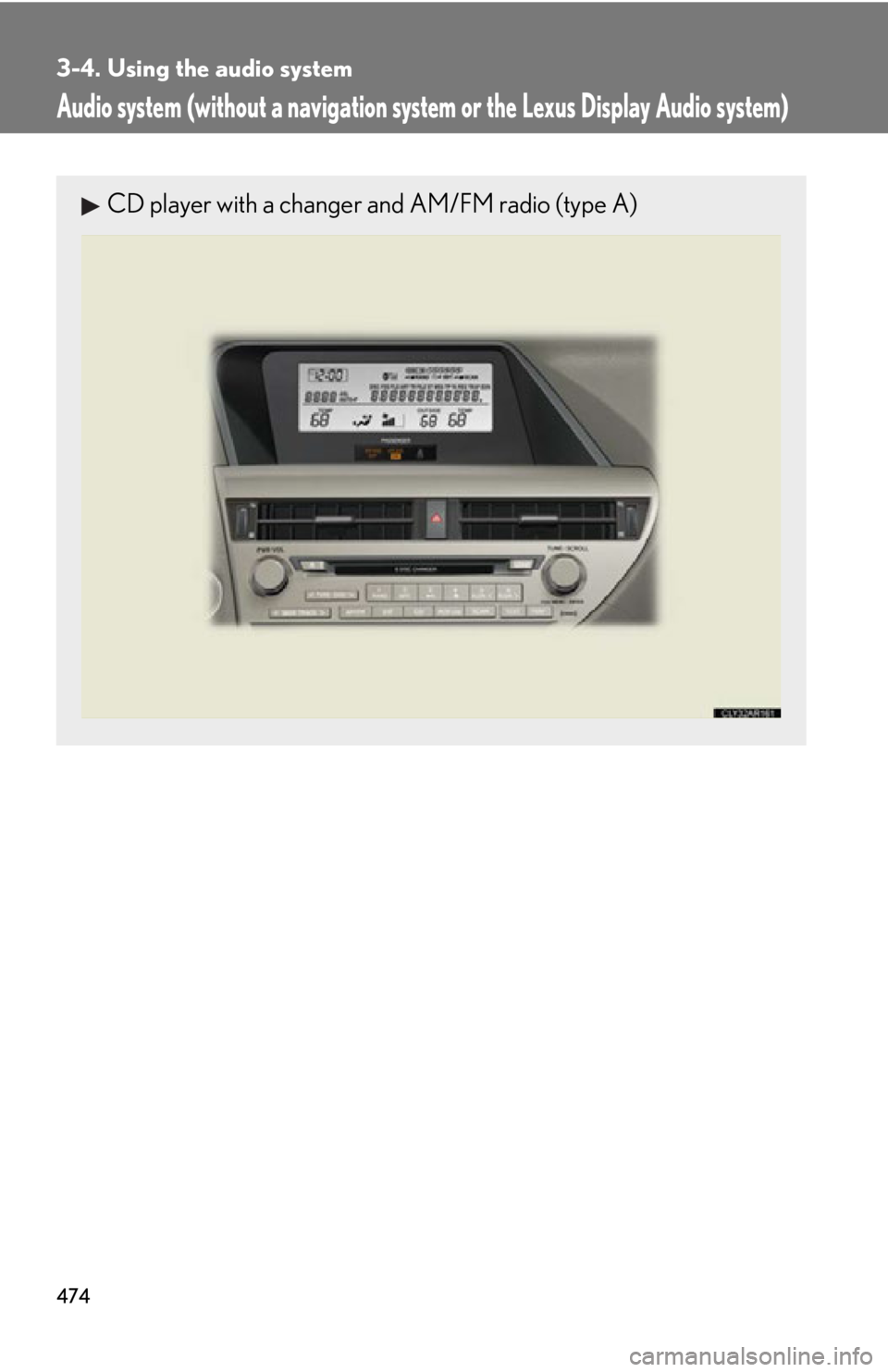
Audio system (without a navigation syst em or the Lexus Display Audio system)CD player with a changer and AM/FM radio (type A)
Page 475 of 878
4753-4. Using the audio system
3
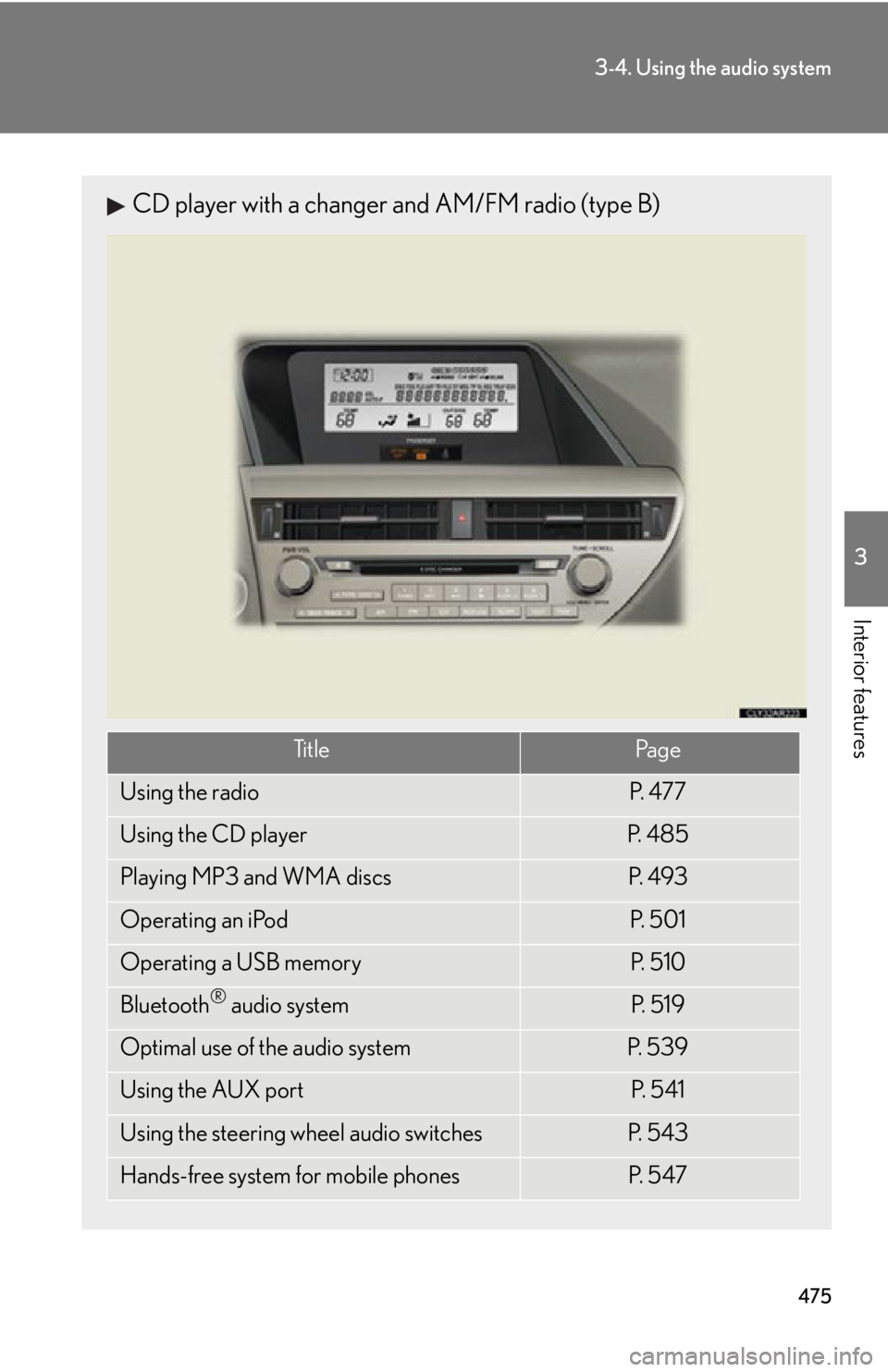
Interior features CD player with a changer and AM/FM radio (type B)
Ti t l e Pa g e
Using the radio P. 4 7 7
Using the CD player P. 4 8 5
Playing MP3 and WMA discs P. 4 9 3
Operating an iPod P. 5 0 1
Operating a USB memory P. 5 1 0
Bluetooth ®
audio system P. 5 1 9
Optimal use of the audio system P. 5 3 9
Using the AUX port P. 5 4 1
Using the steering wheel audio switches P. 5 4 3
Hands-free system for mobile phones P. 5 4 7
Page 477 of 878
4773-4. Using the audio system
3
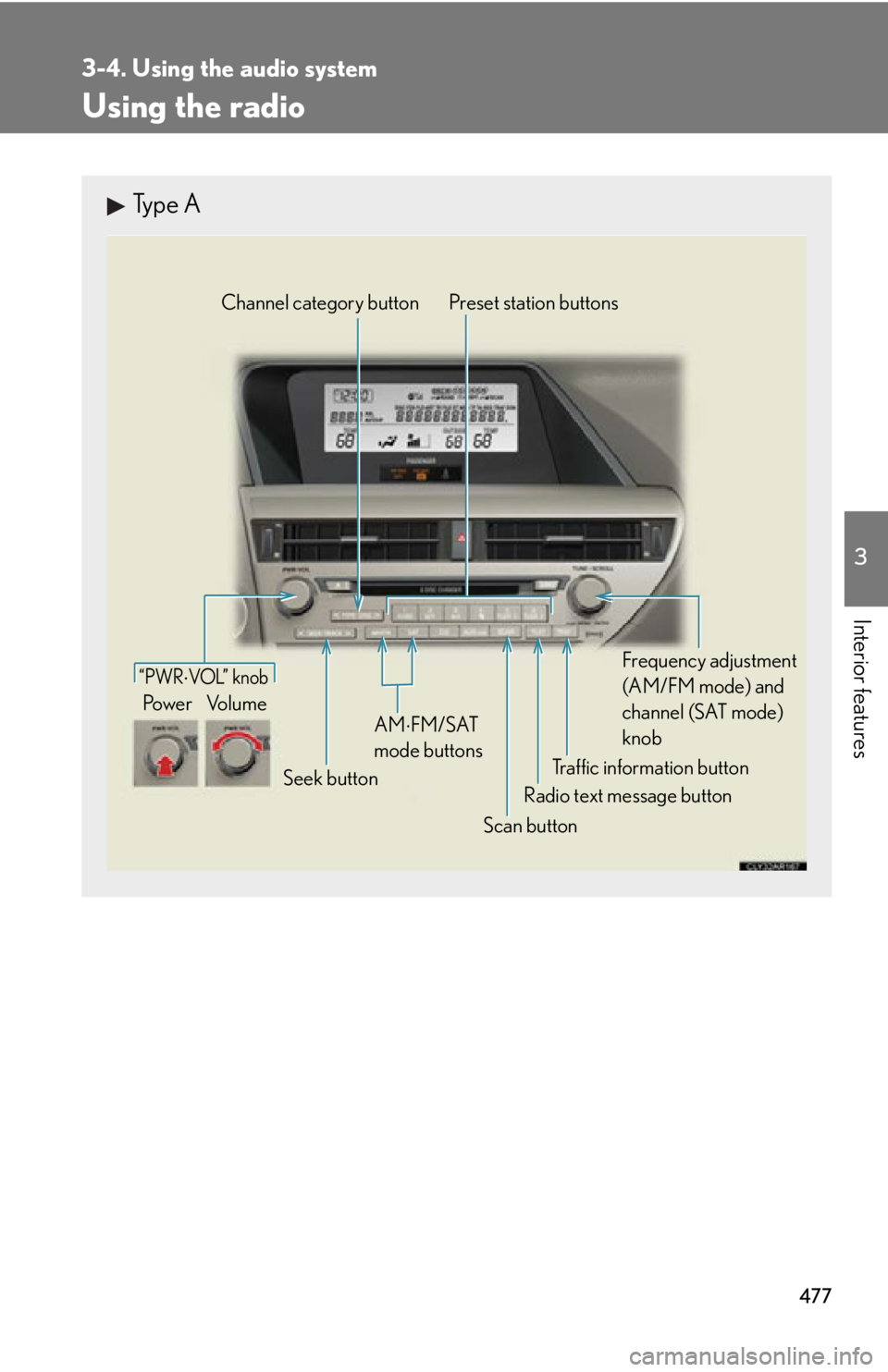
Interior features Using the radio Type A
Traffic information buttonPreset station buttons
Radio text message button
Scan buttonSeek buttonChannel category button
Frequency adjustment
(AM/FM mode) and
channel (SAT mode)
knobAM FM/SAT
mode buttons“PWR VOL” k nob
Po w e r Vo l u m e
Page 478 of 878
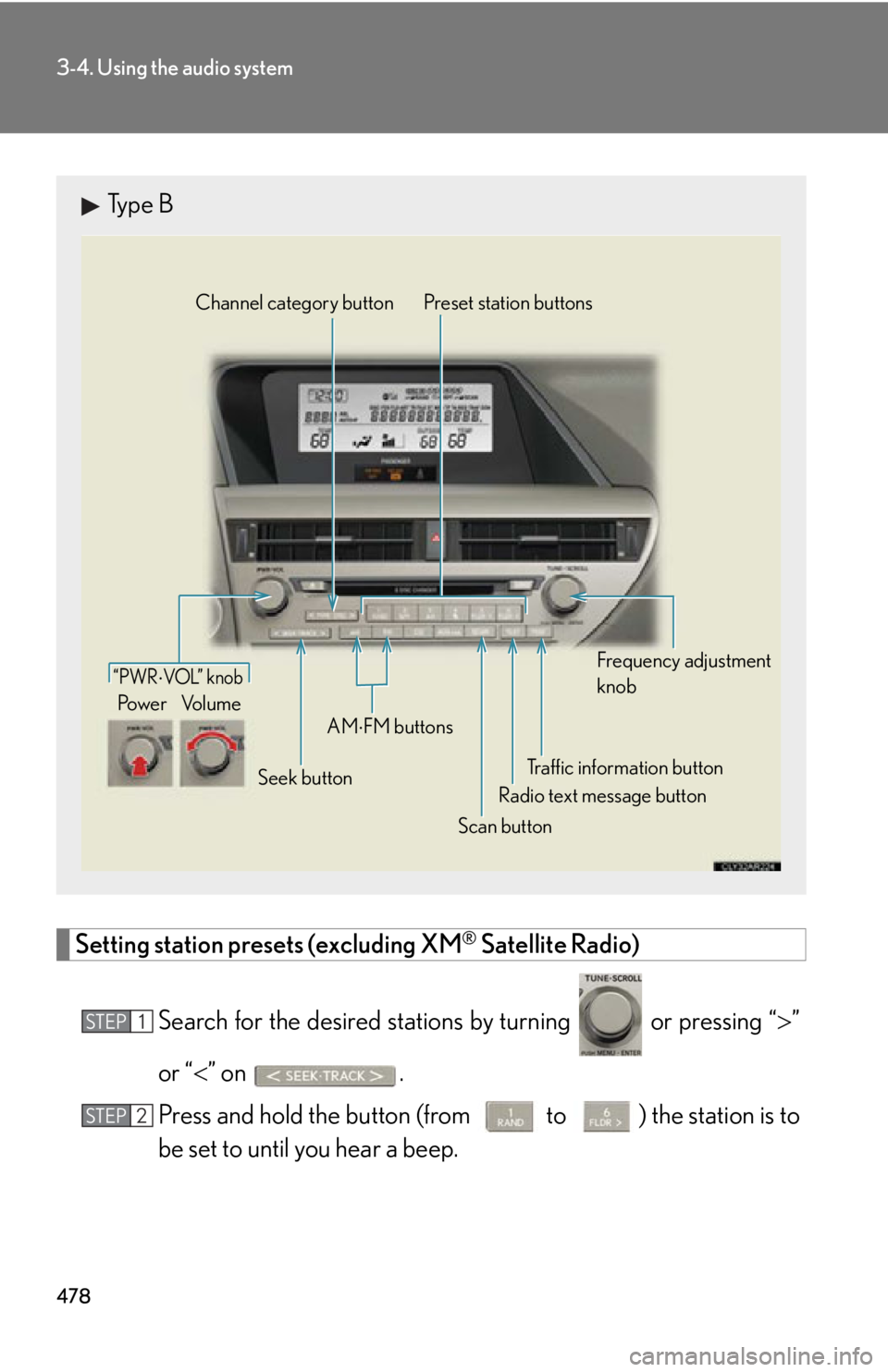
4783-4. Using the audio system
Setting station presets (excluding XM ®
Satellite Radio)
Search for the desired stations by turning or pressing “ ”
or “ ” on .
Press and hold th e button (from
to ) the station is to
be set to until you hear a beep.Type B
Traffic information buttonPreset station buttons
Radio text message button
Scan buttonSeek buttonChannel category button
Frequency adjustment
knob
AM
FM buttons“PWR VOL” k nob
Po w e r Vo l u m e
STEP 1
STEP 2
Page 479 of 878
4793-4. Using the audio system
3
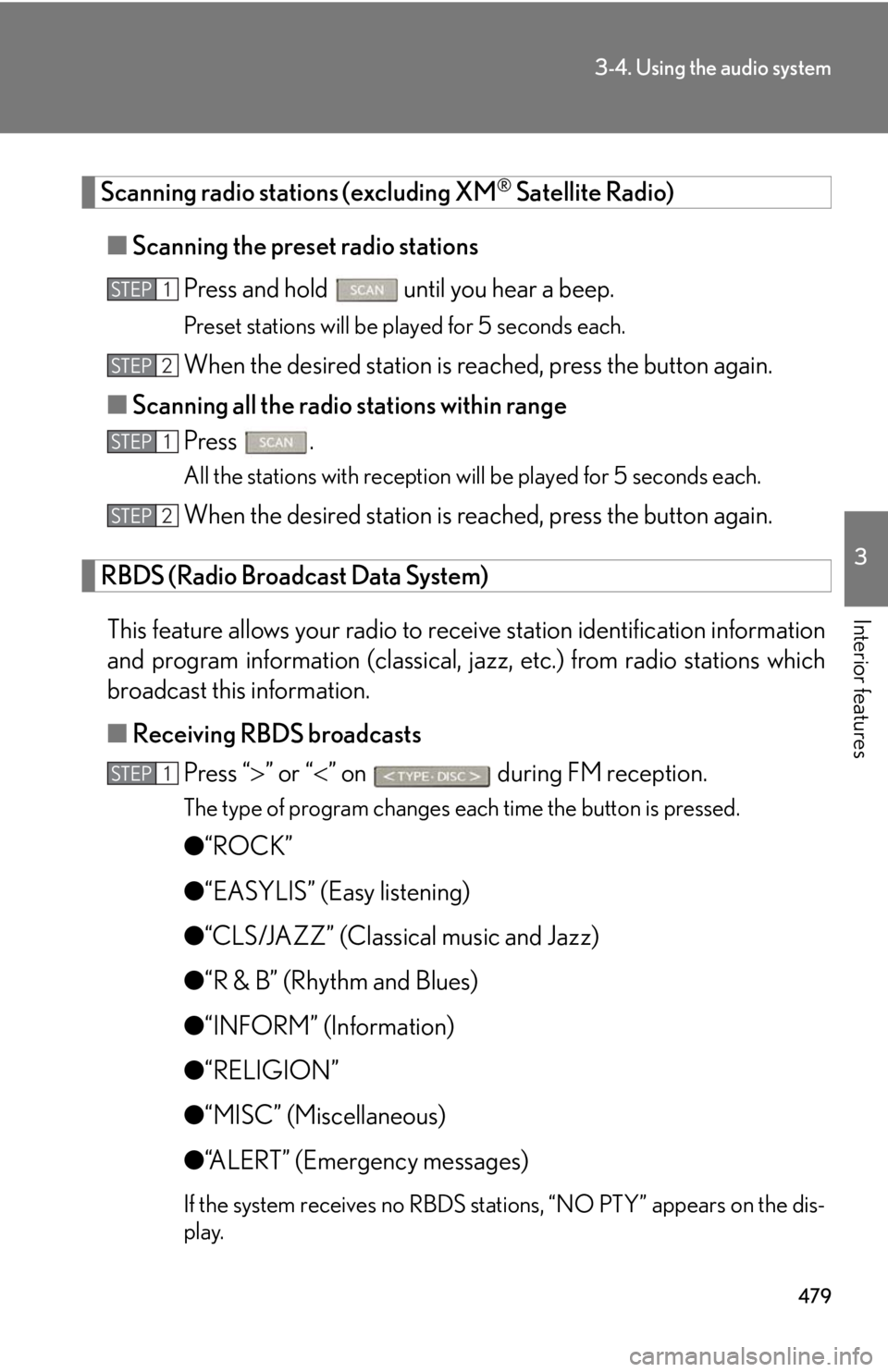
Interior features Scanning radio stations (excluding XM ®
Satellite Radio)
■ Scanning the preset radio stations
Press and hold
until you hear a beep.Preset stations will be played for 5 seconds each.
When the desired station is reached, press the button again.
■ Scanning all the radio stations within range
Press . All the stations with reception will be played for 5 seconds each.
When the desired station is reached, press the button again.
RBDS (Radio Broadcast Data System)
This feature allows your radio to receive station identification information
and program information (classical, ja zz, etc.) from radio stations which
broadcast this information.
■ Receiving RBDS broadcasts
Press “ ” or “ ” on during FM reception.The type of program changes each time the button is pressed.
● “ROCK”
● “EASYLIS” (Easy listening)
● “CLS/JAZZ” (Classical music and Jazz)
● “R & B” (Rhythm and Blues)
● “INFORM” (Information)
● “RELIGION”
● “MISC” (Miscellaneous)
● “ALERT” (Emergency messages)
If the system receives no RBDS stations, “NO PTY” appears on the dis-
play.STEP 1
STEP 2
STEP 1
STEP 2
STEP 1
Page 480 of 878
4803-4. Using the audio system
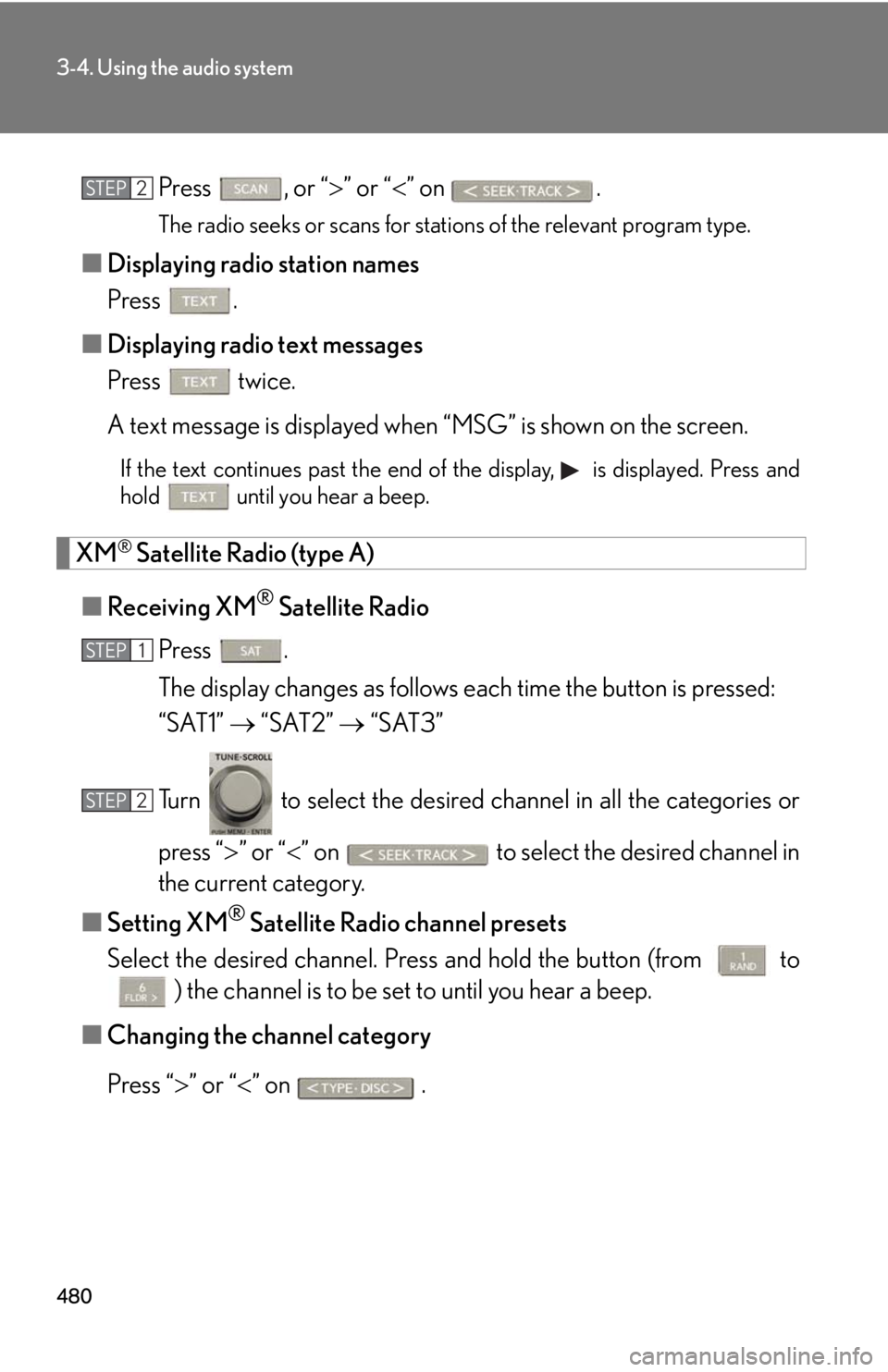
Press , or “ ” or “ ” on
.The radio seeks or scans for stations of the relevant program type.
■ Displaying radio station names
Press .
■ Displaying radio text messages
Press twice.
A text message is displayed when “MSG” is shown on the screen.If the text continues past the end of the display, is displayed. Press and
hold until you hear a beep.
XM ®
Satellite Radio (type A)
■ Receiving XM ®
Satellite Radio
Press .
The display changes as follows each time the button is pressed:
“SAT1” “SAT2” “SAT3”
Turn to select the desired channel in all the categories or
press “ ” or “ ” on to select the desired channel in
the current category.
■ Setting XM ®
Satellite Radio channel presets
Select the desired channel. Pr ess and hold the button (from
to
) the channel is to be set to until you hear a beep.
■ Changing the channel category
Press “ ” or “ ” on .STEP 2
STEP 1
STEP 2