ECO mode LEXUS RX450h 2015 Workshop Manual
[x] Cancel search | Manufacturer: LEXUS, Model Year: 2015, Model line: RX450h, Model: LEXUS RX450h 2015Pages: 878, PDF Size: 11.62 MB
Page 433 of 878
4333-3. Using the Lexus Display Audio system
3
Interior features ■
About the phonebook in this system
The following data is stored for every registered phone. When another phone is
connecting, you cannot read the registered data. ●
Phonebook data●
Call history date●
Speed dial
When you delete the phone, the above-mentioned data is also deleted.■
When you release your car
Be sure to initialize your data. ( P. 3 3 6 )■
About Bluetooth ®
■
Compatible models
This system supports the following service. ●
Bluetooth ®
Specification:
Ver. 1.1 or higher (Recommended: Ver. 2.1+EDR or higher)●
Profiles:
• HFP (Hands Free Profile) Ver. 1.0 or higher (Recommended: Ver. 1.5 or
higher)
This is a profile to allow hands-free phone calls using the mobile phone or
head sets. It has an outgoing and incoming call function.
• OPP (Object Push Profile) Ver. 1.1 or higher
This is a profile to exchange phonebook data. When the Bluetooth ®
phone
has PBAP and OPP, OPP cannot be used.
• PBAP (Phone Book Access Profile) Ver. 1.0 or higher
This is a profile to transfer phonebook data.
If your mobile phone does not support HFP, you cannot enter the Bluetooth ®
phone. You need to take OPP or PBAP service individually. Bluetooth is a registered trademark of
Bluetooth SIG. Inc.
Page 442 of 878
4423-3. Using the Lexus Display Audio system
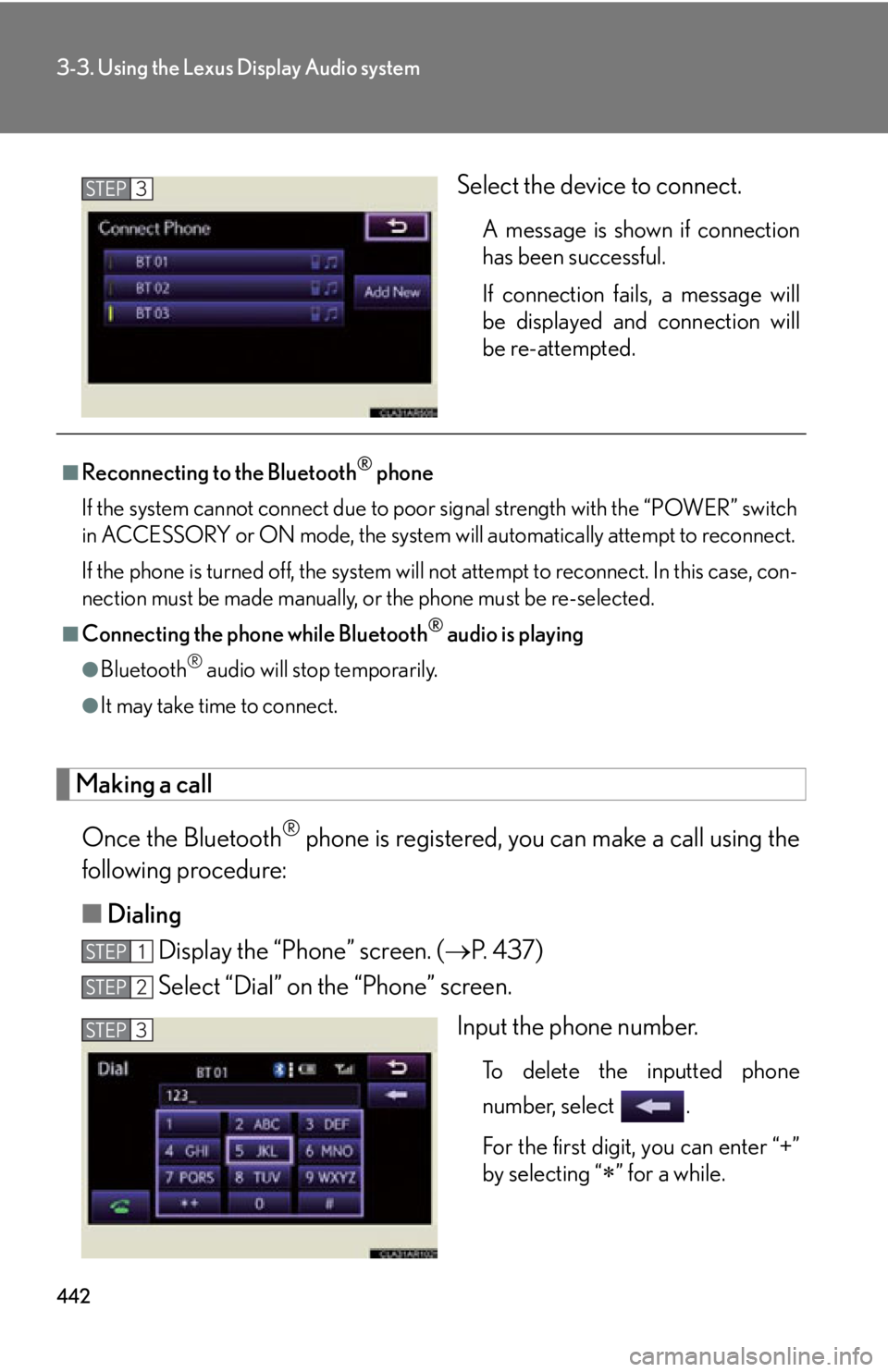
Select the device to connect. A message is shown if connection
has been successful.
If connection fails, a message will
be displayed and connection will
be re-attempted.
Making a call
Once the Bluetooth ®
phone is registered, you can make a call using the
following procedure:
■ Dialing
Display the “Phone” screen. ( P. 4 3 7 )
Select “Dial” on the “Phone” screen.
Input the phone number.
To delete the inputted phone
number, select .
For the first digit, you can enter “+”
by selecting “
” for a while.STEP 3
■
Reconnecting to the Bluetooth ®
phone
If the system cannot connect due to poor signal strength with the “POWER” switch
in ACCESSORY or ON mode, the system will automatically at tempt to reconnect.
If the phone is turned off, the system will not attempt to reconnect. In this case, con-
nection must be made manually, or the phone must be re-selected.■
Connecting the phone while Bluetooth ®
audio is playing●
Bluetooth ®
audio will stop temporarily.●
It may take time to connect.
STEP 1
STEP 2
STEP 3
Page 498 of 878

4983-4. Using the audio system
■
MP3 and WMA files
MP3 (MPEG Audio LAYER 3) is a standard audio compression format.
Files can be compressed to approximately 1 /10 of their original size by using MP3
compression.
WMA (Windows Media Audio) is a Microsoft audio compression format.
This format compresses audio data to a size smaller than that of the MP3 format.
There is a limit to the MP3 and WMA file standards that can be used and to the
media/formats on which the files are recorded. ●
MP3 file compatibility
• Compatible standards
MP3 (MPEG1 LAYER3, MPEG2 LSF LAYER3)
• Compatible sampling frequencies
MPEG1 LAYER3: 32, 44.1, 48 (kHz)
MPEG2 LSF LAYER3: 16, 22.05, 24 (kHz)
• Compatible bit rates (compatible with VBR)
MPEG1 LAYER3: 64, 80, 96, 112, 128, 160, 192, 224, 256, 320 (kbps)
MPEG2 LSF LAYER3: 64, 80, 96, 112, 128, 144, 160 (kbps)
• Compatible channel modes: stereo, joint stereo, dual channel and monaural●
WMA file compatibility
• Compatible standards
WMA Ver. 7, 8, 9
• Compatible sampling frequencies
32, 44.1, 48 (kHz)
• Compatible bit rates (only compat ible with 2-channel playback)
Ver. 7, 8: CBR 48, 64, 80, 96, 128, 160, 192 (kbps)
Ver. 9: CBR 48, 64, 80, 96, 128, 160, 192, 256, 320 (kbps)●
Compatible media
Media that can be used for MP3 and WMA playback are CD-Rs and CD-RWs.
Playback in some instances may not be possible if the CD-R or CD-RW is not
finalized. Playback may not be possible or the audio may jump if the disc is
scratched or marked with fingerprints.
Page 499 of 878
4993-4. Using the audio system
3
Interior features ●
Compatible disc formats
The following disc formats can be used:
• Disc formats: CD-ROM Mode 1 and Mode 2
CD-ROM XA Mode 2, Form 1 and Form 2
• File formats: ISO9660 Level 1, Level 2, (Romeo, Joliet)
MP3 and WMA files written in any format other than those listed above may
not play correctly, and their file names and folder names may not be dis-
played correctly.Items related to standards and limitations are as follows:
• Maximum directory hierarchy: 8 levels (including the root)
• Maximum length of folder names/file names: 32 characters
• Maximum number of folders: 192 (including the root)
• Maximum number of files per disc: 255●
File names
The only files that can be recognized as MP3/WMA and played are those with
the extension .mp3 or .wma.●
Discs containing multi-session recordings
As the audio system is compatible with multi-sessions, it is possible to play discs
that contain MP3 and WMA files. However, only the first session can be played.●
ID3 and WMA tags
ID3 tags can be added to MP3 files, making it possible to record the track title,
artist name, etc.
The system is compatible with ID3 Ver. 1. 0, 1.1, and Ver. 2.2, 2.3 ID3 tags. (The
number of characters is based on ID3 Ver. 1.0 and 1.1.)
WMA tags can be added to WMA files, ma king it possible to record the track
title and artist name in the same way as with ID3 tags.
Page 504 of 878
5043-4. Using the audio system
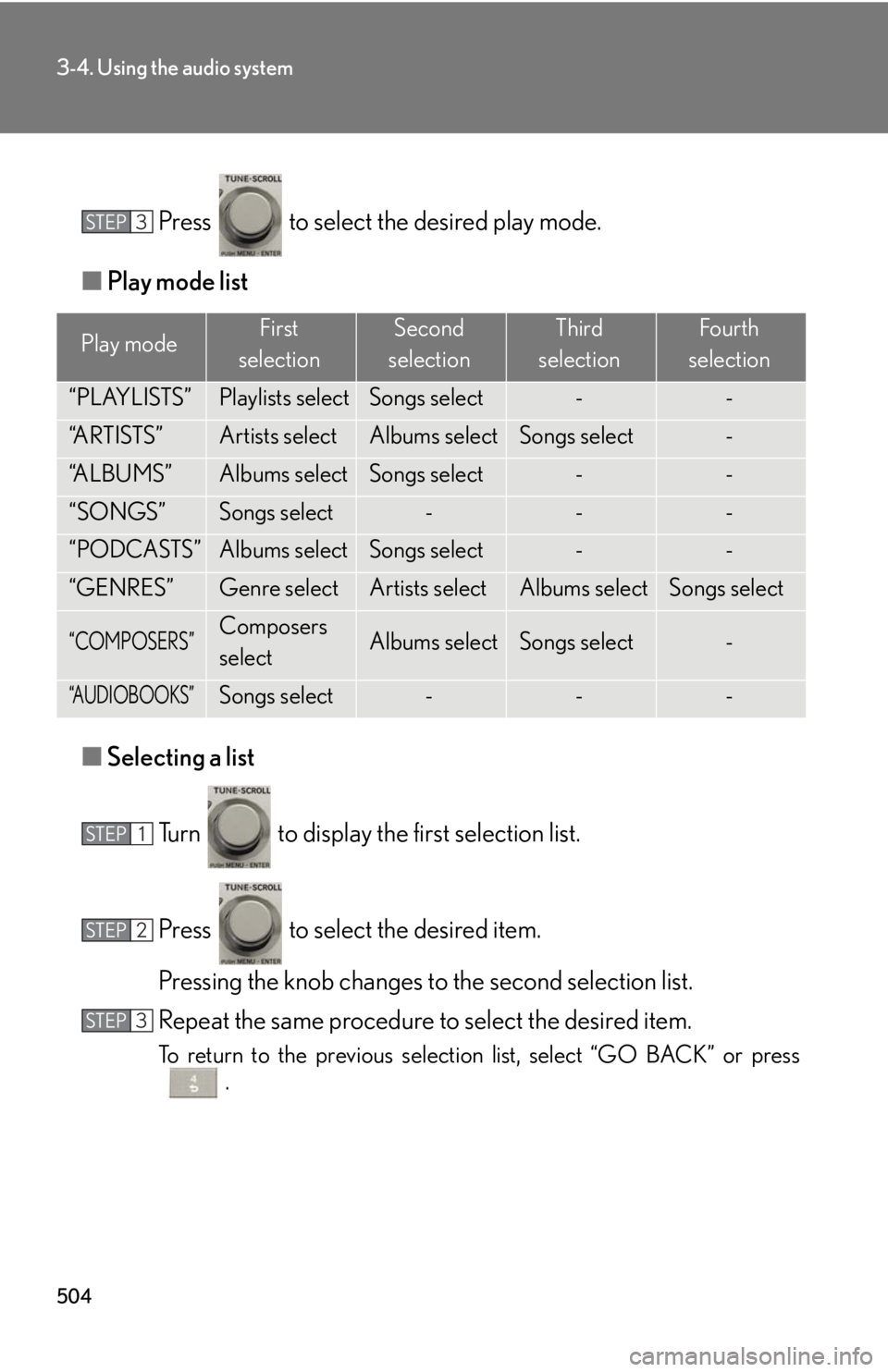
Press to select the desired play mode.
■ Play mode list
■ Selecting a list
Turn to display the first selection list.
Press to select the desired item.
Pressing the knob changes to the second selection list.
Repeat the same procedure to select the desired item.
To return to the previous selection list, select “GO BACK” or press
.Play mode First
selection Second
selection Third
selection Four th
selection
“PLAYLISTS” Playlists select Songs select - -
“A R T I S T S ” Artists select Albums select Songs select -
“A L B U M S ” Albums select Songs select - -
“SONGS” Songs select - - -
“PODCASTS” Albums select Songs select - -
“GENRES” Genre select Artists select Albums select Songs select
“COMPOSERS” Composers
select Albums select Songs select -
“AUDIOBOOKS” Songs select - - -STEP 3
STEP 1
STEP 2
STEP 3
Page 507 of 878
5073-4. Using the audio system
3
Interior features ■
iPod functions ●
When an iPod is connected and the audio source is changed to iPod mode, the
iPod will resume play from the same point in which it was last used.●
Depending on the iPod that is connecte d to the system, certain functions may
not be available. If a function is unavailable due to a malfunction (as opposed to
a system specification), disconnecting the device and reconnecting it once
again may resolve the problem. ●
While connected to the system, the iPod cannot be operated with its own con-
trols. It is necessary to use the controls of the vehicle's audio system instead. ●
When the battery level of an iPod is very low, the iPod may not operate. If so,
charge the iPod before use.●
Supported models ( P. 5 0 8 )■
iPod problems
To resolve most problems encountered when using your iPod, disconnect your iPod
from the vehicle iPod connection and reset it.
For instructions on how to reset your iP od, refer to your iPod Owner's Manual.■
Display
P. 4 9 0■
Error messages
“ERROR”: This indicates a problem in the iPod or its connection.
“NO MUSIC”: This indicates that ther e is no music data in the iPod.
“EMPTY”: This indicates that some avai lable songs are not found in a selected
playlist.
“UPDATE”: This indicates that the version of the iPod is not compatible.
Upgrade your iPod software to the latest version.
Page 516 of 878

5163-4. Using the audio system
●
MP3 file compatibility
• Compatible standards
MP3 (MPEG1 AUDIO LAYERII, III, MPEG2 AUDIO LAYERII, III,
MPEG2.5)
• Compatible sampling frequencies
MPEG1 AUDIO LAYERII, III: 32, 44.1, 48 (kHz)
MPEG2 AUDIO LAYERII, III: 16, 22.05, 24 (kHz)
MPEG2.5: 8, 11.025, 12 (kHz)
• Compatible bit rates (compatible with VBR)
MPEG1 AUDIO LAYERII, III: 32-320 (kbps)
MPEG2 AUDIO LAYERII, III: 32-160 (kbps)
MPEG2.5: 32-160 (kbps)
• Compatible channel modes: stereo, joint stereo, dual channel and monaural●
WMA file compatibility
• Compatible standards
WMA Ver. 9
• Compatible sampling frequencies
HIGH PROFILE 32, 44.1, 48 (kHz)
• Compatible bit rates
HIGH PROFILE 32-320 (kbps, VBR)●
File names
The only files that can be recognized as MP3/WMA and played are those with
the extension .mp3 or .wma.●
ID3 and WMA tags
ID3 tags can be added to MP3 files, making it possible to record the track title,
artist name, etc.
The system is compatible with ID3 Ver. 1.0, 1.1, and Ver. 2.2, 2.3, 2.4 ID3 tags.
(The number of characters is based on ID3 Ver. 1.0 and 1.1.)
WMA tags can be added to WMA files, making it possible to record the track
title and artist name in the same way as with ID3 tags.
Page 517 of 878
5173-4. Using the audio system
3
Interior features ●
MP3 and WMA playback
• When a device containing MP3 or WMA files is connected, all files in the
USB memory device are checked. Once the file check is finished, the first
MP3 or WMA file is played. To make th e file check finish more quickly, we
recommend that you do not include an y files other than MP3 or WMA files
or create any unnecessary folders.
• When the USB device is connected and the audio source is changed to
USB memory mode, the USB device will start playing the first file in the first
folder. If the same device is removed and reinserted (and the contents have
not been changed), the USB device will resume play from the same point in
which it was last used.●
Extensions
If the file extensions .mp3 and .wma are used for files other than MP3 and WMA
files, they will be skipped (not played).●
Playback
• To play MP3 files with steady sound quality, we recommend a fixed bit rate
of at least 128 kbps and a sampling frequency of 44.1 kHz.
• There is a wide variety of freeware and other encoding software for MP3
and WMA files on the market, and depend ing on the status of the encoding
and the file format, poor sound quality or noise at the start of playback may
result. In some cases, playback may not be possible at all.
• Microsoft, Windows, and Windows Media are registered trademarks of
Microsoft Corporation in the U.S.A. and other countries.
CAUTION■
Caution while driving
Do not connect USB memories or operate the controls.
Page 520 of 878
5203-4. Using the audio system
■
About Bluetooth ®
■
Compatible models ●
Bluetooth ®
specifications:
Ver. 1.1, or higher (Recommended: Ver. 1.2 or higher)●
Following profiles:
• A2DP (Advanced Audio Distribution Profil e) Ver. 1.0, or higher (Conformed:
Ve r. 1 . 2 )
• AVRCP (Audio/Video Remote Control Profile) Ver. 1.0 or higher (Con-
formed: Ver. 1.3)
Portable players must correspond to the above specifications in order to be con-
nected to the Bluetooth ®
audio system. However, please note that some functions
may be limited depending on the type of portable player.■
Certification for the Bluetooth ®
audio system
FCC ID: AJDK018
IC ID: 775E-K018
This device complies with Part 15 of FCC Rules and Industry Canada licence-
exempt RSS standard(s). Operation is subject to the following two conditions: (1)
this device may not cause interference, and (2) this device must accept any inter-
ference, including interference that may cause undesired operation of this device.
Le présent appareil est conforme aux la partie 15 des règles de la FCC et CNR
d’Industrie Canada applicables aux appareils radio exempts de licence. L’exploita-
tion est autorisée aux deux conditions suivantes : (1) l’appareil ne doit pas produire
de brouillage, et (2) l’utilisateur de l’appareil doit accepter tout brouillage
radioélectrique subi, même si le brouilla ge est susceptible d’en compromettre le
fonctionnement. Bluetooth is a registered trademark of
Bluetooth SIG. Inc.
Page 555 of 878
5553-4. Using the audio system
3
Interior features Using the hands-free phone system for the first time
Before using the hands-free phone sy stem, it is necessary to register a
mobile phone in the system. The sy stem will enter phone registration
mode automatically when starting th e system with no mobile phone reg-
istered. Follow the procedure below to register (pair) a mobile phone:
Press the off-hook switch or the talk switch.
The introductory guidance and phone name registration instructions are
heard.
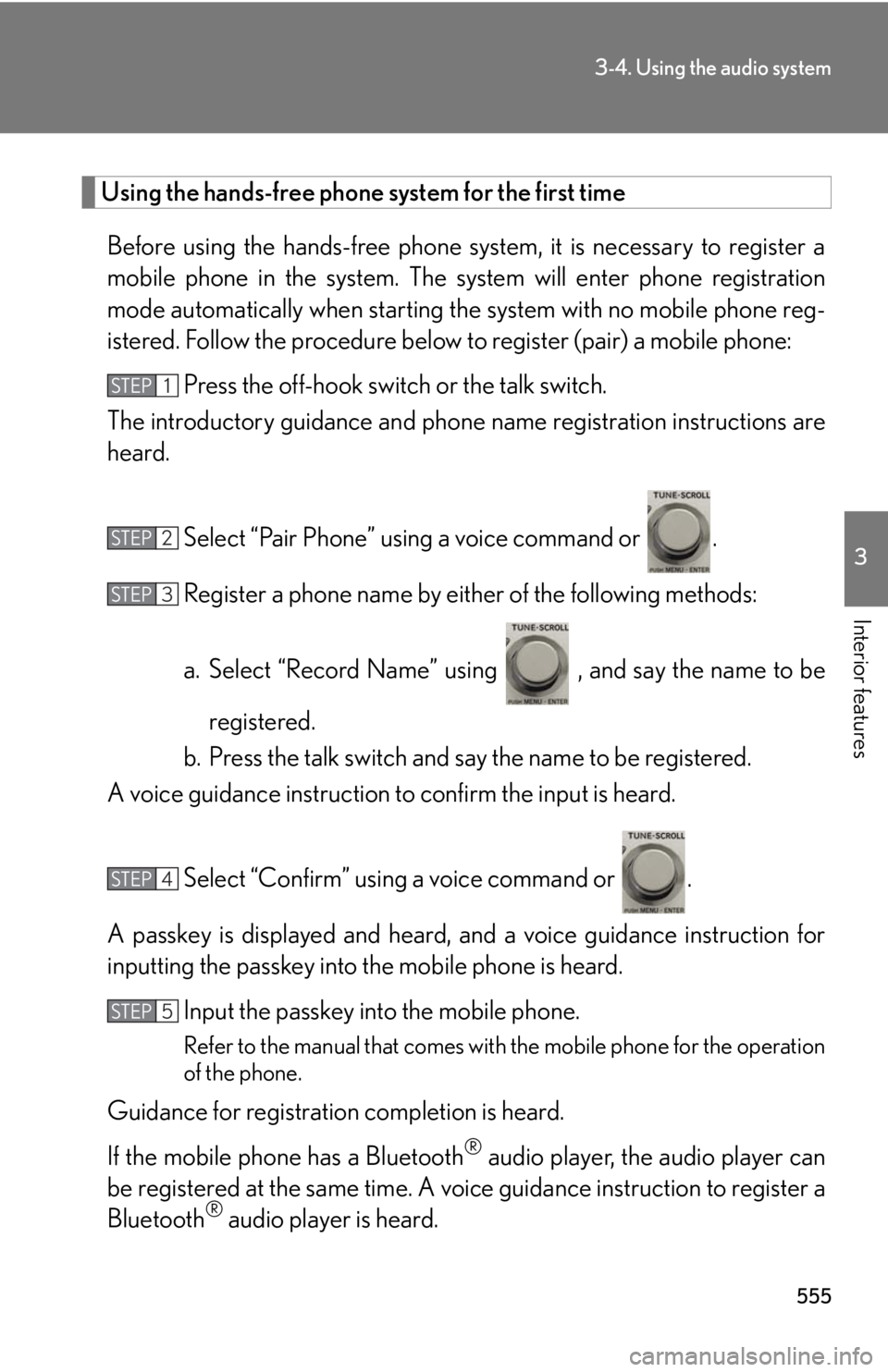
Select “Pair Phone” using a voice command or .
Register a phone name by either of the following methods:
a. Select “Record Name” using , and say the name to be
registered.
b. Press the talk switch and say the name to be registered.
A voice guidance instruction to confirm the input is heard.
Select “Confirm” using a voice command or .
A passkey is displayed and heard, an d a voice guidance instruction for
inputting the passkey into the mobile phone is heard.
Input the passkey into the mobile phone.
Refer to the manual that comes with the mobile phone for the operation
of the phone.
Guidance for registration completion is heard.
If the mobile phone has a Bluetooth ®
audio player, the audio player can
be registered at the same time. A voic e guidance instruction to register a
Bluetooth ®
audio player is heard.STEP 1
STEP 2
STEP 3
STEP 4
STEP 5