bluetooth LEXUS RX450h 2015 Workshop Manual
[x] Cancel search | Manufacturer: LEXUS, Model Year: 2015, Model line: RX450h, Model: LEXUS RX450h 2015Pages: 878, PDF Size: 11.62 MB
Page 524 of 878

5243-4. Using the audio system
Operating the system using voice commands
By following voice guidance instructio ns output from the speaker, voice
commands enable the operation of the Bluetooth ®
audio system without
the need to check the display or operate .
■ Operation procedure when using voice commands
Press the talk switch and fo llow voice guidance instructions.
■ Auxiliary commands when using voice commands
The following auxiliary commands ca n be used when operating the
system using a voice command:
“Cancel”: Exits the Bluetooth ®
audio system
“Repeat”: Repeats the previous voice guidance instruction
“Go back”: Returns to the previous procedure
“Help”: Reads aloud the function summary if a help comment is regis-
tered for the selected function
Page 525 of 878
5253-4. Using the audio system
3
Interior features Using the Bluetooth ®
audio system for the first time
Before using the Bluetooth ®
audio system, it is necessary to register a
Bluetooth ®
enabled portable player in th e system. Follow the procedure
below to register (pair) a portable player:
Press and select “BT•A MENU” using .
Press the talk switch or select “BT•A Setup” using .
The introductory guidance and portable player name registration
instructions are heard.
Select “Pair Audio Player (Pair Audio)” using a voice command
or .
Register a portable player name by either of the following meth-
ods:
a. Select “Record Name” using , and say the name to be
registered.
b. Press the talk switch and say the name to be registered.
A voice guidance instruction to confirm the input is heard.
Select “Confirm” using a voice command or .
A passkey is displayed and heard, an d a voice guidance instruction for
inputting the passkey into the portable player is heard.
Input the passkey into the portable player.
Refer to the manual that comes with the portable player for the opera-
tion of the portable player.STEP 1
STEP 2
STEP 3
STEP 4
STEP 5
STEP 6
Page 526 of 878
5263-4. Using the audio system
Guidance for registration completion is heard.
If the portable pl ayer has a Bluetooth ®
phone, the phone can be regis-
tered at the same time. A voice guidance instruction to register a
Bluetooth ®
phone is heard.
Select “Yes” or “No” using a voice command or .
(Bluetooth ®
phone P. 549)
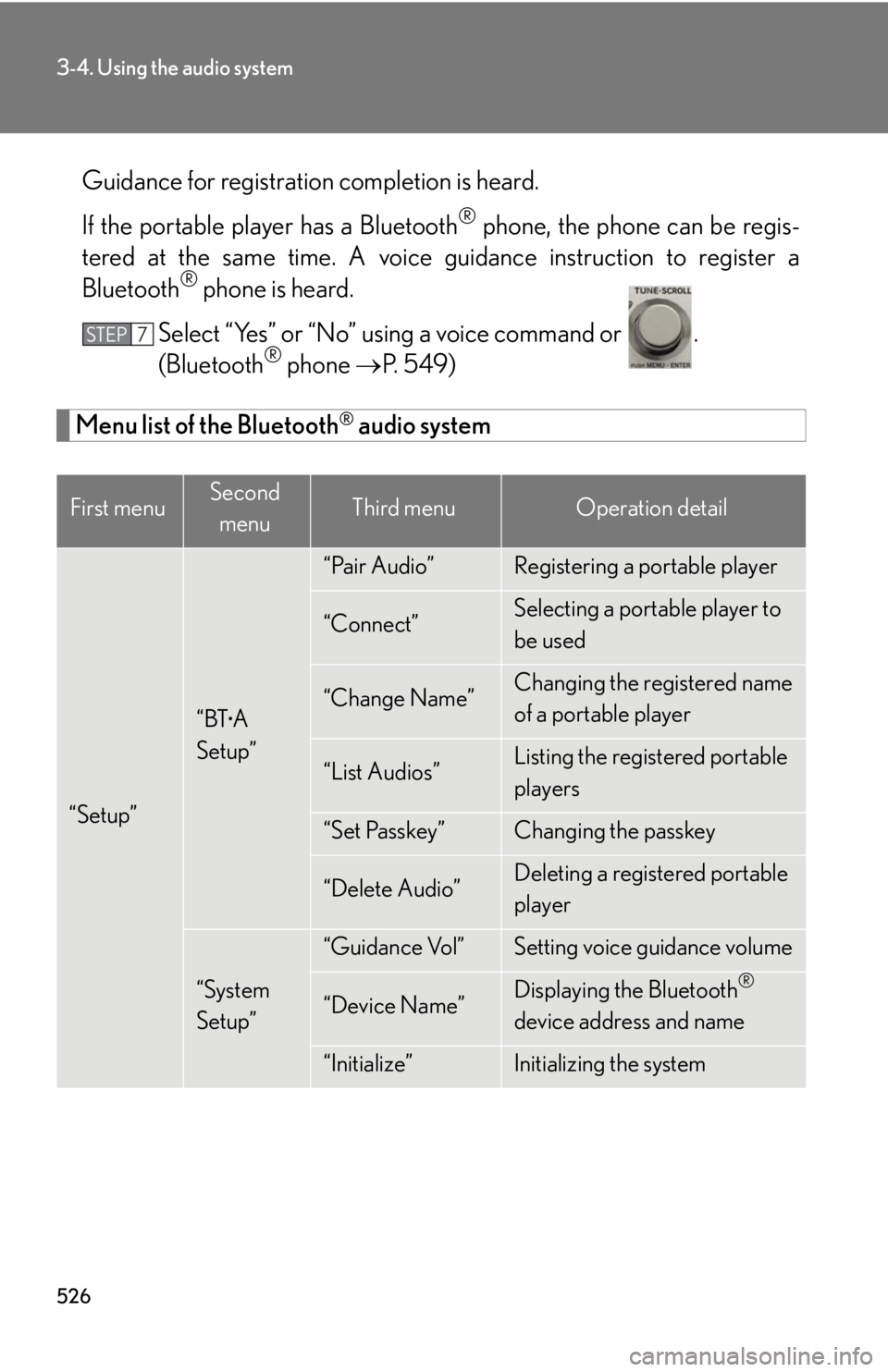
Menu list of the Bluetooth ®
audio system
First menu Second
menu Third menu Operation detail
“Setup” “BT •
A
Setup” “Pair Audio” Registering a portable player
“Connect” Selecting a portable player to
be used
“Change Name” Changing the registered name
of a portable player
“List Audios” Listing the registered portable
players
“Set Passkey” Changing the passkey
“Delete Audio” Deleting a registered portable
player
“System
Setup” “Guidance Vol” Setting voice guidance volume
“Device Name” Displaying the Bluetooth ®
device address and name
“Initialize” Initializing the systemSTEP 7
Page 528 of 878
5283-4. Using the audio system
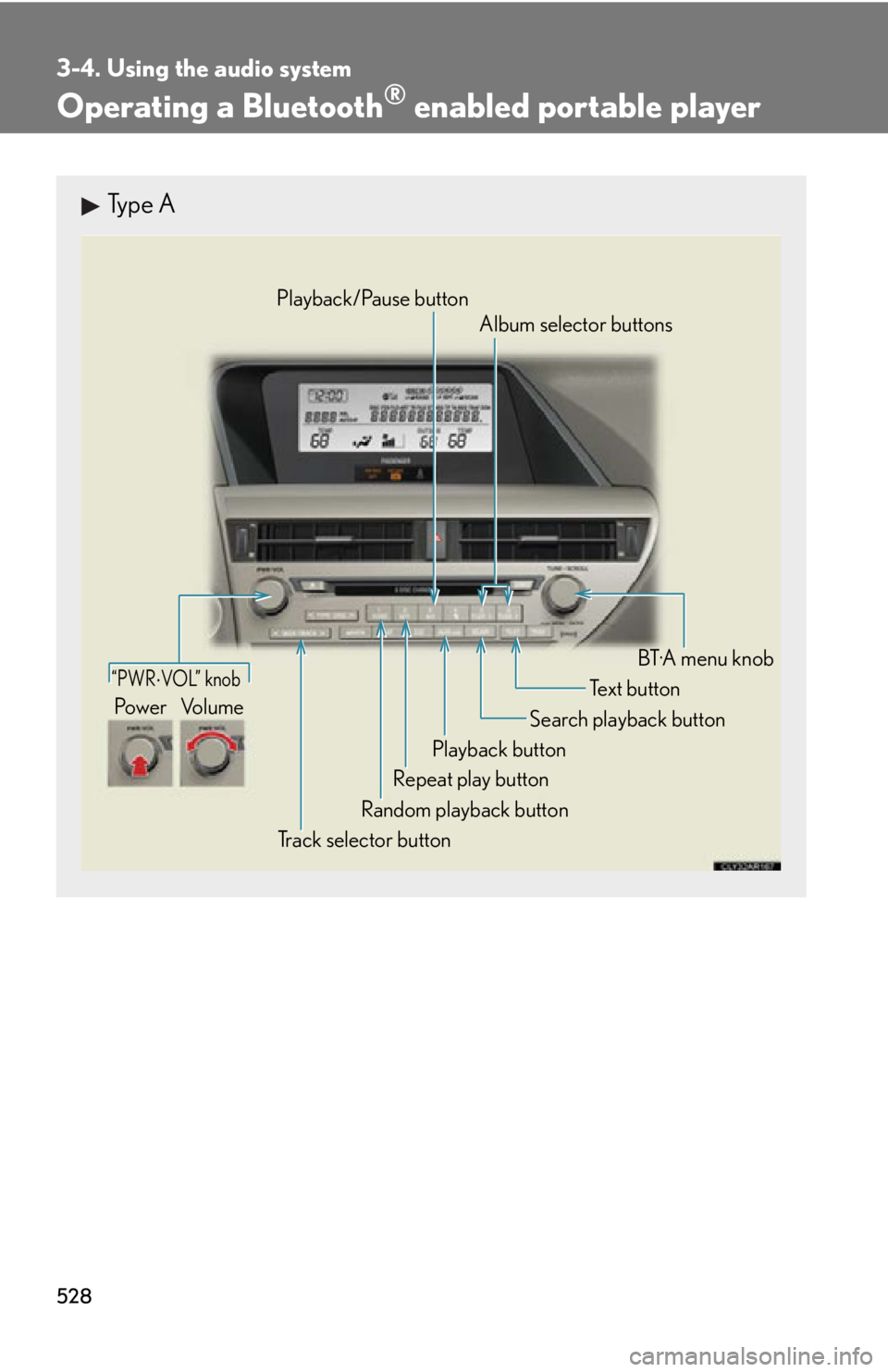
Operating a Bluetooth ®
enabled portable playerType A
“PWR VOL” knob
Track selector button Playback button Search playback button
Random playback button Repeat play button Te x t b u t t o n
Pow e r Vo l u m e Playback/Pause button
Album selector buttons
BT·A menu knob
Page 530 of 878
5303-4. Using the audio system
Fast-forwarding and reversing tracks
To fast-forward or reverse, press and hold “ ” or “ ” on
until you hear a beep.
Random playback
Press . To cancel, press
again.
Repeat play
Press . To cancel, press
again.
Scanning tracks
Press . To cancel, press
again.
Switching the display
Press .
Each time the button is pressed, the display changes in the following order:
Elapsed time Album title Tr a c k t i t l e Artist name
■
Bluetooth ®
audio system functions
Depending on the portable player that is connected to the system, certain functions
may not be available.
■
Display
P. 4 9 0
■
Error messages
“Memory Error”: This indicates a problem in the system.
Page 531 of 878
5313-4. Using the audio system
3
Interior features Setting up a Bluetooth ®
enabled portable playerRegistering a portable player in the Bluetooth ®
audio system allows the
system to function. The following functions can be used for registered por-
table players:
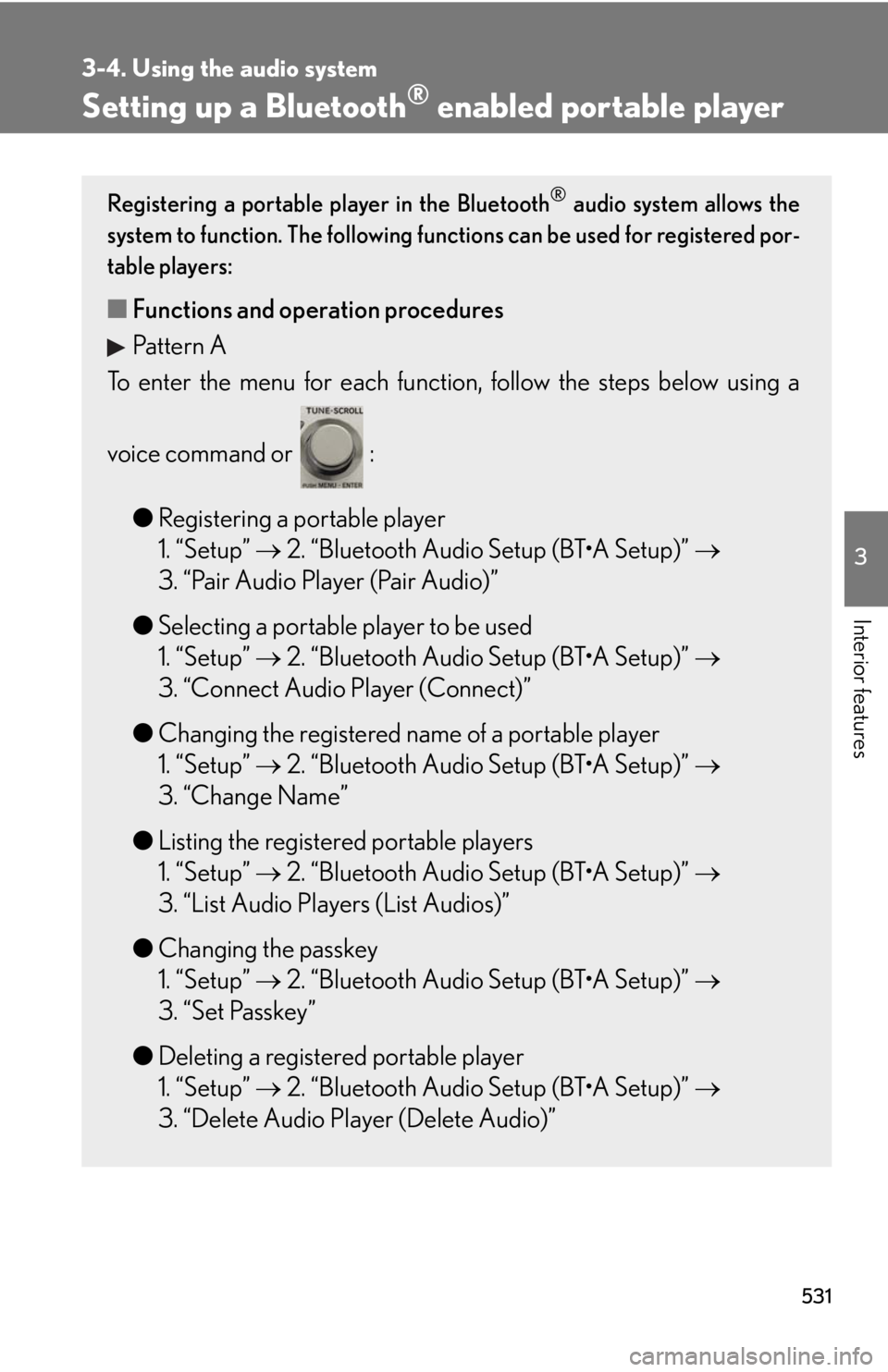
■ Functions and operation procedures
Pattern A
To enter the menu for each function , follow the steps below using a
voice command or :
● Registering a portable player
1. “Setup” 2. “Bluetooth Audio Setup (BT•A Setup)”
3. “Pair Audio Player (Pair Audio)”
● Selecting a portable player to be used
1. “Setup” 2. “Bluetooth Audio Setup (BT•A Setup)”
3. “Connect Audio Player (Connect)”
● Changing the registered name of a portable player
1. “Setup” 2. “Bluetooth Audio Setup (BT•A Setup)”
3. “Change Name”
● Listing the registered portable players
1. “Setup” 2. “Bluetooth Audio Setup (BT•A Setup)”
3. “List Audio Players (List Audios)”
● Changing the passkey
1. “Setup” 2. “Bluetooth Audio Setup (BT•A Setup)”
3. “Set Passkey”
● Deleting a registered portable player
1. “Setup” 2. “Bluetooth Audio Setup (BT•A Setup)”
3. “Delete Audio Player (Delete Audio)”
Page 537 of 878
5373-4. Using the audio system
3
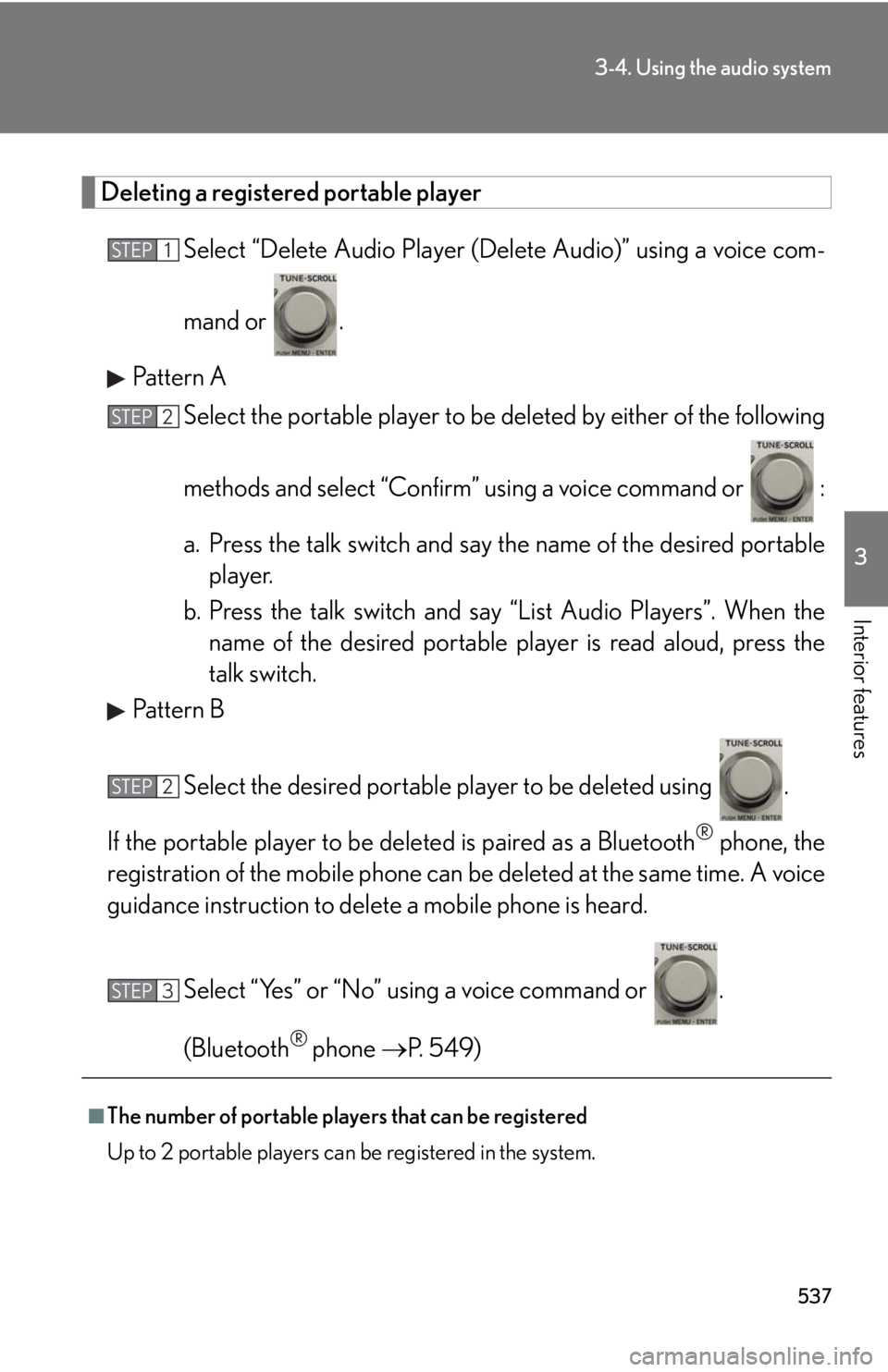
Interior features Deleting a registered portable player
Select “Delete Audio Player (D elete Audio)” using a voice com-
mand or .
Pattern A
Select the portable player to be deleted by either of the following
methods and select “Confirm” u sing a voice command or :
a. Press the talk switch and say the name of the desired portable
player.
b. Press the talk switch and sa y “List Audio Players”. When the
name of the desired portable pl ayer is read aloud, press the
talk switch.
Pattern B
Select the desired portable player to be deleted using .
If the portable player to be deleted is pa ired as a Bluetooth ®
phone, the
registration of the mobile phone can be deleted at the same time. A voice
guidance instruction to delete a mobile phone is heard.
Select “Yes” or “No” using a voice command or .
(Bluetooth ®
phone P. 549)
■
The number of portable players that can be registered
Up to 2 portable players can be registered in the system. STEP 1
STEP 2
STEP 2
STEP 3
Page 538 of 878
5383-4. Using the audio system
Bluetooth ®
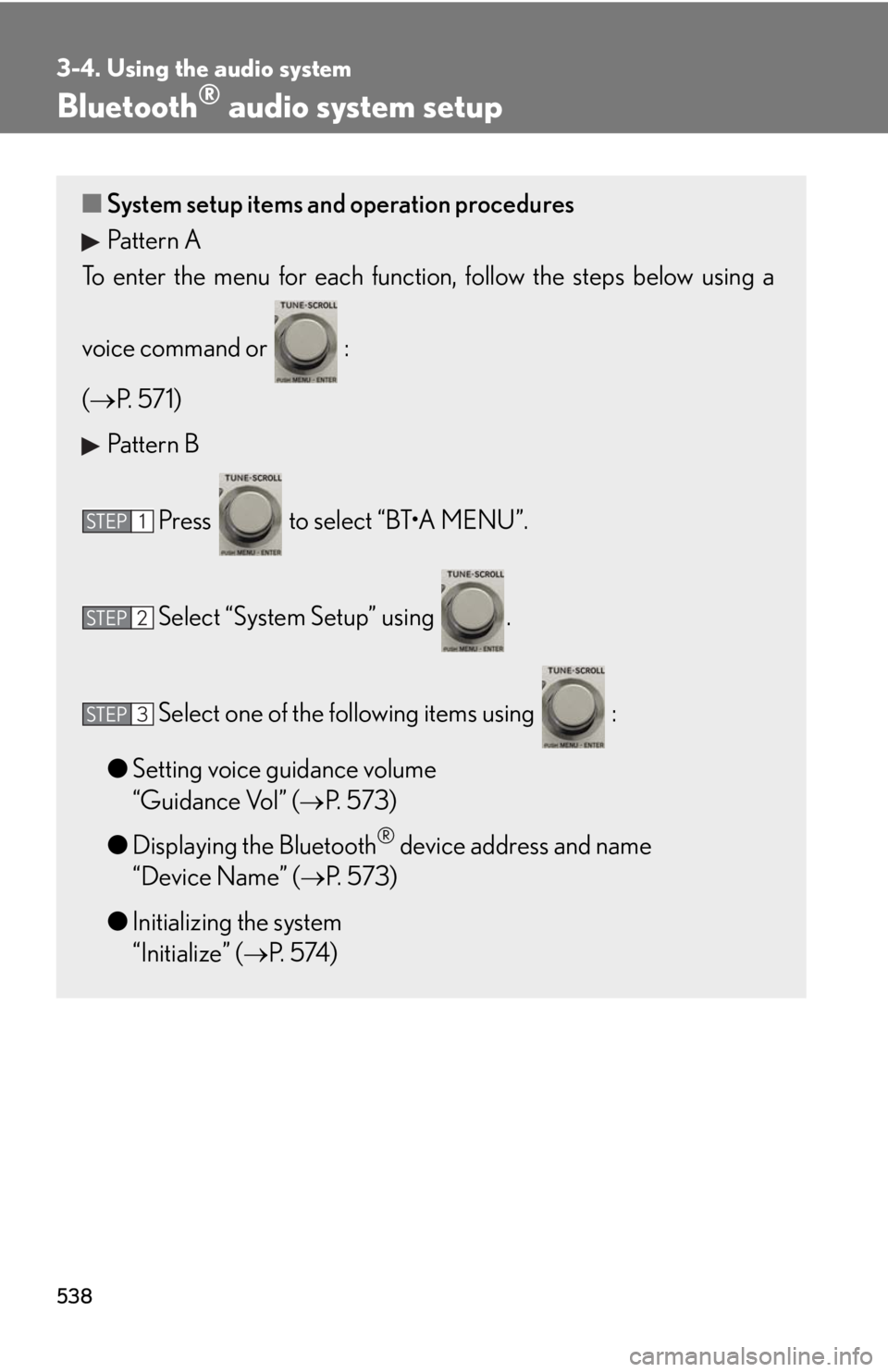
audio system setup■ System setup items and operation procedures
Pattern A
To enter the menu for each function , follow the steps below using a
voice command or :
( P. 5 7 1 )
Pattern B
Press to select “BT•A MENU”.
Select “System Setup” using .
Select one of the following items using :
● Setting voice guidance volume
“Guidance Vol” ( P. 573)
● Displaying the Bluetooth ®
device address and name
“Device Name” ( P. 573)
● Initializing the system
“Initialize” ( P. 5 74 )STEP 1
STEP 2
STEP 3
Page 543 of 878
5433-4. Using the audio system
3
Interior features Using the steering wh eel audio switches
Turning the power on
Press when the audio system is turned off. The audio system can be turned off by holding the switch down until you hear
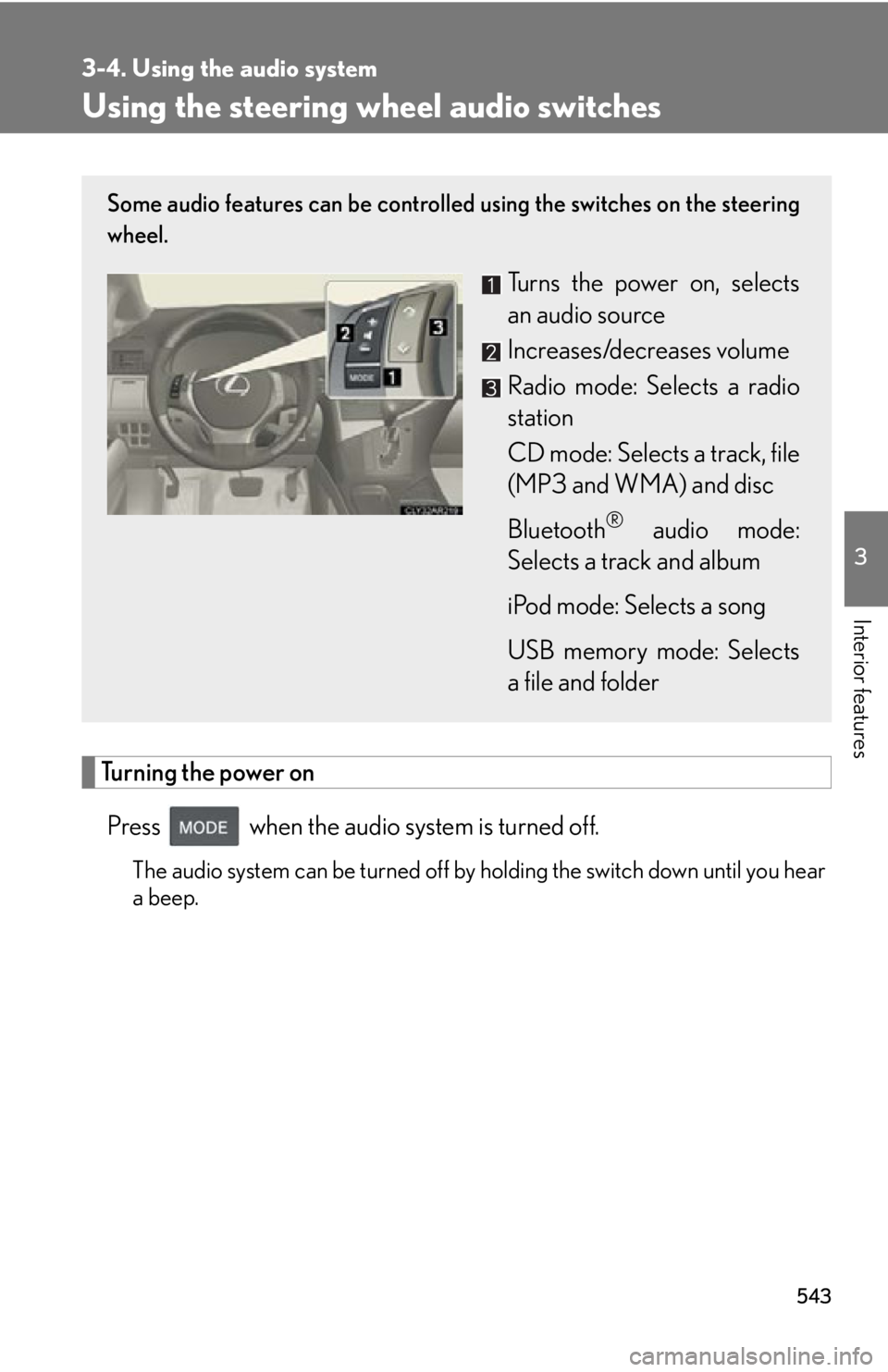
a beep.Some audio features can be controlled using the switches on the steering
wheel.
Turns the power on, selects
an audio source
Increases/decreases volume
Radio mode: Selects a radio
station
CD mode: Selects a track, file
(MP3 and WMA) and disc
Bluetooth ®
audio mode:
Selects a track and album
iPod mode: Selects a song
USB memory mode: Selects
a file and folder
Page 544 of 878
5443-4. Using the audio system
Changing the audio source
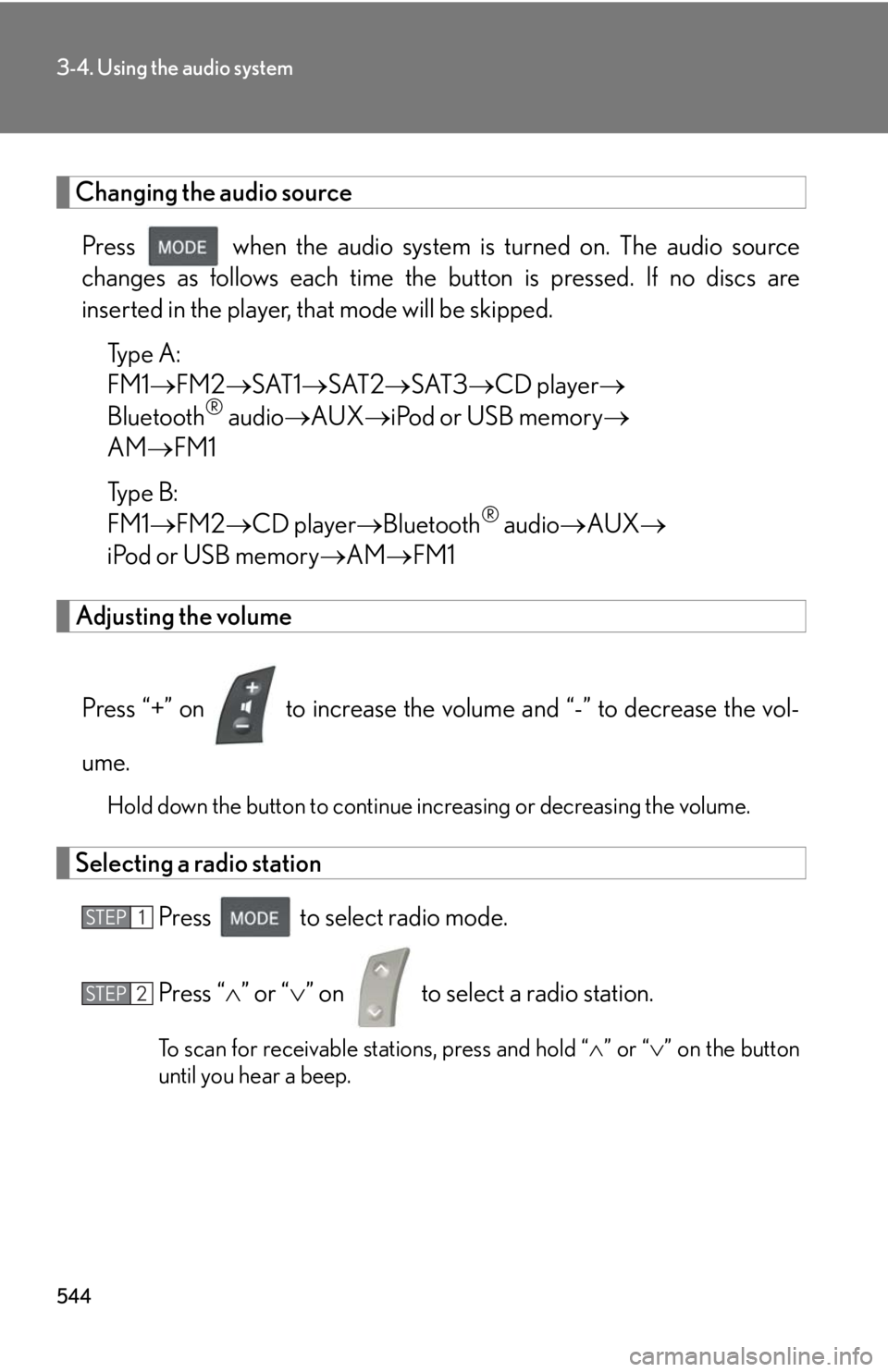
Press when the audio system is turned on. The audio source
changes as follows each time the button is pressed. If no discs are
inserted in the player, that mode will be skipped.
Type A:
FM1 FM2 SAT1 SAT2 SAT3 CD player
Bluetooth ®
audio AUX iPod or USB memory
AM FM1
Type B:
FM1 FM2 CD player Bluetooth ®
audio AUX
iPod or USB memory AM FM1
Adjusting the volume
Press “+” on to increase the vo lume and “-” to decrease the vol-
ume. Hold down the button to continue increasing or decreasing the volume.
Selecting a radio station
Press to select radio mode.
Press “ ” or “ ” on to select a radio station.
To scan for receivable stations, press and hold “ ” or “ ” on the button
until you hear a beep.STEP 1
STEP 2