flat tire LEXUS RX450h 2022 User Guide
[x] Cancel search | Manufacturer: LEXUS, Model Year: 2022, Model line: RX450h, Model: LEXUS RX450h 2022Pages: 532, PDF Size: 27.62 MB
Page 222 of 532

2204-5. Using the driving support systems
■Enabling/disabling the pre-colli-
sion system
The pre-collision system can be
enabled/disabled on ( P.88) of
the multi-information display.
The system is automatically enabled each
time the power switch is turned to ON
mode.
If the system is disabled, the PCS warn-
ing light will turn on and a message will
be displayed on the multi-information
display.
■Changing the pre-collision warn-
ing timing
The pre-collision warning timing can
be changed on ( P.88) of the
multi-information display.
The warning timing setting is retained
when the power switch is turned off. How-
ever, if the pre-collision system is disabled
and re-enabled, the operation timing will
return to the default setting (middle).
1 Early
2 Middle
This is the default setting.
3Late
■Operational conditions
The pre-collision system is enab led and the system determines that the possibility of a frontal
WARNING
●If the vehicle cannot be driven in a sta-
ble manner, such as when the vehicle
has been in an accident or is malfunc-
tioning
●When the vehicle is driven in a sporty
manner or off-road
●When the tires are not properly
inflated
●When the tires are very worn
●When tires of a size other than speci-
fied are installed
●When tire chains are installed
●When a compact spare tire or an
emergency tire puncture repair kit is
used
●If equipment (snow plow, etc.) that may
obstruct the radar sensor or front cam-
era is temporarily installed to the vehi-
cle
Changing settings of the pre-col-
lision system
Page 226 of 532

2244-5. Using the driving support systems
• If a vehicle ahead is a child sized bicycle, a bicycle that is carrying a large load, a
bicycle ridden by more than one person,
or a uniquely shaped bicycle (bicycle with
a child seat, tandem bicycle, etc.)
• If a pedestrian/or the riding height of a
bicyclist ahead is shorter than approxi-
mately 3.2 ft. (1 m) or taller than approxi-
mately 6.5 ft. (2 m)
• If a pedestrian/bicyclist is wearing over- sized clothing (a rain coat, long skirt,
etc.), making their silhouette obscure
• If a pedestrian is bending forward or squatting or bicyclist is bending forward
• If a pedestrian/bicyc list is moving fast
• If a pedestrian is pushing a stroller, wheel- chair, bicycle or other vehicle
• When driving in inclement weather such
as heavy rain, fog, snow or a sandstorm
• When driving through steam or smoke
• When the surrounding area is dim, such as at dawn or dusk, or while at night or in
a tunnel, making a detectable object
appear to be nearly the same color as its
surroundings
• When driving in a place where the sur- rounding brightness changes suddenly,
such as at the entrance or exit of a tunnel
• After the hybrid system has started the vehicle has not been driven for a certain
amount of time
• While making a left/right turn and for a few seconds after making a left/right turn
• While driving on a curve and for a few seconds after driving on a curve
• If your vehicle is skidding
• If the front of the vehicle is raised or low-
ered
• If the wheels are misaligned
• If a wiper blade is blocking the front cam- era
• The vehicle is being driven at extremely
high speeds
• When driving on a hill • If the radar sensor or front camera is mis-
aligned
●In some situations su ch as the following,
sufficient braking force may not be
obtained, preventing the system from
performing properly:
• If the braking functions cannot operate to their full extent, such as when the brake
parts are extremely cold, extremely hot,
or wet
• If the vehicle is not properly maintained
(brakes or tires are excessively worn,
improper tire inflation pressure, etc.)
• When the vehicle is being driven on a
gravel road or other slippery surface
■If VSC is disabled
●If VSC is disabled ( P.280), the
pre-collision brake assist and pre-colli-
sion braking functions are also disabled.
●The PCS warning light will turn on and
“VSC Turned Off Pre-Collision Brake
System Unavailable” will be displayed on
the multi-information display.
Page 227 of 532

2254-5. Using the driving support systems
4
Driving
LTA (Lane Tracing Assist)
When driving on highways and
freeways with white (yellow) lane
lines, this function alerts the driver
when the vehicle might depart from
its lane or course
* and provides
assistance by operating the steer-
ing wheel to keep the vehicle in its
lane or course
*. Furthermore, the
system provides steering assistance
when dynamic radar cruise control
with full-speed range is operating
to keep the vehicle in its lane.
The LTA system recognizes white
(yellow) lane lines or a course
*
using the front camera. Addition-
ally, it detects preceding vehicles
using the front camera and radar.
*: Boundary between asphalt and the side of the road, such as grass, soil, or
a curb
WARNING
■Before using LTA system
●Do not rely solely upon the LTA sys-
tem. The LTA system does not auto-
matically drive the vehicle or reduce
the amount of attention that must be
paid to the area in front of the vehicle.
The driver must always assume full
responsibility for driving safely by pay-
ing careful attention to the surround-
ing conditions and operating the
steering wheel to correct the path of
the vehicle. Also, the driver must take
adequate breaks when fatigued, such
as from driving for a long period of
time.
●Failure to perform appropriate driving
operations and pay careful attention
may lead to an accident, resulting in
death or serious injury.
●When not using the LTA system, use
the LTA switch to turn the system off.
■Situations unsuitable for LTA system
In the following situations, use the LTA
switch to turn the system off. Failure to do
so may lead to an accident, resulting in
death or serious injury.
●Vehicle is driven on a road surface
which is slippery due to rainy weather,
fallen snow, freezing, etc.
●Vehicle is driven on a snow-covered
road.
●White (yellow) lines are difficult to see
due to rain, snow, fog, dust, etc.
●Vehicle is driven in a temporary lane or
restricted lane due to construction
work.
●Vehicle is driven in a construction
zone.
●A spare tire, tire chains, etc. are
equipped.
●When the tires have been excessively
worn, or when the tire inflation pres-
sure is low.
Page 255 of 532

2534-5. Using the driving support systems
4
Driving
Center Display (vehicles with a Pan-
oramic view monitor)
A graphic will be displayed on the Center
Display.
Use the meter control switches to
enable/disable the Lexus parking
assist-sensor. ( P.89)
1 Press or to select .
2 Press or to select “PKSA”
and then press .
3 Press or to select and
then press .
When the intuitive parking assist func-
tion is disabled, the intuitive parking
assist OFF indicator ( P.78) illumi-
nates. To re-enable the system, select on
the multi-information display, select
and turn it on. If the system is dis-
abled, it will remain off even if the
power switch is tu rned to ON mode
after the power switch has been turned
off.
Turning intuitive parking assist
on/off
WARNING
■Cautions regarding the use of the sys-
tem
There is a limit to the degree of recogni-
tion accuracy and control performance
that this system can provide, do not
overly rely on this system. The driver is
always responsible for paying attention
to the vehicle’ surroundings and driving
safely.
■To ensure the system can operate
properly
Observe the following precautions.
Failing to do so may result in the vehicle
being unable to be driven safely and pos-
sibly cause an accident.
●Do not damage the sensors, and
always keep them clean.
●Do not attach a sticker or install an
electronic compon ent, such as a
backlit license plate (especially fluo-
rescent type), fog lights, fender pole or
wireless antenna near a radar sensor.
●Do not subject the surrounding area of
the sensor to a strong impact. If sub-
jected to an impact, have the vehicle
inspected by your Lexus dealer. If the
front or rear bumper needs to be
emoved/installed or replaced, contact
your Lexus dealer.
●Do not modify, disassemble or paint
the sensors.
●Do not attach a license plate cover.
●Keep your tires properly inflated.
Page 268 of 532

2664-5. Using the driving support systems
The Parking Support Brake can be
enabled/disabled on the multi-informa-
tion display. All of the Parking Support
Brake functions (static objects and
rear-crossing vehicles) are
enabled/disabled simultaneously.
Use the meter control switches to enable/disable the parking support
brake. (
P.89)
1 Press or to select .
2 Press or to select
and then press .
When the Parking Support Brake is dis-
abled, the PKSB OFF indicator ( P.78)
illuminates on the multi-information dis-
play.
To re-enable the system when it was dis-
abled, select on the multi-information
display, select and turn it on. If the
system is disabled, it wi ll remain off even if
the power switch is turned to ON mode
after the power switch has been turned off.
If the hybrid system output restriction con-
trol or brake control operates, a buzzer will
sound and a message wi ll be displayed on
the Center Display and multi-information
display, to alert the driver. On vehicles with
a head-up display, the head-up display (if
equipped) will displa y the same message
as the multi-information display.
Depending on the situation, hybrid system
output restriction cont rol will operate to
either limit acceleration or restrict output
as much as possible.
Hybrid system output restriction
control is operating (acceleration
restriction)
Acceleration greater than a certain
amount is restricted by the system.
Center Display (Panoramic view monitor)
(If equipped): No warning displayed
Multi-information display: “Object
WARNING
●When using automatic car washing
devices
●If the vehicle cannot be driven in a sta-
ble manner, such as when the vehicle
has been in an accident or is malfunc-
tioning
●When the vehicle is driven in a sporty
manner or off-road
●When the tires are not properly
inflated
●When the tires are very worn
●When a tire chains, compact spare tire
or an emergency tire puncture repair
kit is used
NOTICE
■If “Parking Support Brake Unavail-
able” is displayed on the multi-infor-
mation display and the PKSB OFF
indicator is flashing
If this message is displayed immediately
after the power switch is changed to ON
mode, operate the vehicle carefully, pay-
ing attention to your surroundings. It may
be necessary to drive the vehicle for a
certain amount of time before the system
returns to normal. (If the system is not
return to normal after driving for a while,
clean the sensors and their surrounding
area on the bumpers.)
Enabling/Disabling the Parking
Support Brake
Displays and buzzers for hybrid
system output restriction con-
trol and brake control
Page 284 of 532
2824-5. Using the driving support systems
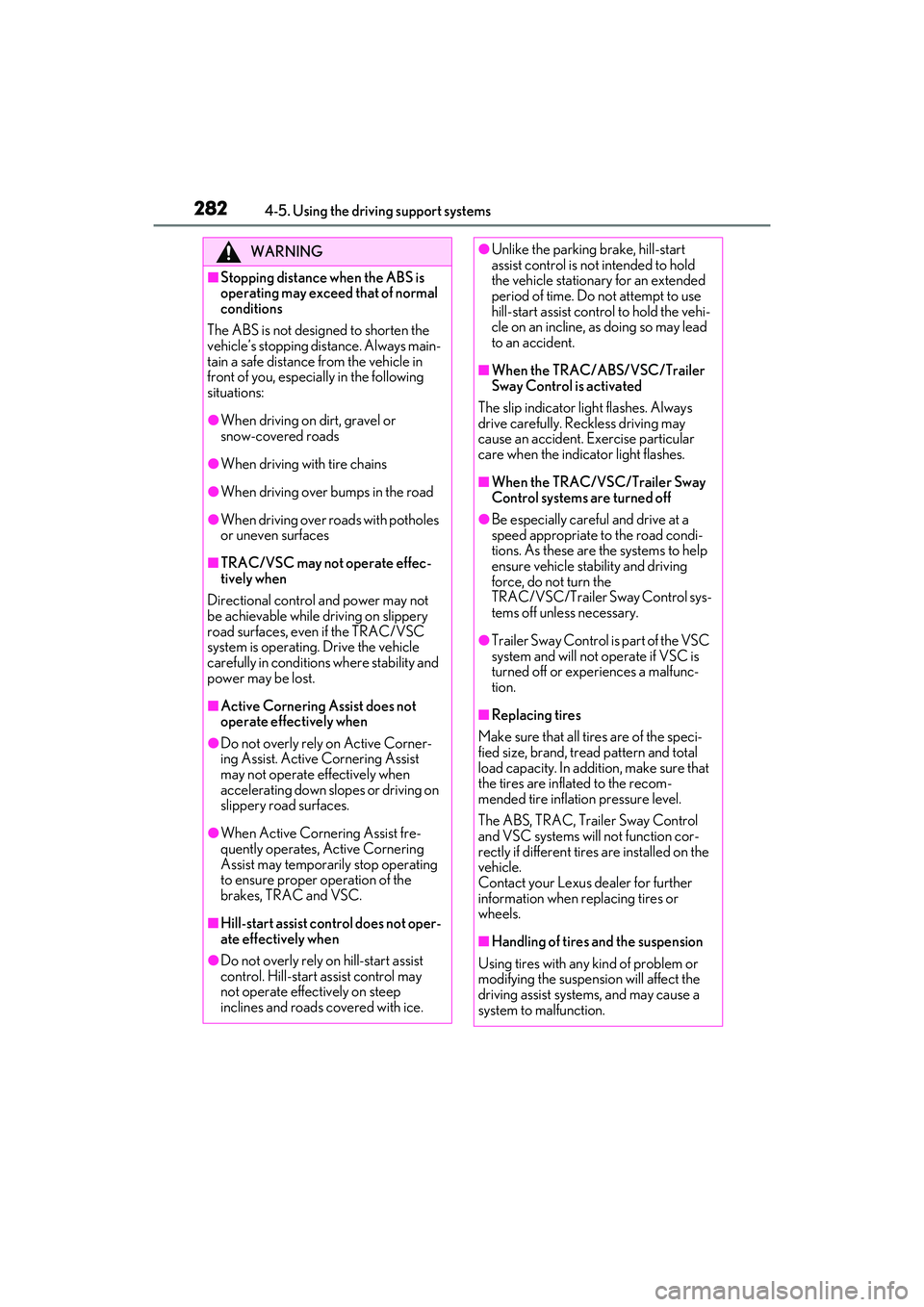
WARNING
■Stopping distance when the ABS is
operating may exceed that of normal
conditions
The ABS is not designed to shorten the
vehicle’s stopping di stance. Always main-
tain a safe distance from the vehicle in
front of you, especially in the following
situations:
●When driving on dirt, gravel or
snow-covered roads
●When driving with tire chains
●When driving over bumps in the road
●When driving over roads with potholes
or uneven surfaces
■TRAC/VSC may not operate effec-
tively when
Directional control and power may not
be achievable while driving on slippery
road surfaces, even if the TRAC/VSC
system is operating. Drive the vehicle
carefully in conditions where stability and
power may be lost.
■Active Cornering Assist does not
operate effectively when
●Do not overly rely on Active Corner-
ing Assist. Active Cornering Assist
may not operate effectively when
accelerating down slopes or driving on
slippery road surfaces.
●When Active Cornering Assist fre-
quently operates, Active Cornering
Assist may temporarily stop operating
to ensure proper operation of the
brakes, TRAC and VSC.
■Hill-start assist control does not oper-
ate effectively when
●Do not overly rely on hill-start assist
control. Hill-start assist control may
not operate effectively on steep
inclines and roads covered with ice.
●Unlike the parking brake, hill-start
assist control is not intended to hold
the vehicle stationary for an extended
period of time. Do not attempt to use
hill-start assist control to hold the vehi-
cle on an incline, as doing so may lead
to an accident.
■When the TRAC/ABS/VSC/Trailer
Sway Control is activated
The slip indicator light flashes. Always
drive carefully. Reck less driving may
cause an accident. Exercise particular
care when the indicator light flashes.
■When the TRAC/VSC/Trailer Sway
Control systems are turned off
●Be especially careful and drive at a
speed appropriate to the road condi-
tions. As these are the systems to help
ensure vehicle stability and driving
force, do not turn the
TRAC/VSC/Trailer Sway Control sys-
tems off unless necessary.
●Trailer Sway Control is part of the VSC
system and will not operate if VSC is
turned off or expe riences a malfunc-
tion.
■Replacing tires
Make sure that all ti res are of the speci-
fied size, brand, tread pattern and total
load capacity. In addition, make sure that
the tires are inflated to the recom-
mended tire inflat ion pressure level.
The ABS, TRAC, Trailer Sway Control
and VSC systems will not function cor-
rectly if different tires are installed on the
vehicle.
Contact your Lexus dealer for further
information when replacing tires or
wheels.
■Handling of tires and the suspension
Using tires with any kind of problem or
modifying the suspensi on will affect the
driving assist systems, and may cause a
system to malfunction.
Page 287 of 532

2854-6. Driving tips
4
Driving
Control and maintain the vehicle at a
constant speed. Before stopping at a
toll booth or similar, allow plenty of
time to release the accelerator and
gently apply the brakes. A greater
amount of electrical energy can be
regenerated when slowing down.
Use the air conditioning only when
necessary. Doing so can help reduce
excessive gasoline consumption.
In summer: When the ambient tem-
perature is high, use the recirculated
air mode. Doing so will help to reduce
the burden on the air conditioning sys-
tem and reduce fuel consumption as
well.
In winter: Because the gasoline engine
will not automatically cut out until it and
the interior of the vehicle are warm, it
will consume fuel. Also, fuel consump-
tion can be improved by avoiding over-
use of the heater.
Make sure to check the tire inflation
pressure frequently. Improper tire infla-
tion pressure can cause poor fuel
economy.
Also, as snow tires can cause large
amounts of friction, their use on dry
roads can lead to poor fuel economy.
Use tires that are appropriate for the
season. Carrying heavy luggage will lead to
poor fuel economy. Avoid carrying
unnecessary luggage.
Installing a large
roof rack will also cause poor fuel
economy.
Since the gasoline engine starts up and
cuts out automatically when cold,
warming up the engine is unnecessary.
Moreover, frequently driving short dis-
tances will cause the engine to repeat-
edly warm up, which can lead to excess
fuel consumption.
Highway driving
Air conditioning
Checking tire inflation pressure
Luggage
Warming up before driving
Page 351 of 532
349
6
6
Maintenance and care
Maintenance and care
.6-1. Maintenance and careCleaning and protecting the vehi-cle exterior ................................ 350
Cleaning and protecting the vehi- cle interior ................................. 353
6-2. Maintenance Maintenance requirements........................................................ 356
General maintenance ............. 357
Emission inspection and mainte- nance (I/M) programs ......... 360
6-3. Do-it-yourself maintenance Do-it-yourself service precautions......................................................... 361
Hood............................................... 363
Positioning a floor jack............ 363
Engine compartment............... 365
12-volt battery............................. 370
Tires ................................................ 374
Tire inflation pressure.............. 380
Wheels........................................... 382
Air conditioning filter...............383
Windshield wiper inserts........ 385
Electronic key battery ............. 386
Checking and replacing fuses ........................................................ 388
Headlight aim.............................. 390
Light bulbs .................................... 392
Page 361 of 532
3596-2. Maintenance
6
Maintenance and care
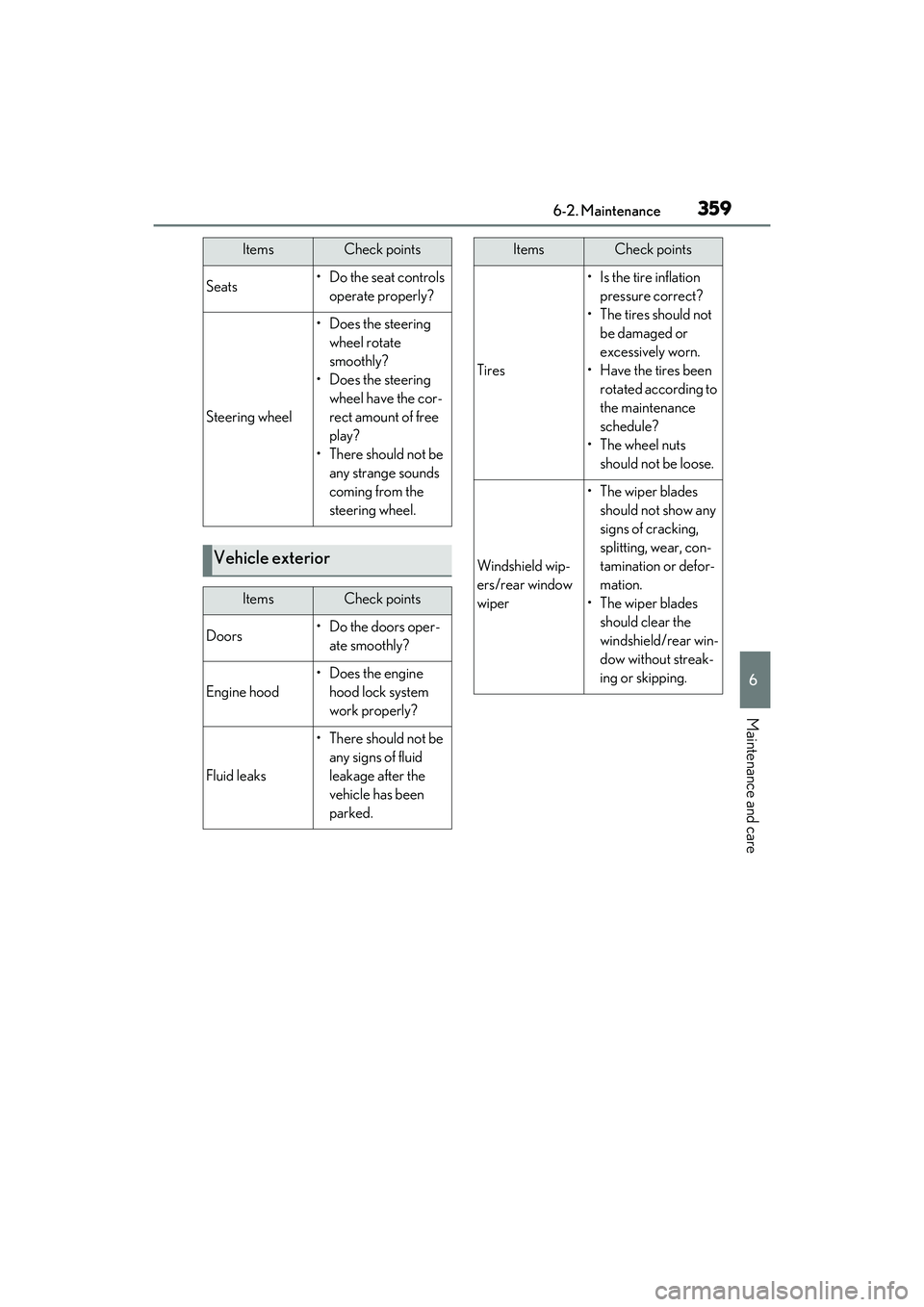
Seats• Do the seat controls operate properly?
Steering wheel
• Does the steering wheel rotate
smoothly?
• Does the steering wheel have the cor-
rect amount of free
play?
•There should not be any strange sounds
coming from the
steering wheel.
Vehicle exterior
ItemsCheck points
Doors• Do the doors oper-ate smoothly?
Engine hood
•Does the engine hood lock system
work properly?
Fluid leaks
•There should not be any signs of fluid
leakage after the
vehicle has been
parked.
ItemsCheck points
Tires
• Is the tire inflation pressure correct?
• The tires should not be damaged or
excessively worn.
• Have the tires been rotated according to
the maintenance
schedule?
•The wheel nuts should not be loose.
Windshield wip-
ers/rear window
wiper
• The wiper blades should not show any
signs of cracking,
splitting, wear, con-
tamination or defor-
mation.
• The wiper blades should clear the
windshield/rear win-
dow without streak-
ing or skipping.
ItemsCheck points
Page 364 of 532
3626-3. Do-it-yourself maintenance
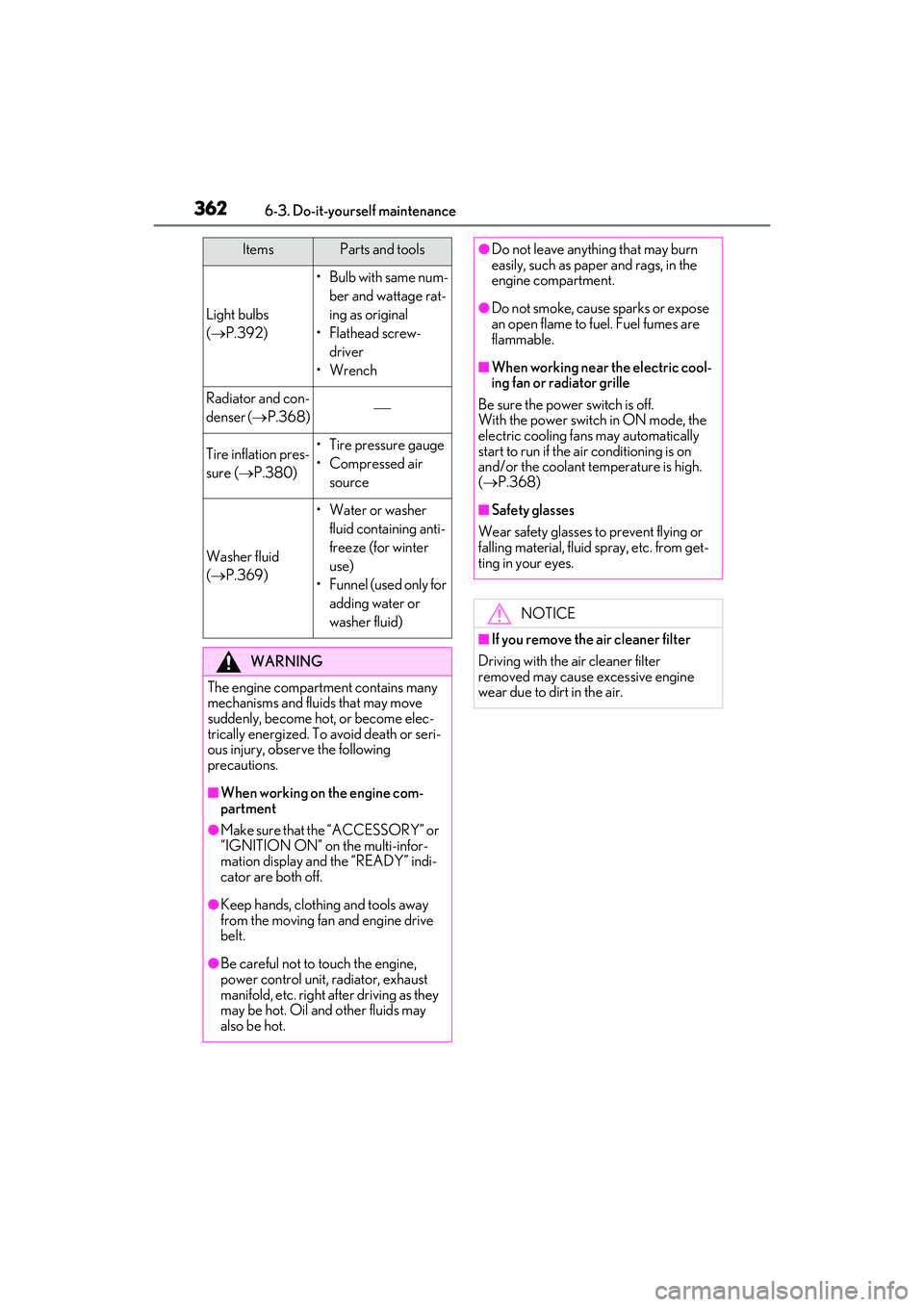
Light bulbs
(P.392)
•Bulb with same num-
ber and wattage rat-
ing as original
•Flathead screw- driver
•Wrench
Radiator and con-
denser ( P.368)
Tire inflation pres-
sure ( P.380)• Tire pressure gauge
•Compressed air
source
Washer fluid
(P.369)
• Water or washer
fluid containing anti-
freeze (for winter
use)
• Funnel (used only for adding water or
washer fluid)
WARNING
The engine compartment contains many
mechanisms and fluids that may move
suddenly, become hot, or become elec-
trically energized. To avoid death or seri-
ous injury, observe the following
precautions.
■When working on the engine com-
partment
●Make sure that the “ACCESSORY” or
“IGNITION ON” on the multi-infor-
mation display and the “READY” indi-
cator are both off.
●Keep hands, clothi ng and tools away
from the moving fan and engine drive
belt.
●Be careful not to touch the engine,
power control unit, radiator, exhaust
manifold, etc. right after driving as they
may be hot. Oil and other fluids may
also be hot.
ItemsParts and tools●Do not leave anything that may burn
easily, such as paper and rags, in the
engine compartment.
●Do not smoke, cause sparks or expose
an open flame to fuel. Fuel fumes are
flammable.
■When working near the electric cool-
ing fan or radiator grille
Be sure the power switch is off.
With the power switch in ON mode, the
electric cooling fans may automatically
start to run if the air conditioning is on
and/or the coolant temperature is high.
( P.368)
■Safety glasses
Wear safety glasses to prevent flying or
falling material, fluid spray, etc. from get-
ting in your eyes.
NOTICE
■If you remove the air cleaner filter
Driving with the air cleaner filter
removed may cause excessive engine
wear due to dirt in the air.