keyless LINCOLN CONTINENTAL 2019 User Guide
[x] Cancel search | Manufacturer: LINCOLN, Model Year: 2019, Model line: CONTINENTAL, Model: LINCOLN CONTINENTAL 2019Pages: 627, PDF Size: 6.39 MB
Page 114 of 627
Service Engine Soon
If it illuminates when the engine is
running this indicates a
malfunction. The On Board
Diagnostics system has detected a
malfunction of the vehicle emission control
system.
If it flashes, engine misfire may be occurring.
Increased exhaust gas temperatures could
damage the catalytic converter or other
vehicle components. Drive in a moderate
fashion (avoid heavy acceleration and
deceleration) and have your vehicle
immediately serviced.
It illuminates when you switch the ignition
on prior to engine start to check the bulb and
to indicate whether your vehicle is ready for
Inspection and Maintenance (I/M) testing.
Normally, it illuminates until the engine is
cranked and automatically turns off if no
malfunctions are present. However, if after
15 seconds it flashes eight times, this
indicates that your vehicle is not ready for
Inspection and Maintenance (I/M) testing.
See Emission Law (page 187). Stability Control It flashes when the system is
active. If it remains illuminated or
does not illuminate when you
switch the ignition on, this indicates a
malfunction. During a malfunction the system
switches off. Have the system checked by
your authorized dealer immediately.
See
Using Stability Control (page 214).
Stability Control Off It illuminates when you switch the
system off. It goes out when you
switch the system back on or when
you switch the ignition off.
See
Using Stability Control (page 214).
Trunk Ajar Displays when the ignition is on
and the trunk is not completely
closed.AUDIBLE WARNINGS AND
INDICATORS
Keyless Warning Alert
Sounds the horn twice when you exit your
vehicle with the intelligent access key, after
the last door is closed and your keyless
vehicle is in RUN, indicating your vehicle is
still on.
Headlamps On Warning Chime
Sounds when you have left the headlamps
or parking lamps on and open the driver door
with the vehicle off.
Parking Brake On Warning Chime
Sounds when you have left the parking brake
on and drive your vehicle. If the warning
chime remains on after you have released
the parking brake, have the system checked
by your authorized dealer immediately.
111
Continental (CPL) Canada/United States of America, enUSA, Edition date: 201807, Second-Printing Instrument Cluster E138639 E130458 E159323
Page 130 of 627

Action
Message
Indicates that the rear seat interior door release switches and power wi\
ndows are switched off,preventing rear seat occupants from opening the doors or windows.
Child Lock ON
Indicates that the rear seat interior door release switches and power wi\
ndows are switched on.
Child Lock OFF
Displays when the door lock turns off.
Door Unlocked
Displays when the door lock is turned on and you attempt to open the doo\
r.
Doors Locked Unlock Before Opening
Indicates a driver door fault that requires manually opening the door by\
the override lever.Contact an authorized dealer.
Driver Door Fault Use Inside Override
Lever In Map Pocket
Indicates a fault with the electronic door system. Contact an authorized\
dealer.
Door Fault Service Required
Displays the factory keypad code after the keypad has been reset. See Keyless Entry (page
79).
Factory Keypad Code {X X X X X}
Driver Alert Action
Message
Stop and rest as soon as it is safe to do so.
Driver Alert Warning Rest Now
Take a rest soon.
Driver Alert Warning Rest Suggested
127
Continental (CPL) Canada/United States of America, enUSA, Edition date: 201807, Second-Printing Information Displays
Page 131 of 627
Fuel
Action
Message
An early reminder of a low fuel condition.
Fuel Level Low
The fuel fill inlet may not be properly closed.
Check Fuel Fill Inlet
Hill Start Assist Action
Message
Displays when hill start assist is not available. Contact your authorized dealer. See Hill Start
Assist (page 209).
Hill Start Assist Not Available
Keys and Intelligent Access Action
Message
A reminder to press the brake while starting your vehicle.
To START Press Brake
The system does not detect the key.
See Keyless Starting (page 175).
No Key Detected
The Start Stop button is pressed to shut off the engine and an Intelligent Access k\
ey is notdetected inside your vehicle.
Restart Now or Key is Needed
Your vehicle is in the accessory ignition state.
Full Accessory Power Active
128
Continental (CPL) Canada/United States of America, enUSA, Edition date: 201807, Second-Printing Information Displays
Page 178 of 627
GENERAL INFORMATION
WARNING: Extended idling at high
engine speeds can produce very high
temperatures in the engine and exhaust
system, creating the risk of fire or other
damage. WARNING: Do not park, idle or drive
your vehicle on dry grass or other dry
ground cover. The emission system heats
up the engine compartment and exhaust
system, creating the risk of fire. WARNING:
Do not start the engine
in a closed garage or in other enclosed
areas. Exhaust fumes can be toxic. Always
open the garage door before you start the
engine. WARNING:
Exhaust leaks may result
in entry of harmful and potentially lethal
fumes into the passenger compartment. If
you smell exhaust fumes inside your
vehicle, have your vehicle inspected
immediately. Do not drive if you smell
exhaust fumes.
If you disconnect the battery, your vehicle
may exhibit some unusual driving
characteristics for approximately 5 mi (8 km)
after you reconnect it. This is because the
engine management system must realign
itself with the engine. You can disregard any
unusual driving characteristics during this
period.
The powertrain control system meets all
Canadian interference-causing equipment
standard requirements regulating the
impulse electrical field or radio noise.
When you start the engine, avoid pressing
the accelerator pedal before and during
operation. Only use the accelerator pedal
when you have difficulty starting the engine. KEYLESS STARTING
Note:
The system may not function if the
intelligent access key is close to metal
objects or electronic devices, for example
keys or a cell phone.
Note: A valid intelligent access key must be
located inside your vehicle to switch the
ignition on and start your vehicle.
Ignition Modes The keyless starting system has three
modes:
Off:
Turns the ignition off.
175
Continental (CPL) Canada/United States of America, enUSA, Edition date: 201807, Second-Printing Starting and Stopping the EngineE144447
Page 180 of 627
2. Open the floor console storage
compartment lid.
3. Insert the passive key into the backup slot.
4. Press the push button ignition switch.
If the engine does not start after three
attempts, wait ten seconds and follow the
flooded engine procedure.
1. Apply the parking brake.
2. Press the brake pedal.
3. Shift into park (P).
4. Fully press the accelerator pedal.
5. Briefly press the push button ignition switch.
Fast Restart
The fast restart feature allows you to restart
your vehicle within 20 seconds of switching
it off, even if it does not detect a valid
passive key. Within 20 seconds of switching the engine
off, press the brake pedal and press the push
button ignition switch. After 20 seconds, you
can no longer start your vehicle if it does not
detect a valid passive key.
Once your vehicle starts, it remains running
until you press the push button ignition
switch, even if your vehicle does not detect
a valid passive key. If you open and close a
door while your vehicle is running, the
system searches for a valid passive key.
After 20 seconds, you can no longer start
your vehicle if it does not detect a valid
passive key.
Automatic Engine Shutdown
For vehicles with a keyless ignition, this
automatically shuts down your vehicle if it
has been idling for an extended period. The
ignition also turns off to save battery power.
Before your vehicle shuts down, a message
appears in the information display showing
a timer counting down. If you do not
intervene within 30 seconds, your vehicle
shuts down. Another message appears in
the information display to inform you that
your vehicle has shut down to save fuel.Start your vehicle as normal.
Automatic Engine Shutdown Override
Note:
You cannot permanently switch off
the automatic shutdown. The system
defaults to normal mode when you start your
vehicle.
You can stop the shutdown, or reset the
timer, at any point before the 30-second
countdown has expired by doing any of the
following:
• Interacting with your vehicle, for example
pressing the brake or accelerator pedal.
• Disabling the shutdown using the
information display. See Information
Displays (page 112).
• Pressing the OK or RESET button during
the 30-second countdown.
Stopping the Engine When Your
Vehicle is Stationary
Note: The ignition, all electrical circuits and
all warning lamps and indicators will be
turned off.
177
Continental (CPL) Canada/United States of America, enUSA, Edition date: 201807, Second-Printing Starting and Stopping the Engine
Page 614 of 627
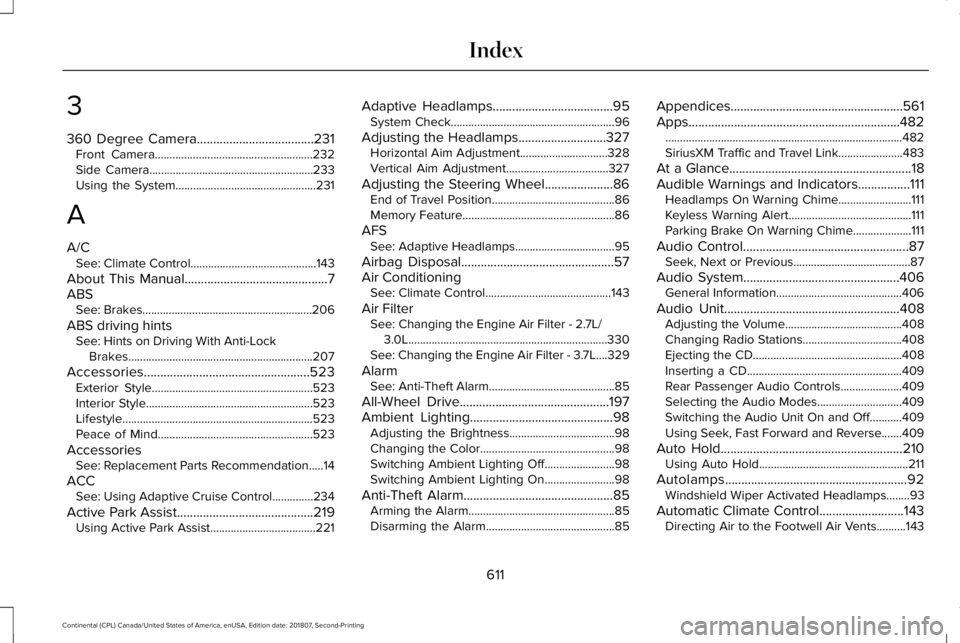
3
360 Degree Camera....................................231
Front Camera......................................................232
Side Camera........................................................233
Using the System................................................231
A
A/C See: Climate Control...........................................143
About This Manual............................................7
ABS See: Brakes..........................................................206
ABS driving hints See: Hints on Driving With Anti-Lock
Brakes...............................................................207
Accessories...................................................523 Exterior Style.......................................................523
Interior Style.........................................................523
Lifestyle.................................................................523
Peace of Mind.....................................................523
Accessories See: Replacement Parts Recommendation.....14
ACC See: Using Adaptive Cruise Control..............
234
Active Park Assist..........................................219 Using Active Park Assist....................................221 Adaptive Headlamps
.....................................95
System Check........................................................96
Adjusting the Headlamps...........................327 Horizontal Aim Adjustment..............................328
Vertical Aim Adjustment...................................327
Adjusting the Steering Wheel.....................86 End of Travel Position..........................................86
Memory Feature....................................................86
AFS See: Adaptive Headlamps..................................95
Airbag Disposal...............................................57
Air Conditioning See: Climate Control...........................................143
Air Filter See: Changing the Engine Air Filter - 2.7L/
3.0L....................................................................330
See: Changing the Engine Air Filter - 3.7L....329
Alarm See: Anti-Theft Alarm...........................................85
All-Wheel Drive
..............................................197
Ambient Lighting............................................98
Adjusting the Brightness....................................98
Changing the Color..............................................
98
Switching Ambient Lighting Off........................98
Switching Ambient Lighting On
........................98
Anti-Theft Alarm..............................................
85
Arming the Alarm..................................................85
Disarming the Alarm............................................85 Appendices.....................................................561
Apps.................................................................482
........................................................................\
.........482
SiriusXM Traffic and Travel Link......................483
At a Glance
........................................................18
Audible Warnings and Indicators................111 Headlamps On Warning Chime.........................111
Keyless Warning Alert..........................................111
Parking Brake On Warning Chime....................111
Audio Control
...................................................87
Seek, Next or Previous........................................87
Audio System................................................406 General Information...........................................406
Audio Unit
......................................................408
Adjusting the Volume........................................408
Changing Radio S
tations..................................408
Ejecting the CD...................................................
408
Inserting a CD.....................................................409
Rear Passenger Audio Controls.....................409
Selecting the Audio Modes.............................
409
Switching the Audio Unit On and Off...........409
Using Seek, Fast Forward and Reverse.......409
Auto Hold........................................................210 Using Auto Hold...................................................211
Autolamps........................................................92 Windshield Wiper Activated Headlamps........93
Automatic Climate Control..........................143 Directing Air to the Footwell Air Vents..........143
611
Continental (CPL) Canada/United States of America, enUSA, Edition date: 201807, Second-Printing Index
Page 620 of 627
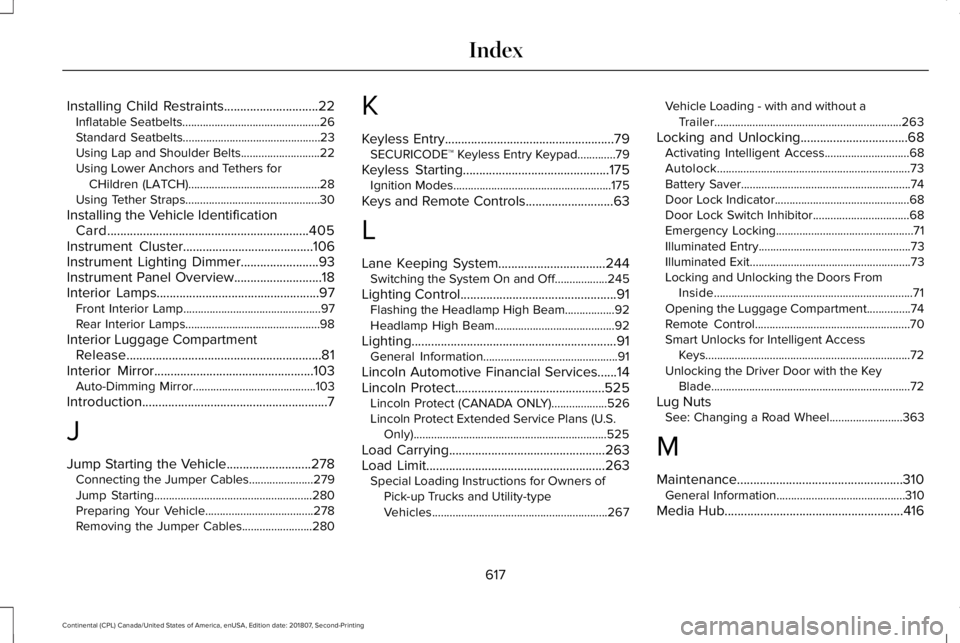
Installing Child Restraints.............................22
Inflatable Seatbelts...............................................26
Standard Seatbelts...............................................23
Using Lap and Shoulder Belts...........................22
Using Lower Anchors and Tethers for
CHildren (LATCH).............................................28
Using Tether Straps..............................................30
Installing the Vehicle Identification Card..............................................................405
Instrument Cluster........................................106
Instrument Lighting Dimmer........................93
Instrument Panel Overview...........................18
Interior Lamps..................................................97 Front Interior Lamp...............................................97
Rear Interior Lamps..............................................98
Interior Luggage Compartment Release............................................................81
Interior Mirror.................................................103
Auto-Dimming Mirror..........................................103
Introduction
.........................................................7
J
Jump Starting the Vehicle..........................278 Connecting the Jumper Cables......................279
Jump Starting......................................................280
Preparing Your Vehicle.....................................278
Removing the Jumper Cables........................280 K
Keyless Entry
....................................................79
SECURICODE™ Keyless Entry Keypad.............79
Keyless Starting
.............................................175
Ignition Modes......................................................175
Keys and Remote Controls
...........................63
L
Lane Keeping System.................................244 Switching the System On and Off..................245
Lighting Control
................................................91
Flashing the Headlamp High Beam.................92
Headlamp High Beam.........................................92
Lighting...............................................................91 General Information..............................................91
Lincoln Automotive Financial Services......14
Lincoln Protect..............................................525 Lincoln Protect (CANADA ONLY)...................526
Lincoln Protect Extended Service Plans (U.S.
Only)
..................................................................525
Load Carrying
................................................263
Load Limit.......................................................263 Special Loading Instructions for Owners of
Pick-up Trucks and Utility-type
Vehicles............................................................267 Vehicle Loading - with and without a
Trailer................................................................263
Locking and Unlocking
.................................68
Activating Intelligent Access.............................68
Autolock..................................................................73
Battery Saver..........................................................74
Door Lock Indicator..............................................68
Door Lock Switch Inhibitor.................................68
Emergency Locking...............................................71
Illuminated Entry....................................................73
Illuminated Exit.......................................................73
Locking and Unlocking the Doors From
Inside....................................................................71
Opening the Luggage Compartment...............74
Remote Control.....................................................70
Smart Unlocks for Intelligent Access Keys......................................................................72
Unlocking the Driver Door with the Key Blade....................................................................72
Lug Nuts See: Changing a Road Wheel.........................363
M
Maintenance...................................................310 General Information............................................310
Media Hub
.......................................................416
617
Continental (CPL) Canada/United States of America, enUSA, Edition date: 201807, Second-Printing Index