warning lights LINCOLN CONTINENTAL 2019 User Guide
[x] Cancel search | Manufacturer: LINCOLN, Model Year: 2019, Model line: CONTINENTAL, Model: LINCOLN CONTINENTAL 2019Pages: 627, PDF Size: 6.39 MB
Page 277 of 627
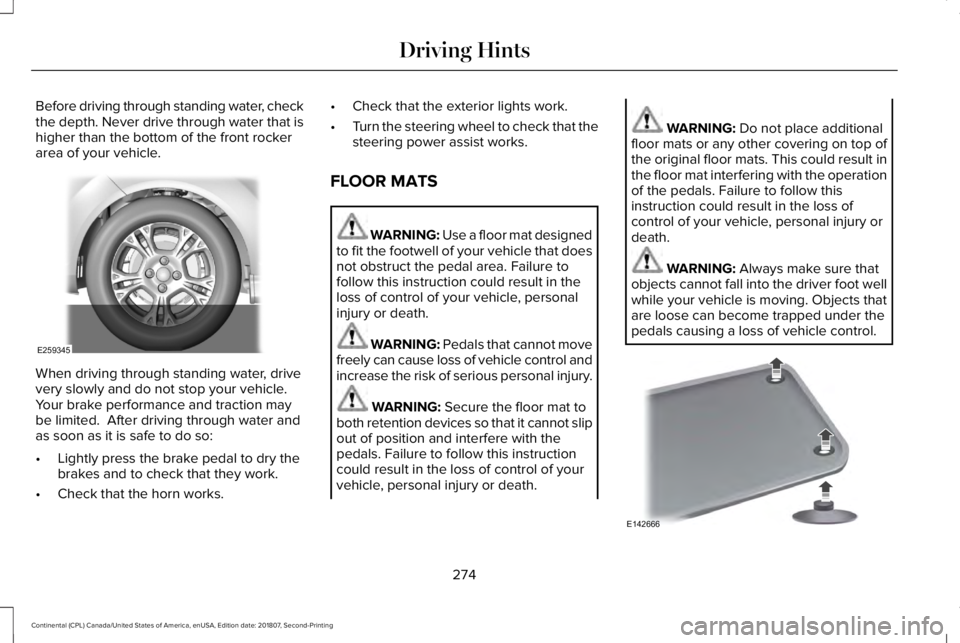
Before driving through standing water, check
the depth. Never drive through water that is
higher than the bottom of the front rocker
area of your vehicle.
When driving through standing water, drive
very slowly and do not stop your vehicle.
Your brake performance and traction may
be limited. After driving through water and
as soon as it is safe to do so:
•
Lightly press the brake pedal to dry the
brakes and to check that they work.
• Check that the horn works. •
Check that the exterior lights work.
• Turn the steering wheel to check that the
steering power assist works.
FLOOR MATS WARNING: Use a floor mat designed
to fit the footwell of your vehicle that does
not obstruct the pedal area. Failure to
follow this instruction could result in the
loss of control of your vehicle, personal
injury or death. WARNING: Pedals that cannot move
freely can cause loss of vehicle control and
increase the risk of serious personal injury. WARNING:
Secure the floor mat to
both retention devices so that it cannot slip
out of position and interfere with the
pedals. Failure to follow this instruction
could result in the loss of control of your
vehicle, personal injury or death. WARNING:
Do not place additional
floor mats or any other covering on top of
the original floor mats. This could result in
the floor mat interfering with the operation
of the pedals. Failure to follow this
instruction could result in the loss of
control of your vehicle, personal injury or
death. WARNING:
Always make sure that
objects cannot fall into the driver foot well
while your vehicle is moving. Objects that
are loose can become trapped under the
pedals causing a loss of vehicle control. 274
Continental (CPL) Canada/United States of America, enUSA, Edition date: 201807, Second-Printing Driving HintsE259345 E142666
Page 625 of 627

Changing the Set Speed..................................237
Detection Issues.................................................238
Following a Vehicle............................................235
Following a Vehicle to a Complete
Stop...................................................................236
Hilly Condition Usage.......................................238
Overriding the Set Speed................................237
Park Brake Application.....................................238
Resuming the Set Speed..................................237
Setting the Adaptive Cruise Speed...............235
Setting the Adaptive Cruise Speed When Your Vehicle is Stationary......................................235
Setting the Gap Distance.................................236
Switching Adaptive Cruise Control Off.........238
Switching Adaptive Cruise Control On.........235
Switching to Normal Cruise Control..............242
System Not Available........................................239
Using All-Wheel Drive..................................197 Driving In Special Conditions With All-Wheel
Drive (AWD)......................................................199
Operating AWD Vehicles With Spare or Mismatched Tires...........................................199
Using MyKey With Remote Start Systems...........................................................61
Using Snow Chains......................................356
Using Stability Control.................................214
Using Summer Tires....................................356 Using Traction Control
.................................212
Switching the System Off..................................212
System Indicator Lights and Messages.........212
Using a Switch.....................................................212
Using the Information Display Controls........212
Using Voice R
ecognition............................435
Audio Voice Commands...................................437
Climate Voice Commands................................438
Mobile App Voice Commands
........................443
Navigation Voice Commands...........................441
Phone Voice Commands..................................439
SiriusXM Traffic and Travel Link Voice Commands.......................................................444
Voice Settings Commands...............................444
Utilizing the Mediation/Arbitration Program (Canada Only).............................................286
V
Vehicle Care..................................................332 General Information
...........................................332
Vehicle Certification Label.........................380
Vehicle Identification Number..................380
Vehicle Identification...................................405
Vehicle Storage............................................340 Battery....................................................................341
Body.......................................................................340
Brakes.....................................................................341 Cooling system....................................................341
Engine...................................................................340
Fuel system..........................................................340
General.................................................................340
Miscellaneous
.......................................................341
Removing Vehicle From Storage
.....................341
Tires........................................................................\
341
Ventilation See: Climate Control...........................................143
VIN See: Vehicle Identification Number...............380
Voice Control
...................................................87
W
Warning Lamps and Indicators
..................107
Adaptive Cruise Control....................................107
Adaptive Steering...............................................108
Anti-Lock Braking System.................................108
Autohold Active...................................................108
Autohold Unavailable.........................................108
Automatic Headlamp High Beam...................108
Battery....................................................................
108
Blind Spot Monitor..............................................108
Brake System Warning Lamp...........................109
Cruise Control......................................................109
Direction Indicator..............................................109
Door Ajar...............................................................109
622
Continental (CPL) Canada/United States of America, enUSA, Edition date: 201807, Second-Printing Index