check engine light LINCOLN CORSAIR 2020 User Guide
[x] Cancel search | Manufacturer: LINCOLN, Model Year: 2020, Model line: CORSAIR, Model: LINCOLN CORSAIR 2020Pages: 591, PDF Size: 6 MB
Page 356 of 591
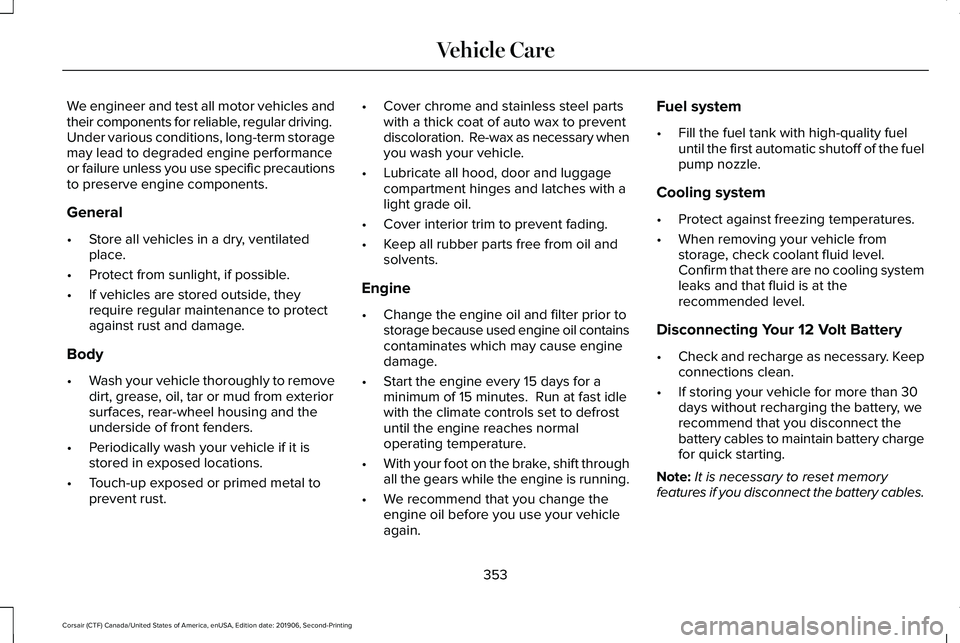
We engineer and test all motor vehicles and
their components for reliable, regular driving.
Under various conditions, long-term storage
may lead to degraded engine performance
or failure unless you use specific precautions
to preserve engine components.
General
•
Store all vehicles in a dry, ventilated
place.
• Protect from sunlight, if possible.
• If vehicles are stored outside, they
require regular maintenance to protect
against rust and damage.
Body
• Wash your vehicle thoroughly to remove
dirt, grease, oil, tar or mud from exterior
surfaces, rear-wheel housing and the
underside of front fenders.
• Periodically wash your vehicle if it is
stored in exposed locations.
• Touch-up exposed or primed metal to
prevent rust. •
Cover chrome and stainless steel parts
with a thick coat of auto wax to prevent
discoloration. Re-wax as necessary when
you wash your vehicle.
• Lubricate all hood, door and luggage
compartment hinges and latches with a
light grade oil.
• Cover interior trim to prevent fading.
• Keep all rubber parts free from oil and
solvents.
Engine
• Change the engine oil and filter prior to
storage because used engine oil contains
contaminates which may cause engine
damage.
• Start the engine every 15 days for a
minimum of 15 minutes. Run at fast idle
with the climate controls set to defrost
until the engine reaches normal
operating temperature.
• With your foot on the brake, shift through
all the gears while the engine is running.
• We recommend that you change the
engine oil before you use your vehicle
again. Fuel system
•
Fill the fuel tank with high-quality fuel
until the first automatic shutoff of the fuel
pump nozzle.
Cooling system
• Protect against freezing temperatures.
• When removing your vehicle from
storage, check coolant fluid level.
Confirm that there are no cooling system
leaks and that fluid is at the
recommended level.
Disconnecting Your 12 Volt Battery
• Check and recharge as necessary. Keep
connections clean.
• If storing your vehicle for more than 30
days without recharging the battery, we
recommend that you disconnect the
battery cables to maintain battery charge
for quick starting.
Note: It is necessary to reset memory
features if you disconnect the battery cables.
353
Corsair (CTF) Canada/United States of America, enUSA, Edition date: 201906, Second-Printing Vehicle Care
Page 507 of 591
Make sure to change your vehicle
’s oils and
fluids at the specified intervals or in
conjunction with a repair. Flushing is a viable
way to change fluid for many vehicle
sub-systems during scheduled maintenance. It is critical that systems are flushed only with
new fluid that is the same as that required
to fill and operate the system or using a
Ford-approved flushing chemical.
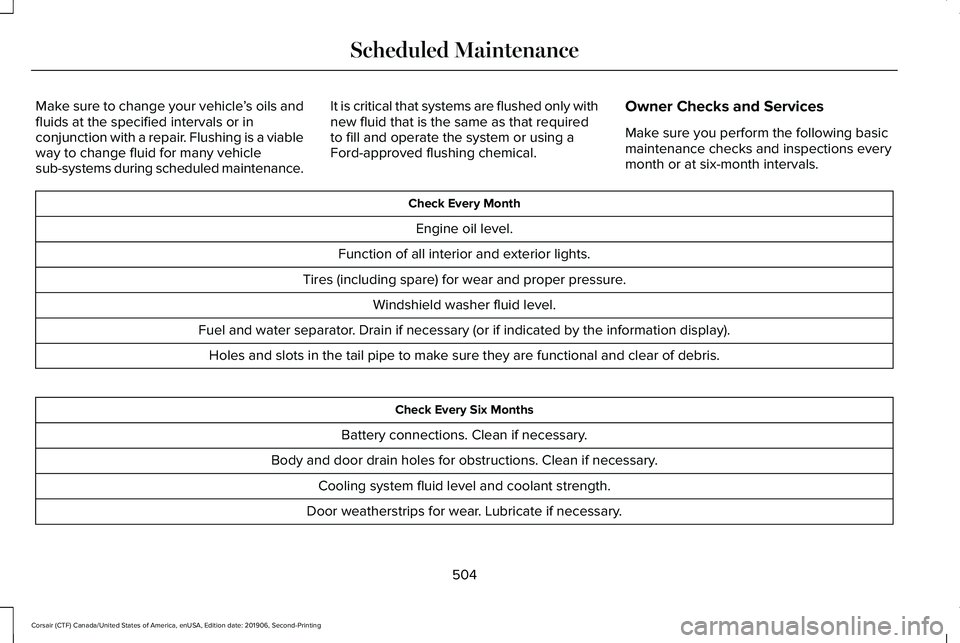
Owner Checks and Services
Make sure you perform the following basic
maintenance checks and inspections every
month or at six-month intervals. Check Every Month
Engine oil level.
Function of all interior and exterior lights.
Tires (including spare) for wear and proper pressure. Windshield washer fluid level.
Fuel and water separator. Drain if necessary (or if indicated by the information display). Holes and slots in the tail pipe to make sure they are functional and clear of debris. Check Every Six Months
Battery connections. Clean if necessary.
Body and door drain holes for obstructions. Clean if necessary. Cooling system fluid level and coolant strength.
Door weatherstrips for wear. Lubricate if necessary.
504
Corsair (CTF) Canada/United States of America, enUSA, Edition date: 201906, Second-Printing Scheduled Maintenance
Page 577 of 591
Air Filter
See: Changing the Engine Air Filter..............332
Alarm See: Anti-Theft Alarm...........................................88
All-Wheel Drive.............................................209
Ambient Lighting...........................................104 Adjusting the Brightness...................................105
Changing the Color............................................105
Switching Ambient Lighting Off.......................
105
Switching Ambient Lighting On.......................105
Anti-Theft Alarm
..............................................88
Arming the Alarm..................................................88
Disarming the Alarm............................................88
Appendices
....................................................535
Apps.................................................................475 SiriusXM Traffic and Travel Link......................
477
Using Apps on an Android Device................476
Using Apps on an iOS Device.........................
476
Using Mobile Navigation on an Android Device...............................................................476
At a Glance........................................................21
Audible Warnings and Indicators..............122 Headlamps On Warning Chime
.......................122
Keyless Warning Alert........................................122
Parking Brake On Warning Chime..................122
Audio Control..................................................92 You can operate the following functions with
the control:.........................................................92 Audio System
................................................420
General Information...........................................420
Audio Unit.......................................................421 Adjusting the Volume.........................................421
Changing Radio Stations...................................421
Selecting the Audio Modes..............................
421
Switching the Audio Unit On and Off............422
Switching the Display On and Off..................422
Using Seek, Fast Forward and Reverse.......
422
Auto Hold
........................................................218
Auto Hold Indicator.............................................219
Switching Auto Hold On and Off.....................218
Using Auto Hold..................................................218
Autolamps
........................................................99
Windshield Wiper Activated Headlamps........99
Automatic Climate Control
.........................152
Accessing the Air Distribution Controls........152
Accessing the Climate Control Menu............
152
Setting the Blower Motor Speed....................152
Setting the Temperature...................................152
Switching Auto Mode On and Off...................152
Switching Maximum Air Conditioning On and Off.......................................................................153
Switching Maximum Defrost On and Off.......154
Switching Recirculated Air On and Off..........154
Switching the Air Conditioning On and Off.......................................................................153 Switching the Climate Control On and
Off.......................................................................153
Automatic High Beam Control...................106
Automatic High Beam Control Indicators......................................................107
Automatic Transmission.............................203 Automatic Transmission Adaptive
Learning...........................................................208
If Your Vehicle Gets Stuck in Mud or Snow.................................................................208
Manual Park Release.........................................206
SelectShift™ Automatic Transmission............205
Understanding the Shift Positions of your Automatic Transmission...............................203
Automatic Transmission Fluid Check............................................................338
Auto-Start-Stop..............................................189 Disabling Auto-Start-Stop.................................190
Enabling Auto-Start-Stop...................................189
Autowipers.......................................................96 Autowipers Settings.............................................96
Low Temperature Wipe Inhibit..........................96
Auxiliary Power Points
..................................178
110 Volt AC Power Point.....................................178
12 Volt DC Power Point......................................178
USB Port and Power Point Locations.............178
AWD See: All-Wheel Drive.........................................209
574
Corsair (CTF) Canada/United States of America, enUSA, Edition date: 201906, Second-Printing Index
Page 590 of 591
General..................................................................353
Miscellaneous......................................................354
Removing Vehicle From Storage....................354
Tires.......................................................................354
Vehicle Wi-Fi Hotspot...................................418
Ventilation See: Climate Control..........................................152
VIN See: Vehicle Identification Number...............390
Voice Control...................................................92
W
Warning Lamps and Indicators
...................118
Adaptive Cruise Control.....................................118
Anti-Lock Braking System..................................118
Auto Hold Active..................................................118
Auto Hold Unavailable........................................119
Automatic High Beam Control..........................118
Auto Start-stop......................................................119
Battery.....................................................................119
Blind Spot Monitor...............................................119
Brake System Warning Lamp............................119
Cruise Control.......................................................119
Direction Indicator................................................119
Distance Alert........................................................119
Door Ajar...............................................................120
Electric Park Brake..............................................120 Engine Oil..............................................................120
Engine or Motor Coolant Temperature..........120
Fasten Rear Seatbelt..........................................120
Fasten Seatbelt....................................................120
Front Airbag..........................................................120
Front Fog Lamps.................................................120
High Beam............................................................120
Hood Ajar..............................................................120
Lamps On...............................................................121
Liftgate Ajar............................................................121
Low Beam Warning..............................................121
Low Fuel Level......................................................121
Low Tire Pressure Warning................................121
Low Washer Fluid.................................................121
Powertrain Fault....................................................121
Rear Fog Lamps Indicator..................................121
Service Engine Soon...........................................121
Stability Control...................................................122
Stability Control Off.............................................122
Stop Safely Now..................................................122
Tow Haul Indicator..............................................122
Washer Fluid Check.....................................343
Washers See: Cleaning the Exterior...............................347
See: Wipers and Washers..................................95
Waxing.............................................................348 Welcome Lighting
.........................................103
Switching the Welcome Lighting On or
Off.......................................................................103
What Is 911 Assist............................................59
What Is Adaptive Cruise Control With Lane Centering.....................................................245
What Is Automatic High Beam Control..........................................................106
What Is Cruise Control................................243
What Is Drive Mode Control......................279
What Is Intelligent Adaptive Cruise Control..........................................................245
What Is Phone As a Key................................67
What Is Reverse Braking Assist................220
Wheel Nuts See: Changing a Road Wheel.........................376
Wheels and Tires.........................................355 General Information...........................................355
Technical Specifications...................................383
Windows and Mirrors...................................108
Windshield Washers
.......................................97
Front Camera Washer..........................................97
Windshield Wipers
.........................................95
Intermittent Wipe..................................................95
Speed Dependent Wipers..................................95
Wiper Blades See: Checking the Wiper Blades...................
344
Wipers and Washers......................................95
587
Corsair (CTF) Canada/United States of America, enUSA, Edition date: 201906, Second-Printing Index