key LINCOLN LS 2000 User Guide
[x] Cancel search | Manufacturer: LINCOLN, Model Year: 2000, Model line: LS, Model: LINCOLN LS 2000Pages: 272, PDF Size: 2.36 MB
Page 89 of 272

²Information or emergency assistance can be requested whenever your
key is in the RUN/START position and for six minutes after the vehicle
is turned off.
²An assistance request is initiated by pressing either the Information or
Emergency control located in the overhead console.
²When a control is pressed, status messages will display on the
vehicle's message center (messages can only be displayed when the
key is in the RUN/START position).
²The vehicle's cellular phone automatically places a call to a 24 hour
emergency response center.
²When contact is made, the vehicle sends an electronic data message
to the response center's computer. This data message includes latitude
and longitude coordinates obtained from the vehicle's positioning
system and customer identification information.
²Once the data transmission is complete, the call is forwarded to a
response center operator who confirms your location using a
computerized map.
²The vehicle's cellular handset is locked-out, the phone is automatically
placed in the ªhands-freeº mode and voice communication is
established with the operator through the ªhands-freeº microphone.
²Typically, voice communication with an operator is established within
one minute after an assistance control is pressed.
²The operator verbally obtains details of your situation and, if
necessary, ties your vehicle into a three-way phone call with the
United States Auto Club or local 911 or other emergency services to
dispatch the appropriate assistance to your location.
²In most situations, only the response center can terminate an
assistance request. Once the operator terminates the call the system
will be reset.
General description
Lincoln's Remote Emergency Satellite Cellular Unit (RESCU) is designed
to expedite roadside, emergency or information assistance to motorists
who are uncertain of their location and/or are uncertain of whom to
contact for assistance.
The Lincoln RESCU system utilizes Global Positioning System (GPS)
technology and the nation's cellular phone network to track vehicle
Controls and features
89
Page 91 of 272

There may be charges incurred for certain services.
Upon receiving an Emergency Activation (by pressing the emergency
control or via an air bag activation) the Lincoln Security Response
Center relays details of the situation and the location of the vehicle to
the appropriate authorities and establishes a three-way phone call. While
the appropriate authorities dispatch help to your location, the response
center will:
²dispatch the emergency help to your location.
²when appropriate, stay in direct phone contact with you until
emergency help arrives.
²notify pre-designated family contacts or friends of the emergency
situation, if requested, or if no response is received from the vehicle.
If you are certain of your location, a direct phone call to 911 or
other emergency services may provide a faster response.
If roadside assistance is required, the Lincoln Security Response Center
will contact the Lincoln Commitment Roadside Assistance provider via
three±way phone call.
Activation and deactivation
When either of the two Lincoln RESCU controls are pressed, or the air
bags are deployed (this will activate the system as an emergency
automatically) status messages will be displayed on the vehicle's message
center, confirming an assistance request has been made.
The system can be activated whenever your ignition key is in the
RUN/START position and for six minutes after your vehicle is turned off.
Once a RESCU control has been pressed, do not attempt to crank the
engine as this may cancel the activation. In most situations, the
assistance request can only be terminated and the system reset when a
special tone is sent to the vehicle by the Lincoln Security Response
Center. (SeeAutomatic rediallater in this chapter for exceptions.)
Operation will continue even if the vehicle is turned off during an
activation (although visual feedback via the message center will not be
available in this situation).
INFO activations can be cancelled by pressing the END button on the
cellular phone.
Controls and features
91
Page 99 of 272
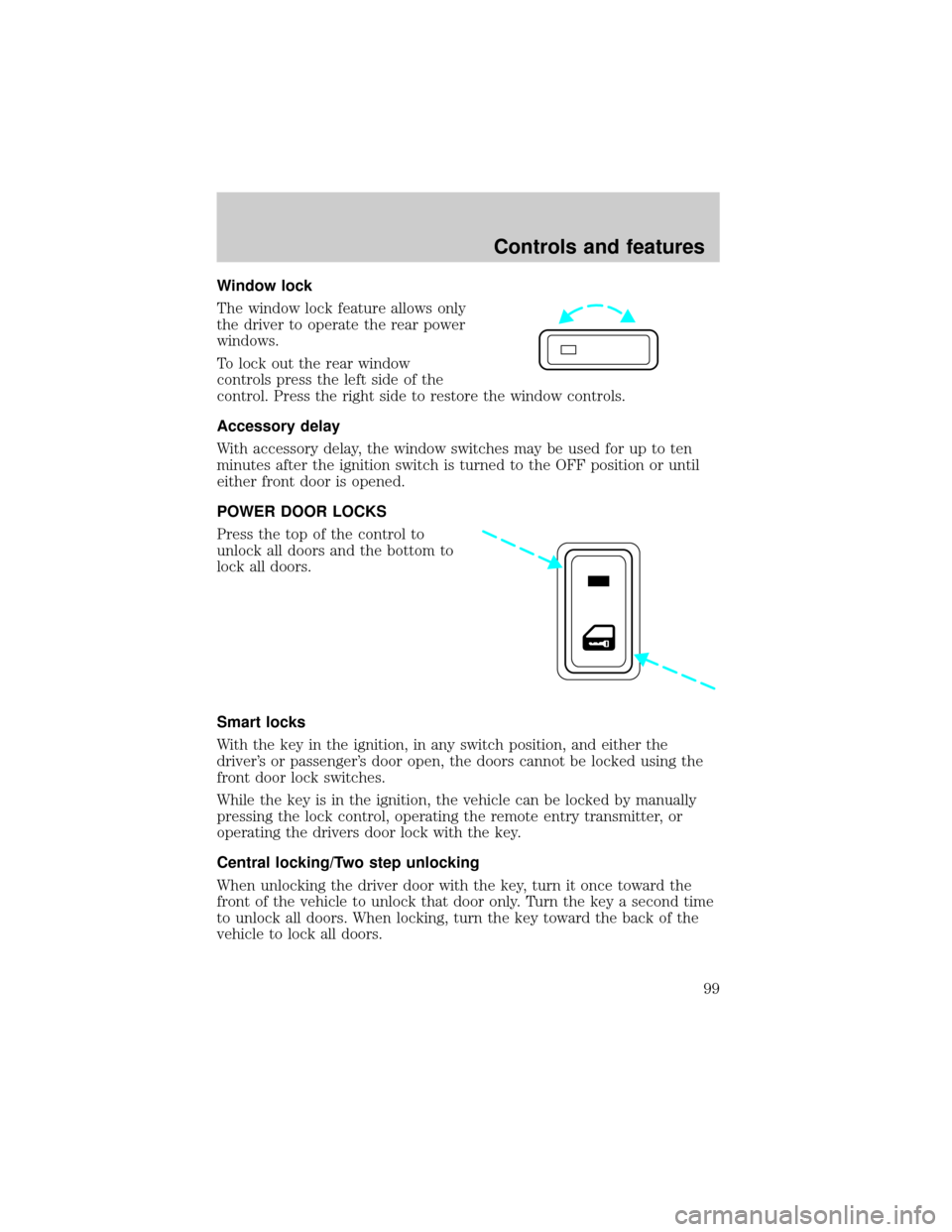
Window lock
The window lock feature allows only
the driver to operate the rear power
windows.
To lock out the rear window
controls press the left side of the
control. Press the right side to restore the window controls.
Accessory delay
With accessory delay, the window switches may be used for up to ten
minutes after the ignition switch is turned to the OFF position or until
either front door is opened.
POWER DOOR LOCKS
Press the top of the control to
unlock all doors and the bottom to
lock all doors.
Smart locks
With the key in the ignition, in any switch position, and either the
driver's or passenger's door open, the doors cannot be locked using the
front door lock switches.
While the key is in the ignition, the vehicle can be locked by manually
pressing the lock control, operating the remote entry transmitter, or
operating the drivers door lock with the key.
Central locking/Two step unlocking
When unlocking the driver door with the key, turn it once toward the
front of the vehicle to unlock that door only. Turn the key a second time
to unlock all doors. When locking, turn the key toward the back of the
vehicle to lock all doors.
Controls and features
99
Page 101 of 272
REMOTE ENTRY SYSTEM
Your remote entry system contains two remote transmitters which
provide remote control of several features. Each remote transmitter will
allow you to:
²unlock the vehicle doors without a key.
²lock all the vehicle doors without a key.
²open the trunk without a key.
²activate the personal alarm.
²open all windows and moonroof (if equipped).
²arm and disarm the perimeter anti-theft system.
²operate the illuminated entry feature.
²operate the memory seat/mirror/steering column feature (if equipped).
The remote transmitter features only operate with the ignition in the
OFF or ACC positions. For vehicles equipped with an automatic
transmission, the remote transmitter features also operate if the ignition
is in the RUN position and the gear shift is in P (Park). The personal
alarm feature, however, will not operate when the ignition is in the RUN
position.
If there is any potential remote keyless entry problem with your vehicle,
ensureALL key fobs(remote entry transmitters) are brought to the
dealership, to aid in troubleshooting.
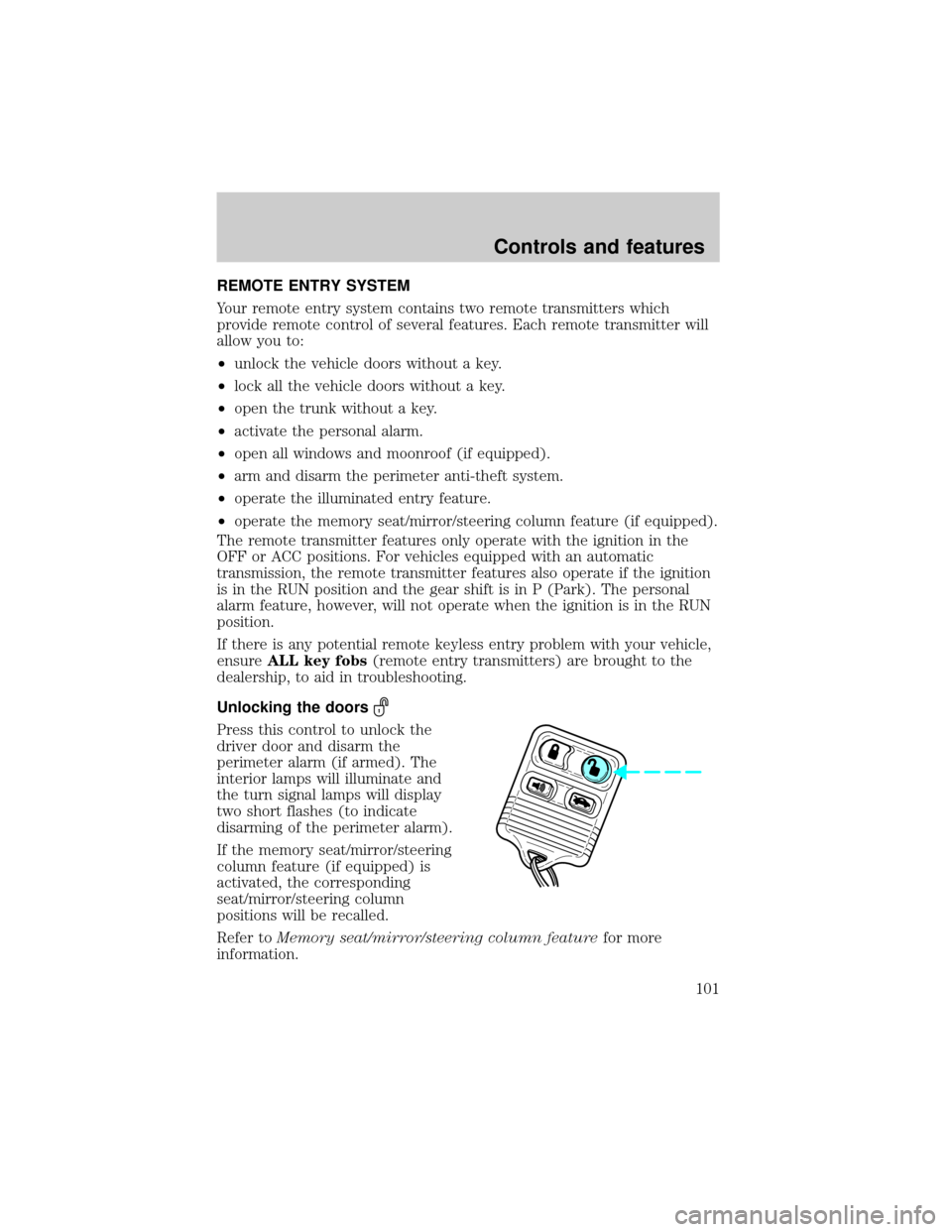
Unlocking the doors
Press this control to unlock the
driver door and disarm the
perimeter alarm (if armed). The
interior lamps will illuminate and
the turn signal lamps will display
two short flashes (to indicate
disarming of the perimeter alarm).
If the memory seat/mirror/steering
column feature (if equipped) is
activated, the corresponding
seat/mirror/steering column
positions will be recalled.
Refer toMemory seat/mirror/steering column featurefor more
information.
Controls and features
101
Page 104 of 272
The interior lamps will not turn off if:
²they have been turned on with the instrument panel dimmer control
switch or
²any door is open.
The battery saver will turn off the interior lamps 40 minutes after the
last door is closed even if the dimmer control switch is on.
Replacing the battery
The remote transmitter is powered by one coin type three-volt lithium
battery CR2032 or equivalent. Typical operating range will allow you to
be up to 10 meters (33 feet) away from your vehicle. A decrease in
operating range can be caused by:
²weather conditions
²nearby radio towers
²structures around the vehicle
²other vehicles parked next to the vehicle
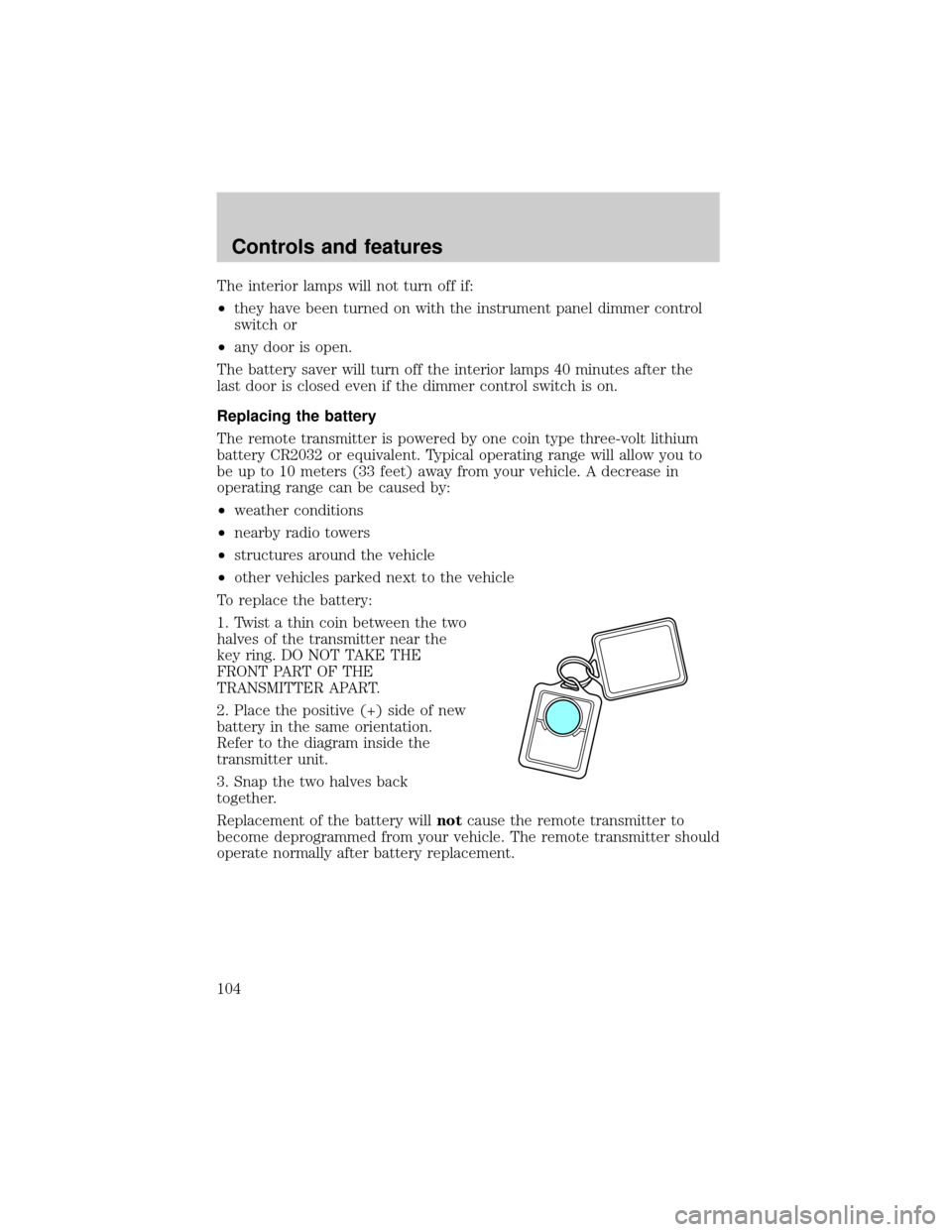
To replace the battery:
1. Twist a thin coin between the two
halves of the transmitter near the
key ring. DO NOT TAKE THE
FRONT PART OF THE
TRANSMITTER APART.
2. Place the positive (+) side of new
battery in the same orientation.
Refer to the diagram inside the
transmitter unit.
3. Snap the two halves back
together.
Replacement of the battery willnotcause the remote transmitter to
become deprogrammed from your vehicle. The remote transmitter should
operate normally after battery replacement.
Controls and features
104
Page 105 of 272
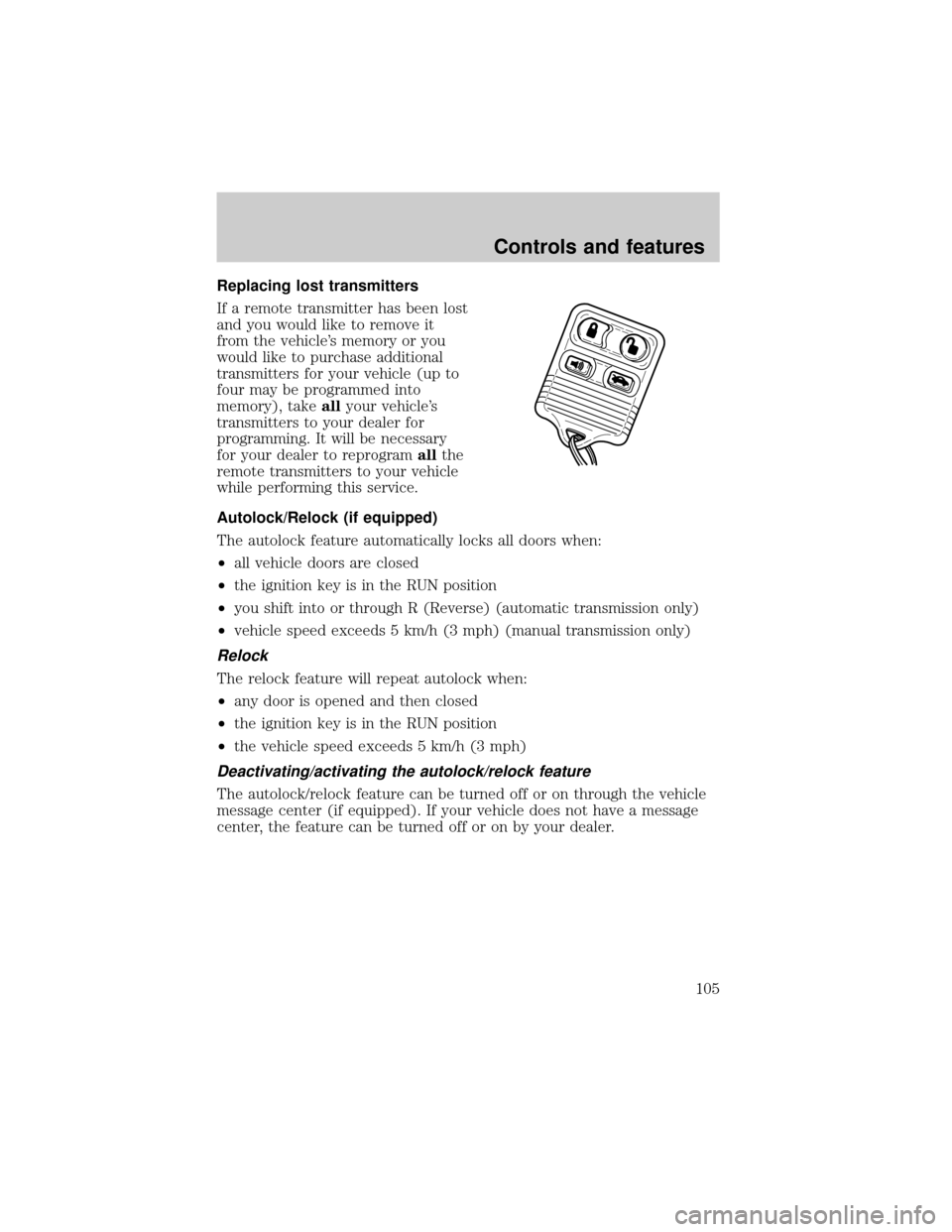
Replacing lost transmitters
If a remote transmitter has been lost
and you would like to remove it
from the vehicle's memory or you
would like to purchase additional
transmitters for your vehicle (up to
four may be programmed into
memory), takeallyour vehicle's
transmitters to your dealer for
programming. It will be necessary
for your dealer to reprogramallthe
remote transmitters to your vehicle
while performing this service.
Autolock/Relock (if equipped)
The autolock feature automatically locks all doors when:
²all vehicle doors are closed
²the ignition key is in the RUN position
²you shift into or through R (Reverse) (automatic transmission only)
²vehicle speed exceeds 5 km/h (3 mph) (manual transmission only)
Relock
The relock feature will repeat autolock when:
²any door is opened and then closed
²the ignition key is in the RUN position
²the vehicle speed exceeds 5 km/h (3 mph)
Deactivating/activating the autolock/relock feature
The autolock/relock feature can be turned off or on through the vehicle
message center (if equipped). If your vehicle does not have a message
center, the feature can be turned off or on by your dealer.
Controls and features
105
Page 106 of 272
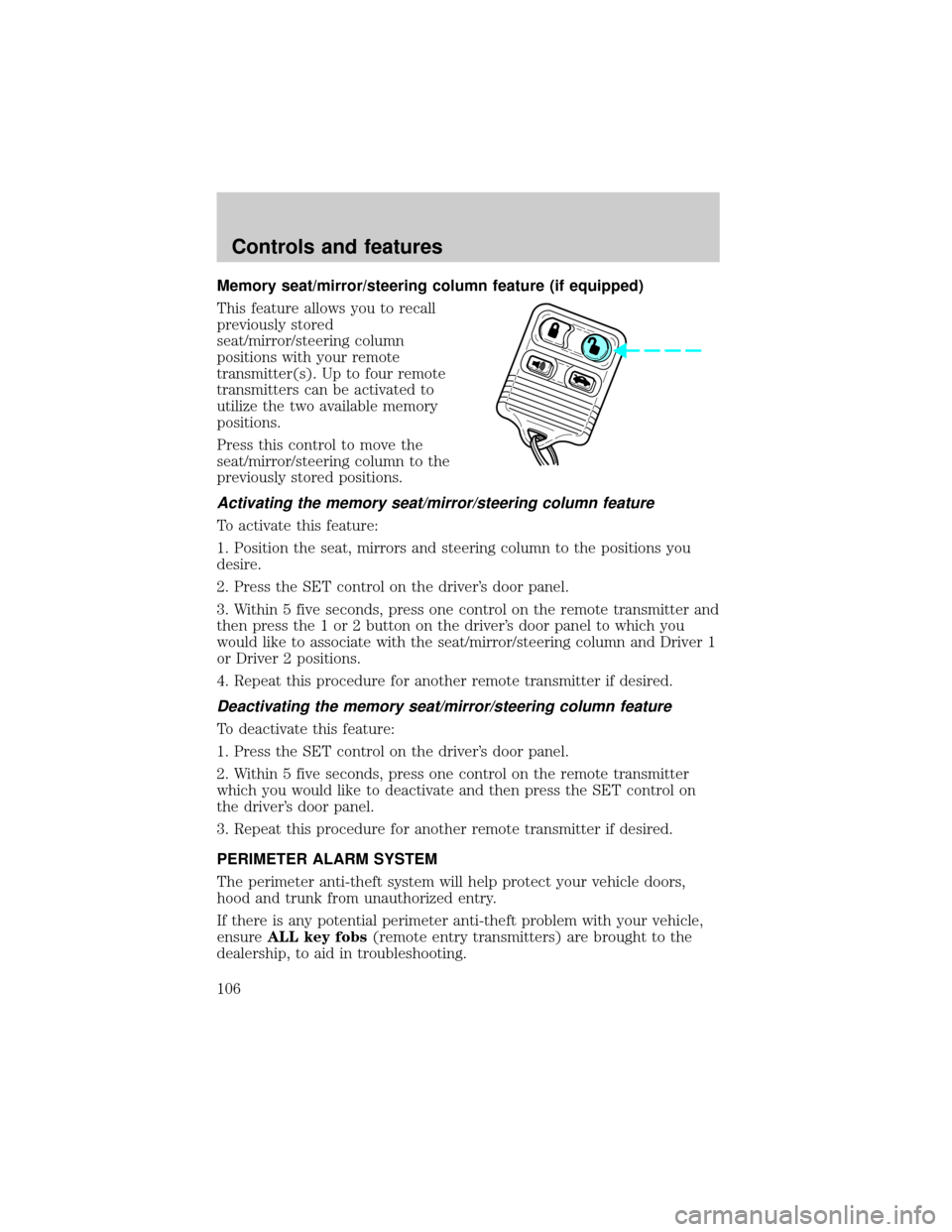
Memory seat/mirror/steering column feature (if equipped)
This feature allows you to recall
previously stored
seat/mirror/steering column
positions with your remote
transmitter(s). Up to four remote
transmitters can be activated to
utilize the two available memory
positions.
Press this control to move the
seat/mirror/steering column to the
previously stored positions.
Activating the memory seat/mirror/steering column feature
To activate this feature:
1. Position the seat, mirrors and steering column to the positions you
desire.
2. Press the SET control on the driver's door panel.
3. Within 5 five seconds, press one control on the remote transmitter and
then press the 1 or 2 button on the driver's door panel to which you
would like to associate with the seat/mirror/steering column and Driver 1
or Driver 2 positions.
4. Repeat this procedure for another remote transmitter if desired.
Deactivating the memory seat/mirror/steering column feature
To deactivate this feature:
1. Press the SET control on the driver's door panel.
2. Within 5 five seconds, press one control on the remote transmitter
which you would like to deactivate and then press the SET control on
the driver's door panel.
3. Repeat this procedure for another remote transmitter if desired.
PERIMETER ALARM SYSTEM
The perimeter anti-theft system will help protect your vehicle doors,
hood and trunk from unauthorized entry.
If there is any potential perimeter anti-theft problem with your vehicle,
ensureALL key fobs(remote entry transmitters) are brought to the
dealership, to aid in troubleshooting.
Controls and features
106
Page 107 of 272

Theft indicator
When the perimeter alarm is armed, the theft indicator on the
instrument panel will flash briefly every two seconds to indicate the
perimeter alarm system is protecting your vehicle.
Arming the system
When armed, the perimeter alarm will help protect your vehicle from
unauthorized entry. When unauthorized entry occurs, the system will
flash the turn signal lamps and the theft indicator lamp and will sound
the horn.
The system is ready to arm whenever the key is out of the ignition. Any
of the following actions will arm the alarm system:
²Press the remote transmitter lock control.
²Open a door and press the power door lock control.
²Lock all doors with the key.
The system will wait 20 seconds after one of the arming actions is
performed before allowing an alarm to go off.
Disarming the system
You can disarm the system by any of the following actions:
²Unlock the doors by using your remote entry transmitter.
²Unlock the doors by using your key.
²Turn ignition to RUN.
SECURILOCKYPASSIVE ANTI-THEFT SYSTEM
Your vehicle is equipped with a coded-key anti-theft system. Only the
correct keywill be able to start your vehicle. If your keys are lost or
stolen, you must take your vehicle to your dealership for key
reprogramming.
This system provides an advanced level of vehicle theft protection. Your
vehicle's engine can only be started with the two coded keys provided
with your vehicle. Each time you start your vehicle, the coded key is
read by the anti-theft system. If the key identification code matches the
code stored in the anti-theft system, the vehicle's engine is allowed to
start. If the key identification code does not match the code stored in
the system or if a coded key is not detected (vehicle theft situation), the
vehicle's engine will not operate.
Controls and features
107
Page 108 of 272

If there is any anti-theft problem with your vehicle, ensureALL coded
keysfor that vehicle are brought to the dealership, to aid in
troubleshooting.
The SecuriLockypassive anti-theft system is not compatible with
aftermarket remote start systems. Use of these systems may result in
vehicle starting problems and a loss of security protection. Large metallic
objects, electronic devices on the key chain that can be used to purchase
gasoline or similar items, or a second key on the same key ring as the
PATS ignition key may cause vehicle starting concern and record DTC's
under certain conditions. If present, you need to keep these objects from
touching the PATS ignition key while starting the engine. These objects
and devices cannot damage the PATS ignition key, but can cause a
momentary concern if they are too close to the key during engine start. If
a problem occurs, turn ignition OFF and restart the engine with all other
objects on the key ring held away from the ignition key. Check to make
sure the encoded ignition key is an approved Ford encoded ignition key.
Spare coded keys can be purchased from your dealership and
programmed to your anti-theft system. Refer toProgramming spare
SecuriLockykeysfor more information.
If one or both of your coded keys are lost or stolen and you want to
ensure the lost or stolen key will not operate your vehicle, bring your
vehicle and all available coded keys to your dealership for reinitialization.
Theft indicator
When the ignition is turned to RUN or START, the theft indicator in the
instrument cluster will light for three seconds and then go out (indicates
proper anti-theft system operation). If the key is in the ignition and the
theft indicator stays on for an extended period of time or flashes rapidly,
have the system serviced by your dealership or a qualified technician.
Programming spare SecuriLockYkeys
Spare coded keys can be purchased from your dealership and
programmed to your anti-theft system (up to a total of eight keys). Your
dealership can program your new coded key(s) to your vehicle or you
can do it yourself using the following simple procedure. To program a
new coded key yourself, you will need two previously programmed coded
keys (keys that already operate your vehicle's engine). If two previously
programmed coded keys are not available (one or both of your original
keys were lost or stolen), you must bring your vehicle to your dealership
to have the spare coded key(s) programmed.
Controls and features
108
Page 109 of 272

Procedure to program spare SecuriLockYkeys to your vehicle
New SecuriLockykeys must have the correct mechanical key cut for
your vehicle.
Conventional (non-SecuriLocky) keyscannotbe programmed to your
vehicle.
The correct type of SecuriLockykey for your vehicle is identifiable by
the alphanumeric characters stamped on the key blade. The
SecuriLockykey identification for your vehicle is: one letter of the
English alphabet followed by the number ª1º (for example, ªS1º or ªI1º
on the key blade indicate you have the correct type of SecuriLocky
key). If the SecuriLockykey does not have this information stamped on
the key blade, the key will not operate your vehicle.
You will need to have two previously programmed SecuriLockykeys and
the new unprogrammed SecuriLockykey readily accessible for timely
implementation of each step in the procedure. Please read and
understand the entire procedure before you begin.
1. Insert the first previously programmed SecuriLockykey into the
ignition and turn the ignition from OFF to RUN (maintain ignition in
RUN for at least one second).
2. Turn ignition to OFF and remove the first SecuriLockykey from the
ignition.
3. Within five seconds of turning the ignition to OFF, insert the second
previously programmed SecuriLockykey into the ignition and turn the
ignition from OFF to RUN (maintain ignition in RUN for at least one
second but no more than five seconds).
4. Turn the ignition to OFF and remove the second SecuriLockykey
from the ignition.
5. Within 10 seconds of turning the ignition to OFF, insert the
unprogrammed SecuriLockykey (new key/valet key) into the ignition
and turn the ignition from OFF to RUN (maintain ignition in RUN for at
least one second). This step will program your new SecuriLockykey.
6. To program additional SecuriLockykey(s), repeat this procedure from
step 1.
If the programming procedure was successful, the new SecuriLocky
key(s) will start the vehicle's engine. The theft indicator (located on the
instrument panel) will light for three seconds and then go out.
Controls and features
109