reset LINCOLN LS 2000 Owner's Manual
[x] Cancel search | Manufacturer: LINCOLN, Model Year: 2000, Model line: LS, Model: LINCOLN LS 2000Pages: 272, PDF Size: 2.36 MB
Page 57 of 272
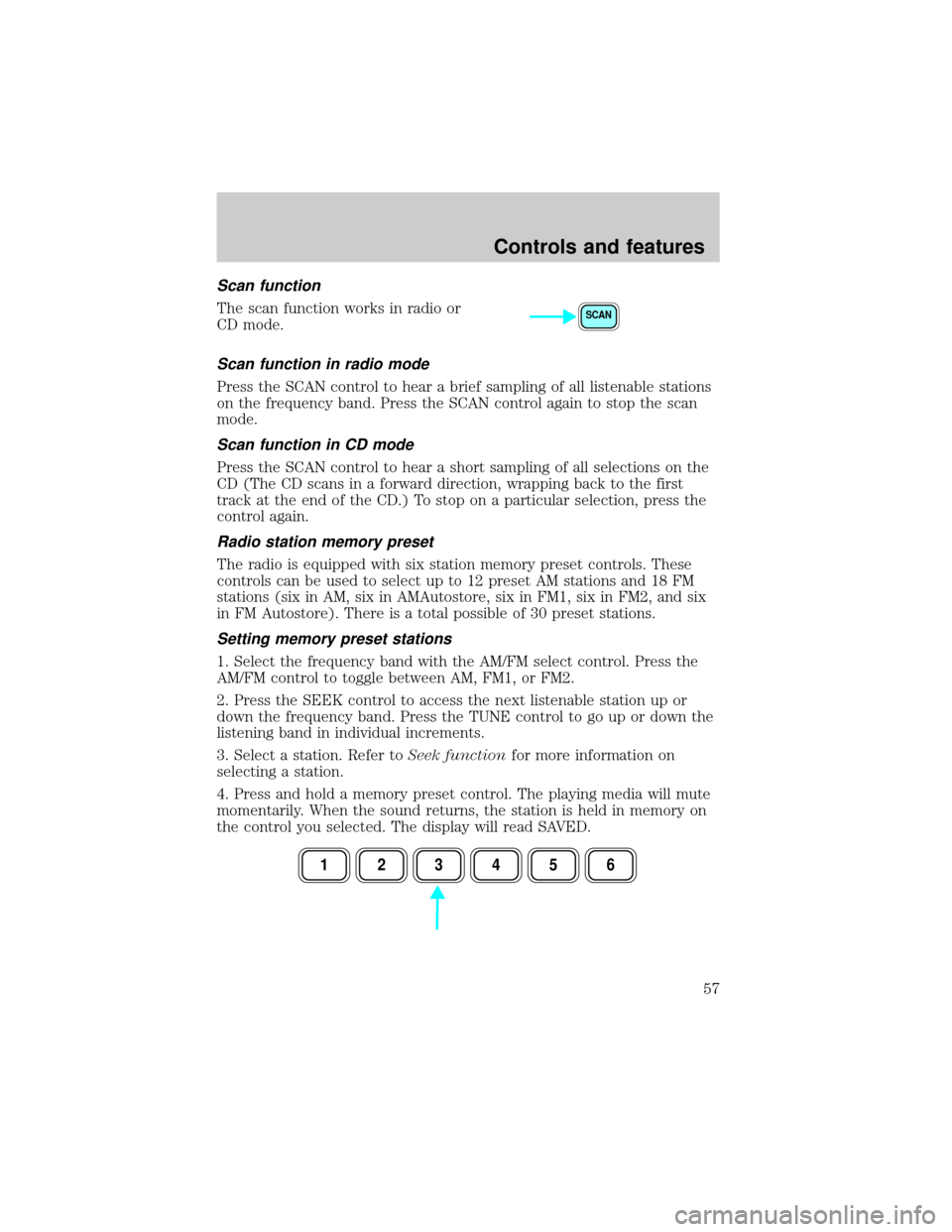
Scan function
The scan function works in radio or
CD mode.
Scan function in radio mode
Press the SCAN control to hear a brief sampling of all listenable stations
on the frequency band. Press the SCAN control again to stop the scan
mode.
Scan function in CD mode
Press the SCAN control to hear a short sampling of all selections on the
CD (The CD scans in a forward direction, wrapping back to the first
track at the end of the CD.) To stop on a particular selection, press the
control again.
Radio station memory preset
The radio is equipped with six station memory preset controls. These
controls can be used to select up to 12 preset AM stations and 18 FM
stations (six in AM, six in AMAutostore, six in FM1, six in FM2, and six
in FM Autostore). There is a total possible of 30 preset stations.
Setting memory preset stations
1. Select the frequency band with the AM/FM select control. Press the
AM/FM control to toggle between AM, FM1, or FM2.
2. Press the SEEK control to access the next listenable station up or
down the frequency band. Press the TUNE control to go up or down the
listening band in individual increments.
3. Select a station. Refer toSeek functionfor more information on
selecting a station.
4. Press and hold a memory preset control. The playing media will mute
momentarily. When the sound returns, the station is held in memory on
the control you selected. The display will read SAVED.
SCAN
123456
Controls and features
57
Page 58 of 272
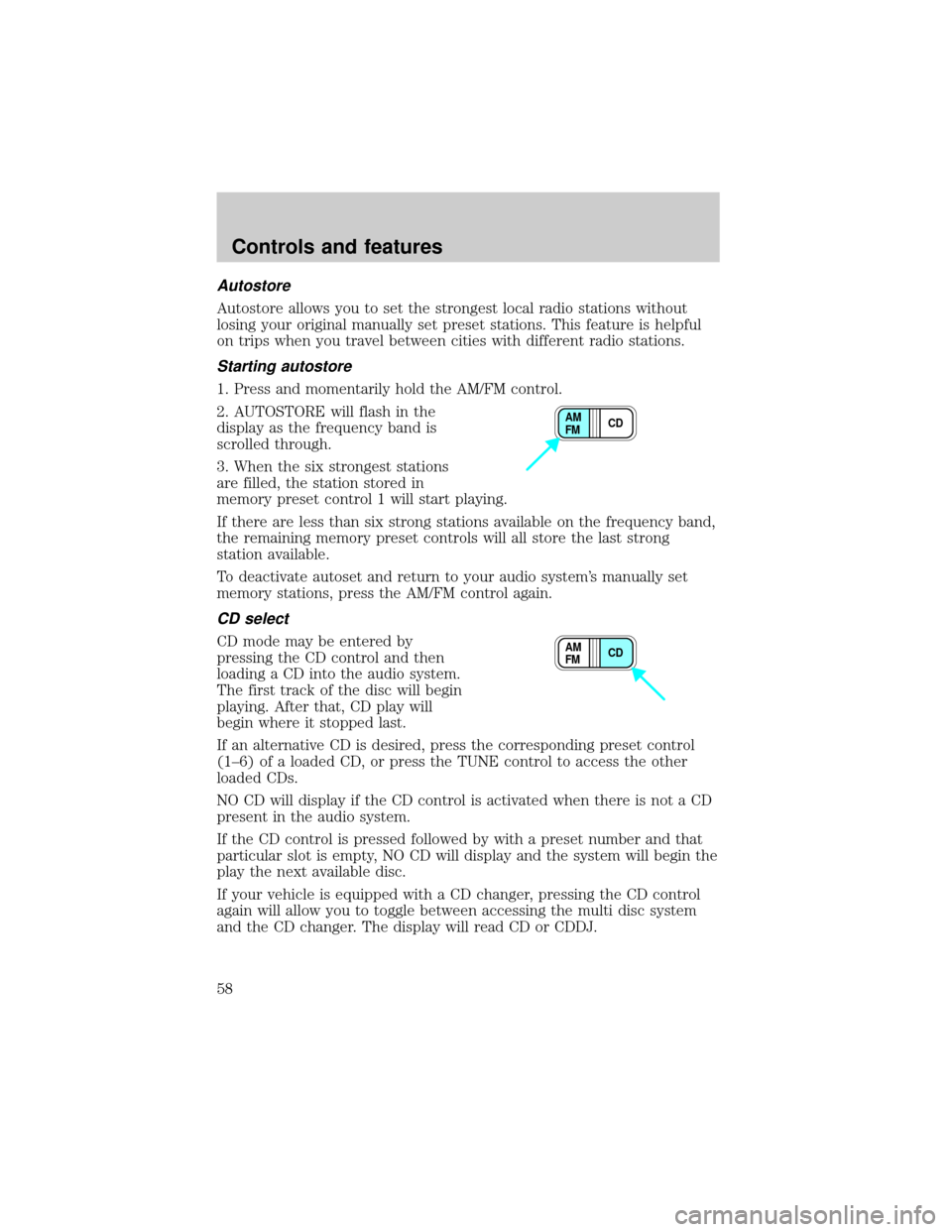
Autostore
Autostore allows you to set the strongest local radio stations without
losing your original manually set preset stations. This feature is helpful
on trips when you travel between cities with different radio stations.
Starting autostore
1. Press and momentarily hold the AM/FM control.
2. AUTOSTORE will flash in the
display as the frequency band is
scrolled through.
3. When the six strongest stations
are filled, the station stored in
memory preset control 1 will start playing.
If there are less than six strong stations available on the frequency band,
the remaining memory preset controls will all store the last strong
station available.
To deactivate autoset and return to your audio system's manually set
memory stations, press the AM/FM control again.
CD select
CD mode may be entered by
pressing the CD control and then
loading a CD into the audio system.
The first track of the disc will begin
playing. After that, CD play will
begin where it stopped last.
If an alternative CD is desired, press the corresponding preset control
(1±6) of a loaded CD, or press the TUNE control to access the other
loaded CDs.
NO CD will display if the CD control is activated when there is not a CD
present in the audio system.
If the CD control is pressed followed by with a preset number and that
particular slot is empty, NO CD will display and the system will begin the
play the next available disc.
If your vehicle is equipped with a CD changer, pressing the CD control
again will allow you to toggle between accessing the multi disc system
and the CD changer. The display will read CD or CDDJ.
CD AM
FM
CD AM
FM
Controls and features
58
Page 59 of 272
Display description
Six circles are always lit in the digital display. These signify the six CD
slots in the audio system. When a disc is loaded into a particular slot
(1±6), the number inside that specific circle lights. If the circle is empty,
there is no CD in that particular slot.
Load
The load feature allows you to load
single CDs into the player internal
to the radio.
This six disc CD player is equipped with a CD door. Compact
discs should only be inserted into the player after the door has
been opened by the player. Do not attempt to force the door
open. Compact discs should only be loaded by pressing the LOAD
control.
Press the LOAD control. (You can choose which slot will be loaded by
pressing the desired preset number. If you do not choose a slot, the
system will choose the next available one.) Wait until the CD door opens.
Load the CD into the player. LOADING CD# is displayed. When the CD
has been loaded, the door will close and the CD will begin to play. For
example, to load a CD into slot #2, press the LOAD control and then
press preset #2.
Auto load
This feature allows you to autoload
up to 6 discs into the multi disc CD
player internal to the radio.
Press and hold the LOAD control until AUTOLOAD # is displayed. The
CD door will open. Load the desired disc, one at a time. The CD is
loaded into position and the audio system will display CD#. Each time
the CD door opens, INSERT CD# is displayed. The door will close and
the player will move to the next slot after each disc has been loaded.
The process is repeated until all 6 slots are full. The audio system plays
the last CD loaded and the display is updated. If some slots are already
full and autoload is activated, the system will fill all empty slots.
LOAD
LOAD
Controls and features
59
Page 60 of 272
Eject
Press the EJ control to stop and
eject a CD. You can choose which
CD will be ejected by pressing the
EJ control and the desired preset
number (1±6). For example, to eject CD#2, press the EJ control and
then press the present #2 control. If you do not choose a specific CD,
the player will eject the current CD.
If a CD is ejected and not removed from the door of the CD player, the
player will automatically reload the CD. This feature may be used when
the ignition is ON or OFF.
Auto eject
Press and momentarily hold the EJ
control to engage auto eject. All CDs
which are present in the player will
be ejected one at a time. If a CD is
ejected and not removed from the door of the CD player, the player will
automatically reload the CD. This feature may be used when the ignition
is ON or OFF.
Rewind
The rewind control works in CD
modes.
Press and hold the REW control
until the desired selection is
reached. If the beginning of the disc is reached, the CD will begin play at
the first track. Release the control to disengage rewind mode.
When in rewind mode, your audio system will automatically lower the
volume level of the playing media.
Fast forward
The fast forward control works in
CD modes.
Press and hold the FF control until
the desired selection is reached. If
the end of the disc is reached, the CD will return to the first track on
the first disc. Release the control to disengage fast forward mode.
EJ
EJ
REW FF
REW FF
Controls and features
60
Page 66 of 272
Phone mode
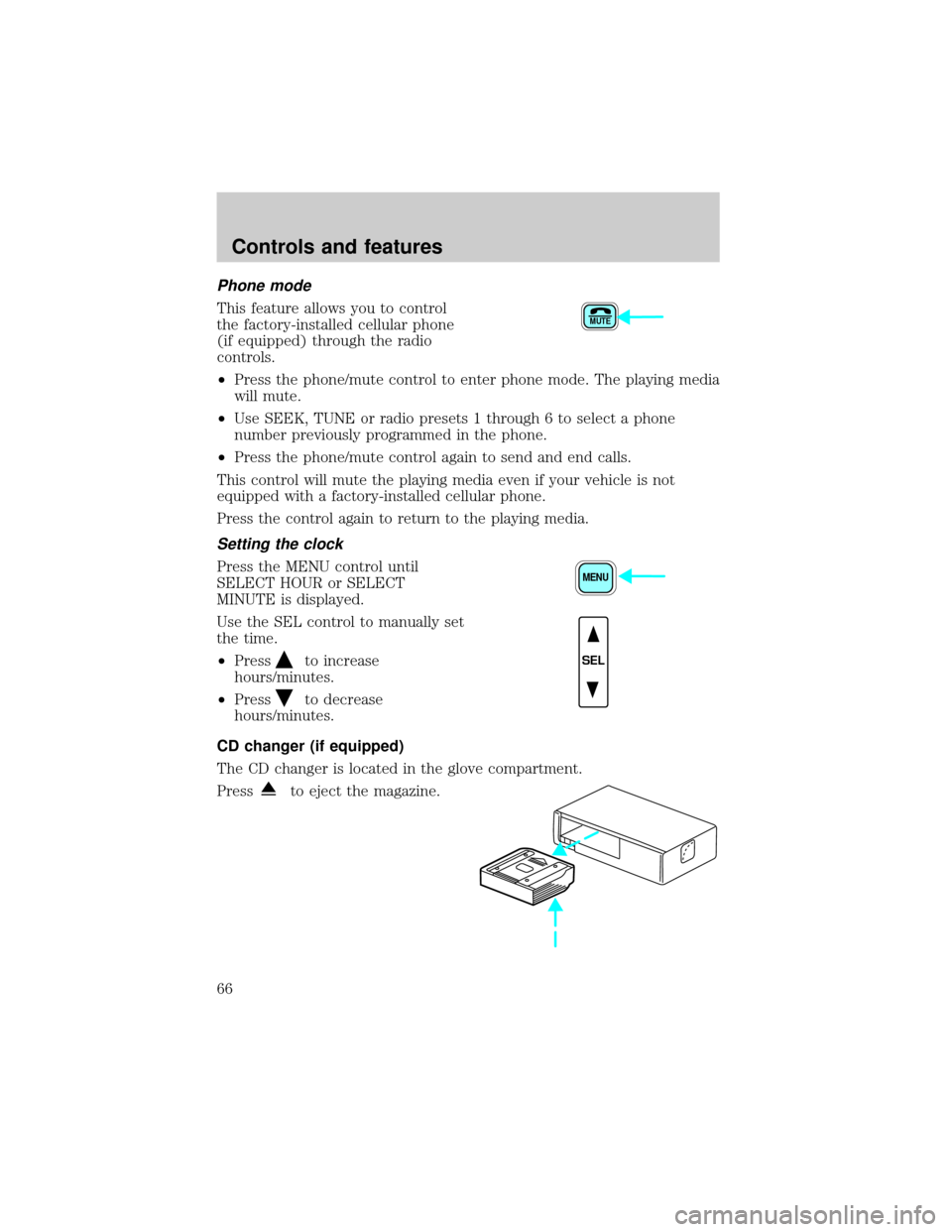
This feature allows you to control
the factory-installed cellular phone
(if equipped) through the radio
controls.
²Press the phone/mute control to enter phone mode. The playing media
will mute.
²Use SEEK, TUNE or radio presets 1 through 6 to select a phone
number previously programmed in the phone.
²Press the phone/mute control again to send and end calls.
This control will mute the playing media even if your vehicle is not
equipped with a factory-installed cellular phone.
Press the control again to return to the playing media.
Setting the clock
Press the MENU control until
SELECT HOUR or SELECT
MINUTE is displayed.
Use the SEL control to manually set
the time.
²Press
to increase
hours/minutes.
²Press
to decrease
hours/minutes.
CD changer (if equipped)
The CD changer is located in the glove compartment.
Press
to eject the magazine.
MUTE
MENU
SEL
Controls and features
66
Page 75 of 272
Audio control features
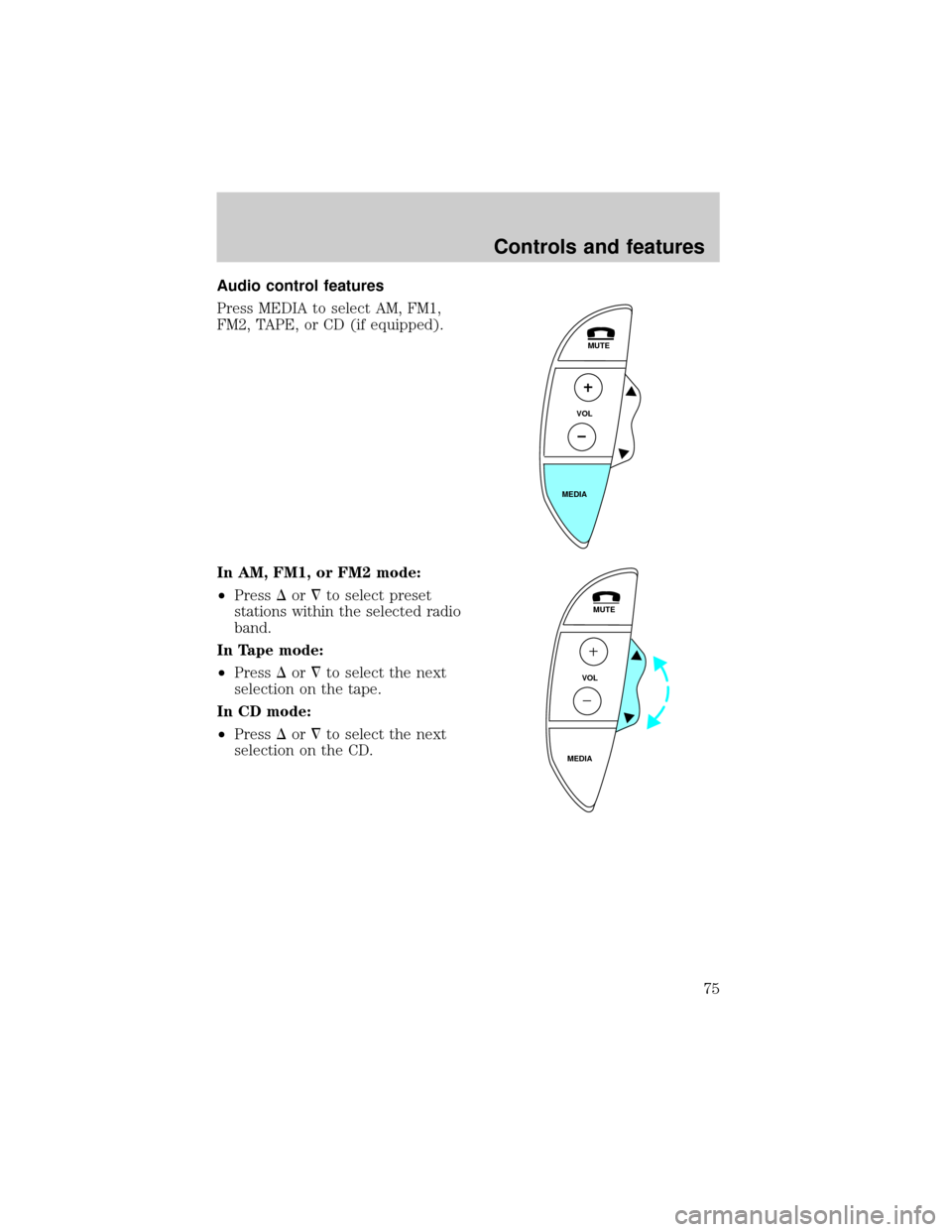
Press MEDIA to select AM, FM1,
FM2, TAPE, or CD (if equipped).
In AM, FM1, or FM2 mode:
²PressDor¹to select preset
stations within the selected radio
band.
In Tape mode:
²PressDor¹to select the next
selection on the tape.
In CD mode:
²PressDor¹to select the next
selection on the CD.
MUTE
VOL
MEDIA
MUTE
VOL
MEDIA
Controls and features
75
Page 89 of 272

²Information or emergency assistance can be requested whenever your
key is in the RUN/START position and for six minutes after the vehicle
is turned off.
²An assistance request is initiated by pressing either the Information or
Emergency control located in the overhead console.
²When a control is pressed, status messages will display on the
vehicle's message center (messages can only be displayed when the
key is in the RUN/START position).
²The vehicle's cellular phone automatically places a call to a 24 hour
emergency response center.
²When contact is made, the vehicle sends an electronic data message
to the response center's computer. This data message includes latitude
and longitude coordinates obtained from the vehicle's positioning
system and customer identification information.
²Once the data transmission is complete, the call is forwarded to a
response center operator who confirms your location using a
computerized map.
²The vehicle's cellular handset is locked-out, the phone is automatically
placed in the ªhands-freeº mode and voice communication is
established with the operator through the ªhands-freeº microphone.
²Typically, voice communication with an operator is established within
one minute after an assistance control is pressed.
²The operator verbally obtains details of your situation and, if
necessary, ties your vehicle into a three-way phone call with the
United States Auto Club or local 911 or other emergency services to
dispatch the appropriate assistance to your location.
²In most situations, only the response center can terminate an
assistance request. Once the operator terminates the call the system
will be reset.
General description
Lincoln's Remote Emergency Satellite Cellular Unit (RESCU) is designed
to expedite roadside, emergency or information assistance to motorists
who are uncertain of their location and/or are uncertain of whom to
contact for assistance.
The Lincoln RESCU system utilizes Global Positioning System (GPS)
technology and the nation's cellular phone network to track vehicle
Controls and features
89
Page 91 of 272

There may be charges incurred for certain services.
Upon receiving an Emergency Activation (by pressing the emergency
control or via an air bag activation) the Lincoln Security Response
Center relays details of the situation and the location of the vehicle to
the appropriate authorities and establishes a three-way phone call. While
the appropriate authorities dispatch help to your location, the response
center will:
²dispatch the emergency help to your location.
²when appropriate, stay in direct phone contact with you until
emergency help arrives.
²notify pre-designated family contacts or friends of the emergency
situation, if requested, or if no response is received from the vehicle.
If you are certain of your location, a direct phone call to 911 or
other emergency services may provide a faster response.
If roadside assistance is required, the Lincoln Security Response Center
will contact the Lincoln Commitment Roadside Assistance provider via
three±way phone call.
Activation and deactivation
When either of the two Lincoln RESCU controls are pressed, or the air
bags are deployed (this will activate the system as an emergency
automatically) status messages will be displayed on the vehicle's message
center, confirming an assistance request has been made.
The system can be activated whenever your ignition key is in the
RUN/START position and for six minutes after your vehicle is turned off.
Once a RESCU control has been pressed, do not attempt to crank the
engine as this may cancel the activation. In most situations, the
assistance request can only be terminated and the system reset when a
special tone is sent to the vehicle by the Lincoln Security Response
Center. (SeeAutomatic rediallater in this chapter for exceptions.)
Operation will continue even if the vehicle is turned off during an
activation (although visual feedback via the message center will not be
available in this situation).
INFO activations can be cancelled by pressing the END button on the
cellular phone.
Controls and features
91
Page 93 of 272

operator may ask you to read the information being displayed on the
message center.
Automatic redial
As described previously, when an assistance request is made, the
vehicle's cellular phone automatically dials the Lincoln Security Response
Center's central computer and attempts to send an electronic data
message. On rare occasions, it can be difficult for the computer to
recognize the message if the cellular connection is weak or noisy. If the
transmission of the message is unsuccessful, the data call will be
terminated and the message ªREDIAL IN PROGRESSº will be displayed
on the message center. A second call will automatically be placed which
bypasses the response center's computer and is forwarded directly to an
operator.
Similarly, if the cellular call is disconnected by the network prior to
receipt of the termination tone, another call to the response center will
also automatically be dialed. The message ªREDIAL IN PROGRESSº will
be displayed on the message center and voice communication with an
operator will be restored.
During redial calls, full control of the cellular phone is returned to you.
Pressing either PWR or END on the cellular handset will terminate the
assistance request and reset the system.
Location data retransmit capability
During an activation, the Lincoln Security Response Center operator has
the capability to initiate a retransmission of the electronic data message.
This may be necessary to ensure a more precise determination of vehicle
location or to track a vehicle that is moving. To accomplish the
retransmit, a special tone is sent to the vehicle by the response center.
In this situation you will temporarily lose voice contact with the operator
and the messages ªSENDING LOCATION DATAº and ªDATA RECEIVEDº
will be respectively displayed on the message center. After the data
retransmission is complete, voice communication will be restored and the
CID, LAT, and LON message will again alternately toggle on the message
center display.
Global positioning system
Vehicle location is continuously updated via Global Positioning System
(GPS) technology. GPS was developed by the U.S. Department of
Defense for worldwide navigational and positioning purposes. It utilizes a
Controls and features
93
Page 128 of 272
attaching hardware, should be inspected after a collision. Ford
recommends that all safety belt assemblies used in vehicles involved in a
collision be replaced. However, if the collision was minor and a qualified
technician finds that the belts do not show damage and continue to
operate properly, they do not need to be replaced. Safety belt assemblies
not in use during a collision should also be inspected and replaced if
either damage or improper operation is noted.
Failure to inspect and if necessary replace the safety belt
assembly under the above conditions could result in severe
personal injuries in the event of a collision.
Refer toCleaning and maintaining the safety beltsin the
Maintenance and caresection.
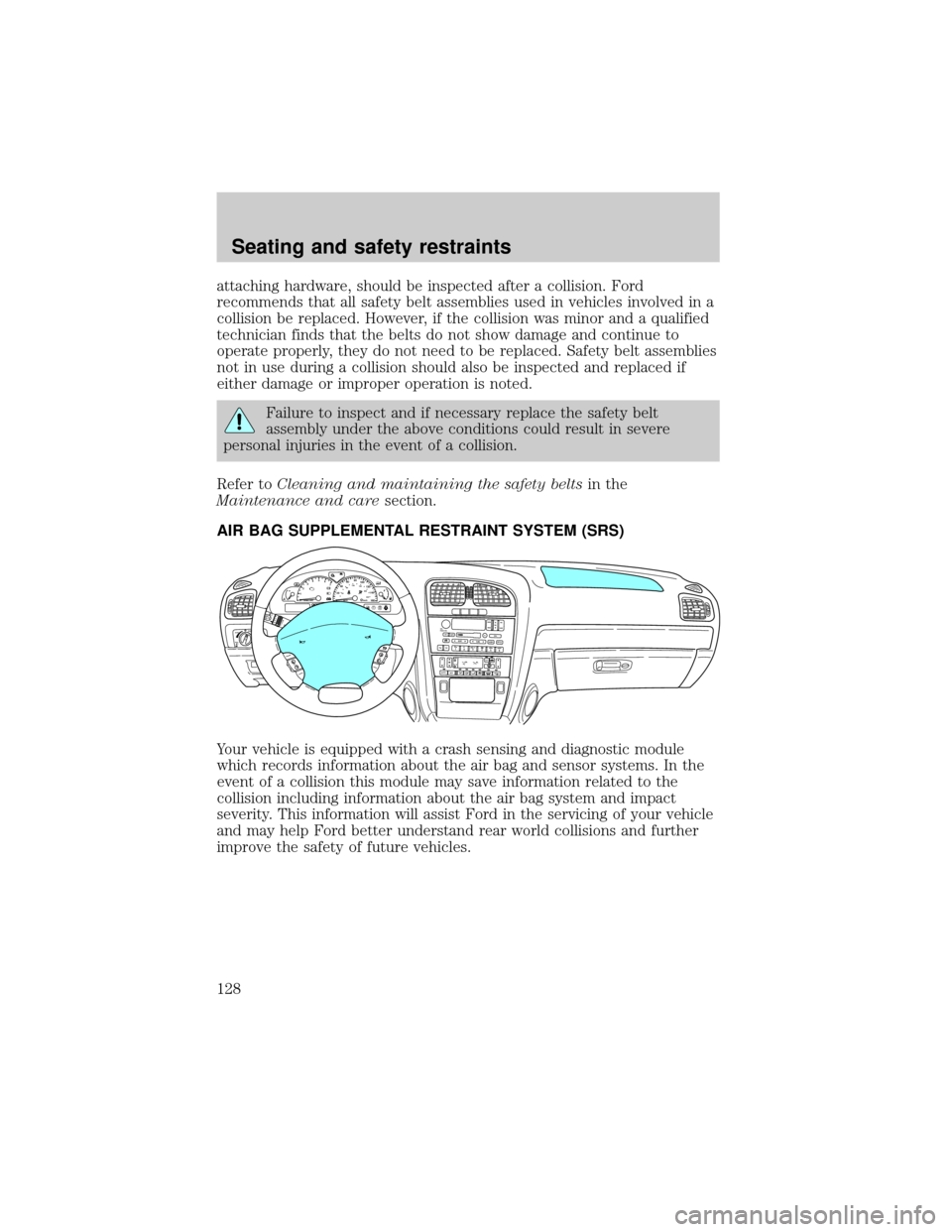
AIR BAG SUPPLEMENTAL RESTRAINT SYSTEM (SRS)
Your vehicle is equipped with a crash sensing and diagnostic module
which records information about the air bag and sensor systems. In the
event of a collision this module may save information related to the
collision including information about the air bag system and impact
severity. This information will assist Ford in the servicing of your vehicle
and may help Ford better understand rear world collisions and further
improve the safety of future vehicles.
PU
LL AU
TORESUME
SET
CANCELO
NO
F
F
MUTE
VOL
MEDIA
HI
LO
INTINTOFF
MIST
P! BRAKEHC123456700204060801001201401604080120160
200240km/hRPMX1000RESETMPHFE
SEEKMUTEVOL
PUSH ON
CD TAPEEJBASS
TREBSELBAL
FADE
TUNESCANAUTOAM FMREW1FF2SIDE 1-23COMP5SHUFF6 4RDS
AUTO OFFA/C
R EXT
F CFF
Seating and safety restraints
128