audio LINCOLN LS 2002 Owner's Manual
[x] Cancel search | Manufacturer: LINCOLN, Model Year: 2002, Model line: LS, Model: LINCOLN LS 2002Pages: 288, PDF Size: 2.44 MB
Page 90 of 288
VEHICLE COMMUNICATION SYSTEM (IF EQUIPPED)
The Vehicle Communication System
is designed to provide a variety of
safety enhancing services and offers
access to hands-free calling through
the Vehicle Communication System
wireless phone. The system includes
and requires the use of an activated
Vehicle Communication System
wireless phone to operate. The
wireless phone contains specialized software that integrates it with the
vehicle systems. A more detailed owner's manual on how to use the
Vehicle Communication System and your wireless phone will be delivered
to your home within 7 days of the original vehicle sale date. A detailed
owner's manual with terms and conditions for use is included. Contact
the dealer if you have any questions or concerns about your Vehicle
Communication System.
Using Vehicle Communication System
To use Vehicle Communication System properly, follow these three steps:
²Activate the wireless phone with Sprint PCS
²Dock the wireless phone in the docking station located in the center
console armrest (once the phone is docked, the armrest can be
closed)
²Activate your Vehicle Communication System with the Lincoln
Response Center by pressing the ªiº Button
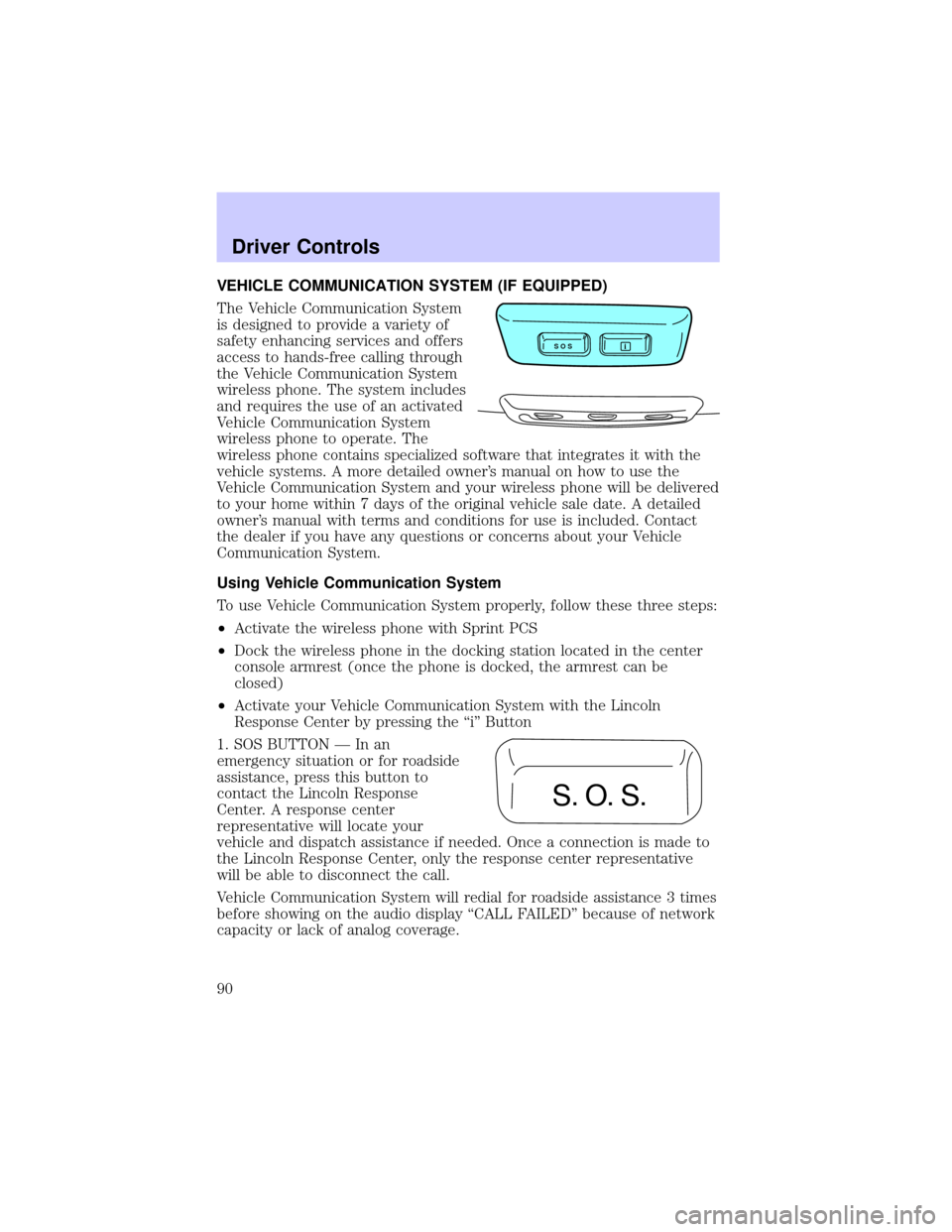
1. SOS BUTTON Ð In an
emergency situation or for roadside
assistance, press this button to
contact the Lincoln Response
Center. A response center
representative will locate your
vehicle and dispatch assistance if needed. Once a connection is made to
the Lincoln Response Center, only the response center representative
will be able to disconnect the call.
Vehicle Communication System will redial for roadside assistance 3 times
before showing on the audio display ªCALL FAILEDº because of network
capacity or lack of analog coverage.
S O Si
S. O. S.
Driver Controls
90
Page 91 of 288
2. AUTOMATIC AIR BAG NOTIFICATION Ð If the air bag deploys, the
Vehicle Communication system automatically places a call to the Lincoln
Response Center and a representative will dispatch help to your location
immediately if requested. If the specialist is unable to reach you, the
emergency service provider will be contacted and dispatched to your
location.
Vehicle Communication System will redial for automatic airbag
notification 5 times before showing on the audio display ªCALL FAILEDº
because of network capacity or lack of analog coverage.
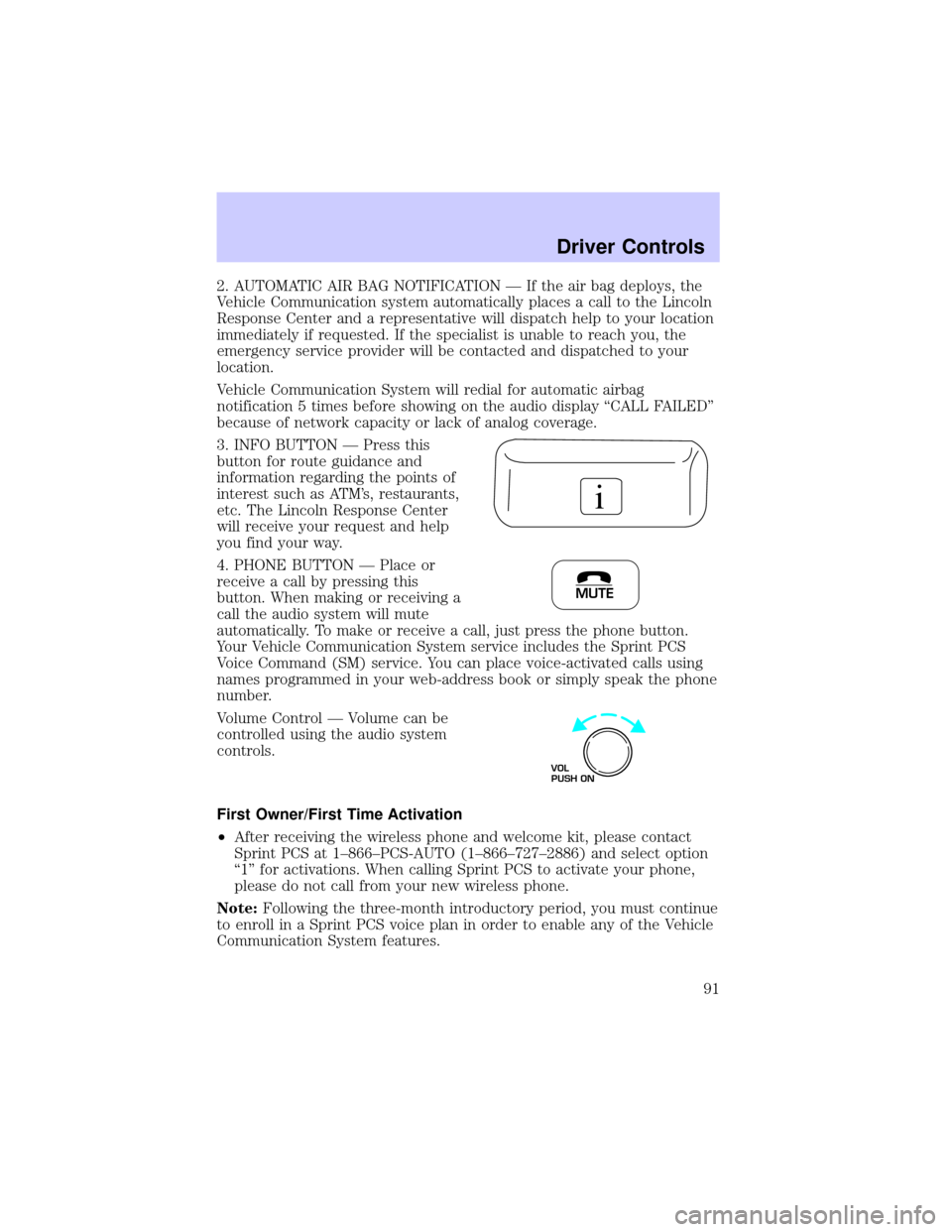
3. INFO BUTTON Ð Press this
button for route guidance and
information regarding the points of
interest such as ATM's, restaurants,
etc. The Lincoln Response Center
will receive your request and help
you find your way.
4. PHONE BUTTON Ð Place or
receive a call by pressing this
button. When making or receiving a
call the audio system will mute
automatically. To make or receive a call, just press the phone button.
Your Vehicle Communication System service includes the Sprint PCS
Voice Command (SM) service. You can place voice-activated calls using
names programmed in your web-address book or simply speak the phone
number.
Volume Control Ð Volume can be
controlled using the audio system
controls.
First Owner/First Time Activation
²After receiving the wireless phone and welcome kit, please contact
Sprint PCS at 1±866±PCS-AUTO (1±866±727±2886) and select option
ª1º for activations. When calling Sprint PCS to activate your phone,
please do not call from your new wireless phone.
Note:Following the three-month introductory period, you must continue
to enroll in a Sprint PCS voice plan in order to enable any of the Vehicle
Communication System features.
i
MUTE
VOL
PUSH ON
Driver Controls
91
Page 92 of 288

²Turn the ignition to ªACCº. Open the center console armrest and fold
the presenter arm out. Place the wireless phone in the docking
station. If the phone is docked properly, the audio display should read
ªVCS ACTIVEº. The Vehicle Communication System will not function
if the phone is not properly docked.
²Press the ª iº Button and when voice communication is established
with the Lincoln Response Center, indicate that you are a new
customer and the specialist will introduce you to the features. The
purpose of this call is to verify that your Vehicle Communication
System is active and functioning properly. In the event that the
Vehicle Communication System does not function properly, please
contact your Lincoln dealership for assistance.
Leased Vehicles
If the vehicle is leased, the wireless phone should be returned to the
dealership at the end of the lease term. At the end of the lease term, you
have the option to purchase the wireless phone for the price of its
replacement. Please be sure to contact Sprint PCS at 1±866±PCS-AUTO
(1±866±727±2886) for wireless service options if you keep the phone or
call to deactivate your account prior to lease termination.
Second Owner/Re-Lessees
The Vehicle Communication System will not function without an
activated wireless phone with Sprint PCS. The wireless phone may be
purchased through Lincoln dealerships. Wireless service can be activated
with Sprint PCS. Just following the steps in theªFirst Time Activationº
section above.
Vehicle Communication System Limitations
²Vehicle Communication System services are available in the 48
contiguous states and Hawaii
²Vehicle Communication System services are not available in Alaska
²Only available within range of the cellular systems
²Connection limited by atmospheric and topographical conditions
²Connection limited by cellular network capabilities and infrastructure
²The wireless phone must have an active wireless service plan with
Sprint PCS and docked in the docking station located in the center
console for Vehicle Communication System to function properly
Driver Controls
92
Page 276 of 288

A
Accessory delay ..........................74
AdvanceTrac ..............................165
Air bag supplemental
restraint system ................139, 143
and child safety seats ............141
description ......................139, 143
disposal ....................................146
driver air bag ..................141, 144
indicator light ...........12, 143, 145
operation .........................141, 144
passenger air bag ...........141, 144
side air bag ..............................143
Air cleaner filter .......253±254, 261
Air conditioning ..........................48
Air filter, cabin ............................59
Antifreeze
(see Engine coolant) ................237
Anti-lock brake system
(see Brakes) ..............................161
Anti-theft system ......................120
arming the system ..................120
disarming a triggered
system .....................................120
Audio system (see Radio) .........31
Automatic transmission ............167
driving an automatic
overdrive .................................168
fluid, adding ............................252
fluid, checking ........................252
fluid, refill capacities ..............261
fluid, specification ..................264
Axle
lubricant specifications ..263±264
refill capacities ........................261B
Battery .......................................235
acid, treating
emergencies ............................235
charging system
warning light .............................12
jumping a disabled battery ....202
maintenance-free ....................235
replacement, specifications ...261
servicing ..................................235
Belt minder ...............................134
Brakes ........................................160
anti-lock ...................................161
anti-lock brake system
(ABS) warning light .........12, 162
brake warning light ..................11
fluid, checking and adding ....251
fluid, refill capacities ..............261
fluid, specifications .........263±264
lubricant
specifications ..................263±264
parking ....................................162
shift interlock ..........................167
Break-in period .............................6
C
Capacities for refilling fluids ....261
Cargo net ...................................107
Cassette tape player ...................31
CD changer .................................44
Certification Label ....................271
Child safety restraints ..............147
child safety belts ....................147
Child safety seats ......................148
attaching with tether
straps .......................................152
Index
276