mirror controls LINCOLN LS 2006 User Guide
[x] Cancel search | Manufacturer: LINCOLN, Model Year: 2006, Model line: LS, Model: LINCOLN LS 2006Pages: 320, PDF Size: 4.38 MB
Page 148 of 320
Autolock
The autolock feature will lock the vehicle’s doors when:
•all the doors are closed,
•the ignition is in the 4 (RUN) position,
•you shift into forward or reverse, and
•the vehicle speed is greater than 3 mph (5 km/h).
Relock
The autolock feature repeats when:
•either door is opened then closed while the ignition is in the 4 (RUN)
position, and
•you shift into forward or reverse, and
•the vehicle speed is greater than 3 mph (5 km/h).
Deactivating/activating autolock
Your vehicle comes with the autolock feature activated; in order to
deactivate the feature, take your vehicle to an authorized dealer, or use
the message center (if equipped). Refer toMessage centerin theDriver
Controlschapter for more information.
Memory seat feature
The remote entry system allows you to recall the memory
seat/mirror/steering column/adjustable pedals feature.
Press
to automatically move the seat/mirror/steering
column/adjustable pedals to the desired memory position.Note:The
seat and steering column will not travel to their final position if the key
is not in the ignition and the easy entry feature is enabled.
Activating the memory feature
To activate this feature:
1. Position the seat, mirrors, steering column and adjustable pedals to
the positions you desire.
2006 Lincoln LS(dew)
Owners Guide (post-2002-fmt)
USA(fus)
Locks and Security
148
Page 149 of 320
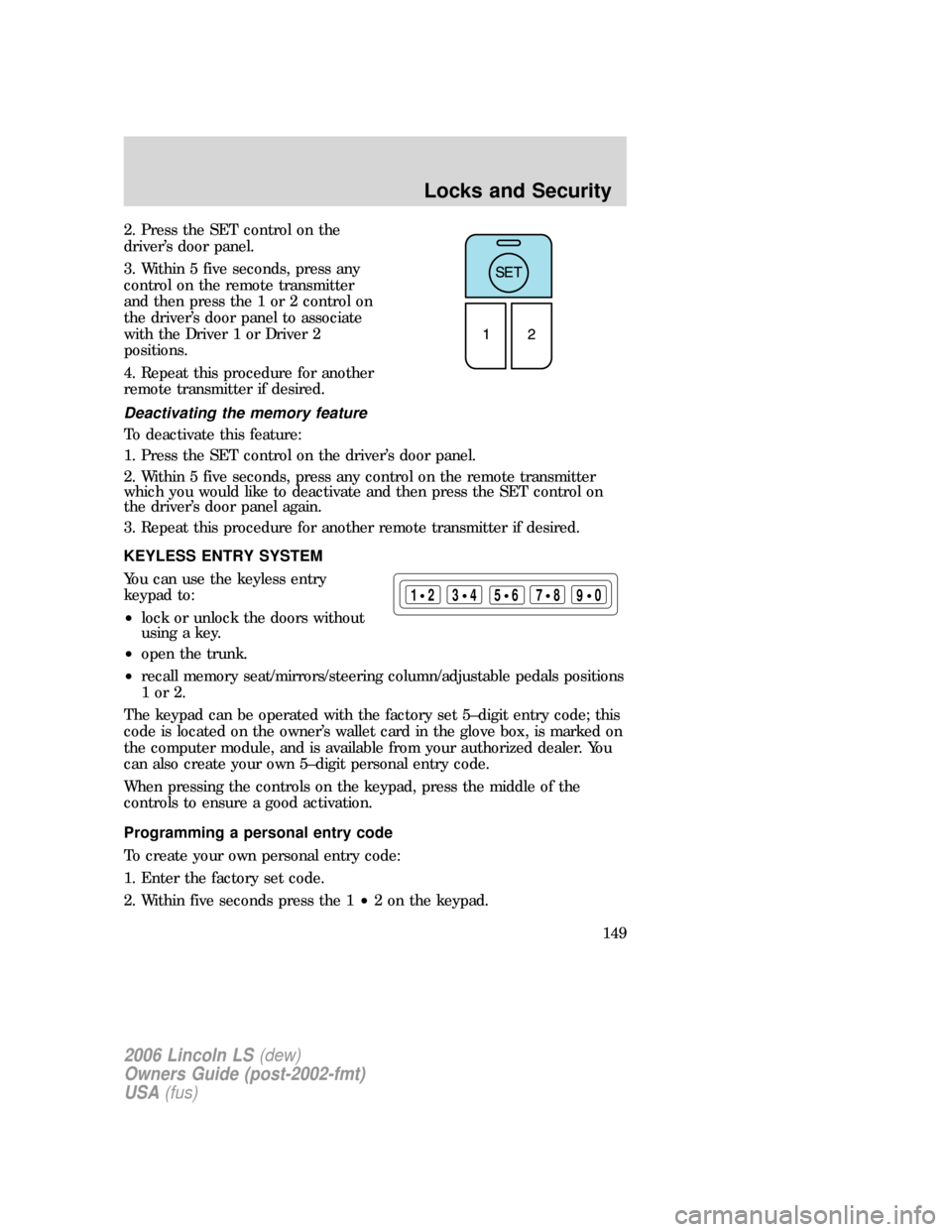
2. Press the SET control on the
driver’s door panel.
3. Within 5 five seconds, press any
control on the remote transmitter
and then press the 1 or 2 control on
the driver’s door panel to associate
with the Driver 1 or Driver 2
positions.
4. Repeat this procedure for another
remote transmitter if desired.
Deactivating the memory feature
To deactivate this feature:
1. Press the SET control on the driver’s door panel.
2. Within 5 five seconds, press any control on the remote transmitter
which you would like to deactivate and then press the SET control on
the driver’s door panel again.
3. Repeat this procedure for another remote transmitter if desired.
KEYLESS ENTRY SYSTEM
You can use the keyless entry
keypad to:
•lock or unlock the doors without
using a key.
•open the trunk.
•recall memory seat/mirrors/steering column/adjustable pedals positions
1or2.
The keypad can be operated with the factory set 5–digit entry code; this
code is located on the owner’s wallet card in the glove box, is marked on
the computer module, and is available from your authorized dealer. You
can also create your own 5–digit personal entry code.
When pressing the controls on the keypad, press the middle of the
controls to ensure a good activation.
Programming a personal entry code
To create your own personal entry code:
1. Enter the factory set code.
2. Within five seconds press the 1•2 on the keypad.
123
45678
90
2006 Lincoln LS(dew)
Owners Guide (post-2002-fmt)
USA(fus)
Locks and Security
149
Page 158 of 320
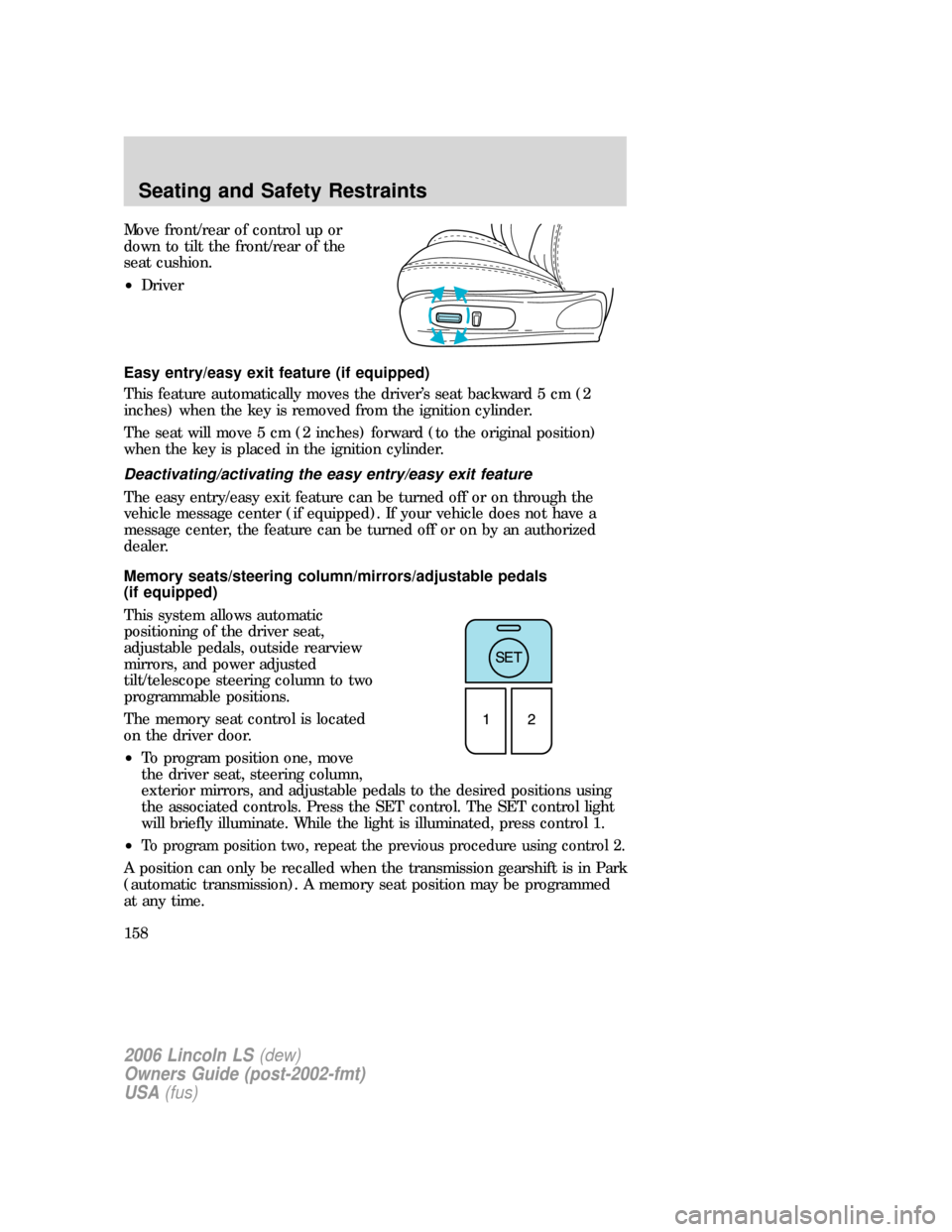
Move front/rear of control up or
down to tilt the front/rear of the
seat cushion.
•Driver
Easy entry/easy exit feature (if equipped)
This feature automatically moves the driver’s seat backward 5 cm (2
inches) when the key is removed from the ignition cylinder.
The seat will move 5 cm (2 inches) forward (to the original position)
when the key is placed in the ignition cylinder.
Deactivating/activating the easy entry/easy exit feature
The easy entry/easy exit feature can be turned off or on through the
vehicle message center (if equipped). If your vehicle does not have a
message center, the feature can be turned off or on by an authorized
dealer.
Memory seats/steering column/mirrors/adjustable pedals
(if equipped)
This system allows automatic
positioning of the driver seat,
adjustable pedals, outside rearview
mirrors, and power adjusted
tilt/telescope steering column to two
programmable positions.
The memory seat control is located
on the driver door.
•To program position one, move
the driver seat, steering column,
exterior mirrors, and adjustable pedals to the desired positions using
the associated controls. Press the SET control. The SET control light
will briefly illuminate. While the light is illuminated, press control 1.
•
To program position two, repeat the previous procedure using control 2.
A position can only be recalled when the transmission gearshift is in Park
(automatic transmission). A memory seat position may be programmed
at any time.
2006 Lincoln LS(dew)
Owners Guide (post-2002-fmt)
USA(fus)
Seating and Safety Restraints
158
Page 243 of 320
Fuse/Relay
LocationFuse Amp
RatingPassenger Compartment Fuse Panel
Description
10 5A Left front turn, Left front sidemarker, Left
front park lamps
11 10A Left front high beam
12 5A Electrochromic mirror
13 5A Cluster
14 5A DATC
15 5A O/D cancel, ABS/Traction-Assist switch
16 5A Heated seat controls, Climate control seat
module
17 5A RCM, Alternator warning lamp
18 20A Radio, CIA, Navigation unit
19 15A Tilt/Tele motors
20 10A FEM, DATC, Cluster, REM
21 7.5A Not used (spare)
22 10A DDM, Driver door mirror
23 10A Right front high beam
24 5A PATS
25 15A Left front low beam/HID
26 5A Wiper module
27 10A Radio, Navigation unit
28 5A Not Used (spare)
29 5A FEM, Reverse park assist
30 5A FEM, Passenger power mirror
31 — Not used
32 20A Cigar lighter
33 10A Switch backlighting, FEM
34 10A Not used (spare)
35 5A Stop lamp signal
2006 Lincoln LS(dew)
Owners Guide (post-2002-fmt)
USA(fus)
Roadside Emergencies
243