ignition LINCOLN MARK VIII 1998 Owner's Manual
[x] Cancel search | Manufacturer: LINCOLN, Model Year: 1998, Model line: MARK VIII, Model: LINCOLN MARK VIII 1998Pages: 170, PDF Size: 1.37 MB
Page 41 of 170
POWER TILT/TELESCOPE STEERING COLUMN
Never adjust the steering wheel when the vehicle is moving.
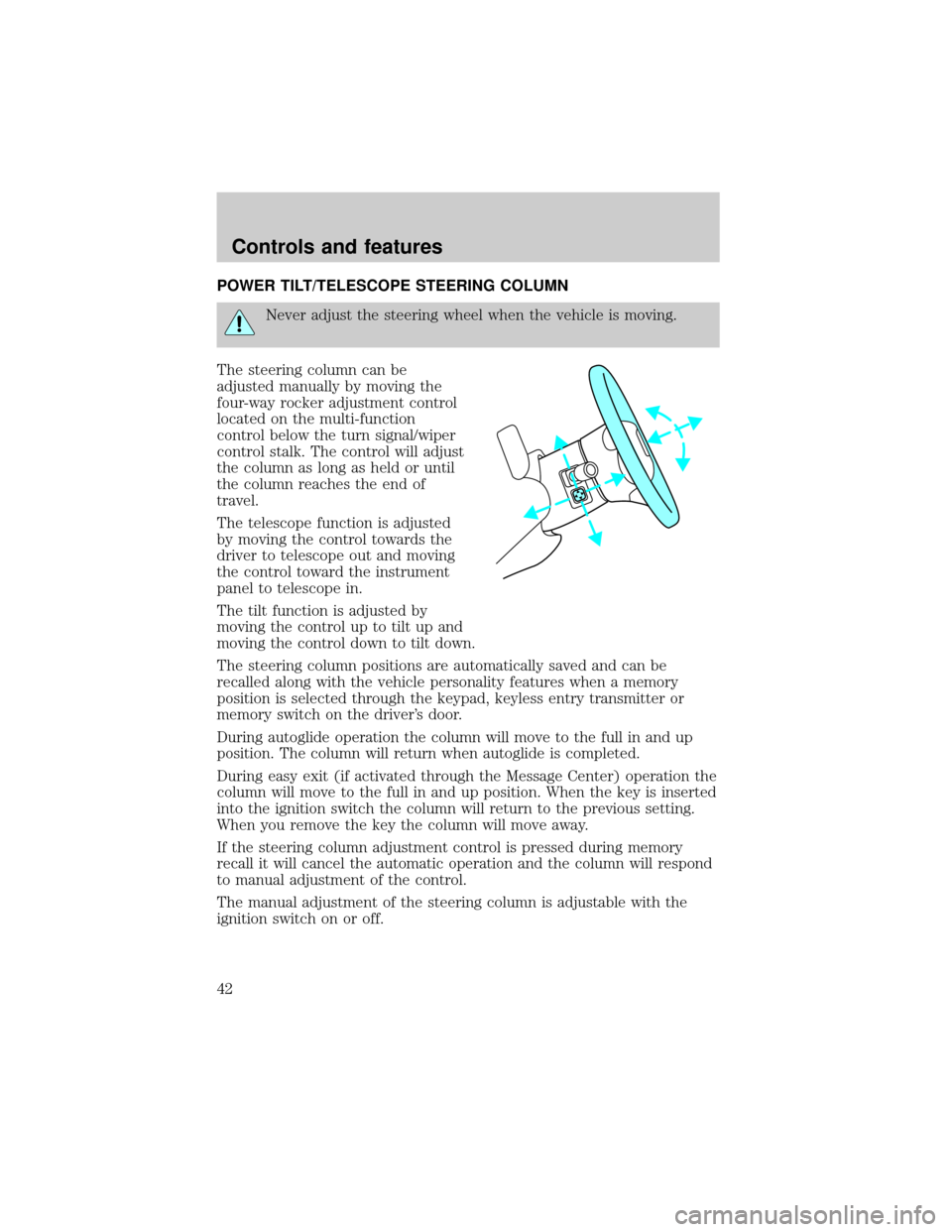
The steering column can be
adjusted manually by moving the
four-way rocker adjustment control
located on the multi-function
control below the turn signal/wiper
control stalk. The control will adjust
the column as long as held or until
the column reaches the end of
travel.
The telescope function is adjusted
by moving the control towards the
driver to telescope out and moving
the control toward the instrument
panel to telescope in.
The tilt function is adjusted by
moving the control up to tilt up and
moving the control down to tilt down.
The steering column positions are automatically saved and can be
recalled along with the vehicle personality features when a memory
position is selected through the keypad, keyless entry transmitter or
memory switch on the driver's door.
During autoglide operation the column will move to the full in and up
position. The column will return when autoglide is completed.
During easy exit (if activated through the Message Center) operation the
column will move to the full in and up position. When the key is inserted
into the ignition switch the column will return to the previous setting.
When you remove the key the column will move away.
If the steering column adjustment control is pressed during memory
recall it will cancel the automatic operation and the column will respond
to manual adjustment of the control.
The manual adjustment of the steering column is adjustable with the
ignition switch on or off.
Controls and features
42
Page 42 of 170
If attempting to manually adjust the steering column and it does not
respond see your local dealer for service.
SPEED CONTROL
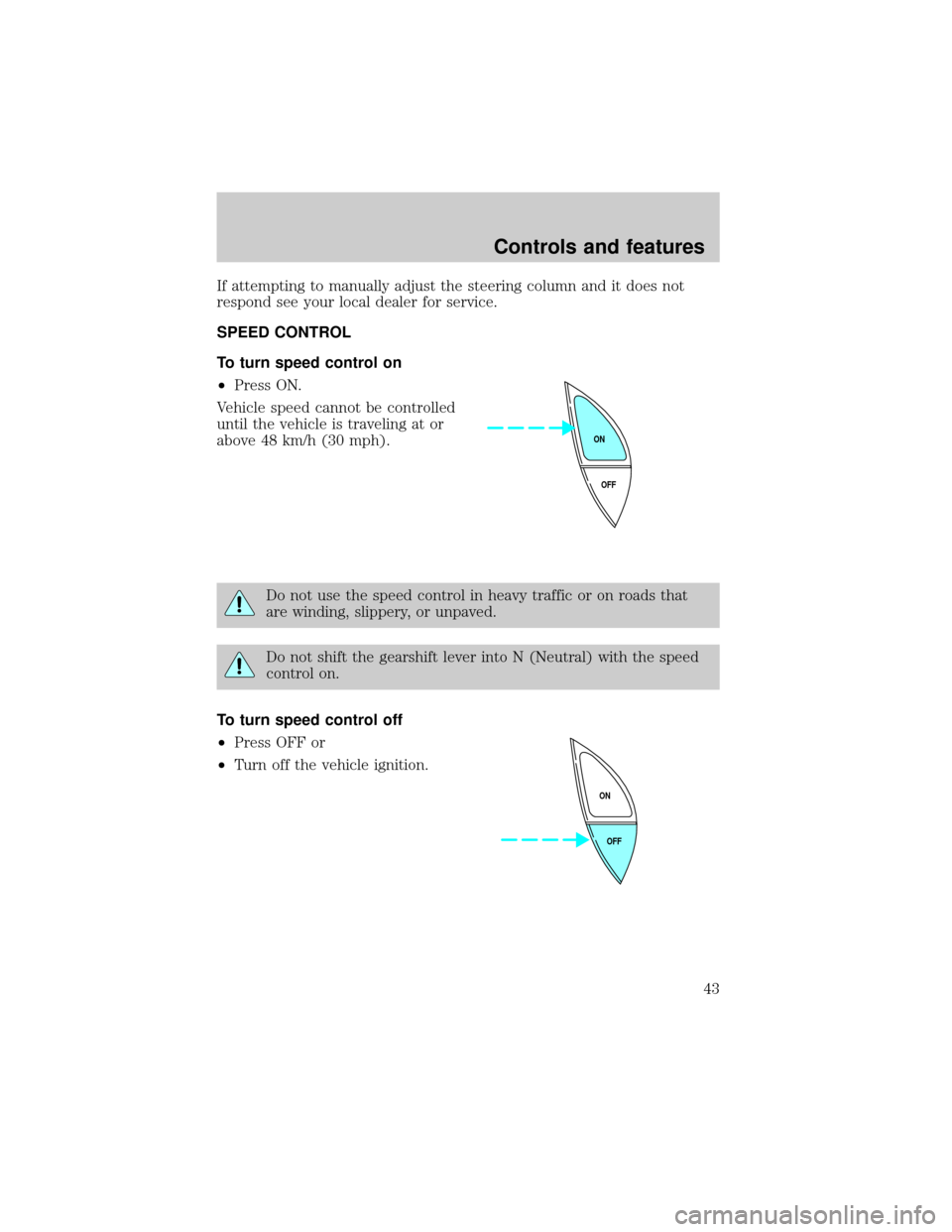
To turn speed control on
²Press ON.
Vehicle speed cannot be controlled
until the vehicle is traveling at or
above 48 km/h (30 mph).
Do not use the speed control in heavy traffic or on roads that
are winding, slippery, or unpaved.
Do not shift the gearshift lever into N (Neutral) with the speed
control on.
To turn speed control off
²Press OFF or
²Turn off the vehicle ignition.
OFF ON
OFF ON
Controls and features
43
Page 46 of 170
To return to a previously set speed
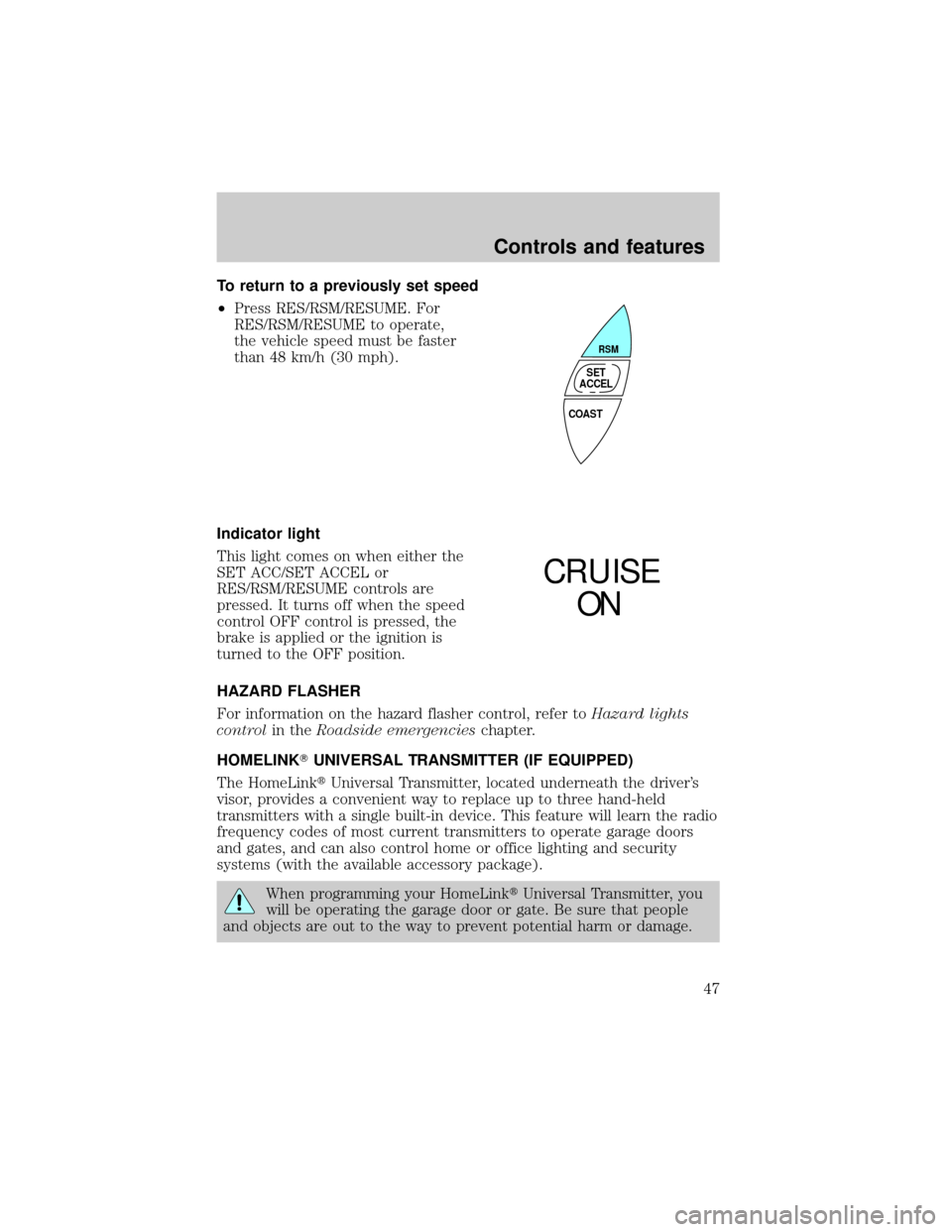
²Press RES/RSM/RESUME. For
RES/RSM/RESUME to operate,
the vehicle speed must be faster
than 48 km/h (30 mph).
Indicator light
This light comes on when either the
SET ACC/SET ACCEL or
RES/RSM/RESUME controls are
pressed. It turns off when the speed
control OFF control is pressed, the
brake is applied or the ignition is
turned to the OFF position.
HAZARD FLASHER
For information on the hazard flasher control, refer toHazard lights
controlin theRoadside emergencieschapter.
HOMELINKTUNIVERSAL TRANSMITTER (IF EQUIPPED)
The HomeLinktUniversal Transmitter, located underneath the driver's
visor, provides a convenient way to replace up to three hand-held
transmitters with a single built-in device. This feature will learn the radio
frequency codes of most current transmitters to operate garage doors
and gates, and can also control home or office lighting and security
systems (with the available accessory package).
When programming your HomeLinktUniversal Transmitter, you
will be operating the garage door or gate. Be sure that people
and objects are out to the way to prevent potential harm or damage.
COAST
RSM
SET
ACCEL
CRUISE
ON
Controls and features
47
Page 53 of 170
POWER DOOR LOCKS
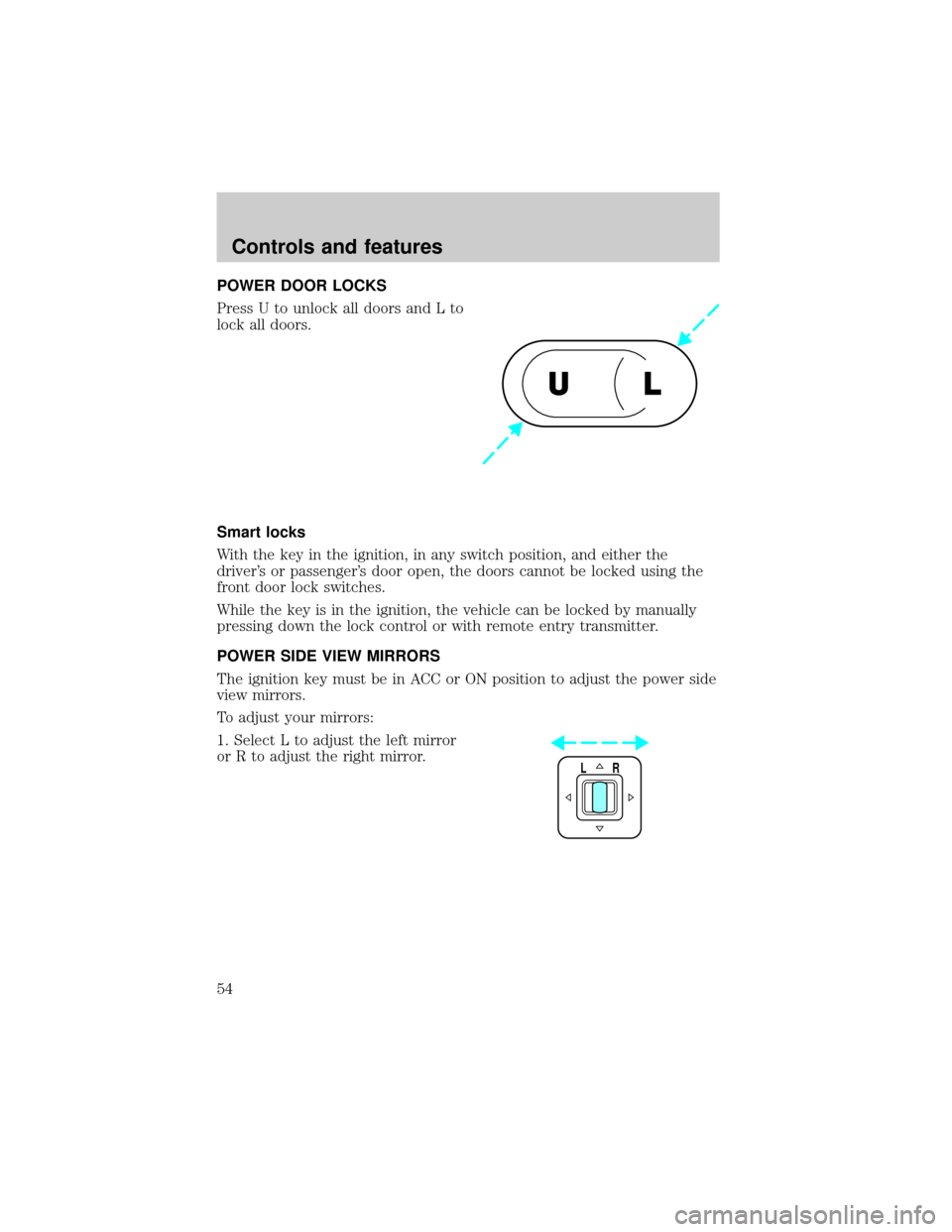
Press U to unlock all doors and L to
lock all doors.
Smart locks
With the key in the ignition, in any switch position, and either the
driver's or passenger's door open, the doors cannot be locked using the
front door lock switches.
While the key is in the ignition, the vehicle can be locked by manually
pressing down the lock control or with remote entry transmitter.
POWER SIDE VIEW MIRRORS
The ignition key must be in ACC or ON position to adjust the power side
view mirrors.
To adjust your mirrors:
1. Select L to adjust the left mirror
or R to adjust the right mirror.
UL
LR
Controls and features
54
Page 55 of 170

Recalling Personality Memory
All of these settings are automatically recalled when the driver unlocks
the door using the remote entry transmitter, keyless entry keypad or
selects either Memory 1 or Memory 2. The vehicle must be in P (Park )
or N (Neutral) to recall Personality Memory settings.
Remote entry
Pressing UNLOCK on the remote entry transmitter unlocks the driver's
door and recalls all of the Personality Memory settings. Two transmitters
are delivered with the vehicle; one is programmed to always recall Driver
1 and the other will always recall Driver 2. Personality Memory 1 or 2 is
indicated on the back of the transmitter.
Personality Memory recall from the remote transmitter can be disabled
by sliding the control on the back of the transmitter to OFF. Personality
Memory can still be recalled by using the keyless entry code.
Keyless entry
Up to three unique keyless entry codes can be programmed by the
customer. Two of the codes can be assigned to recall Personality Memory
1 or Memory 2. Each time the five-digit code is entered on the keypad,
the driver's door will unlock and Personality Memory 1 or Memory 2 will
be recalled.
Please note that even though the driver's Personality Memory may be
recalled using the remote or keyless entry, the seats and mirrors will not
move to the driver's set positions until the driver's door is opened. The
steering column will move when the key is inserted in the ignition.
Memory controls
Selecting either Memory 1 or Memory 2 will also recall the Personality
Memory settings as selected, providing your vehicle is in P (Park ) or N
(Neutral).
Controls and features
56
Page 57 of 170
Cellular phone
Refer to the ªCellular phone guideº for instructions on operation.
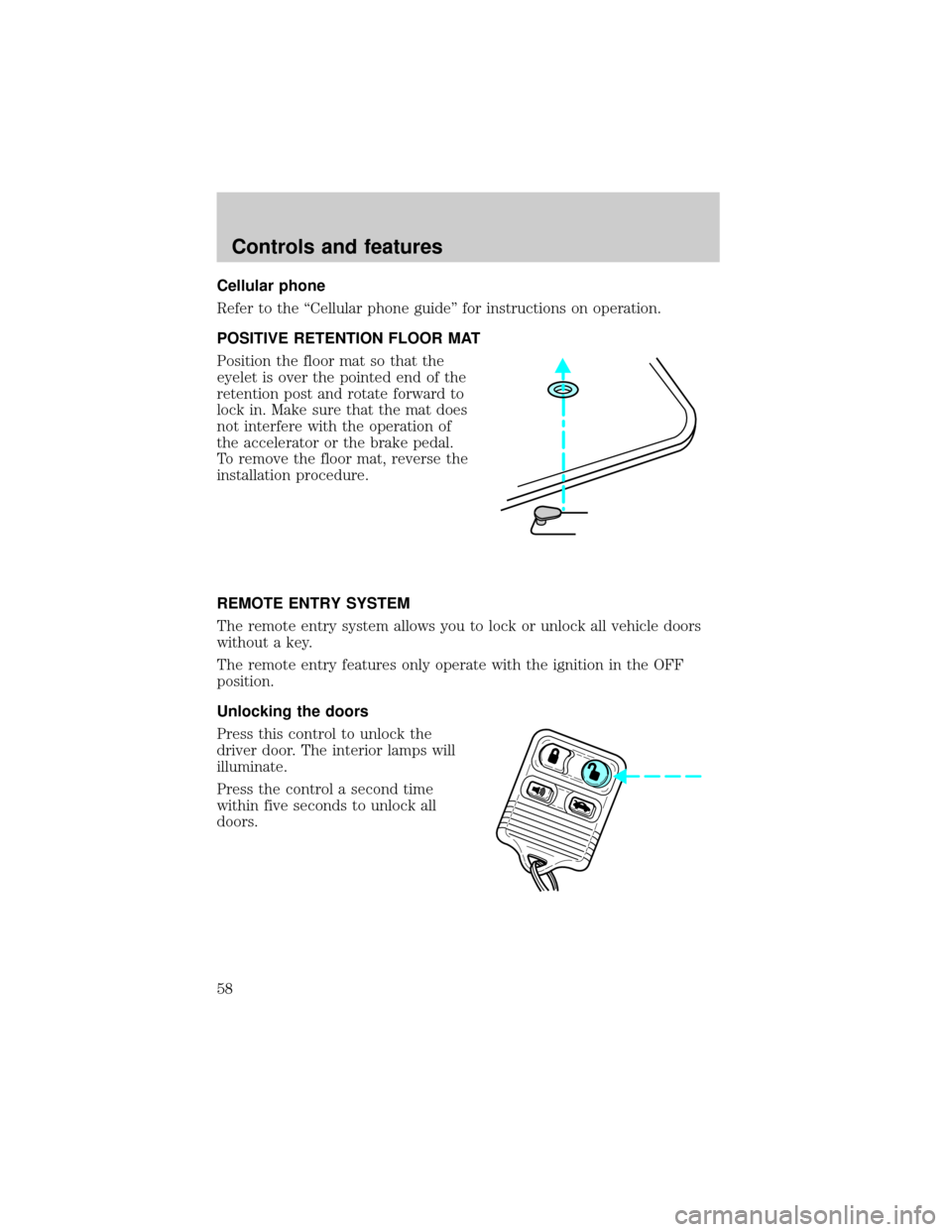
POSITIVE RETENTION FLOOR MAT
Position the floor mat so that the
eyelet is over the pointed end of the
retention post and rotate forward to
lock in. Make sure that the mat does
not interfere with the operation of
the accelerator or the brake pedal.
To remove the floor mat, reverse the
installation procedure.
REMOTE ENTRY SYSTEM
The remote entry system allows you to lock or unlock all vehicle doors
without a key.
The remote entry features only operate with the ignition in the OFF
position.
Unlocking the doors
Press this control to unlock the
driver door. The interior lamps will
illuminate.
Press the control a second time
within five seconds to unlock all
doors.
Controls and features
58
Page 59 of 170
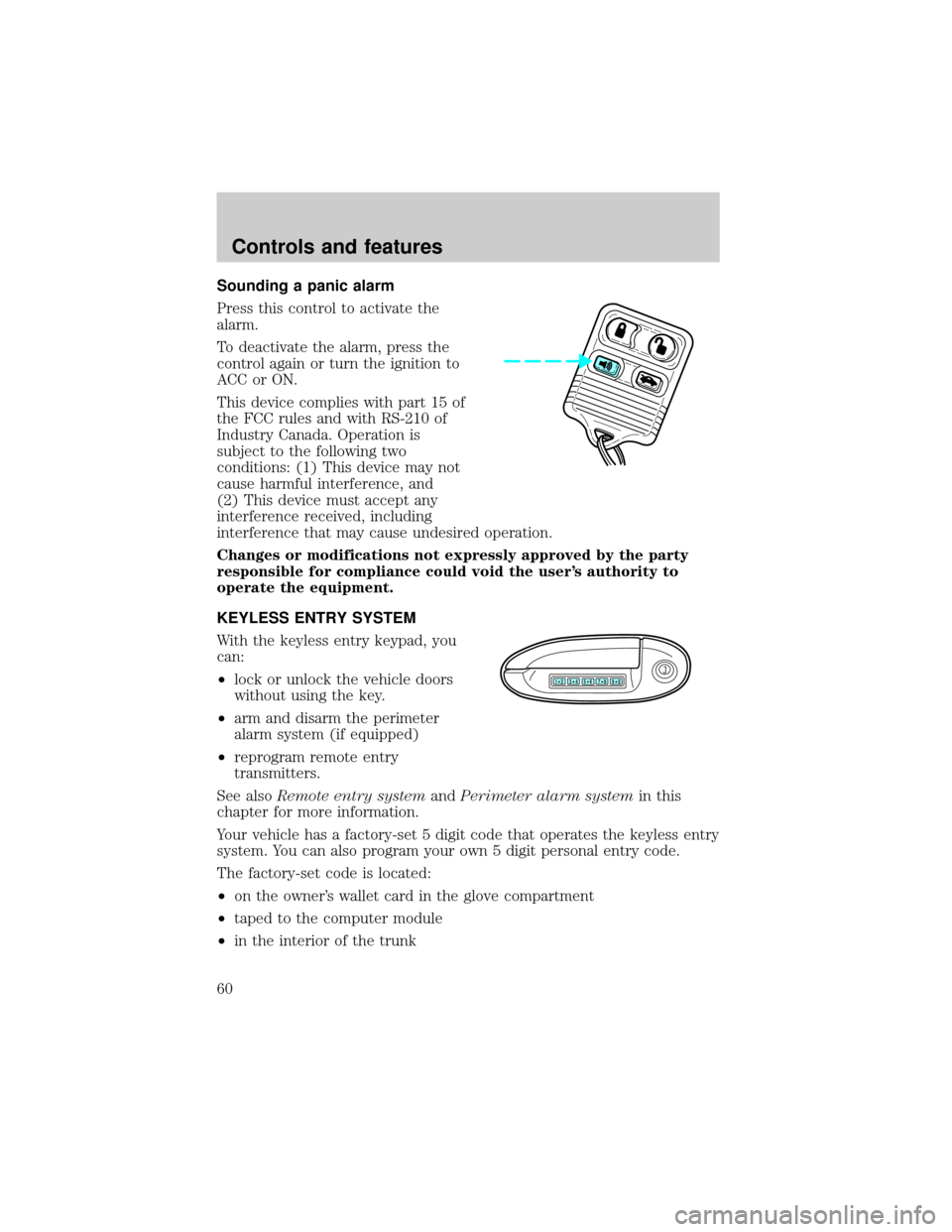
Sounding a panic alarm
Press this control to activate the
alarm.
To deactivate the alarm, press the
control again or turn the ignition to
ACC or ON.
This device complies with part 15 of
the FCC rules and with RS-210 of
Industry Canada. Operation is
subject to the following two
conditions: (1) This device may not
cause harmful interference, and
(2) This device must accept any
interference received, including
interference that may cause undesired operation.
Changes or modifications not expressly approved by the party
responsible for compliance could void the user's authority to
operate the equipment.
KEYLESS ENTRY SYSTEM
With the keyless entry keypad, you
can:
²lock or unlock the vehicle doors
without using the key.
²arm and disarm the perimeter
alarm system (if equipped)
²reprogram remote entry
transmitters.
See alsoRemote entry systemandPerimeter alarm systemin this
chapter for more information.
Your vehicle has a factory-set 5 digit code that operates the keyless entry
system. You can also program your own 5 digit personal entry code.
The factory-set code is located:
²on the owner's wallet card in the glove compartment
²taped to the computer module
²in the interior of the trunk
123
45678
90
Controls and features
60
Page 62 of 170
Autolock
The autolock feature will lock all of the doors when:
²all vehicle doors are fully closed
²the ignition key is turned to the ON position
²the vehicle is in a forward gear and
²you exceed 5 km/h (3 mph).
The autolock feature repeats when:
²the ignition key remains in the ON position
²a door is opened and then closed
²the vehicle is in a forward gear, and
²you exceed 5 km/h (3 mph).
The autolock feature can be turned on/off by using the feature menu in
the message center. Refer toElectronic message centerfor more
information.
PERIMETER ALARM SYSTEM
Arming the system
When armed, this system will help protect your vehicle from
unauthorized entry. When unauthorized entry occurs, the system will
flash the headlamps and/or parking lamps and the theft indicator lamp
and will chirp the horn.
The system is ready to arm whenever the ignition is turned OFF. Any of
the following actions will prearm the alarm system:
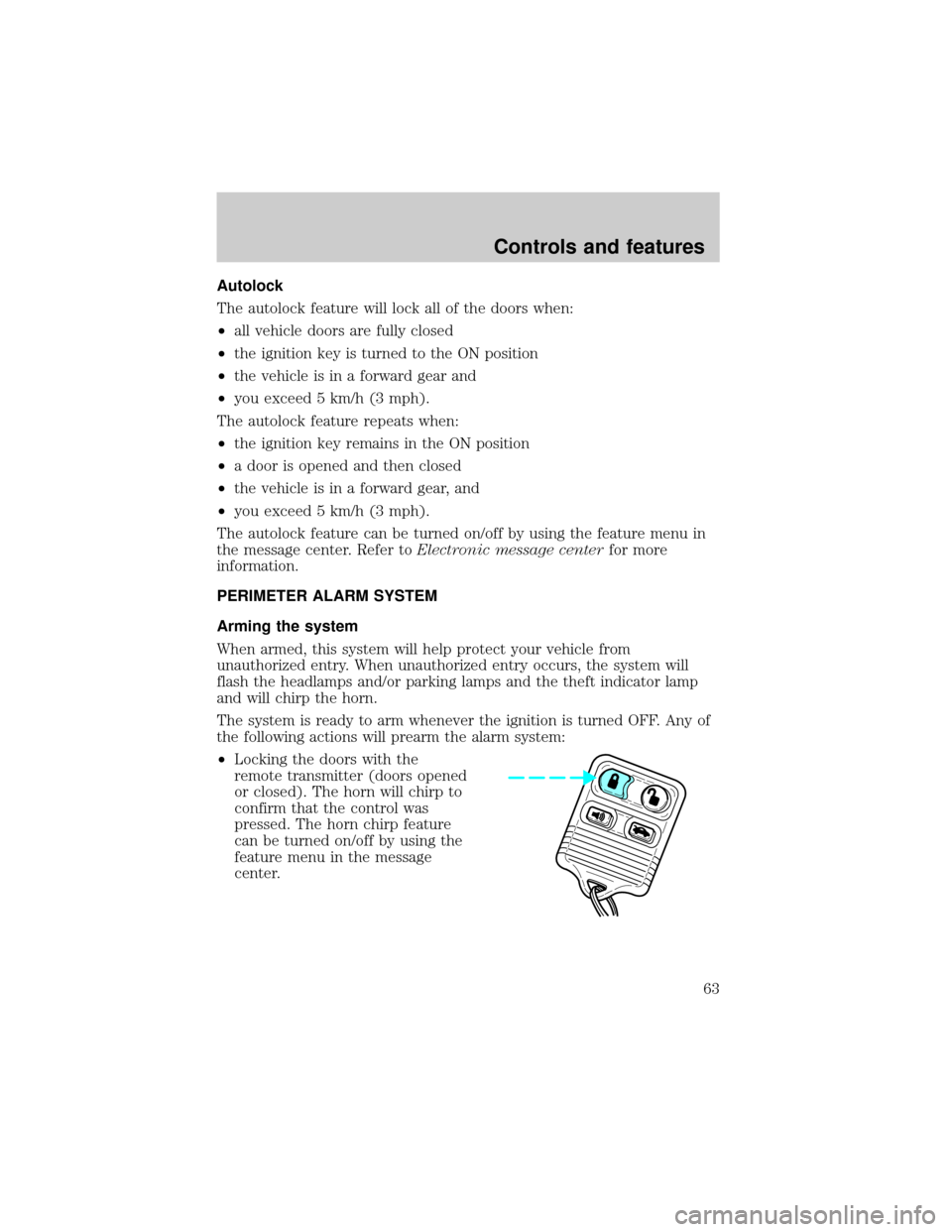
²Locking the doors with the
remote transmitter (doors opened
or closed). The horn will chirp to
confirm that the control was
pressed. The horn chirp feature
can be turned on/off by using the
feature menu in the message
center.
Controls and features
63
Page 63 of 170
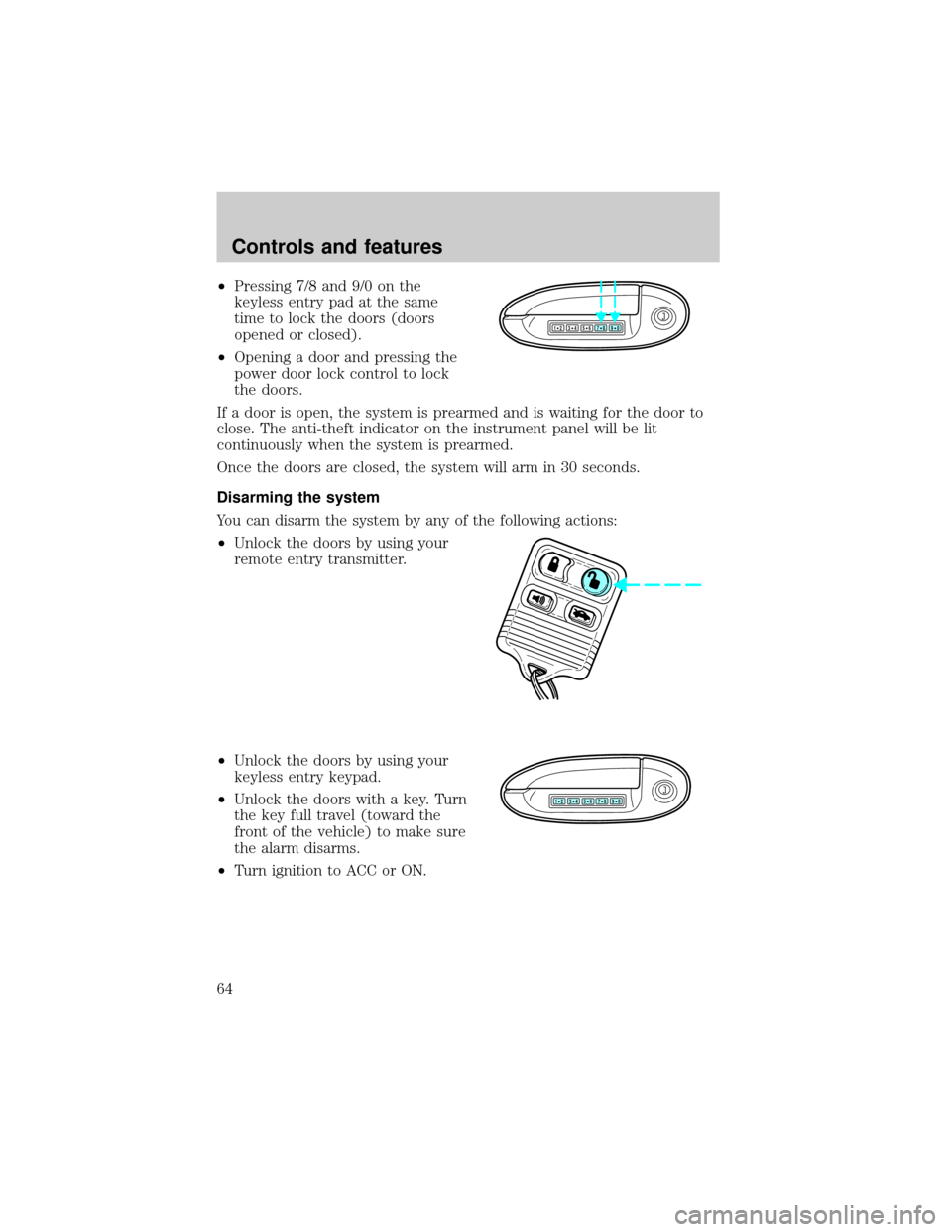
²Pressing 7/8 and 9/0 on the
keyless entry pad at the same
time to lock the doors (doors
opened or closed).
²Opening a door and pressing the
power door lock control to lock
the doors.
If a door is open, the system is prearmed and is waiting for the door to
close. The anti-theft indicator on the instrument panel will be lit
continuously when the system is prearmed.
Once the doors are closed, the system will arm in 30 seconds.
Disarming the system
You can disarm the system by any of the following actions:
²Unlock the doors by using your
remote entry transmitter.
²Unlock the doors by using your
keyless entry keypad.
²Unlock the doors with a key. Turn
the key full travel (toward the
front of the vehicle) to make sure
the alarm disarms.
²Turn ignition to ACC or ON.
123
45678
90
123
45678
90
Controls and features
64
Page 64 of 170

SECURILOCKYANTI-THEFT SYSTEM
Your vehicle is equipped with a coded-key anti-theft system. Only the
correct key will be able to start your vehicle. If your keys are lost or
stolen, you must take your vehicle to a Ford/Lincoln-Mercury dealership
for re-programming.
Programming additional keys
If you need additional keys electronically coded for your vehicle, spares
can be purchased (a maximum of 16 keys can be programmed). To
program a new key, perform the following procedure:
1. With the coded key in the ignition, turn the ignition from ON to OFF.
2. Within 15 seconds of turning ignition off, insert the new coded key
into the ignition and turn it from OFF to ON or START. If successful, the
THEFT indicator light will illuminate for two seconds. Repeat procedure
for all new keys.
If key coding fails, the THEFT indicator light will flash.
Coding failure can be caused by any of the following:
²The new key was not inserted into the ignition within 15 seconds.
²16 keys have already been programmed.
²The new key does not have an electronic code.
Controls and features
65