reset LINCOLN MKS 2009 User Guide
[x] Cancel search | Manufacturer: LINCOLN, Model Year: 2009, Model line: MKS, Model: LINCOLN MKS 2009Pages: 323, PDF Size: 2.58 MB
Page 46 of 323
PANEL DIMMER CONTROL
Use to adjust the brightness of the
instrument panel and all applicable
switches in the vehicle during
headlamp and parking lamp
operation.
Move the control to the full upright
position, past detent, to turn on the
interior lamps.
Note:If the battery is disconnected,
discharged, or a new battery is
installed, the dimmer switch requires re-calibration. Rotate the dimmer
switch from the full dim position to the full dome/on position to reset.
This will ensure that your displays are visible under all lighting
conditions.
AIMING THE HEADLAMPS
The headlamps on your vehicle are properly aimed at the assembly plant.
If your vehicle has been in an accident, the alignment of your headlamps
should be checked by your authorized dealer.
Vertical aim adjustment
1. Park the vehicle directly in front of a wall or screen on a level surface,
approximately 25 feet (7.6 meters) away.
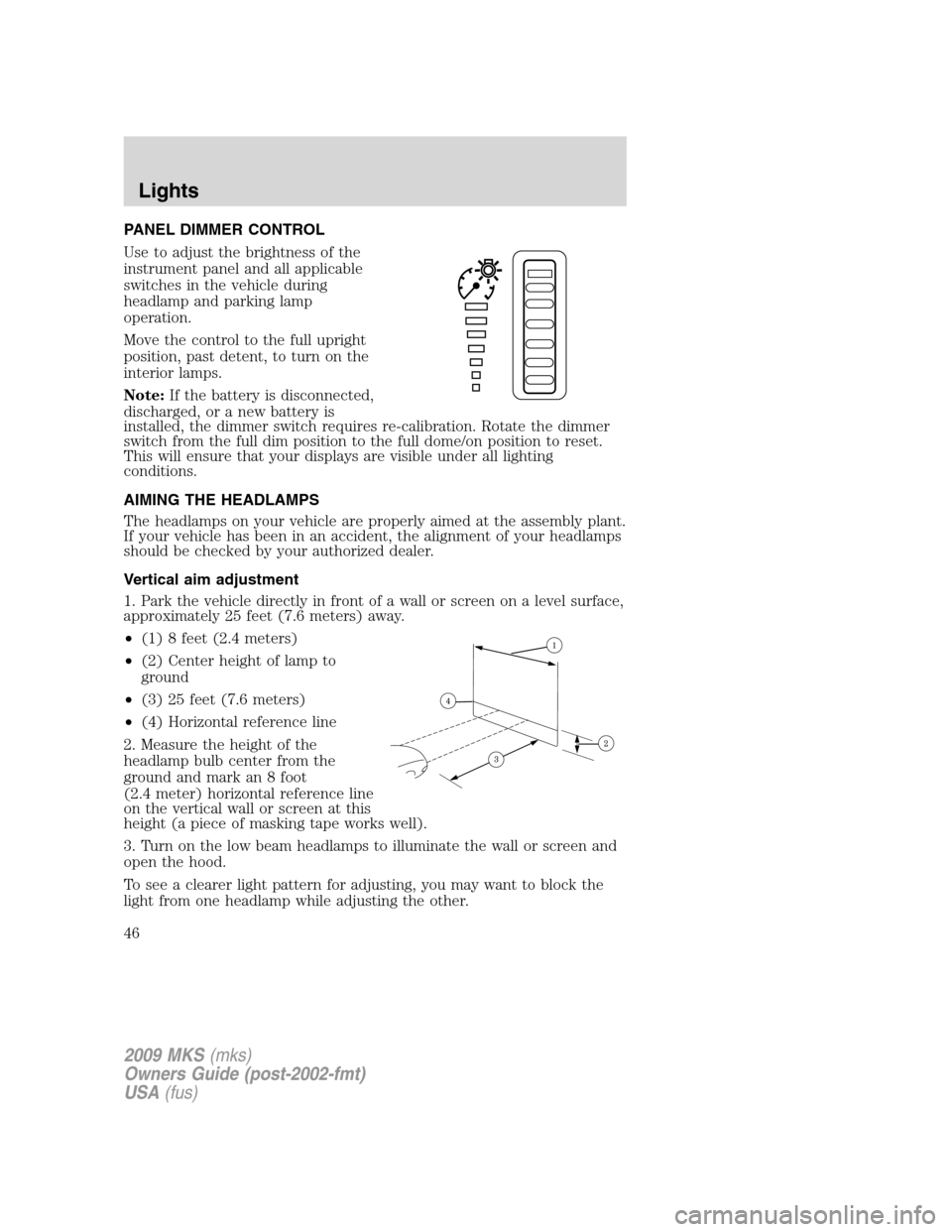
•(1) 8 feet (2.4 meters)
•(2) Center height of lamp to
ground
•(3) 25 feet (7.6 meters)
•(4) Horizontal reference line
2. Measure the height of the
headlamp bulb center from the
ground and mark an 8 foot
(2.4 meter) horizontal reference line
on the vertical wall or screen at this
height (a piece of masking tape works well).
3. Turn on the low beam headlamps to illuminate the wall or screen and
open the hood.
To see a clearer light pattern for adjusting, you may want to block the
light from one headlamp while adjusting the other.
2009 MKS(mks)
Owners Guide (post-2002-fmt)
USA(fus)
Lights
46
Page 65 of 323
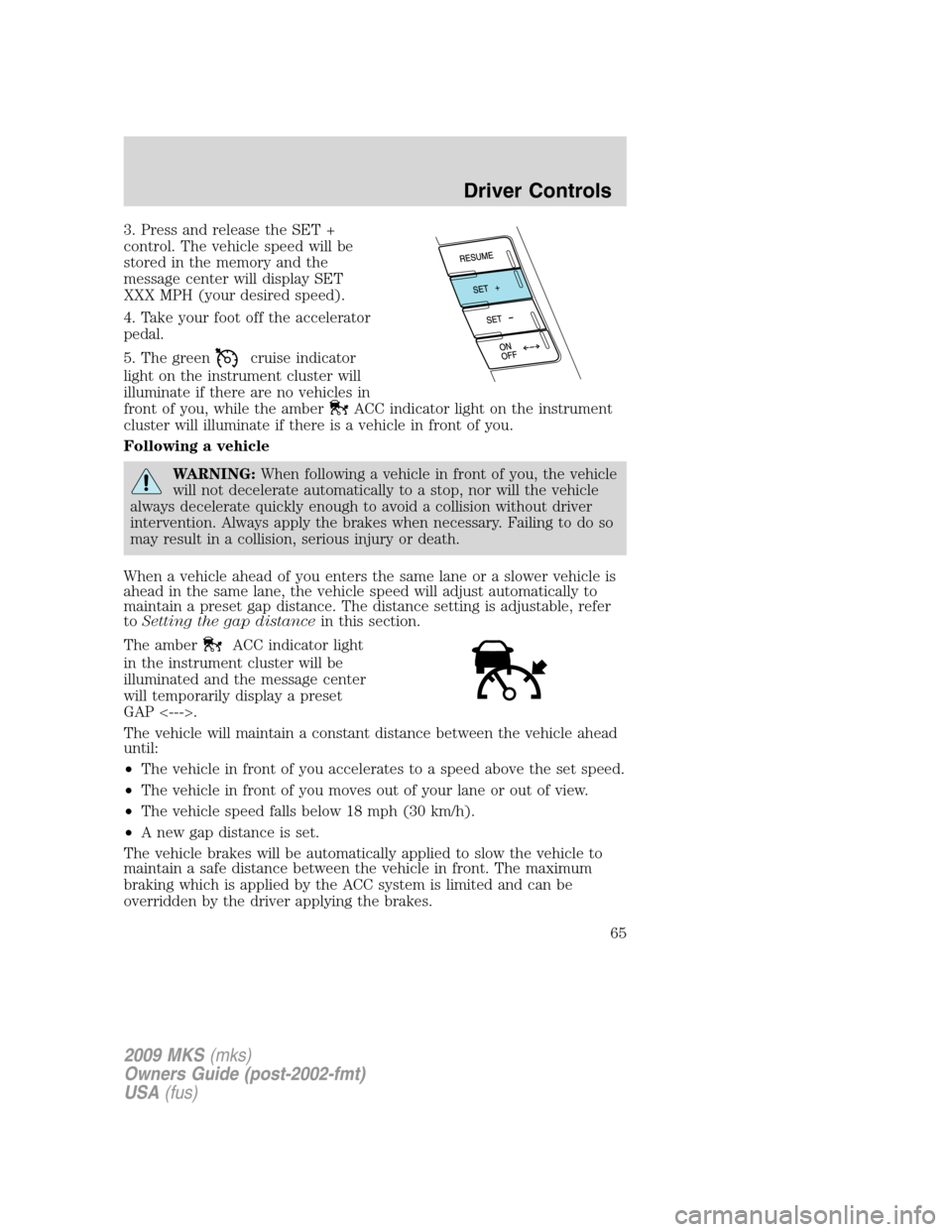
3. Press and release the SET +
control. The vehicle speed will be
stored in the memory and the
message center will display SET
XXX MPH (your desired speed).
4. Take your foot off the accelerator
pedal.
5. The green
cruise indicator
light on the instrument cluster will
illuminate if there are no vehicles in
front of you, while the amber
ACC indicator light on the instrument
cluster will illuminate if there is a vehicle in front of you.
Following a vehicle
WARNING:When following a vehicle in front of you, the vehicle
will not decelerate automatically to a stop, nor will the vehicle
always decelerate quickly enough to avoid a collision without driver
intervention. Always apply the brakes when necessary. Failing to do so
may result in a collision, serious injury or death.
When a vehicle ahead of you enters the same lane or a slower vehicle is
ahead in the same lane, the vehicle speed will adjust automatically to
maintain a preset gap distance. The distance setting is adjustable, refer
toSetting the gap distancein this section.
The amber
ACC indicator light
in the instrument cluster will be
illuminated and the message center
will temporarily display a preset
GAP <--->.
The vehicle will maintain a constant distance between the vehicle ahead
until:
•The vehicle in front of you accelerates to a speed above the set speed.
•The vehicle in front of you moves out of your lane or out of view.
•The vehicle speed falls below 18 mph (30 km/h).
•A new gap distance is set.
The vehicle brakes will be automatically applied to slow the vehicle to
maintain a safe distance between the vehicle in front. The maximum
braking which is applied by the ACC system is limited and can be
overridden by the driver applying the brakes.
2009 MKS(mks)
Owners Guide (post-2002-fmt)
USA(fus)
Driver Controls
65
Page 72 of 323
STEERING WHEEL CONTROLS
Radio control features
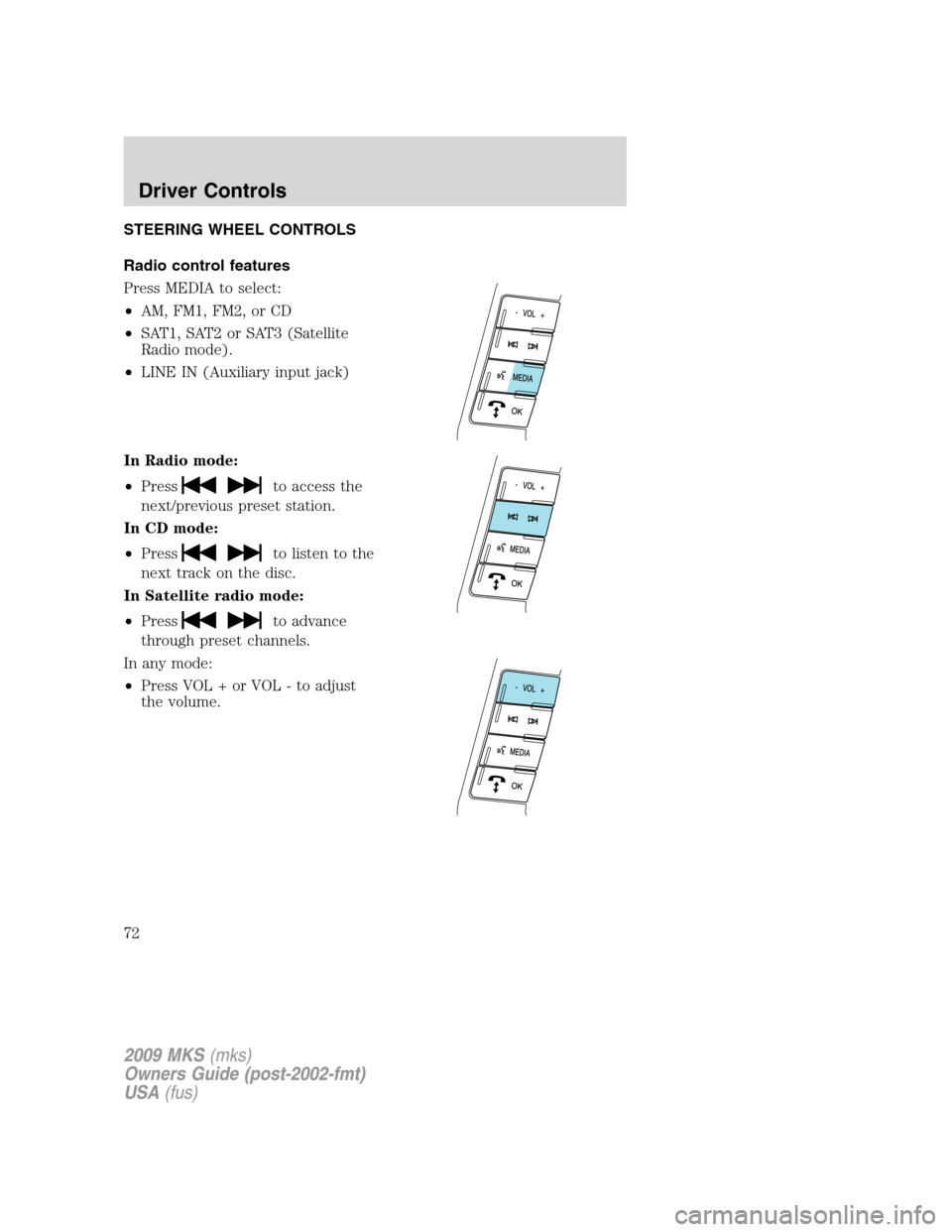
Press MEDIA to select:
•AM, FM1, FM2, or CD
•SAT1, SAT2 or SAT3 (Satellite
Radio mode).
•LINE IN (Auxiliary input jack)
In Radio mode:
•Press
to access the
next/previous preset station.
In CD mode:
•Press
to listen to the
next track on the disc.
In Satellite radio mode:
•Press
to advance
through preset channels.
In any mode:
•Press VOL + or VOL - to adjust
the volume.
2009 MKS(mks)
Owners Guide (post-2002-fmt)
USA(fus)
Driver Controls
72
Page 79 of 323
Selectable features
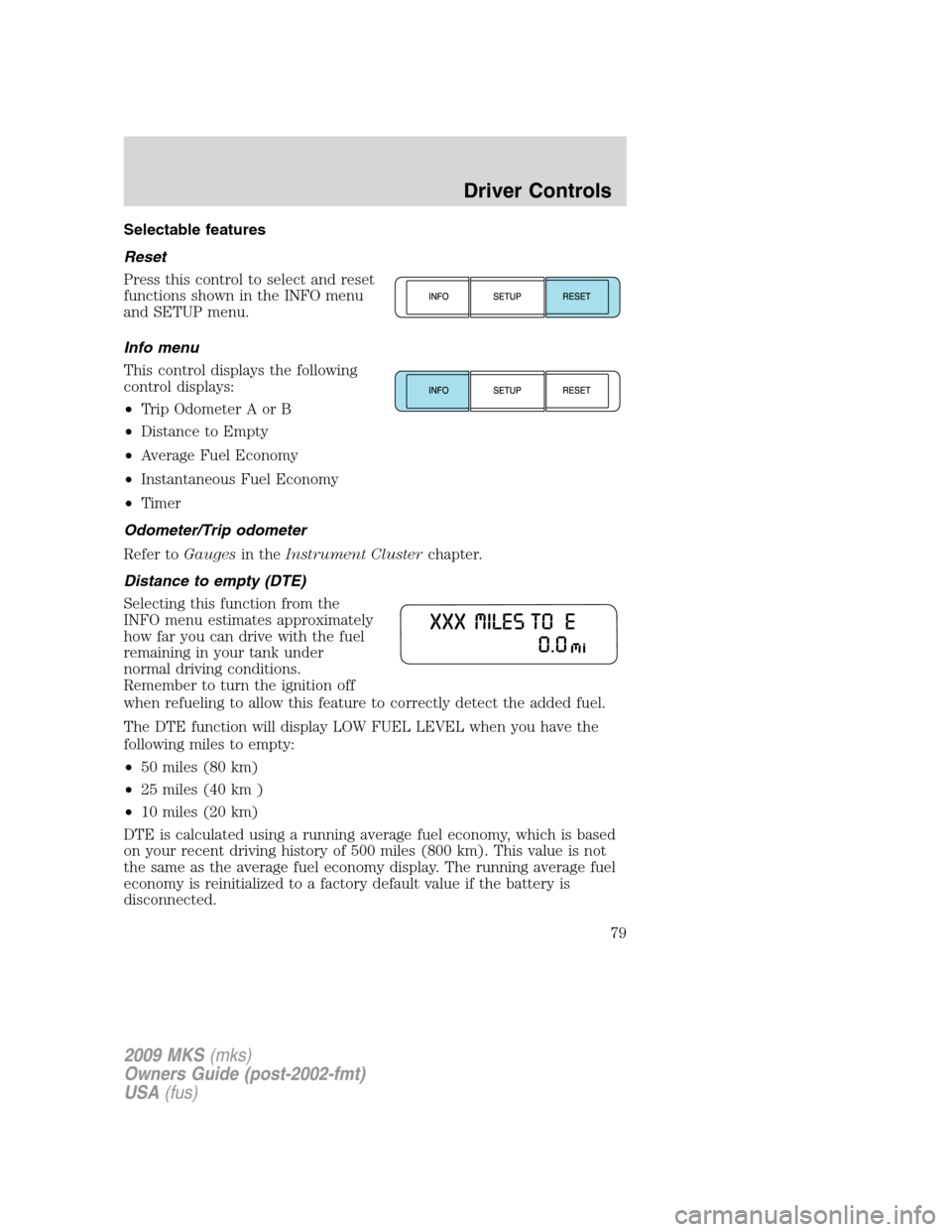
Reset
Press this control to select and reset
functions shown in the INFO menu
and SETUP menu.
Info menu
This control displays the following
control displays:
•Trip Odometer A or B
•Distance to Empty
•Average Fuel Economy
•Instantaneous Fuel Economy
•Timer
Odometer/Trip odometer
Refer toGaugesin theInstrument Clusterchapter.
Distance to empty (DTE)
Selecting this function from the
INFO menu estimates approximately
how far you can drive with the fuel
remaining in your tank under
normal driving conditions.
Remember to turn the ignition off
when refueling to allow this feature to correctly detect the added fuel.
The DTE function will display LOW FUEL LEVEL when you have the
following miles to empty:
•50 miles (80 km)
•25 miles (40 km )
•10 miles (20 km)
DTE is calculated using a running average fuel economy, which is based
on your recent driving history of 500 miles (800 km). This value is not
the same as the average fuel economy display. The running average fuel
economy is reinitialized to a factory default value if the battery is
disconnected.
2009 MKS(mks)
Owners Guide (post-2002-fmt)
USA(fus)
Driver Controls
79
Page 80 of 323
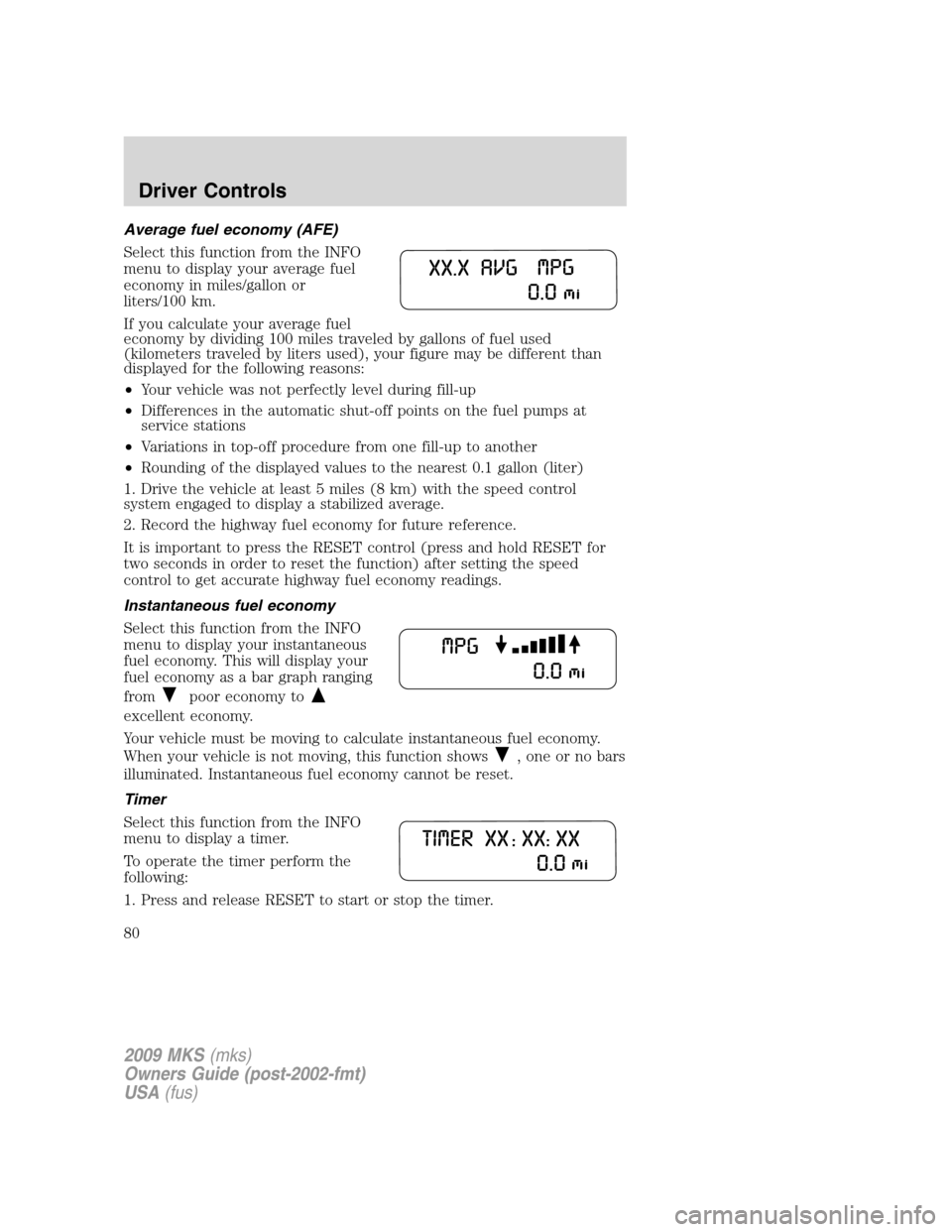
Average fuel economy (AFE)
Select this function from the INFO
menu to display your average fuel
economy in miles/gallon or
liters/100 km.
If you calculate your average fuel
economy by dividing 100 miles traveled by gallons of fuel used
(kilometers traveled by liters used), your figure may be different than
displayed for the following reasons:
•Your vehicle was not perfectly level during fill-up
•Differences in the automatic shut-off points on the fuel pumps at
service stations
•Variations in top-off procedure from one fill-up to another
•Rounding of the displayed values to the nearest 0.1 gallon (liter)
1. Drive the vehicle at least 5 miles (8 km) with the speed control
system engaged to display a stabilized average.
2. Record the highway fuel economy for future reference.
It is important to press the RESET control (press and hold RESET for
two seconds in order to reset the function) after setting the speed
control to get accurate highway fuel economy readings.
Instantaneous fuel economy
Select this function from the INFO
menu to display your instantaneous
fuel economy. This will display your
fuel economy as a bar graph ranging
from
poor economy to
excellent economy.
Your vehicle must be moving to calculate instantaneous fuel economy.
When your vehicle is not moving, this function shows
, one or no bars
illuminated. Instantaneous fuel economy cannot be reset.
Timer
Select this function from the INFO
menu to display a timer.
To operate the timer perform the
following:
1. Press and release RESET to start or stop the timer.
2009 MKS(mks)
Owners Guide (post-2002-fmt)
USA(fus)
Driver Controls
80
Page 81 of 323
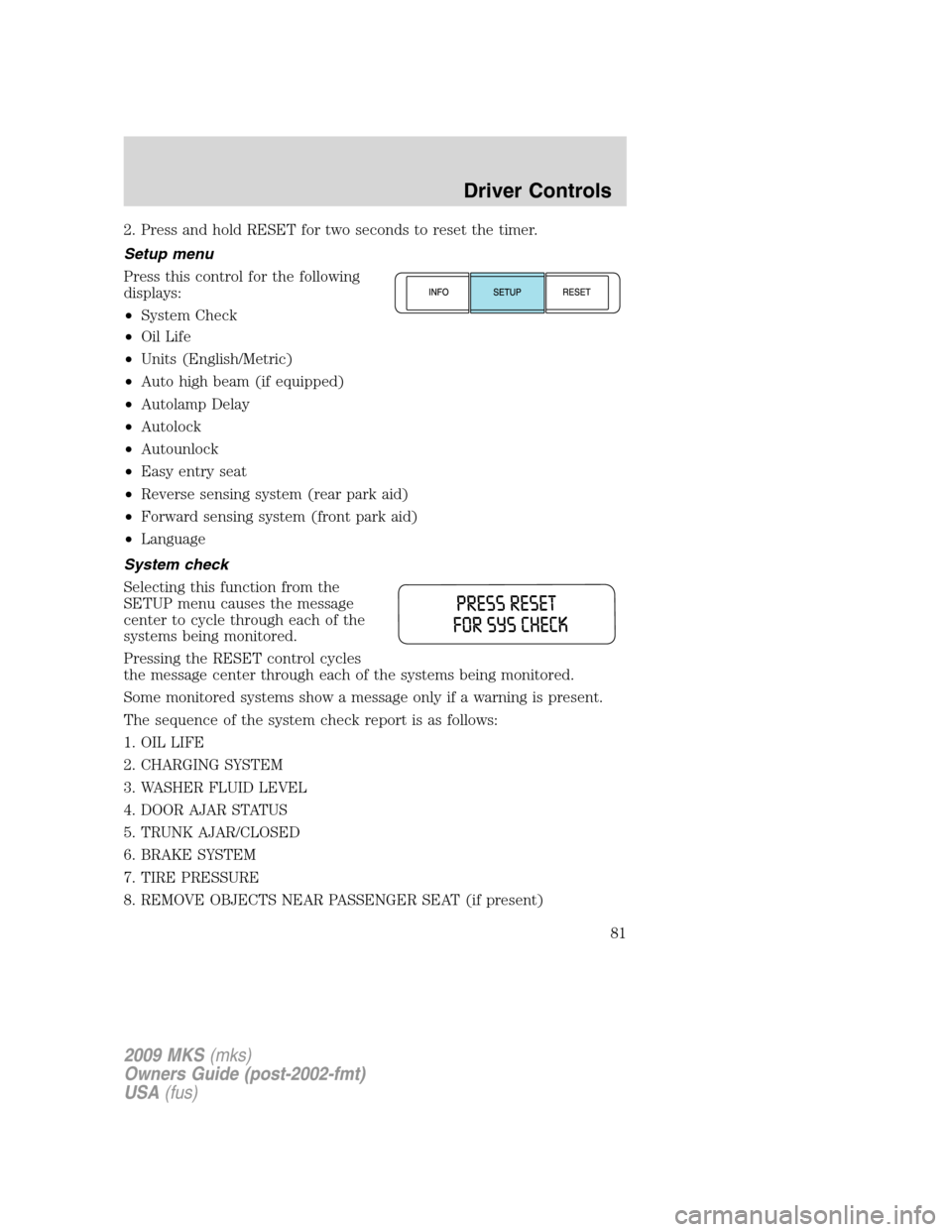
2. Press and hold RESET for two seconds to reset the timer.
Setup menu
Press this control for the following
displays:
•System Check
•Oil Life
•Units (English/Metric)
•Auto high beam (if equipped)
•Autolamp Delay
•Autolock
•Autounlock
•Easy entry seat
•Reverse sensing system (rear park aid)
•Forward sensing system (front park aid)
•Language
System check
Selecting this function from the
SETUP menu causes the message
center to cycle through each of the
systems being monitored.
Pressing the RESET control cycles
the message center through each of the systems being monitored.
Some monitored systems show a message only if a warning is present.
The sequence of the system check report is as follows:
1. OIL LIFE
2. CHARGING SYSTEM
3. WASHER FLUID LEVEL
4. DOOR AJAR STATUS
5. TRUNK AJAR/CLOSED
6. BRAKE SYSTEM
7. TIRE PRESSURE
8. REMOVE OBJECTS NEAR PASSENGER SEAT (if present)
2009 MKS(mks)
Owners Guide (post-2002-fmt)
USA(fus)
Driver Controls
81
Page 82 of 323
9. ADAPTIVE CRUISE CONTROL (if equipped)
10. PARK AID
11. FUEL LEVEL
Oil life
An oil change is required whenever indicated by the message center.
USE ONLY RECOMMENDED ENGINE OILS.
To reset the oil monitoring system to 100% after each oil change
(approximately 7,500 miles [12,000 km] or six months) perform the
following:
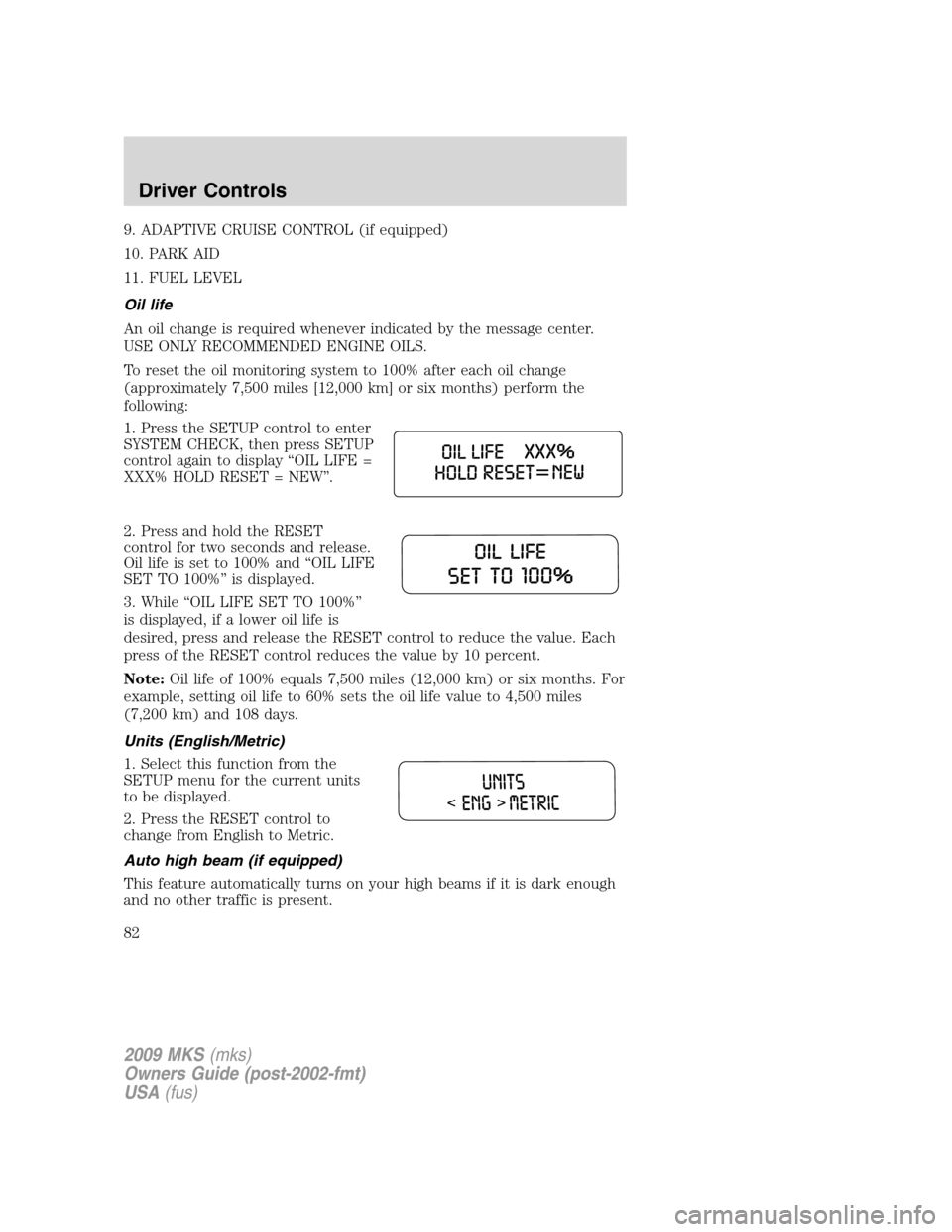
1. Press the SETUP control to enter
SYSTEM CHECK, then press SETUP
control again to display “OIL LIFE =
XXX% HOLD RESET = NEW”.
2. Press and hold the RESET
control for two seconds and release.
Oil life is set to 100% and “OIL LIFE
SET TO 100%” is displayed.
3. While “OIL LIFE SET TO 100%”
is displayed, if a lower oil life is
desired, press and release the RESET control to reduce the value. Each
press of the RESET control reduces the value by 10 percent.
Note:Oil life of 100% equals 7,500 miles (12,000 km) or six months. For
example, setting oil life to 60% sets the oil life value to 4,500 miles
(7,200 km) and 108 days.
Units (English/Metric)
1. Select this function from the
SETUP menu for the current units
to be displayed.
2. Press the RESET control to
change from English to Metric.
Auto high beam (if equipped)
This feature automatically turns on your high beams if it is dark enough
and no other traffic is present.
2009 MKS(mks)
Owners Guide (post-2002-fmt)
USA(fus)
Driver Controls
82
Page 83 of 323
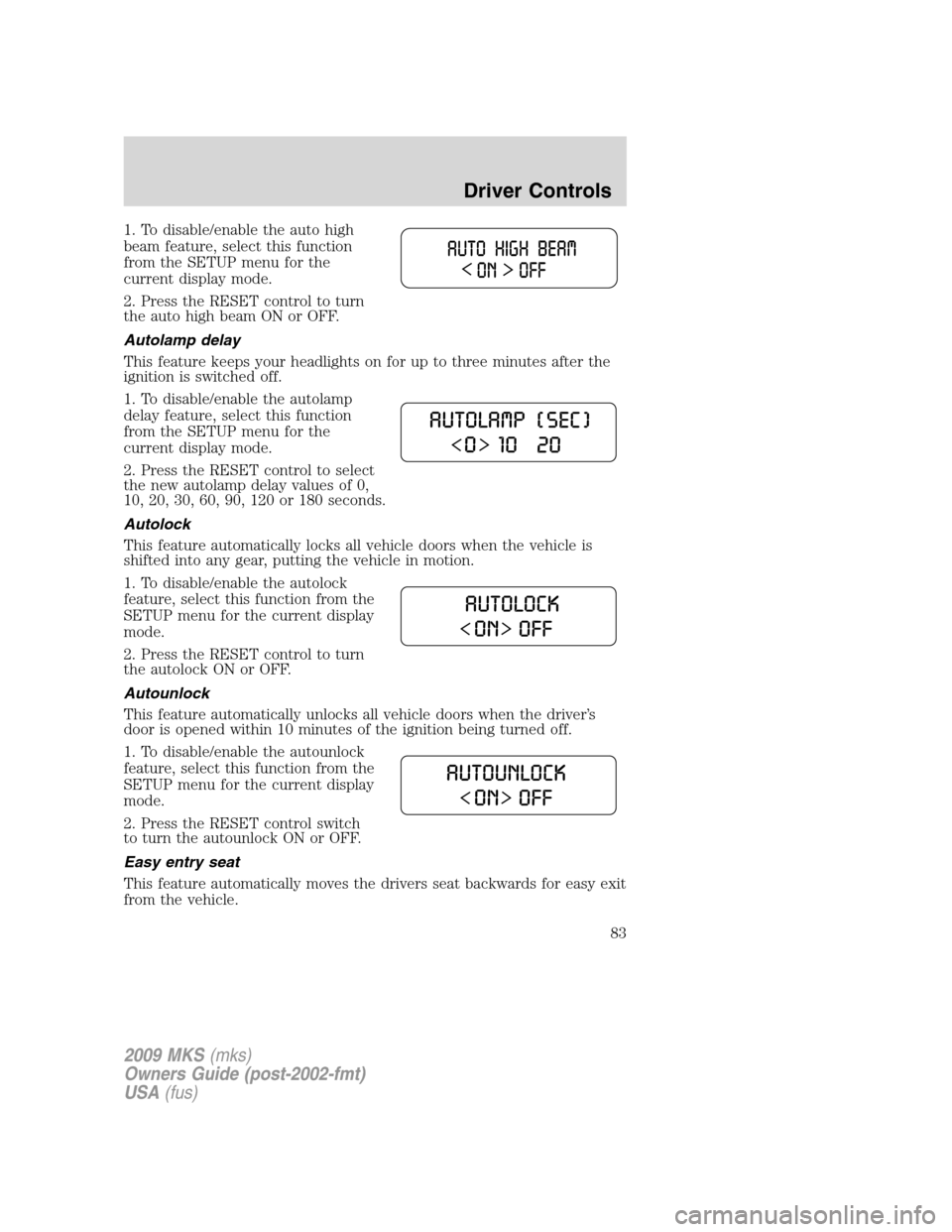
1. To disable/enable the auto high
beam feature, select this function
from the SETUP menu for the
current display mode.
2. Press the RESET control to turn
the auto high beam ON or OFF.
Autolamp delay
This feature keeps your headlights on for up to three minutes after the
ignition is switched off.
1. To disable/enable the autolamp
delay feature, select this function
from the SETUP menu for the
current display mode.
2. Press the RESET control to select
the new autolamp delay values of 0,
10, 20, 30, 60, 90, 120 or 180 seconds.
Autolock
This feature automatically locks all vehicle doors when the vehicle is
shifted into any gear, putting the vehicle in motion.
1. To disable/enable the autolock
feature, select this function from the
SETUP menu for the current display
mode.
2. Press the RESET control to turn
the autolock ON or OFF.
Autounlock
This feature automatically unlocks all vehicle doors when the driver’s
door is opened within 10 minutes of the ignition being turned off.
1. To disable/enable the autounlock
feature, select this function from the
SETUP menu for the current display
mode.
2. Press the RESET control switch
to turn the autounlock ON or OFF.
Easy entry seat
This feature automatically moves the drivers seat backwards for easy exit
from the vehicle.
2009 MKS(mks)
Owners Guide (post-2002-fmt)
USA(fus)
Driver Controls
83
Page 84 of 323
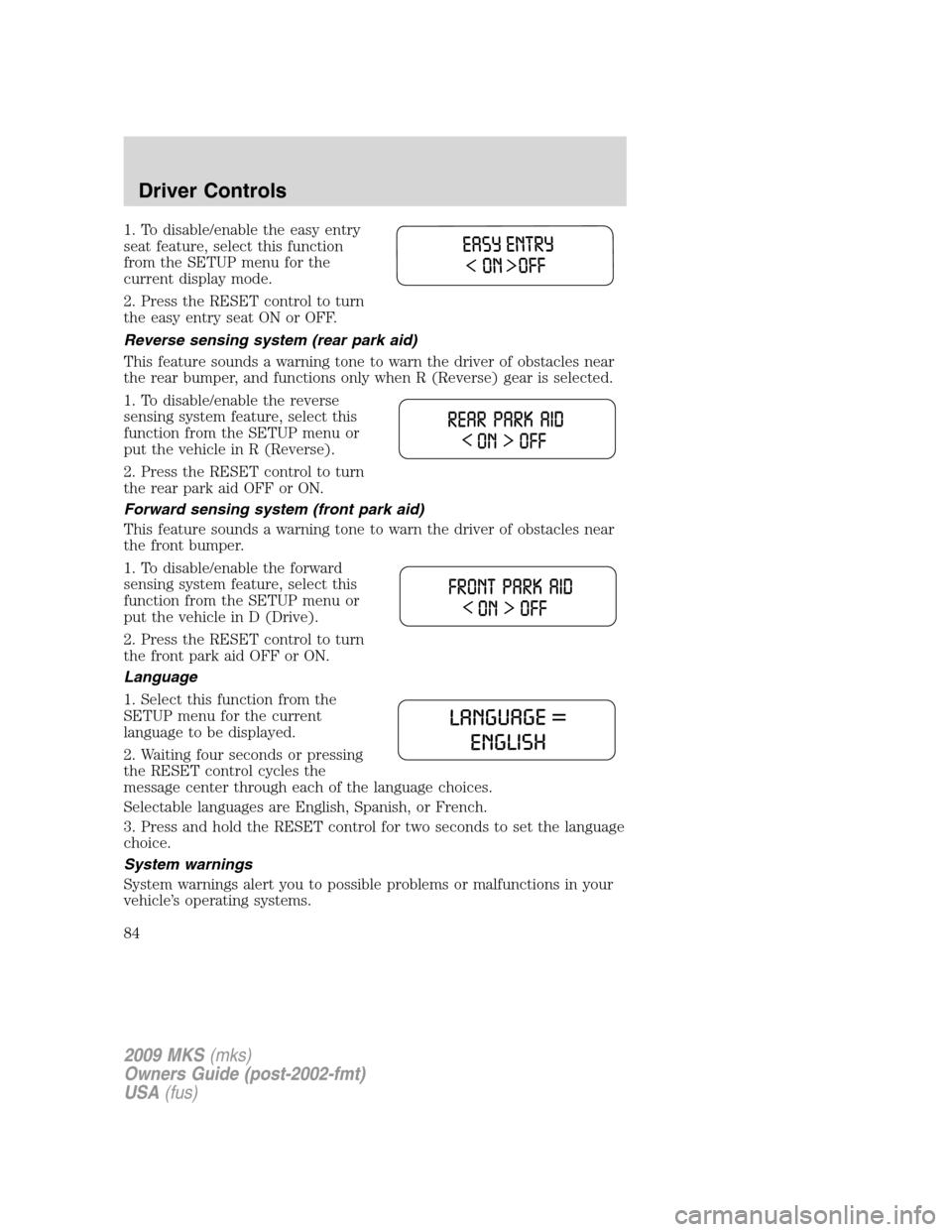
1. To disable/enable the easy entry
seat feature, select this function
from the SETUP menu for the
current display mode.
2. Press the RESET control to turn
the easy entry seat ON or OFF.
Reverse sensing system (rear park aid)
This feature sounds a warning tone to warn the driver of obstacles near
the rear bumper, and functions only when R (Reverse) gear is selected.
1. To disable/enable the reverse
sensing system feature, select this
function from the SETUP menu or
put the vehicle in R (Reverse).
2. Press the RESET control to turn
the rear park aid OFF or ON.
Forward sensing system (front park aid)
This feature sounds a warning tone to warn the driver of obstacles near
the front bumper.
1. To disable/enable the forward
sensing system feature, select this
function from the SETUP menu or
put the vehicle in D (Drive).
2. Press the RESET control to turn
the front park aid OFF or ON.
Language
1. Select this function from the
SETUP menu for the current
language to be displayed.
2. Waiting four seconds or pressing
the RESET control cycles the
message center through each of the language choices.
Selectable languages are English, Spanish, or French.
3. Press and hold the RESET control for two seconds to set the language
choice.
System warnings
System warnings alert you to possible problems or malfunctions in your
vehicle’s operating systems.
2009 MKS(mks)
Owners Guide (post-2002-fmt)
USA(fus)
Driver Controls
84
Page 85 of 323
In the event of a multiple warning situation, the message center will
cycle the display to show all warnings by displaying each one for several
seconds.
The message center will display the last selected feature if there are no
more warning messages. This allows you to use the full functionality of
the message center after you acknowledge the warning by pressing the
RESET control and clearing the warning message.
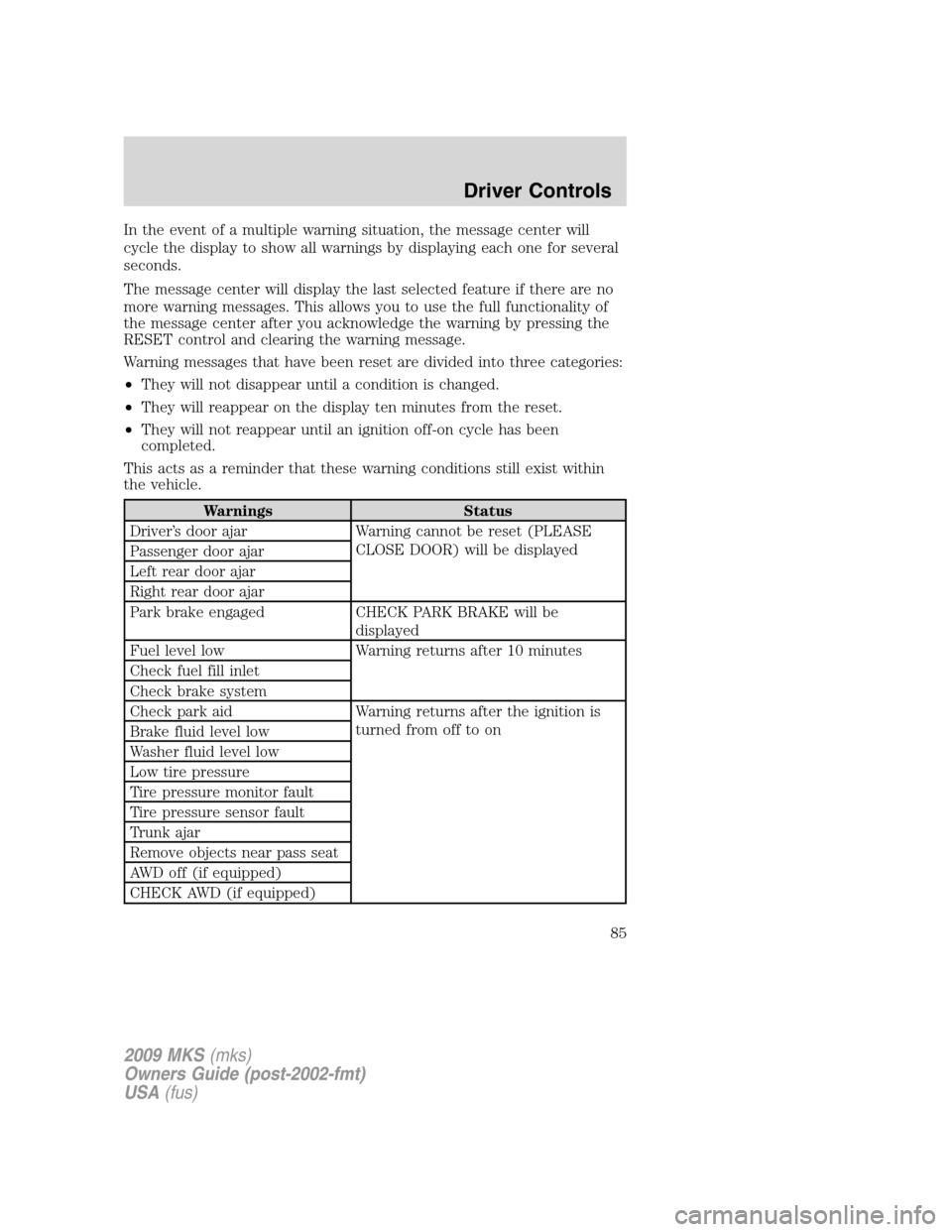
Warning messages that have been reset are divided into three categories:
•They will not disappear until a condition is changed.
•They will reappear on the display ten minutes from the reset.
•They will not reappear until an ignition off-on cycle has been
completed.
This acts as a reminder that these warning conditions still exist within
the vehicle.
Warnings Status
Driver’s door ajar Warning cannot be reset (PLEASE
CLOSE DOOR) will be displayed
Passenger door ajar
Left rear door ajar
Right rear door ajar
Park brake engaged CHECK PARK BRAKE will be
displayed
Fuel level low Warning returns after 10 minutes
Check fuel fill inlet
Check brake system
Check park aid Warning returns after the ignition is
turned from off to on
Brake fluid level low
Washer fluid level low
Low tire pressure
Tire pressure monitor fault
Tire pressure sensor fault
Trunk ajar
Remove objects near pass seat
AWD off (if equipped)
CHECK AWD (if equipped)
2009 MKS(mks)
Owners Guide (post-2002-fmt)
USA(fus)
Driver Controls
85