steering LINCOLN MKS 2009 User Guide
[x] Cancel search | Manufacturer: LINCOLN, Model Year: 2009, Model line: MKS, Model: LINCOLN MKS 2009Pages: 323, PDF Size: 2.58 MB
Page 90 of 323
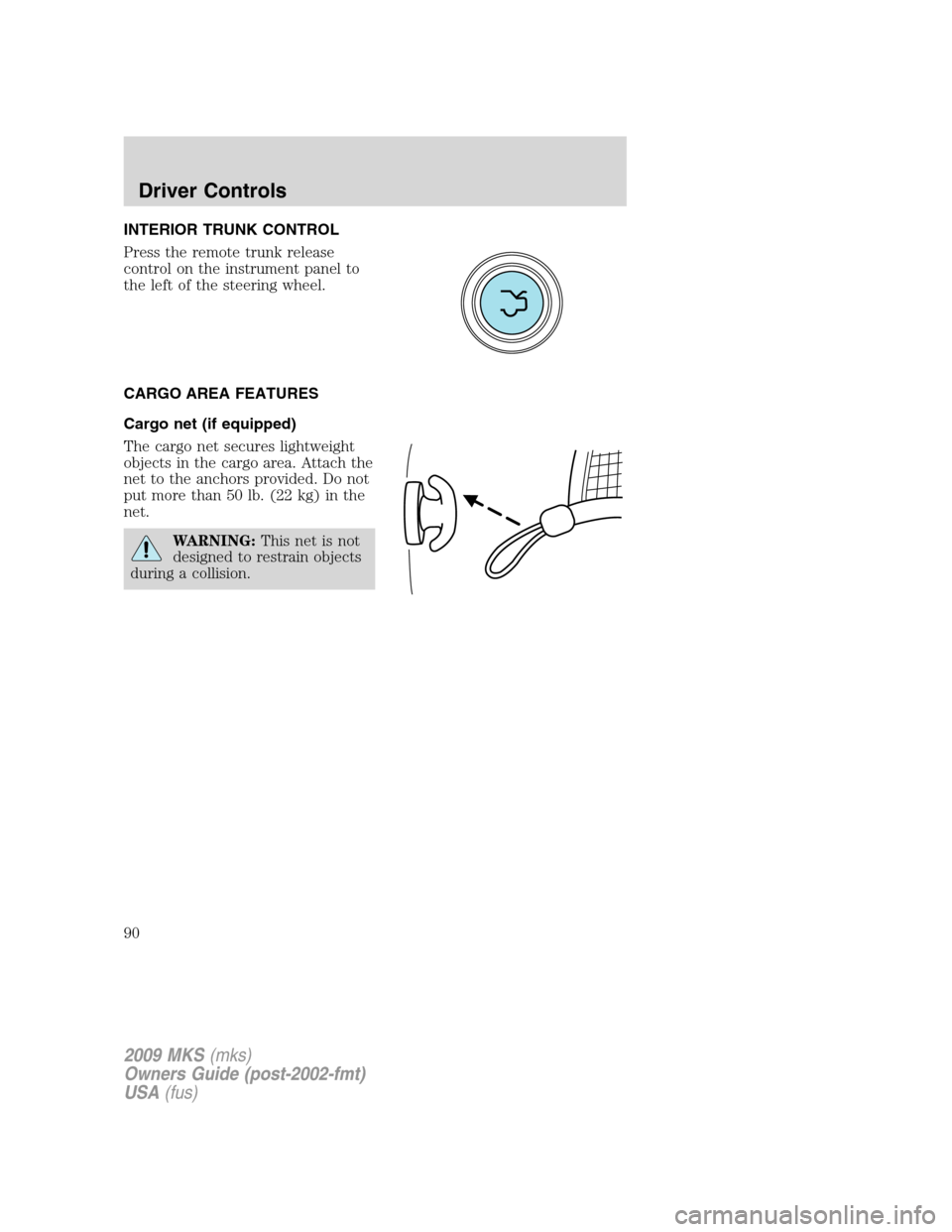
INTERIOR TRUNK CONTROL
Press the remote trunk release
control on the instrument panel to
the left of the steering wheel.
CARGO AREA FEATURES
Cargo net (if equipped)
The cargo net secures lightweight
objects in the cargo area. Attach the
net to the anchors provided. Do not
put more than 50 lb. (22 kg) in the
net.
WARNING:This net is not
designed to restrain objects
during a collision.
2009 MKS(mks)
Owners Guide (post-2002-fmt)
USA(fus)
Driver Controls
90
Page 106 of 323
Memory seats/power mirrors/steering column
The Integrated Keyhead Transmitter IKT or Intelligent Access Key allows
you to recall the memory seat/power mirrors/steering column feature.
Press
on the transmitter or activate the Intelligent Access feature to
automatically move the seat, mirrors and steering column to the desired
memory position.
Note:The seat will not travel to its final position if the key is not in the
ignition (if equipped) and the easy entry feature is enabled.
Activating the memory feature
To activate this feature:
1. Position the seat, mirrors, and steering column to the desired
positions.
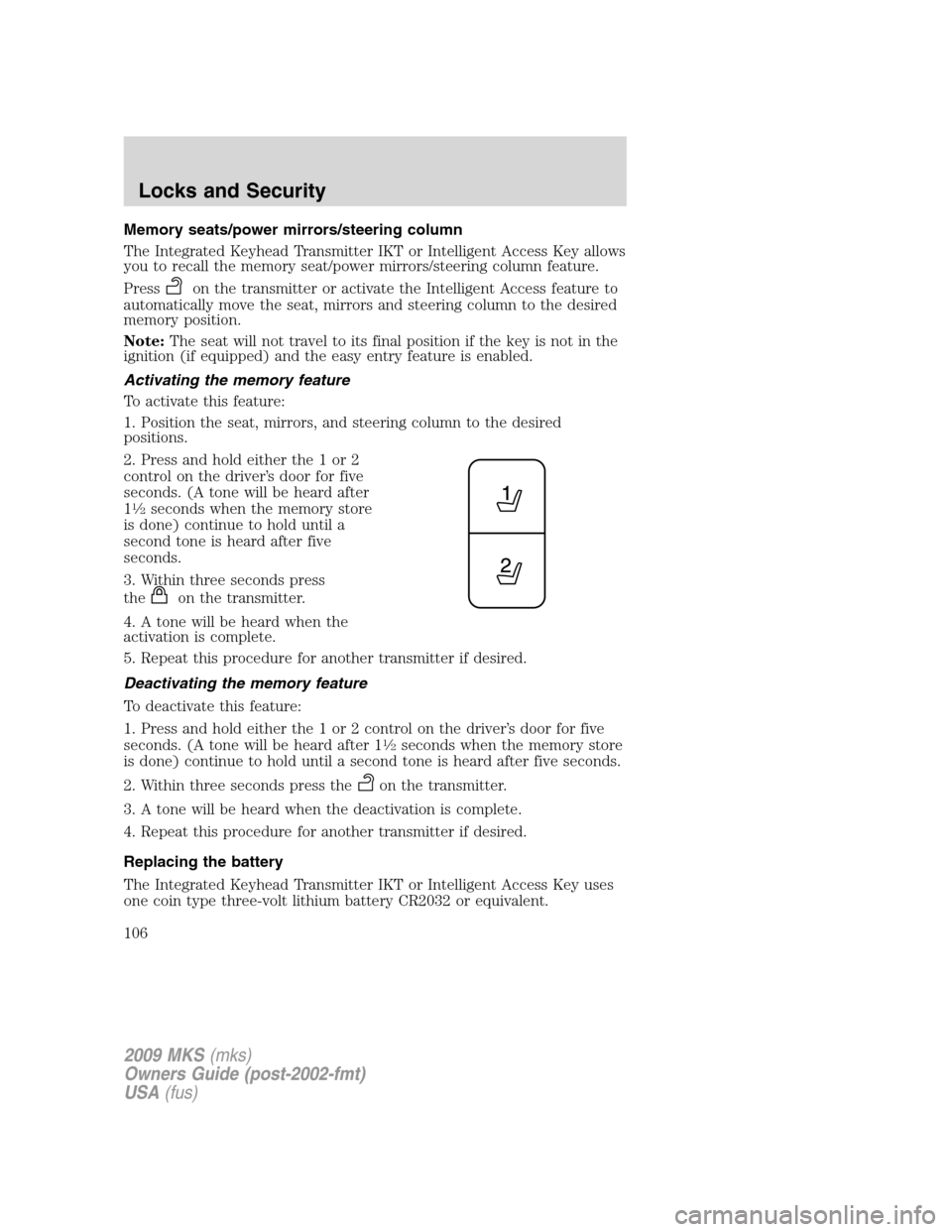
2. Press and hold either the 1 or 2
control on the driver’s door for five
seconds. (A tone will be heard after
1
12seconds when the memory store
is done) continue to hold until a
second tone is heard after five
seconds.
3. Within three seconds press
the
on the transmitter.
4. A tone will be heard when the
activation is complete.
5. Repeat this procedure for another transmitter if desired.
Deactivating the memory feature
To deactivate this feature:
1. Press and hold either the 1 or 2 control on the driver’s door for five
seconds. (A tone will be heard after 1
12seconds when the memory store
is done) continue to hold until a second tone is heard after five seconds.
2. Within three seconds press the
on the transmitter.
3. A tone will be heard when the deactivation is complete.
4. Repeat this procedure for another transmitter if desired.
Replacing the battery
The Integrated Keyhead Transmitter IKT or Intelligent Access Key uses
one coin type three-volt lithium battery CR2032 or equivalent.
2009 MKS(mks)
Owners Guide (post-2002-fmt)
USA(fus)
Locks and Security
106
Page 111 of 323
SECURICODE™ KEYLESS ENTRY SYSTEM
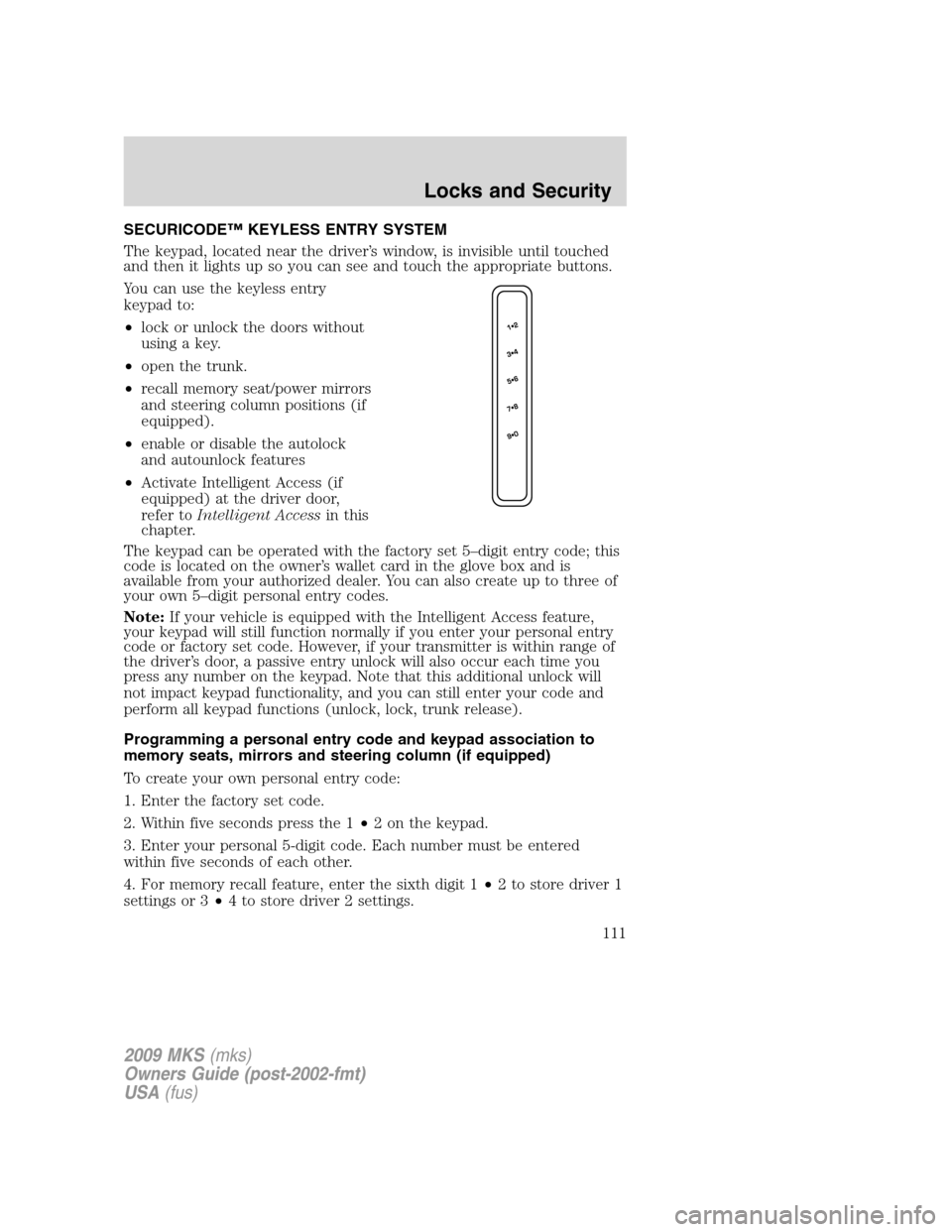
The keypad, located near the driver’s window, is invisible until touched
and then it lights up so you can see and touch the appropriate buttons.
You can use the keyless entry
keypad to:
•lock or unlock the doors without
using a key.
•open the trunk.
•recall memory seat/power mirrors
and steering column positions (if
equipped).
•enable or disable the autolock
and autounlock features
•Activate Intelligent Access (if
equipped) at the driver door,
refer toIntelligent Accessin this
chapter.
The keypad can be operated with the factory set 5–digit entry code; this
code is located on the owner’s wallet card in the glove box and is
available from your authorized dealer. You can also create up to three of
your own 5–digit personal entry codes.
Note:If your vehicle is equipped with the Intelligent Access feature,
your keypad will still function normally if you enter your personal entry
code or factory set code. However, if your transmitter is within range of
the driver’s door, a passive entry unlock will also occur each time you
press any number on the keypad. Note that this additional unlock will
not impact keypad functionality, and you can still enter your code and
perform all keypad functions (unlock, lock, trunk release).
Programming a personal entry code and keypad association to
memory seats, mirrors and steering column (if equipped)
To create your own personal entry code:
1. Enter the factory set code.
2. Within five seconds press the 1•2 on the keypad.
3. Enter your personal 5-digit code. Each number must be entered
within five seconds of each other.
4. For memory recall feature, enter the sixth digit 1•2 to store driver 1
settings or 3•4 to store driver 2 settings.
2009 MKS(mks)
Owners Guide (post-2002-fmt)
USA(fus)
Locks and Security
111
Page 128 of 323
Memory seats/power mirrors/steering column
This system allows automatic
positioning of the driver seat, power
mirrors, and steering column to two
programmable positions.
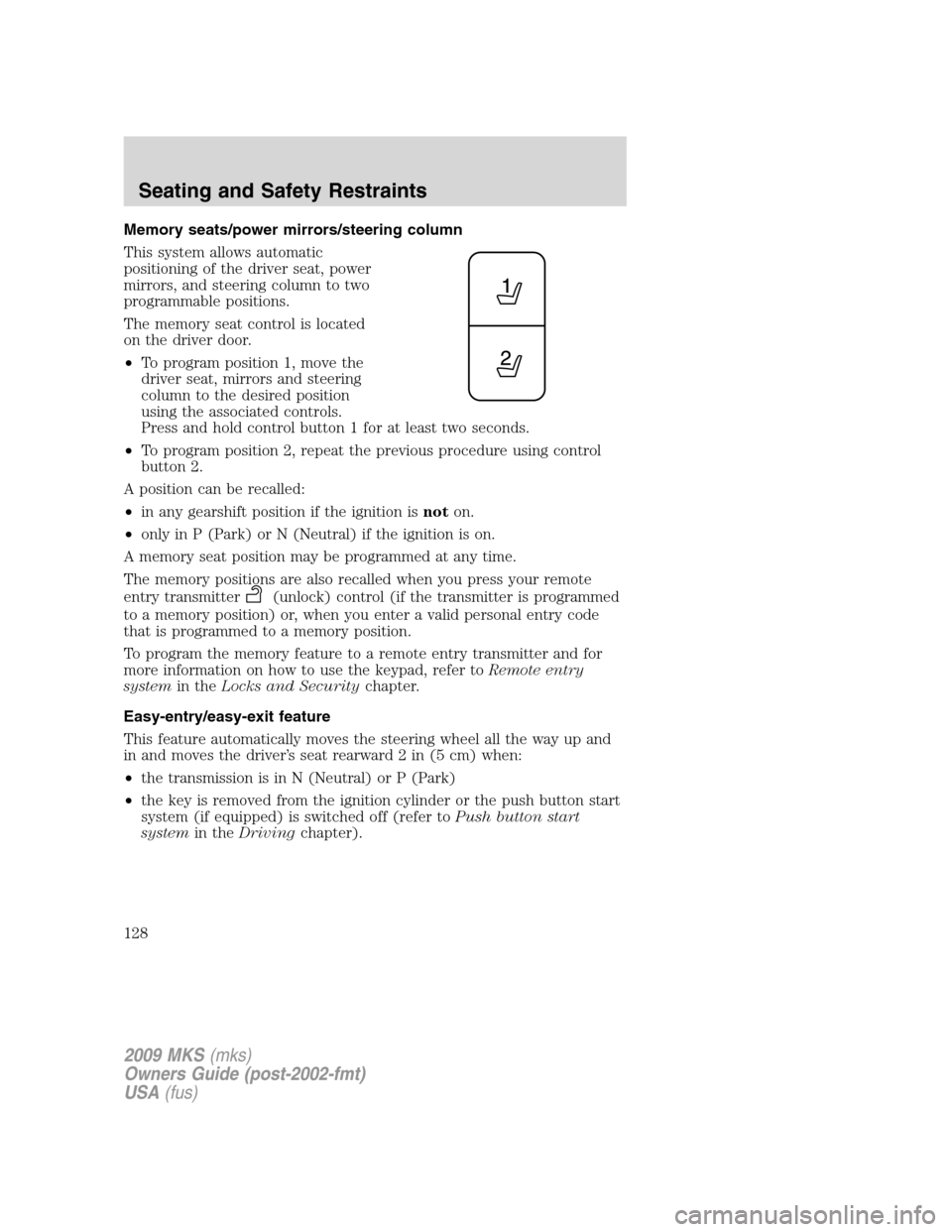
The memory seat control is located
on the driver door.
•To program position 1, move the
driver seat, mirrors and steering
column to the desired position
using the associated controls.
Press and hold control button 1 for at least two seconds.
•To program position 2, repeat the previous procedure using control
button 2.
A position can be recalled:
•in any gearshift position if the ignition isnoton.
•only in P (Park) or N (Neutral) if the ignition is on.
A memory seat position may be programmed at any time.
The memory positions are also recalled when you press your remote
entry transmitter
(unlock) control (if the transmitter is programmed
to a memory position) or, when you enter a valid personal entry code
that is programmed to a memory position.
To program the memory feature to a remote entry transmitter and for
more information on how to use the keypad, refer toRemote entry
systemin theLocks and Securitychapter.
Easy-entry/easy-exit feature
This feature automatically moves the steering wheel all the way up and
in and moves the driver’s seat rearward 2 in (5 cm) when:
•the transmission is in N (Neutral) or P (Park)
•the key is removed from the ignition cylinder or the push button start
system (if equipped) is switched off (refer toPush button start
systemin theDrivingchapter).
2009 MKS(mks)
Owners Guide (post-2002-fmt)
USA(fus)
Seating and Safety Restraints
128
Page 129 of 323
The seat and steering wheel will move to the original position when:
•the transmission is in N (Neutral) or P (Park)
•the key is placed in the ignition cylinder or when the push button
start system (if equipped) is put in accessory mode (refer toPush
button start systemin theDrivingchapter).
The easy entry feature can be turned off or on through the vehicle
message center. Refer toMessage centerin theDriver controlschapter.
REAR SEATS
Seat-mounted cup holders and armrest storage compartment
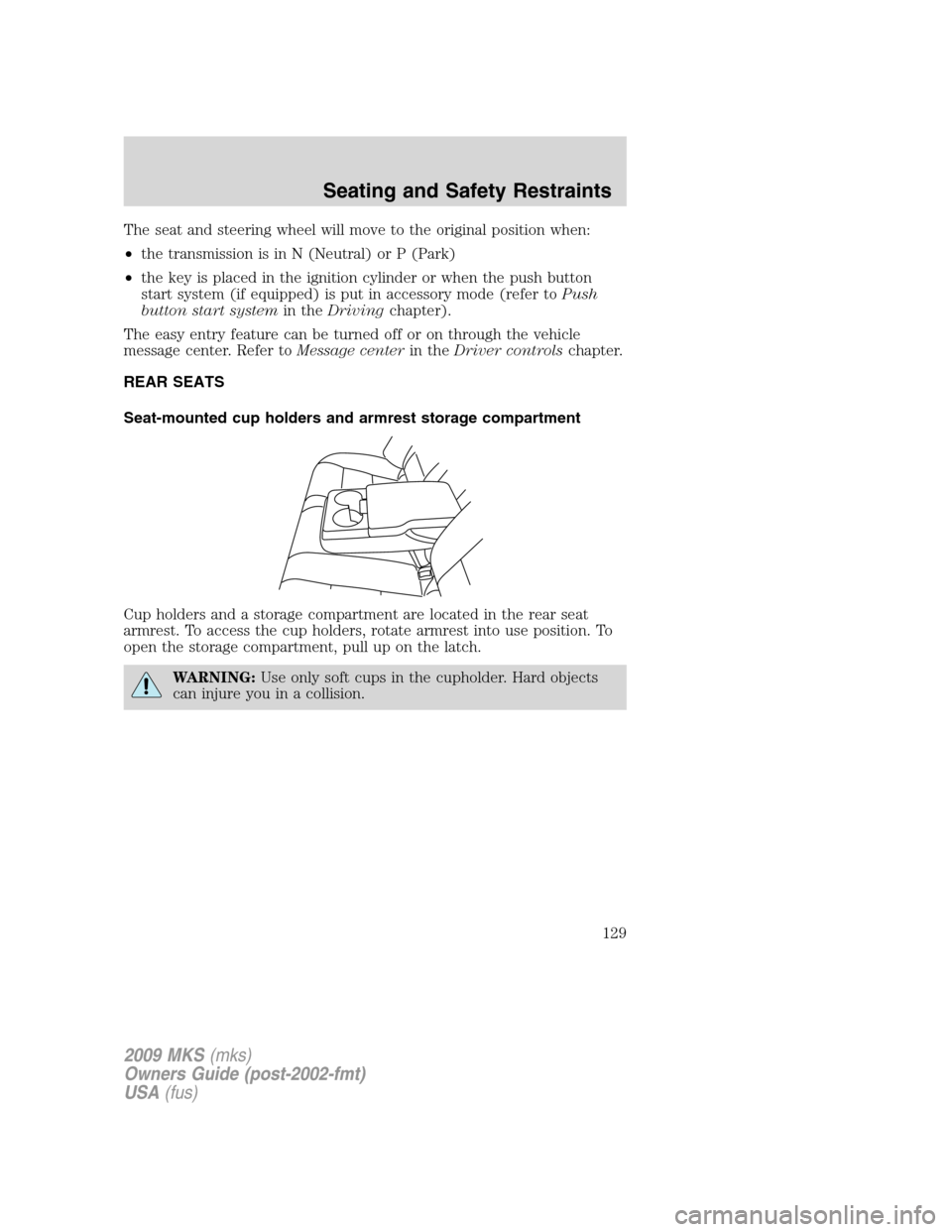
Cup holders and a storage compartment are located in the rear seat
armrest. To access the cup holders, rotate armrest into use position. To
open the storage compartment, pull up on the latch.
WARNING:Use only soft cups in the cupholder. Hard objects
can injure you in a collision.
2009 MKS(mks)
Owners Guide (post-2002-fmt)
USA(fus)
Seating and Safety Restraints
129
Page 182 of 323
This begins with the letters “DOT” and indicates that the tire meets all
federal standards. The next two numbers or letters are the plant code
designating where it was manufactured, the next two are the tire size
code and the last four numbers represent the week and year the tire was
built. For example, the numbers 317 mean the 31st week of 1997. After
2000 the numbers go to four digits. For example, 2501 means the 25th
week of 2001. The numbers in between are identification codes used for
traceability. This information is used to contact customers if a tire defect
requires a recall.
Tire replacement requirements
Your vehicle is equipped with tires designed to provide a safe ride and
handling capability.
WARNING:Only use replacement tires and wheels that are the
same size, load index, speed rating and type (such as P-metric
versus LT-metric or all-season versus all-terrain) as those originally
provided by Ford. The recommended tire and wheel size may be found
on either the Safety Compliance Certification Label or the Tire Label
which is located on the B-Pillar or edge of the driver’s door. If this
information is not found on these labels then you should consult your
Ford dealer. Use of any tire or wheel not recommended by Ford can
affect the safety and performance of your vehicle, which could result in
an increased risk of loss of vehicle control, vehicle rollover, personal
injury and death. Additionally the use of non-recommended tires and
wheels could cause steering, suspension, axle or transfer case/power
transfer unit failure. If you have questions regarding tire replacement,
see an authorized dealer.
2009 MKS(mks)
Owners Guide (post-2002-fmt)
USA(fus)
Tires, Wheels and Loading
182
Page 197 of 323
any tire is under-inflated, carefully drive the vehicle to the nearest
location where air can be added to the tires. Inflate all the tires to the
recommended inflation pressure.
SNOW TIRES AND CHAINS
WARNING:Snow tires must be the same size, load index, speed
rating as those originally provided by Ford. Use of any tire or
wheel not recommended by Ford can affect the safety and
performance of your vehicle, which could result in an increased risk of
loss of vehicle control, vehicle rollover, personal injury and death.
Additionally, the use of non-recommended tires and wheels could
cause steering, suspension, axle or transfer case/power transfer unit
failure.
The tires on your vehicle have all-weather treads to provide traction in
rain and snow. However, in some climates, you may need to use snow
tires and chains. If you need to use chains, it is recommended that steel
wheels (of the same size and specifications) be used, as chains may chip
aluminum wheels.
Follow these guidelines when using snow tires and chains:
•Use only SAE class “S” cables or equivalent on P235/55R18 tires on
the front tires only. SAE class “S” chains or other conventional link
chains may cause damage to the vehicles wheel house and/or body.
Use of optional spike spider type traction devices or equivalent is also
acceptable.
•Do not install tire chains, cables, or optional traction devices on the
rear tires. This could cause damage to the vehicle’s wheel house or
body.
•Do not use tire chains, cables, or optional traction devices with
optional P255/45R19 or 245/45R20 tires.
•Install tire cables securely, verifying that the tire cables do not touch
any wiring, brake lines or fuel lines.
•Drive cautiously. If you hear the cables rub or bang against your
vehicle, stop and re-tighten the cables. If this does not work, remove
the cables to prevent damage to your vehicle.
•If possible, avoid fully loading your vehicle.
•Remove the tire cables when they are no longer needed. Do not use
tire cables on dry roads.
2009 MKS(mks)
Owners Guide (post-2002-fmt)
USA(fus)
Tires, Wheels and Loading
197
Page 211 of 323
3. After idling for a few seconds, apply the brake, shift into gear and
drive.
Note:If the engine does not start on the first try, turn the key to the off
position, wait 10 seconds and try step 2 again. If the engine still fails to
start, press the accelerator to the floor and try step 2 again, keeping the
accelerator on the floor until the engine begins to accelerate above
cranking speeds; this will allow the engine to crank with the fuel shut off
in case the engine is flooded with fuel.
Push button start system (if equipped)
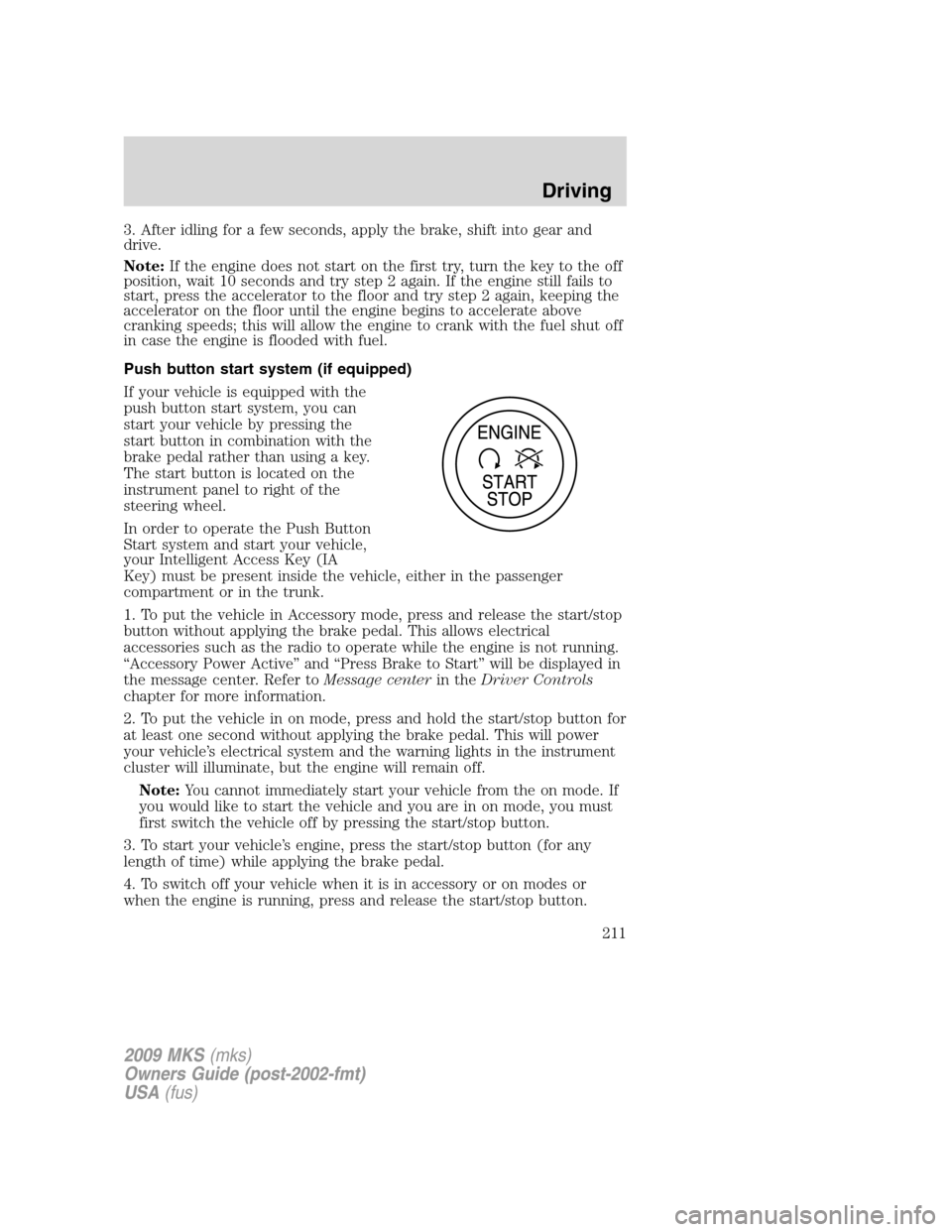
If your vehicle is equipped with the
push button start system, you can
start your vehicle by pressing the
start button in combination with the
brake pedal rather than using a key.
The start button is located on the
instrument panel to right of the
steering wheel.
In order to operate the Push Button
Start system and start your vehicle,
your Intelligent Access Key (IA
Key) must be present inside the vehicle, either in the passenger
compartment or in the trunk.
1. To put the vehicle in Accessory mode, press and release the start/stop
button without applying the brake pedal. This allows electrical
accessories such as the radio to operate while the engine is not running.
“Accessory Power Active” and “Press Brake to Start” will be displayed in
the message center. Refer toMessage centerin theDriver Controls
chapter for more information.
2. To put the vehicle in on mode, press and hold the start/stop button for
at least one second without applying the brake pedal. This will power
your vehicle’s electrical system and the warning lights in the instrument
cluster will illuminate, but the engine will remain off.
Note:You cannot immediately start your vehicle from the on mode. If
you would like to start the vehicle and you are in on mode, you must
first switch the vehicle off by pressing the start/stop button.
3. To start your vehicle’s engine, press the start/stop button (for any
length of time) while applying the brake pedal.
4. To switch off your vehicle when it is in accessory or on modes or
when the engine is running, press and release the start/stop button.
2009 MKS(mks)
Owners Guide (post-2002-fmt)
USA(fus)
Driving
211
Page 215 of 323
•Be sure that areas where the vehicle is parked are clean and clear of
all combustibles such as petroleum products, dust, rags, paper and
similar items.
•Be sure that the engine block heater, heater cord and extension cord
are solidly connected. A poor connection can cause the cord to
become very hot and may result in an electrical shock or fire. Be sure
to check for heat anywhere in the electrical hookup once the system
has been operating for approximately a half hour.
•Finally, have the engine block heater system checked during your fall
tune-up to be sure it’s in good working order.
How to use the engine block heater
Ensure the receptacle terminals are clean and dry prior to use. To clean
them, use a dry cloth.
Depending on the type of factory installed equipment, your engine block
heater system may consume anywhere between 400 watts or 1000 watts
of energy per hour. Your factory installed block heater system does not
have a thermostat; however, maximum temperature is attained after
approximately three hours of operation. Block heater operation longer
than three hours will not improve system performance and will
unnecessarily use additional electricity.
Make sure system is unplugged and properly stowed before driving the
vehicle. While not in use, make sure the protective cover seals the
prongs of the engine block heater cord plug.
BRAKES
Occasional brake noise is normal. If a metal-to-metal, continuous grinding
or continuous squeal sound is present, the brake linings may be worn-out
and should be inspected by an authorized dealer. If the vehicle has
continuous vibration or shudder in the steering wheel while braking, the
vehicle should be inspected by an authorized dealer.
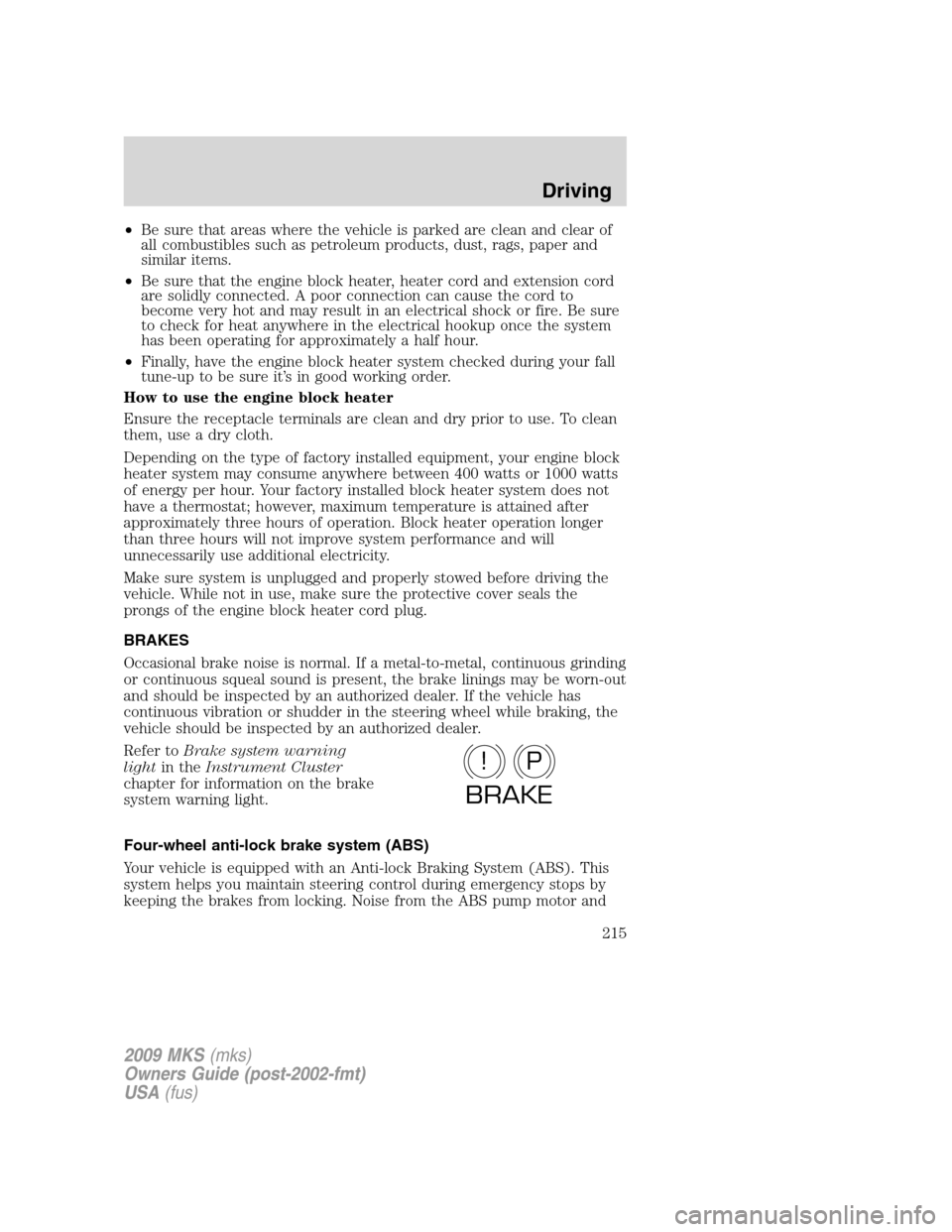
Refer toBrake system warning
lightin theInstrument Cluster
chapter for information on the brake
system warning light.
Four-wheel anti-lock brake system (ABS)
Your vehicle is equipped with an Anti-lock Braking System (ABS). This
system helps you maintain steering control during emergency stops by
keeping the brakes from locking. Noise from the ABS pump motor and
P!
BRAKE
2009 MKS(mks)
Owners Guide (post-2002-fmt)
USA(fus)
Driving
215
Page 216 of 323
brake pedal pulsation may be observed during ABS braking and the
brake pedal may suddenly travel a little farther as soon as ABS braking is
done and normal brake operation resumes. These are normal
characteristics of the ABS and should be no reason for concern.
Using ABS
When hard braking is required, apply continuous force on the brake
pedal; do not pump the brake pedal since this will reduce the
effectiveness of the ABS and will increase your vehicle’s stopping
distance. The ABS will be activated immediately, allowing you to retain
steering control during hard braking and on slippery surfaces. However,
the ABS does not decrease stopping distance.
Brake Assist
The Brake Assist system provides full braking force during panic braking
situations. It detects a rapid application of the brake pedal and uses the
ABS system to achieve maximum braking pressure. Once a panic brake
application is detected, the system will remain activated as long as the
brake pedal is depressed or ABS is engaged. The system is deactivated
by either releasing the brake pedal or coming to a complete stop. When
the system activates, noise from the ABS pump motor and brake pedal
pulsation may be observed; this is normal.
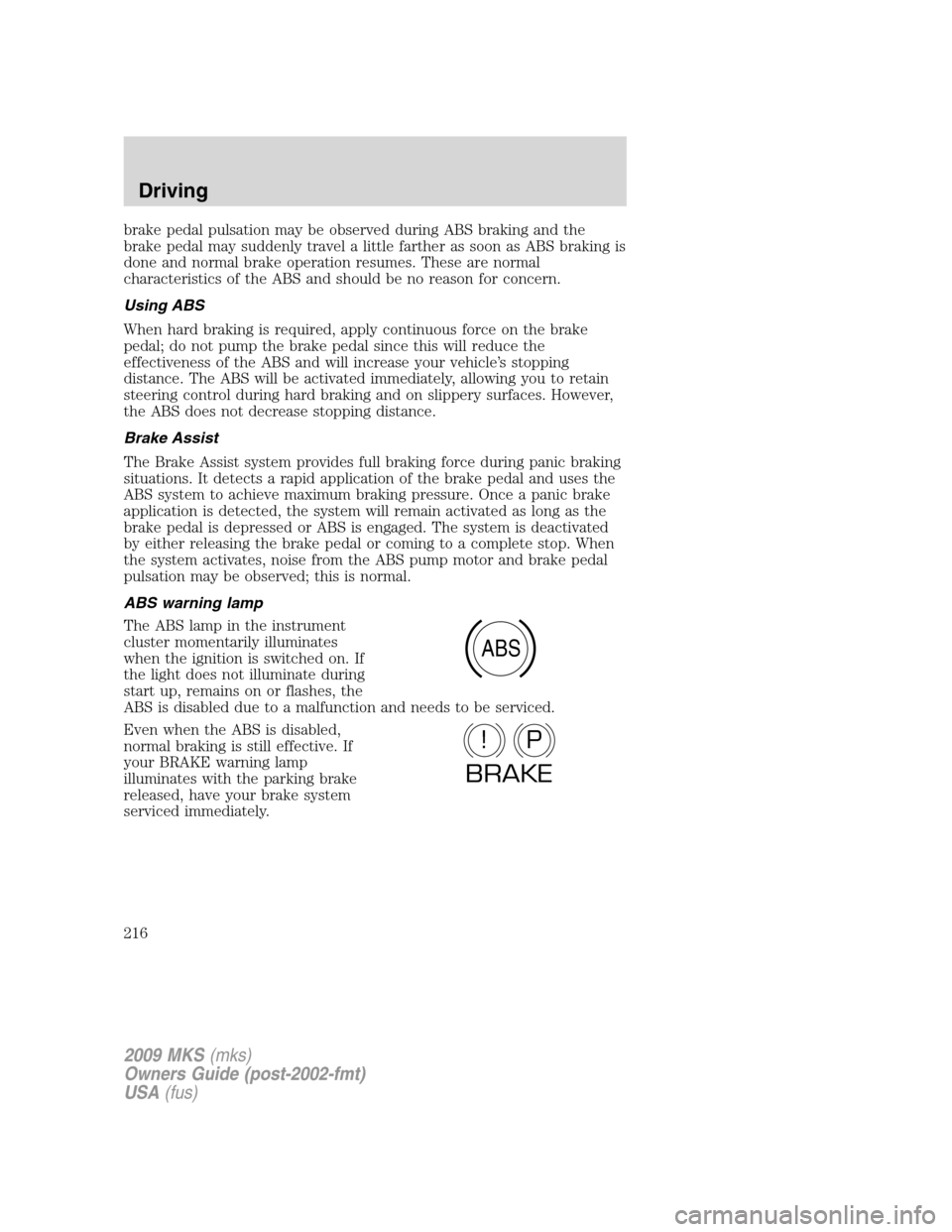
ABS warning lamp
The ABS lamp in the instrument
cluster momentarily illuminates
when the ignition is switched on. If
the light does not illuminate during
start up, remains on or flashes, the
ABS is disabled due to a malfunction and needs to be serviced.
Even when the ABS is disabled,
normal braking is still effective. If
your BRAKE warning lamp
illuminates with the parking brake
released, have your brake system
serviced immediately.
ABS
P!
BRAKE
2009 MKS(mks)
Owners Guide (post-2002-fmt)
USA(fus)
Driving
216