warning LINCOLN MKS 2009 Owner's Manual
[x] Cancel search | Manufacturer: LINCOLN, Model Year: 2009, Model line: MKS, Model: LINCOLN MKS 2009Pages: 323, PDF Size: 2.58 MB
Page 59 of 323
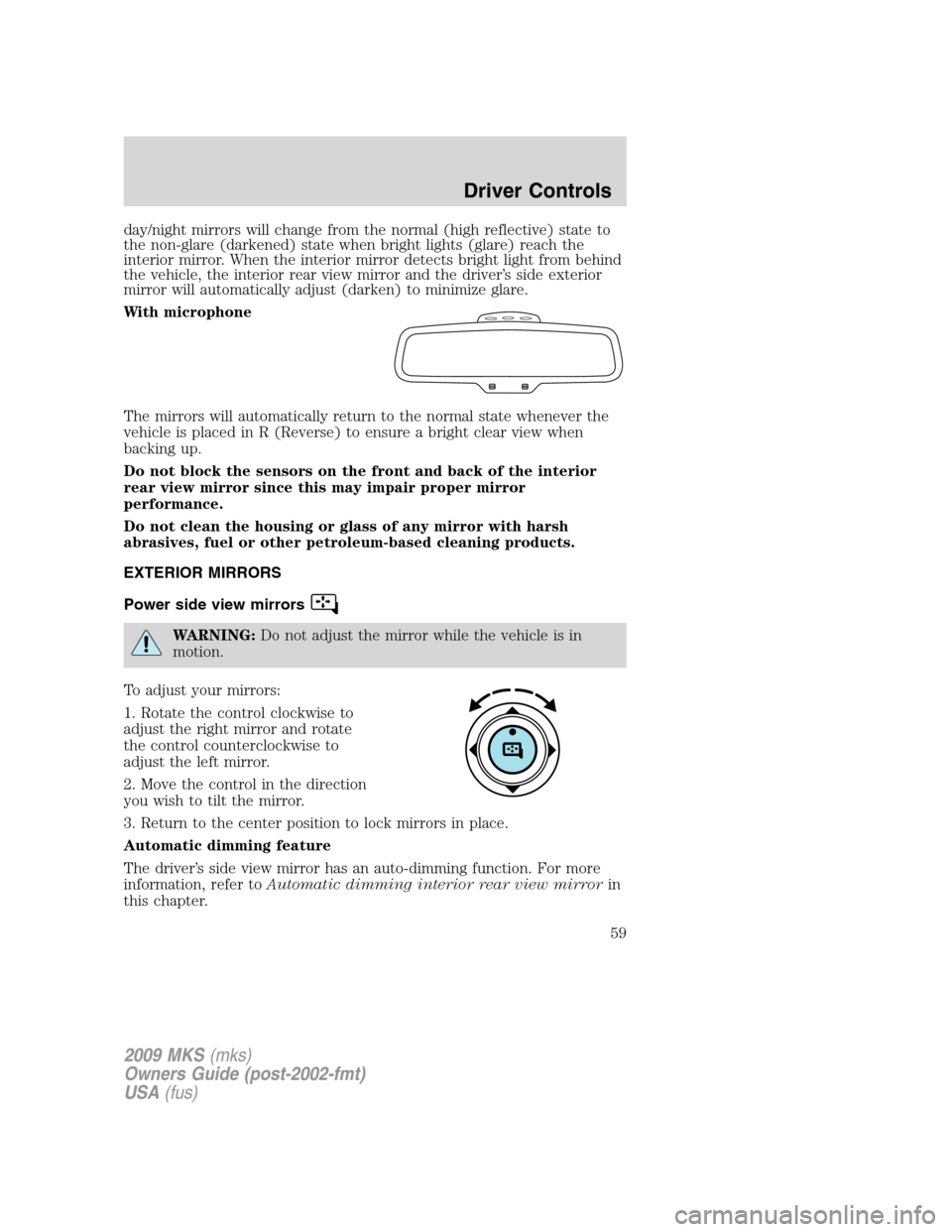
day/night mirrors will change from the normal (high reflective) state to
the non-glare (darkened) state when bright lights (glare) reach the
interior mirror. When the interior mirror detects bright light from behind
the vehicle, the interior rear view mirror and the driver’s side exterior
mirror will automatically adjust (darken) to minimize glare.
With microphone
The mirrors will automatically return to the normal state whenever the
vehicle is placed in R (Reverse) to ensure a bright clear view when
backing up.
Do not block the sensors on the front and back of the interior
rear view mirror since this may impair proper mirror
performance.
Do not clean the housing or glass of any mirror with harsh
abrasives, fuel or other petroleum-based cleaning products.
EXTERIOR MIRRORS
Power side view mirrors
WARNING:Do not adjust the mirror while the vehicle is in
motion.
To adjust your mirrors:
1. Rotate the control clockwise to
adjust the right mirror and rotate
the control counterclockwise to
adjust the left mirror.
2. Move the control in the direction
you wish to tilt the mirror.
3. Return to the center position to lock mirrors in place.
Automatic dimming feature
The driver’s side view mirror has an auto-dimming function. For more
information, refer toAutomatic dimming interior rear view mirrorin
this chapter.
2009 MKS(mks)
Owners Guide (post-2002-fmt)
USA(fus)
Driver Controls
59
Page 60 of 323
Heated outside mirrors
Both mirrors are heated
automatically to remove ice, mist
and fog when the rear window
defrost is activated.
Do not remove ice from the
mirrors with a scraper or
attempt to readjust the mirror
glass if it is frozen in place.
These actions could cause damage to the glass and mirrors.
Do not clean the housing or glass of any mirror with harsh
abrasives, fuel or other petroleum-based cleaning products.
SPEED CONTROL
With speed control set, you can maintain a set speed without keeping
your foot on the accelerator pedal.
WARNING:Do not use the speed control in heavy traffic or on
roads that are winding, slippery or unpaved.
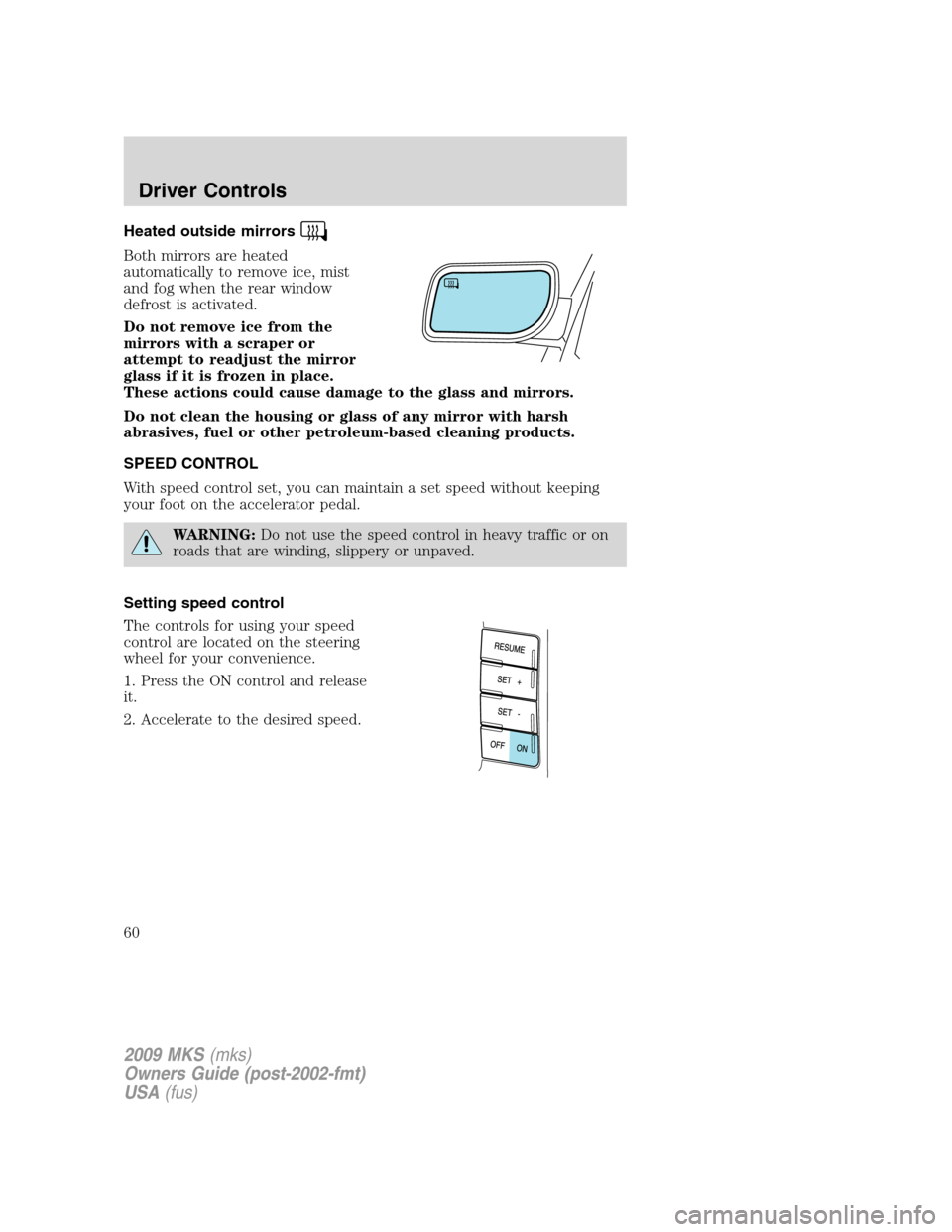
Setting speed control
The controls for using your speed
control are located on the steering
wheel for your convenience.
1. Press the ON control and release
it.
2. Accelerate to the desired speed.
2009 MKS(mks)
Owners Guide (post-2002-fmt)
USA(fus)
Driver Controls
60
Page 63 of 323
Turning off speed control
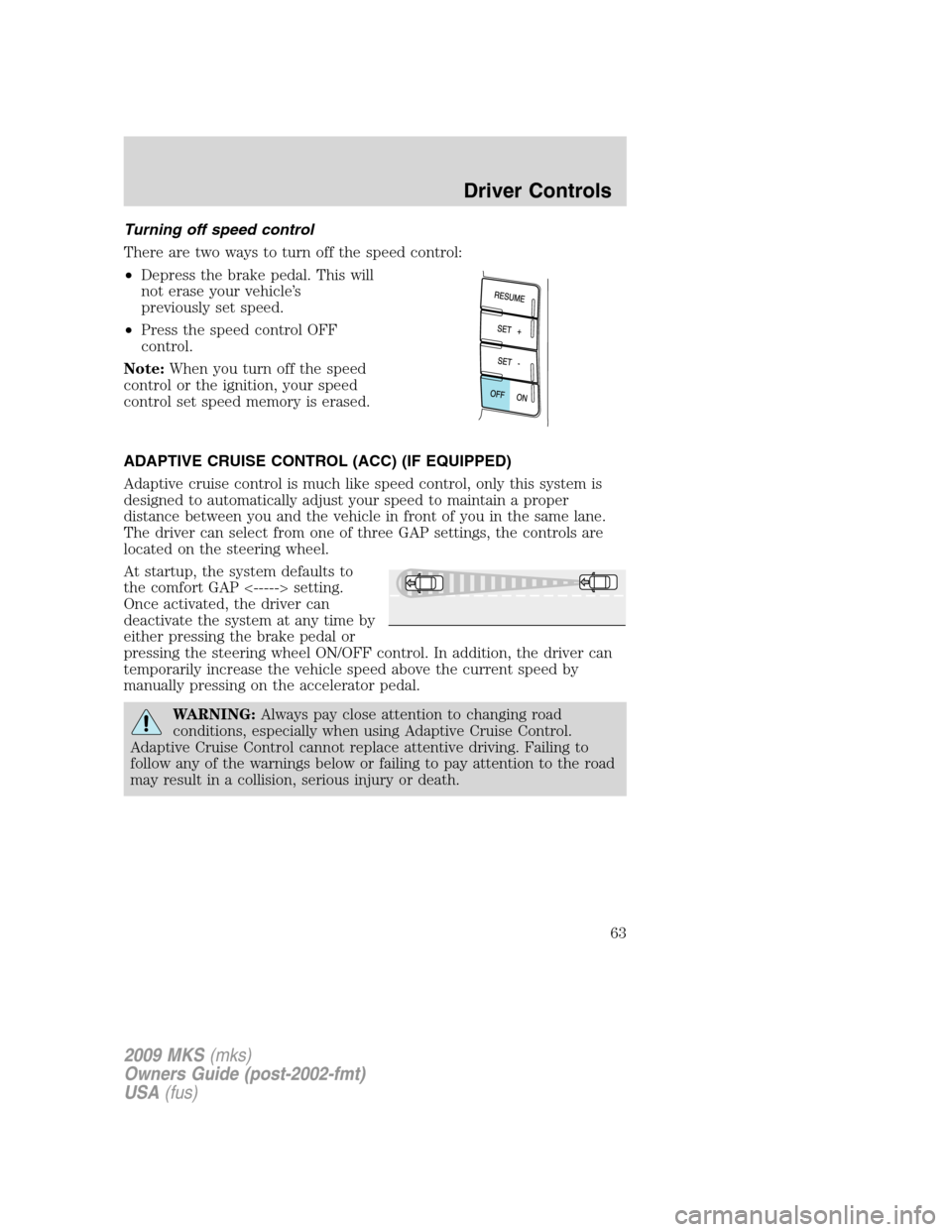
There are two ways to turn off the speed control:
•Depress the brake pedal. This will
not erase your vehicle’s
previously set speed.
•Press the speed control OFF
control.
Note:When you turn off the speed
control or the ignition, your speed
control set speed memory is erased.
ADAPTIVE CRUISE CONTROL (ACC) (IF EQUIPPED)
Adaptive cruise control is much like speed control, only this system is
designed to automatically adjust your speed to maintain a proper
distance between you and the vehicle in front of you in the same lane.
The driver can select from one of three GAP settings, the controls are
located on the steering wheel.
At startup, the system defaults to
the comfort GAP <-----> setting.
Once activated, the driver can
deactivate the system at any time by
either pressing the brake pedal or
pressing the steering wheel ON/OFF control. In addition, the driver can
temporarily increase the vehicle speed above the current speed by
manually pressing on the accelerator pedal.
WARNING:Always pay close attention to changing road
conditions, especially when using Adaptive Cruise Control.
Adaptive Cruise Control cannot replace attentive driving. Failing to
follow any of the warnings below or failing to pay attention to the road
may result in a collision, serious injury or death.
2009 MKS(mks)
Owners Guide (post-2002-fmt)
USA(fus)
Driver Controls
63
Page 64 of 323
WARNING:Adaptive cruise control is not a collision warning or
avoidance system. Additionally, adaptive cruise control will not
detect:
•Stationary or slow moving vehicles below 6 mph (10 km/h).
•Pedestrians or objects in the roadway.
•Oncoming vehicles in the same lane.
WARNING:Do not use the adaptive cruise control when
entering or leaving a highway, in heavy traffic or on roads that
are winding, slippery or unpaved.
WARNING:Do not use in poor visibility, specifically fog, rain,
spray or snow.
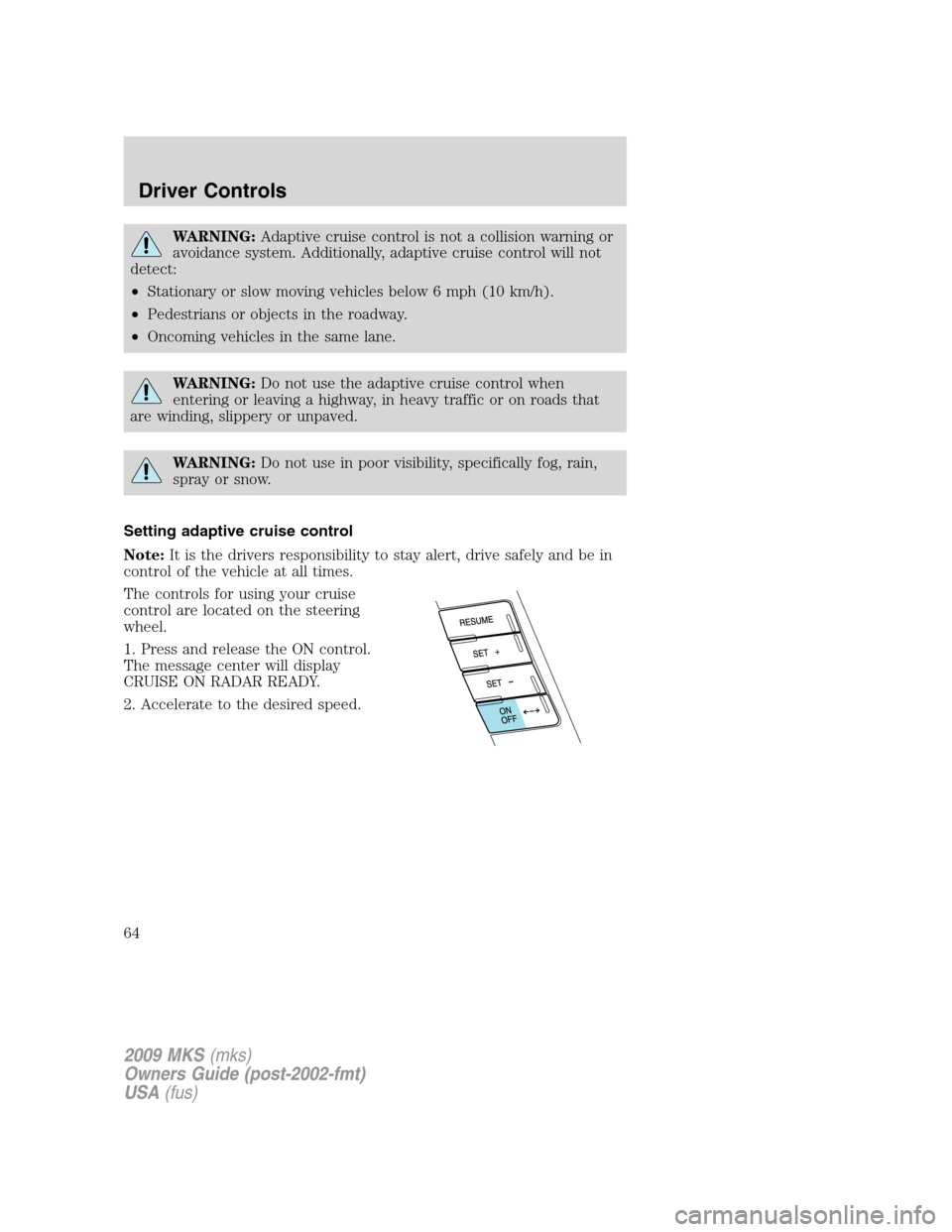
Setting adaptive cruise control
Note:It is the drivers responsibility to stay alert, drive safely and be in
control of the vehicle at all times.
The controls for using your cruise
control are located on the steering
wheel.
1. Press and release the ON control.
The message center will display
CRUISE ON RADAR READY.
2. Accelerate to the desired speed.
2009 MKS(mks)
Owners Guide (post-2002-fmt)
USA(fus)
Driver Controls
64
Page 65 of 323
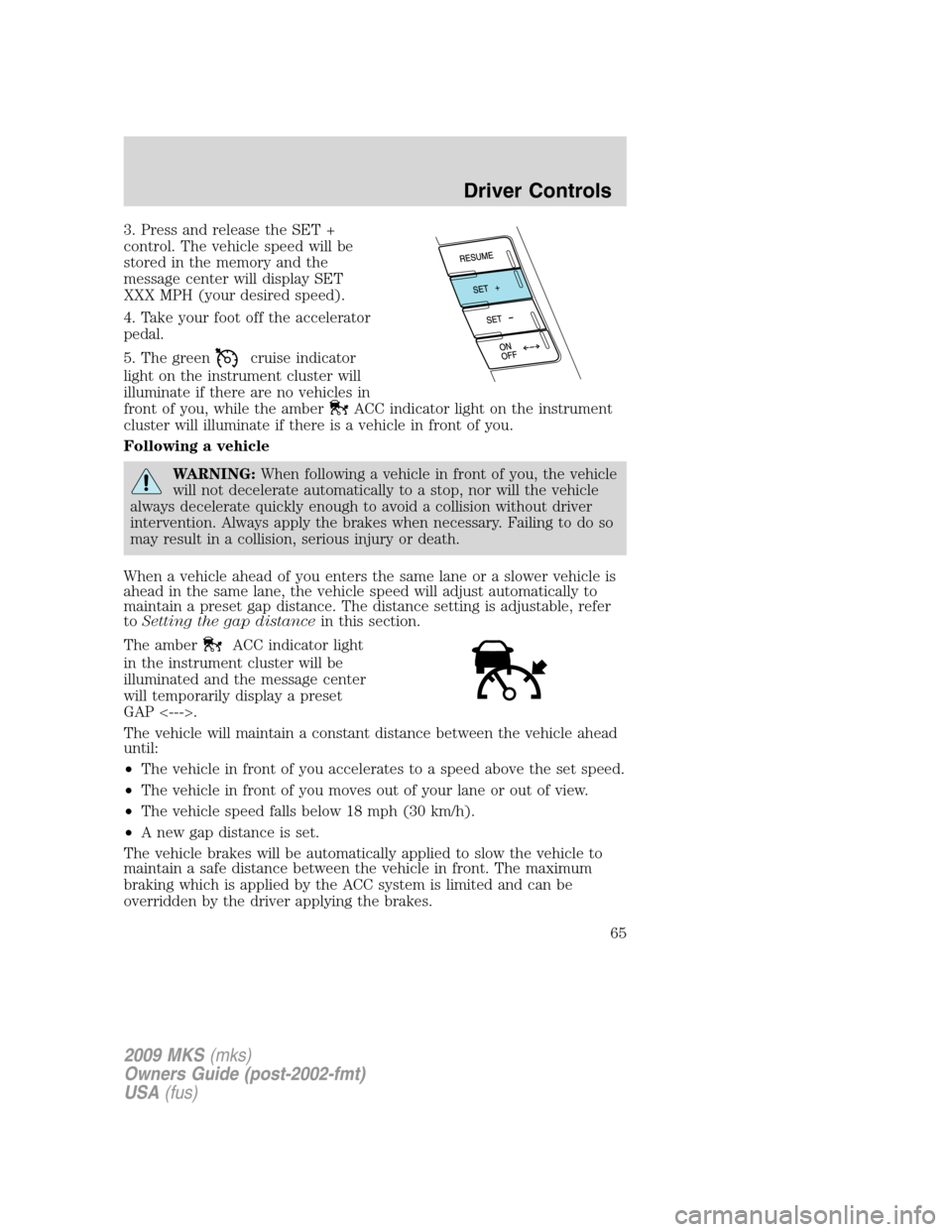
3. Press and release the SET +
control. The vehicle speed will be
stored in the memory and the
message center will display SET
XXX MPH (your desired speed).
4. Take your foot off the accelerator
pedal.
5. The green
cruise indicator
light on the instrument cluster will
illuminate if there are no vehicles in
front of you, while the amber
ACC indicator light on the instrument
cluster will illuminate if there is a vehicle in front of you.
Following a vehicle
WARNING:When following a vehicle in front of you, the vehicle
will not decelerate automatically to a stop, nor will the vehicle
always decelerate quickly enough to avoid a collision without driver
intervention. Always apply the brakes when necessary. Failing to do so
may result in a collision, serious injury or death.
When a vehicle ahead of you enters the same lane or a slower vehicle is
ahead in the same lane, the vehicle speed will adjust automatically to
maintain a preset gap distance. The distance setting is adjustable, refer
toSetting the gap distancein this section.
The amber
ACC indicator light
in the instrument cluster will be
illuminated and the message center
will temporarily display a preset
GAP <--->.
The vehicle will maintain a constant distance between the vehicle ahead
until:
•The vehicle in front of you accelerates to a speed above the set speed.
•The vehicle in front of you moves out of your lane or out of view.
•The vehicle speed falls below 18 mph (30 km/h).
•A new gap distance is set.
The vehicle brakes will be automatically applied to slow the vehicle to
maintain a safe distance between the vehicle in front. The maximum
braking which is applied by the ACC system is limited and can be
overridden by the driver applying the brakes.
2009 MKS(mks)
Owners Guide (post-2002-fmt)
USA(fus)
Driver Controls
65
Page 66 of 323
Note:If the ACC system predicts that its maximum braking level will not
be sufficient, then an audible warning will sound while the ACC
continues to brake. This is accompanied by DRIVER INTERVENE
displayed in the message center. The driver should takeimmediate
action.
Note:The brakes may emit a sound when they are being modulated by
the adaptive cruise control system.
WARNING:Adaptive cruise control only warns of vehicles
detected by the radar sensor. In some cases there may be no
warning or the warning may be delayed. The driver should always
apply the brakes when necessary. Failing to do so may result in a
collision, serious injury or death.
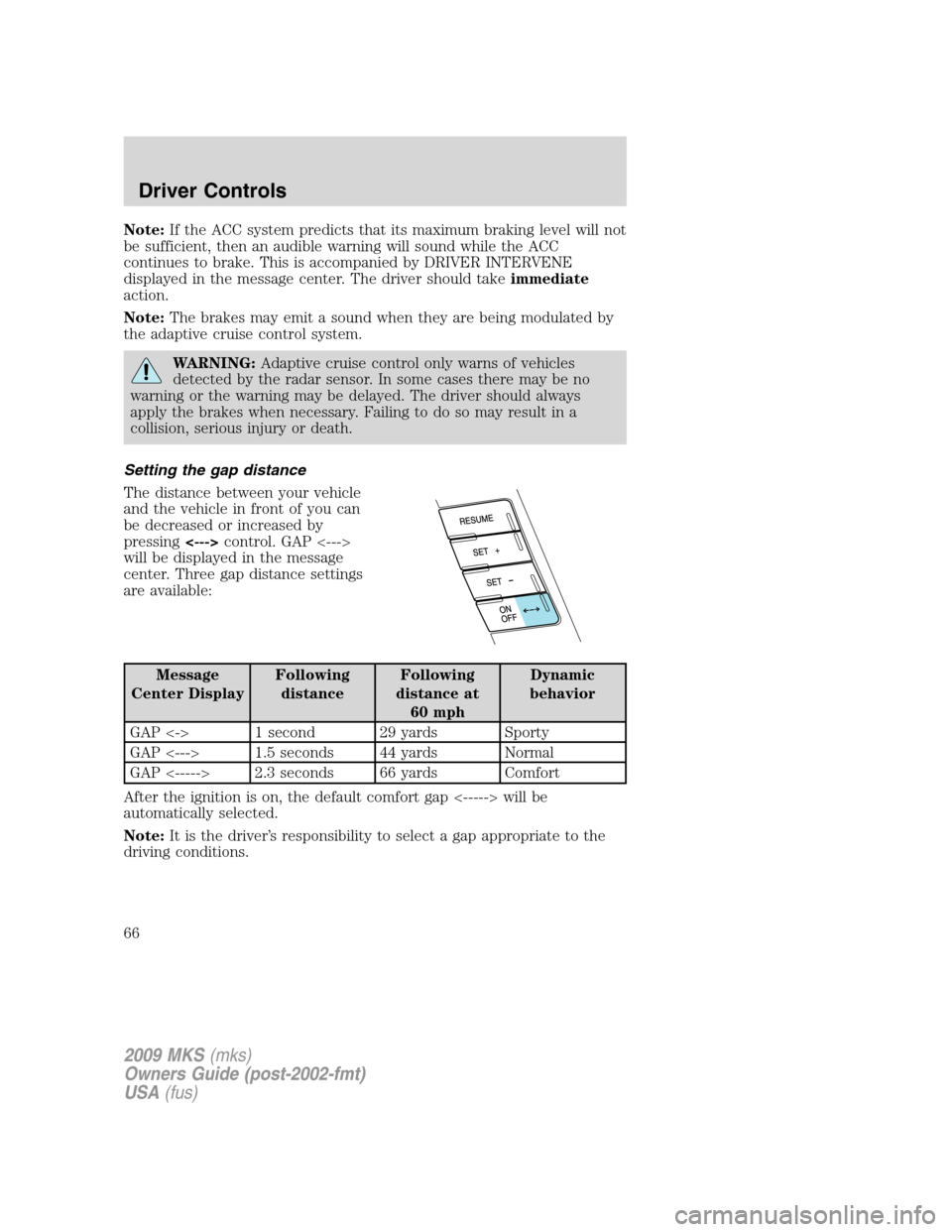
Setting the gap distance
The distance between your vehicle
and the vehicle in front of you can
be decreased or increased by
pressing<--->control. GAP <--->
will be displayed in the message
center. Three gap distance settings
are available:
Message
Center DisplayFollowing
distanceFollowing
distance at
60 mphDynamic
behavior
GAP <-> 1 second 29 yards Sporty
GAP <---> 1.5 seconds 44 yards Normal
GAP <-----> 2.3 seconds 66 yards Comfort
After the ignition is on, the default comfort gap <-----> will be
automatically selected.
Note:It is the driver’s responsibility to select a gap appropriate to the
driving conditions.
2009 MKS(mks)
Owners Guide (post-2002-fmt)
USA(fus)
Driver Controls
66
Page 67 of 323
Disengaging adaptive cruise control
To disengage the adaptive cruise control:
•Depress the brake pedal. CRUISE CANCELLED will be displayed in
the message center.
Disengaging the adaptive cruise control will not erase your previous set
speed.
Overriding adaptive cruise control
WARNING:Whenever the driver is overriding the ACC by
depressing the accelerator pedal, the ACC will not automatically
apply the brakes to maintain separation from any vehicle ahead.
The set speed and gap distance can be overridden by pressing the
accelerator pedal.
When the driver is overriding ACC, the green
cruise indicator light
is illuminated, and CRUISE OVERRIDE is displayed in the message
center. When the accelerator is released, the ACC function will operate
again and vehicle speed will decrease to the set speed, or a lower speed
if following a slower vehicle.
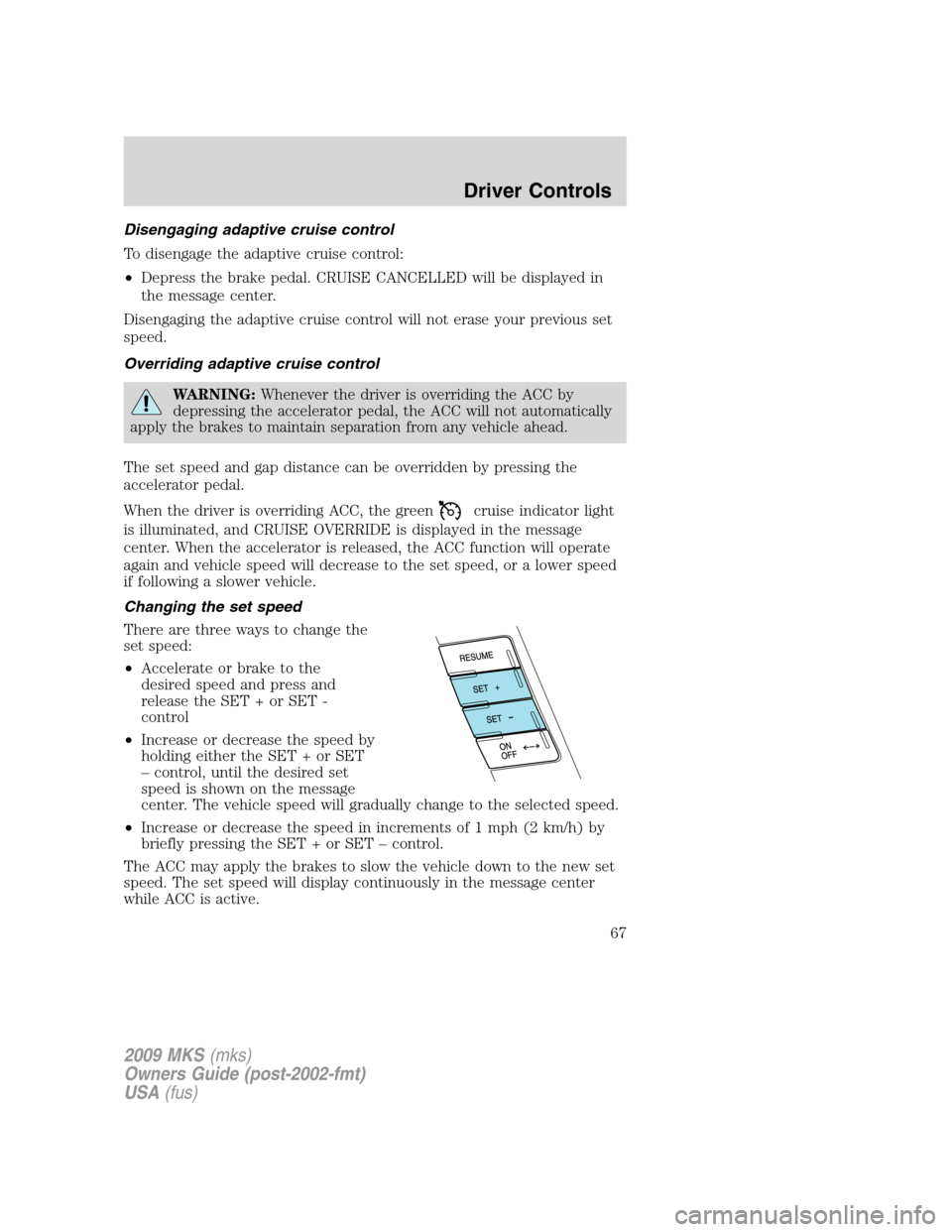
Changing the set speed
There are three ways to change the
set speed:
•Accelerate or brake to the
desired speed and press and
release the SET + or SET -
control
•Increase or decrease the speed by
holding either the SET + or SET
– control, until the desired set
speed is shown on the message
center. The vehicle speed will gradually change to the selected speed.
•Increase or decrease the speed in increments of 1 mph (2 km/h) by
briefly pressing the SET + or SET – control.
The ACC may apply the brakes to slow the vehicle down to the new set
speed. The set speed will display continuously in the message center
while ACC is active.
2009 MKS(mks)
Owners Guide (post-2002-fmt)
USA(fus)
Driver Controls
67
Page 71 of 323
Cause Action
The surface of the radar in the
grille is dirty or obstructed in
some wayClean the grille surface in front of
the radar or remove the object
causing the obstruction
The surface of the radar in the
grille is clean but the message
remains in the displayWait a short time. It may take
several minutes for the radar to
detect that it is no longer
obstructed
Heavy rain or snow is interfering
with the radar signalsDo not useACC in poor visibility,
specifically fog, heavy rain, spray
or snow
Swirling water or snow from the
surface of the road may interfere
with the radar signalsDo not useACC on icy or
slippery roads
WARNING:Do not use ACC when towing a trailer with brake
controls. Aftermarket trailer brakes will not function properly
when ACC is activated because the brakes are electronically controlled.
Failing to do so may result in loss of vehicle control, which could result
in serious injury.
WARNING:Do not use tires sizes other than those
recommended because this can affect the normal operation of
ACC. Failing to do so may result in a loss of vehicle control, which
could result in serious injury.
2009 MKS(mks)
Owners Guide (post-2002-fmt)
USA(fus)
Driver Controls
71
Page 73 of 323
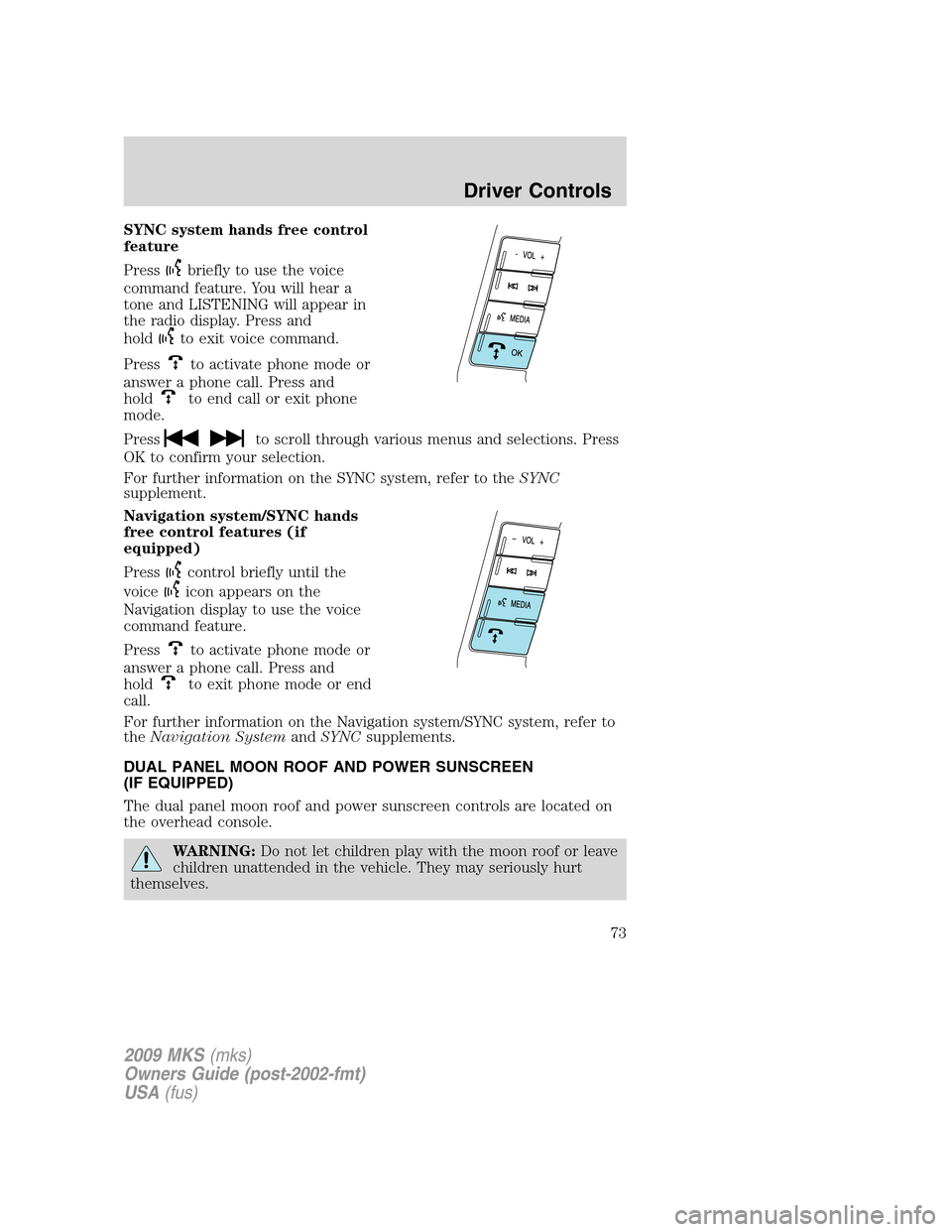
SYNC system hands free control
feature
Press
briefly to use the voice
command feature. You will hear a
tone and LISTENING will appear in
the radio display. Press and
hold
to exit voice command.
Press
to activate phone mode or
answer a phone call. Press and
hold
to end call or exit phone
mode.
Press
to scroll through various menus and selections. Press
OK to confirm your selection.
For further information on the SYNC system, refer to theSYNC
supplement.
Navigation system/SYNC hands
free control features (if
equipped)
Press
control briefly until the
voice
icon appears on the
Navigation display to use the voice
command feature.
Press
to activate phone mode or
answer a phone call. Press and
hold
to exit phone mode or end
call.
For further information on the Navigation system/SYNC system, refer to
theNavigation SystemandSYNCsupplements.
DUAL PANEL MOON ROOF AND POWER SUNSCREEN
(IF EQUIPPED)
The dual panel moon roof and power sunscreen controls are located on
the overhead console.
WARNING:Do not let children play with the moon roof or leave
children unattended in the vehicle. They may seriously hurt
themselves.
2009 MKS(mks)
Owners Guide (post-2002-fmt)
USA(fus)
Driver Controls
73
Page 74 of 323
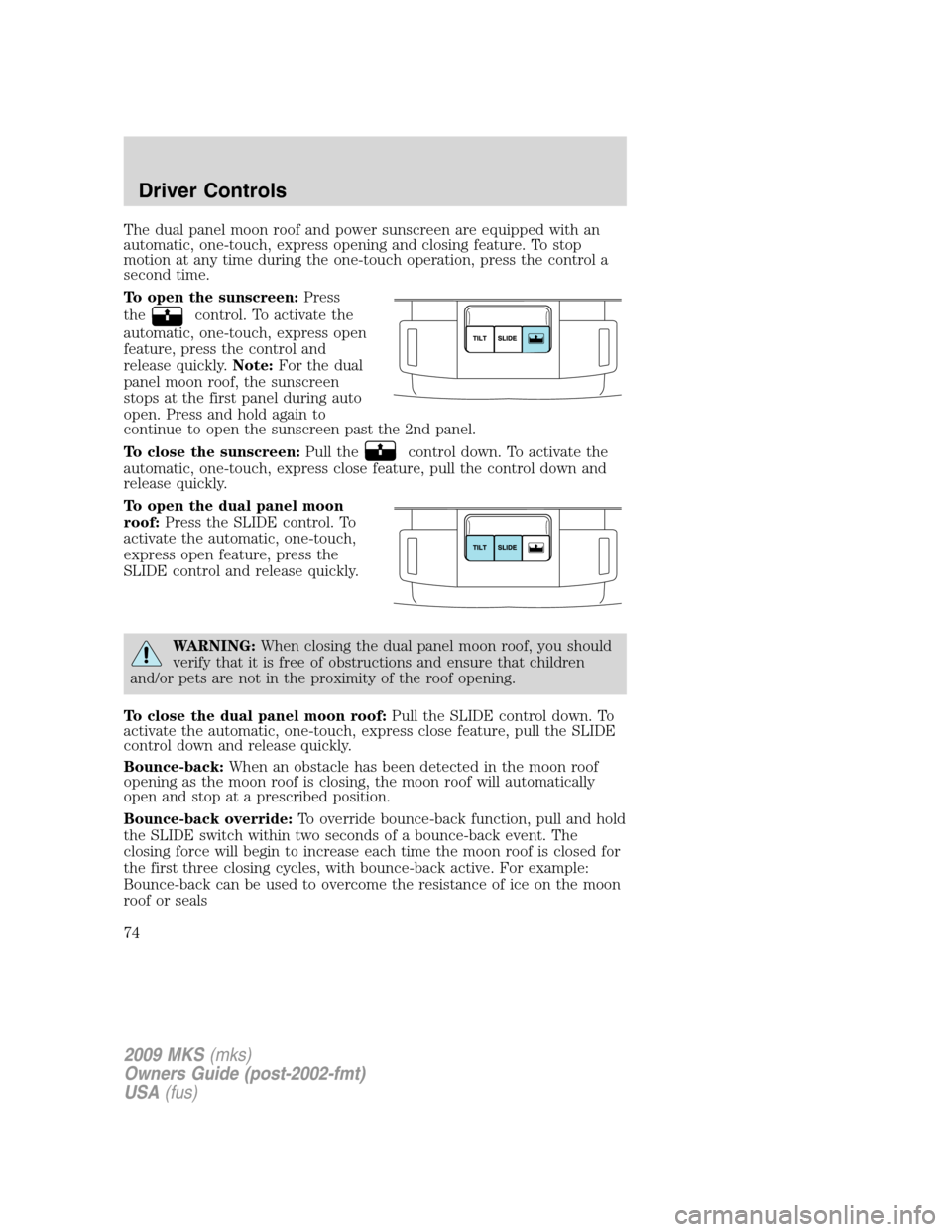
The dual panel moon roof and power sunscreen are equipped with an
automatic, one-touch, express opening and closing feature. To stop
motion at any time during the one-touch operation, press the control a
second time.
To open the sunscreen:Press
the
control. To activate the
automatic, one-touch, express open
feature, press the control and
release quickly.Note:For the dual
panel moon roof, the sunscreen
stops at the first panel during auto
open. Press and hold again to
continue to open the sunscreen past the 2nd panel.
To close the sunscreen:Pull the
control down. To activate the
automatic, one-touch, express close feature, pull the control down and
release quickly.
To open the dual panel moon
roof:Press the SLIDE control. To
activate the automatic, one-touch,
express open feature, press the
SLIDE control and release quickly.
WARNING:When closing the dual panel moon roof, you should
verify that it is free of obstructions and ensure that children
and/or pets are not in the proximity of the roof opening.
To close the dual panel moon roof:Pull the SLIDE control down. To
activate the automatic, one-touch, express close feature, pull the SLIDE
control down and release quickly.
Bounce-back:When an obstacle has been detected in the moon roof
opening as the moon roof is closing, the moon roof will automatically
open and stop at a prescribed position.
Bounce-back override:To override bounce-back function, pull and hold
the SLIDE switch within two seconds of a bounce-back event. The
closing force will begin to increase each time the moon roof is closed for
the first three closing cycles, with bounce-back active. For example:
Bounce-back can be used to overcome the resistance of ice on the moon
roof or seals
2009 MKS(mks)
Owners Guide (post-2002-fmt)
USA(fus)
Driver Controls
74