Mph LINCOLN MKS 2009 Owners Manual
[x] Cancel search | Manufacturer: LINCOLN, Model Year: 2009, Model line: MKS, Model: LINCOLN MKS 2009Pages: 323, PDF Size: 2.58 MB
Page 40 of 323
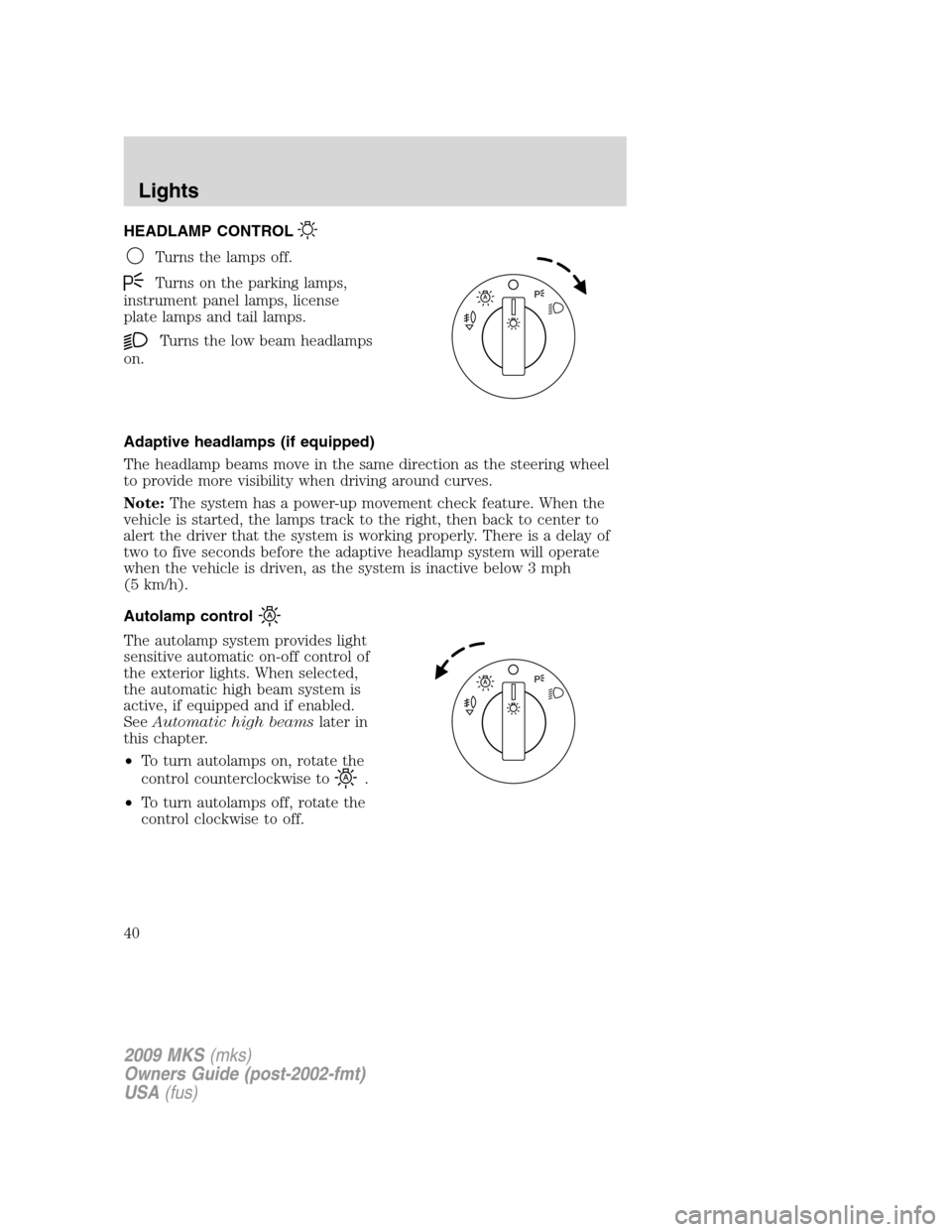
HEADLAMP CONTROL
Turns the lamps off.
Turns on the parking lamps,
instrument panel lamps, license
plate lamps and tail lamps.
Turns the low beam headlamps
on.
Adaptive headlamps (if equipped)
The headlamp beams move in the same direction as the steering wheel
to provide more visibility when driving around curves.
Note:The system has a power-up movement check feature. When the
vehicle is started, the lamps track to the right, then back to center to
alert the driver that the system is working properly. There is a delay of
two to five seconds before the adaptive headlamp system will operate
when the vehicle is driven, as the system is inactive below 3 mph
(5 km/h).
Autolamp control
The autolamp system provides light
sensitive automatic on-off control of
the exterior lights. When selected,
the automatic high beam system is
active, if equipped and if enabled.
SeeAutomatic high beamslater in
this chapter.
•To turn autolamps on, rotate the
control counterclockwise to
.
•To turn autolamps off, rotate the
control clockwise to off.
2009 MKS(mks)
Owners Guide (post-2002-fmt)
USA(fus)
Lights
40
Page 43 of 323
Scenario 3:
Conditions -The automatic high beam system is set to ON in the
message center. The headlamp switch is in
(off),(park lamps),
or
(on).
Operation -The high beam switch can be used to turn the high beams
on and off.
Scenario 4:
Conditions -The automatic high beam system is set to OFF in the
message center. The headlamp switch is in
(auto
lamps),
(off),(park lamps), or(on).
Operation -The high beam switch can be used to turn the high beams
on and off.
Enabling/disabling auto high beams
Enabling/disabling and/or checking the status of the automatic high beam
system can be performed using the message center. SeeMessage center
in theDriver controlschapter.
Activating high beams
If there is no traffic in front of the vehicle, the high beams will come on
automatically and the
light will display in the instrument panel if
the following are true:
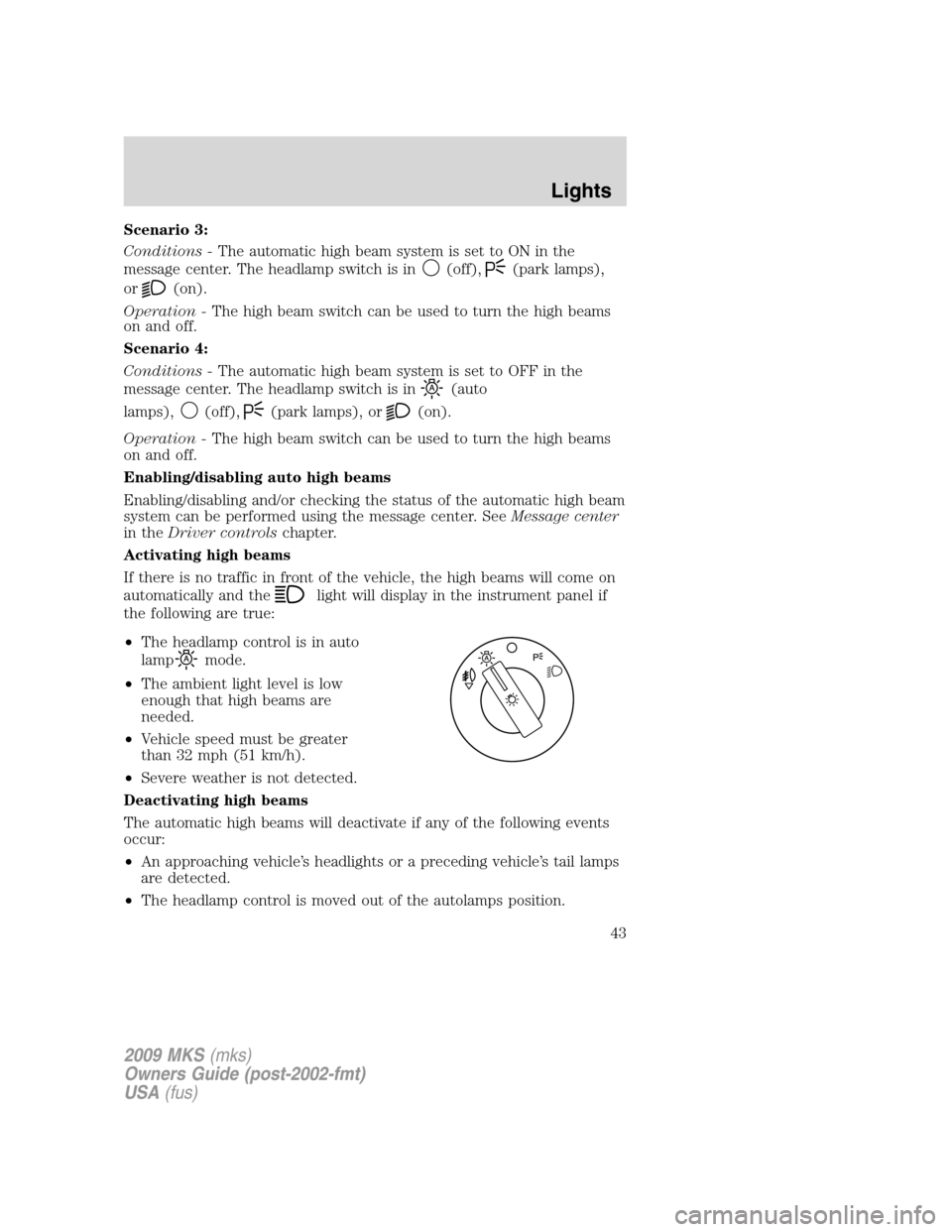
•The headlamp control is in auto
lamp
mode.
•The ambient light level is low
enough that high beams are
needed.
•Vehicle speed must be greater
than 32 mph (51 km/h).
•Severe weather is not detected.
Deactivating high beams
The automatic high beams will deactivate if any of the following events
occur:
•An approaching vehicle’s headlights or a preceding vehicle’s tail lamps
are detected.
•The headlamp control is moved out of the autolamps position.
2009 MKS(mks)
Owners Guide (post-2002-fmt)
USA(fus)
Lights
43
Page 44 of 323
•The vehicle speed falls below 27 mph (43 km/h).
•The ambient light level is high enough that high beams are not
needed.
•Severe rain, snow or fog is detected.
•The camera is blocked.
Note:Activating the multi-function lever will put the headlamps in
manual high beam mode (constant or flash-to-pass) until the lever is
returned to the neutral position. To manually override the auto high
beam and go to low beam, the headlamp control must be taken out of
the
(autolamp) position. For severe fog on freeways, or severe fog
in low traffic situations, use of fog lamps is recommended.
Setting auto high beam sensitivity
The automatic high beam system has two sensitivity settings. The default
setting is near. If you would like the high beams to turn off when traffic
is further away, the sensitivity setting can be changed to far. The
procedure is as follows:
Preconditions:
•Vehicle is at a stop.
•The headlamp control is in the
,orposition.
•High-beams are off.
•Vehicle battery voltage is in normal operating range.
Programming Sequence:
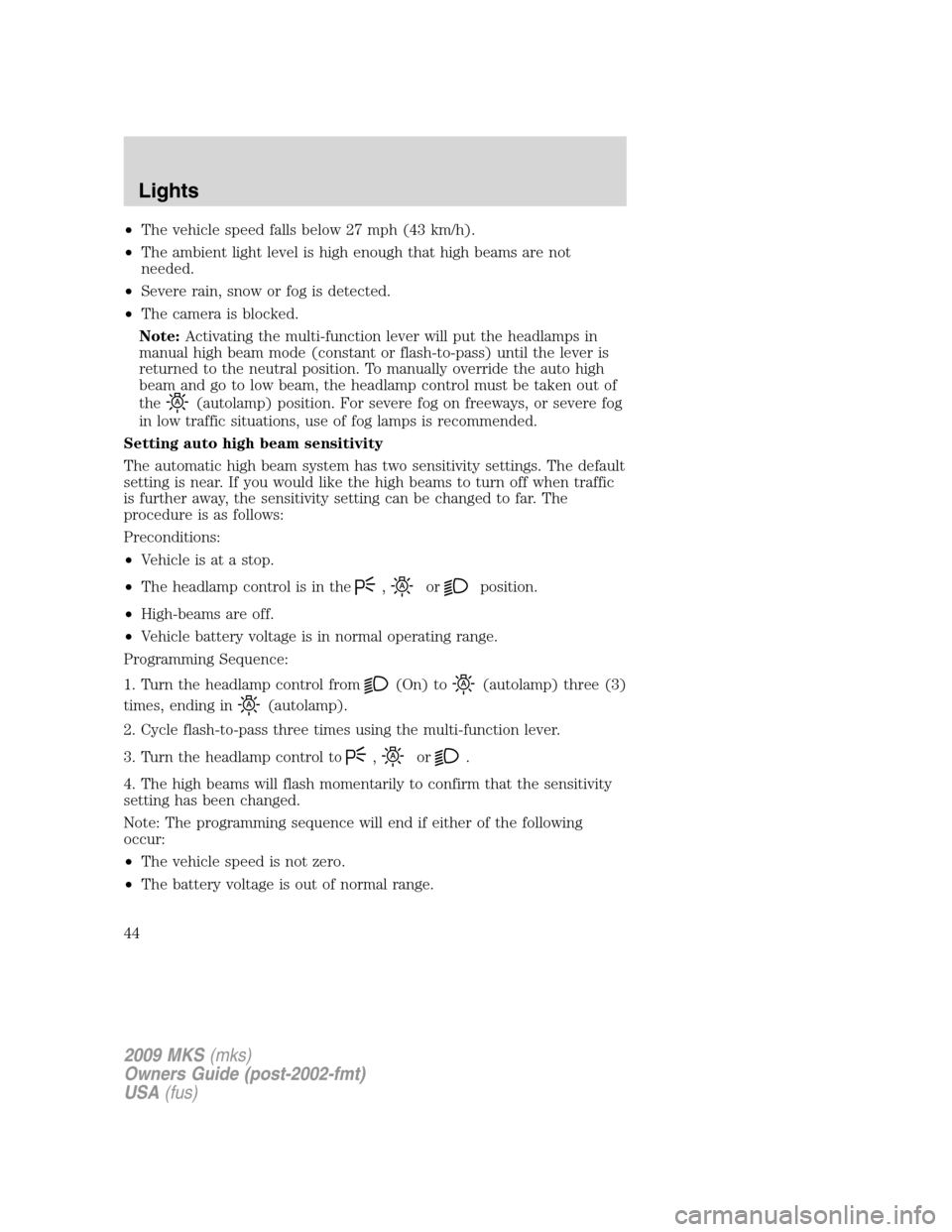
1. Turn the headlamp control from
(On) to(autolamp) three (3)
times, ending in
(autolamp).
2. Cycle flash-to-pass three times using the multi-function lever.
3. Turn the headlamp control to
,or.
4. The high beams will flash momentarily to confirm that the sensitivity
setting has been changed.
Note: The programming sequence will end if either of the following
occur:
•The vehicle speed is not zero.
•The battery voltage is out of normal range.
2009 MKS(mks)
Owners Guide (post-2002-fmt)
USA(fus)
Lights
44
Page 61 of 323
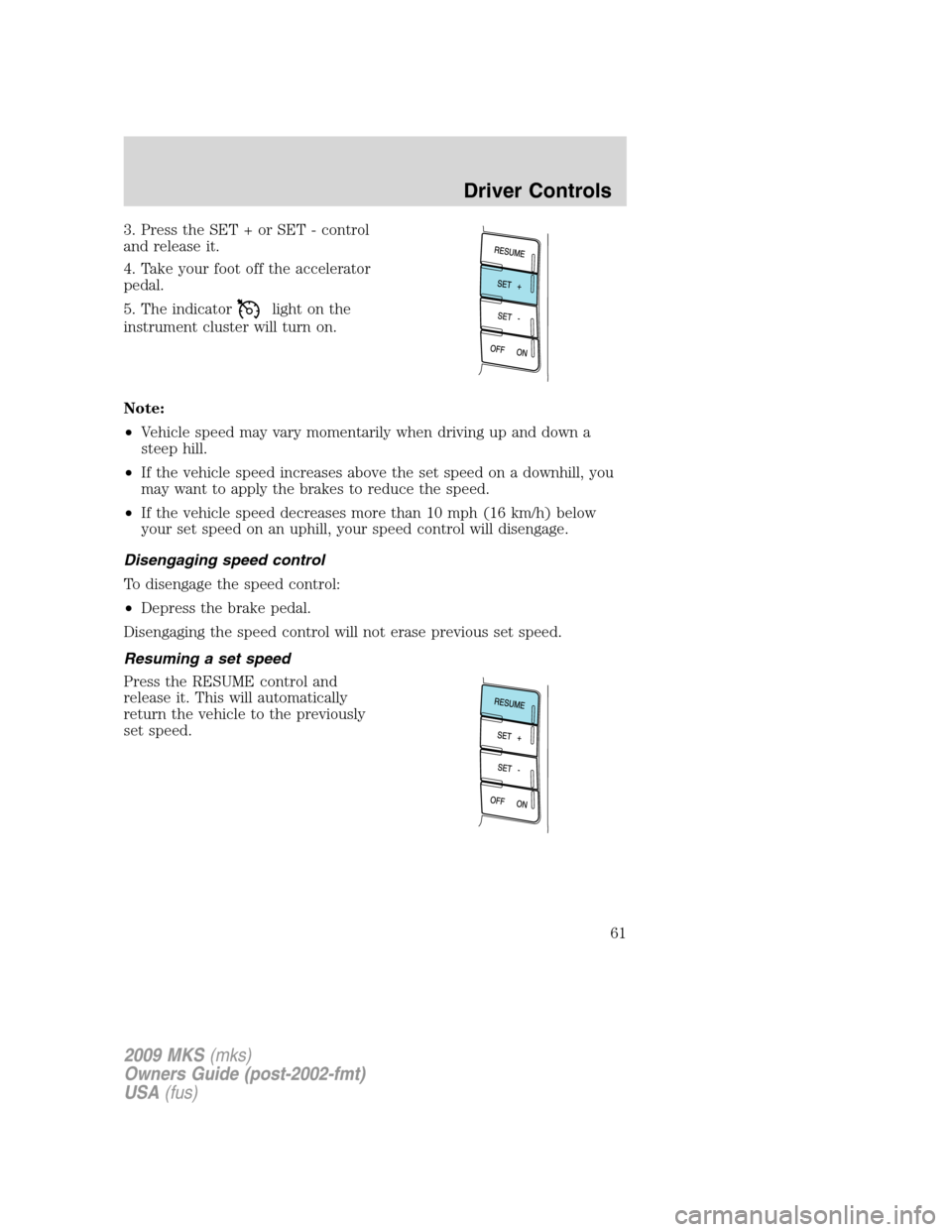
3. Press the SET + or SET - control
and release it.
4. Take your foot off the accelerator
pedal.
5. The indicator
light on the
instrument cluster will turn on.
Note:
•Vehicle speed may vary momentarily when driving up and down a
steep hill.
•If the vehicle speed increases above the set speed on a downhill, you
may want to apply the brakes to reduce the speed.
•If the vehicle speed decreases more than 10 mph (16 km/h) below
your set speed on an uphill, your speed control will disengage.
Disengaging speed control
To disengage the speed control:
•Depress the brake pedal.
Disengaging the speed control will not erase previous set speed.
Resuming a set speed
Press the RESUME control and
release it. This will automatically
return the vehicle to the previously
set speed.
2009 MKS(mks)
Owners Guide (post-2002-fmt)
USA(fus)
Driver Controls
61
Page 62 of 323
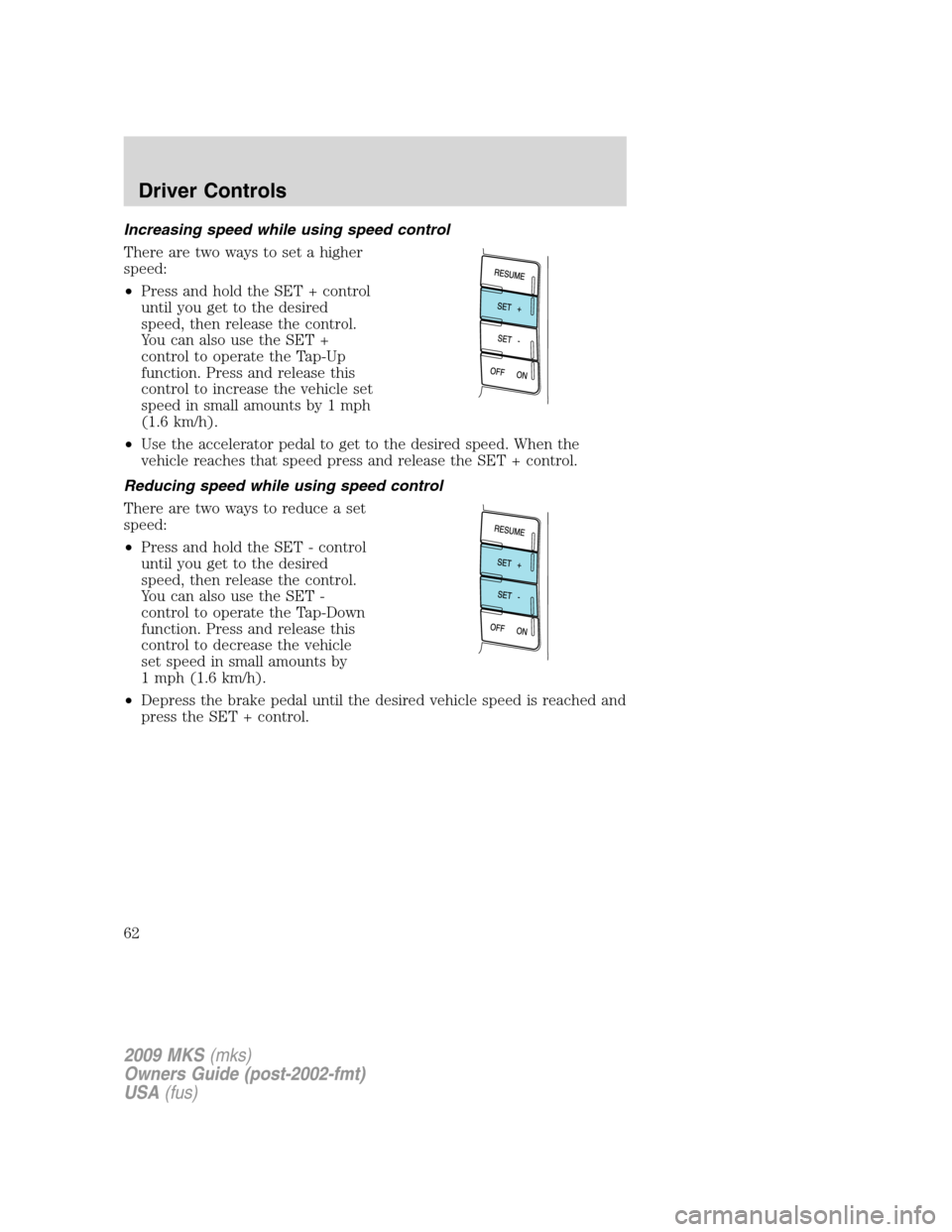
Increasing speed while using speed control
There are two ways to set a higher
speed:
•Press and hold the SET + control
until you get to the desired
speed, then release the control.
You can also use the SET +
control to operate the Tap-Up
function. Press and release this
control to increase the vehicle set
speed in small amounts by 1 mph
(1.6 km/h).
•Use the accelerator pedal to get to the desired speed. When the
vehicle reaches that speed press and release the SET + control.
Reducing speed while using speed control
There are two ways to reduce a set
speed:
•Press and hold the SET - control
until you get to the desired
speed, then release the control.
You can also use the SET -
control to operate the Tap-Down
function. Press and release this
control to decrease the vehicle
set speed in small amounts by
1 mph (1.6 km/h).
•Depress the brake pedal until the desired vehicle speed is reached and
press the SET + control.
2009 MKS(mks)
Owners Guide (post-2002-fmt)
USA(fus)
Driver Controls
62
Page 64 of 323
WARNING:Adaptive cruise control is not a collision warning or
avoidance system. Additionally, adaptive cruise control will not
detect:
•Stationary or slow moving vehicles below 6 mph (10 km/h).
•Pedestrians or objects in the roadway.
•Oncoming vehicles in the same lane.
WARNING:Do not use the adaptive cruise control when
entering or leaving a highway, in heavy traffic or on roads that
are winding, slippery or unpaved.
WARNING:Do not use in poor visibility, specifically fog, rain,
spray or snow.
Setting adaptive cruise control
Note:It is the drivers responsibility to stay alert, drive safely and be in
control of the vehicle at all times.
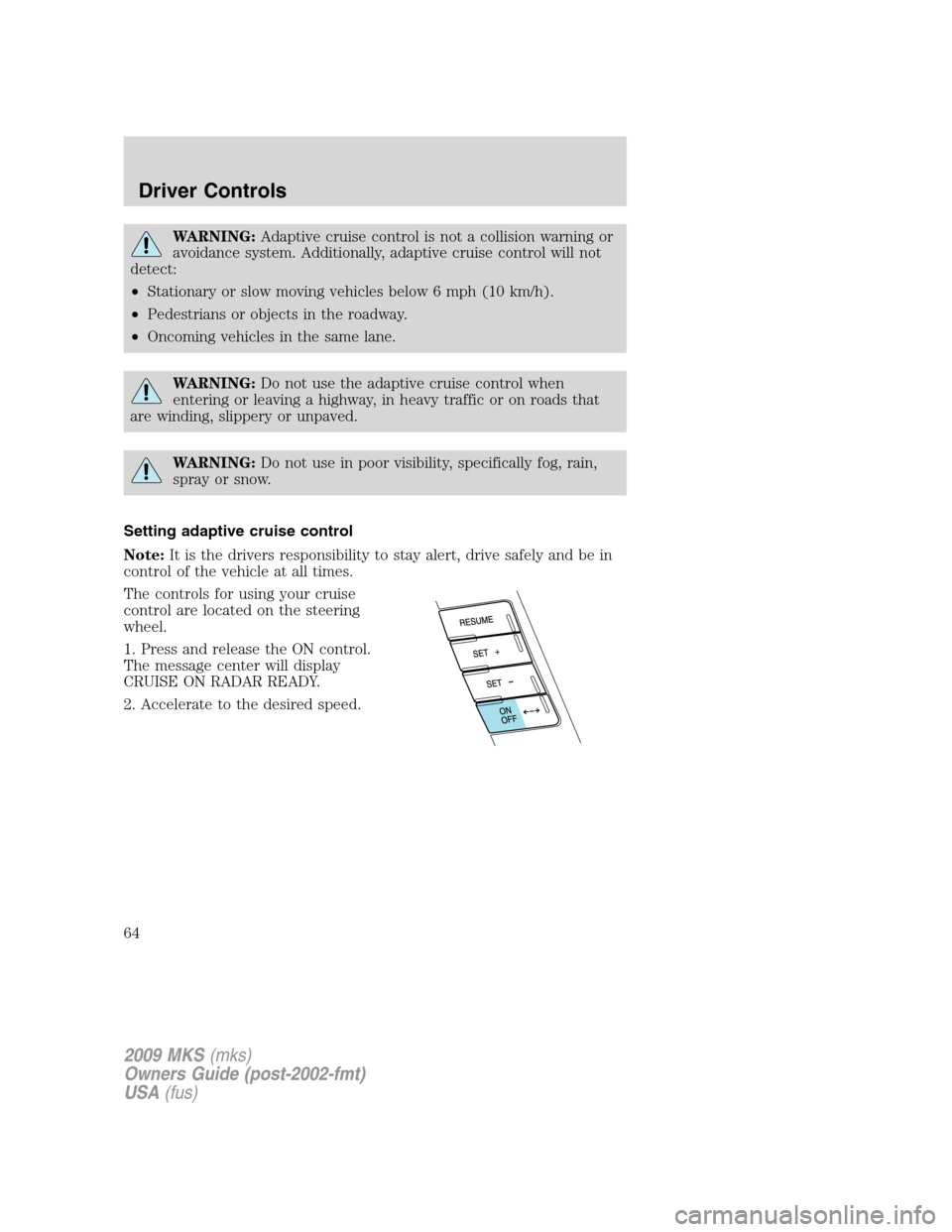
The controls for using your cruise
control are located on the steering
wheel.
1. Press and release the ON control.
The message center will display
CRUISE ON RADAR READY.
2. Accelerate to the desired speed.
2009 MKS(mks)
Owners Guide (post-2002-fmt)
USA(fus)
Driver Controls
64
Page 65 of 323
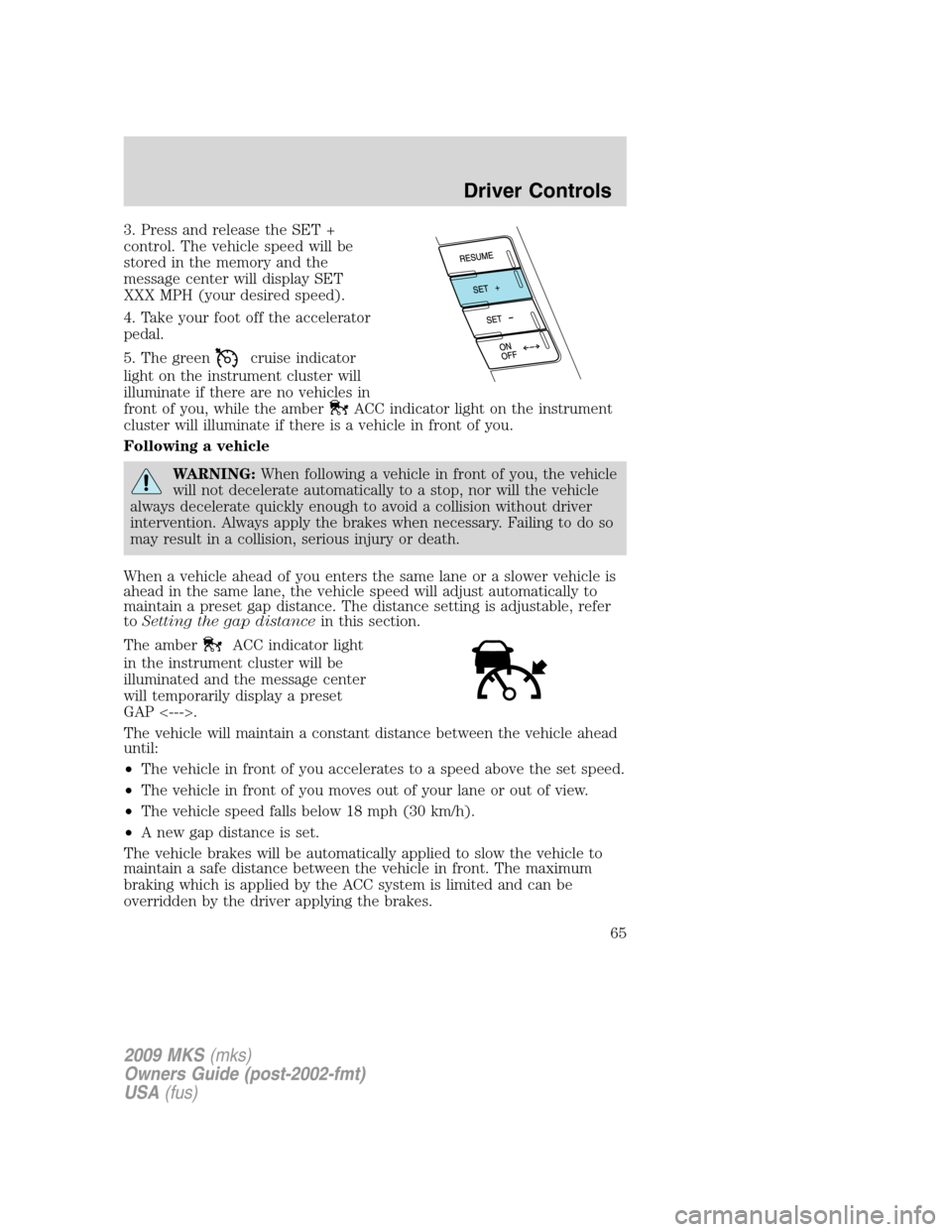
3. Press and release the SET +
control. The vehicle speed will be
stored in the memory and the
message center will display SET
XXX MPH (your desired speed).
4. Take your foot off the accelerator
pedal.
5. The green
cruise indicator
light on the instrument cluster will
illuminate if there are no vehicles in
front of you, while the amber
ACC indicator light on the instrument
cluster will illuminate if there is a vehicle in front of you.
Following a vehicle
WARNING:When following a vehicle in front of you, the vehicle
will not decelerate automatically to a stop, nor will the vehicle
always decelerate quickly enough to avoid a collision without driver
intervention. Always apply the brakes when necessary. Failing to do so
may result in a collision, serious injury or death.
When a vehicle ahead of you enters the same lane or a slower vehicle is
ahead in the same lane, the vehicle speed will adjust automatically to
maintain a preset gap distance. The distance setting is adjustable, refer
toSetting the gap distancein this section.
The amber
ACC indicator light
in the instrument cluster will be
illuminated and the message center
will temporarily display a preset
GAP <--->.
The vehicle will maintain a constant distance between the vehicle ahead
until:
•The vehicle in front of you accelerates to a speed above the set speed.
•The vehicle in front of you moves out of your lane or out of view.
•The vehicle speed falls below 18 mph (30 km/h).
•A new gap distance is set.
The vehicle brakes will be automatically applied to slow the vehicle to
maintain a safe distance between the vehicle in front. The maximum
braking which is applied by the ACC system is limited and can be
overridden by the driver applying the brakes.
2009 MKS(mks)
Owners Guide (post-2002-fmt)
USA(fus)
Driver Controls
65
Page 66 of 323
Note:If the ACC system predicts that its maximum braking level will not
be sufficient, then an audible warning will sound while the ACC
continues to brake. This is accompanied by DRIVER INTERVENE
displayed in the message center. The driver should takeimmediate
action.
Note:The brakes may emit a sound when they are being modulated by
the adaptive cruise control system.
WARNING:Adaptive cruise control only warns of vehicles
detected by the radar sensor. In some cases there may be no
warning or the warning may be delayed. The driver should always
apply the brakes when necessary. Failing to do so may result in a
collision, serious injury or death.
Setting the gap distance
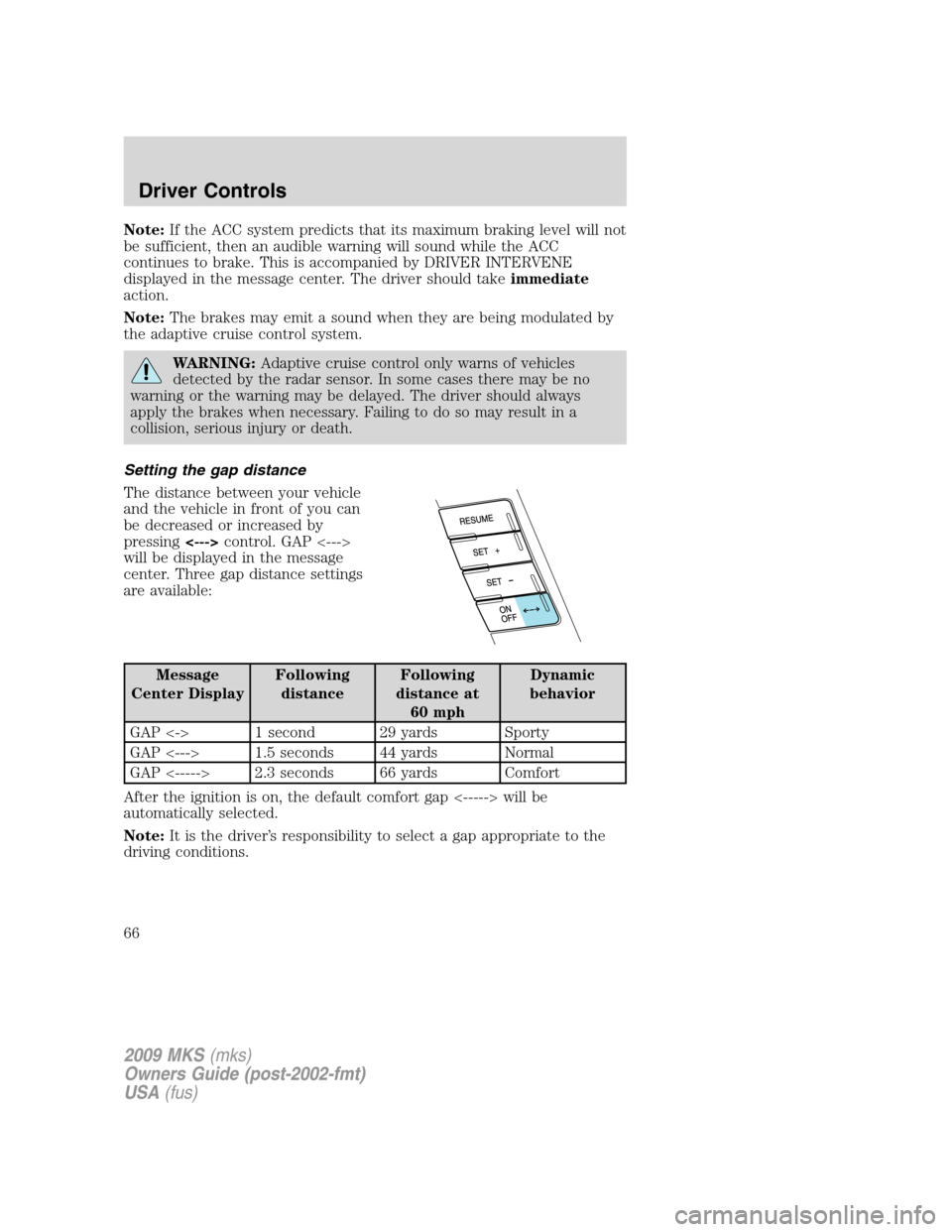
The distance between your vehicle
and the vehicle in front of you can
be decreased or increased by
pressing<--->control. GAP <--->
will be displayed in the message
center. Three gap distance settings
are available:
Message
Center DisplayFollowing
distanceFollowing
distance at
60 mphDynamic
behavior
GAP <-> 1 second 29 yards Sporty
GAP <---> 1.5 seconds 44 yards Normal
GAP <-----> 2.3 seconds 66 yards Comfort
After the ignition is on, the default comfort gap <-----> will be
automatically selected.
Note:It is the driver’s responsibility to select a gap appropriate to the
driving conditions.
2009 MKS(mks)
Owners Guide (post-2002-fmt)
USA(fus)
Driver Controls
66
Page 67 of 323
Disengaging adaptive cruise control
To disengage the adaptive cruise control:
•Depress the brake pedal. CRUISE CANCELLED will be displayed in
the message center.
Disengaging the adaptive cruise control will not erase your previous set
speed.
Overriding adaptive cruise control
WARNING:Whenever the driver is overriding the ACC by
depressing the accelerator pedal, the ACC will not automatically
apply the brakes to maintain separation from any vehicle ahead.
The set speed and gap distance can be overridden by pressing the
accelerator pedal.
When the driver is overriding ACC, the green
cruise indicator light
is illuminated, and CRUISE OVERRIDE is displayed in the message
center. When the accelerator is released, the ACC function will operate
again and vehicle speed will decrease to the set speed, or a lower speed
if following a slower vehicle.
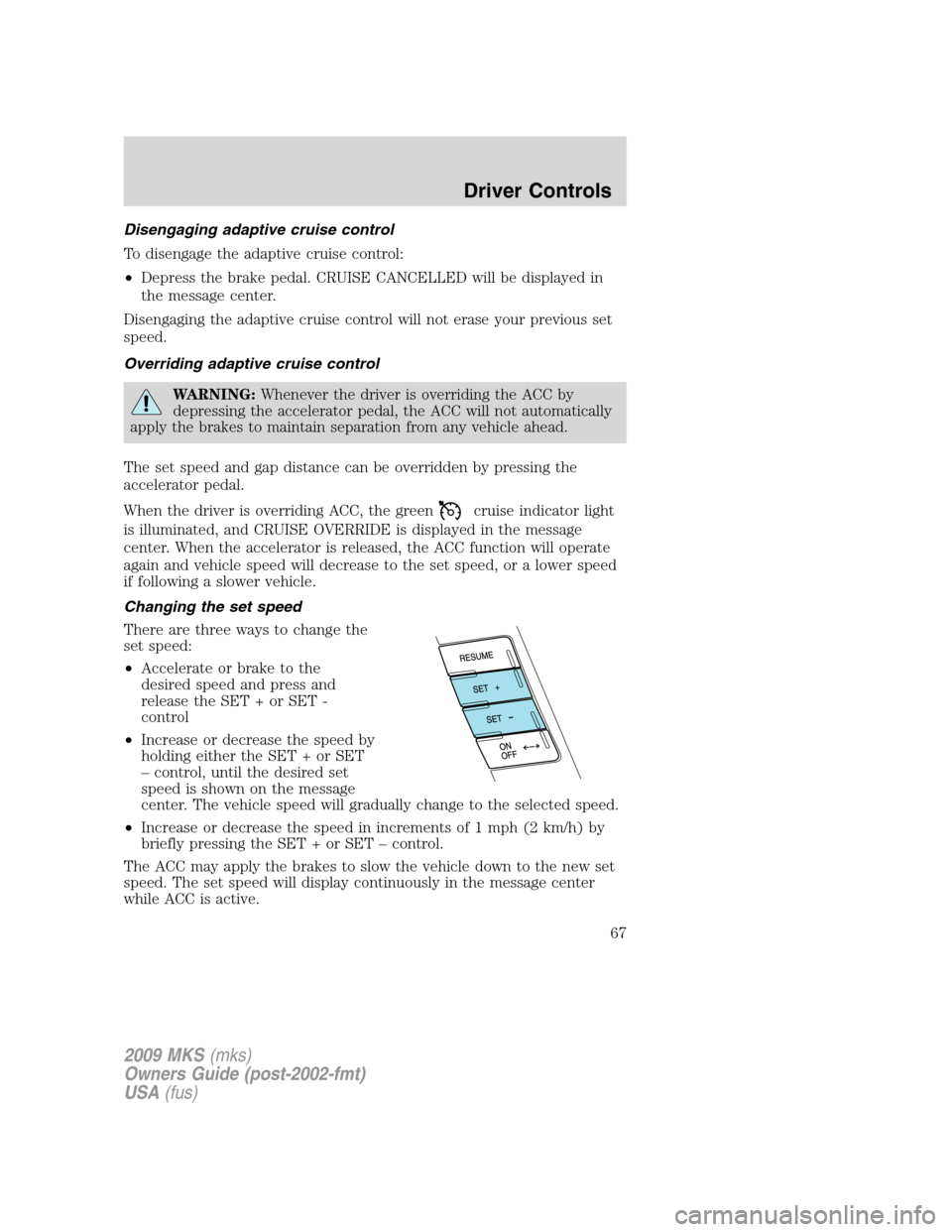
Changing the set speed
There are three ways to change the
set speed:
•Accelerate or brake to the
desired speed and press and
release the SET + or SET -
control
•Increase or decrease the speed by
holding either the SET + or SET
– control, until the desired set
speed is shown on the message
center. The vehicle speed will gradually change to the selected speed.
•Increase or decrease the speed in increments of 1 mph (2 km/h) by
briefly pressing the SET + or SET – control.
The ACC may apply the brakes to slow the vehicle down to the new set
speed. The set speed will display continuously in the message center
while ACC is active.
2009 MKS(mks)
Owners Guide (post-2002-fmt)
USA(fus)
Driver Controls
67
Page 68 of 323
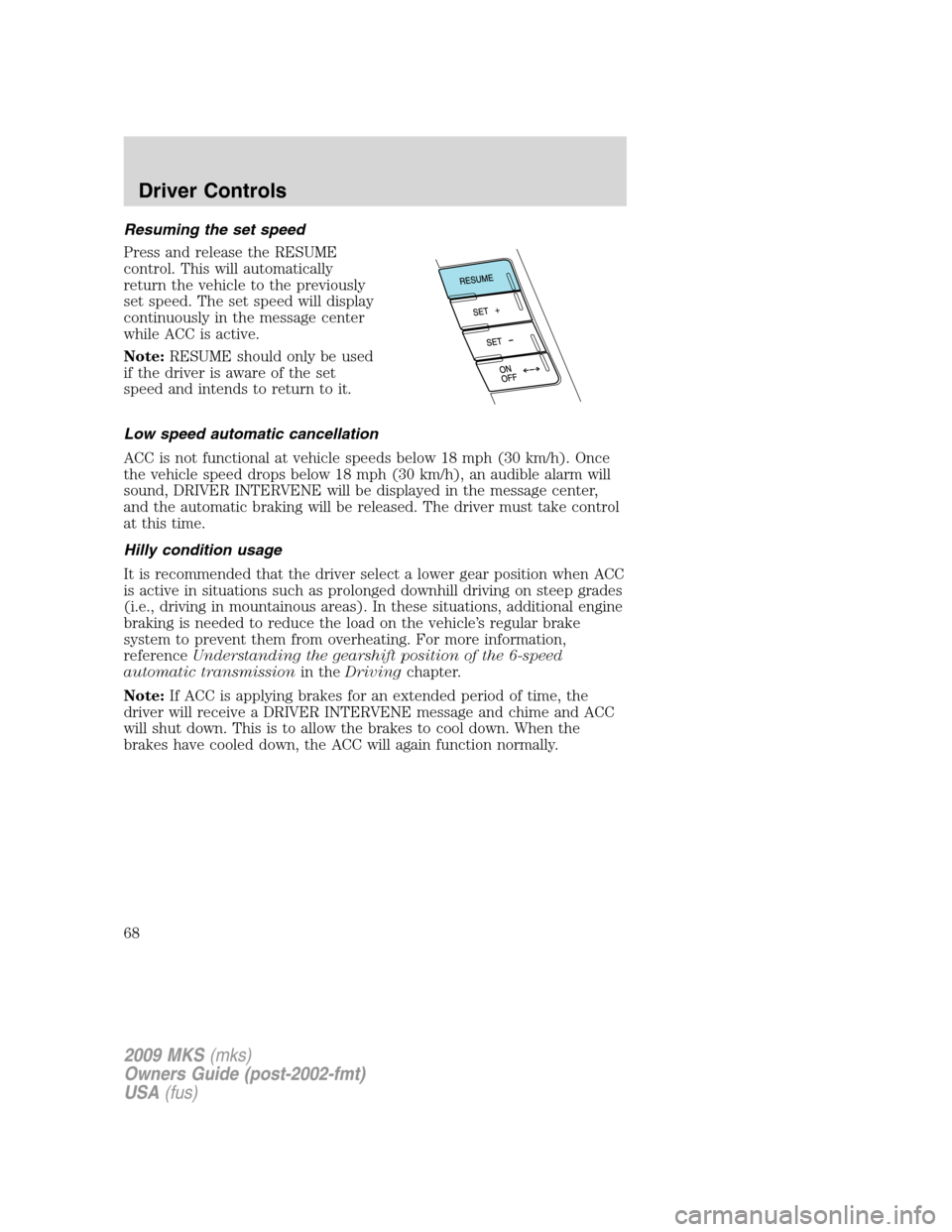
Resuming the set speed
Press and release the RESUME
control. This will automatically
return the vehicle to the previously
set speed. The set speed will display
continuously in the message center
while ACC is active.
Note:RESUME should only be used
if the driver is aware of the set
speed and intends to return to it.
Low speed automatic cancellation
ACC is not functional at vehicle speeds below 18 mph (30 km/h). Once
the vehicle speed drops below 18 mph (30 km/h), an audible alarm will
sound, DRIVER INTERVENE will be displayed in the message center,
and the automatic braking will be released. The driver must take control
at this time.
Hilly condition usage
It is recommended that the driver select a lower gear position when ACC
is active in situations such as prolonged downhill driving on steep grades
(i.e., driving in mountainous areas). In these situations, additional engine
braking is needed to reduce the load on the vehicle’s regular brake
system to prevent them from overheating. For more information,
referenceUnderstanding the gearshift position of the 6-speed
automatic transmissionin theDrivingchapter.
Note:If ACC is applying brakes for an extended period of time, the
driver will receive a DRIVER INTERVENE message and chime and ACC
will shut down. This is to allow the brakes to cool down. When the
brakes have cooled down, the ACC will again function normally.
2009 MKS(mks)
Owners Guide (post-2002-fmt)
USA(fus)
Driver Controls
68