and LINCOLN MKS 2010 Manual PDF
[x] Cancel search | Manufacturer: LINCOLN, Model Year: 2010, Model line: MKS, Model: LINCOLN MKS 2010Pages: 358, PDF Size: 2.37 MB
Page 74 of 358
Auxiliary power point can be found in the following location:
•On the center console
•Inside the utility compartment
•On the rear of the center console accessible from the rear seat
Do not use the power point for operating the cigarette lighter element (if
equipped).
To prevent the fuse from being blown, do not use the power point(s)
over the vehicle capacity of 12 VDC/180W. If the power point or cigar
lighter socket is not working, a fuse may have blown. Refer toFuses and
relaysin theRoadside Emergencieschapter for information on
checking and replacing fuses.
To have full capacity usage of your power point, the engine is required to
be running to avoid unintentional discharge of the battery. To prevent
the battery from being discharged:
•do not use the power point longer than necessary when the engine is
not running,
•do not leave battery chargers, video game adapters, computers and
other devices plugged in overnight or when the vehicle is parked for
extended periods.
Always keep the power point caps closed when not being used.
POWER WINDOWS
WARNING:Do not leave children unattended in the vehicle and
do not let children play with the power windows. They may
seriously injure themselves.
WARNING:When closing the power windows, you should verify
they are free of obstructions and ensure that children and/or
pets are not in the proximity of the window openings.
Driver Controls
74
2010 MKS(mks)
Owners Guide(own2002), 1st Printing
USA(fus)
Page 75 of 358
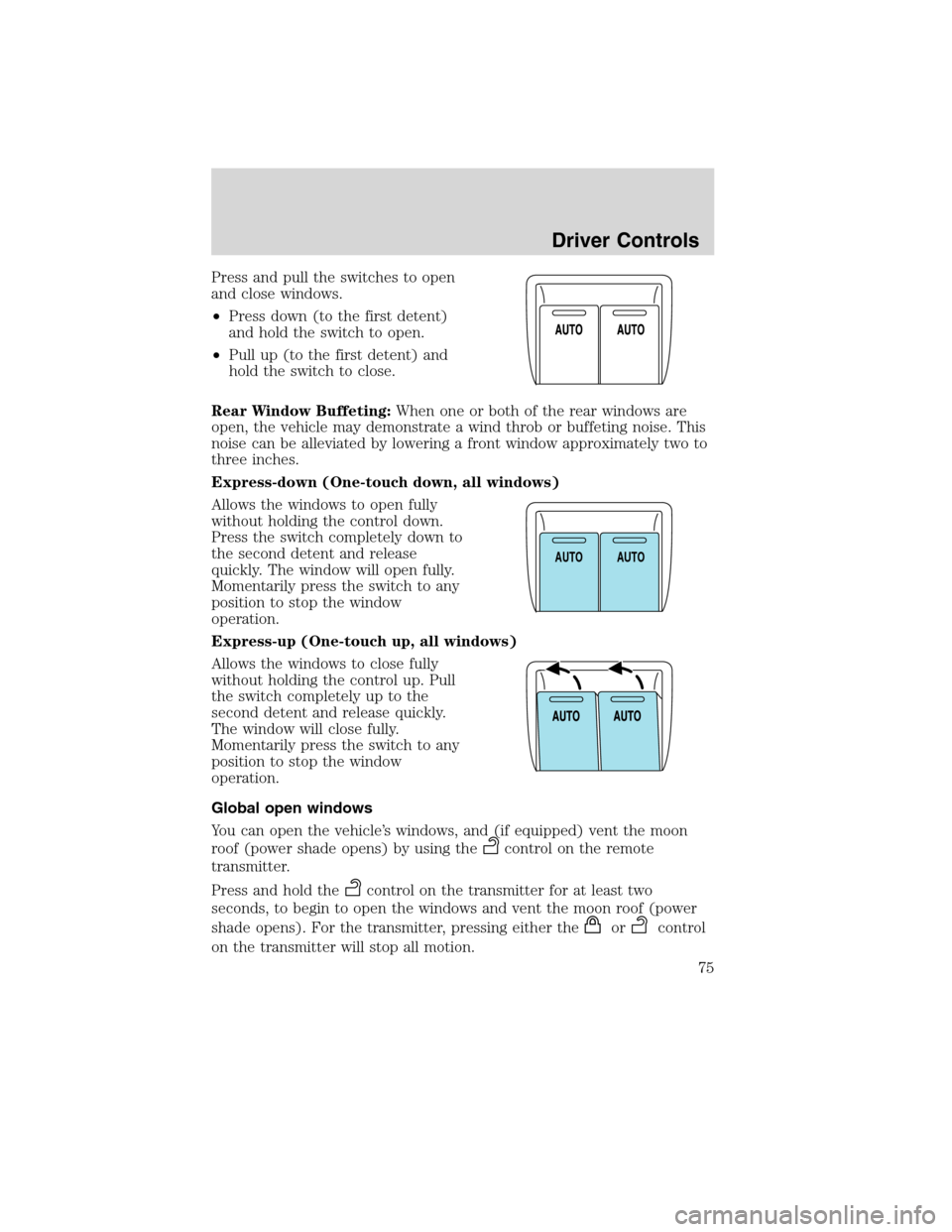
Press and pull the switches to open
and close windows.
•Press down (to the first detent)
and hold the switch to open.
•Pull up (to the first detent) and
hold the switch to close.
Rear Window Buffeting:When one or both of the rear windows are
open, the vehicle may demonstrate a wind throb or buffeting noise. This
noise can be alleviated by lowering a front window approximately two to
three inches.
Express-down (One-touch down, all windows)
Allows the windows to open fully
without holding the control down.
Press the switch completely down to
the second detent and release
quickly. The window will open fully.
Momentarily press the switch to any
position to stop the window
operation.
Express-up (One-touch up, all windows)
Allows the windows to close fully
without holding the control up. Pull
the switch completely up to the
second detent and release quickly.
The window will close fully.
Momentarily press the switch to any
position to stop the window
operation.
Global open windows
You can open the vehicle’s windows, and (if equipped) vent the moon
roof (power shade opens) by using the
control on the remote
transmitter.
Press and hold the
control on the transmitter for at least two
seconds, to begin to open the windows and vent the moon roof (power
shade opens). For the transmitter, pressing either the
orcontrol
on the transmitter will stop all motion.
A
U
T
OA
U
T
O
Driver Controls
75
2010 MKS(mks)
Owners Guide(own2002), 1st Printing
USA(fus)
Page 76 of 358
Note:The ignition must be off and the accessory delay feature must not
be activated in order for this feature to operate.
Note:This feature can be disabled or enabled by your authorized dealer.
Global close windows
You can close the vehicle’s windows and moon roof (if equipped) by
using the
control on the remote transmitter.
Press and hold the
control on the transmitter for at least two seconds
to begin to close the windows and moon roof.
Note:The ignition must be off and the accessory delay feature must not
be activated in order for this feature to operate.
Note:This feature can be disabled or enabled by your authorized dealer.
WARNING:To avoid personal injury and vehicle damage, verify
that windows and moon roof are free of obstructions before
operating and ensure that children and/or pets are not in the proximity
of window openings.
Bounce-back
When an obstacle has been detected in the window opening as the
window is moving upward, the window will automatically reverse
direction and move down. This is known as “bounce-back”. If the ignition
is turned off (without accessory delay being active) during bounce-back,
the window will move down until the bounce-back position is reached.
Security override
To override a bounce-back condition, within two seconds after the
window reaches the bounce-back position, pull and hold the switch up
andthe window will travel up with no bounce-back or pinch
protection.If the switch is released before the window is fully closed,
the window will stop. For example, this can be used to overcome the
resistance of ice on the window or seals.
Driver Controls
76
2010 MKS(mks)
Owners Guide(own2002), 1st Printing
USA(fus)
Page 77 of 358
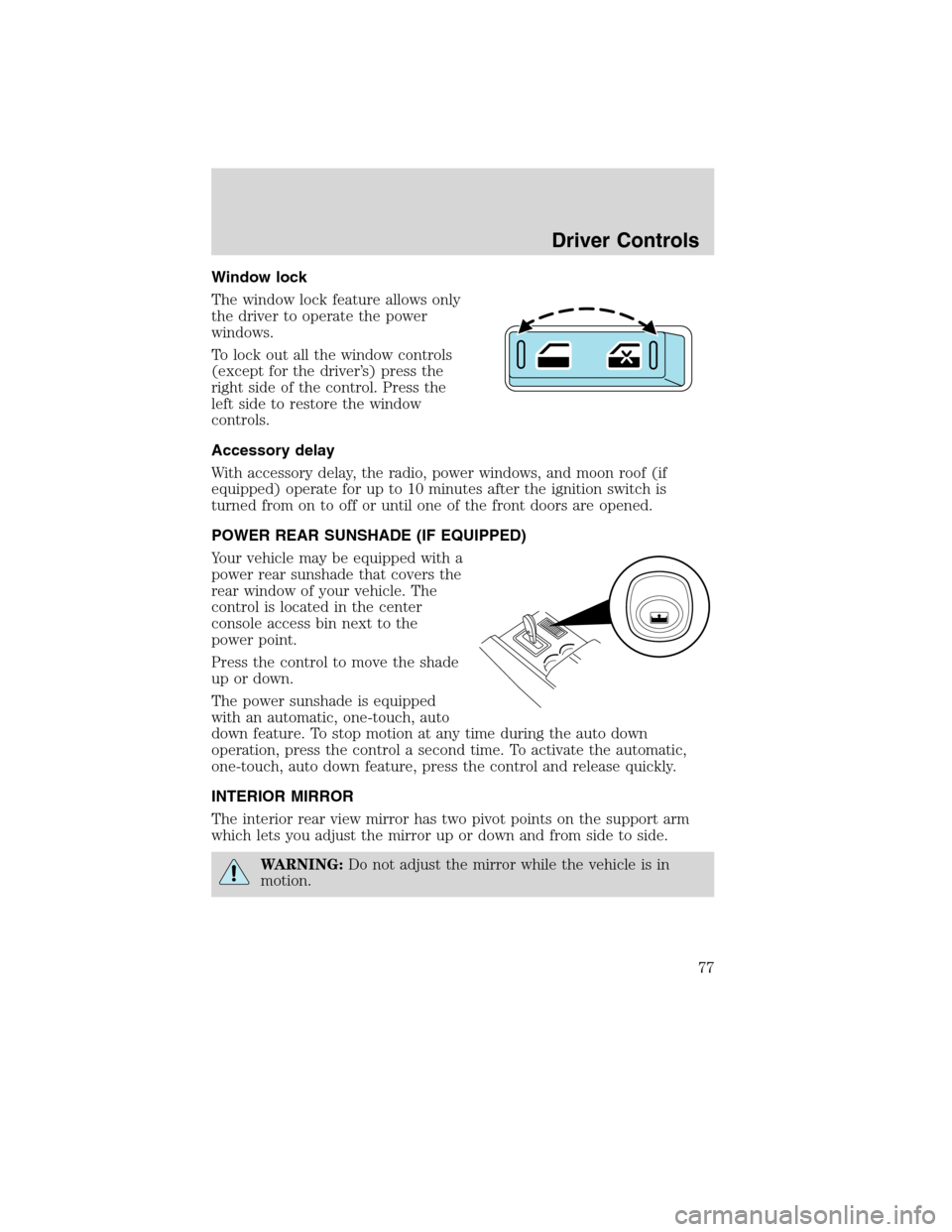
Window lock
The window lock feature allows only
the driver to operate the power
windows.
To lock out all the window controls
(except for the driver’s) press the
right side of the control. Press the
left side to restore the window
controls.
Accessory delay
With accessory delay, the radio, power windows, and moon roof (if
equipped) operate for up to 10 minutes after the ignition switch is
turned from on to off or until one of the front doors are opened.
POWER REAR SUNSHADE (IF EQUIPPED)
Your vehicle may be equipped with a
power rear sunshade that covers the
rear window of your vehicle. The
control is located in the center
console access bin next to the
power point.
Press the control to move the shade
up or down.
The power sunshade is equipped
with an automatic, one-touch, auto
down feature. To stop motion at any time during the auto down
operation, press the control a second time. To activate the automatic,
one-touch, auto down feature, press the control and release quickly.
INTERIOR MIRROR
The interior rear view mirror has two pivot points on the support arm
which lets you adjust the mirror up or down and from side to side.
WARNING:Do not adjust the mirror while the vehicle is in
motion.
Driver Controls
77
2010 MKS(mks)
Owners Guide(own2002), 1st Printing
USA(fus)
Page 78 of 358
Automatic dimming interior rear view mirror
Your vehicle is equipped with an interior rear view mirror and a driver’s
side exterior mirror that have auto-dimming function. The electronic
day/night mirrors will change from the normal (high reflective) state to
the non-glare (darkened) state when bright lights (glare) reach the
interior mirror. When the interior mirror detects bright light from behind
the vehicle, the interior rear view mirror and the driver’s side exterior
mirror will automatically adjust (darken) to minimize glare.
The mirrors will automatically return to the normal state whenever the
vehicle is placed in R (Reverse) to ensure a bright clear view when
backing up.
Do not block the sensors on the front and back of the interior
rear view mirror since this may impair proper mirror
performance.
Do not clean the housing or glass of any mirror with harsh
abrasives, fuel or other petroleum-based cleaning products.
EXTERIOR MIRRORS
Power side view mirrors
WARNING:Do not adjust the mirror while the vehicle is in
motion.
To adjust your mirrors:
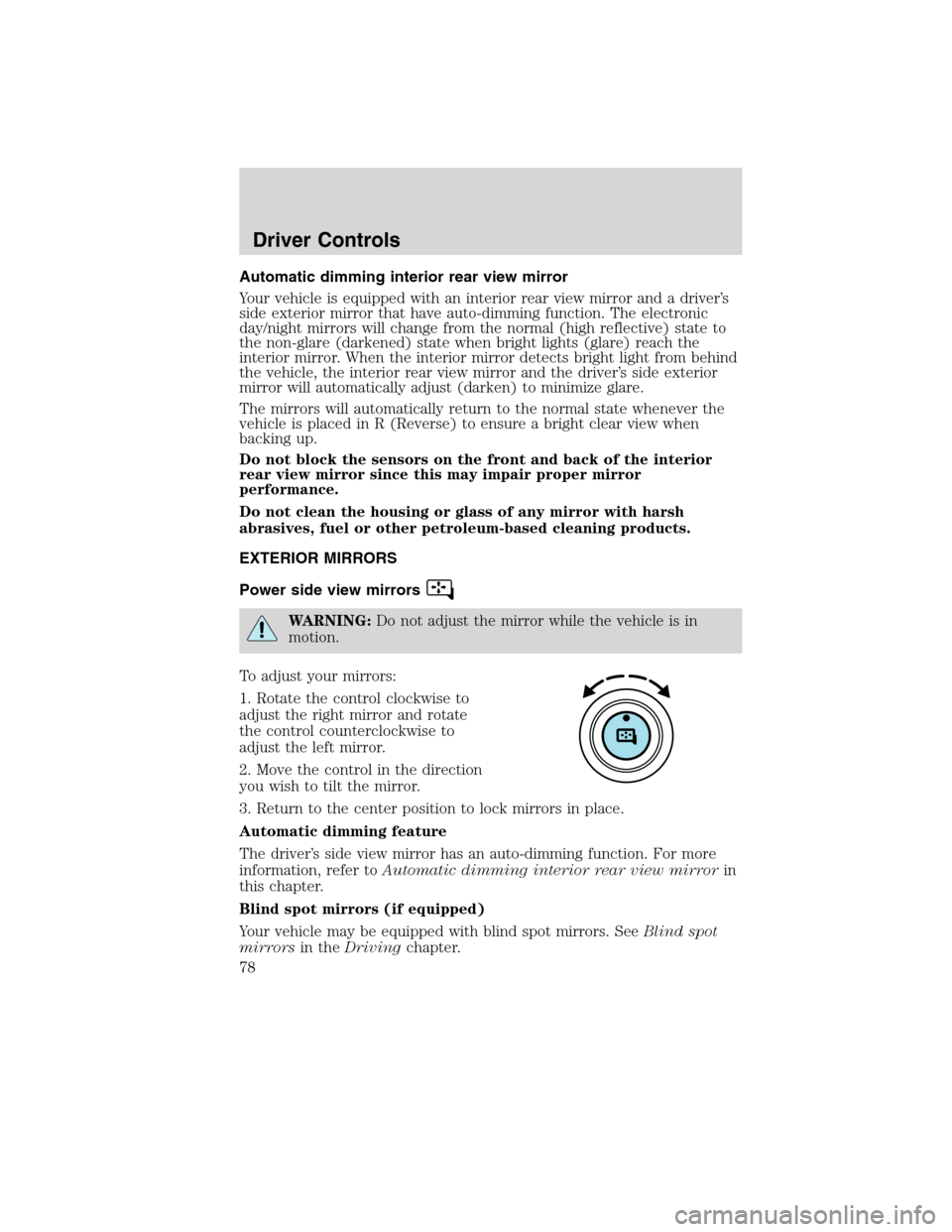
1. Rotate the control clockwise to
adjust the right mirror and rotate
the control counterclockwise to
adjust the left mirror.
2. Move the control in the direction
you wish to tilt the mirror.
3. Return to the center position to lock mirrors in place.
Automatic dimming feature
The driver’s side view mirror has an auto-dimming function. For more
information, refer toAutomatic dimming interior rear view mirrorin
this chapter.
Blind spot mirrors (if equipped)
Your vehicle may be equipped with blind spot mirrors. SeeBlind spot
mirrorsin theDrivingchapter.
Driver Controls
78
2010 MKS(mks)
Owners Guide(own2002), 1st Printing
USA(fus)
Page 79 of 358
Heated outside mirrors
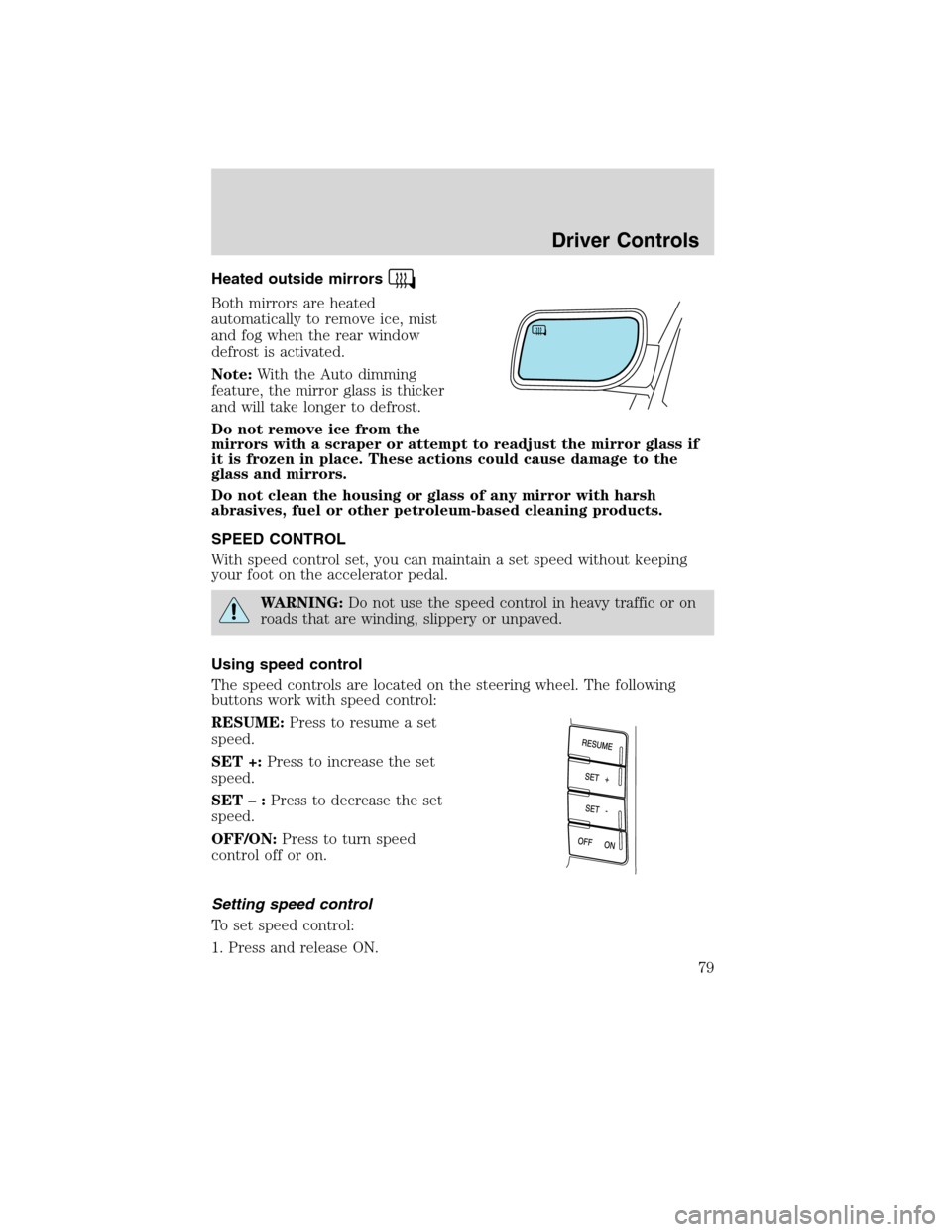
Both mirrors are heated
automatically to remove ice, mist
and fog when the rear window
defrost is activated.
Note:With the Auto dimming
feature, the mirror glass is thicker
and will take longer to defrost.
Do not remove ice from the
mirrors with a scraper or attempt to readjust the mirror glass if
it is frozen in place. These actions could cause damage to the
glass and mirrors.
Do not clean the housing or glass of any mirror with harsh
abrasives, fuel or other petroleum-based cleaning products.
SPEED CONTROL
With speed control set, you can maintain a set speed without keeping
your foot on the accelerator pedal.
WARNING:Do not use the speed control in heavy traffic or on
roads that are winding, slippery or unpaved.
Using speed control
The speed controls are located on the steering wheel. The following
buttons work with speed control:
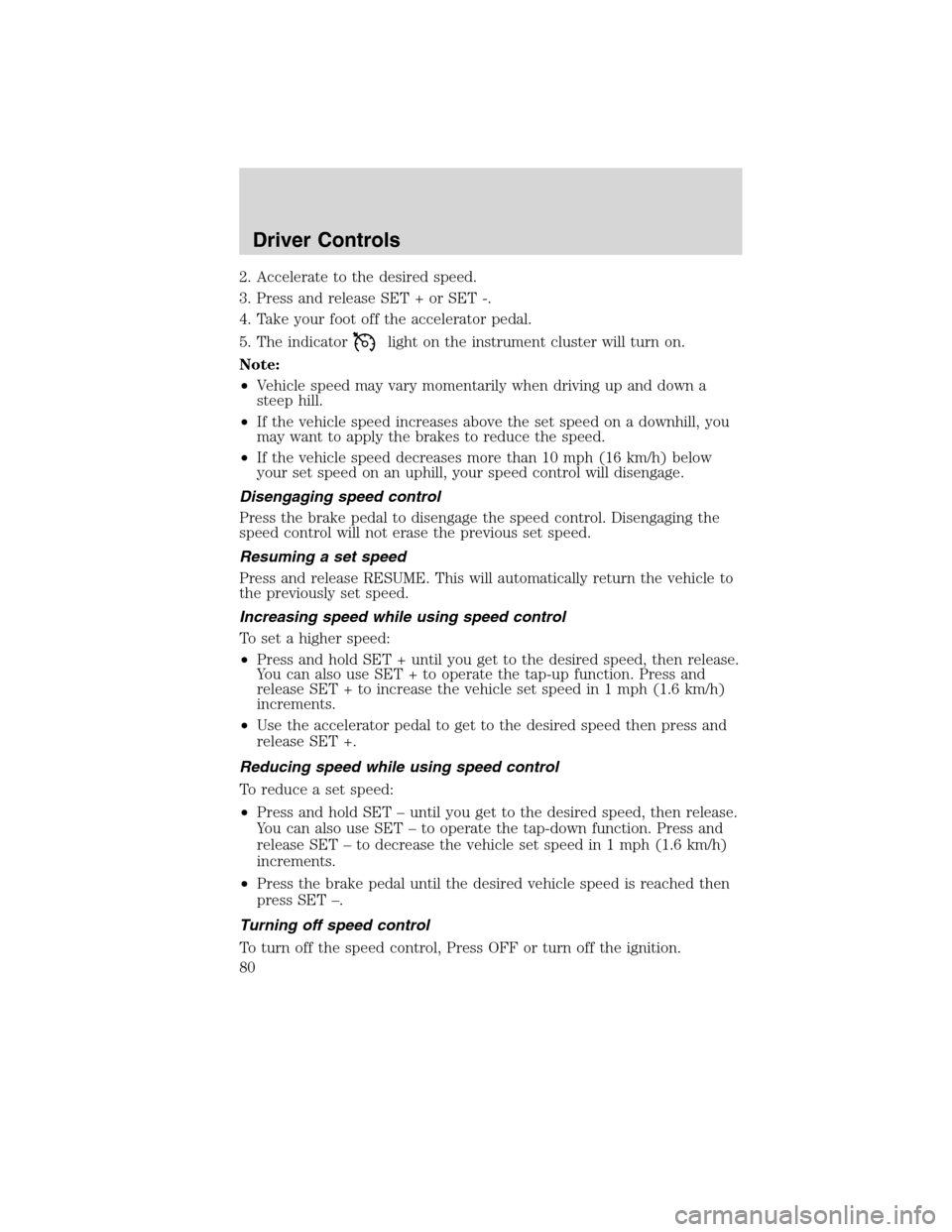
RESUME:Press to resume a set
speed.
SET +:Press to increase the set
speed.
SET–:Press to decrease the set
speed.
OFF/ON:Press to turn speed
control off or on.
Setting speed control
To set speed control:
1. Press and release ON.
Driver Controls
79
2010 MKS(mks)
Owners Guide(own2002), 1st Printing
USA(fus)
Page 80 of 358
2. Accelerate to the desired speed.
3. Press and release SET + or SET -.
4. Take your foot off the accelerator pedal.
5. The indicator
light on the instrument cluster will turn on.
Note:
•Vehicle speed may vary momentarily when driving up and down a
steep hill.
•If the vehicle speed increases above the set speed on a downhill, you
may want to apply the brakes to reduce the speed.
•If the vehicle speed decreases more than 10 mph (16 km/h) below
your set speed on an uphill, your speed control will disengage.
Disengaging speed control
Press the brake pedal to disengage the speed control. Disengaging the
speed control will not erase the previous set speed.
Resuming a set speed
Press and release RESUME. This will automatically return the vehicle to
the previously set speed.
Increasing speed while using speed control
To set a higher speed:
•Press and hold SET + until you get to the desired speed, then release.
You can also use SET + to operate the tap-up function. Press and
release SET + to increase the vehicle set speed in 1 mph (1.6 km/h)
increments.
•Use the accelerator pedal to get to the desired speed then press and
release SET +.
Reducing speed while using speed control
To reduce a set speed:
•Press and hold SET – until you get to the desired speed, then release.
You can also use SET – to operate the tap-down function. Press and
release SET – to decrease the vehicle set speed in 1 mph (1.6 km/h)
increments.
•Press the brake pedal until the desired vehicle speed is reached then
press SET –.
Turning off speed control
To turn off the speed control, Press OFF or turn off the ignition.
Driver Controls
80
2010 MKS(mks)
Owners Guide(own2002), 1st Printing
USA(fus)
Page 81 of 358
Note:When you turn off the speed control or the ignition, your speed
control set speed memory is erased.
ADAPTIVE CRUISE CONTROL (ACC) (IF EQUIPPED)
Adaptive cruise control is much like speed control, only this system is
designed to automatically adjust your speed to maintain a proper
distance between you and the vehicle in front of you in the same lane.
The driver can select from one of three GAP settings, the controls are
located on the steering wheel.
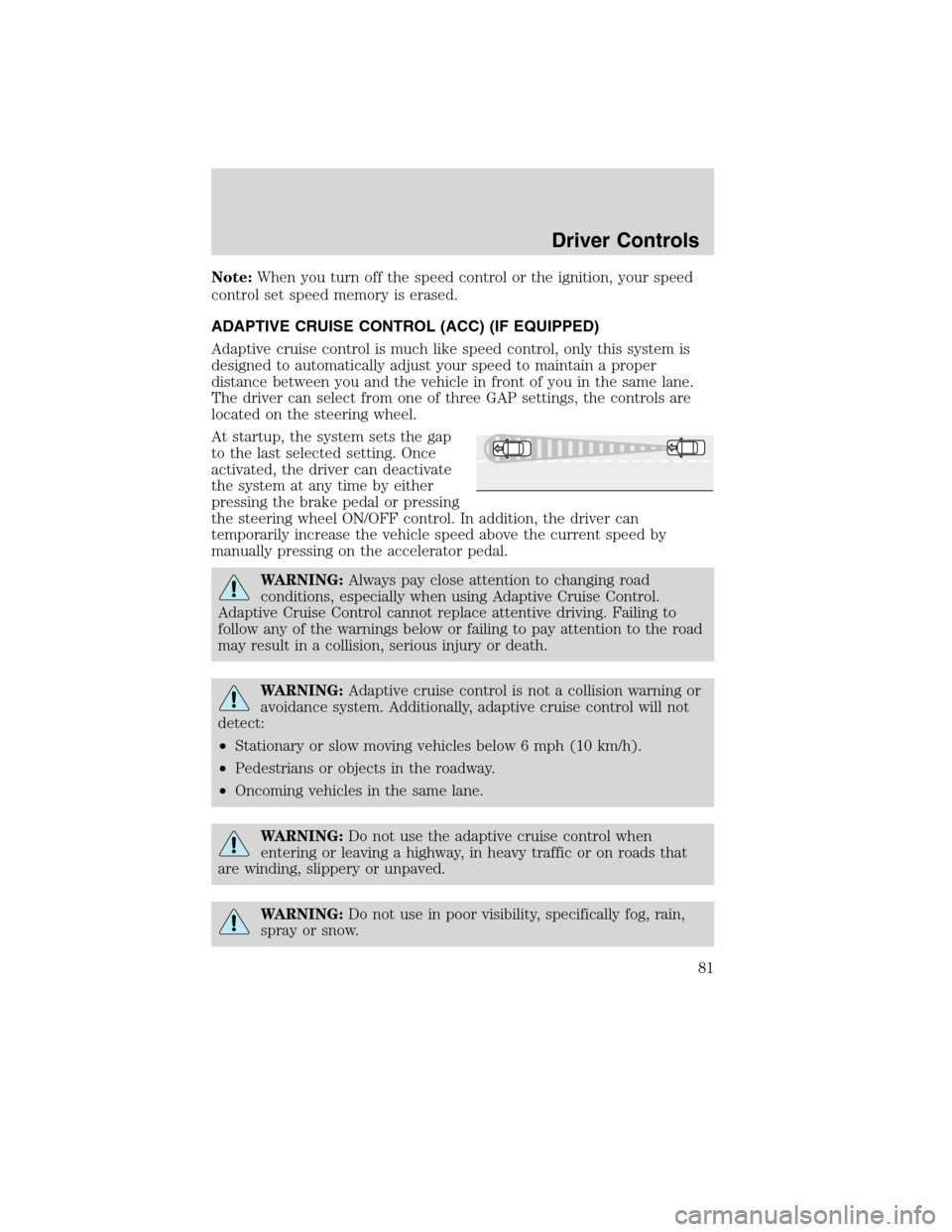
At startup, the system sets the gap
to the last selected setting. Once
activated, the driver can deactivate
the system at any time by either
pressing the brake pedal or pressing
the steering wheel ON/OFF control. In addition, the driver can
temporarily increase the vehicle speed above the current speed by
manually pressing on the accelerator pedal.
WARNING:Always pay close attention to changing road
conditions, especially when using Adaptive Cruise Control.
Adaptive Cruise Control cannot replace attentive driving. Failing to
follow any of the warnings below or failing to pay attention to the road
may result in a collision, serious injury or death.
WARNING:Adaptive cruise control is not a collision warning or
avoidance system. Additionally, adaptive cruise control will not
detect:
•Stationary or slow moving vehicles below 6 mph (10 km/h).
•Pedestrians or objects in the roadway.
•Oncoming vehicles in the same lane.
WARNING:Do not use the adaptive cruise control when
entering or leaving a highway, in heavy traffic or on roads that
are winding, slippery or unpaved.
WARNING:Do not use in poor visibility, specifically fog, rain,
spray or snow.
Driver Controls
81
2010 MKS(mks)
Owners Guide(own2002), 1st Printing
USA(fus)
Page 82 of 358
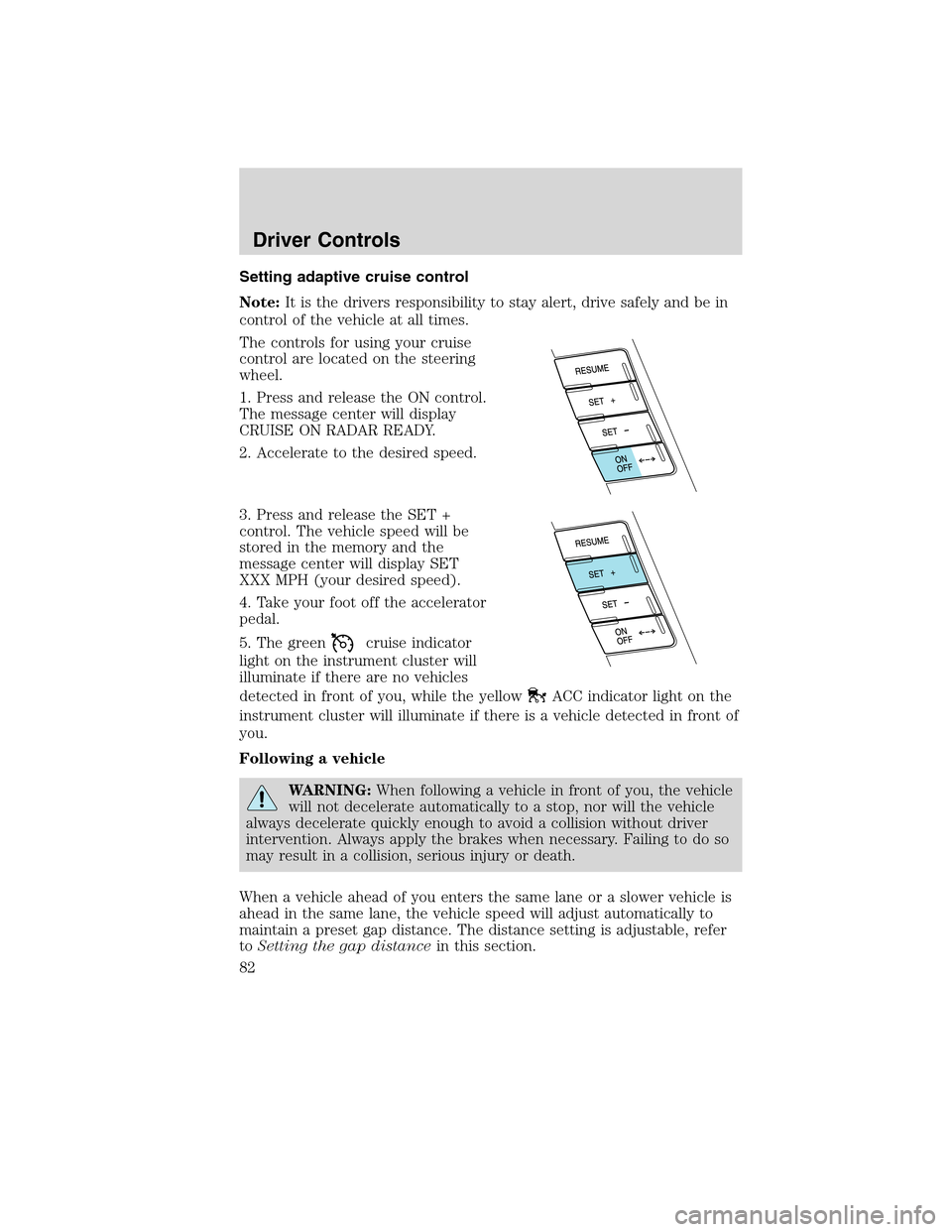
Setting adaptive cruise control
Note:It is the drivers responsibility to stay alert, drive safely and be in
control of the vehicle at all times.
The controls for using your cruise
control are located on the steering
wheel.
1. Press and release the ON control.
The message center will display
CRUISE ON RADAR READY.
2. Accelerate to the desired speed.
3. Press and release the SET +
control. The vehicle speed will be
stored in the memory and the
message center will display SET
XXX MPH (your desired speed).
4. Take your foot off the accelerator
pedal.
5. The green
cruise indicator
light on the instrument cluster will
illuminate if there are no vehicles
detected in front of you, while the yellow
ACC indicator light on the
instrument cluster will illuminate if there is a vehicle detected in front of
you.
Following a vehicle
WARNING:When following a vehicle in front of you, the vehicle
will not decelerate automatically to a stop, nor will the vehicle
always decelerate quickly enough to avoid a collision without driver
intervention. Always apply the brakes when necessary. Failing to do so
may result in a collision, serious injury or death.
When a vehicle ahead of you enters the same lane or a slower vehicle is
ahead in the same lane, the vehicle speed will adjust automatically to
maintain a preset gap distance. The distance setting is adjustable, refer
toSetting the gap distancein this section.
Driver Controls
82
2010 MKS(mks)
Owners Guide(own2002), 1st Printing
USA(fus)
Page 83 of 358
The yellowACC indicator light
in the instrument cluster will be
illuminated and the message center
will temporarily display a preset
GAP <--->.
The vehicle will maintain a constant distance between the vehicle ahead
until:
•The vehicle in front of you accelerates to a speed above the set speed.
•The vehicle in front of you moves out of your lane or out of view.
•The vehicle speed falls below 18 mph (30 km/h).
•A new gap distance is set.
The vehicle brakes will be automatically applied to slow the vehicle to
maintain a safe distance between the vehicle in front. The maximum
braking which is applied by the ACC system is limited and can be
overridden by the driver applying the brakes.
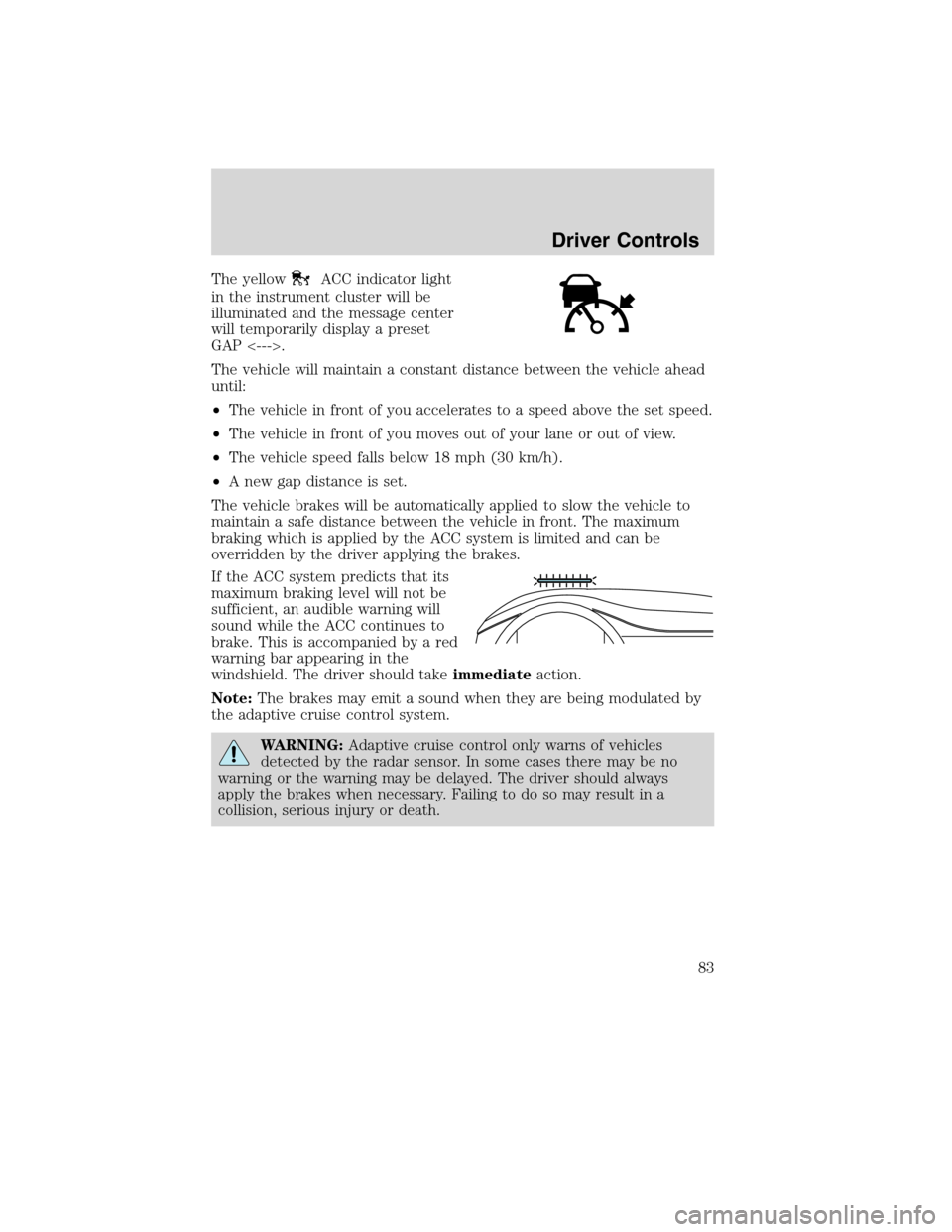
If the ACC system predicts that its
maximum braking level will not be
sufficient, an audible warning will
sound while the ACC continues to
brake. This is accompanied by a red
warning bar appearing in the
windshield. The driver should takeimmediateaction.
Note:The brakes may emit a sound when they are being modulated by
the adaptive cruise control system.
WARNING:Adaptive cruise control only warns of vehicles
detected by the radar sensor. In some cases there may be no
warning or the warning may be delayed. The driver should always
apply the brakes when necessary. Failing to do so may result in a
collision, serious injury or death.
Driver Controls
83
2010 MKS(mks)
Owners Guide(own2002), 1st Printing
USA(fus)