airbag LINCOLN MKT 2014 Owner's Guide
[x] Cancel search | Manufacturer: LINCOLN, Model Year: 2014, Model line: MKT, Model: LINCOLN MKT 2014Pages: 498, PDF Size: 7.3 MB
Page 427 of 498
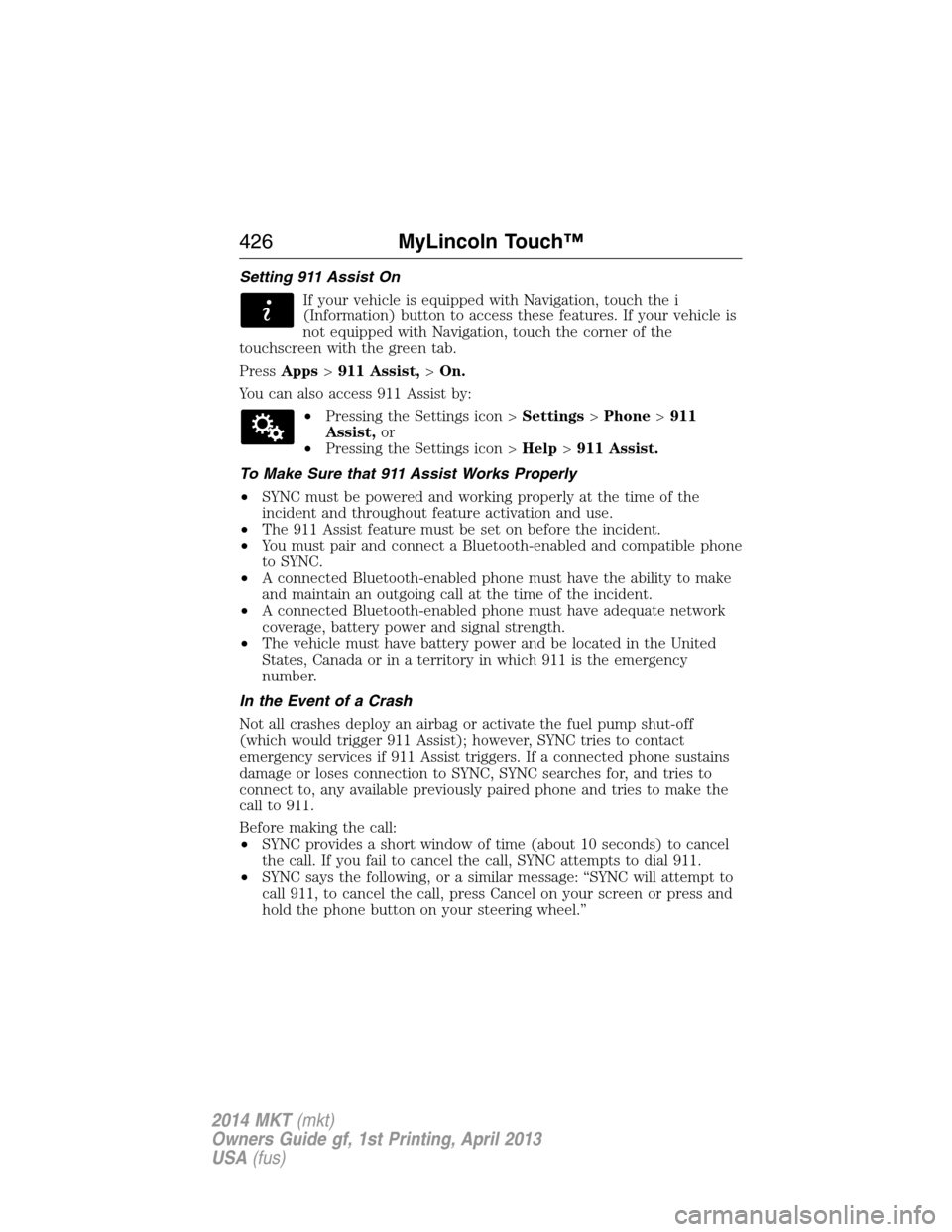
Setting 911 Assist On
If your vehicle is equipped with Navigation, touch the i
(Information) button to access these features. If your vehicle is
not equipped with Navigation, touch the corner of the
touchscreen with the green tab.
PressApps>911 Assist,>On.
You can also access 911 Assist by:
•Pressing the Settings icon >Settings>Phone>911
Assist,or
•Pressing the Settings icon >Help>911 Assist.
To Make Sure that 911 Assist Works Properly
•SYNC must be powered and working properly at the time of the
incident and throughout feature activation and use.
•The 911 Assist feature must be set on before the incident.
•You must pair and connect a Bluetooth-enabled and compatible phone
to SYNC.
•A connected Bluetooth-enabled phone must have the ability to make
and maintain an outgoing call at the time of the incident.
•A connected Bluetooth-enabled phone must have adequate network
coverage, battery power and signal strength.
•The vehicle must have battery power and be located in the United
States, Canada or in a territory in which 911 is the emergency
number.
In the Event of a Crash
Not all crashes deploy an airbag or activate the fuel pump shut-off
(which would trigger 911 Assist); however, SYNC tries to contact
emergency services if 911 Assist triggers. If a connected phone sustains
damage or loses connection to SYNC, SYNC searches for, and tries to
connect to, any available previously paired phone and tries to make the
call to 911.
Before making the call:
•SYNC provides a short window of time (about 10 seconds) to cancel
the call. If you fail to cancel the call, SYNC attempts to dial 911.
•SYNC says the following, or a similar message: “SYNC will attempt to
call 911, to cancel the call, press Cancel on your screen or press and
hold the phone button on your steering wheel.”
426MyLincoln Touch™
2014 MKT(mkt)
Owners Guide gf, 1st Printing, April 2013
USA(fus)
Page 428 of 498
If you do not cancel the call, and SYNC makes a successful call, a
pre-recorded message plays for the 911 operator, and then the
occupant(s) in your vehicle is able to talk with the operator. Be prepared
to provide your name, phone number and location immediately, because
not all 911 systems are capable of receiving this information
electronically.
911 Assist May Not Work If
•Your cellular phone or 911 Assist hardware sustains damage in a
crash.
•The vehicle’s battery or SYNC system has no power.
•The phone(s) thrown from your vehicle are the ones paired and
connected to the system.
911 Assist Privacy Notice
When you turn on 911 Assist, it may disclose to emergency services that
your vehicle has been in a crash involving the deployment of an airbag or
activation of the fuel pump shut-off. Certain versions or updates to 911
Assist may also be capable of electronically or verbally disclosing to 911
operators your vehicle location or other details about your vehicle or
crash to assist 911 operators to provide the most appropriate emergency
services. If you do not want to disclose this information, do not turn the
feature on.
Vehicle Health Report (If Equipped, United States Only)
WARNING:Always follow scheduled maintenance instructions,
regularly inspect your vehicle, and seek repair for any damage or
problem you suspect. Vehicle Health Report supplements, but cannot
replace, normal maintenance and vehicle inspection. Vehicle Health
Report only monitors certain systems electronically monitored by your
vehicle and will not monitor or report the status of any other system,
(such as brake lining wear). Failure to perform scheduled maintenance
and regularly inspect your vehicle may result in vehicle damage and
serious injury.
Note:Your Vehicle Health Report feature requires activation prior to
use. Visit www.SYNCMyRide.com to register. There is no fee or
subscription associated with Vehicle Health Report, but you must register
to use this feature.
Note:This feature may not function properly if you have enabled caller
ID blocking on your mobile phone. Before running a report, review the
Vehicle Health Report Privacy Notice.
MyLincoln Touch™427
2014 MKT(mkt)
Owners Guide gf, 1st Printing, April 2013
USA(fus)
Page 464 of 498
1.Safe and Lawful Use
You acknowledge that devoting attention to the TeleNav Software may
pose a risk of injury or death to you and others in situations that
otherwise require your undivided attention, and you therefore agree to
comply with the following when using the TeleNav Software: (a) observe
all traffic laws and otherwise drive safely; (b) use your own personal
judgment while driving. If you feel that a route suggested by the TeleNav
Software instructs you to perform an unsafe or illegal maneuver, places
you in an unsafe situation, or directs you into an area that you consider
to be unsafe, do not follow such instructions; (c) do not input
destinations, or otherwise manipulate the TeleNav Software, unless your
vehicle is stationary and parked; (d) do not use the TeleNav Software for
any illegal, unauthorized, unintended, unsafe, hazardous, or unlawful
purposes, or in any manner inconsistent with this Agreement; (e)
arrange all GPS and wireless devices and cables necessary for use of the
TeleNav Software in a secure manner in your vehicle so that they will
not interfere with your driving and will not prevent the operation of any
safety device (such as an airbag).
You agree to indemnify and hold TeleNav harmless against all claims
resulting from any dangerous or otherwise inappropriate use of the
TeleNav Software in any moving vehicle, including as a result of your
failure to comply with the directions above.
2.Account Information
You agree: (a) when registering the TeleNav Software, to provide
TeleNav with true, accurate, current, and complete information about
yourself, and (b) to inform TeleNav promptly of any changes to such
information, and to keep it true, accurate, current and complete.
3.Software License
Subject to your compliance with the terms of this Agreement, TeleNav
hereby grants to you a personal, non-exclusive, non-transferable license
(except as expressly permitted below in connection with your permanent
transfer of the TeleNav Software license), without the right to sublicense,
to use the TeleNav Software (in object code form only) in order to
access and use the TeleNav Software. This license shall terminate upon
any termination or expiration of this Agreement. You agree that you will
use the TeleNav Software only for your personal business or leisure
purposes, and not to provide commercial navigation services to other
parties.
Appendices463
2014 MKT(mkt)
Owners Guide gf, 1st Printing, April 2013
USA(fus)
Page 477 of 498
Oils, Fluids and Flushing
In many cases, fluid discoloration is a normal operating characteristic
and, by itself, does not necessarily indicate a concern or that the fluid
needs to be changed. However, discolored fluids that also show signs of
overheating and foreign material contamination should be inspected
immediately by a qualified expert, such as the factory-trained technicians
at your dealership. Your vehicle’s oils and fluids should be changed at the
specified intervals or in conjunction with a repair. Flushing is a viable
way to change fluid for many vehicle sub-systems during scheduled
maintenance. It is critical that systems are flushed only with new fluid
that is the same as that required to fill and operate the system, or using
a Ford-approved flushing chemical.
Owner Checks and Services
Certain basic maintenance checks and inspections should be performed
every month or at six month intervals.
Check every month
Engine oil level.
Function of all interior and exterior lights.
Tires (including spare) for wear and proper pressure.
Windshield washer fluid level.
Check every six months
Battery connections. Clean if necessary.
Body and door drain holes for obstructions. Clean if necessary.
Cooling system fluid level and coolant strength.
Door weatherstrips for wear. Lubricate if necessary.
Hinges, latches and outside locks for proper operation. Lubricate if
necessary.
Parking brake for proper operation.
Safety belts and seat latches for wear and function.
Safety warning lamps (brake, ABS, airbag, safety belt) for operation.
Washer spray and wiper operation. Clean or replace blades as
necessary.
476Scheduled Maintenance
2014 MKT(mkt)
Owners Guide gf, 1st Printing, April 2013
USA(fus)
Page 492 of 498
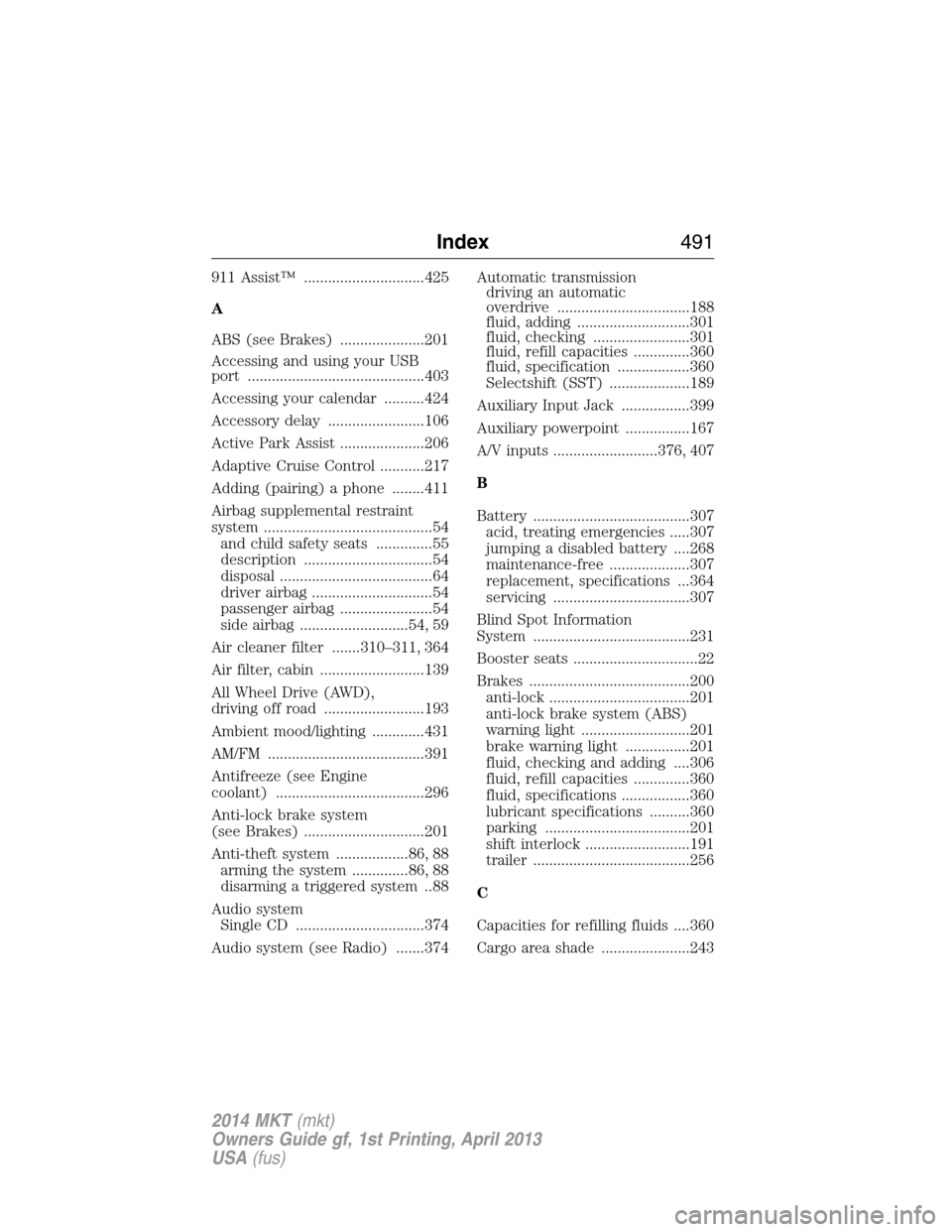
911 Assist™ ..............................425
A
ABS (see Brakes) .....................201
Accessing and using your USB
port ............................................403
Accessing your calendar ..........424
Accessory delay ........................106
Active Park Assist .....................206
Adaptive Cruise Control ...........217
Adding (pairing) a phone ........411
Airbag supplemental restraint
system ..........................................54
and child safety seats ..............55
description ................................54
disposal ......................................64
driver airbag ..............................54
passenger airbag .......................54
side airbag ...........................54, 59
Air cleaner filter .......310–311, 364
Air filter, cabin ..........................139
All Wheel Drive (AWD),
driving off road .........................193
Ambient mood/lighting .............431
AM/FM .......................................391
Antifreeze (see Engine
coolant) .....................................296
Anti-lock brake system
(see Brakes) ..............................201
Anti-theft system ..................86, 88
arming the system ..............86, 88
disarming a triggered system ..88
Audio system
Single CD ................................374
Audio system (see Radio) .......374Automatic transmission
driving an automatic
overdrive .................................188
fluid, adding ............................301
fluid, checking ........................301
fluid, refill capacities ..............360
fluid, specification ..................360
Selectshift (SST) ....................189
Auxiliary Input Jack .................399
Auxiliary powerpoint ................167
A/V inputs ..........................376, 407
B
Battery .......................................307
acid, treating emergencies .....307
jumping a disabled battery ....268
maintenance-free ....................307
replacement, specifications ...364
servicing ..................................307
Blind Spot Information
System .......................................231
Booster seats ...............................22
Brakes ........................................200
anti-lock ...................................201
anti-lock brake system (ABS)
warning light ...........................201
brake warning light ................201
fluid, checking and adding ....306
fluid, refill capacities ..............360
fluid, specifications .................360
lubricant specifications ..........360
parking ....................................201
shift interlock ..........................191
trailer .......................................256
C
Capacities for refilling fluids ....360
Cargo area shade ......................243
Index491
2014 MKT(mkt)
Owners Guide gf, 1st Printing, April 2013
USA(fus)
Page 497 of 498
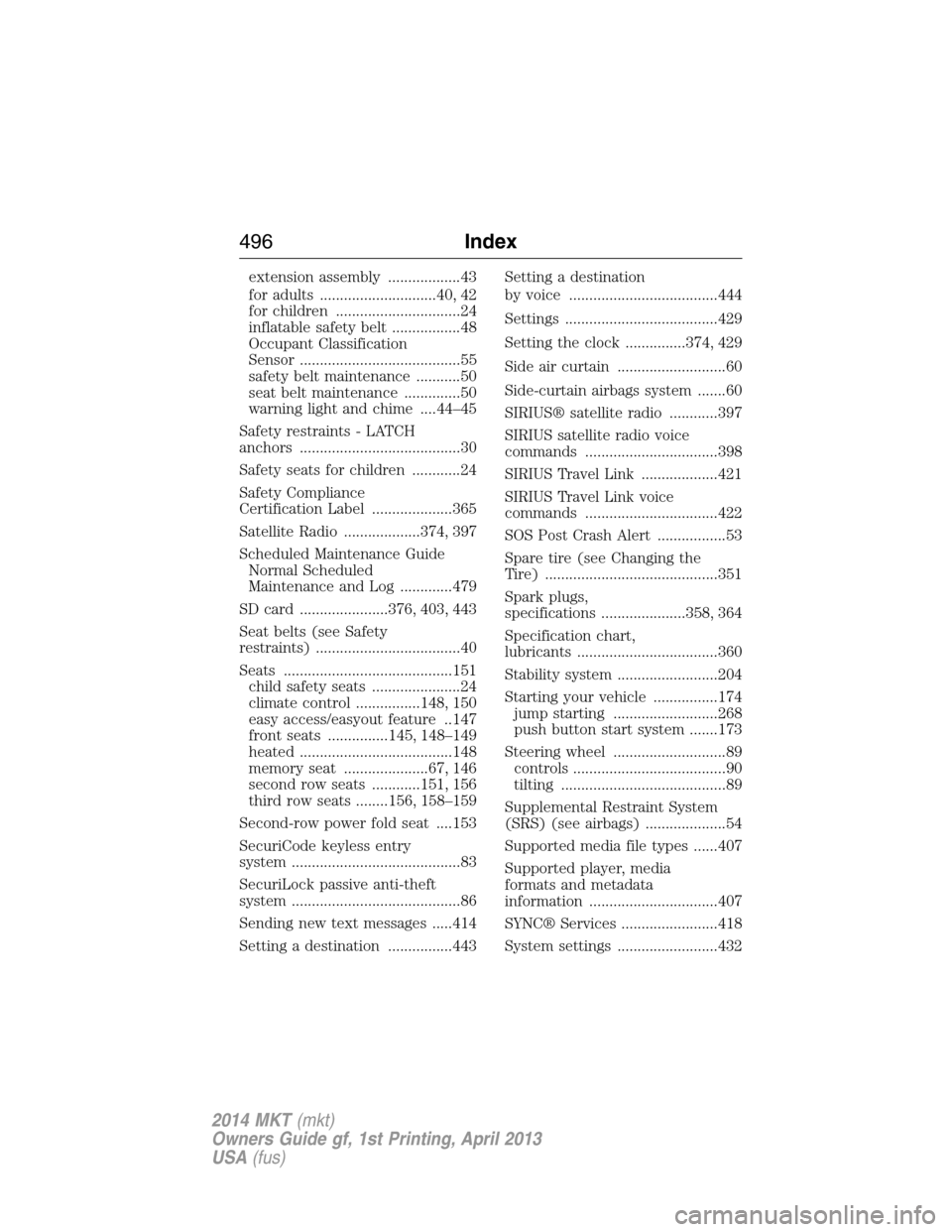
extension assembly ..................43
for adults .............................40, 42
for children ...............................24
inflatable safety belt .................48
Occupant Classification
Sensor ........................................55
safety belt maintenance ...........50
seat belt maintenance ..............50
warning light and chime ....44–45
Safety restraints - LATCH
anchors ........................................30
Safety seats for children ............24
Safety Compliance
Certification Label ....................365
Satellite Radio ...................374, 397
Scheduled Maintenance Guide
Normal Scheduled
Maintenance and Log .............479
SD card ......................376, 403, 443
Seat belts (see Safety
restraints) ....................................40
Seats ..........................................151
child safety seats ......................24
climate control ................148, 150
easy access/easyout feature ..147
front seats ...............145, 148–149
heated ......................................148
memory seat .....................67, 146
second row seats ............151, 156
third row seats ........156, 158–159
Second-row power fold seat ....153
SecuriCode keyless entry
system ..........................................83
SecuriLock passive anti-theft
system ..........................................86
Sending new text messages .....414
Setting a destination ................443Setting a destination
by voice .....................................444
Settings ......................................429
Setting the clock ...............374, 429
Side air curtain ...........................60
Side-curtain airbags system .......60
SIRIUS® satellite radio ............397
SIRIUS satellite radio voice
commands .................................398
SIRIUS Travel Link ...................421
SIRIUS Travel Link voice
commands .................................422
SOS Post Crash Alert .................53
Spare tire (see Changing the
Tire) ...........................................351
Spark plugs,
specifications .....................358, 364
Specification chart,
lubricants ...................................360
Stability system .........................204
Starting your vehicle ................174
jump starting ..........................268
push button start system .......173
Steering wheel ............................89
controls ......................................90
tilting .........................................89
Supplemental Restraint System
(SRS) (see airbags) ....................54
Supported media file types ......407
Supported player, media
formats and metadata
information ................................407
SYNC® Services ........................418
System settings .........................432
496Index
2014 MKT(mkt)
Owners Guide gf, 1st Printing, April 2013
USA(fus)