child lock LINCOLN MKT 2015 User Guide
[x] Cancel search | Manufacturer: LINCOLN, Model Year: 2015, Model line: MKT, Model: LINCOLN MKT 2015Pages: 500, PDF Size: 4.94 MB
Page 43 of 500
When to Use the Automatic Locking Mode
This mode should be used any time a child safety seat, except a booster,
is installed in passenger front or rear seating positions. Children 12 years
old and under should be properly restrained in a rear seating position
whenever possible.
How to use the automatic locking mode
Non-inflatable safety belts
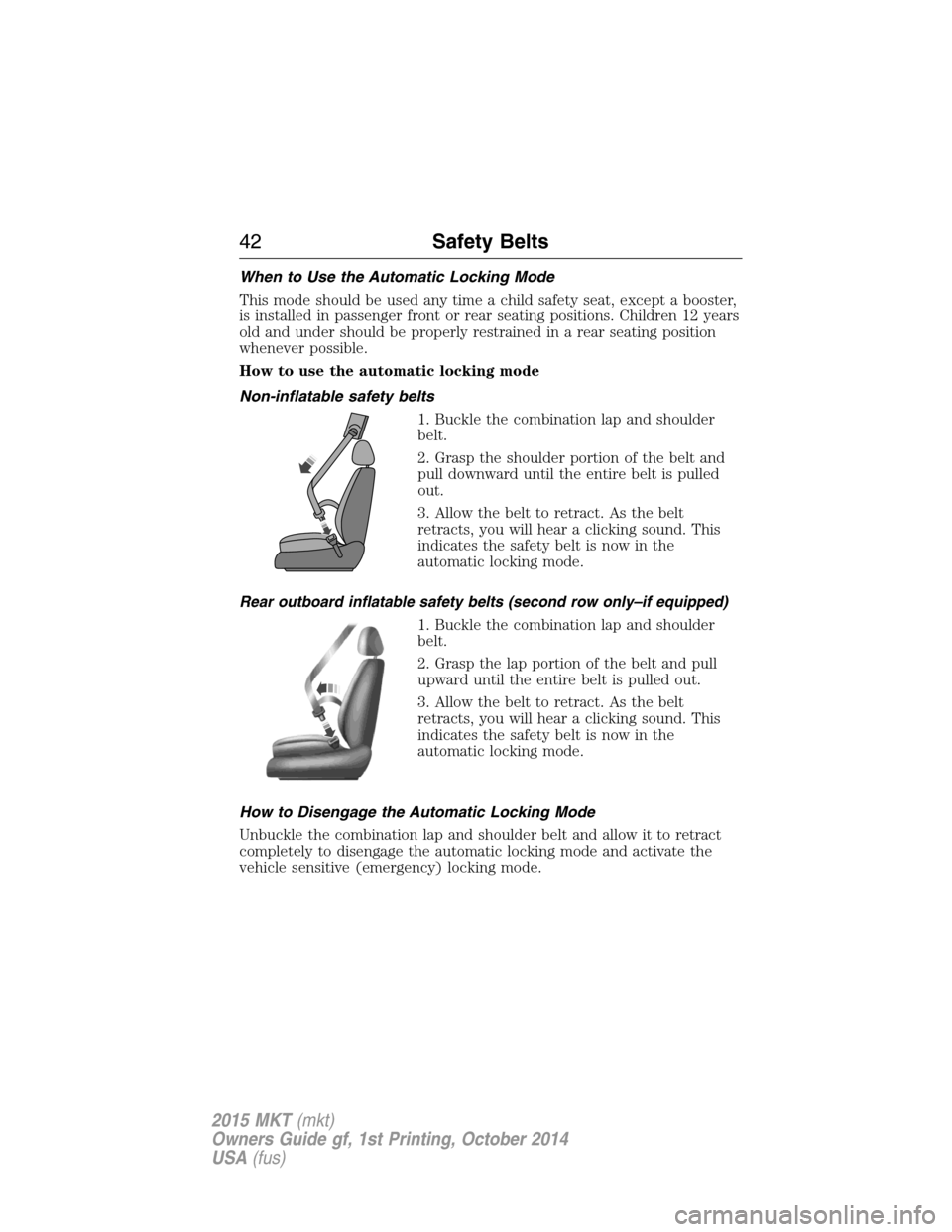
1. Buckle the combination lap and shoulder
belt.
2. Grasp the shoulder portion of the belt and
pull downward until the entire belt is pulled
out.
3. Allow the belt to retract. As the belt
retracts, you will hear a clicking sound. This
indicates the safety belt is now in the
automatic locking mode.
Rear outboard inflatable safety belts (second row only–if equipped)
1. Buckle the combination lap and shoulder
belt.
2. Grasp the lap portion of the belt and pull
upward until the entire belt is pulled out.
3. Allow the belt to retract. As the belt
retracts, you will hear a clicking sound. This
indicates the safety belt is now in the
automatic locking mode.
How to Disengage the Automatic Locking Mode
Unbuckle the combination lap and shoulder belt and allow it to retract
completely to disengage the automatic locking mode and activate the
vehicle sensitive (emergency) locking mode.
42Safety Belts
2015 MKT(mkt)
Owners Guide gf, 1st Printing, October 2014
USA(fus)
Page 78 of 500
LIFTGATE
WARNING:Do not allow people to travel in any area of your
vehicle that does not have seats and safety belts. Riding in a
cargo area, inside or outside of the vehicle, is extremely dangerous. In a
crash, people riding in these areas are more likely to be seriously
injured or killed. Make sure everyone in your vehicle is in a seat and
using a safety belt correctly. Failure to follow this warning could result
in serious personal injury or death.
Power Liftgate
WARNING:Make sure all persons are clear of the power liftgate
area before using the power liftgate control.
WARNING:Keep keys out of reach of children. Do not allow
children to play near an open or moving power liftgate.
Note:Cycling the ignition while the liftgate is power closing and is
6–10 inches (15–24 cm) from being latched may cause the liftgate to
reverse to full open position. Make sure that the liftgate is closed before
operating or moving the vehicle, especially in an enclosure, like a garage
or a parking structure. The liftgate or its components could be damaged.
Note:Do not drive with the liftgate open without first disabling the
power function and securing the liftgate to the vehicle.
Note:In case of operation in extreme cold -40°F (-40°C), or on extreme
inclines, manual operation of the liftgate is suggested.
The power liftgate can be enabled or disabled using the information
display. The remote control and instrument panel button will still operate
the liftgate regardless of the setting.
Opening and Closing the Power Liftgate
Note:The liftgate movement direction can be reversed with a second
press of the instrument panel, or the control button on the liftgate, or a
second double press of the transmitter button.
The liftgate will only operate with the vehicle in P (Park).
A chime will sound three times as the liftgate begins to power close. A
single chime indicates a problem with the close request, caused by:
•the ignition is on and the transmission is not in P (Park);
Locks77
2015 MKT(mkt)
Owners Guide gf, 1st Printing, October 2014
USA(fus)
Page 103 of 500
POWER WINDOWS
WARNING:Do not leave children unattended in your vehicle
and do not let children play with the power windows. They may
seriously injure themselves.
WARNING:When closing the power windows, you should verify
they are free of obstructions and make sure that children and
pets are not in the proximity of the window openings.
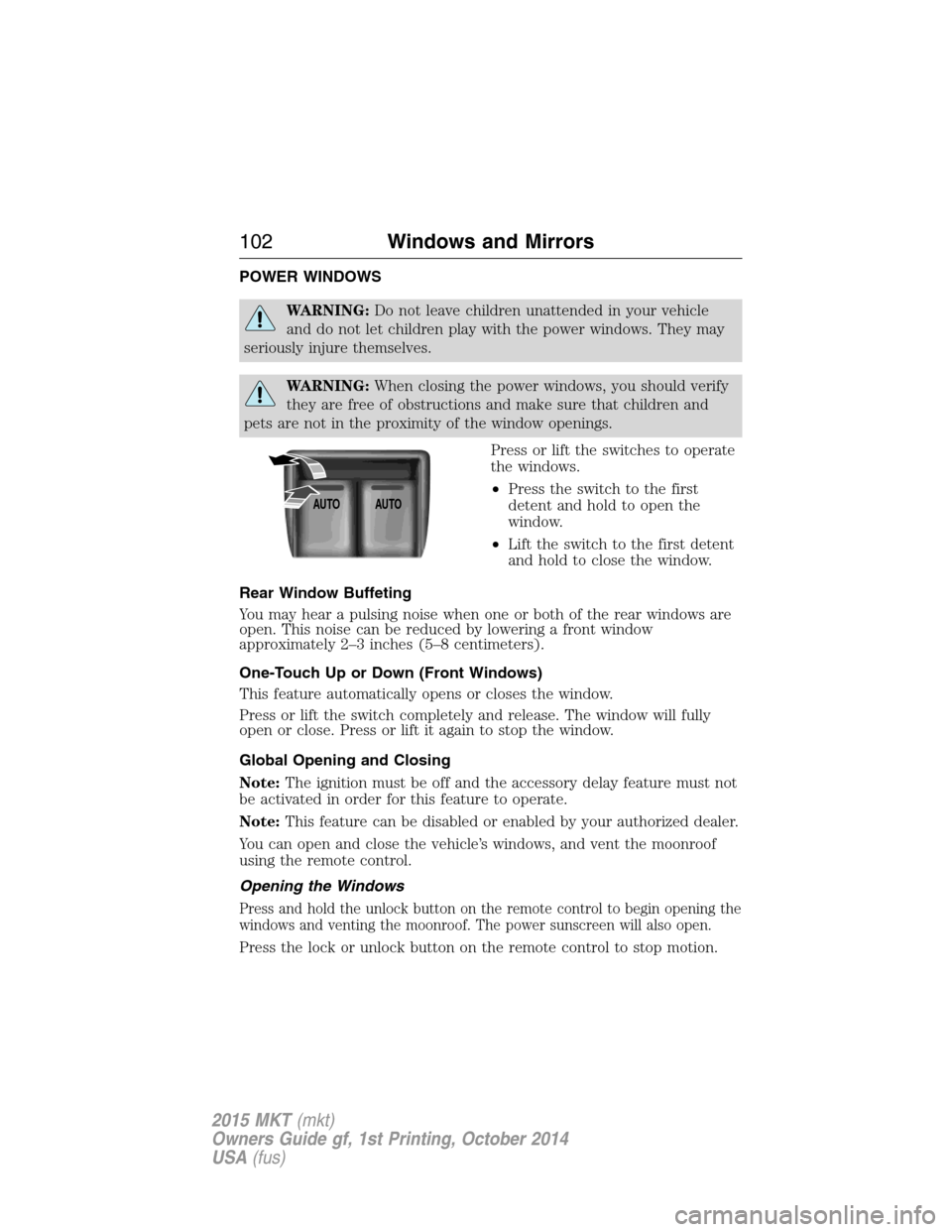
Press or lift the switches to operate
the windows.
•Press the switch to the first
detent and hold to open the
window.
•Lift the switch to the first detent
and hold to close the window.
Rear Window Buffeting
You may hear a pulsing noise when one or both of the rear windows are
open. This noise can be reduced by lowering a front window
approximately 2–3 inches (5–8 centimeters).
One-Touch Up or Down (Front Windows)
This feature automatically opens or closes the window.
Press or lift the switch completely and release. The window will fully
open or close. Press or lift it again to stop the window.
Global Opening and Closing
Note:The ignition must be off and the accessory delay feature must not
be activated in order for this feature to operate.
Note:This feature can be disabled or enabled by your authorized dealer.
You can open and close the vehicle’s windows, and vent the moonroof
using the remote control.
Opening the Windows
Press and hold the unlock button on the remote control to begin opening the
windows and venting the moonroof. The power sunscreen will also open.
Press the lock or unlock button on the remote control to stop motion.
AUTOAUTO
102Windows and Mirrors
2015 MKT(mkt)
Owners Guide gf, 1st Printing, October 2014
USA(fus)
Page 104 of 500
Closing the Windows
WARNING:Before operating power windows, you should verify
that they are free of obstructions and ensure that children and
pets are not in the proximity of window openings.
Press and hold the lock button on the remote control to begin closing
the windows.
Press the lock or unlock button the remote control to stop motion.
Bounce-Back
The window will stop automatically while closing and reverse some
distance if there is an obstacle in the way.
Overriding the Bounce-Back Feature
WARNING:When you override the bounce-back feature the
window will not reverse if it detects an obstacle. Take care when
closing the windows to avoid personal injury or damage to your vehicle.
Pull up the window switch and hold within two seconds of the window
reaching the bounce-back position. The window will travel up with no
bounce-back protection. The window will stop if you release the switch
before the window is fully closed.
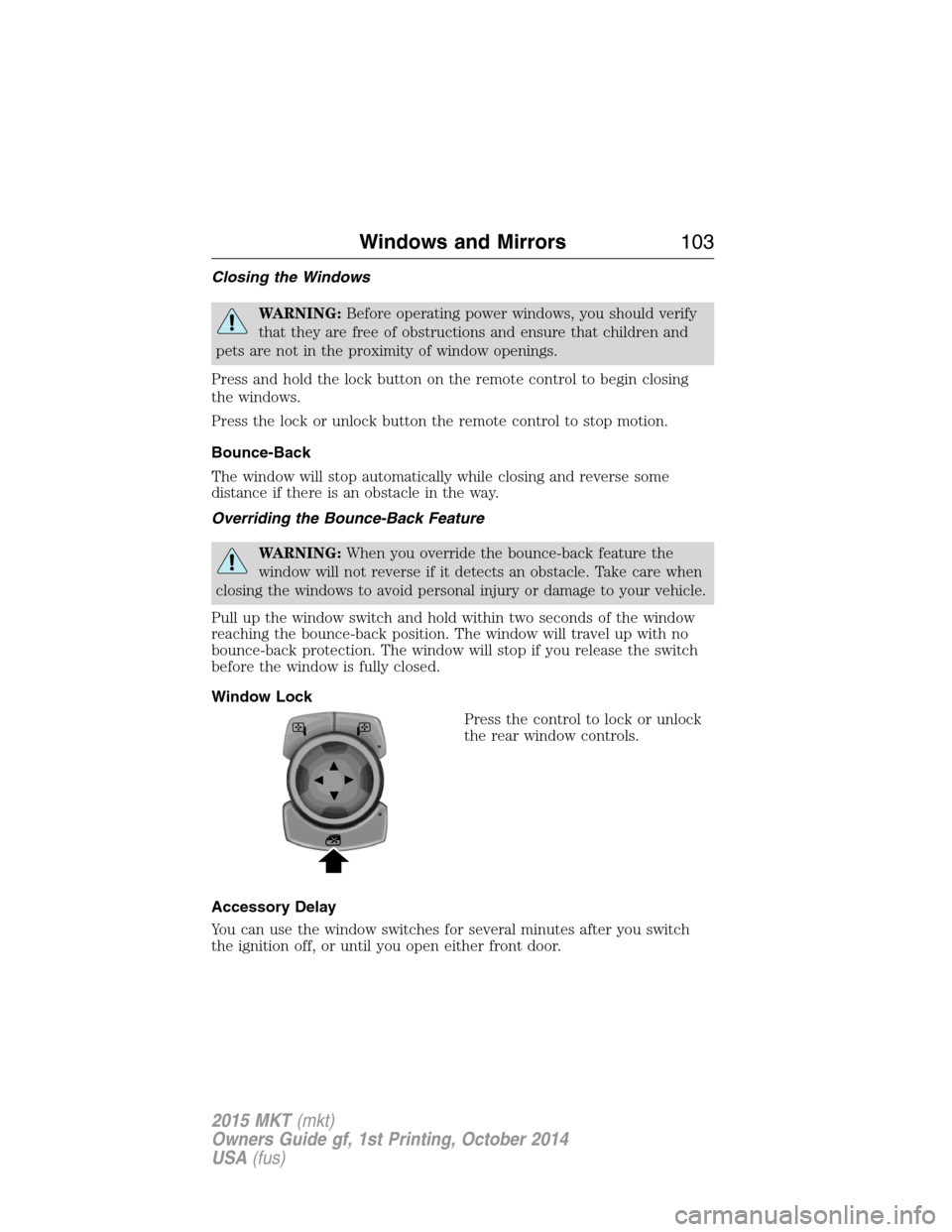
Window Lock
Press the control to lock or unlock
the rear window controls.
Accessory Delay
You can use the window switches for several minutes after you switch
the ignition off, or until you open either front door.
Windows and Mirrors103
2015 MKT(mkt)
Owners Guide gf, 1st Printing, October 2014
USA(fus)
Page 494 of 500
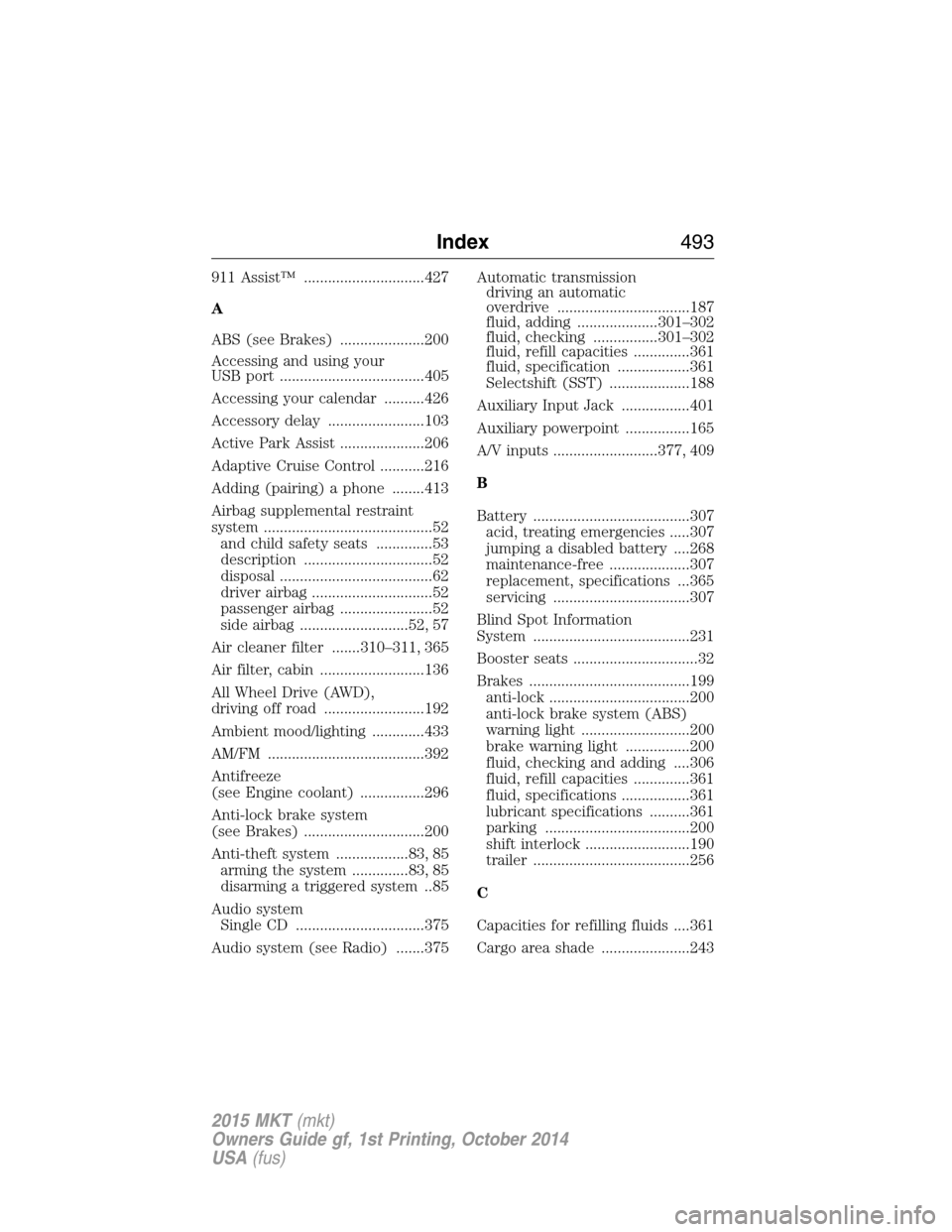
911 Assist™ ..............................427
A
ABS (see Brakes) .....................200
Accessing and using your
USB port ....................................405
Accessing your calendar ..........426
Accessory delay ........................103
Active Park Assist .....................206
Adaptive Cruise Control ...........216
Adding (pairing) a phone ........413
Airbag supplemental restraint
system ..........................................52
and child safety seats ..............53
description ................................52
disposal ......................................62
driver airbag ..............................52
passenger airbag .......................52
side airbag ...........................52, 57
Air cleaner filter .......310–311, 365
Air filter, cabin ..........................136
All Wheel Drive (AWD),
driving off road .........................192
Ambient mood/lighting .............433
AM/FM .......................................392
Antifreeze
(see Engine coolant) ................296
Anti-lock brake system
(see Brakes) ..............................200
Anti-theft system ..................83, 85
arming the system ..............83, 85
disarming a triggered system ..85
Audio system
Single CD ................................375
Audio system (see Radio) .......375Automatic transmission
driving an automatic
overdrive .................................187
fluid, adding ....................301–302
fluid, checking ................301–302
fluid, refill capacities ..............361
fluid, specification ..................361
Selectshift (SST) ....................188
Auxiliary Input Jack .................401
Auxiliary powerpoint ................165
A/V inputs ..........................377, 409
B
Battery .......................................307
acid, treating emergencies .....307
jumping a disabled battery ....268
maintenance-free ....................307
replacement, specifications ...365
servicing ..................................307
Blind Spot Information
System .......................................231
Booster seats ...............................32
Brakes ........................................199
anti-lock ...................................200
anti-lock brake system (ABS)
warning light ...........................200
brake warning light ................200
fluid, checking and adding ....306
fluid, refill capacities ..............361
fluid, specifications .................361
lubricant specifications ..........361
parking ....................................200
shift interlock ..........................190
trailer .......................................256
C
Capacities for refilling fluids ....361
Cargo area shade ......................243
Index493
2015 MKT(mkt)
Owners Guide gf, 1st Printing, October 2014
USA(fus)
Page 495 of 500
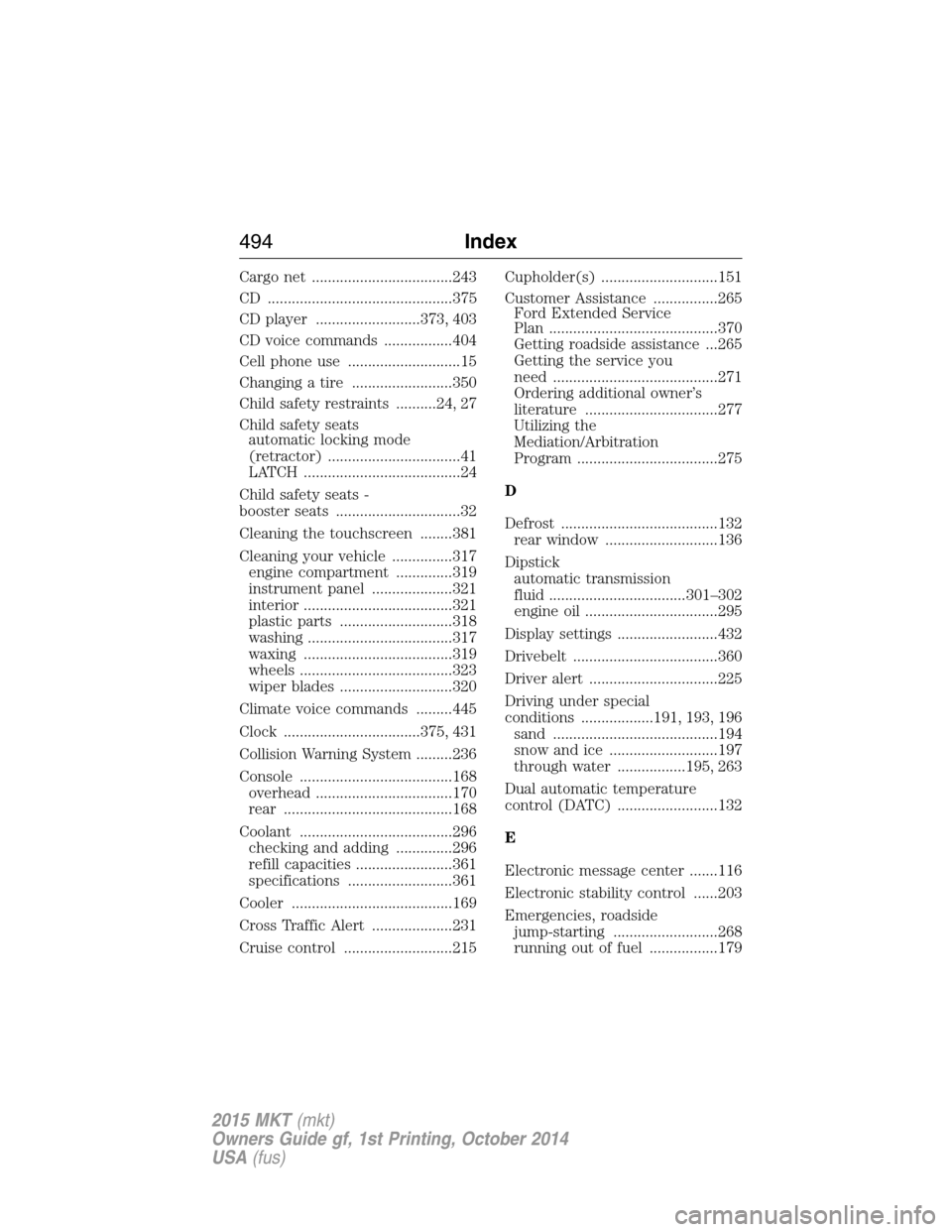
Cargo net ...................................243
CD ..............................................375
CD player ..........................373, 403
CD voice commands .................404
Cell phone use ............................15
Changing a tire .........................350
Child safety restraints ..........24, 27
Child safety seats
automatic locking mode
(retractor) .................................41
LATCH .......................................24
Child safety seats -
booster seats ...............................32
Cleaning the touchscreen ........381
Cleaning your vehicle ...............317
engine compartment ..............319
instrument panel ....................321
interior .....................................321
plastic parts ............................318
washing ....................................317
waxing .....................................319
wheels ......................................323
wiper blades ............................320
Climate voice commands .........445
Clock ..................................375, 431
Collision Warning System .........236
Console ......................................168
overhead ..................................170
rear ..........................................168
Coolant ......................................296
checking and adding ..............296
refill capacities ........................361
specifications ..........................361
Cooler ........................................169
Cross Traffic Alert ....................231
Cruise control ...........................215Cupholder(s) .............................151
Customer Assistance ................265
Ford Extended Service
Plan ..........................................370
Getting roadside assistance ...265
Getting the service you
need .........................................271
Ordering additional owner’s
literature .................................277
Utilizing the
Mediation/Arbitration
Program ...................................275
D
Defrost .......................................132
rear window ............................136
Dipstick
automatic transmission
fluid ..................................301–302
engine oil .................................295
Display settings .........................432
Drivebelt ....................................360
Driver alert ................................225
Driving under special
conditions ..................191, 193, 196
sand .........................................194
snow and ice ...........................197
through water .................195, 263
Dual automatic temperature
control (DATC) .........................132
E
Electronic message center .......116
Electronic stability control ......203
Emergencies, roadside
jump-starting ..........................268
running out of fuel .................179
494Index
2015 MKT(mkt)
Owners Guide gf, 1st Printing, October 2014
USA(fus)
Page 497 of 500
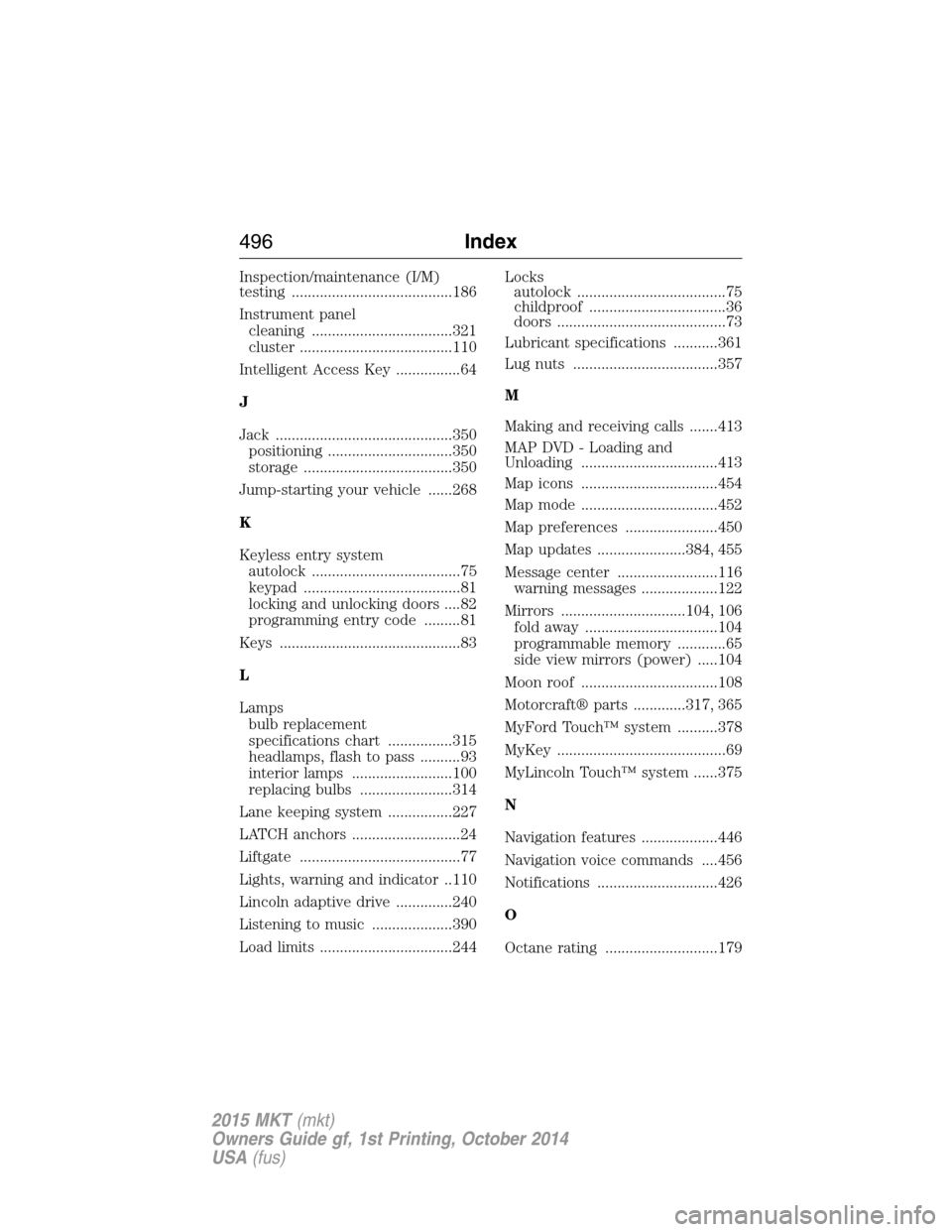
Inspection/maintenance (I/M)
testing ........................................186
Instrument panel
cleaning ...................................321
cluster ......................................110
Intelligent Access Key ................64
J
Jack ............................................350
positioning ...............................350
storage .....................................350
Jump-starting your vehicle ......268
K
Keyless entry system
autolock .....................................75
keypad .......................................81
locking and unlocking doors ....82
programming entry code .........81
Keys .............................................83
L
Lamps
bulb replacement
specifications chart ................315
headlamps, flash to pass ..........93
interior lamps .........................100
replacing bulbs .......................314
Lane keeping system ................227
LATCH anchors ...........................24
Liftgate ........................................77
Lights, warning and indicator ..110
Lincoln adaptive drive ..............240
Listening to music ....................390
Load limits .................................244Locks
autolock .....................................75
childproof ..................................36
doors ..........................................73
Lubricant specifications ...........361
Lug nuts ....................................357
M
Making and receiving calls .......413
MAP DVD - Loading and
Unloading ..................................413
Map icons ..................................454
Map mode ..................................452
Map preferences .......................450
Map updates ......................384, 455
Message center .........................116
warning messages ...................122
Mirrors ...............................104, 106
fold away .................................104
programmable memory ............65
side view mirrors (power) .....104
Moon roof ..................................108
Motorcraft® parts .............317, 365
MyFord Touch™ system ..........378
MyKey ..........................................69
MyLincoln Touch™ system ......375
N
Navigation features ...................446
Navigation voice commands ....456
Notifications ..............................426
O
Octane rating ............................179
496Index
2015 MKT(mkt)
Owners Guide gf, 1st Printing, October 2014
USA(fus)
Page 498 of 500
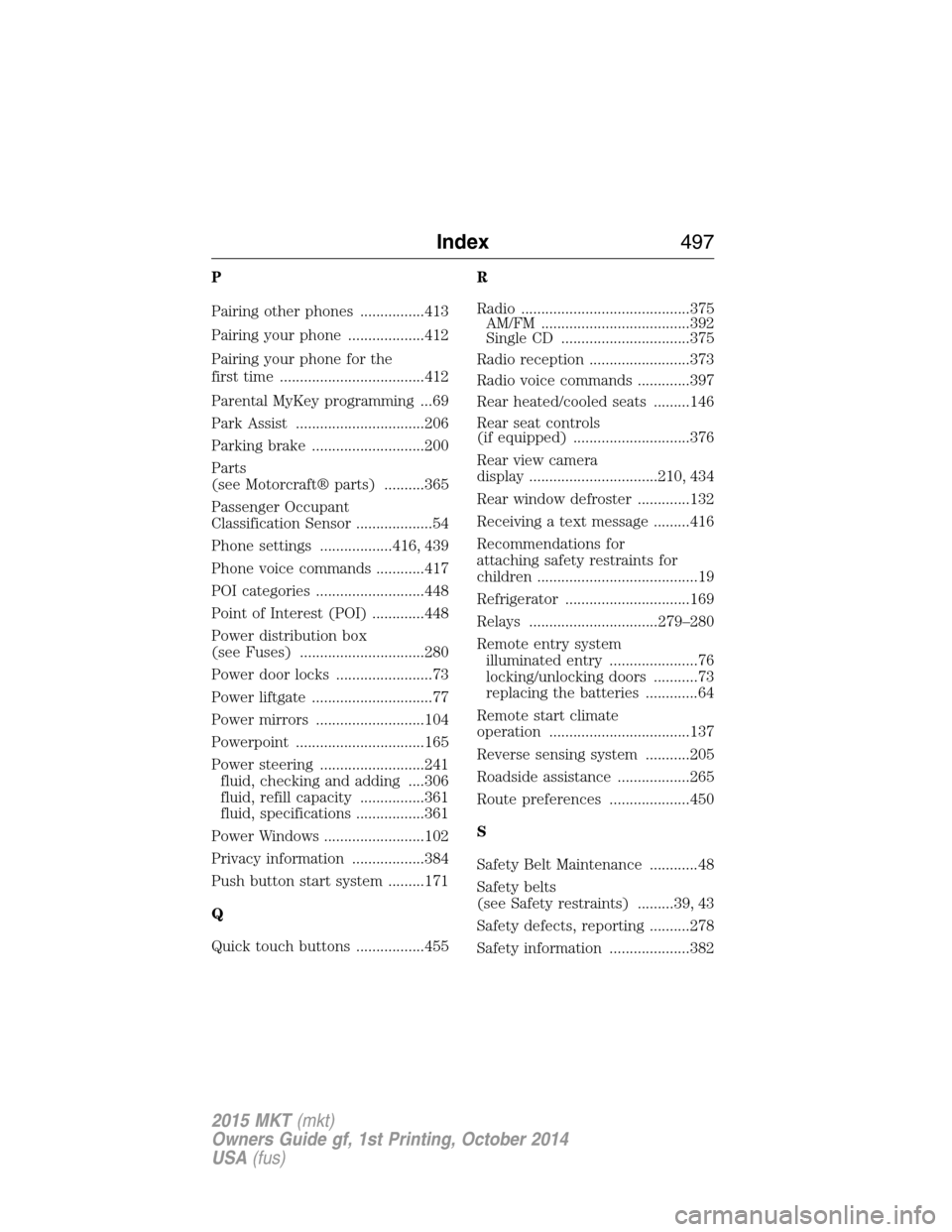
P
Pairing other phones ................413
Pairing your phone ...................412
Pairing your phone for the
first time ....................................412
Parental MyKey programming ...69
Park Assist ................................206
Parking brake ............................200
Parts
(see Motorcraft® parts) ..........365
Passenger Occupant
Classification Sensor ...................54
Phone settings ..................416, 439
Phone voice commands ............417
POI categories ...........................448
Point of Interest (POI) .............448
Power distribution box
(see Fuses) ...............................280
Power door locks ........................73
Power liftgate ..............................77
Power mirrors ...........................104
Powerpoint ................................165
Power steering ..........................241
fluid, checking and adding ....306
fluid, refill capacity ................361
fluid, specifications .................361
Power Windows .........................102
Privacy information ..................384
Push button start system .........171
Q
Quick touch buttons .................455R
Radio ..........................................375
AM/FM .....................................392
Single CD ................................375
Radio reception .........................373
Radio voice commands .............397
Rear heated/cooled seats .........146
Rear seat controls
(if equipped) .............................376
Rear view camera
display ................................210, 434
Rear window defroster .............132
Receiving a text message .........416
Recommendations for
attaching safety restraints for
children ........................................19
Refrigerator ...............................169
Relays ................................279–280
Remote entry system
illuminated entry ......................76
locking/unlocking doors ...........73
replacing the batteries .............64
Remote start climate
operation ...................................137
Reverse sensing system ...........205
Roadside assistance ..................265
Route preferences ....................450
S
Safety Belt Maintenance ............48
Safety belts
(see Safety restraints) .........39, 43
Safety defects, reporting ..........278
Safety information ....................382
Index497
2015 MKT(mkt)
Owners Guide gf, 1st Printing, October 2014
USA(fus)
Page 499 of 500
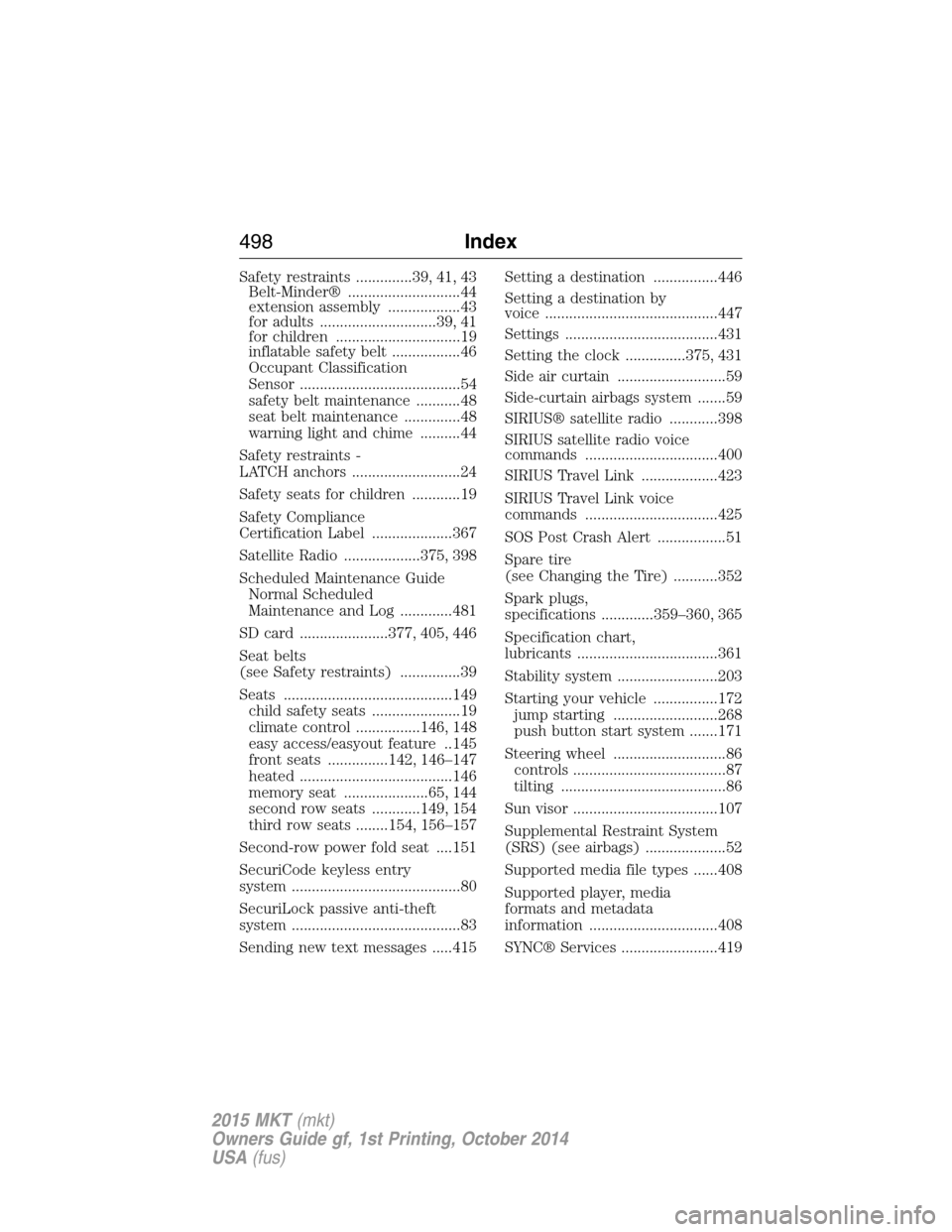
Safety restraints ..............39, 41, 43
Belt-Minder® ............................44
extension assembly ..................43
for adults .............................39, 41
for children ...............................19
inflatable safety belt .................46
Occupant Classification
Sensor ........................................54
safety belt maintenance ...........48
seat belt maintenance ..............48
warning light and chime ..........44
Safety restraints -
LATCH anchors ...........................24
Safety seats for children ............19
Safety Compliance
Certification Label ....................367
Satellite Radio ...................375, 398
Scheduled Maintenance Guide
Normal Scheduled
Maintenance and Log .............481
SD card ......................377, 405, 446
Seat belts
(see Safety restraints) ...............39
Seats ..........................................149
child safety seats ......................19
climate control ................146, 148
easy access/easyout feature ..145
front seats ...............142, 146–147
heated ......................................146
memory seat .....................65, 144
second row seats ............149, 154
third row seats ........154, 156–157
Second-row power fold seat ....151
SecuriCode keyless entry
system ..........................................80
SecuriLock passive anti-theft
system ..........................................83
Sending new text messages .....415Setting a destination ................446
Setting a destination by
voice ...........................................447
Settings ......................................431
Setting the clock ...............375, 431
Side air curtain ...........................59
Side-curtain airbags system .......59
SIRIUS® satellite radio ............398
SIRIUS satellite radio voice
commands .................................400
SIRIUS Travel Link ...................423
SIRIUS Travel Link voice
commands .................................425
SOS Post Crash Alert .................51
Spare tire
(see Changing the Tire) ...........352
Spark plugs,
specifications .............359–360, 365
Specification chart,
lubricants ...................................361
Stability system .........................203
Starting your vehicle ................172
jump starting ..........................268
push button start system .......171
Steering wheel ............................86
controls ......................................87
tilting .........................................86
Sun visor ....................................107
Supplemental Restraint System
(SRS) (see airbags) ....................52
Supported media file types ......408
Supported player, media
formats and metadata
information ................................408
SYNC® Services ........................419
498Index
2015 MKT(mkt)
Owners Guide gf, 1st Printing, October 2014
USA(fus)