belt LINCOLN MKT 2015 Service Manual
[x] Cancel search | Manufacturer: LINCOLN, Model Year: 2015, Model line: MKT, Model: LINCOLN MKT 2015Pages: 500, PDF Size: 4.94 MB
Page 70 of 500
PRINCIPLES OF OPERATION
MyKey allows you to program keys with restricted driving modes to
promote good driving habits. All but one of the keys programmed to the
vehicle can be activated with these restricted modes.
Any keys that have not been programmed are referred to as
administrator keys or admin keys. These can be used to:
•Create a MyKey.
•Program configurable MyKey settings.
•Clear all MyKey features.
When you have programmed a MyKey, you can access the following
information using the information display:
•How many admin keys and MyKeys are programmed to your vehicle.
•The total distance your vehicle has traveled using a MyKey.
Note:All MyKeys are programmed to the same settings. You cannot
program them individually.
Note:For vehicles with intelligent access (push-button start), when both
a MyKey and an admin transmitter are present, the admin transmitter
will be recognized to start the vehicle.
Non-configurable Settings
The following settings cannot be changed by an admin key user:
•Belt-Minder. You cannot disable this feature. The audio system will
mute when the front seat occupants’ safety belts are not fastened.
•Early low fuel warning. The low fuel warning is activated earlier, giving
the MyKey user more time to refuel.
•Driver assist features, if equipped on your vehicle, are forced on:
parking aid, blind spot information system (BLIS) with cross traffic
alert, lane departure warning and forward collision warning system.
•Satellite radio adult content restrictions.
Configurable Settings
With an admin key, you can configure certain MyKey settings when you
first create a MyKey and before you recycle the key or restart the
engine. You can also change the settings afterward with an admin key.
•A vehicle speed limit can be set. Warnings will be shown in the display
followed by an audible tone when your vehicle reaches the set speed.
You cannot override the set speed by fully depressing the accelerator
pedal or by setting cruise control.
MyKey69
2015 MKT(mkt)
Owners Guide gf, 1st Printing, October 2014
USA(fus)
Page 78 of 500
LIFTGATE
WARNING:Do not allow people to travel in any area of your
vehicle that does not have seats and safety belts. Riding in a
cargo area, inside or outside of the vehicle, is extremely dangerous. In a
crash, people riding in these areas are more likely to be seriously
injured or killed. Make sure everyone in your vehicle is in a seat and
using a safety belt correctly. Failure to follow this warning could result
in serious personal injury or death.
Power Liftgate
WARNING:Make sure all persons are clear of the power liftgate
area before using the power liftgate control.
WARNING:Keep keys out of reach of children. Do not allow
children to play near an open or moving power liftgate.
Note:Cycling the ignition while the liftgate is power closing and is
6–10 inches (15–24 cm) from being latched may cause the liftgate to
reverse to full open position. Make sure that the liftgate is closed before
operating or moving the vehicle, especially in an enclosure, like a garage
or a parking structure. The liftgate or its components could be damaged.
Note:Do not drive with the liftgate open without first disabling the
power function and securing the liftgate to the vehicle.
Note:In case of operation in extreme cold -40°F (-40°C), or on extreme
inclines, manual operation of the liftgate is suggested.
The power liftgate can be enabled or disabled using the information
display. The remote control and instrument panel button will still operate
the liftgate regardless of the setting.
Opening and Closing the Power Liftgate
Note:The liftgate movement direction can be reversed with a second
press of the instrument panel, or the control button on the liftgate, or a
second double press of the transmitter button.
The liftgate will only operate with the vehicle in P (Park).
A chime will sound three times as the liftgate begins to power close. A
single chime indicates a problem with the close request, caused by:
•the ignition is on and the transmission is not in P (Park);
Locks77
2015 MKT(mkt)
Owners Guide gf, 1st Printing, October 2014
USA(fus)
Page 115 of 500
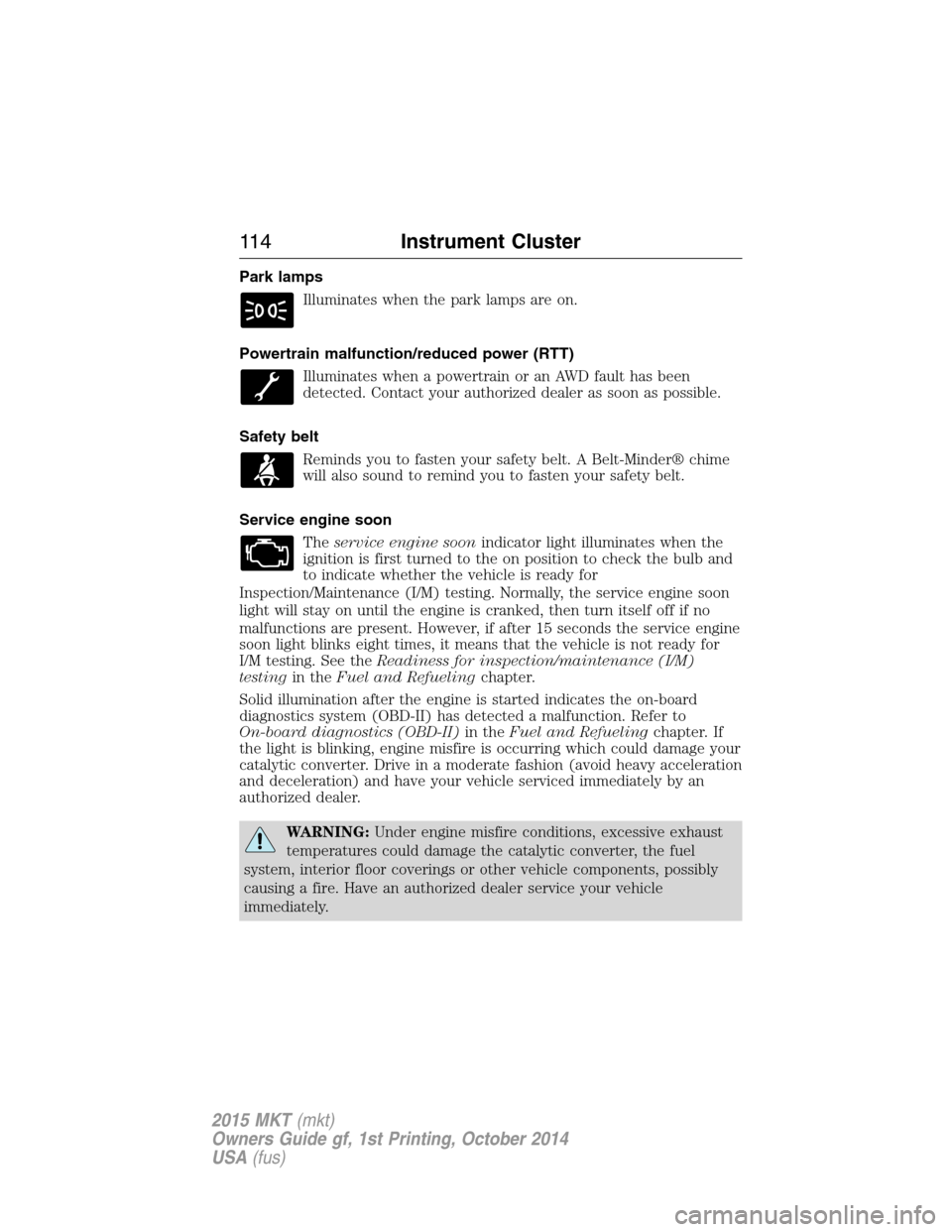
Park lamps
Illuminates when the park lamps are on.
Powertrain malfunction/reduced power (RTT)
Illuminates when a powertrain or an AWD fault has been
detected. Contact your authorized dealer as soon as possible.
Safety belt
Reminds you to fasten your safety belt. A Belt-Minder® chime
will also sound to remind you to fasten your safety belt.
Service engine soon
Theservice engine soonindicator light illuminates when the
ignition is first turned to the on position to check the bulb and
to indicate whether the vehicle is ready for
Inspection/Maintenance (I/M) testing. Normally, the service engine soon
light will stay on until the engine is cranked, then turn itself off if no
malfunctions are present. However, if after 15 seconds the service engine
soon light blinks eight times, it means that the vehicle is not ready for
I/M testing. See theReadiness for inspection/maintenance (I/M)
testingin theFuel and Refuelingchapter.
Solid illumination after the engine is started indicates the on-board
diagnostics system (OBD-II) has detected a malfunction. Refer to
On-board diagnostics (OBD-II)in theFuel and Refuelingchapter. If
the light is blinking, engine misfire is occurring which could damage your
catalytic converter. Drive in a moderate fashion (avoid heavy acceleration
and deceleration) and have your vehicle serviced immediately by an
authorized dealer.
WARNING:Under engine misfire conditions, excessive exhaust
temperatures could damage the catalytic converter, the fuel
system, interior floor coverings or other vehicle components, possibly
causing a fire. Have an authorized dealer service your vehicle
immediately.
11 4Instrument Cluster
2015 MKT(mkt)
Owners Guide gf, 1st Printing, October 2014
USA(fus)
Page 130 of 500
Maintenance
MessagesAction / Description
Service Power Steering
NowThe power steering system has detected a
condition within the power steering system
that requires service immediately. See your
authorized dealer.
Power Steering Assist
FaultThe power steering system has disabled power
steering assist due to a system error. See your
authorized dealer.
MyKey® Messages Action / Description
MyKey active Drive
SafelyDisplayed when MyKey® is active.
MyKey not Created Displayed during key programming when
MyKey® cannot be programmed.
Speed Limited to xx
MPH/km/hDisplayed when starting the vehicle and
MyKey® is in use and the MyKey speed limit
is on.
Near Vehicle Top
SpeedDisplayed when a MyKey® is in use and the
MyKey speed limit is on and the vehicle speed
is near the selected top speed.
Check Speed Drive
SafelyDisplayed when a MyKey® is in use and the
optional setting is on and the vehicle exceeds
a preselected speed.
Buckle Up to Unmute
AudioDisplayed when a MyKey® is in use and
Belt-Minder® is activated.
Could Not Program
Integrated KeyDisplayed when an attempt is made to
program a spare key using two existing
MyKeys.
Lane Keeping Aid On
MyKey SettingDisplayed when the lane keeping aid is on per
MyKey settings.
Information Displays129
2015 MKT(mkt)
Owners Guide gf, 1st Printing, October 2014
USA(fus)
Page 139 of 500
SITTING IN THE CORRECT POSITION
WARNING:Sitting improperly out of position or with the seat
back reclined too far can take off weight from the seat cushion
and affect the decision of the passenger sensing system, resulting in
serious injury or death in a crash. Always sit upright against your seat
back, with your feet on the floor.
WARNING:Do not recline the seat back as this can cause the
occupant to slide under the seat’s safety belt, resulting in severe
personal injury in the event of a crash.
WARNING:Do not place objects higher than the seat backs to
reduce the risk of injury in a crash or during heavy braking or
when stopping suddenly.
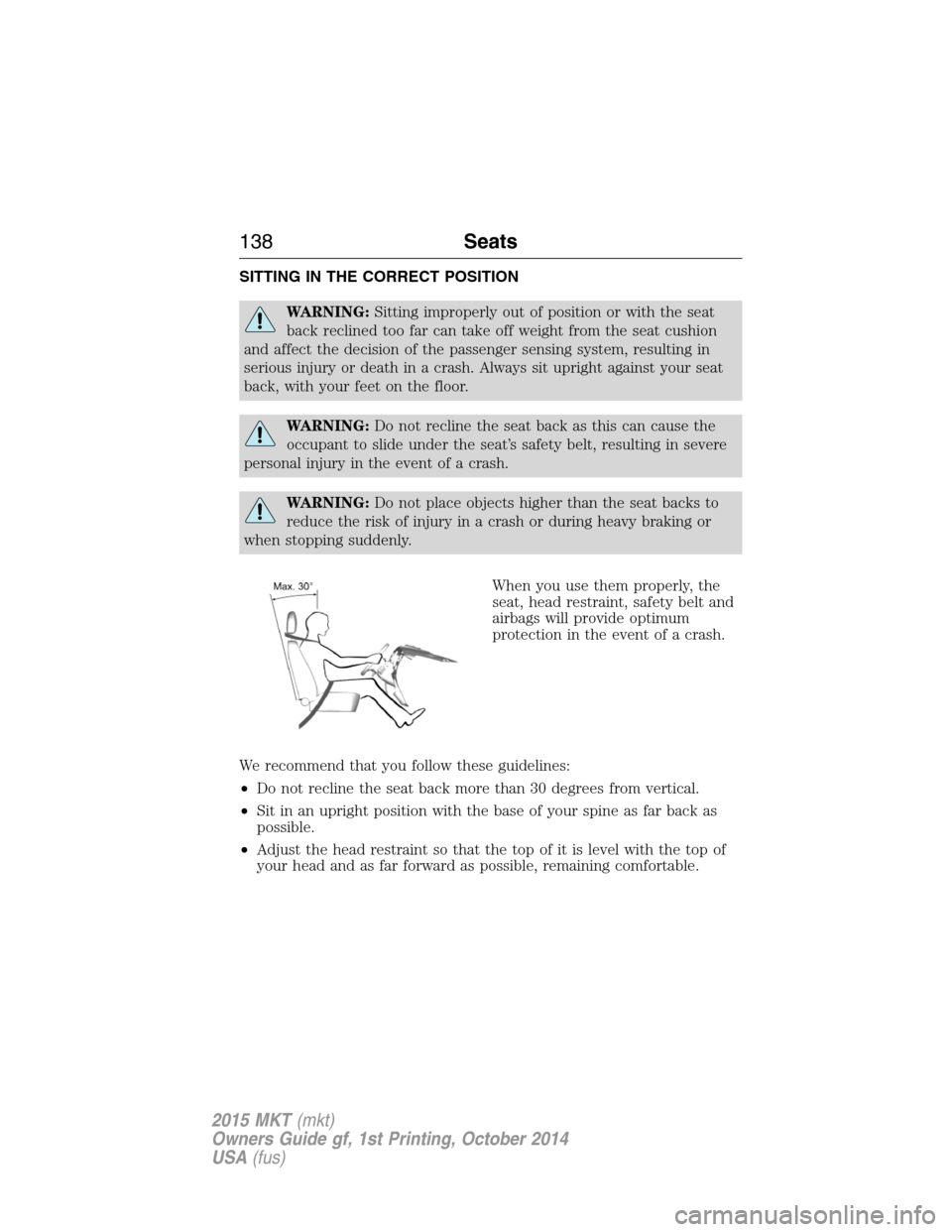
When you use them properly, the
seat, head restraint, safety belt and
airbags will provide optimum
protection in the event of a crash.
We recommend that you follow these guidelines:
•Do not recline the seat back more than 30 degrees from vertical.
•Sit in an upright position with the base of your spine as far back as
possible.
•Adjust the head restraint so that the top of it is level with the top of
your head and as far forward as possible, remaining comfortable.
138Seats
2015 MKT(mkt)
Owners Guide gf, 1st Printing, October 2014
USA(fus)
Page 140 of 500
•Keep sufficient distance between yourself and the steering wheel. We
recommend a minimum of 10 inches (25 centimeters) between your
breastbone and the airbag cover.
•Hold the steering wheel with your arms slightly bent.
•Bend your legs slightly so that you can press the pedals fully.
•Position the shoulder strap of the safety belt over the center of your
shoulder and position the lap strap tightly across your hips.
Make sure that your driving position is comfortable and that you can
maintain full control of your vehicle.
HEAD RESTRAINTS
WARNING:To minimize the risk of neck injury in the event of a
crash, the driver and passenger occupants should not sit in or
operate the vehicle, until the head restraint is placed in its proper
position. The driver should never adjust the head restraint while the
vehicle is in motion.
WARNING:The adjustable head restraint is a safety device.
Whenever possible it should be installed and properly adjusted
when the seat is occupied. An improperly adjusted head restraint may
provide reduced protection to an occupant during certain rear impacts.
WARNING:Install the head restraint properly to minimize the
risk of neck injury in the event of a crash.
Seats139
2015 MKT(mkt)
Owners Guide gf, 1st Printing, October 2014
USA(fus)
Page 150 of 500
REAR SEATS
Second Row Seats
Recline Adjustment
WARNING:Always drive and ride with your seatback upright
and the lap belt snug and low across the hips.
WARNING:Reclining the seatback can cause an occupant to
slide under the seat safety belt, resulting in severe personal
injuries in the event of a crash.
Note:For the bench seat only, make sure the center safety belt is
unbuckled before folding the seatback.
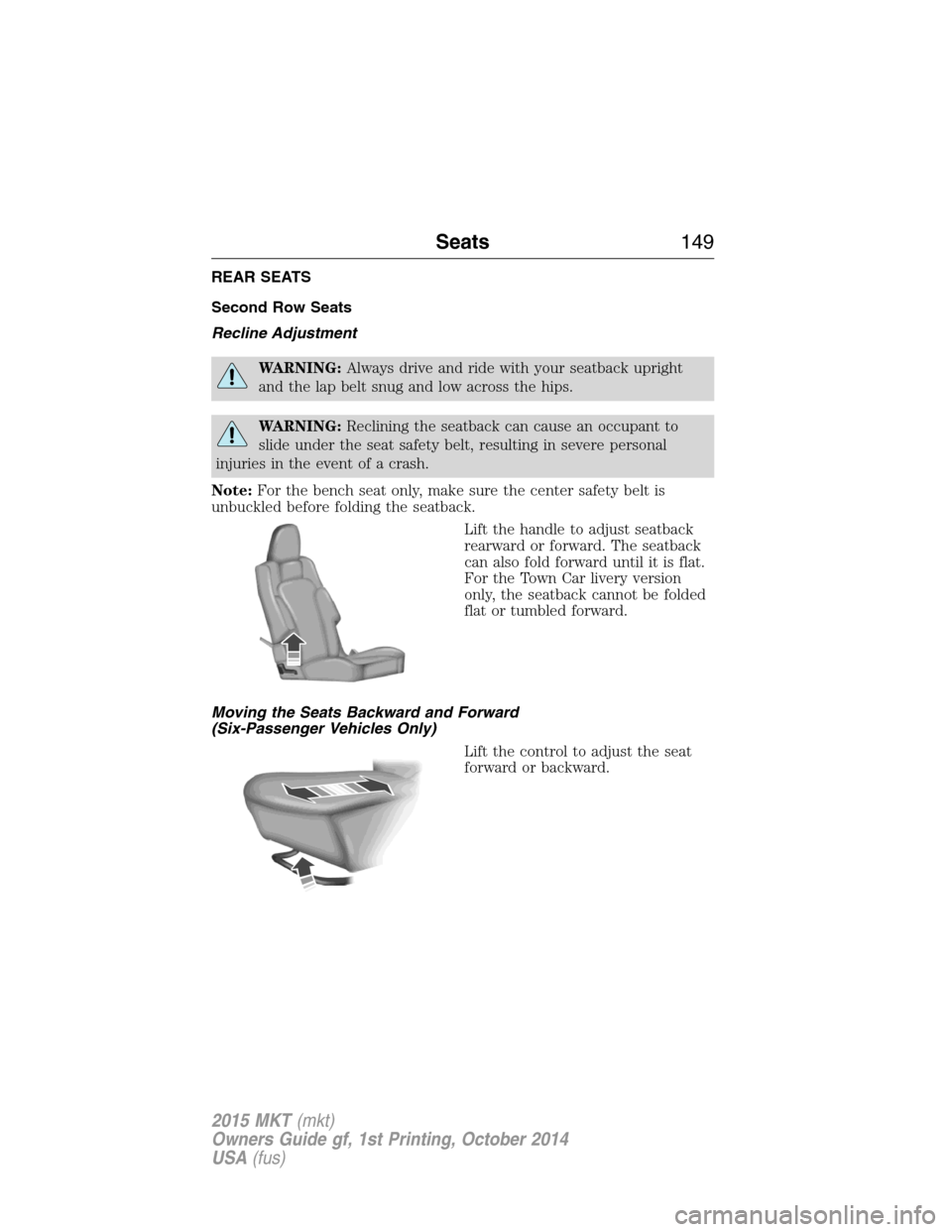
Lift the handle to adjust seatback
rearward or forward. The seatback
can also fold forward until it is flat.
For the Town Car livery version
only, the seatback cannot be folded
flat or tumbled forward.
Moving the Seats Backward and Forward
(Six-Passenger Vehicles Only)
Lift the control to adjust the seat
forward or backward.
Seats149
2015 MKT(mkt)
Owners Guide gf, 1st Printing, October 2014
USA(fus)
Page 153 of 500
Third Row Seats
Accessing the Seat
WARNING:Before returning the seatback to its original position,
make sure that cargo or any objects are not trapped behind the
seatback. After returning the seatback to its original position, pull on
the seatback to make sure that it has fully latched. An unlatched seat
may become dangerous in the event of a sudden stop or crash.
WARNING:Do not adjust or release the seat floor latch while
vehicle is in motion. Do not operate the vehicle with seats in
tumbled position. Always latch the vehicle seat to the floor, whether the
seat is occupied or empty. If not latched or if the seat is tumbled, the
seat may cause injury during a sudden stop.
Note:You may have to move the front row seat forward to allow the
second row seat to be fully tumbled.
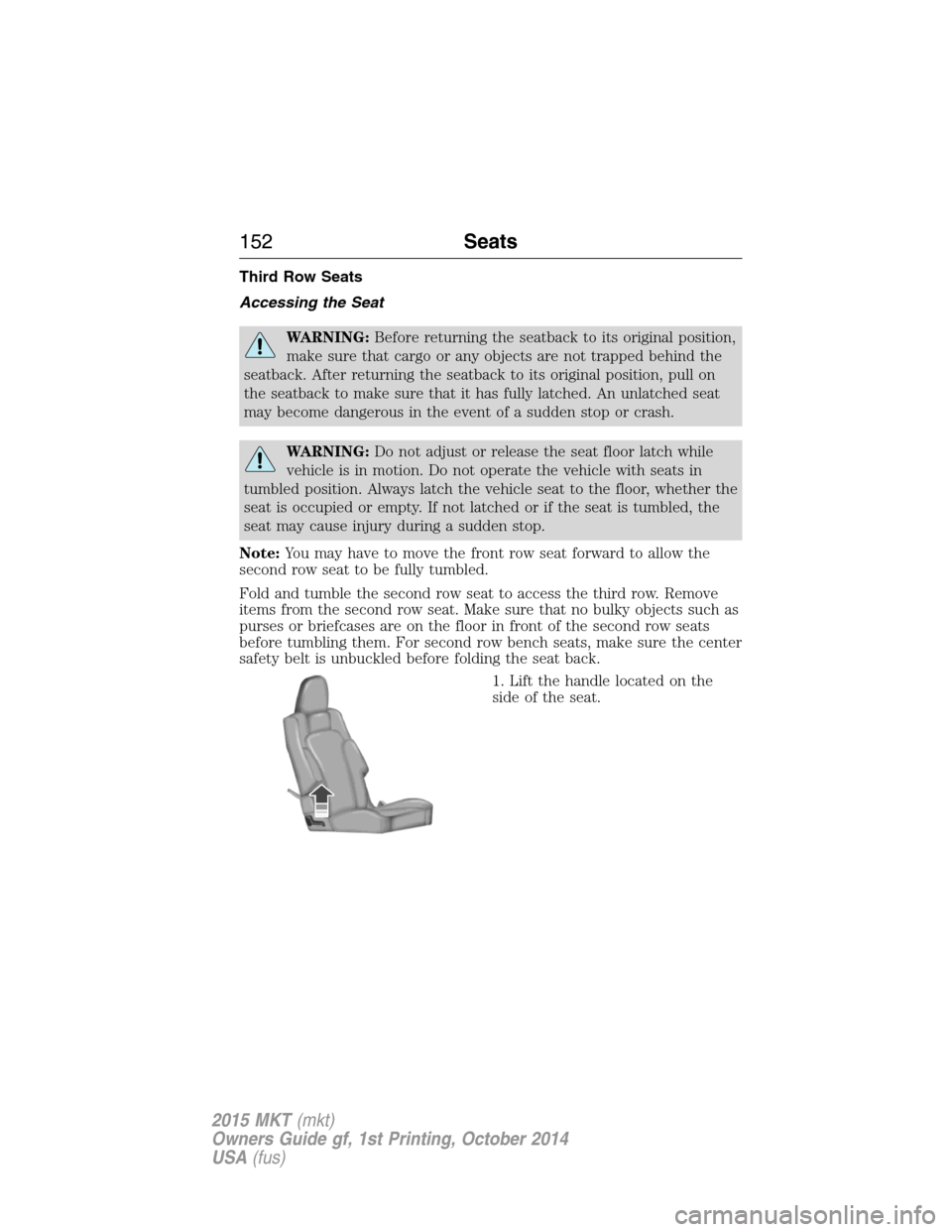
Fold and tumble the second row seat to access the third row. Remove
items from the second row seat. Make sure that no bulky objects such as
purses or briefcases are on the floor in front of the second row seats
before tumbling them. For second row bench seats, make sure the center
safety belt is unbuckled before folding the seat back.
1. Lift the handle located on the
side of the seat.
152Seats
2015 MKT(mkt)
Owners Guide gf, 1st Printing, October 2014
USA(fus)
Page 160 of 500
Note:In the unlikely event that the third row power seat stops
prematurely, or travels to an unexpected position, press the FOLD
button (C) to reset the seat and return it to a normal position.
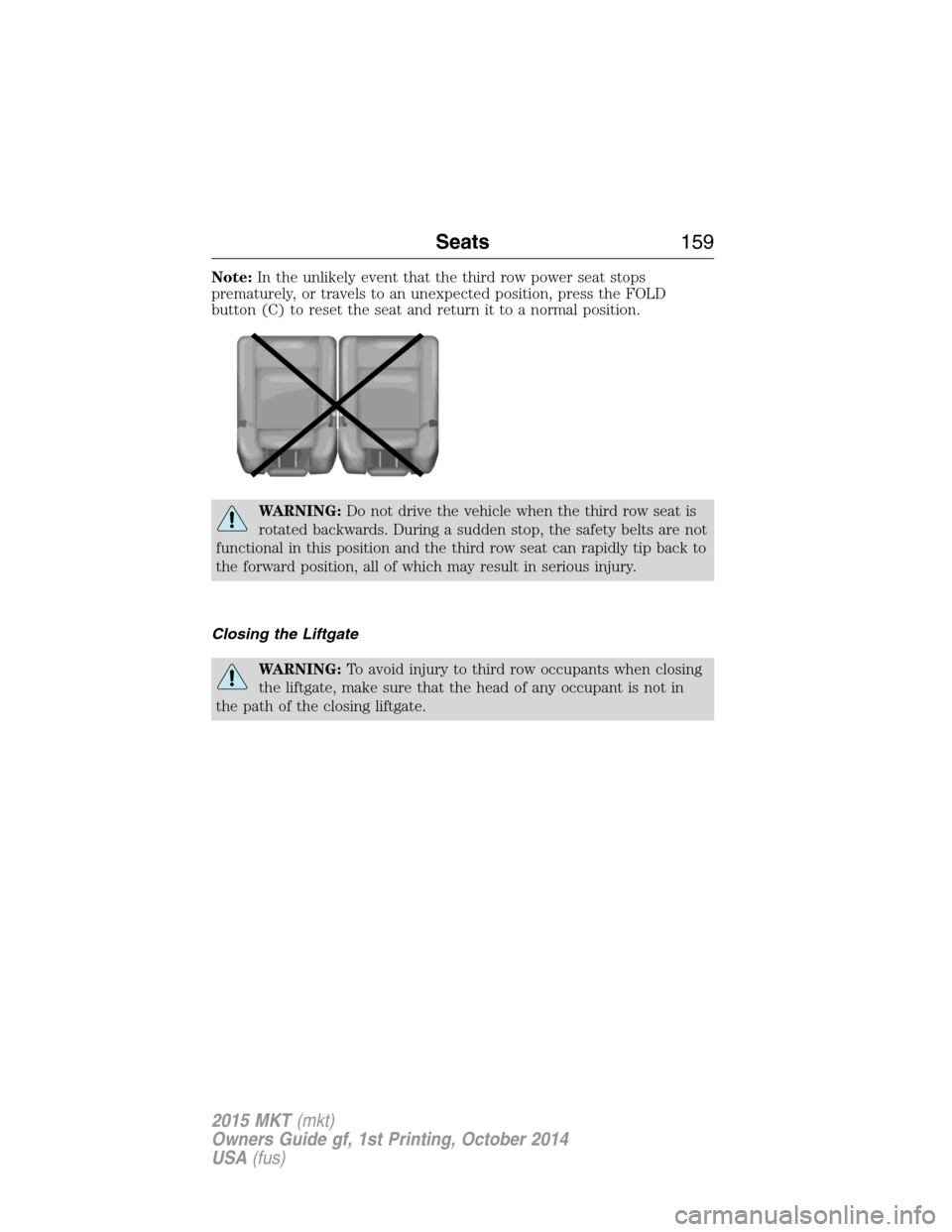
WARNING:Do not drive the vehicle when the third row seat is
rotated backwards. During a sudden stop, the safety belts are not
functional in this position and the third row seat can rapidly tip back to
the forward position, all of which may result in serious injury.
Closing the Liftgate
WARNING:To avoid injury to third row occupants when closing
the liftgate, make sure that the head of any occupant is not in
the path of the closing liftgate.
Seats159
2015 MKT(mkt)
Owners Guide gf, 1st Printing, October 2014
USA(fus)
Page 174 of 500
Before starting the engine check the following:
•Make sure all occupants have fastened their safety belts.
•Make sure the headlamps and electrical accessories are off.
•Make sure the parking brake is on.
•Make sure the gearshift is in positionP.
Note:Do not touch the accelerator pedal.
1. Fully press the brake pedal.
2. Press the button.
The system does not function if:
•The key frequencies are jammed.
•The key battery has no charge.
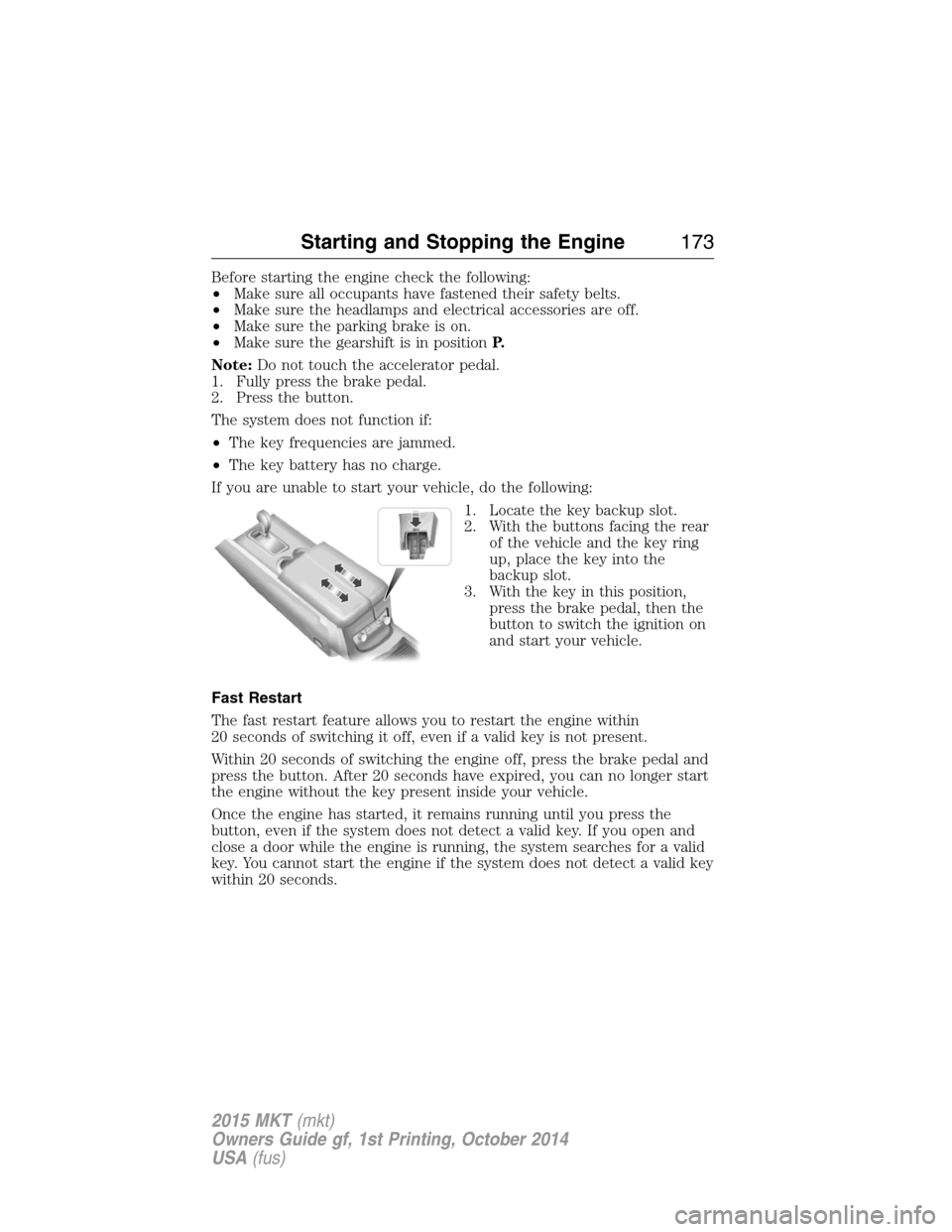
If you are unable to start your vehicle, do the following:
1. Locate the key backup slot.
2. With the buttons facing the rear
of the vehicle and the key ring
up, place the key into the
backup slot.
3. With the key in this position,
press the brake pedal, then the
button to switch the ignition on
and start your vehicle.
Fast Restart
The fast restart feature allows you to restart the engine within
20 seconds of switching it off, even if a valid key is not present.
Within 20 seconds of switching the engine off, press the brake pedal and
press the button. After 20 seconds have expired, you can no longer start
the engine without the key present inside your vehicle.
Once the engine has started, it remains running until you press the
button, even if the system does not detect a valid key. If you open and
close a door while the engine is running, the system searches for a valid
key. You cannot start the engine if the system does not detect a valid key
within 20 seconds.
Starting and Stopping the Engine173
2015 MKT(mkt)
Owners Guide gf, 1st Printing, October 2014
USA(fus)