automatic transmission LINCOLN MKT 2016 Owners Manual
[x] Cancel search | Manufacturer: LINCOLN, Model Year: 2016, Model line: MKT, Model: LINCOLN MKT 2016Pages: 452, PDF Size: 4.69 MB
Page 6 of 452
Universal Garage Door Opener
Universal Garage Door Opener................152
Auxiliary Power Points
Auxiliary Power Points..................................157
Storage Compartments
Center Console.............................................159
Overhead Console
.......................................160
Starting and Stopping the Engine
General Information.......................................161
Keyless Starting
..............................................161
Starting a Gasoline Engine.........................162
Engine Block Heater....................................165
Fuel and Refueling
Safety Precautions........................................167
Fuel Quality.....................................................168
Fuel Filler Funnel Location.........................169
Running Out of Fuel
.....................................169
Refueling..........................................................170 Fuel Consumption
.........................................172
Emission Control System.............................173
Transmission
Automatic Transmission
...............................177
All-Wheel Drive
Using All-Wheel Drive...................................181
Brakes
General Information
.....................................190
Hints on Driving With Anti-Lock Brakes..........................................................190
Parking Brake..................................................191
Traction Control
Principle of Operation
..................................192
Using Traction Control
.................................192
Stability Control
Principle of Operation..................................194
Using Stability Control.................................195 Parking Aids
Principle of Operation
..................................196
Rear Parking Aid
............................................197
Active Park Assist..........................................197
Rear View Camera.......................................203
Cruise Control
Principle of Operation.................................206
Using Cruise Control...................................206
Using Adaptive Cruise Control.................207
Driving Aids
Driver Alert......................................................215
Lane Keeping System..................................216
Blind Spot Information System..................221
Cross Traffic Alert.........................................224
Steering..........................................................228
Collision Warning System..........................229
Drive Control.................................................232
Load Carrying
Rear Under Floor Storage..........................234
Cargo Nets
.....................................................234
3
MKT (), enUSA, First Printing Table of Contents
Page 7 of 452
Luggage Covers...........................................234
Load Limit.......................................................235
Towing
Towing a Trailer.............................................243
Trailer Sway Control....................................244
Recommended Towing Weights...............244
Essential Towing Checks ............................
246
Transporting the Vehicle............................249
Towing the Vehicle on Four Wheels - 2.0L EcoBoost™..................................................250
Towing the Vehicle on Four Wheels - 3.5L Ecoboost™/3.7L..........................................251
Driving Hints
Breaking-In.....................................................253
Economical Driving
......................................253
Driving Through Water
...............................253
Floor Mats
......................................................254
Roadside Emergencies
Roadside Assistance
...................................256
Hazard Warning Flashers...........................257 Fuel Shutoff....................................................257
Jump Starting the Vehicle
..........................258
Customer Assistance
Getting the Services You Need.................261
In California (U.S. Only)...............................262
The Better Business Bureau (BBB) Auto Line Program (U.S. Only)........................263
Utilizing the Mediation/Arbitration Program (Canada Only)...........................................264
Getting Assistance Outside the U.S. and Canada
.......................................................265
Ordering Additional Owner's Literature....................................................266
Reporting Safety Defects (U.S. Only).......267
Reporting Safety Defects (Canada Only)............................................................267
Fuses
Fuse Specification Chart
............................269
Changing a Fuse..........................................285
Maintenance
General Information
.....................................286 Opening and Closing the Hood...............287
Under Hood Overview - 2.0L
EcoBoost™..................................................288
Under Hood Overview - 3.5L Ecoboost™..................................................290
Under Hood Overview - 3.7L....................292
Engine Oil Dipstick - 2.0L EcoBoost™......294
Engine Oil Dipstick - 3.5L Ecoboost™/ 3.7L..............................................................294
Engine Oil Check.........................................294
Oil Change Indicator Reset.......................295
Engine Coolant Check
................................296
Automatic Transmission Fluid Check - 2.0L EcoBoost™..................................................300
Automatic Transmission Fluid Check - 3.5L Ecoboost™/3.7L.........................................300
Brake Fluid Check.......................................302
Power Steering Fluid Check
......................303
Washer Fluid Check....................................303
Changing the 12V Battery
..........................303
Checking the Wiper Blades.......................305
Changing the Wiper Blades......................305
Adjusting the Headlamps
..........................306
Removing a Headlamp...............................307
4
MKT (), enUSA, First Printing Table of Contents
Page 63 of 452
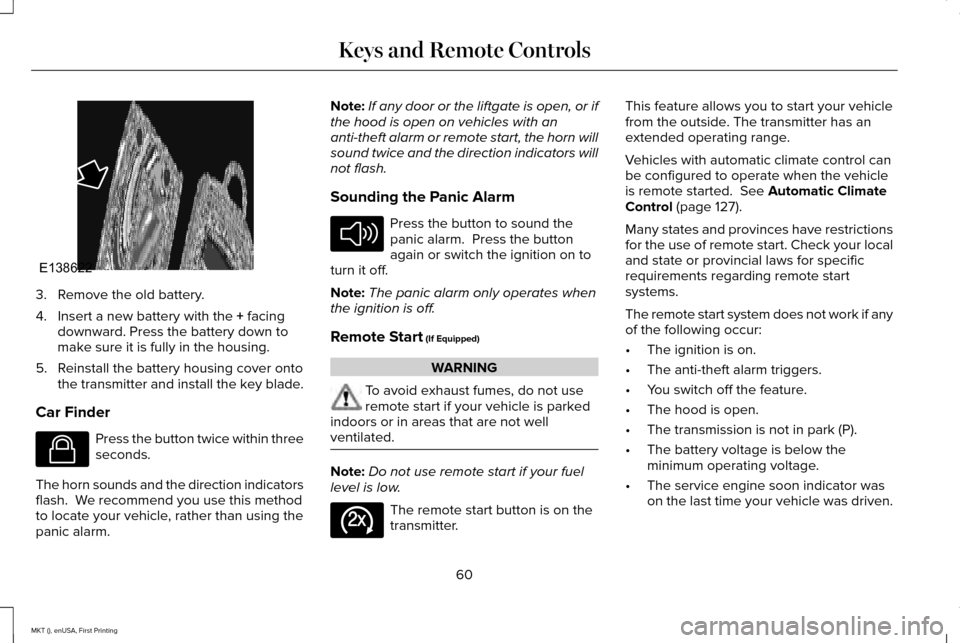
3. Remove the old battery.
4. Insert a new battery with the + facing
downward. Press the battery down to
make sure it is fully in the housing.
5. Reinstall the battery housing cover onto the transmitter and install the key blade.
Car Finder Press the button twice within three
seconds.
The horn sounds and the direction indicators
flash. We recommend you use this method
to locate your vehicle, rather than using the
panic alarm. Note:
If any door or the liftgate is open, or if
the hood is open on vehicles with an
anti-theft alarm or remote start, the horn will
sound twice and the direction indicators will
not flash.
Sounding the Panic Alarm Press the button to sound the
panic alarm. Press the button
again or switch the ignition on to
turn it off.
Note: The panic alarm only operates when
the ignition is off.
Remote Start
(If Equipped) WARNING
To avoid exhaust fumes, do not use
remote start if your vehicle is parked
indoors or in areas that are not well
ventilated. Note:
Do not use remote start if your fuel
level is low. The remote start button is on the
transmitter.This feature allows you to start your vehicle
from the outside. The transmitter has an
extended operating range.
Vehicles with automatic climate control can
be configured to operate when the vehicle
is remote started.
See Automatic Climate
Control (page 127).
Many states and provinces have restrictions
for the use of remote start. Check your local
and state or provincial laws for specific
requirements regarding remote start
systems.
The remote start system does not work if any
of the following occur:
• The ignition is on.
• The anti-theft alarm triggers.
• You switch off the feature.
• The hood is open.
• The transmission is not in park (P).
• The battery voltage is below the
minimum operating voltage.
• The service engine soon indicator was
on the last time your vehicle was driven.
60
MKT (), enUSA, First Printing Keys and Remote ControlsE138622 E138623 E138624 E138625
Page 74 of 452
Opening a Rear Door From the Inside
Pull the interior door handle twice to unlock
and open a rear door. The first pull unlocks
the door and the second pull opens the door.
Activating Intelligent Access
The intelligent access key must be within 3 ft
(1 m) of your vehicle.
At a Door
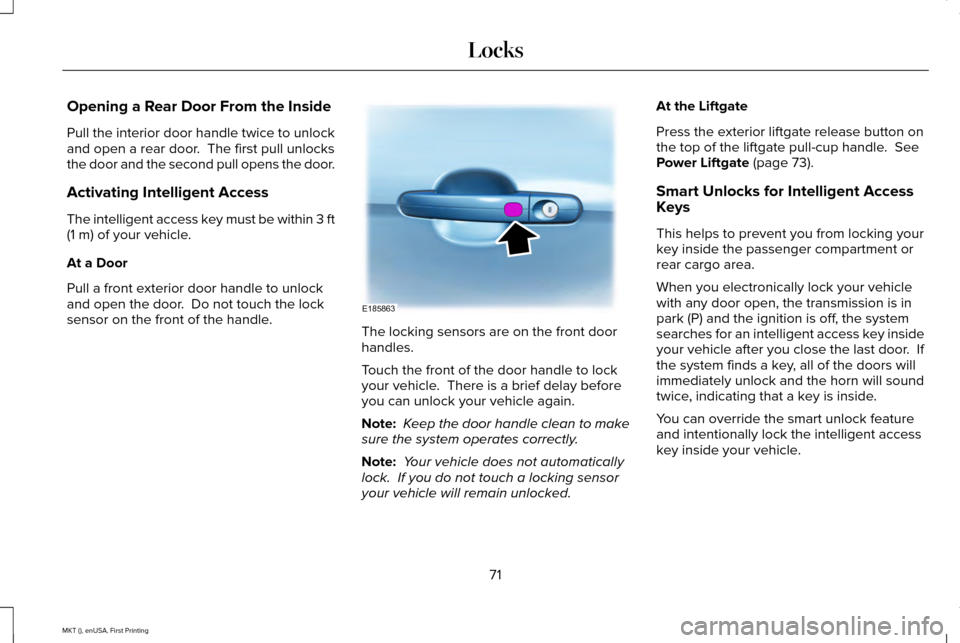
Pull a front exterior door handle to unlock
and open the door. Do not touch the lock
sensor on the front of the handle. The locking sensors are on the front door
handles.
Touch the front of the door handle to lock
your vehicle. There is a brief delay before
you can unlock your vehicle again.
Note:
Keep the door handle clean to make
sure the system operates correctly.
Note: Your vehicle does not automatically
lock. If you do not touch a locking sensor
your vehicle will remain unlocked. At the Liftgate
Press the exterior liftgate release button on
the top of the liftgate pull-cup handle.
See
Power Liftgate (page 73).
Smart Unlocks for Intelligent Access
Keys
This helps to prevent you from locking your
key inside the passenger compartment or
rear cargo area.
When you electronically lock your vehicle
with any door open, the transmission is in
park (P) and the ignition is off, the system
searches for an intelligent access key inside
your vehicle after you close the last door. If
the system finds a key, all of the doors will
immediately unlock and the horn will sound
twice, indicating that a key is inside.
You can override the smart unlock feature
and intentionally lock the intelligent access
key inside your vehicle.
71
MKT (), enUSA, First Printing LocksE185863
Page 112 of 452
•
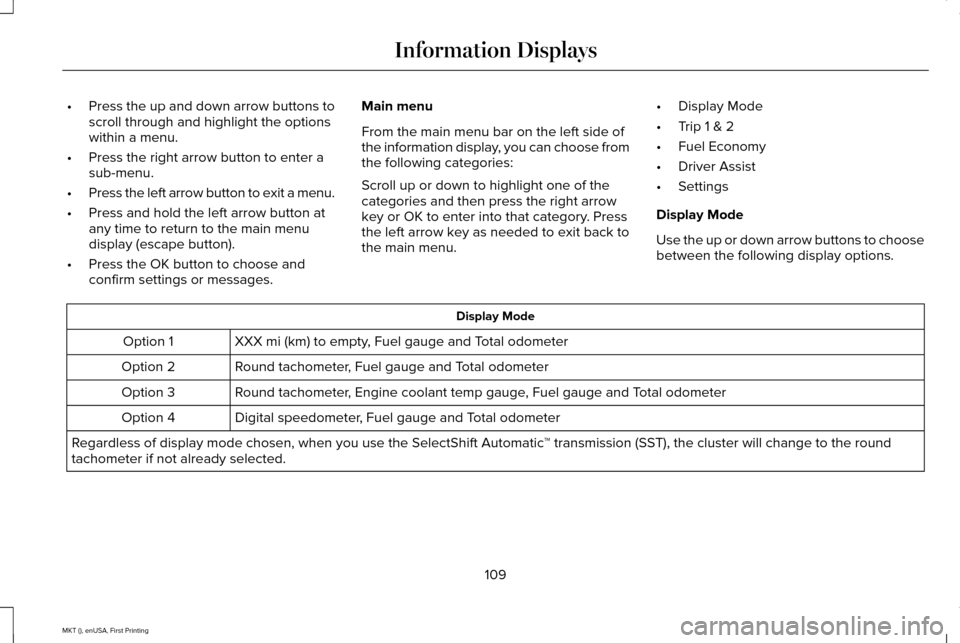
Press the up and down arrow buttons to
scroll through and highlight the options
within a menu.
• Press the right arrow button to enter a
sub-menu.
• Press the left arrow button to exit a menu.
• Press and hold the left arrow button at
any time to return to the main menu
display (escape button).
• Press the OK button to choose and
confirm settings or messages. Main menu
From the main menu bar on the left side of
the information display, you can choose from
the following categories:
Scroll up or down to highlight one of the
categories and then press the right arrow
key or OK to enter into that category. Press
the left arrow key as needed to exit back to
the main menu.
•
Display Mode
• Trip 1 & 2
• Fuel Economy
• Driver Assist
• Settings
Display Mode
Use the up or down arrow buttons to choose
between the following display options. Display Mode
XXX mi (km) to empty, Fuel gauge and Total odometer
Option 1
Round tachometer, Fuel gauge and Total odometer
Option 2
Round tachometer, Engine coolant temp gauge, Fuel gauge and Total odometer
Option 3
Digital speedometer, Fuel gauge and Total odometer
Option 4
Regardless of display mode chosen, when you use the SelectShift Automatic\
™ transmission (SST), the cluster will change to the round
tachometer if not already selected.
109
MKT (), enUSA, First Printing Information Displays
Page 113 of 452
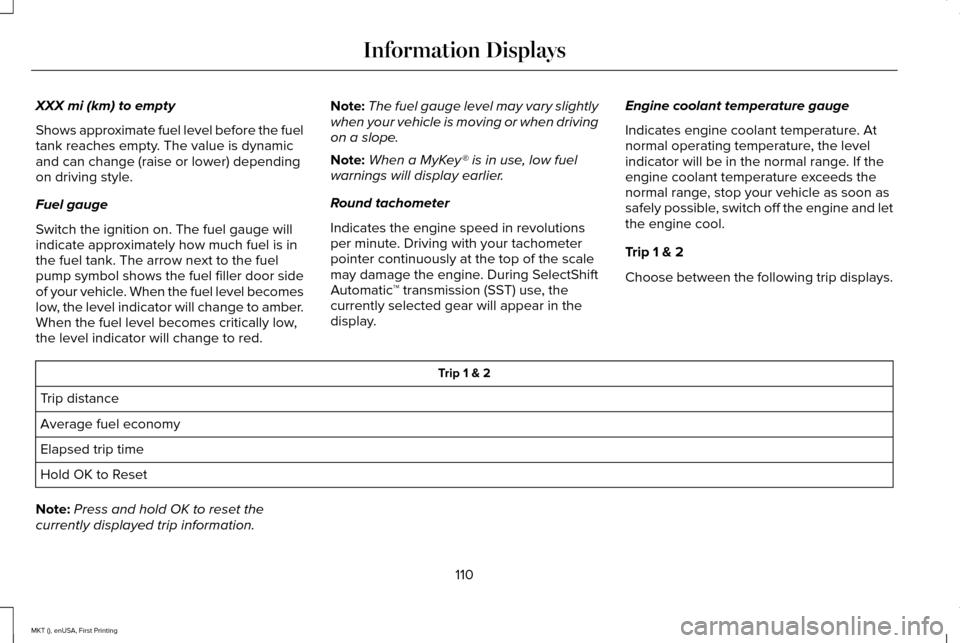
XXX mi (km) to empty
Shows approximate fuel level before the fuel
tank reaches empty. The value is dynamic
and can change (raise or lower) depending
on driving style.
Fuel gauge
Switch the ignition on. The fuel gauge will
indicate approximately how much fuel is in
the fuel tank. The arrow next to the fuel
pump symbol shows the fuel filler door side
of your vehicle. When the fuel level becomes
low, the level indicator will change to amber.
When the fuel level becomes critically low,
the level indicator will change to red.
Note:
The fuel gauge level may vary slightly
when your vehicle is moving or when driving
on a slope.
Note: When a MyKey® is in use, low fuel
warnings will display earlier.
Round tachometer
Indicates the engine speed in revolutions
per minute. Driving with your tachometer
pointer continuously at the top of the scale
may damage the engine. During SelectShift
Automatic ™ transmission (SST) use, the
currently selected gear will appear in the
display. Engine coolant temperature gauge
Indicates engine coolant temperature. At
normal operating temperature, the level
indicator will be in the normal range. If the
engine coolant temperature exceeds the
normal range, stop your vehicle as soon as
safely possible, switch off the engine and let
the engine cool.
Trip 1 & 2
Choose between the following trip displays. Trip 1 & 2
Trip distance
Average fuel economy
Elapsed trip time
Hold OK to Reset
Note: Press and hold OK to reset the
currently displayed trip information.
110
MKT (), enUSA, First Printing Information Displays
Page 121 of 452

AWD
Action
Message
The all-wheel drive system has automatically disabled itself due to the \
system overheating or
you are using the spare tire. The all-wheel drive system will resume normal function and clear
this message after cycling the ignition and driving a short distance wit\
h the road tire re-installed or after the system cools.
AWD OFF
Displayed in conjunction with the Throttle Control / Transmission / AWD light when the AWD
system is not operating properly. See Warning Lamps and Indicators (page 104). If the warning stays illuminated or continues to illuminate, contact an authorized dealer as soon as possible.
Check AWD
Battery and Charging System Action
Message
The charging system needs servicing. If the warning stays on or continue\
s to come on, contactan authorized dealer as soon as possible.
Check Charging System
The battery management system determines that the battery is at a low st\
ate of charge. Turn
the ignition off as soon as possible to protect the battery. This message will clear once the vehicle
has been started and the battery state of charge has recovered. Turning off unnecessary electrical loads will allow faster battery state-of-charge recovery.
Turn Power Off To Save Battery
Contact your authorized dealer as soon as possible.
Transport Mode Contact Dealer
Contact your authorized dealer as soon as possible.
Factory Mode Contact Dealer
118
MKT (), enUSA, First Printing Information Displays
Page 142 of 452
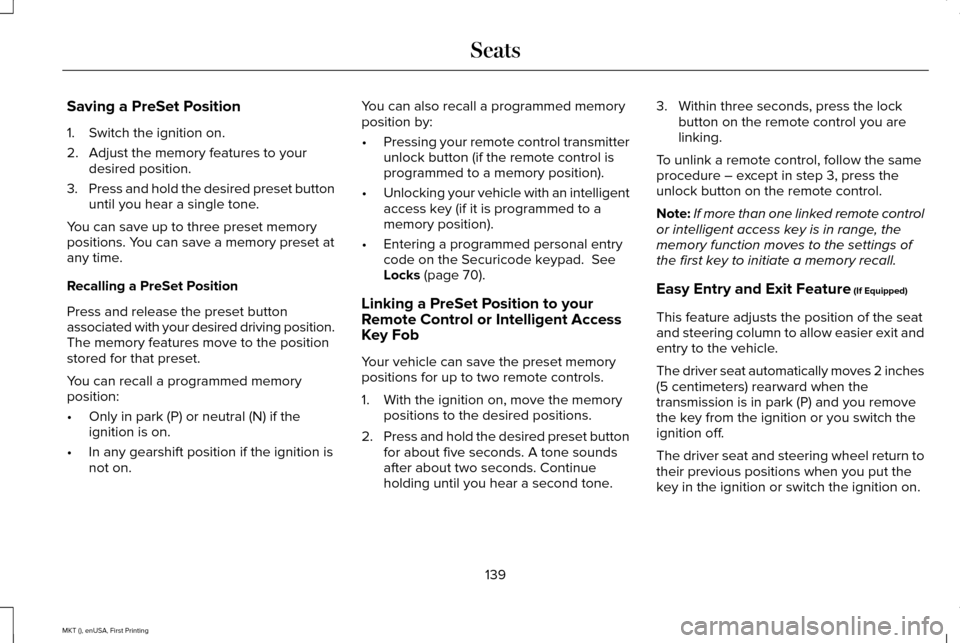
Saving a PreSet Position
1. Switch the ignition on.
2. Adjust the memory features to your
desired position.
3. Press and hold the desired preset button
until you hear a single tone.
You can save up to three preset memory
positions. You can save a memory preset at
any time.
Recalling a PreSet Position
Press and release the preset button
associated with your desired driving position.
The memory features move to the position
stored for that preset.
You can recall a programmed memory
position:
• Only in park (P) or neutral (N) if the
ignition is on.
• In any gearshift position if the ignition is
not on. You can also recall a programmed memory
position by:
•
Pressing your remote control transmitter
unlock button (if the remote control is
programmed to a memory position).
• Unlocking your vehicle with an intelligent
access key (if it is programmed to a
memory position).
• Entering a programmed personal entry
code on the Securicode keypad. See
Locks (page 70).
Linking a PreSet Position to your
Remote Control or Intelligent Access
Key Fob
Your vehicle can save the preset memory
positions for up to two remote controls.
1. With the ignition on, move the memory positions to the desired positions.
2. Press and hold the desired preset button
for about five seconds. A tone sounds
after about two seconds. Continue
holding until you hear a second tone. 3. Within three seconds, press the lock
button on the remote control you are
linking.
To unlink a remote control, follow the same
procedure – except in step 3, press the
unlock button on the remote control.
Note: If more than one linked remote control
or intelligent access key is in range, the
memory function moves to the settings of
the first key to initiate a memory recall.
Easy Entry and Exit Feature (If Equipped)
This feature adjusts the position of the seat
and steering column to allow easier exit and
entry to the vehicle.
The driver seat automatically moves 2 inches
(5 centimeters) rearward when the
transmission is in park (P) and you remove
the key from the ignition or you switch the
ignition off.
The driver seat and steering wheel return to
their previous positions when you put the
key in the ignition or switch the ignition on.
139
MKT (), enUSA, First Printing Seats
Page 165 of 452
Note:
You may have to press the push
button ignition switch twice to switch the
ignition on.
Start: Starts the engine.
• Press the brake pedal, and then press
the button for any length of time. An
indicator light on the button illuminates
when then ignition is on and when the
engine starts.
STARTING A GASOLINE ENGINE
When you start the engine, the idle speed
increases. This helps to warm up the engine.
If the engine idle speed does not slow down
automatically, have your vehicle checked by
an authorized dealer. Note:
You can crank the engine for a total
of 60 seconds without the engine starting
before the starting system temporarily
disables. The 60 seconds does not have to
be all at once. For example, if you crank the
engine three times for 20 seconds each time,
without the engine starting, you reached the
60-second time limit. A message appears
in the information display alerting you that
you exceeded the cranking time. You
cannot attempt to start the engine for at
least 15 minutes. After 15 minutes, you are
limited to a 15-second engine cranking time.
You need to wait 60 minutes before you can
crank the engine for 60 seconds again.
Before starting your vehicle, check the
following:
• Make sure all occupants have fastened
their safety belts.
• Make sure the headlamps and electrical
accessories are off.
• Make sure the parking brake is on.
• Make sure the transmission is in park (P).
Note: Do not touch the accelerator pedal. Note:
You must have your intelligent access
key in your vehicle to shift the transmission
out of park (P).
1. Fully depress the brake pedal.
2. Press the push button ignition switch.
The system does not function if:
• The passive key frequencies are jammed.
• The key battery has no charge.
If you are unable to start your vehicle, do the
following:
162
MKT (), enUSA, First Printing Starting and Stopping the Engine
Page 180 of 452
AUTOMATIC TRANSMISSION
WARNINGS
Always set the parking brake fully and
latch the gearshift in park (P). Turn the
ignition to the off position and remove the
key whenever you leave your vehicle. Do not apply the brake pedal and
accelerator pedal simultaneously.
Applying both pedals simultaneously for
more than three seconds will limit engine
rpm, which may result in difficulty maintaining
speed in traffic and could lead to serious
injury. Understanding the Positions of Your
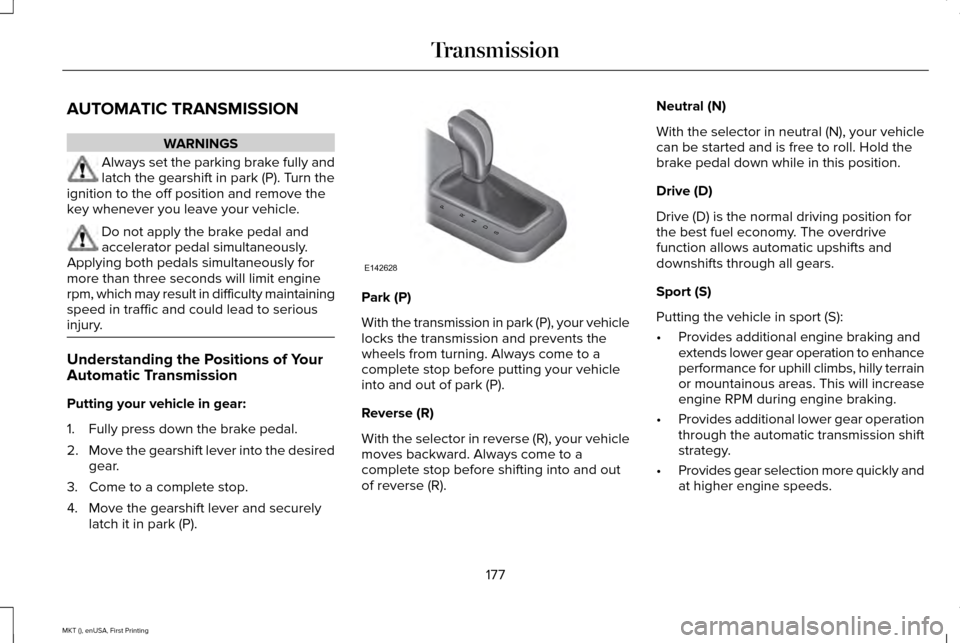
Automatic Transmission
Putting your vehicle in gear:
1. Fully press down the brake pedal.
2.
Move the gearshift lever into the desired
gear.
3. Come to a complete stop.
4. Move the gearshift lever and securely latch it in park (P). Park (P)
With the transmission in park (P), your vehicle
locks the transmission and prevents the
wheels from turning. Always come to a
complete stop before putting your vehicle
into and out of park (P).
Reverse (R)
With the selector in reverse (R), your vehicle
moves backward. Always come to a
complete stop before shifting into and out
of reverse (R).Neutral (N)
With the selector in neutral (N), your vehicle
can be started and is free to roll. Hold the
brake pedal down while in this position.
Drive (D)
Drive (D) is the normal driving position for
the best fuel economy. The overdrive
function allows automatic upshifts and
downshifts through all gears.
Sport (S)
Putting the vehicle in sport (S):
•
Provides additional engine braking and
extends lower gear operation to enhance
performance for uphill climbs, hilly terrain
or mountainous areas. This will increase
engine RPM during engine braking.
• Provides additional lower gear operation
through the automatic transmission shift
strategy.
• Provides gear selection more quickly and
at higher engine speeds.
177
MKT (), enUSA, First Printing TransmissionPRNDS
E142628