reset LINCOLN MKX 2007 User Guide
[x] Cancel search | Manufacturer: LINCOLN, Model Year: 2007, Model line: MKX, Model: LINCOLN MKX 2007Pages: 320, PDF Size: 2.72 MB
Page 86 of 320
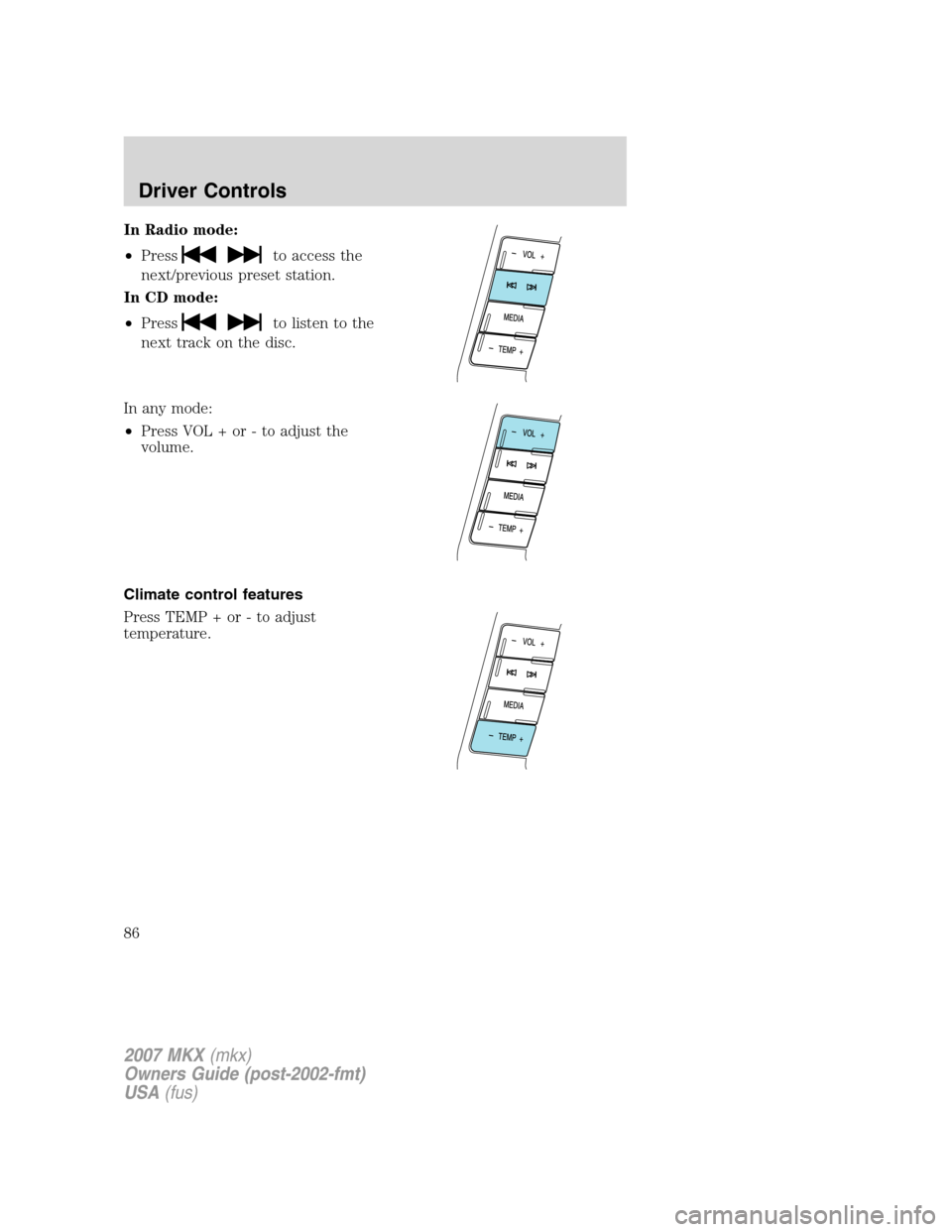
In Radio mode:
•Press
to access the
next/previous preset station.
In CD mode:
•Press
to listen to the
next track on the disc.
In any mode:
•Press VOL + or - to adjust the
volume.
Climate control features
Press TEMP + or - to adjust
temperature.
2007 MKX(mkx)
Owners Guide (post-2002-fmt)
USA(fus)
Driver Controls
86
Page 93 of 320
Selectable features
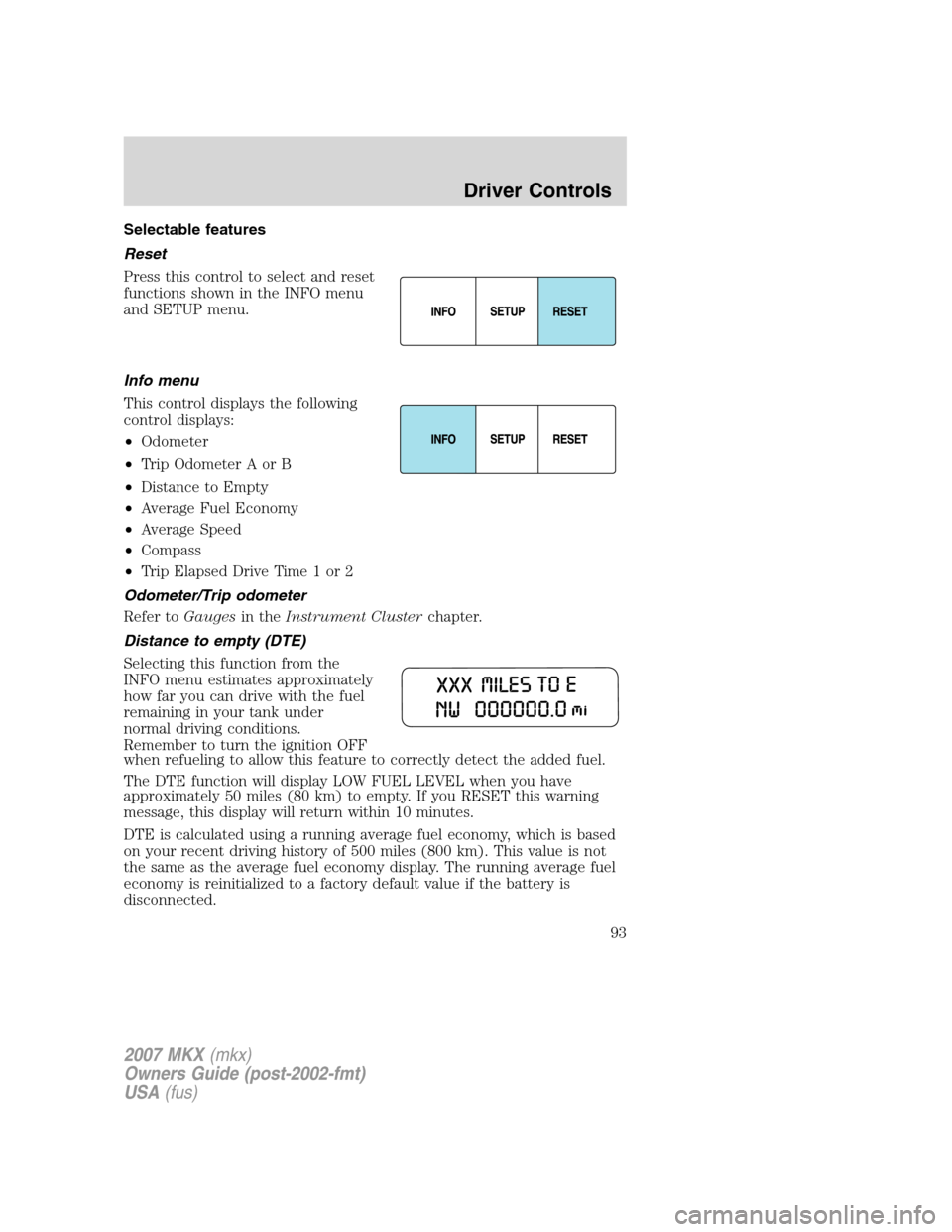
Reset
Press this control to select and reset
functions shown in the INFO menu
and SETUP menu.
Info menu
This control displays the following
control displays:
•Odometer
•Trip Odometer A or B
•Distance to Empty
•Average Fuel Economy
•Average Speed
•Compass
•Trip Elapsed Drive Time 1 or 2
Odometer/Trip odometer
Refer toGaugesin theInstrument Clusterchapter.
Distance to empty (DTE)
Selecting this function from the
INFO menu estimates approximately
how far you can drive with the fuel
remaining in your tank under
normal driving conditions.
Remember to turn the ignition OFF
when refueling to allow this feature to correctly detect the added fuel.
The DTE function will display LOW FUEL LEVEL when you have
approximately 50 miles (80 km) to empty. If you RESET this warning
message, this display will return within 10 minutes.
DTE is calculated using a running average fuel economy, which is based
on your recent driving history of 500 miles (800 km). This value is not
the same as the average fuel economy display. The running average fuel
economy is reinitialized to a factory default value if the battery is
disconnected.
2007 MKX(mkx)
Owners Guide (post-2002-fmt)
USA(fus)
Driver Controls
93
Page 94 of 320
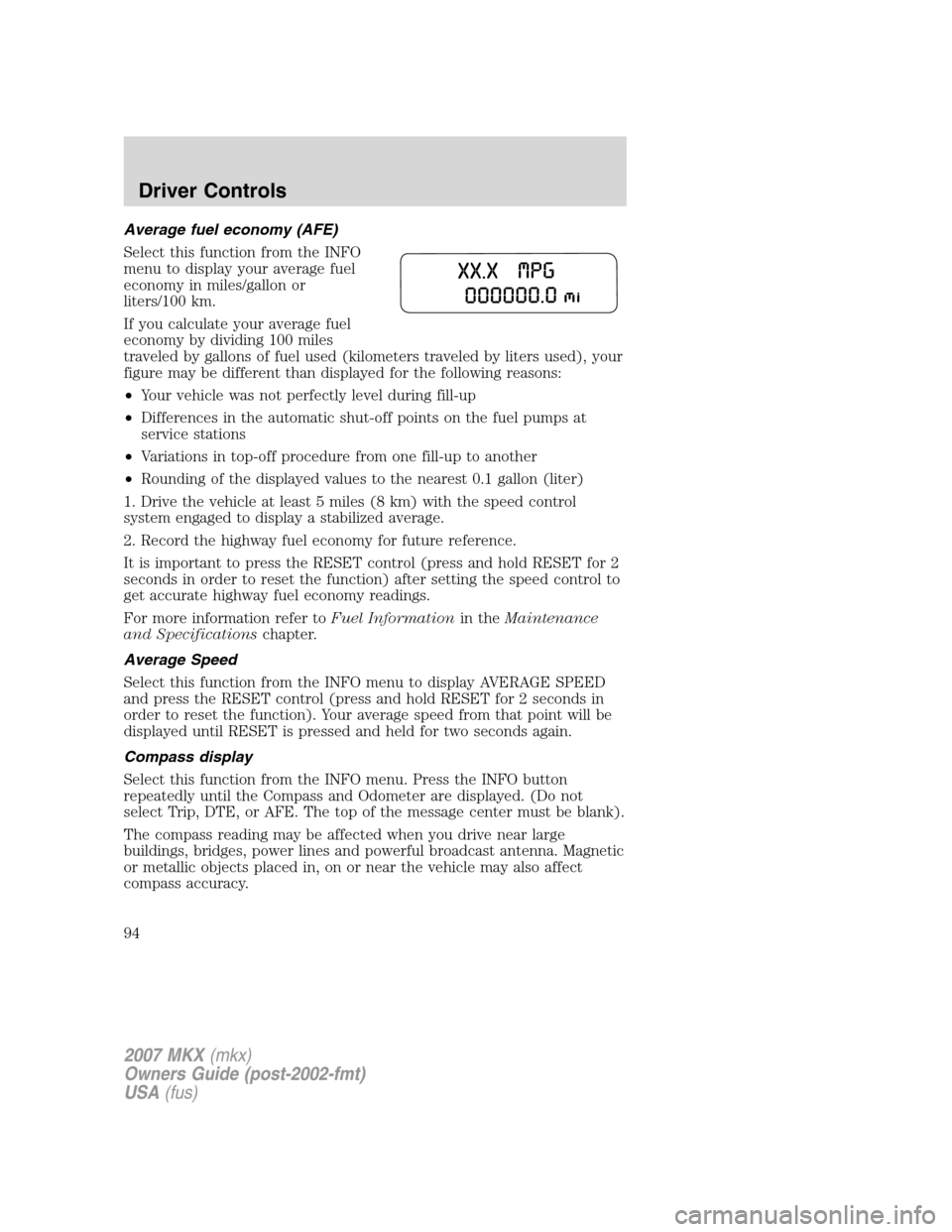
Average fuel economy (AFE)
Select this function from the INFO
menu to display your average fuel
economy in miles/gallon or
liters/100 km.
If you calculate your average fuel
economy by dividing 100 miles
traveled by gallons of fuel used (kilometers traveled by liters used), your
figure may be different than displayed for the following reasons:
•Your vehicle was not perfectly level during fill-up
•Differences in the automatic shut-off points on the fuel pumps at
service stations
•Variations in top-off procedure from one fill-up to another
•Rounding of the displayed values to the nearest 0.1 gallon (liter)
1. Drive the vehicle at least 5 miles (8 km) with the speed control
system engaged to display a stabilized average.
2. Record the highway fuel economy for future reference.
It is important to press the RESET control (press and hold RESET for 2
seconds in order to reset the function) after setting the speed control to
get accurate highway fuel economy readings.
For more information refer toFuel Informationin theMaintenance
and Specificationschapter.
Average Speed
Select this function from the INFO menu to display AVERAGE SPEED
and press the RESET control (press and hold RESET for 2 seconds in
order to reset the function). Your average speed from that point will be
displayed until RESET is pressed and held for two seconds again.
Compass display
Select this function from the INFO menu. Press the INFO button
repeatedly until the Compass and Odometer are displayed. (Do not
select Trip, DTE, or AFE. The top of the message center must be blank).
The compass reading may be affected when you drive near large
buildings, bridges, power lines and powerful broadcast antenna. Magnetic
or metallic objects placed in, on or near the vehicle may also affect
compass accuracy.
2007 MKX(mkx)
Owners Guide (post-2002-fmt)
USA(fus)
Driver Controls
94
Page 96 of 320
5. Press and hold the RESET until
the message center display changes
to show the current zone setting.
6. Release the RESET control, then
slowly press RESET down again.
7. Press the SETUP control
repeatedly until the correct zone
setting for your geographic location
is displayed on the message center. To exit the zone setting mode press
and release the RESET control.
8. Press the RESET control to start
the compass calibration function.
9. Slowly drive the vehicle in a
circle (less than 3 mph [5 km/h])
until the CIRCLE SLOWLY TO
CALIBRATE indicator changes to
CALIBRATION COMPLETED. This
will take up to three circles to complete calibration.
10. The compass is now calibrated.
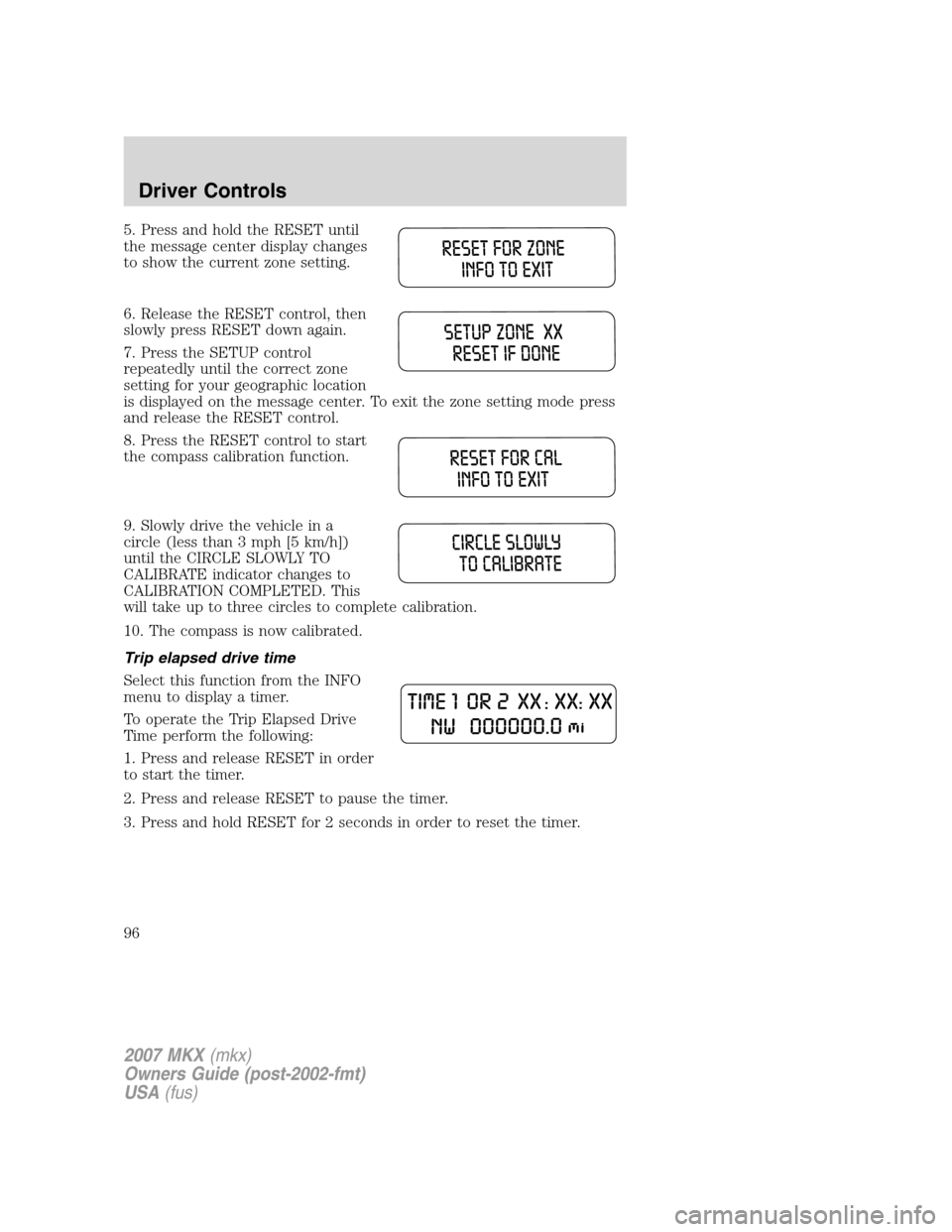
Trip elapsed drive time
Select this function from the INFO
menu to display a timer.
To operate the Trip Elapsed Drive
Time perform the following:
1. Press and release RESET in order
to start the timer.
2. Press and release RESET to pause the timer.
3. Press and hold RESET for 2 seconds in order to reset the timer.
2007 MKX(mkx)
Owners Guide (post-2002-fmt)
USA(fus)
Driver Controls
96
Page 97 of 320
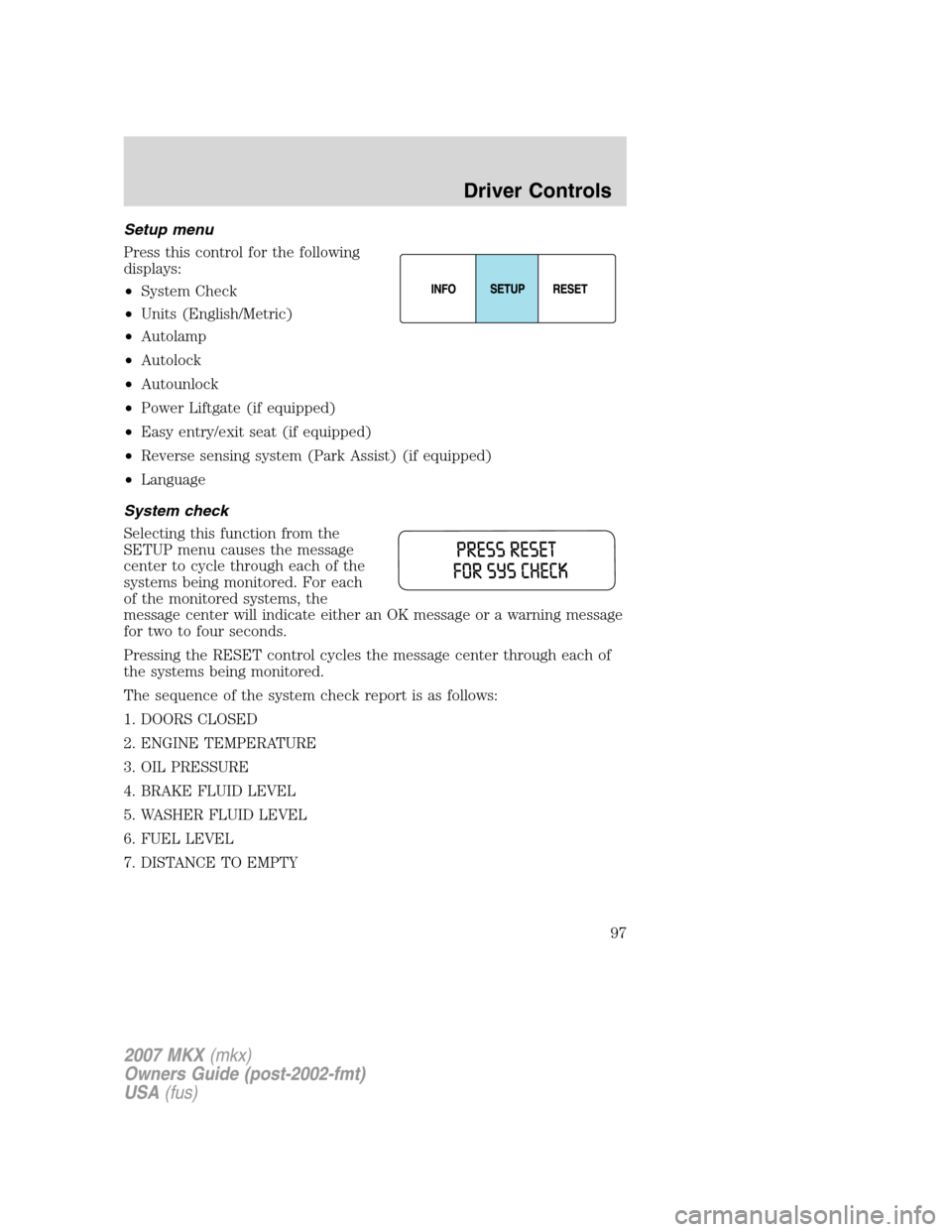
Setup menu
Press this control for the following
displays:
•System Check
•Units (English/Metric)
•Autolamp
•Autolock
•Autounlock
•Power Liftgate (if equipped)
•Easy entry/exit seat (if equipped)
•Reverse sensing system (Park Assist) (if equipped)
•Language
System check
Selecting this function from the
SETUP menu causes the message
center to cycle through each of the
systems being monitored. For each
of the monitored systems, the
message center will indicate either an OK message or a warning message
for two to four seconds.
Pressing the RESET control cycles the message center through each of
the systems being monitored.
The sequence of the system check report is as follows:
1. DOORS CLOSED
2. ENGINE TEMPERATURE
3. OIL PRESSURE
4. BRAKE FLUID LEVEL
5. WASHER FLUID LEVEL
6. FUEL LEVEL
7. DISTANCE TO EMPTY
2007 MKX(mkx)
Owners Guide (post-2002-fmt)
USA(fus)
Driver Controls
97
Page 98 of 320
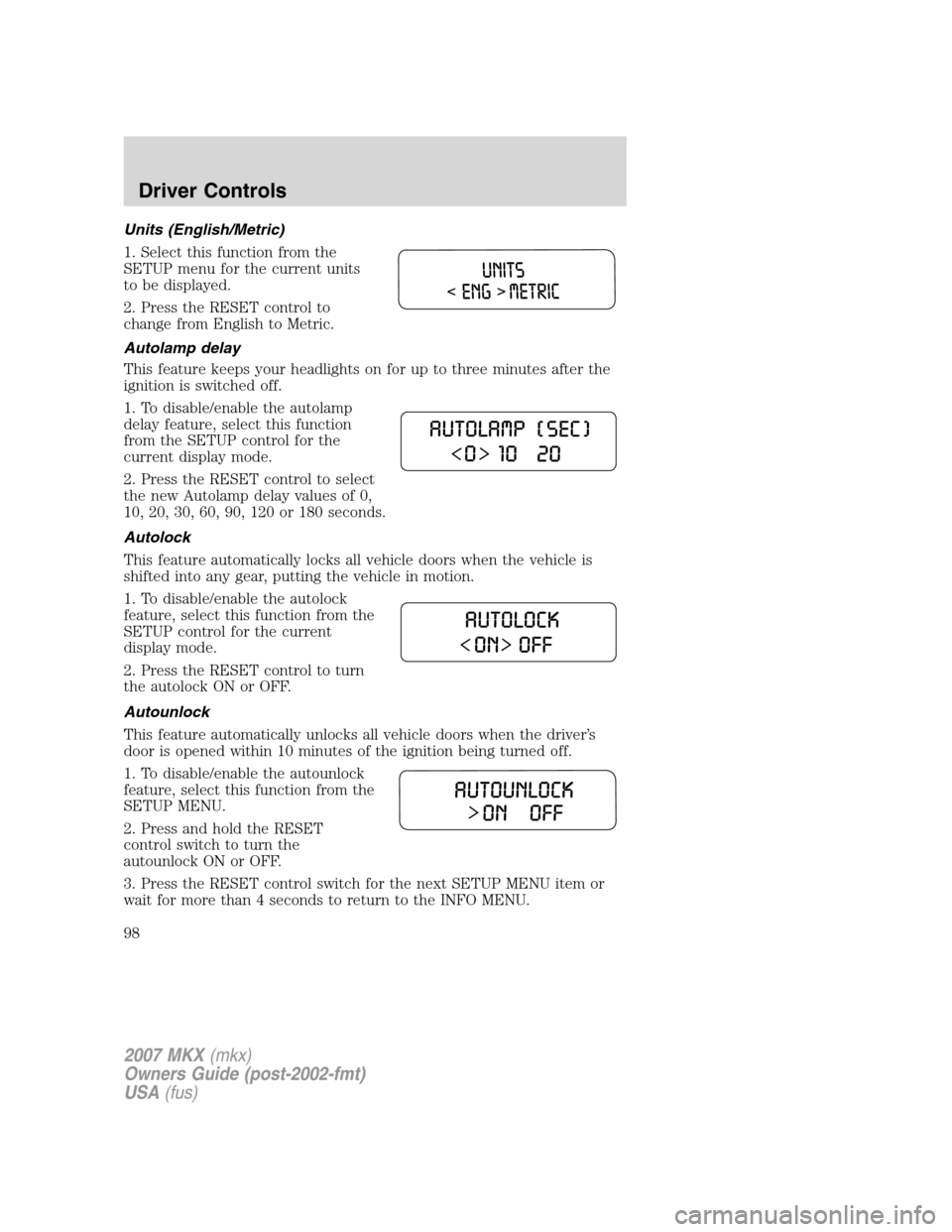
Units (English/Metric)
1. Select this function from the
SETUP menu for the current units
to be displayed.
2. Press the RESET control to
change from English to Metric.
Autolamp delay
This feature keeps your headlights on for up to three minutes after the
ignition is switched off.
1. To disable/enable the autolamp
delay feature, select this function
from the SETUP control for the
current display mode.
2. Press the RESET control to select
the new Autolamp delay values of 0,
10, 20, 30, 60, 90, 120 or 180 seconds.
Autolock
This feature automatically locks all vehicle doors when the vehicle is
shifted into any gear, putting the vehicle in motion.
1. To disable/enable the autolock
feature, select this function from the
SETUP control for the current
display mode.
2. Press the RESET control to turn
the autolock ON or OFF.
Autounlock
This feature automatically unlocks all vehicle doors when the driver’s
door is opened within 10 minutes of the ignition being turned off.
1. To disable/enable the autounlock
feature, select this function from the
SETUP MENU.
2. Press and hold the RESET
control switch to turn the
autounlock ON or OFF.
3. Press the RESET control switch for the next SETUP MENU item or
wait for more than 4 seconds to return to the INFO MENU.
2007 MKX(mkx)
Owners Guide (post-2002-fmt)
USA(fus)
Driver Controls
98
Page 99 of 320
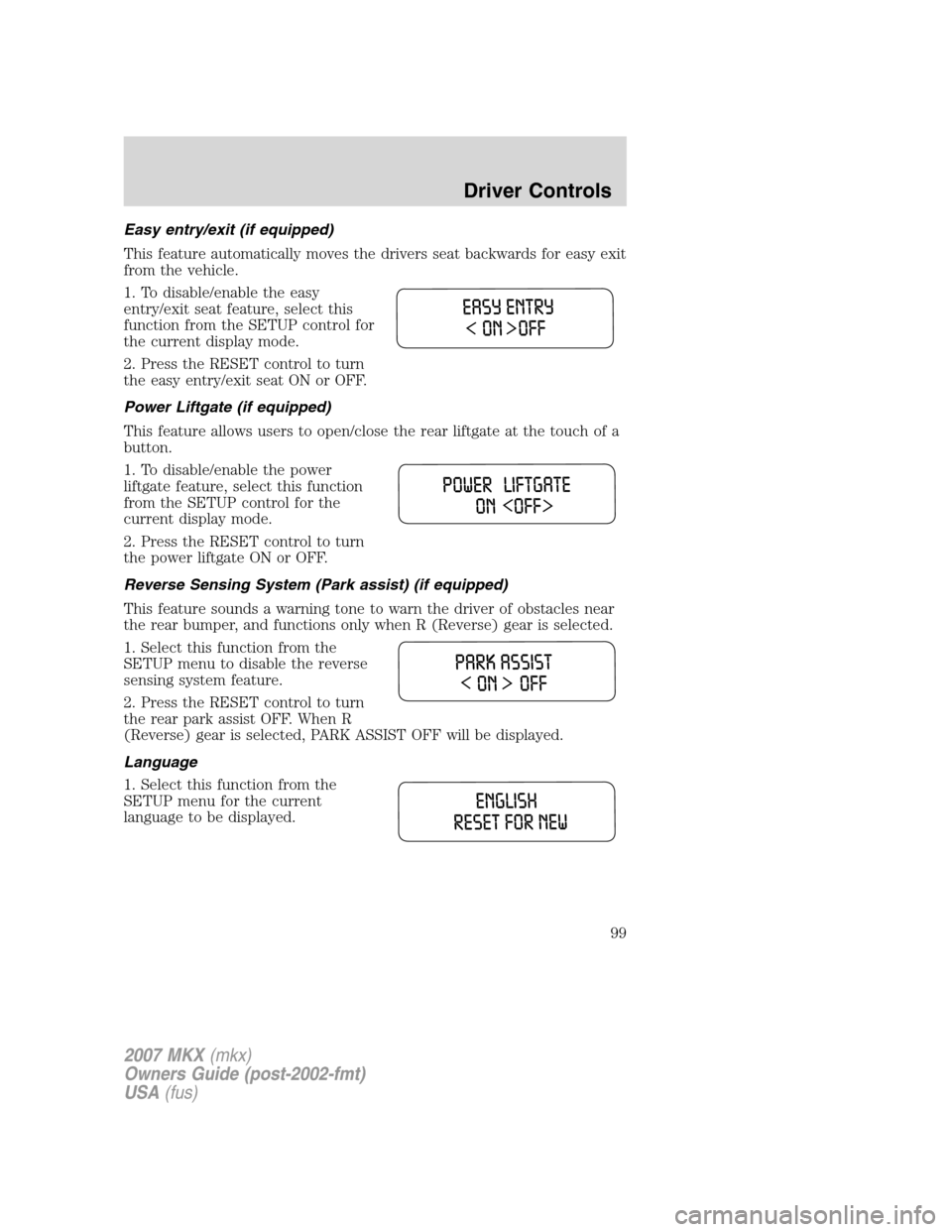
Easy entry/exit (if equipped)
This feature automatically moves the drivers seat backwards for easy exit
from the vehicle.
1. To disable/enable the easy
entry/exit seat feature, select this
function from the SETUP control for
the current display mode.
2. Press the RESET control to turn
the easy entry/exit seat ON or OFF.
Power Liftgate (if equipped)
This feature allows users to open/close the rear liftgate at the touch of a
button.
1. To disable/enable the power
liftgate feature, select this function
from the SETUP control for the
current display mode.
2. Press the RESET control to turn
the power liftgate ON or OFF.
Reverse Sensing System (Park assist) (if equipped)
This feature sounds a warning tone to warn the driver of obstacles near
the rear bumper, and functions only when R (Reverse) gear is selected.
1. Select this function from the
SETUP menu to disable the reverse
sensing system feature.
2. Press the RESET control to turn
the rear park assist OFF. When R
(Reverse) gear is selected, PARK ASSIST OFF will be displayed.
Language
1. Select this function from the
SETUP menu for the current
language to be displayed.
2007 MKX(mkx)
Owners Guide (post-2002-fmt)
USA(fus)
Driver Controls
99
Page 100 of 320
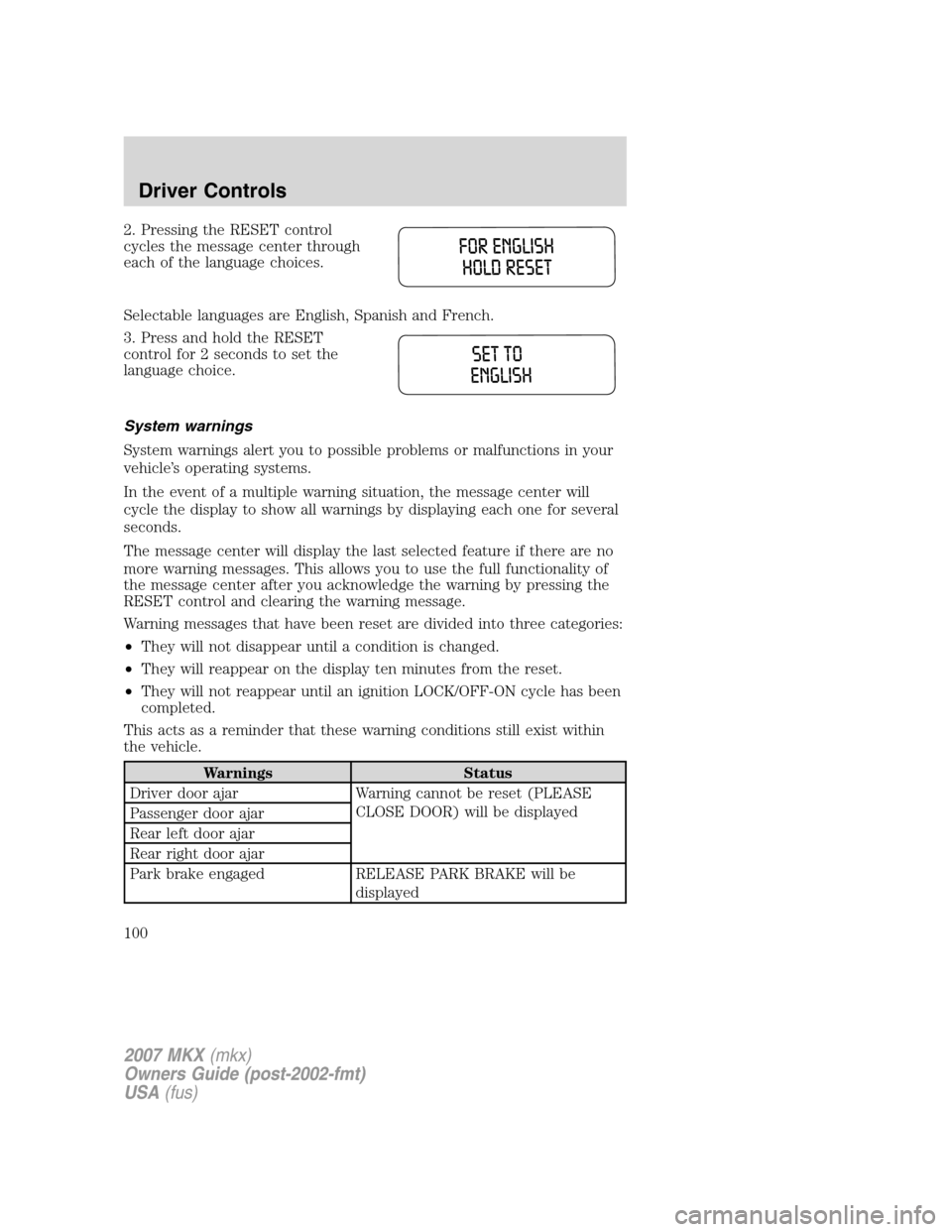
2. Pressing the RESET control
cycles the message center through
each of the language choices.
Selectable languages are English, Spanish and French.
3. Press and hold the RESET
control for 2 seconds to set the
language choice.
System warnings
System warnings alert you to possible problems or malfunctions in your
vehicle’s operating systems.
In the event of a multiple warning situation, the message center will
cycle the display to show all warnings by displaying each one for several
seconds.
The message center will display the last selected feature if there are no
more warning messages. This allows you to use the full functionality of
the message center after you acknowledge the warning by pressing the
RESET control and clearing the warning message.
Warning messages that have been reset are divided into three categories:
•They will not disappear until a condition is changed.
•They will reappear on the display ten minutes from the reset.
•They will not reappear until an ignition LOCK/OFF-ON cycle has been
completed.
This acts as a reminder that these warning conditions still exist within
the vehicle.
Warnings Status
Driver door ajar Warning cannot be reset (PLEASE
CLOSE DOOR) will be displayed
Passenger door ajar
Rear left door ajar
Rear right door ajar
Park brake engaged RELEASE PARK BRAKE will be
displayed
2007 MKX(mkx)
Owners Guide (post-2002-fmt)
USA(fus)
Driver Controls
100
Page 106 of 320
Resetting the power liftgate:
The power liftgate may not operate properly and may need to be reset if
any of these conditions occur:
•a low voltage or dead battery or disconnected battery
•the liftgate has been left open or unlatched for more than six (6)
hours
To reset the power liftgate:
1. Ensure the battery is properly connected and charged.
2. Manually close and fully latch the liftgate.
3. Power open the liftgate by using the integrated keyhead transmitter,
or the instrument panel control button. The outside liftgate control
button can also be used if the power liftgate is enabled in the Message
Center.
Note:If the battery is disconnected, discharged, or a new battery is
installed, the power liftgate needs to be power opened to the full open
position to reset the power liftgate positions.
MANUAL LIFTGATE (IF EQUIPPED)
The liftgate cargo area is only intended for cargo, not for passengers. You
can open and close the liftgate from outside the vehicle. It cannot be
opened from inside the cargo area.
Note:In the event of a power failure, the latch can be accessed and
released through the access panel in the liftgate trim.
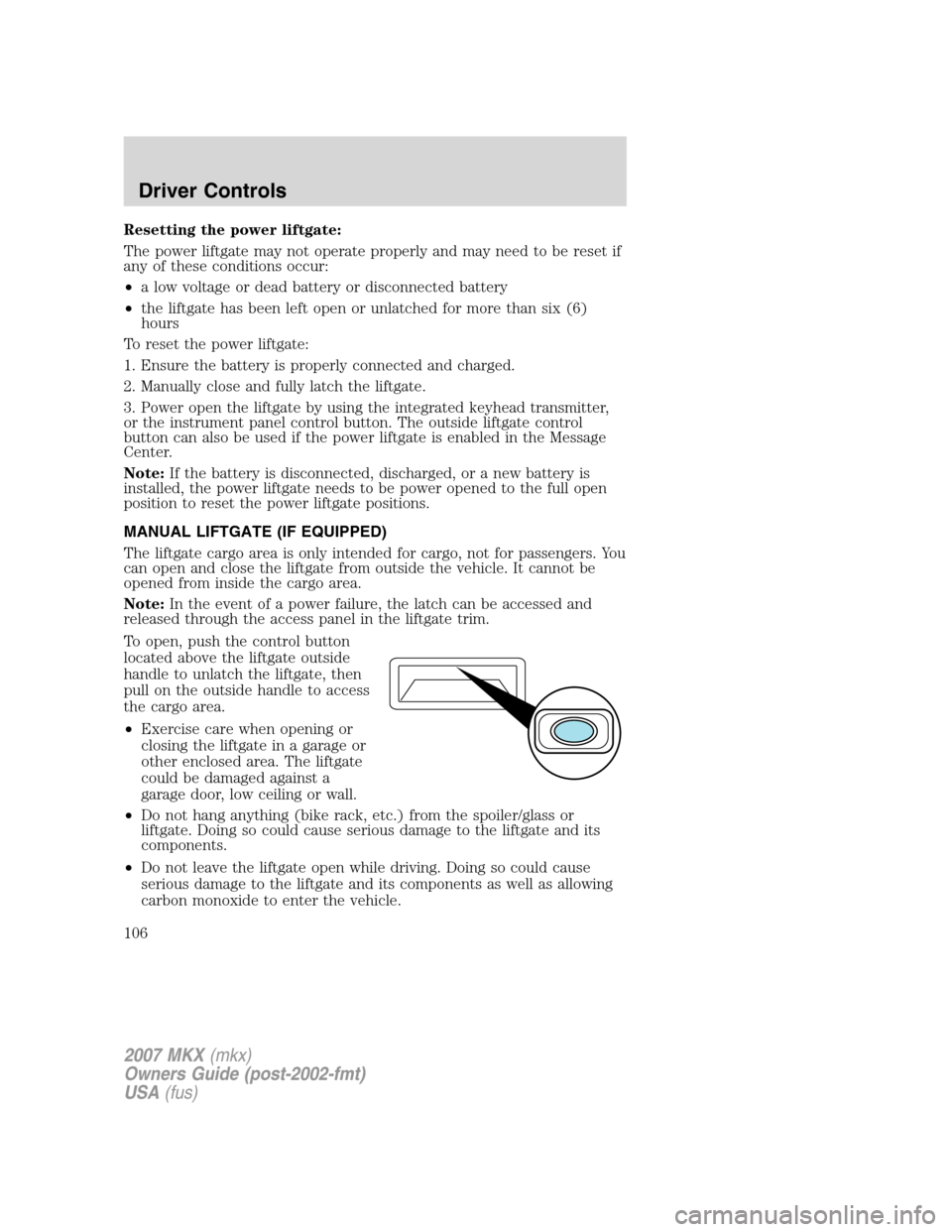
To open, push the control button
located above the liftgate outside
handle to unlatch the liftgate, then
pull on the outside handle to access
the cargo area.
•Exercise care when opening or
closing the liftgate in a garage or
other enclosed area. The liftgate
could be damaged against a
garage door, low ceiling or wall.
•Do not hang anything (bike rack, etc.) from the spoiler/glass or
liftgate. Doing so could cause serious damage to the liftgate and its
components.
•Do not leave the liftgate open while driving. Doing so could cause
serious damage to the liftgate and its components as well as allowing
carbon monoxide to enter the vehicle.
2007 MKX(mkx)
Owners Guide (post-2002-fmt)
USA(fus)
Driver Controls
106
Page 117 of 320
Note:The ignition must be in the 1 (LOCK) position and the accessory
delay feature must be not activated in order for this feature to operate.
Locking the doors
1. Pressand release to lock all the doors. The turn lamps will flash.
2. Press
and release again within five seconds to confirm that all the
doors are closed.Note:The doors will lock again, the horn will chirp and
the turn lamps will flash once if all the doors and liftgate are closed.
Note:If any door or the liftgate is not closed, or if the hood is not
closed in vehicles equipped with the perimeter alarm feature, the horn
will chirp twice and the lamps will not flash.
Opening the power liftgate (if equipped)
Presstwice within 3 seconds to fully unlatch and open the liftgate.
Make sure all persons are clear of the liftgate area before using
power liftgate control.
In order to fully lower and latch the liftgate, press the control twice.
If the liftgate stops mid travel, it may have detected an obstacle, Check
to ensure the liftgate swing zone is free from obstruction and reset the
power assist by manually closing the liftgate. Normal operation can then
be resumed.
Make sure the liftgate is closed to prevent exhaust fumes from
being drawn into the vehicle. This will also prevent passengers
and cargo from falling out. If you must drive with the liftgate open,
keep the vents open so outside air comes into the vehicle.
Car finder
Press
twice within 3 seconds. The horn will chirp and the turn lamps
will flash. It is recommended that this method be used to locate your
vehicle, rather than using the panic alarm.
Sounding a panic alarm
Press and hold
for 1.5 seconds to activate the alarm. The horn will
sound and the turn lamps will flash for a maximum of 3 minutes. The
alarm can be deactivated with a short press and release of
,by
turning the ignition to RUN, or by allowing the alarm to time out after 3
minutes.
2007 MKX(mkx)
Owners Guide (post-2002-fmt)
USA(fus)
Locks and Security
117