Seek LINCOLN MKX 2017 User Guide
[x] Cancel search | Manufacturer: LINCOLN, Model Year: 2017, Model line: MKX, Model: LINCOLN MKX 2017Pages: 587, PDF Size: 5.4 MB
Page 423 of 587
download continues where it left off at the
next Wi-Fi connected opportunity. Upon
activation of an update, a banner displays
on the touchscreen indicating the system
update. Select the icon to see more detail.
This icon displays for two ignition cycles.
To switch this feature off:
Menu Item
Settings
General In this menu selection, you
can change the selection for
automatic updates to OFF.
Automatic
System
Updates
Support
The SYNC support team is available to help
you with any questions you are not able to
answer on your own.
Monday-Saturday, 8:30am-8:00pm EST. United States: 1-800-521-4140.
Canada: 1-800-387-9333.
Times are subject to change due to holidays.
Privacy Information
When you connect a cellular phone to SYNC
3, the system creates a profile within your
vehicle that links to that cellular phone. This
profile helps in offering you more cellular
features and operating more efficiently.
Among other things, this profile may contain
data about your cellular phone book, text
messages (read and unread), and call history,
including history of calls when your cell
phone was not connected to the system. In
addition, if you connect a media device, the
system creates and retains an index of
supported media content. The system also
records a short diagnostic log of
approximately 10 minutes of all recent system
activity. The log profile and other system data
may be used to improve the system and help
diagnose any problems that may occur.The cellular profile, media device index, and
diagnostic log remain in your vehicle unless
you delete them and are generally accessible
only in your vehicle when the cellular phone
or media player is connected.
If you no longer plan to use the system or
your vehicle, we recommend you perform a
Master Reset to erase all stored information.
You can find more information about the
Master Reset in General Settings. See
Settings (page 472). System data cannot be
accessed without special equipment and
access to your vehicle's SYNC 3 module. The
Lincoln Motor Company does not access the
system data for any purpose other than as
described absent consent, a court order, or
where required by law enforcement, other
government authorities, or other third parties
acting with lawful authority. Other parties
may seek to access the information
independently of The Lincoln Motor
Company.
420
MKX (CD9) Canada/United States of America, enUSA, First Printing SYNC™ 3
Page 438 of 587
Menu item
Bluetooth Stereo If you have SYNC 3 compatible apps on your connected smart phone, they display here as individual source selections.
Apps
1 This feature may not be available in all markets and requires an active subscription.
AM/FM Radio
Tuning a Station
You can use the tune or seek controls on the
radio bezel to select a station.
To tune a station using the touchscreen,
select: Menu item
Direct Tune
A pop up appears, allowing you to type in
the frequency of a station. You can only enter
a valid station for the source you are
currently listening to.
You can press the backspace button to
delete the previously entered number. Once you have entered the station's call
numbers, you can select: Action and description
Menu item
Press to begin
playing the station
you have entered.
Enter
Press to exit without
changing the station.
Cancel
Presets
To set a new preset, tune to the station and
then press and hold one of the memory
preset buttons. The audio mutes briefly while
the system saves the station and then
returns. There are two preset banks available for AM
and three banks for FM. To access additional
presets, tap the preset button. The indicator
on the preset button shows which bank of
presets you are currently viewing.
SIRIUS® Satellite Radio (If Activated)
Note:
This feature may not be available in
all markets and requires an active
subscription. 435
MKX (CD9) Canada/United States of America, enUSA, First Printing SYNC™ 3E234451
Page 470 of 587
Menu Item
The waypoint list then appears and you are able to re-order all of your
waypoints by selecting the menu icon on the right hand side of the
location. You can select up to five waypoints.
Add Waypoint
Optimize Order
You can also have the system set the order for you by pressing:
Go
To return to your route, press:
cityseeker (If Equipped)
Note: cityseeker point of interest (POI)
information is limited to approximately 1,110
cities (1,049 in the United States, 36 in
Canada and 15 in Mexico). cityseeker, when available, is a service that
provides more information about certain
points of interest such as restaurants, hotels
and attractions.
When you have selected a point of interest,
the location and information appear, such as
address, phone number and a star rating.
Press
More Information to see a photo, a
review, a list of services and facilities, the
average room or meal price and the web
address. This screen displays the point of
interest icons.
For restaurants, cityseeker can provide
information such as star rating, average cost,
review, handicap access, hours of operation,
and website address. For hotels, cityseeker can provide
information such as star rating, price
category, review, check-in and checkout
times, hotel service icons and website
address. Hotel service icons include:
•
Restaurant
• Business center
• Handicap facilities
• Laundry
• Refrigerator
• 24 hour room service
• Fitness center
• Internet access
467
MKX (CD9) Canada/United States of America, enUSA, First Printing SYNC™ 3E225487
Page 471 of 587
•
Pool
• Wi-Fi
Attractions include nearby landmarks,
amusement parks, historic buildings and
more. cityseeker can provide information
such as star rating, reviews, hour of operation
and admission price.
SiriusXM Traffic and Travel Link
SiriusXM Traffic and Travel Link is available
on vehicles equipped with navigation and
only in select markets. You must activate and
subscribe to receive SiriusXM Traffic and
Travel Link information. It helps you locate
the best gas prices, find movie listings, get
current traffic alerts, view the weather map,
get accurate ski conditions and see current
sports scores. See Apps (page 468).
The system calculates a reasonable efficient
route based on available speed limits, traffic,
and road conditions. You may know a local
short cut that is more efficient at a given time
than the route provided by SYNC 3, but you
should expect a slight difference in minutes
or miles with the SYNC 3 route. Navigation Map Updates
Annual navigation map updates are available
for purchase through your dealership, by
calling 1-866-462-8837 in the United States
and Canada or 01-800-557-5539 in Mexico.
You can also visit:
Website
www.navigation.com/sync
You need to specify the make and model of
your vehicle to determine if there is an
update available.
HERE is the digital map provider for the
navigation application. If you find map data
errors, you may report them directly to HERE
by going to www.here.com/mapcreator.
HERE evaluates all reported map errors and
responds with the result of their investigation
by e-mail.
Map coverage includes the USA (including
Puerto Rico and the US Virgin Islands),
Canada and Mexico. APPS
The system enables voice, steering wheel,
and touch screen control of SYNC 3 AppLink
enabled smartphone apps. Once an app is
running through AppLink, you can control
main features of the app through voice
commands and steering wheel controls.
Note:
Available AppLink enabled apps will
vary by market.
Note: You must pair and connect your
smartphone via Bluetooth to SYNC 3 to
access AppLink.
Note: iPhone users need to connect the
phone to the USB port.
Note: For information on available apps,
supported smartphone devices and
troubleshooting tips please visit: Websites
owner.lincoln.com
www.syncmyride.ca
468
MKX (CD9) Canada/United States of America, enUSA, First Printing SYNC™ 3
Page 506 of 587
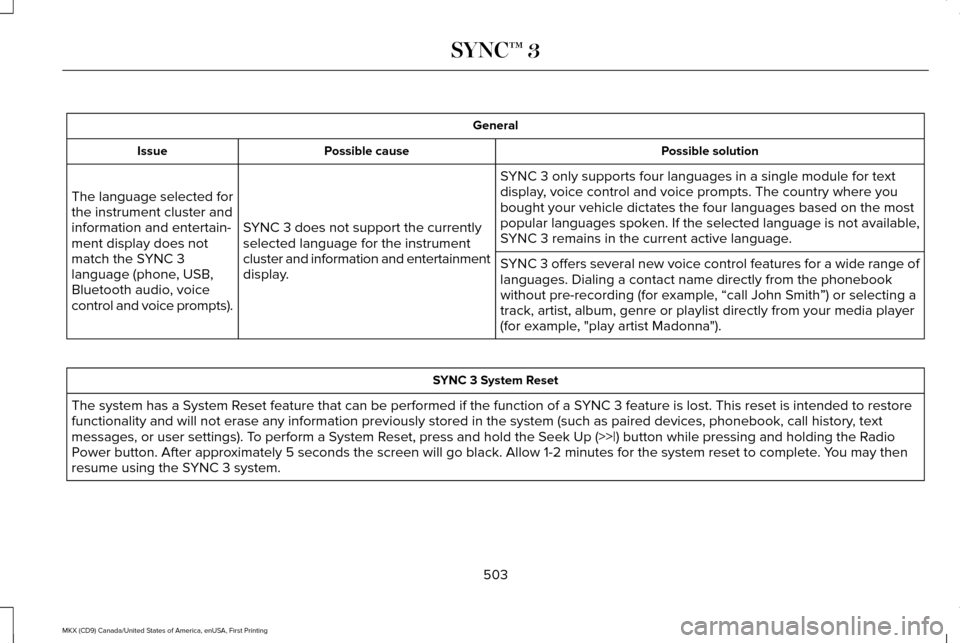
General
Possible solution
Possible cause
Issue
SYNC 3 only supports four languages in a single module for text
display, voice control and voice prompts. The country where you
bought your vehicle dictates the four languages based on the most
popular languages spoken. If the selected language is not available,
SYNC 3 remains in the current active language.
SYNC 3 does not support the currently
selected language for the instrument
cluster and information and entertainment
display.
The language selected for
the instrument cluster and
information and entertain-
ment display does not
match the SYNC 3
language (phone, USB,
Bluetooth audio, voice
control and voice prompts).
SYNC 3 offers several new voice control features for a wide range of
languages. Dialing a contact name directly from the phonebook
without pre-recording (for example, “call John Smith
”) or selecting a
track, artist, album, genre or playlist directly from your media player
(for example, "play artist Madonna"). SYNC 3 System Reset
The system has a System Reset feature that can be performed if the function of a SYNC 3 feature is lost. This reset is intended to restore
functionality and will not erase any information previously stored in th\
e system (such as paired devices, phonebook, call history , text
messages, or user settings). To perform a System Reset, press and hold the Seek Up (>>|) button while pressing and holdi\
ng the Radio
Power button. After approximately 5 seconds the screen will go black. Allow 1-2 minutes for the s\
ystem reset to complete. You may then
resume using the SYNC 3 system.
503
MKX (CD9) Canada/United States of America, enUSA, First Printing SYNC™ 3
Page 554 of 587
(c) Small claims court. You may also litigate
any dispute in small claims court in your
county of residence or FORD MOTOR
COMPANY’S principal place of business, if
the dispute meets all requirements to be
heard in the small claims court. You may
litigate in small claims court whether or not
You negotiated informally first.
(d) Binding arbitration. If You and FORD
MOTOR COMPANY, do not resolve any
dispute by informal negotiation or in small
claims court, any other effort to resolve the
dispute will be conducted exclusively by
binding arbitration. You are giving up the
right to litigate (or participate in as a party or
class member) all disputes in court before a
judge or jury. Instead, all disputes will be
resolved before a neutral arbitrator, whose
decision will be final except for a limited right
of appeal under the Federal Arbitration Act.
Any court with jurisdiction over the parties
may enforce the arbitrator’ s award.(e) Class action waiver.
Any proceedings to
resolve or litigate any dispute in any forum
will be conducted solely on an individual
basis. Neither you nor FORD MOTOR
COMPANY, will seek to have any dispute
heard as a class action, as a private attorney
general action, or in any other proceeding
in which any party acts or proposes to act in
a representative capacity. No arbitration or
proceeding will be combined with another
without the prior written consent of all parties
to all affected arbitrations or proceedings.
(f ) Arbitration procedure.
Any arbitration
will be conducted by the American
Arbitration Association (the “ AAA”), under its
Commercial Arbitration Rules. If You are an
individual and use the SOFTWARE for
personal or vehicle use, or if the value of the
dispute is $75,000 or less whether or not
You are an individual or how You use the
SOFTWARE, the AAA Supplementary
Procedures for Consumer-Related Disputes
will also apply. To commence arbitration,
submit a Commercial Arbitration Rules
Demand for Arbitration form to the AAA. You
may request a telephonic or in-person
hearing by following the AAA rules. In a dispute involving $10,000 or less, any
hearing will be telephonic unless the
arbitrator finds good cause to hold an
in-person hearing instead. For more
information, see adr.org or call
1-800-778-7879. You agree to commence
arbitration only in your county of residence
or FORD MOTOR COMPANY’S principal
place of business. The arbitrator may award
the same damages to You individually as a
court could. The arbitrator may award
declaratory or injunctive relief only to You
individually, and only to the extent required
to satisfy Your individual claim.
(g) Arbitration fees and incentives.
•
I. Disputes involving $75,000 or less.
FORD MOTOR COMPANY will promptly
reimburse your filing fees and pay the
AAA’ s and arbitrator’ s fees and
expenses. If you reject FORD MOTOR
COMPANY’S last written settlement offer
made before the arbitrator was appointed
(“last written offer”), your dispute goes
all the way to an arbitrator’ s decision
(called an “award”), and the arbitrator
awards you more than the last written
offer, FORD MOTOR COMPANY will give
551
MKX (CD9) Canada/United States of America, enUSA, First Printing Appendices
Page 555 of 587
you three incentives: (1) pay the greater
of the award or $1,000; (2) pay twice your
reasonable attorney’
s fees, if any; and (3)
reimburse any expenses (including expert
witness fees and costs) that your attorney
reasonably accrues for investigating,
preparing, and pursuing your claim in
arbitration. The arbitrator will determine
the amounts.
• ii. Disputes involving more than $75,000.
The AAA rules will govern payment of
filing fees and the AAA’ s and arbitrator’s
fees and expenses.
• iii. Disputes involving any amount. In any
arbitration you commence, FORD
MOTOR COMPANY will seek its AAA or
arbitrator’ s fees and expenses, or Your
filing fees it reimbursed, only if the
arbitrator finds the arbitration frivolous
or brought for an improper purpose. In
any arbitration FORD MOTOR COMPANY
commences, it will pay all filing, AAA, and
arbitrator’ s fees and expenses. It will not
seek its attorney’ s fees or expenses from
you in any arbitration. Fees and expenses
are not counted in determining how
much a dispute involves. (h) Claims or disputes must be filed within
one year. To the extent permitted by law,
any claim or dispute under this EULA to
which this Section applies must be filed
within one year in small claims court (Section
c) or in arbitration (Section d). The one-year
period begins when the claim or dispute first
could be filed. If such a claim or dispute is
not filed within one year, it is permanently
barred.
(I) Severability.
If the class action waiver
(Section e) is found to be illegal or
unenforceable as to all or some parts of a
dispute, then that portion of Section e will
not apply to those parts. Instead, those parts
will be severed and proceed in a court of
law, with the remaining parts proceeding in
arbitration. If any other provision of that
portion Section e is found to be illegal or
unenforceable, that provision will be severed
with the remainder of Section e remaining in
full force and effect. Telenav Software End User License
Agreement
Please read these terms and conditions
carefully before you use the TeleNav
Software. Your use of the TeleNav Software
indicates that you accept these terms and
conditions. If you do not accept these terms
and conditions, do not break the seal of the
package, launch, or otherwise use the
TeleNav Software. TeleNav may revise this
Agreement and the privacy policy at any
time, with or without notice to you. You agree
to visit http://www.telenav.com from time to
time to review the then current version of
this Agreement and of the privacy policy.
1. Safe and Lawful Use
You acknowledge that devoting attention to
the TeleNav Software may pose a risk of
injury or death to you and others in situations
that otherwise require your undivided
attention, and you therefore agree to comply
with the following when using the TeleNav
Software:
(a) observe all traffic laws and otherwise drive
safely;
552
MKX (CD9) Canada/United States of America, enUSA, First Printing Appendices
Page 562 of 587
Entire Agreement. These terms and
conditions constitute the entire agreement
between Telenav (and its licensors, including
their licensors and suppliers) and you
pertaining to the subject matter hereof, and
supersedes in their entirety any and all
written or oral agreements previously
existing between us with respect to such
subject matter.
Governing Law.
The above terms and
conditions shall be governed by the laws of
the State of Illinois [insert “Netherlands ”
where European HERE Data is used], without
giving effect to (i) its conflict of laws
provisions, or (ii) the United Nations
Convention for Contracts for the International
Sale of Goods, which is explicitly excluded.
You agree to submit to the jurisdiction of the
State of Illinois [insert “The Netherlands ”
where European HERE Data is used] for any
and all disputes, claims and actions arising
from or in connection with the Data provided
to you hereunder. Government End Users. If the Data is being
acquired by or on behalf of the United States
government or any other entity seeking or
applying rights similar to those customarily
claimed by the United States government,
this Data is a “commercial item
” as that term
is defined at 48 C.F.R. (“FAR ”) 2.101, is
licensed in accordance with these End-User
Terms, and each copy of Data delivered or
otherwise furnished shall be marked and
embedded as appropriate with the following
“Notice of Use, ” and shall be treated in
accordance with such Notice: NOTICE OF USE
CONTRACTOR (MANUFACTURER/ SUPPLIER) NAME: HERE
CONTRACTOR (MANUFACTURER/
SUPPLIER) ADDRESS: c/o Nokia, 425 West Randolph Street, Chicago, Illinois 60606
This Data is a commercial item as defined in FAR 2.101 and is subject to these End- User Terms under which this Data was provided.
© 1987 – 2014 HERE – All rights reserved. If the Contracting Officer, federal government
agency, or any federal official refuses to use
the legend provided herein, the Contracting
Officer, federal government agency, or any
federal official must notify HERE prior to
seeking additional or alternative rights in the
Data.
I. US/Canada Territory A. United States Data. The End-User
Terms for any Application containing Data
for the United States shall contain the
following notices: “HERE holds a non-exclusive license
from the United States Postal Service®
to publish and sell ZIP+4® information. ”
“©United States Postal Service® 20XX.
Prices are not established, controlled or
approved by the United States Postal
Service®. The following trademarks and
registrations are owned by the USPS:
United States Postal Service, USPS, and
ZIP+4. ”
559
MKX (CD9) Canada/United States of America, enUSA, First Printing Appendices
Page 576 of 587
3
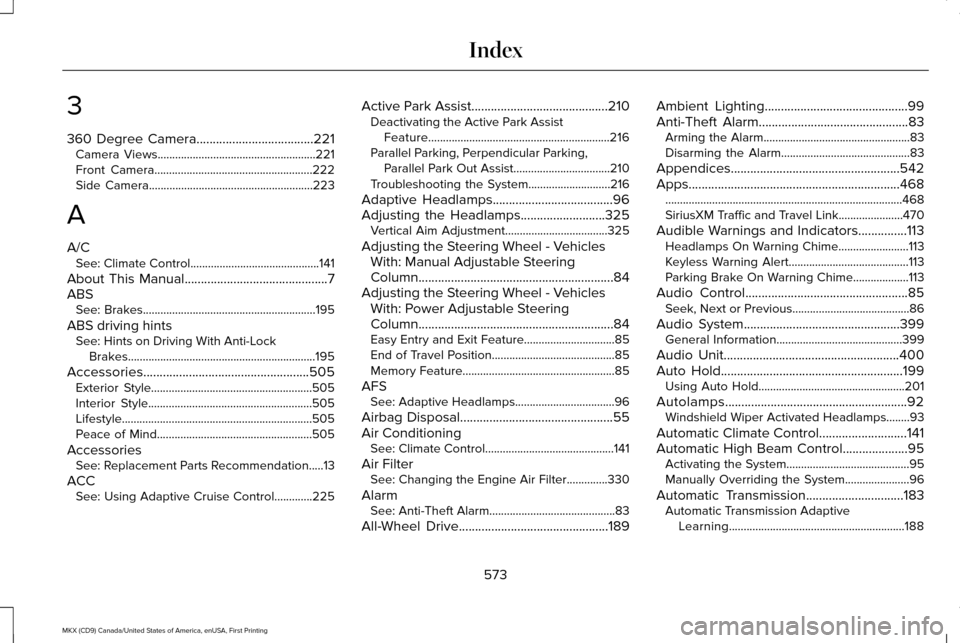
360 Degree Camera....................................221
Camera Views......................................................221
Front Camera......................................................222
Side Camera........................................................223
A
A/C See: Climate Control............................................141
About This Manual............................................7
ABS See: Brakes...........................................................195
ABS driving hints See: Hints on Driving With Anti-Lock
Brakes................................................................195
Accessories...................................................505 Exterior Style.......................................................505
Interior Style........................................................505
Lifestyle.................................................................505
Peace of Mind.....................................................505
Accessories See: Replacement Parts Recommendation.....13
ACC See: Using Adaptive Cruise Control.............225 Active Park Assist
..........................................210
Deactivating the Active Park Assist
Feature..............................................................216
Parallel Parking, Perpendicular Parking, Parallel Park Out Assist.................................210
Troubleshooting the System............................216
Adaptive Headlamps
.....................................96
Adjusting the Headlamps..........................325 Vertical Aim Adjustment...................................325
Adjusting the Steering Wheel - Vehicles With: Manual Adjustable Steering
Column............................................................84
Adjusting the Steering Wheel - Vehicles With: Power Adjustable Steering
Column............................................................84
Easy Entry and Exit Feature...............................85
End of Travel Position..........................................85
Memory Feature....................................................85
AFS See: Adaptive Headlamps..................................
96
Airbag Disposal
...............................................55
Air Conditioning See: Climate Control............................................141
Air Filter See: Changing the Engine Air Filter..............330
Alarm See: Anti-Theft Alarm...........................................83
All-Wheel Drive..............................................189 Ambient Lighting............................................99
Anti-Theft Alarm
..............................................83
Arming the Alarm..................................................83
Disarming the Alarm............................................83
Appendices....................................................542
Apps .................................................................
468
........................................................................\
.........468
SiriusXM Traffic and Travel Link......................470
Audible Warnings and Indicators...............113 Headlamps On Warning Chime........................113
Keyless Warning Alert.........................................113
Parking Brake On Warning Chime
...................113
Audio Control
..................................................85
Seek, Next or Previous........................................86
Audio System................................................399 General Information...........................................399
Audio Unit
......................................................400
Auto Hold........................................................199 Using Auto Hold..................................................201
Autolamps........................................................92 Windshield Wiper Activated Headlamps........93
Automatic Climate Control...........................141
Automatic High Beam Control....................95 Activating the System..........................................95
Manually Overriding the System......................
96
Automatic Transmission..............................183 Automatic Transmission Adaptive
Learning............................................................188
573
MKX (CD9) Canada/United States of America, enUSA, First Printing Index
Page 582 of 587
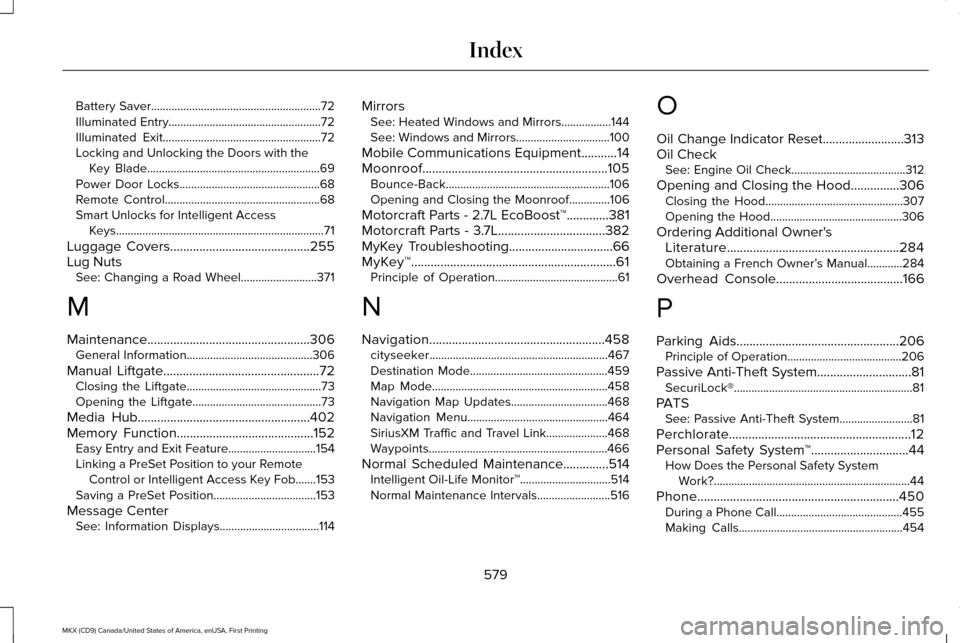
Battery Saver..........................................................72
Illuminated Entry....................................................72
Illuminated Exit......................................................72
Locking and Unlocking the Doors with the
Key Blade...........................................................69
Power Door Locks................................................68
Remote Control.....................................................68
Smart Unlocks for Intelligent Access Keys.......................................................................71
Luggage Covers...........................................255
Lug Nuts See: Changing a Road Wheel..........................371
M
Maintenance..................................................306 General Information...........................................306
Manual Liftgate
................................................72
Closing the Liftgate..............................................73
Opening the Liftgate............................................73
Media Hub
.....................................................402
Memory Function..........................................152 Easy Entry and Exit Feature..............................154
Linking a PreSet Position to your Remote
Control or Intelligent Access Key Fob.......153
Saving a PreSet Position...................................153
Message Center See: Information Displays..................................114 Mirrors
See: Heated Windows and Mirrors.................144
See: Windows and Mirrors................................100
Mobile Communications Equipment
...........14
Moonroof.........................................................105 Bounce-Back........................................................106
Opening and Closing the Moonroof..............106
Motorcraft Parts - 2.7L EcoBoost™
.............381
Motorcraft Parts - 3.7L.................................382
MyKey Troubleshooting
................................66
MyKey™...............................................................61 Principle of Operation..........................................61
N
Navigation......................................................458 cityseeker.............................................................467
Destination Mode...............................................459
Map Mode............................................................458
Navigation Map Updates.................................468
Navigation Menu................................................464
SiriusXM Traffic and Travel Link.....................468
Waypoints.............................................................466
Normal Scheduled Maintenance
..............514
Intelligent Oil-Life Monitor™...............................514
Normal Maintenance Intervals.........................516 O
Oil Change Indicator Reset.........................313
Oil Check
See: Engine Oil Check.......................................312
Opening and Closing the Hood...............306 Closing the Hood...............................................307
Opening the Hood.............................................306
Ordering Additional Owner's Literature
.....................................................284
Obtaining a French Owner’ s Manual............284
Overhead Console.......................................166
P
Parking Aids
..................................................206
Principle of Operation.......................................206
Passive Anti-Theft System.............................81 SecuriLock®.............................................................81
PATS See: Passive Anti-Theft System.........................
81
Perchlorate........................................................12
Personal Safety System ™
..............................44
How Does the Personal Safety System
Work?...................................................................44
Phone..............................................................450 During a Phone Call...........................................455
Making Calls........................................................454
579
MKX (CD9) Canada/United States of America, enUSA, First Printing Index