power steering LINCOLN MKZ 2015 Owner's Manual
[x] Cancel search | Manufacturer: LINCOLN, Model Year: 2015, Model line: MKZ, Model: LINCOLN MKZ 2015Pages: 516, PDF Size: 4.48 MB
Page 338 of 516
U.S. DOT Tire Identification Number
Both U.S. and Canada Federal
regulations require tire manufacturers
to place standardized information on the
sidewall of all tires. This information
identifies and describes the fundamental
characteristics of the tire and also
provides a U.S. DOT Tire Identification
Number for safety standard certification
and in case of a recall.
This begins with the letters DOT and
indicates that the tire meets all federal
standards. The next two numbers or
letters are the plant code designating
where it was manufactured, the next two
are the tire size code and the last four
numbers represent the week and year
the tire was built. For example, the
numbers 317 mean the 31st week of
1997. After 2000 the numbers go to four
digits. For example, 2501 means the
25th week of 2001. The numbers in
between are identification codes used
for traceability. This information is used
to contact customers if a tire defect
requires a recall.
Tire Replacement Requirements
Your vehicle is equipped with tires
designed to provide a safe ride and
handling capability.
WARNINGS
Only use replacement tires and
wheels that are the same size, load
index, speed rating and type (such as
P-metric versus LT-metric or all-season
versus all-terrain) as those originally
provided by Ford. The recommended
tire and wheel size may be found on
either the Safety Compliance
Certification Label (affixed to either the
door hinge pillar, door-latch post, or the
door edge that meets the door-latch
post, next to the driver's seating
position), or the Tire Label which is
located on the B-Pillar or edge of the
driver’ s door. If this information is not
found on these labels then you should
contact your authorized dealer as soon
as possible. Use of any tire or wheel not
recommended by Ford can affect the
safety and performance of your vehicle,
which could result in an increased risk WARNINGS
of loss of vehicle control, vehicle
rollover, personal injury and death.
Additionally the use of
non-recommended tires and wheels
could cause steering, suspension, axle,
transfer case or power transfer unit
failure. If you have questions regarding
tire replacement, contact your
authorized dealer as soon as possible. To reduce the risk of serious injury,
when mounting replacement tires
and wheels, you should not exceed the
maximum pressure indicated on the
sidewall of the tire to set the beads
without additional precautions listed
below. If the beads do not seat at the
maximum pressure indicated,
re-lubricate and try again
When inflating the tire for mounting
pressures up to 20 psi (1.38 bar) greater
than the maximum pressure on the tire
sidewall, the following precautions must
be taken to protect the person mounting
the tire:
335
MKZ (), enUSA Wheels and Tires
Page 380 of 516
Press to select any of the following:
•
Services
• Travel Link
• Alerts
• Calendar
• Apps
ENTERTAINMENT
Press to select any of the following:
• AM
• FM
• SIRIUS
• CD
• USB
• BT Stereo
• SD Card
• A/V In Using the Touch-Sensitive Controls on
Your System
To turn a feature on and off, just touch the
graphic with your finger. To get the best
performance from the touch-sensitive
controls:
•
Do not press hard on the controls. They
are sensitive to light touch.
• Use your bare finger to touch the center
of a touch-control graphic. Touching
off-center of the graphic may affect
operation of a nearby control.
• Make sure your hands are clean and dry.
• Since the touchscreen operates based
on the touch of a finger, you may have
trouble using it if you are wearing gloves.
• Keep metal and other conductive
material away from the surface of the
touchscreen as this may cause electronic
interference (for example, inadvertently
turning on a feature other than the one
you meant to turn on). Depending on your vehicle and option
package, you may also have these controls
on your bezel:
•
Power: Switch the media or climate
features off and on.
• VOL:
Control the volume of playing
media.
• Seek
and Tune: Use as you normally
would in media modes.
• Eject:
Eject a CD from the entertainment
system.
• Climate control: Control the temperature,
fan speed or settings of the climate
control system.
Using Your Steering Wheel Controls
Depending on your vehicle and option
package, you can use your steering wheel
controls to interact with the touchscreen
system.
• VOL: Control the volume of audio output.
• Mute:
Mute the audio output.
• Voice:
Press to start a voice session.
Press again and hold to end a voice
session.
377
MKZ (), enUSA MyLincoln Touch™
Page 381 of 516
•
SEEK and PHONE ACCEPT:
• While in radio mode, press to seek
between memory presets or press
and hold to seek between stations.
• While in USB or CD mode, press to
seek between stations or press and
hold to fast seek.
• While in phone mode, press to
answer a call, or to switch between
calls.
• SEEK
and PHONE REJECT:
• While in radio mode, press to seek
between memory presets or press
and hold to seek between stations.
• While in USB or CD mode, press to
seek between stations or press and
hold to fast seek.
• While in phone mode, press to end a
call, or to reject and incoming call.
See
Steering Wheel (page 78). Cleaning the Touchscreen Display
Use a clean, soft cloth such as one used for
cleaning glasses. If dirt or fingerprints are
still visible, apply a small amount of alcohol
to the cloth. Do not pour or spray alcohol
onto the display. Do not use detergent or
any type of solvent to clean the display.
Support
The SYNC support team is available to help
you with any questions you are not able to
answer on your own.
Monday-Saturday, 8:30am-9:00pm EST.
Sunday, 10:30am-7:30pm EST.
In the United States, call: 1-800-392-3673.
In Canada, call: 1-800-565-3673.
Times are subject to change due to holidays.
Safety Information WARNING
Driving while distracted can result in
loss of vehicle control, crash and injury.
We strongly recommend that you use
extreme caution when using any device that
may take your focus off the road. Your
primary responsibility is the safe operation
of your vehicle. We recommend against the
use of any hand-held device while driving
and encourage the use of voice-operated
systems when possible. Make sure you are
aware of all applicable local laws that may
affect the use of electronic devices while
driving. •
Do not attempt to service or repair the
system. See an authorized dealer.
• Do not operate playing devices if the
power cords or cables are broken, split
or damaged. Place cords and cables out
of the way, so they do not interfere with
the operation of pedals, seats,
compartments or safe driving abilities.
378
MKZ (), enUSA MyLincoln Touch™
Page 441 of 516
To make sure that 911 Assist works properly:
•
SYNC must be powered and working
properly at the time of the incident and
throughout feature activation and use.
• The 911 Assist feature must be set on
prior to the incident.
• You must pair and connect a
Bluetooth-enabled and compatible phone
to SYNC.
• A connected Bluetooth-enabled phone
must have the ability to make and
maintain an outgoing call at the time of
the incident.
• A connected Bluetooth-enabled phone
must have adequate network coverage,
battery power and signal strength.
• The vehicle must have battery power and
be located in the United States, Canada
or in a territory in which 911 is the
emergency number. In the Event of a Crash
Not all crashes deploy an airbag or activate
the fuel pump shut-off (which would trigger
911 Assist); however, SYNC tries to contact
emergency services if 911 Assist triggers. If
a connected phone sustains damage or loses
connection to SYNC, SYNC searches for, and
tries to connect to, any available previously
paired phone and tries to make the call to
911.
Before making the call:
•
SYNC provides a short window of time
(about 10 seconds) to cancel the call. If
you fail to cancel the call, SYNC attempts
to dial 911.
• SYNC says the following, or a similar
message: "SYNC will attempt to call 911,
to cancel the call, press Cancel on your
screen or press and hold the phone
button on your steering wheel." If you do not cancel the call, and SYNC
makes a successful call, a pre-recorded
message plays for the 911 operator, and then
the occupant(s) in your vehicle is able to talk
with the operator. Be prepared to provide
your name, phone number and location
immediately, because not all 911 systems are
capable of receiving this information
electronically.
911 Assist May Not Work If
•
Your cellular phone or 911 Assist
hardware sustains damage in a crash.
• The vehicle's battery or the SYNC system
has no power.
• The phones(s) previously paired or
connected to the system are thrown from
the vehicle.
911 Assist Privacy Notice
When you turn on 911 Assist, it may disclose
to emergency services that your vehicle has
been in a crash involving the deployment of
an airbag or activation of the fuel pump
shut-off. Certain versions or updates to 911
Assist may also be capable of electronically
438
MKZ (), enUSA MyLincoln Touch™
Page 504 of 516
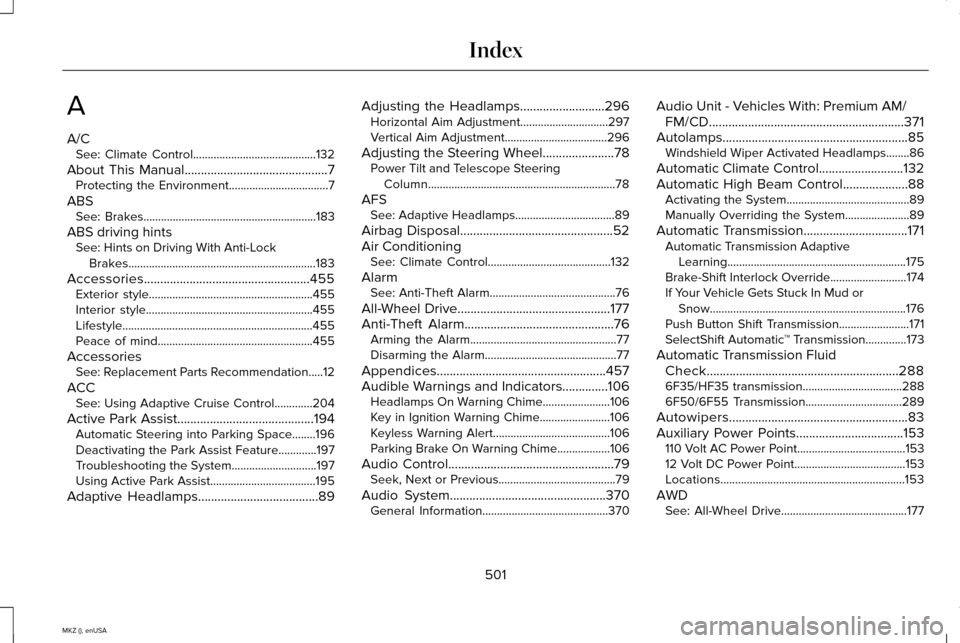
A
A/C
See: Climate Control..........................................132
About This Manual............................................7
Protecting the Environment..................................7
ABS See: Brakes...........................................................183
ABS driving hints See: Hints on Driving With Anti-Lock
Brakes................................................................183
Accessories...................................................455 Exterior style........................................................455
Interior style.........................................................455
Lifestyle.................................................................455
Peace of mind.....................................................455
Accessories See: Replacement Parts Recommendation.....12
ACC See: Using Adaptive Cruise Control.............204
Active Park Assist..........................................194 Automatic Steering into Parking Space........196
Deactivating the Park Assist Feature.............197
Troubleshooting the System.............................197
Using Active Park Assist....................................195
Adaptive Headlamps.....................................89 Adjusting the Headlamps
..........................296
Horizontal Aim Adjustment..............................297
Vertical Aim Adjustment...................................296
Adjusting the Steering Wheel......................78 Power Tilt and Telescope Steering
Column................................................................78
AFS See: Adaptive Headlamps..................................89
Airbag Disposal...............................................52
Air Conditioning See: Climate Control..........................................132
Alarm See: Anti-Theft Alarm...........................................76
All-Wheel Drive
...............................................177
Anti-Theft Alarm..............................................76
Arming the Alarm..................................................77
Disarming the Alarm.............................................77
Appendices....................................................457
Audible Warnings and Indicators
..............106
Headlamps On Warning Chime.......................106
Key in Ignition Warning Chime........................106
Keyless Warning Alert........................................106
Parking Brake On Warning Chime..................
106
Audio Control
...................................................79
Seek, Next or Previous........................................79
Audio System
................................................370
General Information...........................................370 Audio Unit - Vehicles With: Premium AM/
FM/CD............................................................371
Autolamps.........................................................85 Windshield Wiper Activated Headlamps........86
Automatic Climate Control
..........................132
Automatic High Beam Control....................88
Activating the System..........................................89
Manually Overriding the System......................89
Automatic Transmission................................171 Automatic Transmission Adaptive
Learning.............................................................175
Brake-Shift Interlock Override..........................174
If Your Vehicle Gets Stuck In Mud or Snow...................................................................176
Push Button Shift Transmission........................
171
SelectShift Automatic ™ Transmission..............173
Automatic Transmission Fluid Check...........................................................288
6F35/HF35 transmission..................................288
6F50/6F55 Transmission.................................289
Autowipers.......................................................83
Auxiliary Power Points.................................153 110 Volt AC Power Point.....................................153
12 Volt DC Power Point......................................153
Locations...............................................................153
AWD See: All-Wheel Drive...........................................177
501
MKZ (), enUSA Index
Page 509 of 516
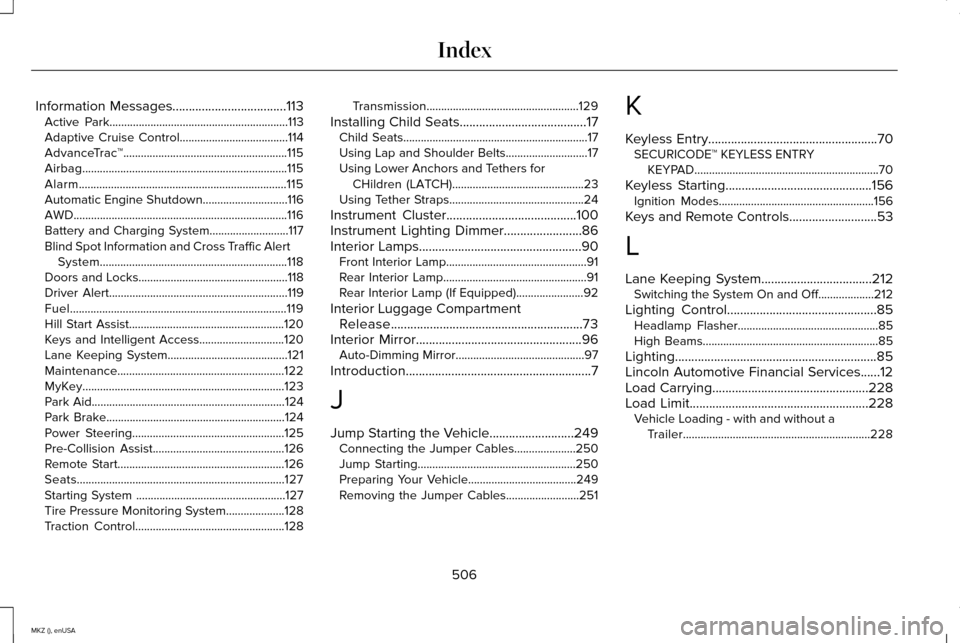
Information Messages...................................113
Active Park.............................................................113
Adaptive Cruise Control.....................................114
AdvanceTrac ™........................................................115
Airbag......................................................................115
Alarm.......................................................................115
Automatic Engine Shutdown.............................116
AWD........................................................................\
.116
Battery and Charging System...........................117
Blind Spot Information and Cross Traffic Alert System................................................................118
Doors and Locks...................................................118
Driver Alert.............................................................119
Fuel........................................................................\
..119
Hill Start Assist.....................................................120
Keys and Intelligent Access.............................120
Lane Keeping System.........................................121
Maintenance.........................................................122
MyKey.....................................................................123
Park Aid..................................................................124
Park Brake.............................................................124
Power Steering....................................................125
Pre-Collision Assist.............................................126
Remote Start.........................................................126
Seats.......................................................................127
Starting System ...................................................127
Tire Pressure Monitoring System....................128
Traction Control...................................................128 Transmission....................................................129
Installing Child Seats.......................................17 Child Seats...............................................................17
Using Lap and Shoulder Belts............................17
Using Lower Anchors and Tethers for CHildren (LATCH).............................................23
Using Tether Straps..............................................24
Instrument Cluster
........................................100
Instrument Lighting Dimmer........................86
Interior Lamps
..................................................90
Front Interior Lamp................................................91
Rear Interior Lamp.................................................91
Rear Interior Lamp (If Equipped).......................92
Interior Luggage Compartment Release...........................................................73
Interior Mirror...................................................96 Auto-Dimming Mirror............................................97
Introduction
.........................................................7
J
Jump Starting the Vehicle..........................249 Connecting the Jumper Cables.....................250
Jump Starting......................................................250
Preparing Your Vehicle.....................................249
Removing the Jumper Cables.........................251 K
Keyless Entry
....................................................70
SECURICODE™ KEYLESS ENTRY
KEYPAD...............................................................70
Keyless Starting.............................................156 Ignition Modes.....................................................156
Keys and Remote Controls...........................53
L
Lane Keeping System
..................................212
Switching the System On and Off...................212
Lighting Control
..............................................85
Headlamp Flasher................................................85
High Beams............................................................85
Lighting..............................................................85
Lincoln Automotive Financial Services......12
Load Carrying................................................228
Load Limit
.......................................................228
Vehicle Loading - with and without a
Trailer................................................................228
506
MKZ (), enUSA Index
Page 511 of 516
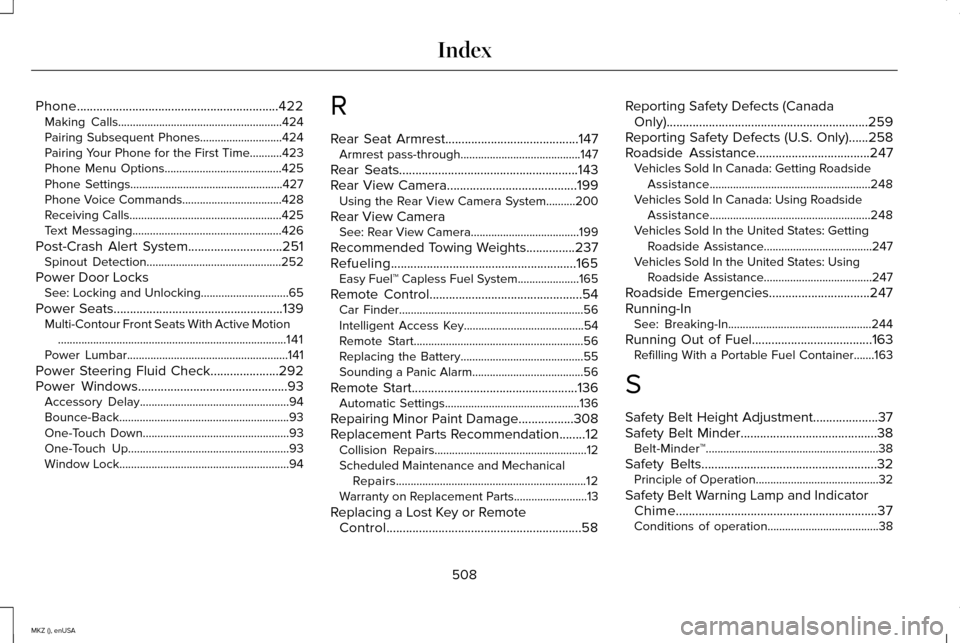
Phone..............................................................422
Making Calls........................................................424
Pairing Subsequent Phones............................424
Pairing Your Phone for the First Time...........423
Phone Menu Options........................................425
Phone Settings....................................................427
Phone Voice Commands..................................428
Receiving Calls....................................................425
Text Messaging...................................................426
Post-Crash Alert System.............................251 Spinout Detection..............................................252
Power Door Locks See: Locking and Unlocking..............................65
Power Seats
....................................................139
Multi-Contour Front Seats With Active Motion
........................................................................\
......141
Power Lumbar.......................................................141
Power Steering Fluid Check.....................292
Power Windows
..............................................93
Accessory Delay...................................................94
Bounce-Back..........................................................93
One-Touch Down..................................................93
One-Touch Up.......................................................93
Window Lock..........................................................94 R
Rear Seat Armrest.........................................147
Armrest pass-through.........................................147
Rear Seats.......................................................143
Rear View Camera........................................199 Using the Rear View Camera System..........
200
Rear View Camera See: Rear View Camera.....................................199
Recommended Towing Weights...............237
Refueling.........................................................165 Easy Fuel™ Capless Fuel System.....................165
Remote Control
...............................................54
Car Finder...............................................................56
Intelligent Access Key.........................................54
Remote Start..........................................................56
Replacing the Battery..........................................55
Sounding a Panic Alarm......................................56
Remote Start
...................................................136
Automatic Settings..............................................136
Repairing Minor Paint Damage.................308
Replacement Parts Recommendation........12 Collision Repairs....................................................12
Scheduled Maintenance and Mechanical
Repairs.................................................................12
Warranty on Replacement Parts.........................
13
Replacing a Lost Key or Remote Control............................................................58 Reporting Safety Defects (Canada
Only)..............................................................259
Reporting Safety Defects (U.S. Only)......258
Roadside Assistance
...................................247
Vehicles Sold In Canada: Getting Roadside
Assistance.......................................................248
Vehicles Sold In Canada: Using Roadside Assistance.......................................................248
Vehicles Sold In the United States: Getting Roadside Assistance.....................................247
Vehicles Sold In the United States: Using Roadside Assistance.....................................247
Roadside Emergencies...............................247
Running-In See: Breaking-In.................................................244
Running Out of Fuel.....................................163 Refilling With a Portable Fuel Container.......163
S
Safety Belt Height Adjustment....................37
Safety Belt Minder..........................................38 Belt-Minder™...........................................................38
Safety Belts
......................................................32
Principle of Operation..........................................32
Safety Belt Warning Lamp and Indicator Chime..............................................................37
Conditions of operation......................................38
508
MKZ (), enUSA Index
Page 512 of 516
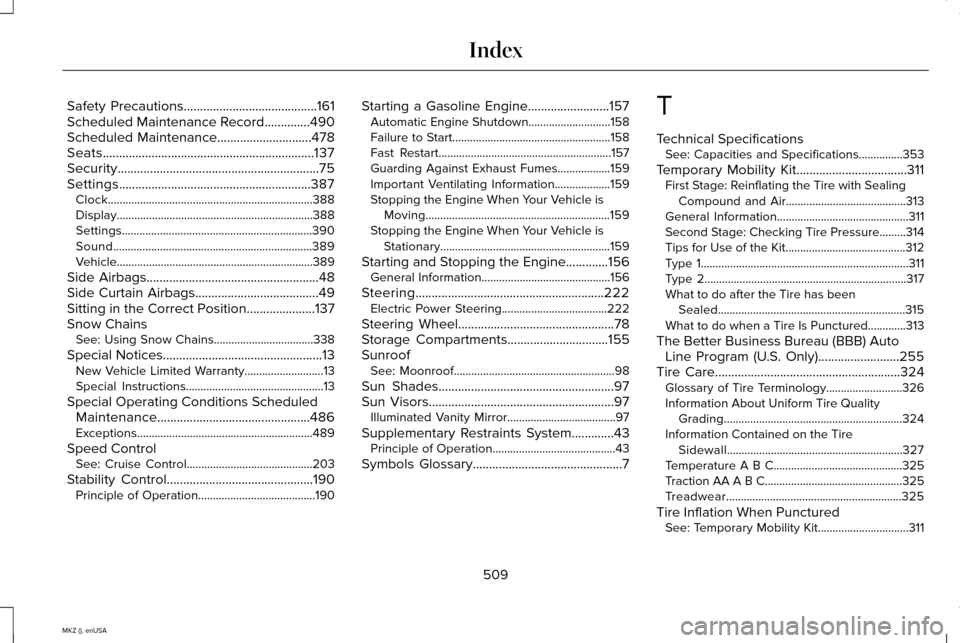
Safety Precautions.........................................161
Scheduled Maintenance Record..............490
Scheduled Maintenance
.............................478
Seats.................................................................137
Security..............................................................75
Settings...........................................................387 Clock......................................................................388
Display...................................................................388
Settings.................................................................390
Sound....................................................................389
Vehicle...................................................................389
Side Airbags
.....................................................48
Side Curtain Airbags......................................49
Sitting in the Correct Position.....................137
Snow Chains See: Using Snow Chains..................................338
Special Notices
.................................................13
New Vehicle Limited Warranty...........................13
Special Instructions...............................................13
Special Operating Conditions Scheduled Maintenance...............................................486
Exceptions............................................................489
Speed Control See: Cruise Control...........................................203
Stability Control
.............................................190
Principle of Operation........................................190 Starting a Gasoline Engine.........................157
Automatic Engine Shutdown............................158
Failure to Start......................................................158
Fast Restart...........................................................157
Guarding Against Exhaust Fumes..................159
Important Ventilating Information...................159
Stopping the Engine When Your Vehicle is
Moving...............................................................159
Stopping the Engine When Your Vehicle is Stationary..........................................................159
Starting and Stopping the Engine.............156 General Information............................................156
Steering..........................................................222 Electric Power Steering....................................222
Steering Wheel
................................................78
Storage Compartments...............................155
Sunroof See: Moonroof.......................................................98
Sun Shades
......................................................97
Sun Visors.........................................................97
Illuminated Vanity Mirror.....................................97
Supplementary Restraints System
.............43
Principle of Operation..........................................43
Symbols Glossary
..............................................7 T
Technical Specifications
See: Capacities and Specifications...............353
Temporary Mobility Kit..................................311 First Stage: Reinflating the Tire with Sealing
Compound and Air.........................................313
General Information.............................................311
Second Stage: Checking Tire Pressure.........314
Tips for Use of the Kit.........................................312
Type 1.......................................................................311
Type 2.....................................................................317
What to do after the Tire has been Sealed................................................................315
What to do when a Tire Is Punctured.............313
The Better Business Bureau (BBB) Auto Line Program (U.S. Only)
.........................255
Tire Care.........................................................324
Glossary of Tire Terminology..........................326
Information About Uniform Tire Quality
Grading.............................................................324
Information Contained on the Tire Sidewall............................................................327
Temperature A B C............................................325
Traction AA A B C...............................................325
Treadwear............................................................325
Tire Inflation When Punctured See: Temporary Mobility Kit...............................311
509
MKZ (), enUSA Index