climate settings LINCOLN MKZ HYBRID 2013 User Guide
[x] Cancel search | Manufacturer: LINCOLN, Model Year: 2013, Model line: MKZ HYBRID, Model: LINCOLN MKZ HYBRID 2013Pages: 475, PDF Size: 3.89 MB
Page 353 of 475
These commands can be said at any
time during a voice session
"Next page"
"Previous page"
"What can I say?" "Help"
What Can I Say?
To access the available voice
commands for the current session, do
one of the following:
• During a voice session, press the
help icon (?) in the lower left
status bar of the screen.
• Say, "What can I say?" for an
on-screen listing of the possible
voice commands associated with
your current voice session.
• Press the voice icon. After the tone,
say, "Help" for an audible list of
possible voice commands.
Helpful Hints
• Make sure the interior of your
vehicle is as quiet as possible.
Wind noise from open windows
and road vibrations may prevent
the system from correctly
recognizing spoken commands.
• After pressing the voice icon, wait
until after the tone sounds and
Listening appears before saying a
command. Any command spoken
before this does not register with
the system. •
Speak naturally, without long
pauses between words.
• At any time, you can interrupt the
system while it is speaking by
pressing the voice icon.
Accessing a List of Available
Commands
• If you use the touchscreen, press
the Settings icon >
Help > Voice
Command List.
• If you use the steering wheel
control, press the voice icon. After
the tone, speak your command
clearly. Available voice commands
"Audio list of commands"
"Bluetooth audio list of commands" "Browse list of commands""CD list of commands"
"Climate control list of commands" "List of commands"
"Navigation list of commands" *
"Phone list of commands" "Radio list of commands"
"SD card list of commands"
"Sirius satellite list of commands" **
"Travel link list of commands" *
"USB list of commands"
351
MKZ (CC9) MyLincoln Touch
™
Page 361 of 475
System
Adjust the volume of voice prompts from the
system.
System Prompt Volume
Select to have the system beep to confirm choices
made through the touchscreen.
Touch Screen Button
Beep
Select to have the system beep to confirm button
choices made through the climate or audio system.
Touch Panel Button
Beep
Have the touchscreen keyboard display in QWERTY
or ABC format.
Keyboard Layout
Install any downloaded applications or view the
current software licenses.
Install Applications
Select to restore factory defaults. This erases all
personal settings and personal data.
Master Reset
Voice Control Press the Settings icon >
Settings > Voice Control,
then select from the
following: Voice control
Standard interaction mode provides more detailed
interaction and guidance. Advanced mode has less
audible interaction and more tone prompts.
Interaction Mode
Have the system ask you short questions if it has
not clearly heard or understood your request. *
Confirmation Prompts
Candidate lists are possible results from your voice
commands. The system simply makes a best guess
at your request with these turned off.
Media Candidate Lists
359
MKZ (CC9) MyLincoln Touch
™E142607
Page 414 of 475
Vehicle Health Report Privacy
Notice
When you create a Vehicle Health
Report, Ford Motor Company may
collect your cellular phone number
(to process your report request) and
diagnostic information about your
vehicle. Certain versions or updates
to Vehicle Health Report may also
collect more vehicle information. Ford
may use your vehicle information it
collects for any purpose. If you do not
want to disclose your cellular phone
number or vehicle information, do not
run the feature or set up your Vehicle
Health Report profile at
www.SYNCMyRide.com. See
www.SYNCMyRide.com (Vehicle
Health Report Terms and Conditions,
and Privacy Statement) for more
information.
CLIMATE
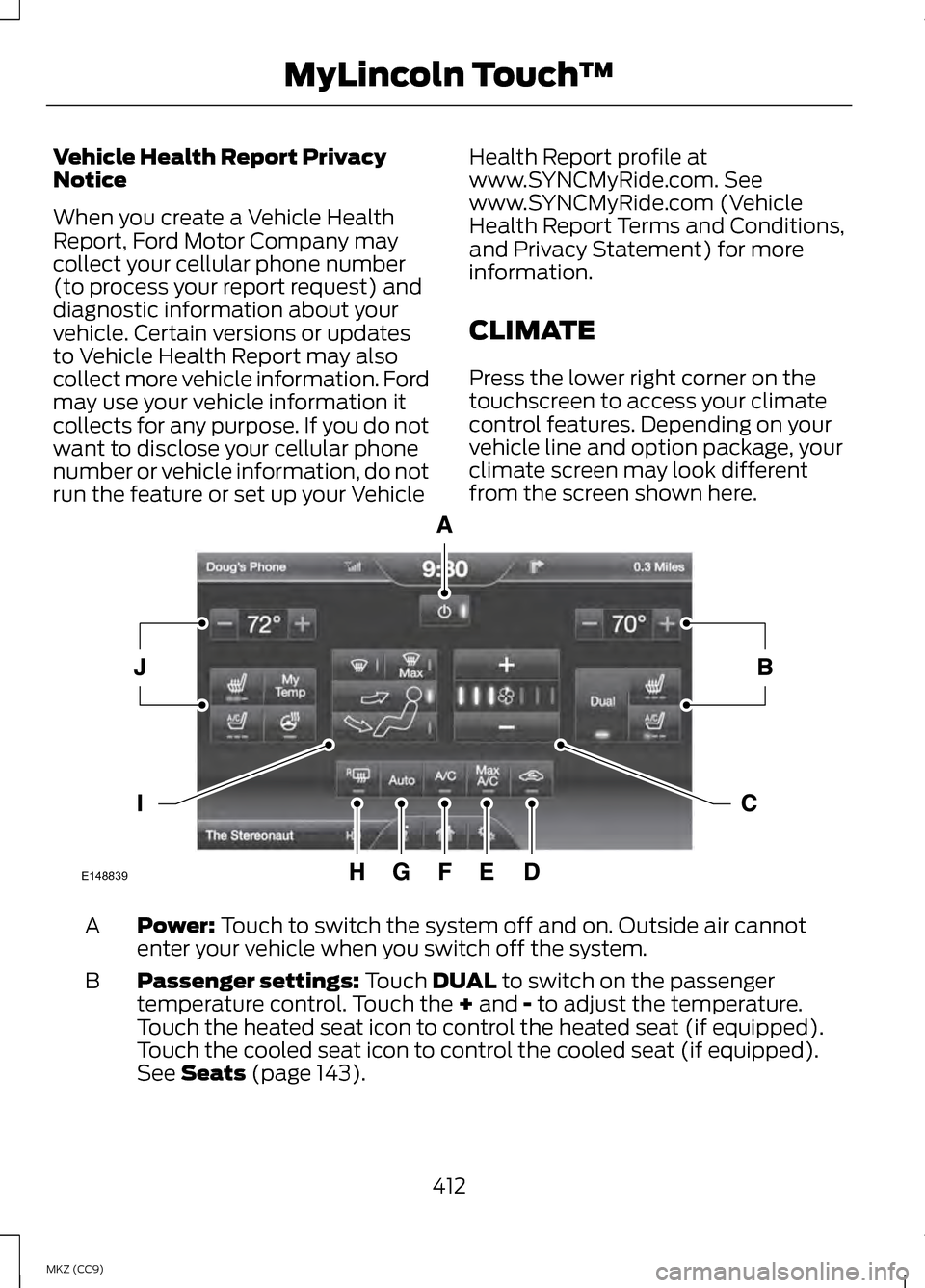
Press the lower right corner on the
touchscreen to access your climate
control features. Depending on your
vehicle line and option package, your
climate screen may look different
from the screen shown here.
Power: Touch to switch the system off and on. Outside air cannot
enter your vehicle when you switch off the system.
A
Passenger settings:
Touch DUAL to switch on the passenger
temperature control. Touch the + and - to adjust the temperature.
Touch the heated seat icon to control the heated seat (if equipped).
Touch the cooled seat icon to control the cooled seat (if equipped).
See
Seats (page 143).
B
412
MKZ (CC9) MyLincoln Touch
™E148839
Page 416 of 475
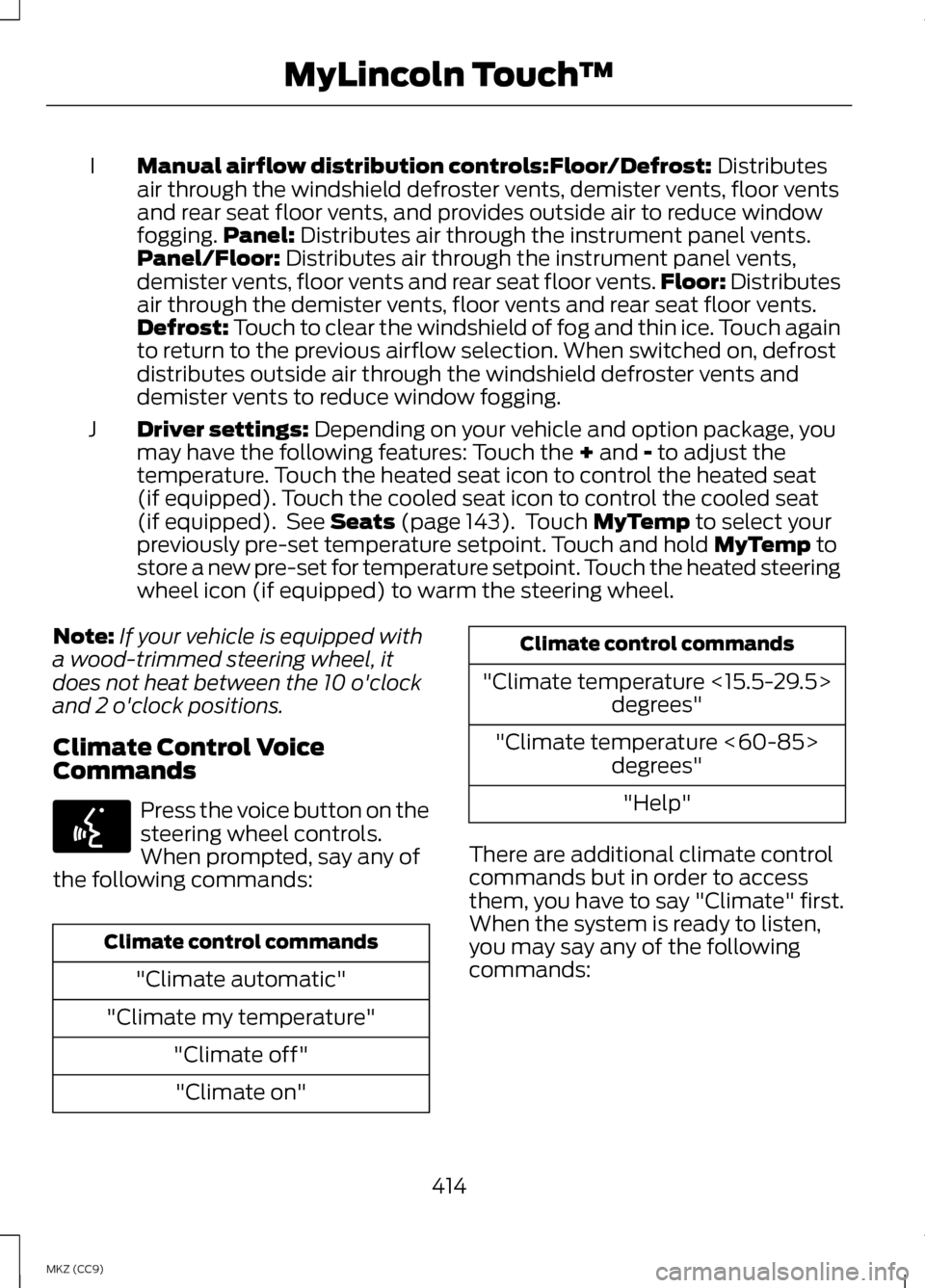
Manual airflow distribution controls:Floor/Defrost: Distributes
air through the windshield defroster vents, demister vents, floor vents
and rear seat floor vents, and provides outside air to reduce window
fogging. Panel:
Distributes air through the instrument panel vents.
Panel/Floor: Distributes air through the instrument panel vents,
demister vents, floor vents and rear seat floor vents. Floor: Distributes
air through the demister vents, floor vents and rear seat floor vents.
Defrost:
Touch to clear the windshield of fog and thin ice. Touch again
to return to the previous airflow selection. When switched on, defrost
distributes outside air through the windshield defroster vents and
demister vents to reduce window fogging.
I
Driver settings:
Depending on your vehicle and option package, you
may have the following features: Touch the + and - to adjust the
temperature. Touch the heated seat icon to control the heated seat
(if equipped). Touch the cooled seat icon to control the cooled seat
(if equipped). See
Seats (page 143). Touch MyTemp to select your
previously pre-set temperature setpoint. Touch and hold MyTemp to
store a new pre-set for temperature setpoint. Touch the heated steering
wheel icon (if equipped) to warm the steering wheel.
J
Note: If your vehicle is equipped with
a wood-trimmed steering wheel, it
does not heat between the 10 o'clock
and 2 o'clock positions.
Climate Control Voice
Commands Press the voice button on the
steering wheel controls.
When prompted, say any of
the following commands: Climate control commands
"Climate automatic"
"Climate my temperature" "Climate off""Climate on" Climate control commands
"Climate temperature <15.5-29.5> degrees"
"Climate temperature <60-85> degrees"
"Help"
There are additional climate control
commands but in order to access
them, you have to say "Climate" first.
When the system is ready to listen,
you may say any of the following
commands:
414
MKZ (CC9) MyLincoln Touch
™E142599
Page 464 of 475
Bonnet Lock
See: Opening and Closing the
Hood......................................................... 278
Booster Seats..........................................18
Types of Booster Seats.............................19
Brake Fluid Check
..............................286
Brakes.......................................................191 General Information.................................191
Breaking-In............................................247
Bulb Specification Chart
.................293
C
Cabin Air Filter.......................................141
California Proposition 65
.....................11
Capacities and Specifications...................................330
Technical Specifications.......................335
Car Wash See: Cleaning the Exterior....................294
Center Console
....................................160
Changing a Bulb.................................292 Lamp Assembly Condensation..........292
Replacing Bulbs........................................292
Changing a Fuse.................................265 Fuses............................................................ 265
Changing the 12V Battery
................287
Changing the Engine Air Filter.......290 ........................................................................\
290
Changing the Wiper Blades...........289
Checking MyKey System Status.....................................................59
Checking the Wiper Blades............289
Child Restraint and Safety Belt Maintenance
........................................39
Child Safety..............................................15
General Information...................................15
Child Safety Locks................................29 Left-Hand Side........................................... 29
Right-Hand Side........................................30
Child Seat Positioning
..........................17
Cleaning Leather Seats...................298 Cleaning Products
.............................294
Cleaning the Alloy Wheels.............299
Cleaning the Engine
..........................296
Cleaning the Exterior........................294
Cleaning Plastic Exterior Parts...........295
Exterior Chrome.......................................295
Stripes or Graphics (if
equipped).............................................. 295
Underbody................................................. 295
Cleaning the Instrument Panel and Instrument Cluster Lens
...............298
Cleaning the Interior..........................297
Cleaning the Windows and Wiper Blades
..................................................296
Clearing All MyKeys.............................58
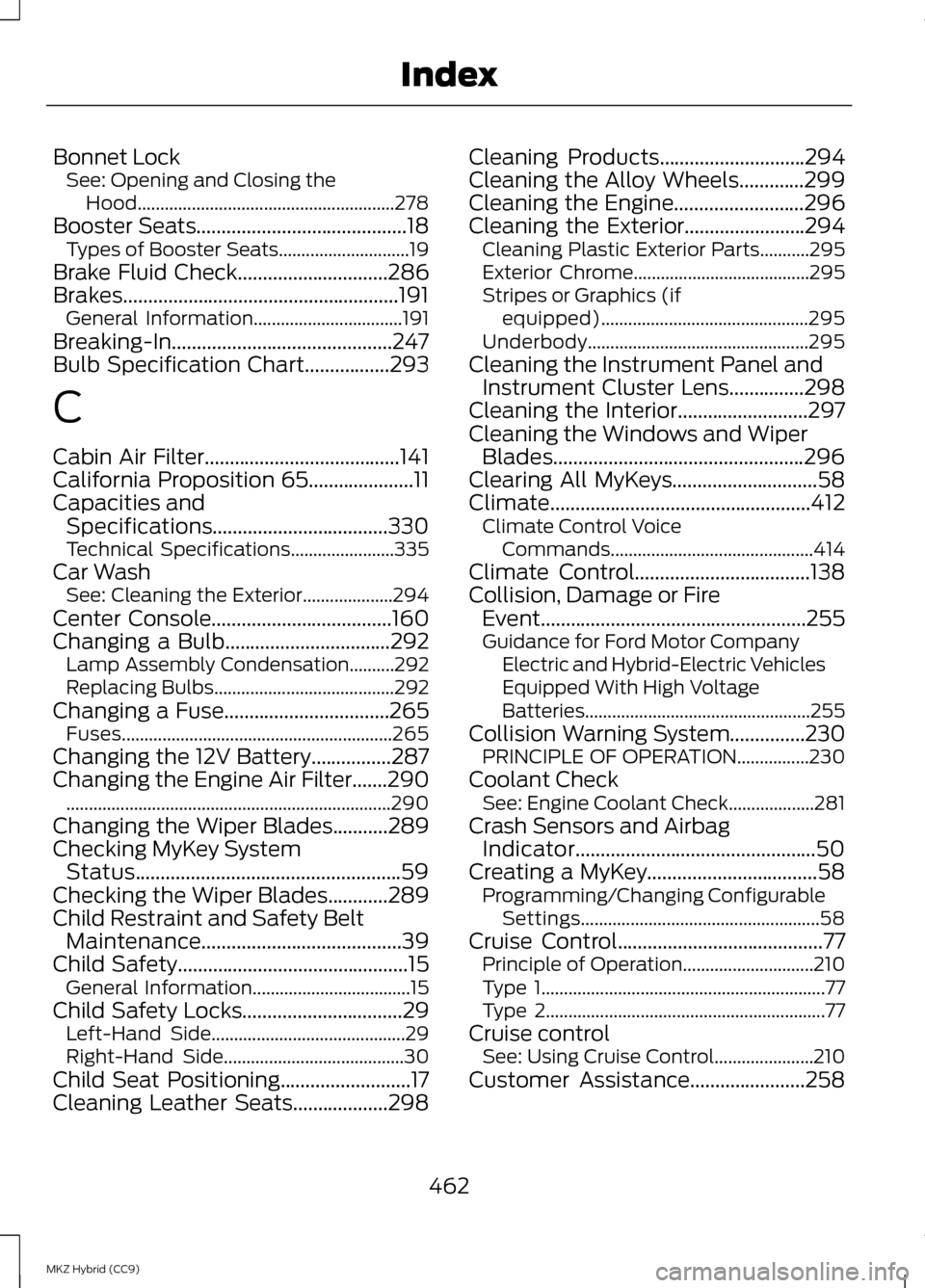
Climate....................................................412 Climate Control Voice
Commands............................................. 414
Climate Control
...................................138
Collision, Damage or Fire Event.....................................................255
Guidance for Ford Motor Company Electric and Hybrid-Electric Vehicles
Equipped With High Voltage
Batteries.................................................. 255
Collision Warning System
...............230
PRINCIPLE OF OPERATION................230
Coolant Check See: Engine Coolant Check...................281
Crash Sensors and Airbag Indicator................................................50
Creating a MyKey
..................................58
Programming/Changing Configurable
Settings..................................................... 58
Cruise Control
.........................................77
Principle of Operation.............................210
Type 1............................................................... 77
Type 2.............................................................. 77
Cruise control See: Using Cruise Control......................210
Customer Assistance
.......................258
462
MKZ Hybrid (CC9) Index
Page 467 of 475
Hill Start Assist....................................189
Using Hill Start Assist.............................189
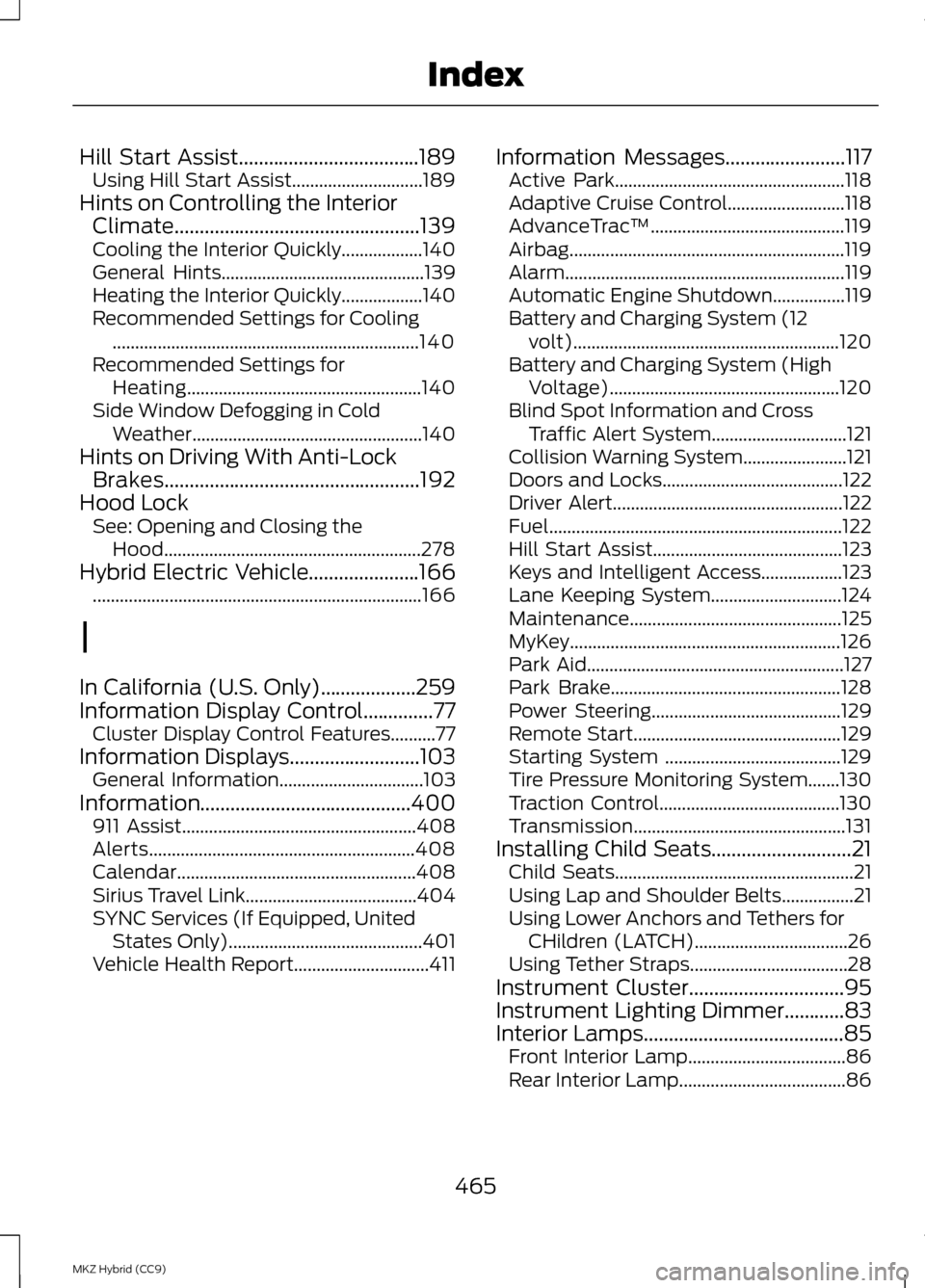
Hints on Controlling the Interior Climate.................................................139
Cooling the Interior Quickly..................140
General Hints............................................. 139
Heating the Interior Quickly..................140
Recommended Settings for Cooling .................................................................... 140
Recommended Settings for Heating.................................................... 140
Side Window Defogging in Cold Weather................................................... 140
Hints on Driving With Anti-Lock Brakes...................................................192
Hood Lock See: Opening and Closing the
Hood......................................................... 278
Hybrid Electric Vehicle......................166 ........................................................................\
. 166
I
In California (U.S. Only)...................259
Information Display Control..............77 Cluster Display Control Features..........77
Information Displays..........................103
General Information................................103
Information..........................................400 911 Assist.................................................... 408
Alerts........................................................... 408
Calendar..................................................... 408
Sirius Travel Link......................................404
SYNC Services (If Equipped, United States Only)........................................... 401
Vehicle Health Report..............................411 Information Messages
........................117
Active Park................................................... 118
Adaptive Cruise Control..........................118
AdvanceTrac ™........................................... 119
Airbag............................................................. 119
Alarm.............................................................. 119
Automatic Engine Shutdown................119
Battery and Charging System (12 volt)........................................................... 120
Battery and Charging System (High Voltage)................................................... 120
Blind Spot Information and Cross Traffic Alert System..............................121
Collision Warning System.......................121
Doors and Locks........................................122
Driver Alert................................................... 122
Fuel................................................................. 122
Hill Start Assist.......................................... 123
Keys and Intelligent Access..................123
Lane Keeping System.............................124
Maintenance............................................... 125
MyKey............................................................ 126
Park Aid......................................................... 127
Park Brake................................................... 128
Power Steering.......................................... 129
Remote Start.............................................. 129
Starting System .......................................129
Tire Pressure Monitoring System.......130
Traction Control........................................130
Transmission............................................... 131
Installing Child Seats
............................21
Child Seats..................................................... 21
Using Lap and Shoulder Belts................21
Using Lower Anchors and Tethers for CHildren (LATCH)..................................26
Using Tether Straps...................................28
Instrument Cluster...............................95
Instrument Lighting Dimmer............83
Interior Lamps
........................................85
Front Interior Lamp...................................86
Rear Interior Lamp.....................................86
465
MKZ Hybrid (CC9) Index