warning LINCOLN NAVIGATOR 2011 Owner's Manual
[x] Cancel search | Manufacturer: LINCOLN, Model Year: 2011, Model line: NAVIGATOR, Model: LINCOLN NAVIGATOR 2011Pages: 370, PDF Size: 2.6 MB
Page 38 of 370
7. Adjust the sound on your portable music player until it reaches the
level of the FM station or CD by switching back and forth between the
AUX and FM or CD controls.
Troubleshooting:
1. Do not connect the audio input jack to a line level output. Line level
outputs are intended for connection to a home stereo and are not
compatible with the AIJ. The AIJ will only work correctly with devices
that have a headphone output with a volume control.
2. Do not set the portable music player’s volume level higher than is
necessary to match the volume of the CD or FM radio in your audio
system as this will cause distortion and will reduce sound quality. Many
portable music players have different output levels, so not all players
should be set at the same levels. Some players will sound best at full
volume and others will need to be set at a lower volume.
3. If the music sounds distorted at lower listening levels, turn the
portable music player volume down. If the problems persists, replace or
recharge the batteries in the portable music player.
4. The portable music player must be controlled in the same manner
when it is used with headphones as the AIJ does not provide control
(play, pause, etc.) over the attached portable music player.
5. For safety reasons, connecting or adjusting the settings on your
portable music player should not be attempted while the vehicle is
moving. Also, the portable music player should be stored in a secure
location, such as the center console or the glove box, when the vehicle is
in motion. The audio extension cable must be long enough to allow the
portable music player to be safely stored while the vehicle is in motion.
USB port
WARNING:Driving while distracted can result in loss of vehicle
control, accident and injury. Ford strongly recommends that
drivers use extreme caution when using any device or feature that may
take their focus off the road. Your primary responsibility is the safe
operation of the vehicle. We recommend against the use of any
handheld device while driving and that you comply with all applicable
laws.
Entertainment Systems
38
2011 Navigator(nav)
Owners Guide, 1st Printing
USA(fus)
Page 42 of 370
To deactivate dual play mode:
•Press the 2 and 4 buttons simultaneously again.
•Press the headphone/speaker button again
•Press the 3 and 5 buttons simultaneously until the rear seat controls
are LOCKED.
Using any of these methods, the headphone icon will turn off in both
displays (front and rear), the rear speaker sound will be restored and the
headphone jacks will be disabled.
Using headphones/dual play mode
WARNING:Do not leave children unattended in the vehicle and
do not let children operate the system while unsupervised. If
wired headphones or auxiliary systems are used, children may become
entangled in the cords and seriously injure themselves.
Plug a 3.5 mm headphone (not included) into the
jack. Press the
speaker button, or the 2/4 preset buttons simultaneously on the radio to
activate the headphones. The words DUAL PLAY will illuminate on the
radio display, sound will no longer be heard from the rear speakers and
the fade control will be disabled, signaling that Dual Play has been
activated.
The front speakers remain playing for the front passengers. Press the
speaker button, or the 2/4 preset buttons simultaneously on the radio
again to deactivate the headphones and dual play mode. The words
SINGLE PLAY will illuminate on the radio display and fade control and
sound from rear speakers will be restored, signaling that dual play mode
has been deactivated.
To use any rear controls, whether in single or dual play mode, the rear
seat controls must be active. To enable dual play, the rear seat controls
must be active and
illuminated in the radio display. SeeTo activate
the rear seat radio controlspreviously.
Entertainment Systems
42
2011 Navigator(nav)
Owners Guide, 1st Printing
USA(fus)
Page 56 of 370
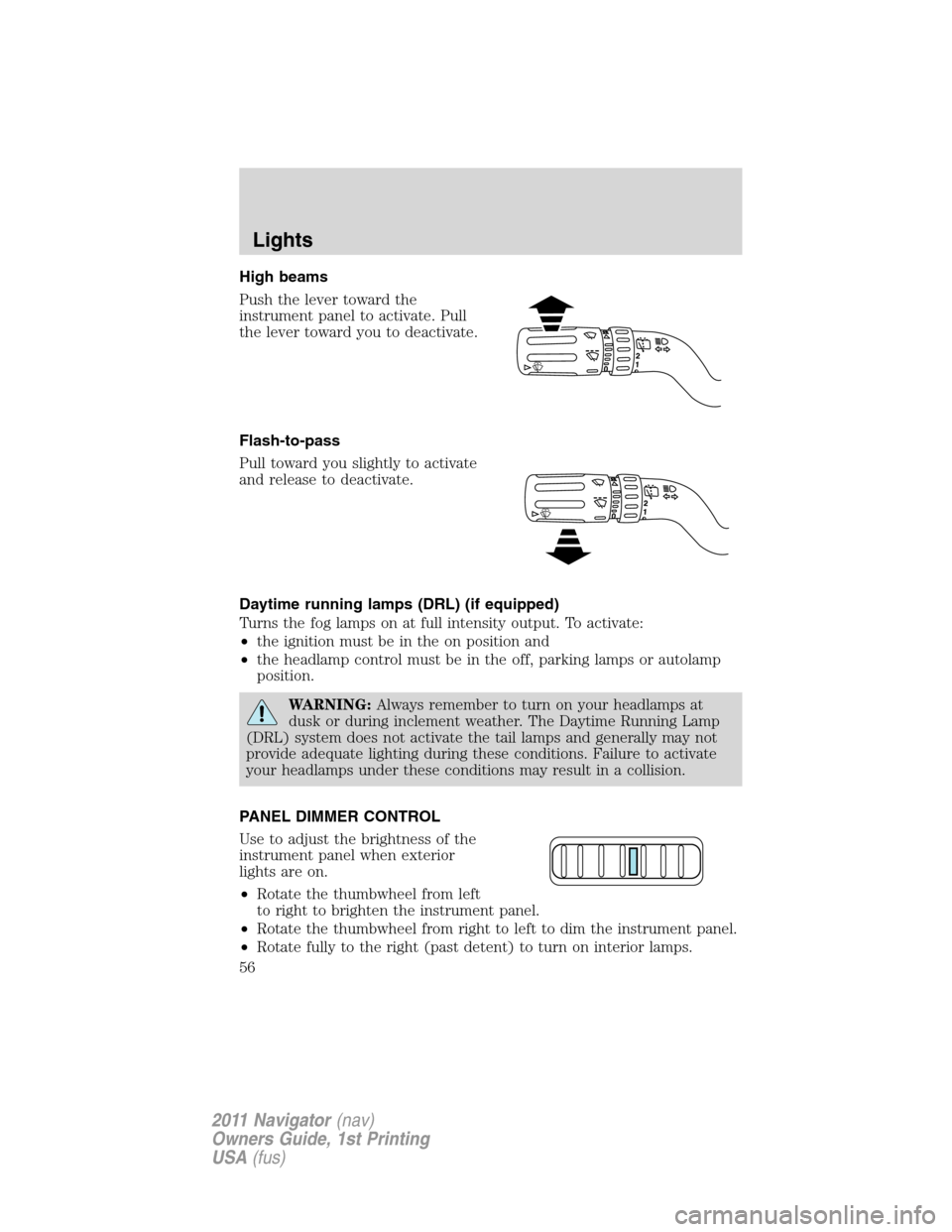
High beams
Push the lever toward the
instrument panel to activate. Pull
the lever toward you to deactivate.
Flash-to-pass
Pull toward you slightly to activate
and release to deactivate.
Daytime running lamps (DRL) (if equipped)
Turns the fog lamps on at full intensity output. To activate:
•the ignition must be in the on position and
•the headlamp control must be in the off, parking lamps or autolamp
position.
WARNING:Always remember to turn on your headlamps at
dusk or during inclement weather. The Daytime Running Lamp
(DRL) system does not activate the tail lamps and generally may not
provide adequate lighting during these conditions. Failure to activate
your headlamps under these conditions may result in a collision.
PANEL DIMMER CONTROL
Use to adjust the brightness of the
instrument panel when exterior
lights are on.
•Rotate the thumbwheel from left
to right to brighten the instrument panel.
•Rotate the thumbwheel from right to left to dim the instrument panel.
•Rotate fully to the right (past detent) to turn on interior lamps.
Lights
56
2011 Navigator(nav)
Owners Guide, 1st Printing
USA(fus)
Page 60 of 370
Battery saver
The battery saver will shut off the exterior lamps and interior lamps,
except the hazard warning lamps if activated, 10 minutes after the
ignition control has been turned off. The system will not turn off the
parking lamps if they are on.
BULB REPLACEMENT
Lamp assembly condensation
Exterior lamps are vented to accommodate normal changes in pressure.
Condensation can be a natural by-product of this design. When moist air
enters the lamp assembly through the vents, there is a possibility that
condensation can occur when the temperature is cold. When normal
condensation occurs, a thin film of mist can form on the interior of the
lens. The thin mist eventually clears and exits through the vents during
normal operation. Clearing time may take as long as 48 hours under dry
weather conditions.
Examples of acceptable condensation are:
•Presence of thin mist (no streaks, drip marks or droplets)
•Fine mist covers less than 50% of the lens
Examples of unacceptable moisture (usually caused by a lamp water
leak) are:
•Water puddle inside the lamp
•Large water droplets, drip marks or streaks present on the interior of
the lens
Take your vehicle to a dealer for service if any of the above conditions of
unacceptable moisture are present.
Using the right bulbs
Replacement bulbs are specified in the chart below. Headlamp bulbs
must be marked with an authorized “D.O.T.” for North America to ensure
lamp performance, light brightness and pattern and safe visibility. The
correct bulbs will not damage the lamp assembly or void the lamp
assembly warranty and will provide quality bulb burn time.
Lights
60
2011 Navigator(nav)
Owners Guide, 1st Printing
USA(fus)
Page 67 of 370
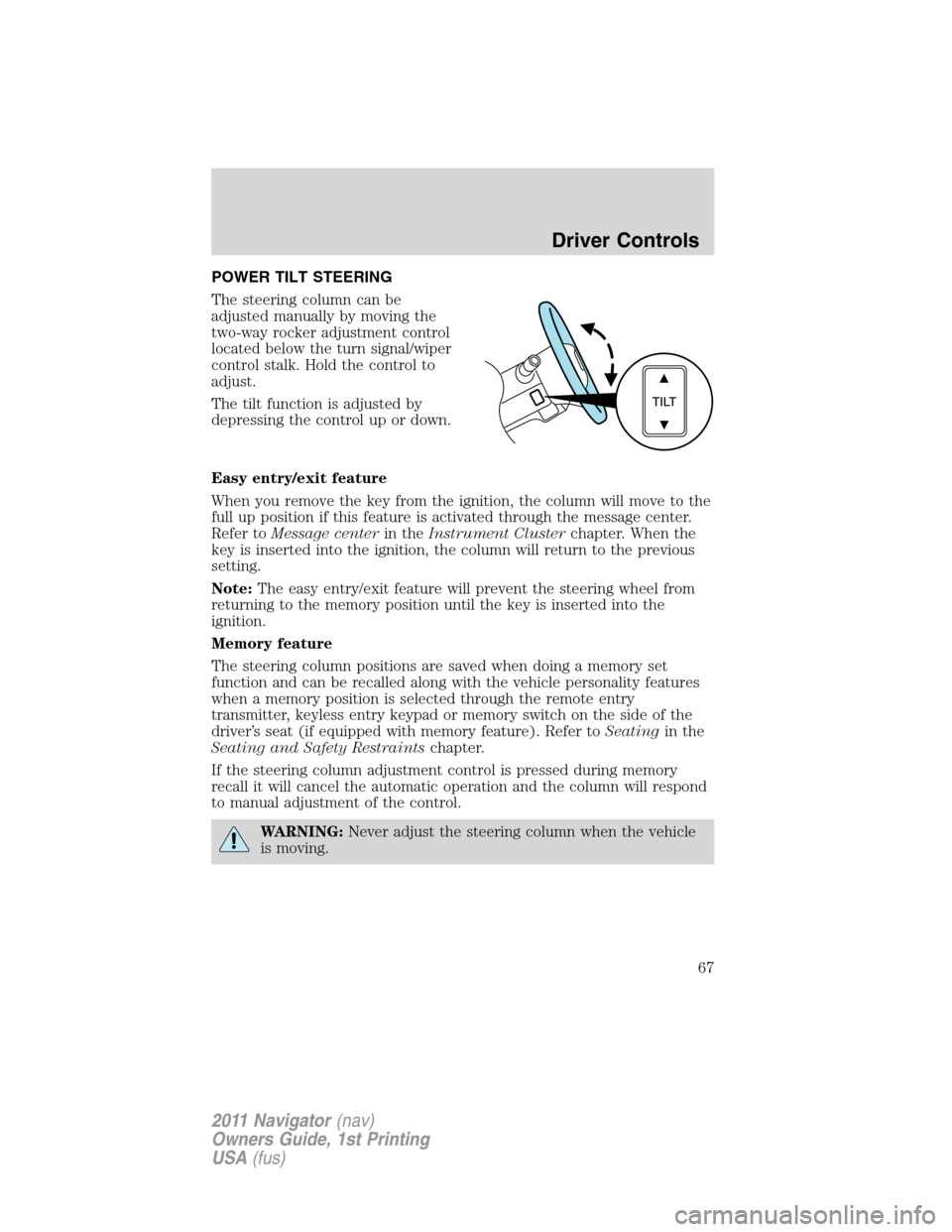
POWER TILT STEERING
The steering column can be
adjusted manually by moving the
two-way rocker adjustment control
located below the turn signal/wiper
control stalk. Hold the control to
adjust.
The tilt function is adjusted by
depressing the control up or down.
Easy entry/exit feature
When you remove the key from the ignition, the column will move to the
full up position if this feature is activated through the message center.
Refer toMessage centerin theInstrument Clusterchapter. When the
key is inserted into the ignition, the column will return to the previous
setting.
Note:The easy entry/exit feature will prevent the steering wheel from
returning to the memory position until the key is inserted into the
ignition.
Memory feature
The steering column positions are saved when doing a memory set
function and can be recalled along with the vehicle personality features
when a memory position is selected through the remote entry
transmitter, keyless entry keypad or memory switch on the side of the
driver’s seat (if equipped with memory feature). Refer toSeatingin the
Seating and Safety Restraintschapter.
If the steering column adjustment control is pressed during memory
recall it will cancel the automatic operation and the column will respond
to manual adjustment of the control.
WARNING:Never adjust the steering column when the vehicle
is moving.
Driver Controls
67
2011 Navigator(nav)
Owners Guide, 1st Printing
USA(fus)
Page 69 of 370
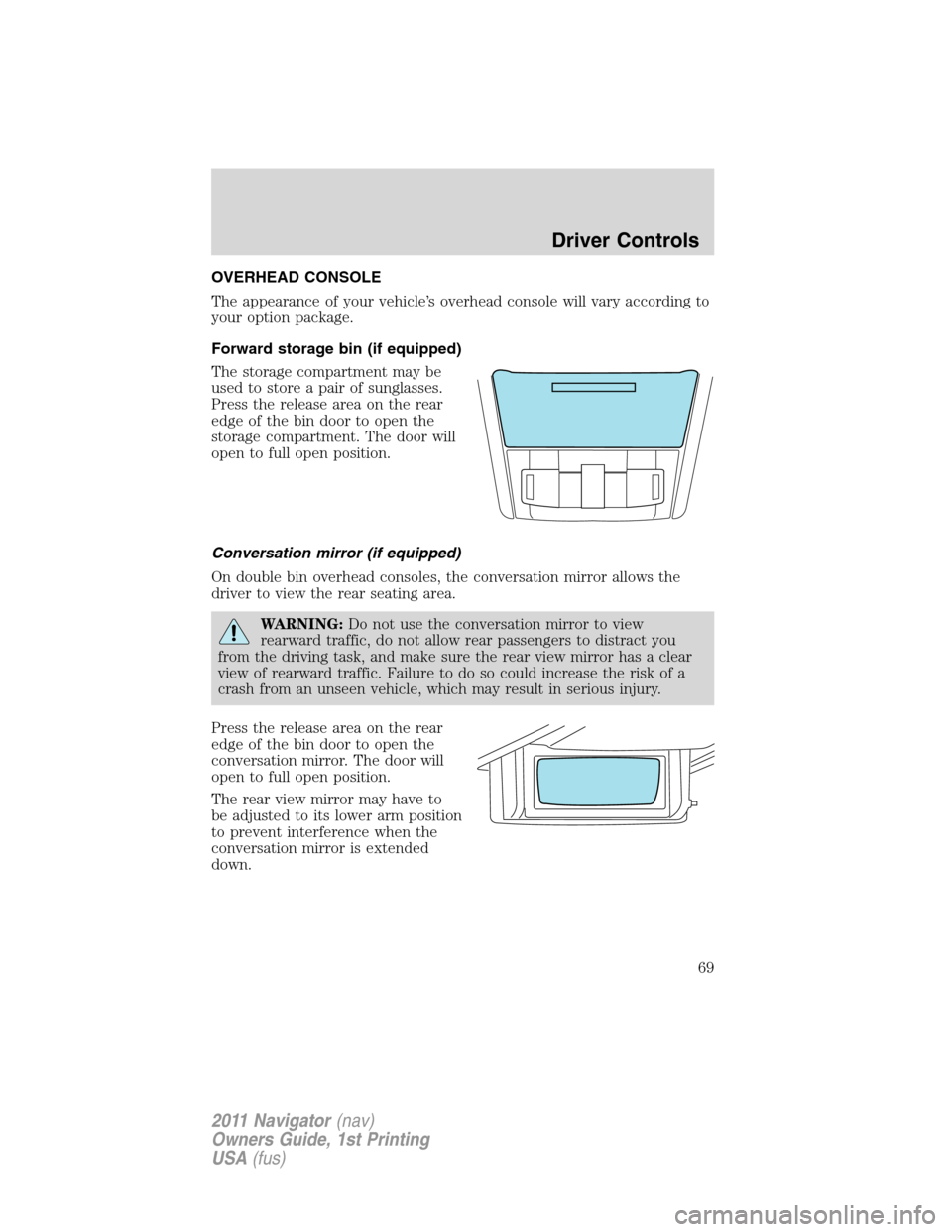
OVERHEAD CONSOLE
The appearance of your vehicle’s overhead console will vary according to
your option package.
Forward storage bin (if equipped)
The storage compartment may be
used to store a pair of sunglasses.
Press the release area on the rear
edge of the bin door to open the
storage compartment. The door will
open to full open position.
Conversation mirror (if equipped)
On double bin overhead consoles, the conversation mirror allows the
driver to view the rear seating area.
WARNING:Do not use the conversation mirror to view
rearward traffic, do not allow rear passengers to distract you
from the driving task, and make sure the rear view mirror has a clear
view of rearward traffic. Failure to do so could increase the risk of a
crash from an unseen vehicle, which may result in serious injury.
Press the release area on the rear
edge of the bin door to open the
conversation mirror. The door will
open to full open position.
The rear view mirror may have to
be adjusted to its lower arm position
to prevent interference when the
conversation mirror is extended
down.
Driver Controls
69
2011 Navigator(nav)
Owners Guide, 1st Printing
USA(fus)
Page 70 of 370
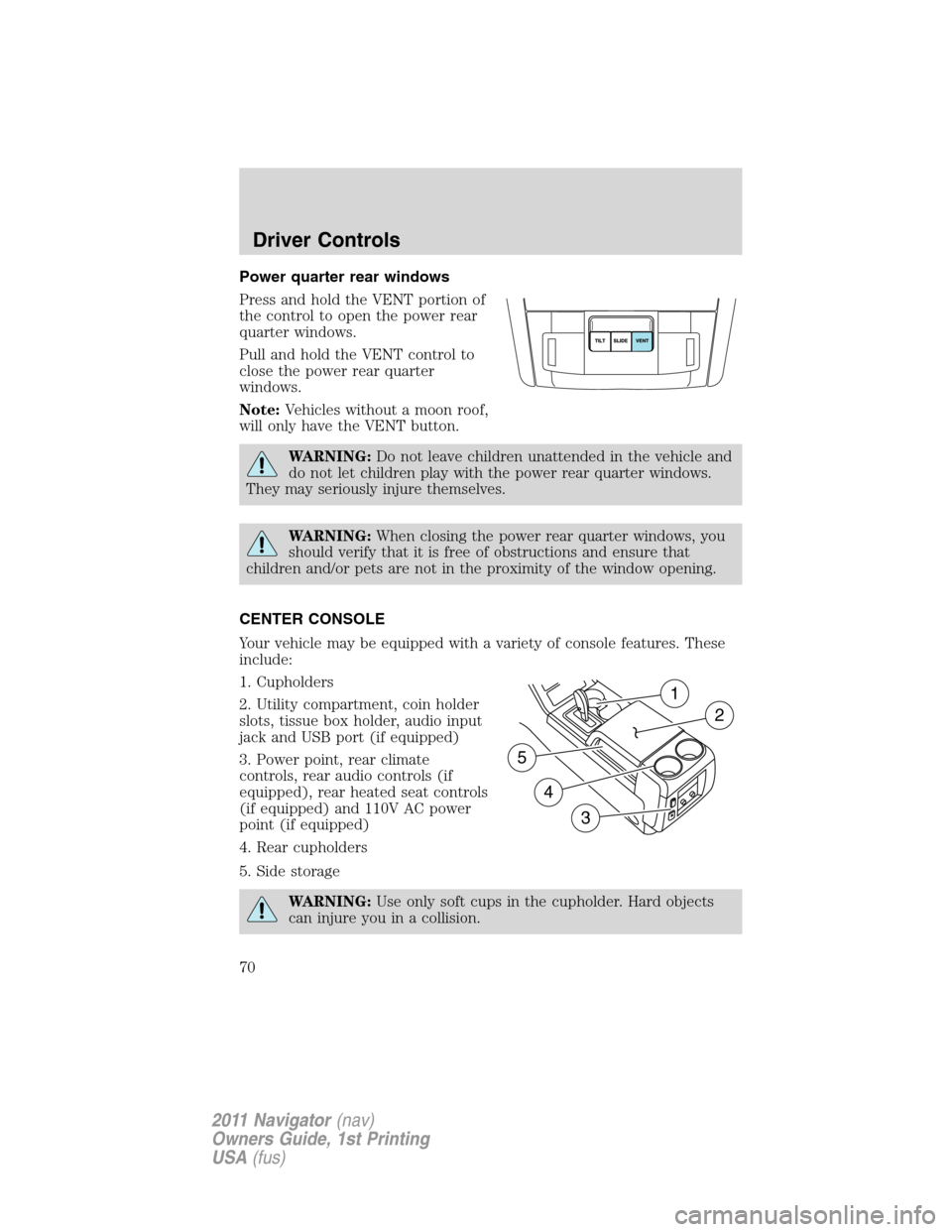
Power quarter rear windows
Press and hold the VENT portion of
the control to open the power rear
quarter windows.
Pull and hold the VENT control to
close the power rear quarter
windows.
Note:Vehicles without a moon roof,
will only have the VENT button.
WARNING:Do not leave children unattended in the vehicle and
do not let children play with the power rear quarter windows.
They may seriously injure themselves.
WARNING:When closing the power rear quarter windows, you
should verify that it is free of obstructions and ensure that
children and/or pets are not in the proximity of the window opening.
CENTER CONSOLE
Your vehicle may be equipped with a variety of console features. These
include:
1. Cupholders
2. Utility compartment, coin holder
slots, tissue box holder, audio input
jack and USB port (if equipped)
3. Power point, rear climate
controls, rear audio controls (if
equipped), rear heated seat controls
(if equipped) and 110V AC power
point (if equipped)
4. Rear cupholders
5. Side storage
WARNING:Use only soft cups in the cupholder. Hard objects
can injure you in a collision.
1
2
4
5
3
Driver Controls
70
2011 Navigator(nav)
Owners Guide, 1st Printing
USA(fus)
Page 72 of 370
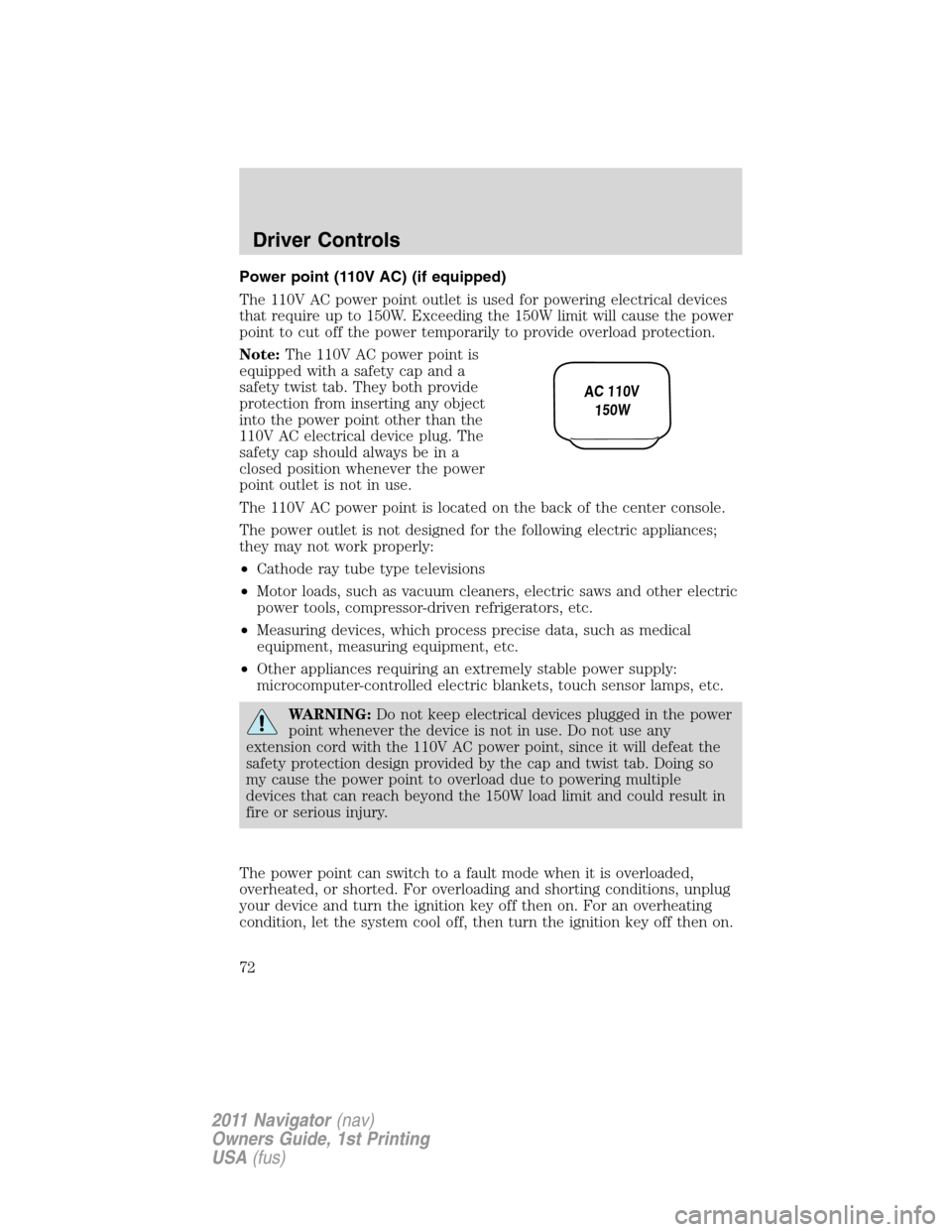
Power point (110V AC) (if equipped)
The 110V AC power point outlet is used for powering electrical devices
that require up to 150W. Exceeding the 150W limit will cause the power
point to cut off the power temporarily to provide overload protection.
Note:The 110V AC power point is
equipped with a safety cap and a
safety twist tab. They both provide
protection from inserting any object
into the power point other than the
110V AC electrical device plug. The
safety cap should always be in a
closed position whenever the power
point outlet is not in use.
The 110V AC power point is located on the back of the center console.
The power outlet is not designed for the following electric appliances;
they may not work properly:
•Cathode ray tube type televisions
•Motor loads, such as vacuum cleaners, electric saws and other electric
power tools, compressor-driven refrigerators, etc.
•Measuring devices, which process precise data, such as medical
equipment, measuring equipment, etc.
•Other appliances requiring an extremely stable power supply:
microcomputer-controlled electric blankets, touch sensor lamps, etc.
WARNING:Do not keep electrical devices plugged in the power
point whenever the device is not in use. Do not use any
extension cord with the 110V AC power point, since it will defeat the
safety protection design provided by the cap and twist tab. Doing so
my cause the power point to overload due to powering multiple
devices that can reach beyond the 150W load limit and could result in
fire or serious injury.
The power point can switch to a fault mode when it is overloaded,
overheated, or shorted. For overloading and shorting conditions, unplug
your device and turn the ignition key off then on. For an overheating
condition, let the system cool off, then turn the ignition key off then on.
AC 110V
150W
Driver Controls
72
2011 Navigator(nav)
Owners Guide, 1st Printing
USA(fus)
Page 73 of 370
The 110V AC power point can provide power whenever the vehicle
ignition is in the on position and the power point green indicator light
located in the top left corner is turned on. Refer to the indicator light
code below for the power point status.
Indicator light codes
Green light is on — Power point is ready to supply power
Green light is off — Power point power supply is off. Ignition is not in
the on position
Green light is blinking — Power point is in fault mode
POWER WINDOWS
WARNING:Do not leave children unattended in the vehicle and
do not let children play with the power windows. They may
seriously injure themselves.
WARNING:When closing the power windows, you should verify
they are free of obstructions and ensure that children and/or
pets are not in the proximity of the window openings.
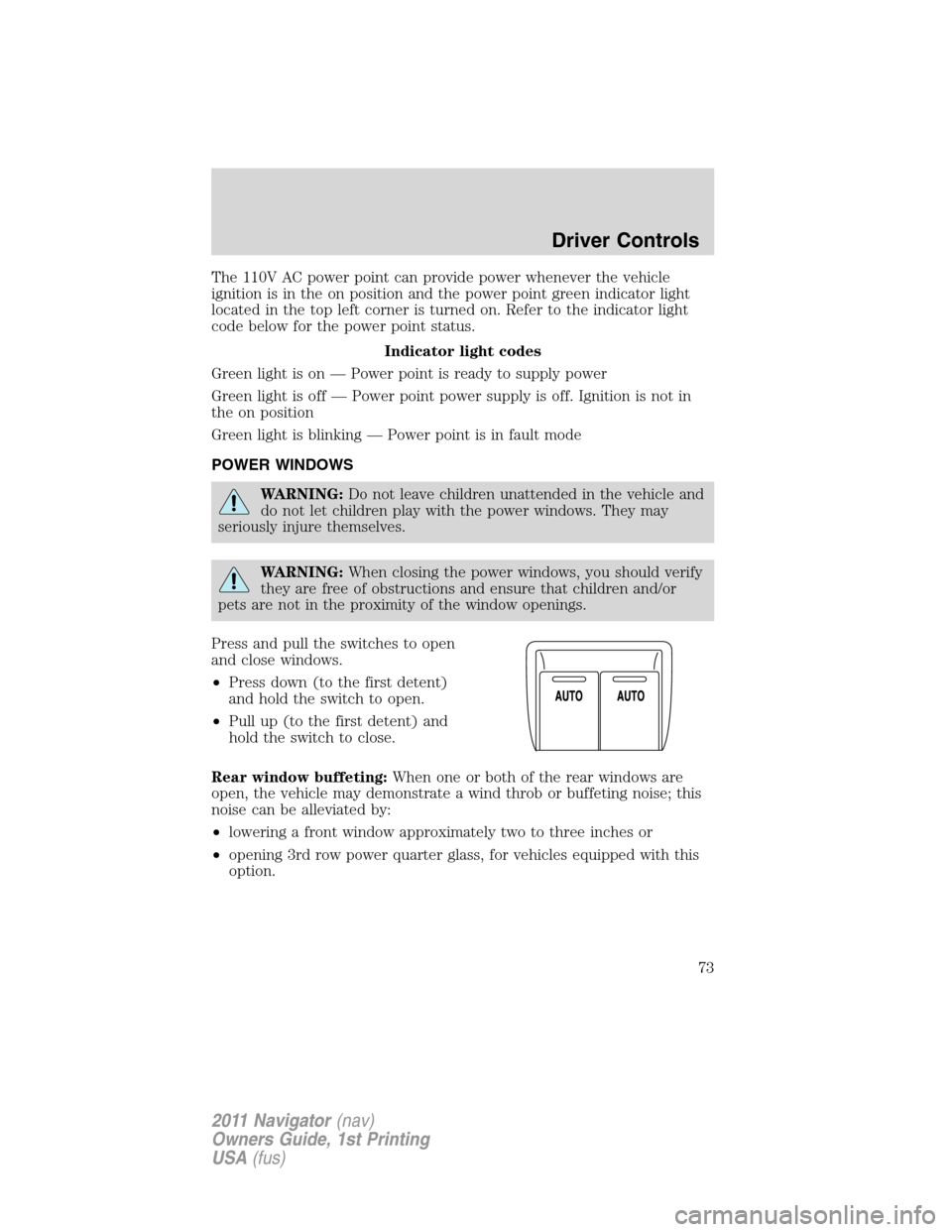
Press and pull the switches to open
and close windows.
•Press down (to the first detent)
and hold the switch to open.
•Pull up (to the first detent) and
hold the switch to close.
Rear window buffeting:When one or both of the rear windows are
open, the vehicle may demonstrate a wind throb or buffeting noise; this
noise can be alleviated by:
•lowering a front window approximately two to three inches or
•opening 3rd row power quarter glass, for vehicles equipped with this
option.
Driver Controls
73
2011 Navigator(nav)
Owners Guide, 1st Printing
USA(fus)
Page 75 of 370
INTERIOR MIRROR
The interior rear view mirror has two pivot points on the support arm
which lets you adjust the mirror up or down and from side to side.
WARNING:Do not adjust the mirror while the vehicle is in
motion.
Automatic dimming interior rear view mirror
The interior rear view mirror and a driver’s side exterior mirror have an
auto-dimming function. The electronic day/night mirror will change from
the normal (high reflective) state to the non-glare (darkened) state
when bright lights (glare) reach the interior mirror. When the interior
mirror detects bright light from behind the vehicle, the interior rear view
mirror and the driver’s side exterior mirror will automatically adjust
(darken) to minimize glare.
The mirrors will automatically return to the normal state whenever the
vehicle is placed in R (Reverse) to ensure a bright clear view when
backing up.
Do not block the sensors on the front and back of the interior
rear view mirror since this may impair proper mirror
performance.
Note:A rear center passenger and/or raised rear center headrest (if
equipped) may also block the light from reaching the sensor.
Do not clean the housing or glass of any mirror with harsh
abrasives, fuel or other petroleum-based cleaning products.
Note:If equipped with a rearview camera system, a video image will
display in the mirror or the navigation system display (if equipped) when
the vehicle is put in R (Reverse). As you shift into any other gear from R
(Reverse), the image will remain for a few seconds and then turn off.
Refer toRearview camera systemin theDrivingchapter.
Driver Controls
75
2011 Navigator(nav)
Owners Guide, 1st Printing
USA(fus)