wiper fluid LINCOLN NAVIGATOR 2017 Owners Manual
[x] Cancel search | Manufacturer: LINCOLN, Model Year: 2017, Model line: NAVIGATOR, Model: LINCOLN NAVIGATOR 2017Pages: 532, PDF Size: 3.9 MB
Page 7 of 532
Towing
Towing a Trailer..............................................216
Trailer Sway Control
......................................217
Recommended Towing Weights
................217
Essential Towing Checks...........................220
Towing Points................................................226
Towing the Vehicle on Four Wheels........227
Driving Hints
Breaking-In.....................................................228
Reduced Engine Performance
..................228
Economical Driving
......................................228
Driving Through Water...............................229
Floor Mats......................................................229
Roadside Emergencies
Roadside Assistance
....................................231
Hazard Warning Flashers...........................232
Fuel Shutoff
...................................................232
Jump Starting the Vehicle..........................233
Transporting the Vehicle............................236
Towing Points
................................................236 Customer Assistance
Getting the Services You Need................238
In California (U.S. Only)...............................239
The Better Business Bureau (BBB) Auto
Line Program (U.S. Only)
........................240
Utilizing the Mediation/Arbitration Program (Canada Only)............................................241
Getting Assistance Outside the U.S. and Canada.......................................................242
Ordering Additional Owner's Literature....................................................243
Reporting Safety Defects (U.S. Only).......244
Reporting Safety Defects (Canada Only)............................................................244
Fuses
Fuse Specification Chart
............................246
Changing a Fuse..........................................259
Maintenance
General Information
....................................262
Opening and Closing the Hood...............262
Under Hood Overview................................264
Engine Oil Dipstick......................................266 Engine Oil Check.........................................266
Oil Change Indicator Reset........................267
Engine Coolant Check................................268
Automatic Transmission Fluid Check......272
Transfer Case Fluid Check.........................273
Brake Fluid Check
........................................273
Washer Fluid Check
.....................................274
Fuel Filter
........................................................275
Changing the 12V Battery
..........................275
Checking the Wiper Blades
.......................277
Changing the Wiper Blades.......................277
Adjusting the Headlamps...........................278
Changing a Bulb
...........................................279
Bulb Specification Chart
..............................281
Changing the Engine Air Filter.................283
Vehicle Care
General Information
.....................................285
Cleaning Products
.......................................285
Cleaning the Exterior..................................286
Waxing............................................................288
Cleaning the Engine....................................288
4
Navigator (TB5) Canada/United States of America, enUSA, First Printing Table of Contents
Page 85 of 532
Use the rotary control to adjust the sensitivity
of the rain sensor. Set the control to low
sensitivity, and the wipers will turn on when
the rain sensor detects a large amount of
moisture on the windshield. Set the control
to high sensitivity, and the wipers will turn
on when the rain sensor detects a small
amount of moisture on the windshield.
Note:
When you set the wiper system to
intermittent wipe and the autowiper system
is on, the autowiper sensitivity setting adjusts
the wiper speed according to the moisture
on the windshield only. Use the wiper lever
to wipe the windshield on-demand.
Keep the outside of the windshield clean.
The rain sensor is very sensitive. If the area
around the mirror is dirty, then the wipers
may operate if dirt, mist or insects hit the
windshield. WINDSHIELD WASHERS
Note:
Do not operate the wipers on a dry
windshield. This may scratch the glass,
damage the wiper blades or cause the wiper
motor to burn out. Always use the windshield
washers before wiping a dry windshield.
Note: Do not operate the washers when the
washer reservoir is empty. This may cause
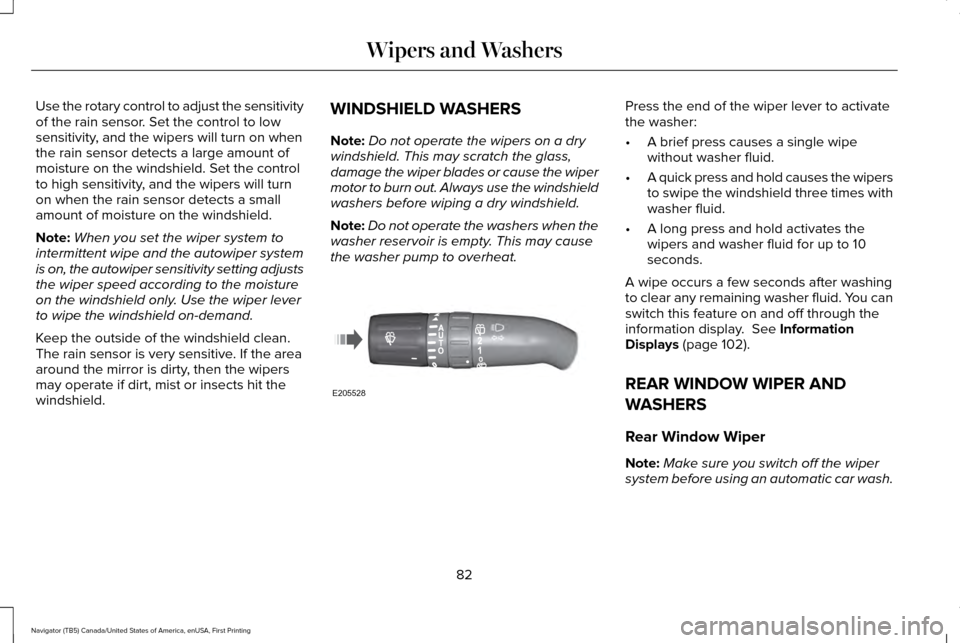
the washer pump to overheat. Press the end of the wiper lever to activate
the washer:
•
A brief press causes a single wipe
without washer fluid.
• A quick press and hold causes the wipers
to swipe the windshield three times with
washer fluid.
• A long press and hold activates the
wipers and washer fluid for up to 10
seconds.
A wipe occurs a few seconds after washing
to clear any remaining washer fluid. You can
switch this feature on and off through the
information display. See Information
Displays (page 102).
REAR WINDOW WIPER AND
WASHERS
Rear Window Wiper
Note: Make sure you switch off the wiper
system before using an automatic car wash.
82
Navigator (TB5) Canada/United States of America, enUSA, First Printing Wipers and WashersE205528
Page 89 of 532
The headlamps remain on for a period of
time after you switch the ignition off. Use the
information display controls to adjust the
period of time that the headlamps remain
on. See Information Displays (page 102).
Note: With the headlamps in the autolamps
position, you cannot switch the high beam
headlamps on until the autolamps system
turns the low beam headlamps on.
Windshield Wiper Activated Headlamps
The windshield wiper activated headlamps
turn on within 10 seconds when you switch
the windshield wipers on and the lighting
control is in the autolamps position. They
turn off approximately 60 seconds after you
switch the windshield wipers off.
The headlamps do not turn on by wiper
activation:
• During a mist wipe.
• When the wipers are on to clear washer
fluid during a wash condition.
• If the wipers are in intermittent mode. Note:
If you switch autolamps and
autowipers on, the headlamps will
automatically turn on when the windshield
wipers continuously operate.
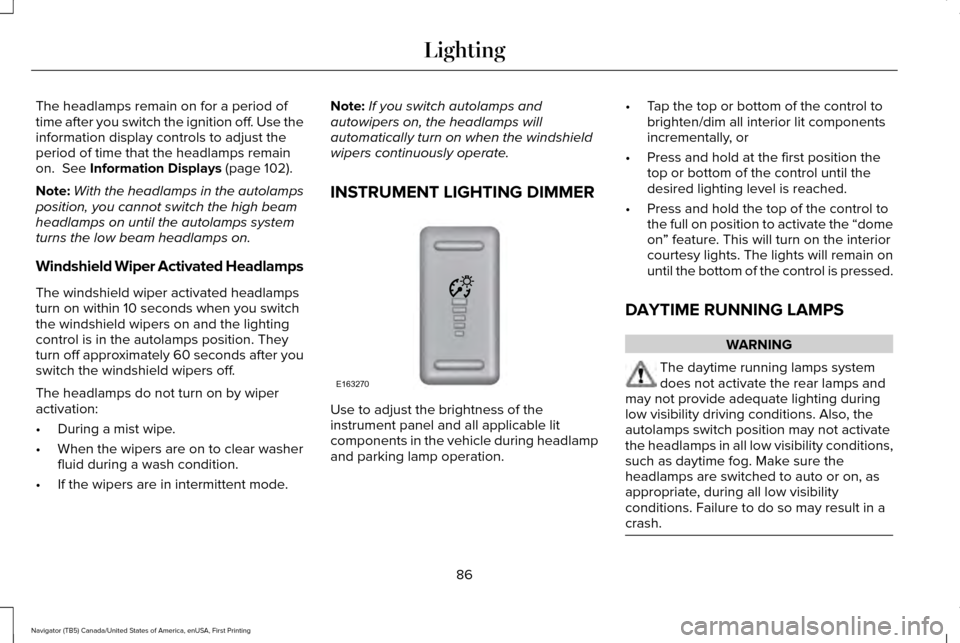
INSTRUMENT LIGHTING DIMMER Use to adjust the brightness of the
instrument panel and all applicable lit
components in the vehicle during headlamp
and parking lamp operation.•
Tap the top or bottom of the control to
brighten/dim all interior lit components
incrementally, or
• Press and hold at the first position the
top or bottom of the control until the
desired lighting level is reached.
• Press and hold the top of the control to
the full on position to activate the “dome
on” feature. This will turn on the interior
courtesy lights. The lights will remain on
until the bottom of the control is pressed.
DAYTIME RUNNING LAMPS WARNING
The daytime running lamps system
does not activate the rear lamps and
may not provide adequate lighting during
low visibility driving conditions. Also, the
autolamps switch position may not activate
the headlamps in all low visibility conditions,
such as daytime fog. Make sure the
headlamps are switched to auto or on, as
appropriate, during all low visibility
conditions. Failure to do so may result in a
crash. 86
Navigator (TB5) Canada/United States of America, enUSA, First Printing LightingE163270
Page 277 of 532
WARNINGS
Only use brake fluid from a sealed
container. Contamination with dirt,
water, petroleum products or other materials
may result in brake system damage or failure.
Failure to adhere to this warning could result
in the loss of vehicle control, serious
personal injury or death. Do not allow the fluid to touch your
skin or eyes. If this happens, rinse the
affected areas immediately with plenty of
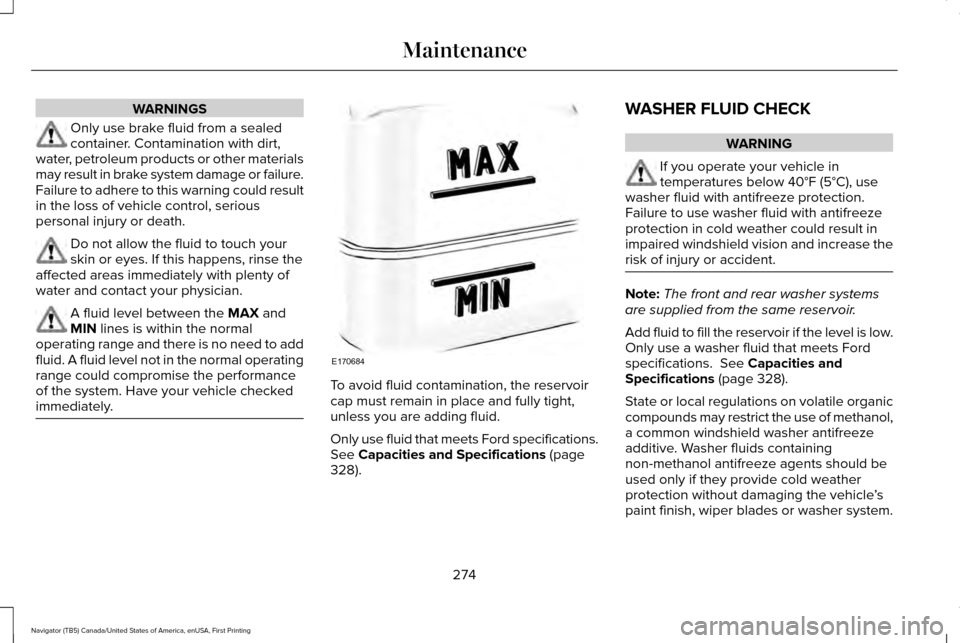
water and contact your physician. A fluid level between the MAX and
MIN lines is within the normal
operating range and there is no need to add
fluid. A fluid level not in the normal operating
range could compromise the performance
of the system. Have your vehicle checked
immediately. To avoid fluid contamination, the reservoir
cap must remain in place and fully tight,
unless you are adding fluid.
Only use fluid that meets Ford specifications.
See
Capacities and Specifications (page
328). WASHER FLUID CHECK WARNING
If you operate your vehicle in
temperatures below 40°F (5°C), use
washer fluid with antifreeze protection.
Failure to use washer fluid with antifreeze
protection in cold weather could result in
impaired windshield vision and increase the
risk of injury or accident. Note:
The front and rear washer systems
are supplied from the same reservoir.
Add fluid to fill the reservoir if the level is low.
Only use a washer fluid that meets Ford
specifications.
See Capacities and
Specifications (page 328).
State or local regulations on volatile organic
compounds may restrict the use of methanol,
a common windshield washer antifreeze
additive. Washer fluids containing
non-methanol antifreeze agents should be
used only if they provide cold weather
protection without damaging the vehicle ’s
paint finish, wiper blades or washer system.
274
Navigator (TB5) Canada/United States of America, enUSA, First Printing MaintenanceE170684
Page 280 of 532
After battery replacement, or in some cases
after charging the battery with an external
charger, the battery management system
requires eight hours of vehicle sleep time to
relearn the battery state of charge. During
this time your vehicle must remain fully
locked with the ignition switched off.
Note:
Prior to relearning the battery state of
charge, the battery management system
may temporarily disable some electrical
systems.
Electrical Accessory Installation
To make sure the battery management
system works correctly, do not connect an
electrical device ground connection directly
to the battery negative post. This can cause
inaccurate measurements of the battery
condition and potential incorrect system
operation.
Note: If you add electrical accessories or
components to the vehicle, it may adversely
affect battery performance and durability.
This may also affect the performance of
other electrical systems in the vehicle. CHECKING THE WIPER BLADES
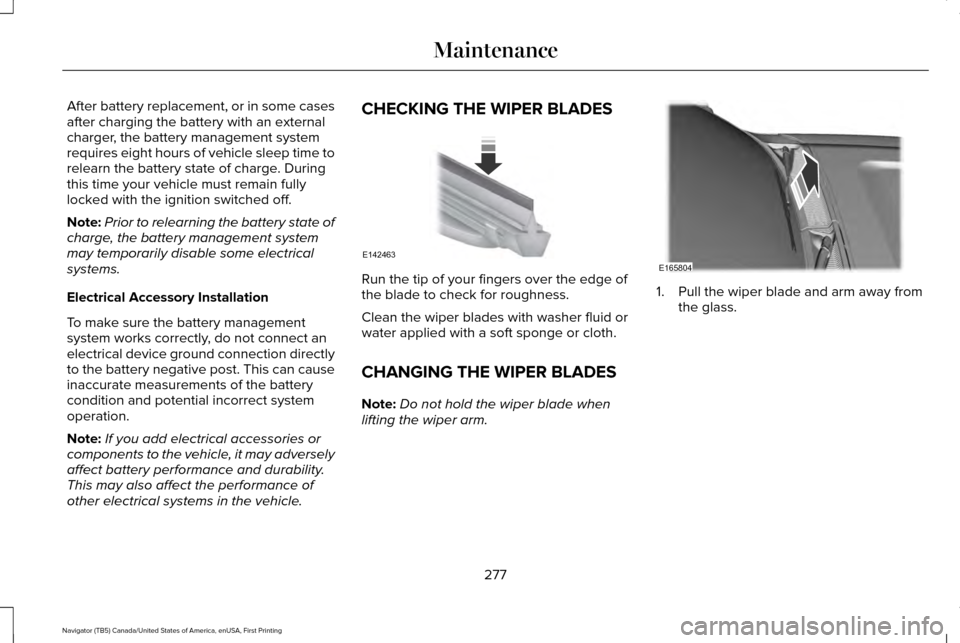
Run the tip of your fingers over the edge of
the blade to check for roughness.
Clean the wiper blades with washer fluid or
water applied with a soft sponge or cloth.
CHANGING THE WIPER BLADES
Note:
Do not hold the wiper blade when
lifting the wiper arm. 1. Pull the wiper blade and arm away from
the glass.
277
Navigator (TB5) Canada/United States of America, enUSA, First Printing MaintenanceE142463 E165804
Page 297 of 532
Cooling system
•
Protect against freezing temperatures.
• When removing your vehicle from
storage, check coolant fluid level.
Confirm that there are no cooling system
leaks and that fluid is at the
recommended level.
Battery
• Check and recharge as necessary. Keep
connections clean.
• If storing your vehicle for more than 30
days without recharging the battery, we
recommend that you disconnect the
battery cables to maintain battery charge
for quick starting.
Note: It is necessary to reset memory
features if battery cables are disconnected.
Brakes
• Make sure the brakes and parking brake
release fully.
Tires
• Maintain recommended air pressure. Miscellaneous
•
Make sure all linkages, cables, levers and
pins under your vehicle are covered with
grease to prevent rust.
• Move vehicles at least 25 ft (7.5 m) every
15 days to lubricate working parts and
prevent corrosion.
Removing Vehicle From Storage
When your vehicle is ready to come out of
storage, do the following:
• Wash your vehicle to remove any dirt or
grease film build-up on window surfaces.
• Check windshield wipers for any
deterioration.
• Check under the hood for any foreign
material that may have collected during
storage such as mice or squirrel nests.
• Check the exhaust for any foreign
material that may have collected during
storage.
• Check tire pressures and set tire inflation
per the Tire Label. •
Check brake pedal operation. Drive your
vehicle 15 ft (4.5 m) back and forth to
remove rust build-up.
• Check fluid levels (including coolant, oil
and gas) to make sure there are no leaks,
and fluids are at recommended levels.
• If you remove the battery, clean the
battery cable ends and check for
damage.
Contact an authorized dealer if you have any
concerns or issues.
294
Navigator (TB5) Canada/United States of America, enUSA, First Printing Vehicle Care
Page 457 of 532
Less Cost to Properly Maintain Your Vehicle
Lincoln Protect also offers a Premium
Maintenance Plan that covers all scheduled
maintenance, and selected wear items. The
coverage is prepaid, so you never have to
worry about the cost of your vehicle
’s
maintenance.
Covered maintenance includes:
• Windshield wiper blades.
• Spark plugs.
• The clutch disc.
• Brake pads and linings.
• Shock absorbers and struts.
• Engine cooling hoses, clamps and
o-rings.
• Engine belts.
• Diesel exhaust fluid replenishment. Interest Free Finance Options
Just a 10% down payment will provide you
with an affordable, no interest, no fee
payment program allowing you all the
security and benefits Lincoln Protect
Extended Service Plan has to offer while
paying over time. You are pre-approved with
no credit check or hassles. To learn more,
call our Lincoln Protect Extended Service
Plan specialists at 800-367-3377.
Complete the information below and mail to:
Lincoln Protect Extended Service Plan
P.O. Box 321067
Detroit, MI 48232
Lincoln Protect (CANADA ONLY)
You can get more protection for your vehicle
by purchasing a Lincoln Protect Extended
Service Plan. Lincoln Protect Extended
Service Plan is the only service contract
backed by Lincoln Motor Company of
Canada, Limited. Depending on the plan you
purchase, Lincoln Extended Service Plan
provides benefits such as: •
Rental reimbursement.
• Coverage for certain maintenance and
wear items.
• Protection against repair costs after your
New Vehicle Limited Warranty Coverage
expires.
• Roadside Assistance benefits.
There are several Lincoln Protect Extended
Service Plans available in various time,
distance and deductible combinations. Each
plan is tailored to fit your own driving needs,
including reimbursement for towing and
rental. When you purchase Lincoln Protect
Extended Service Plan, you receive added
peace-of-mind protection throughout
Canada, the United States and Mexico,
provided by a network of participating
authorized Lincoln Motor Company dealers.
Note: Repairs performed outside of Canada,
the United States and Mexico are not eligible
for Lincoln Protect Extended Service Plan
coverage.
454
Navigator (TB5) Canada/United States of America, enUSA, First Printing Lincoln Protect
Page 463 of 532
Multi-Point inspection
Steering and linkage
Exterior lamps operation
Tires (including spare) for wear and proper pressure**
Fluid levels *
; fill if necessary
Windshield for cracks, chips or pits
For oil and fluid leaks
Washer spray and wiper operation
Half-shaft dust boots
* Brake, coolant recovery reservoir, automatic transmission and window washer
** If your vehicle is equipped with a temporary mobility kit, check the tir\
e sealant expiration Use By date on the canister. Replace as needed.
Be sure to ask your dealership service
advisor or technician about the multi-point
vehicle inspection. It is a comprehensive way
to perform a thorough inspection of your
vehicle. Your checklist gives you immediate
feedback on the overall condition of your
vehicle. NORMAL SCHEDULED
MAINTENANCE
Intelligent Oil-Life Monitor
Your vehicle is equipped with an Intelligent
Oil-Life Monitor that determines when you
should change the engine oil based on how
your vehicle is used. By using several
important factors in its calculations, the
monitor helps reduce the cost of owning your
vehicle and reduces environmental waste at
the same time.This means you do not have to remember to
change the oil on a mileage-based schedule.
Your vehicle lets you know when an oil
change is due by displaying a message in
the information display.
The following table provides examples of
vehicle use and its impact on oil change
intervals. It is a guideline only. Actual oil
change intervals depend on several factors
and generally decrease with severity of use.
460
Navigator (TB5) Canada/United States of America, enUSA, First Printing Scheduled Maintenance
Page 522 of 532
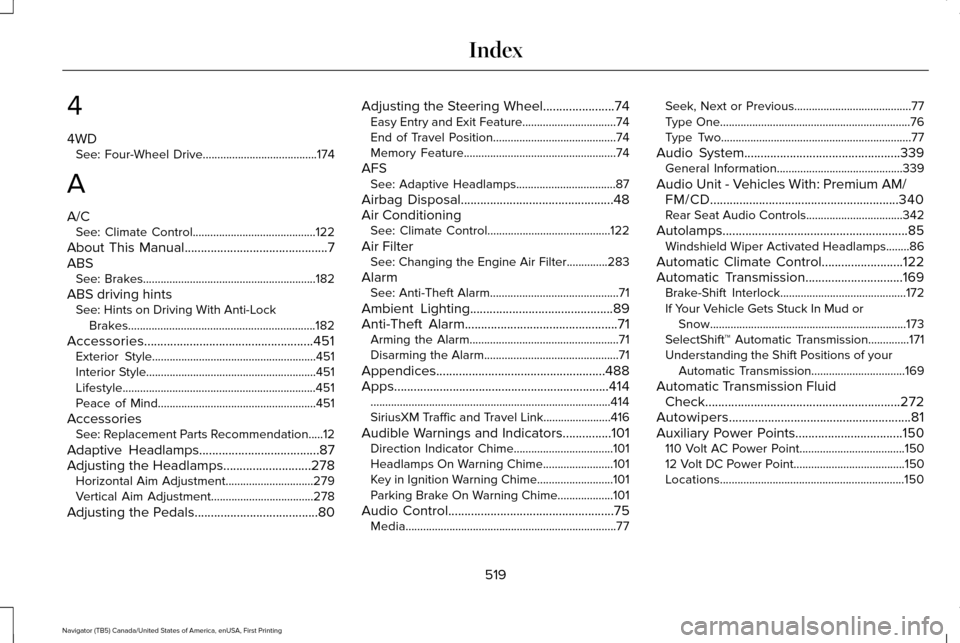
4
4WD
See: Four-Wheel Drive.......................................174
A
A/C See: Climate Control..........................................122
About This Manual............................................7
ABS See: Brakes...........................................................182
ABS driving hints See: Hints on Driving With Anti-Lock
Brakes................................................................182
Accessories....................................................451 Exterior Style........................................................451
Interior Style..........................................................451
Lifestyle..................................................................451
Peace of Mind......................................................451
Accessories See: Replacement Parts Recommendation.....12
Adaptive Headlamps
.....................................87
Adjusting the Headlamps...........................278 Horizontal Aim Adjustment..............................279
Vertical Aim Adjustment...................................278
Adjusting the Pedals
......................................80 Adjusting the Steering Wheel......................74
Easy Entry and Exit Feature................................74
End of Travel Position..........................................74
Memory Feature....................................................74
AFS See: Adaptive Headlamps..................................87
Airbag Disposal...............................................48
Air Conditioning See: Climate Control..........................................122
Air Filter See: Changing the Engine Air Filter..............283
Alarm See: Anti-Theft Alarm............................................71
Ambient Lighting
............................................89
Anti-Theft Alarm...............................................71
Arming the Alarm...................................................71
Disarming the Alarm..............................................71
Appendices....................................................488
Apps..................................................................414 ........................................................................\
..........414
SiriusXM Traffic and Travel Link.......................
416
Audible Warnings and Indicators...............101 Direction Indicator Chime..................................101
Headlamps On Warning Chime
........................101
Key in Ignition Warning Chime..........................101
Parking Brake On Warning Chime...................101
Audio Control
...................................................75
Media........................................................................\
77 Seek, Next or Previous........................................77
Type One.................................................................76
Type Two.................................................................77
Audio System................................................339 General Information...........................................339
Audio Unit - Vehicles With: Premium AM/ FM/CD..........................................................340
Rear Seat Audio Controls.................................342
Autolamps.........................................................85 Windshield Wiper Activated Headlamps........86
Automatic Climate Control
.........................122
Automatic Transmission..............................169 Brake-Shift Interlock...........................................172
If Your Vehicle Gets Stuck In Mud or
Snow...................................................................173
SelectShift™ Automatic Transmission..............171
Understanding the Shift Positions of your Automatic Transmission................................
169
Automatic Transmission Fluid Check............................................................272
Autowipers........................................................81
Auxiliary Power Points.................................150 110 Volt AC Power Point....................................150
12 Volt DC Power Point......................................150
Locations...............................................................150
519
Navigator (TB5) Canada/United States of America, enUSA, First Printing Index
Page 523 of 532
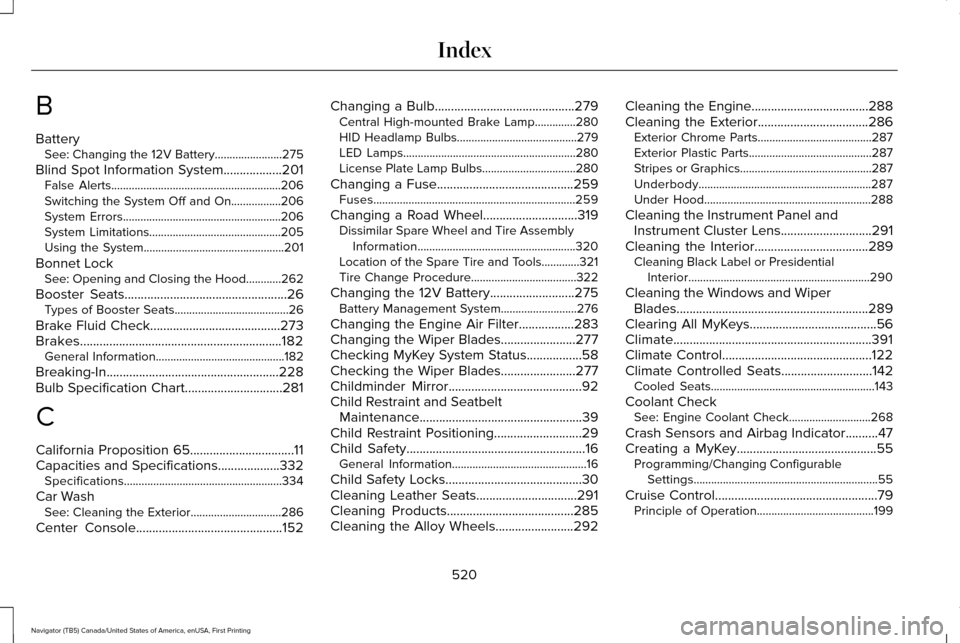
B
Battery
See: Changing the 12V Battery.......................275
Blind Spot Information System..................201
False Alerts..........................................................206
Switching the System Off and On.................206
System Errors......................................................206
System Limitations.............................................205
Using the System................................................201
Bonnet Lock See: Opening and Closing the Hood............262
Booster Seats
..................................................26
Types of Booster Seats.......................................26
Brake Fluid Check
........................................273
Brakes..............................................................182 General Information............................................182
Breaking-In.....................................................228
Bulb Specification Chart
..............................281
C
California Proposition 65................................11
Capacities and Specifications...................332 Specifications......................................................334
Car Wash See: Cleaning the Exterior...............................286
Center Console
.............................................152 Changing a Bulb
...........................................279
Central High-mounted Brake Lamp..............280
HID Headlamp Bulbs.........................................279
LED Lamps...........................................................280
License Plate Lamp Bulbs................................280
Changing a Fuse..........................................259 Fuses.....................................................................259
Changing a Road Wheel.............................319 Dissimilar Spare Wheel and Tire Assembly
Information......................................................320
Location of the Spare Tire and Tools.............321
Tire Change Procedure....................................
322
Changing the 12V Battery
..........................275
Battery Management System..........................276
Changing the Engine Air Filter.................283
Changing the Wiper Blades.......................277
Checking MyKey System Status.................58
Checking the Wiper Blades
.......................277
Childminder Mirror.........................................92
Child Restraint and Seatbelt Maintenance..................................................39
Child Restraint Positioning
...........................29
Child Safety.......................................................16
General Information..............................................16
Child Safety Locks..........................................30
Cleaning Leather Seats...............................291
Cleaning Products
.......................................285
Cleaning the Alloy Wheels........................292 Cleaning the Engine....................................288
Cleaning the Exterior..................................286
Exterior Chrome Parts.......................................287
Exterior Plastic Parts..........................................287
Stripes or Graphics.............................................287
Underbody...........................................................287
Under Hood.........................................................288
Cleaning the Instrument Panel and Instrument Cluster Lens............................291
Cleaning the Interior...................................289 Cleaning Black Label or Presidential
Interior..............................................................290
Cleaning the Windows and Wiper Blades...........................................................289
Clearing All MyKeys.......................................56
Climate.............................................................391
Climate Control..............................................122
Climate Controlled Seats
............................142
Cooled Seats........................................................143
Coolant Check See: Engine Coolant Check............................268
Crash Sensors and Airbag Indicator..........47
Creating a MyKey...........................................55 Programming/Changing Configurable
Settings...............................................................55
Cruise Control
..................................................79
Principle of Operation........................................199
520
Navigator (TB5) Canada/United States of America, enUSA, First Printing Index